Phase V Aem-7 Revamp
- by I_WANT_SMOKE973
- 1 upvote
- Downloaded 405 times
Description
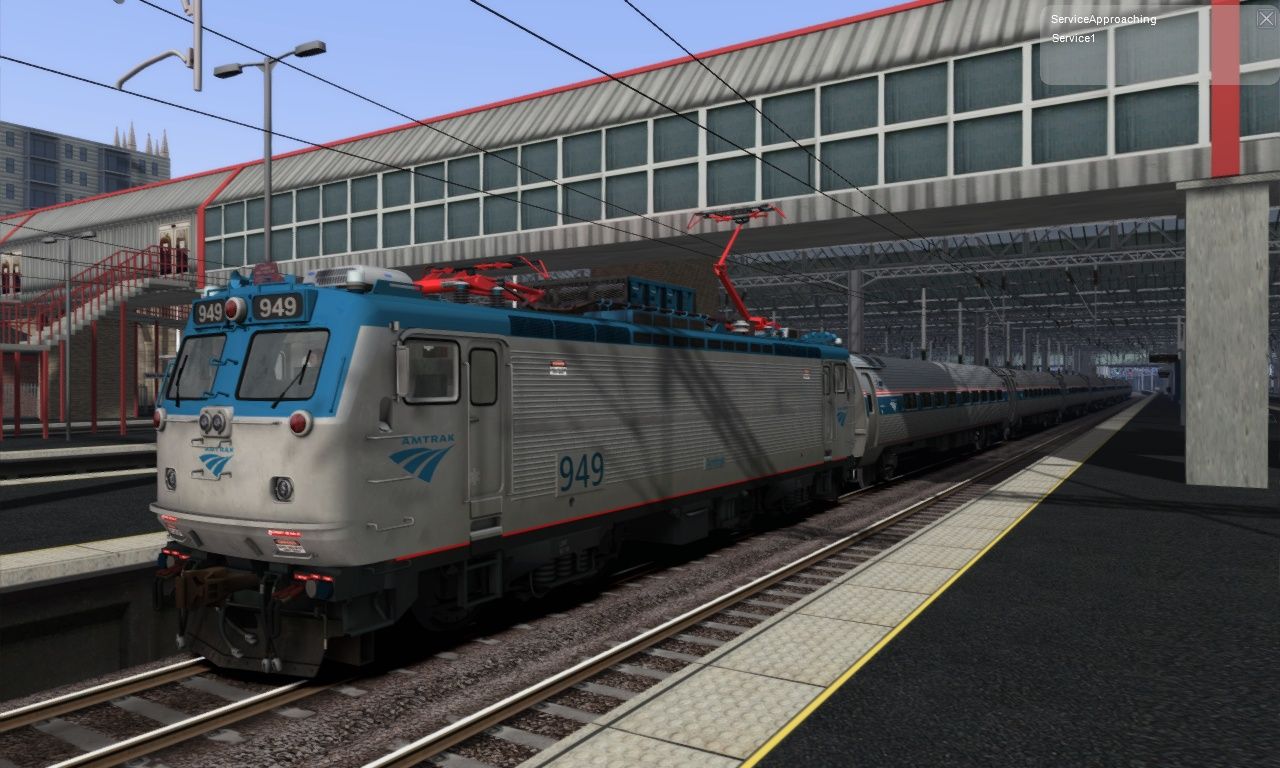
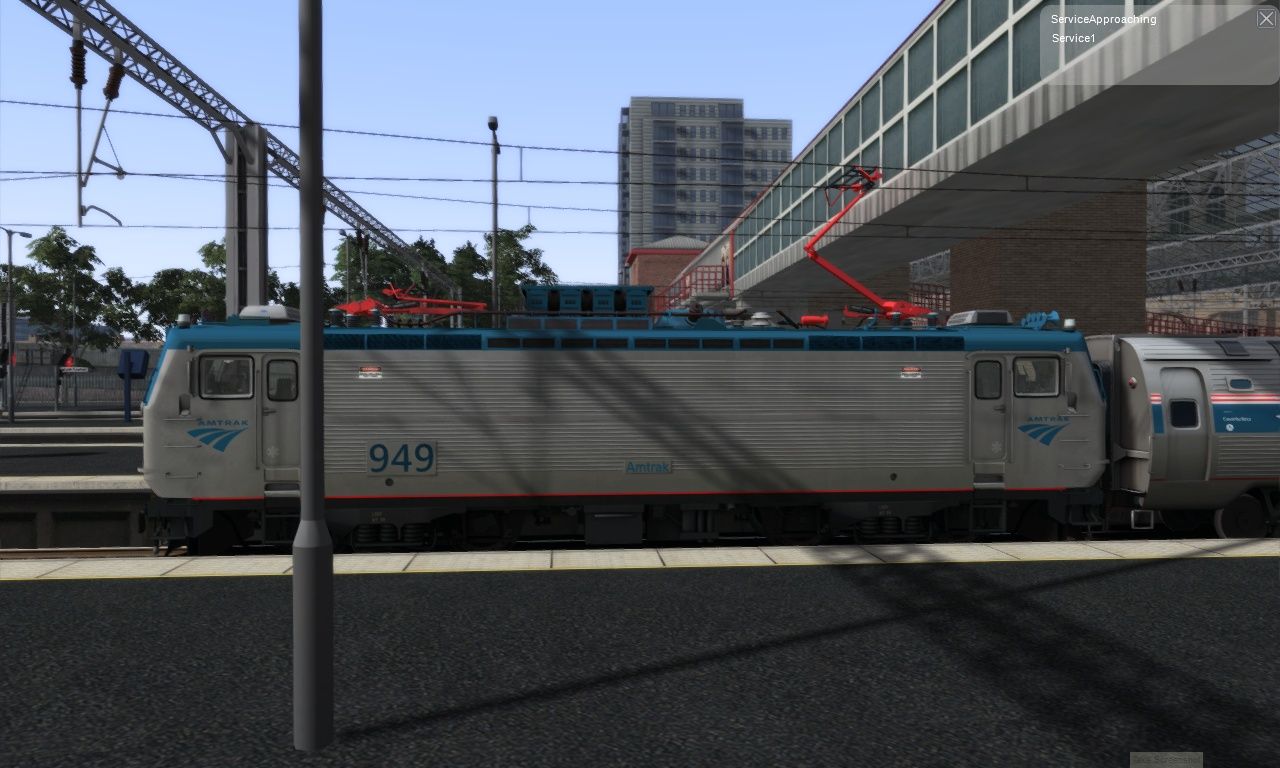
So in this mod 4 texture files are in here all you have to do is drag them to the default Aem-7 texture folder and overwrite it it will make the default Aem-7 look more like the real Phase V Aem-7 heres a video link if you want to see it in action https://www.youtube.com/watch?v=qO39TskFVoE&t=28s
Tags: amtrak north-american ts2021
Requirements
you must have the New York City-Philadelphia Northeast Corridor route
Installation Instructions
go to assets/rsc/northeastcorridor open the NortheastCorridorassets AP file and drag those over to the NortheastCorridor folder then go to
steamapps\common\RailWorks\Assets\RSC\NorthEastCorridor\RailVehicles\Electric\AEM7\Default\Engine\Textures and drag the 4 texture files over and overwrite the originals
Files
Comments
About this mod

- Created
- 8 Dec 2020
- Updated
- 8 Dec 2020
- Game
- Train Simulator Classic
- Type of content
- Reskin
- NA Operator
- Amtrak
Loading comments…