BNSF Autorack Pack 1
- by StevenJam
- 1 upvote
- Downloaded 1,007 times
Description
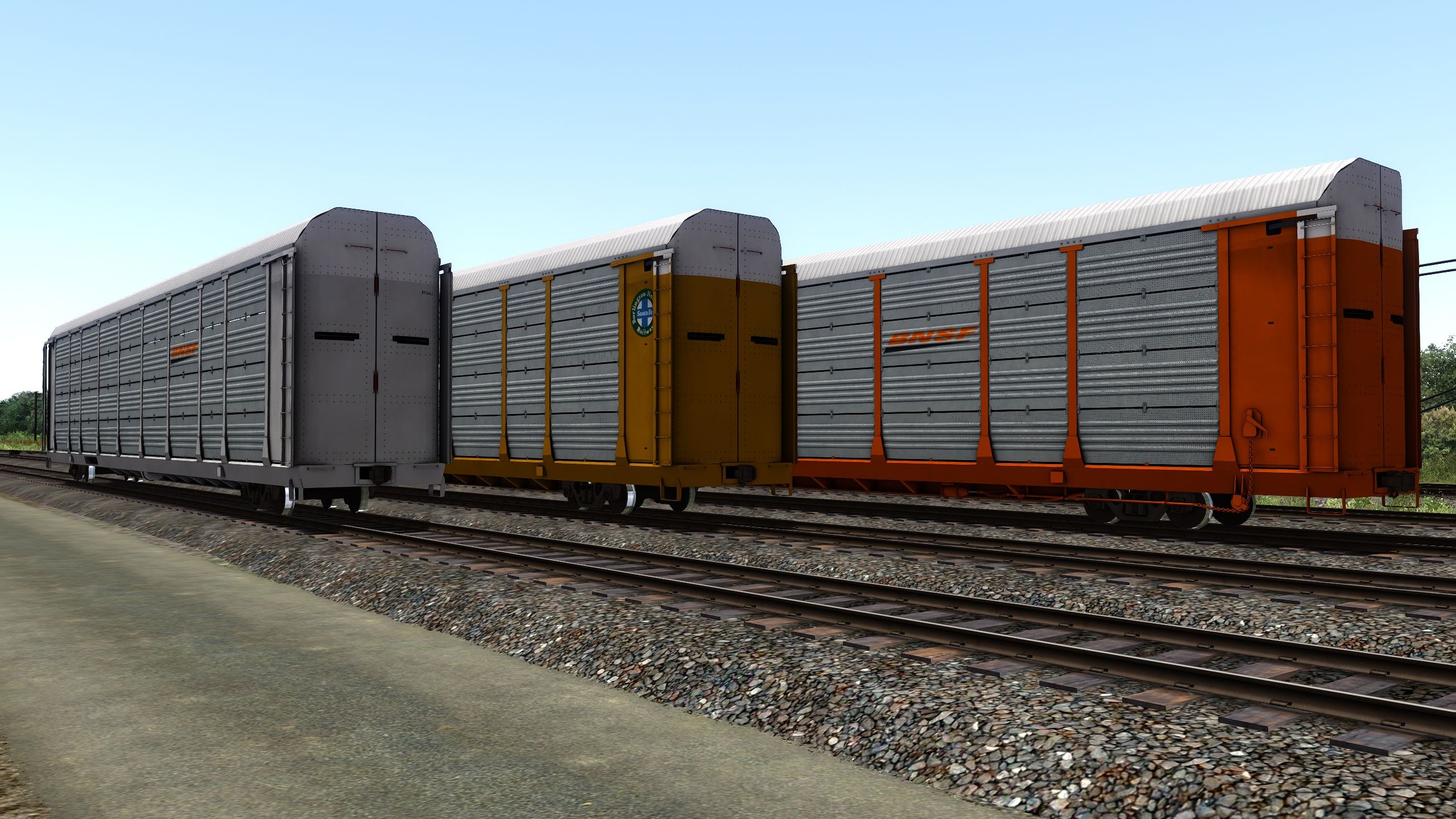
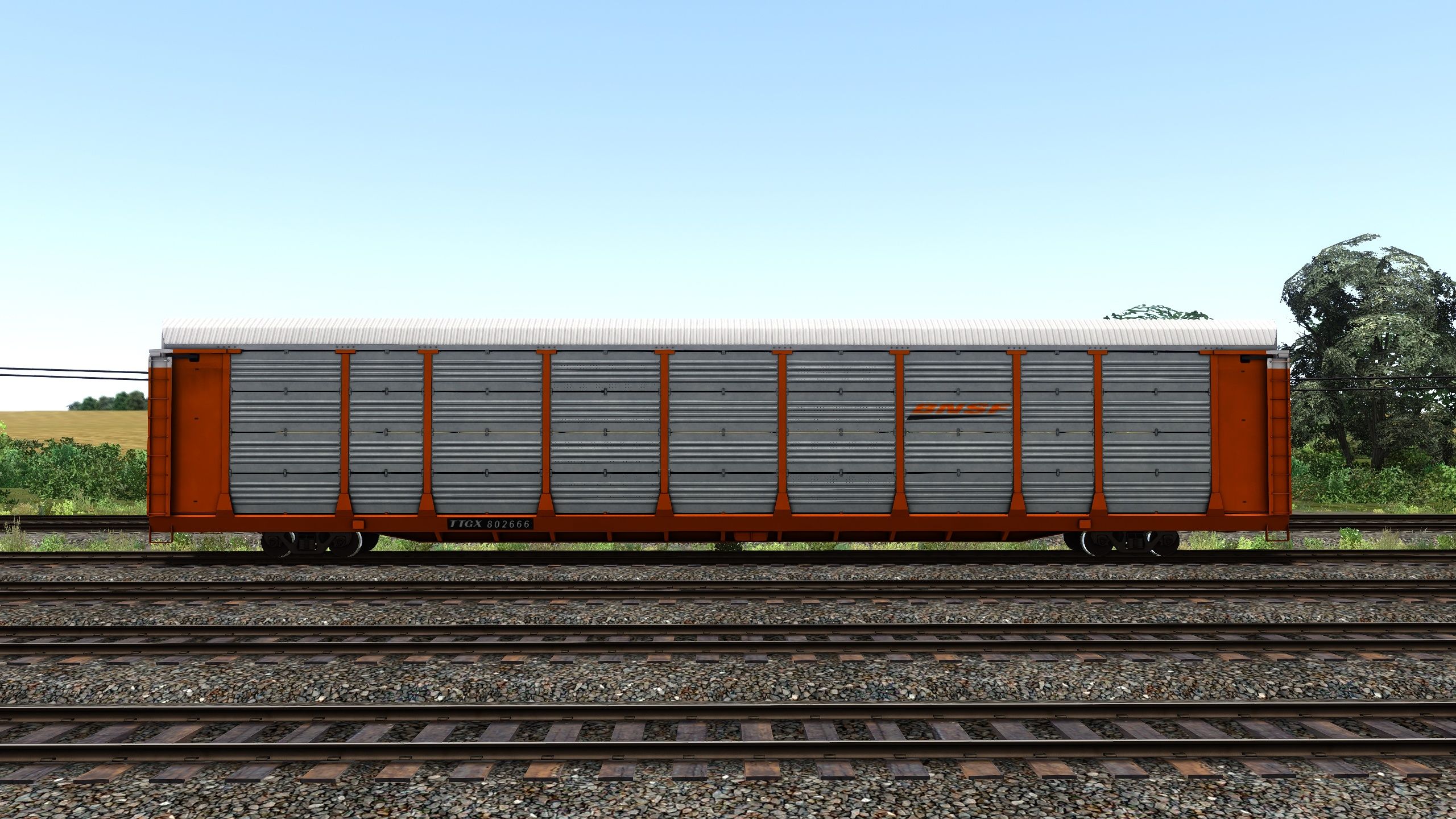
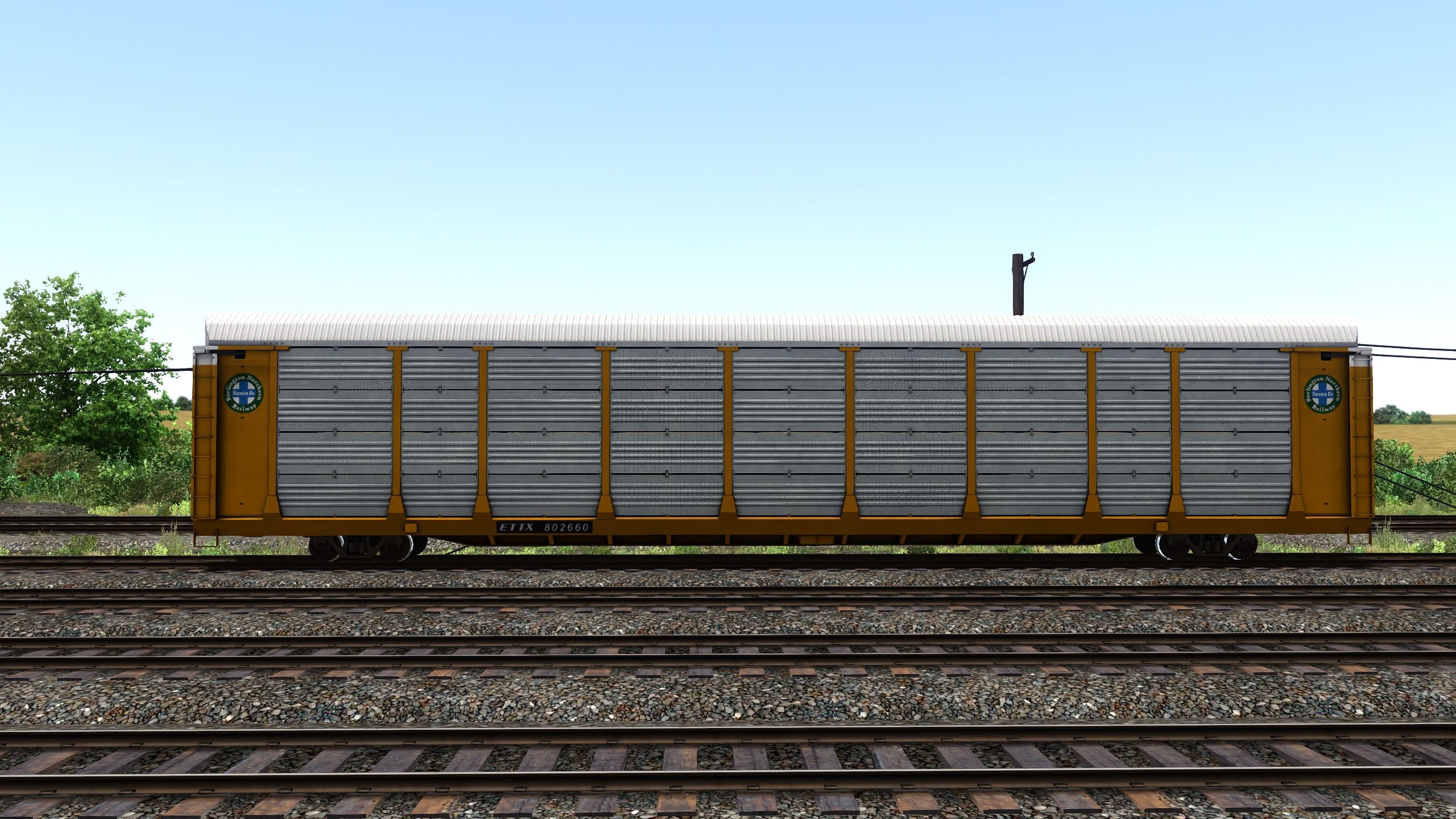
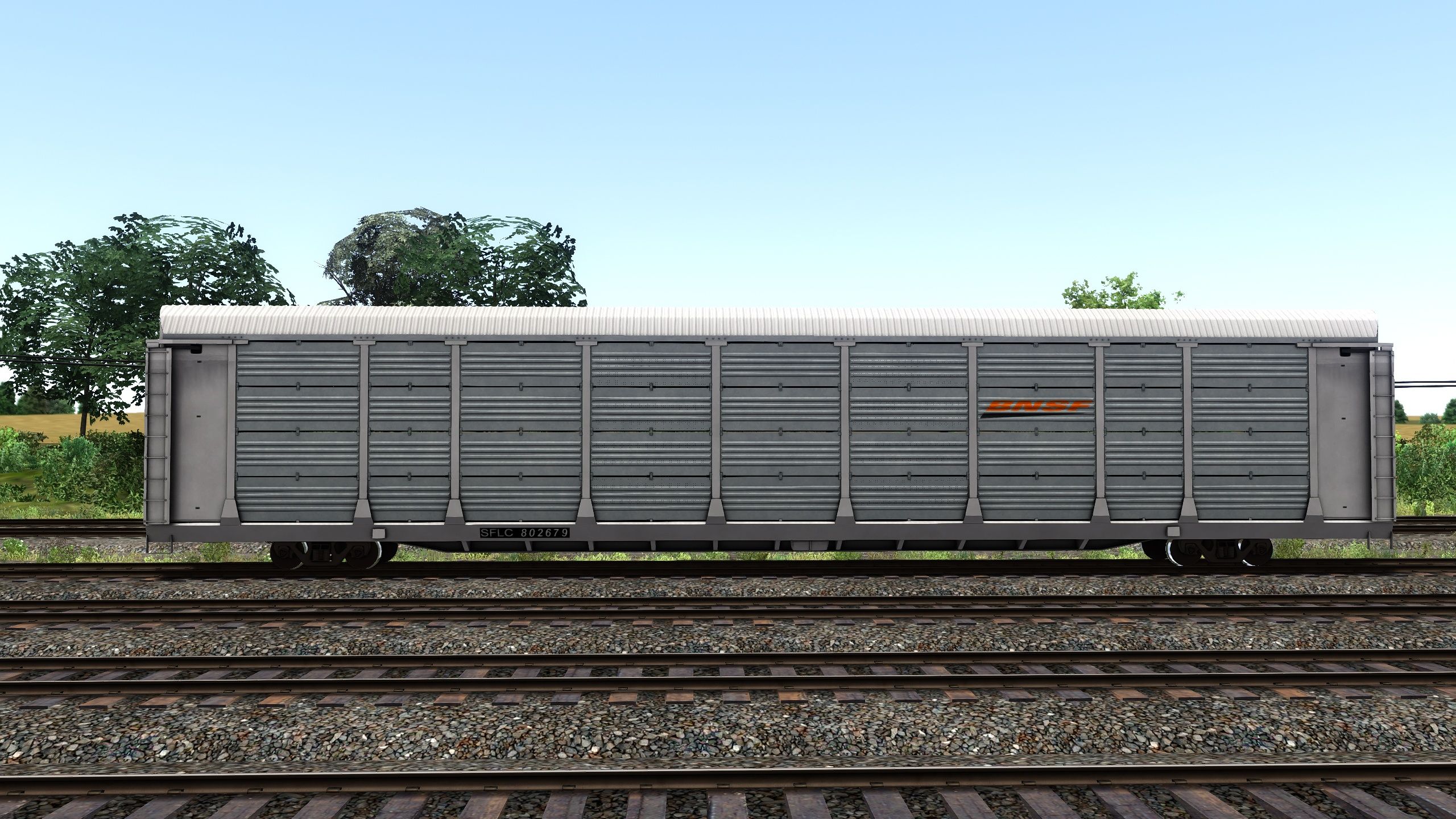
Pullman Standard Bi-Level Autorack Repaint into BNSF Orange, Old Logo, and SFLC White Versions.
To support the pack's creator, as well as see upcoming releases, please subscribe to the YouTube Channel Here
Huge Shoutout to Martin Ashwill for fixing the alpha channel and textures to create a more prototypical side and Anthony Wood for fixing the lack of sound along side upgrading the physics.
Tags: autorack bnsf bnsf-autorack pullman-standard-autorack train-simulator
Requirements
Installation Instructions
Installation Instructions
Copy the Assets folder from the CP Rail Autoracks.zip and past it into your Railworks Directory. Overwrite any files if prompted.
Open {YourRailworksDirectory}\Assets\ABStudios\Autoracks\RailVehicles\Freight\TR Autorack BNSF
Copy Autorack.GeoPcDx from \Assets\ABStudios\Autoracks\RailVehicles\Freight\TR Autorack BNSF and paste it into Assets\ABStudios\Autoracks\RailVehicles\Freight\TR Autorack TTX BNSF Old, Assets\ABStudios\Autoracks\RailVehicles\Freight\TR Autorack TTX BNSF Orange and Assets\ABStudios\Autoracks\RailVehicles\Freight\TR Autorack SFLC BNSF White
Additional Comments
To Use in Scenarios
Enable the Autoracks product from ABStudios - This enables the autorack model.

Enable the FRT product from Searchlight Simulations - This enables sound on the rolling stock.
Once both packs are enabled you will see them in the rolling stock list on the left side of the screen. From there you can place them down as you would any other piece of rollings stock.
Files
Comments
About this mod
- Created
- 27 Nov 2020
- Updated
- 3 Aug 2023
- Game
- Train Simulator Classic
- Type of content
- Reskin


Loading comments…