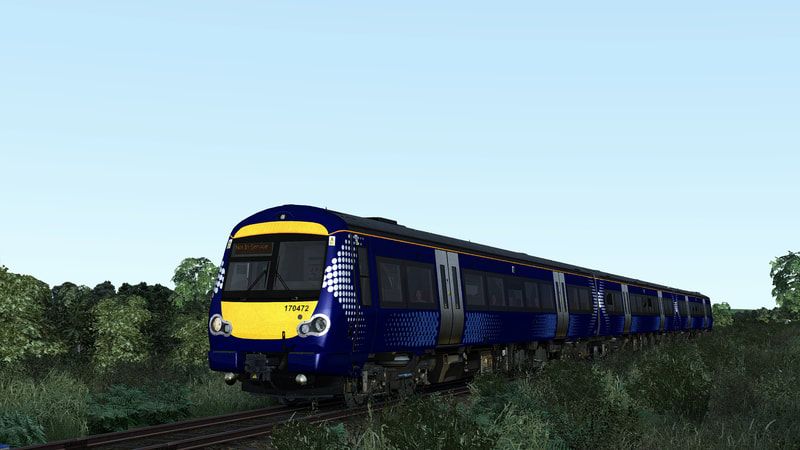
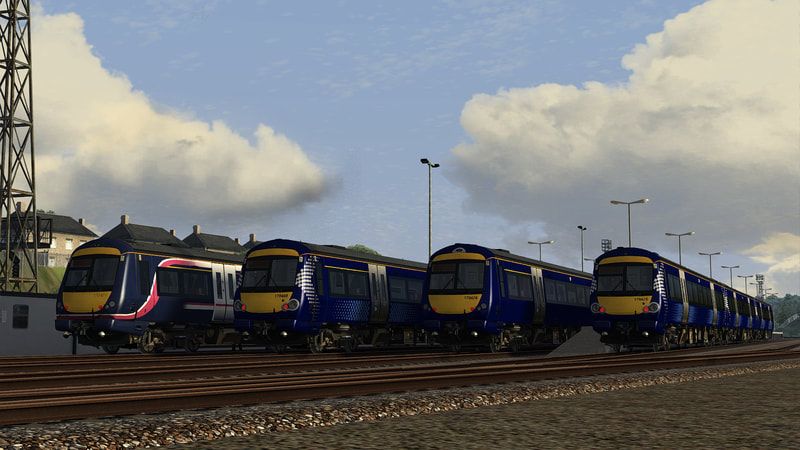
Class 170 Scotrail Pack (AP Enhancement Pack)
- by Ash992478
- 2 upvotes
- Downloaded 725 times
Description
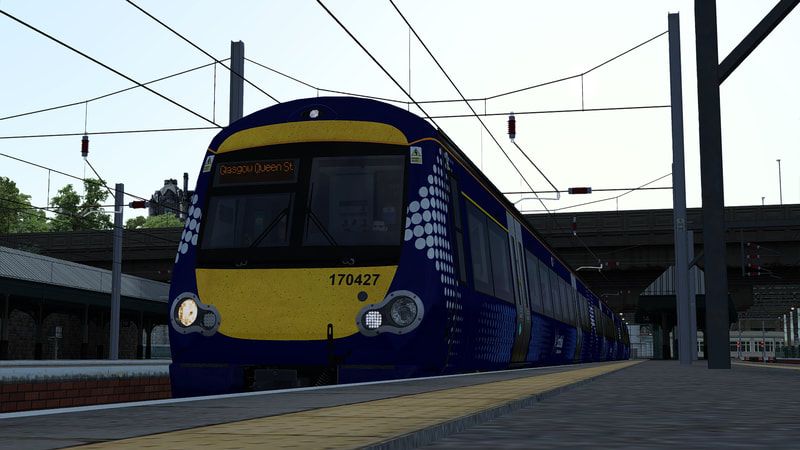
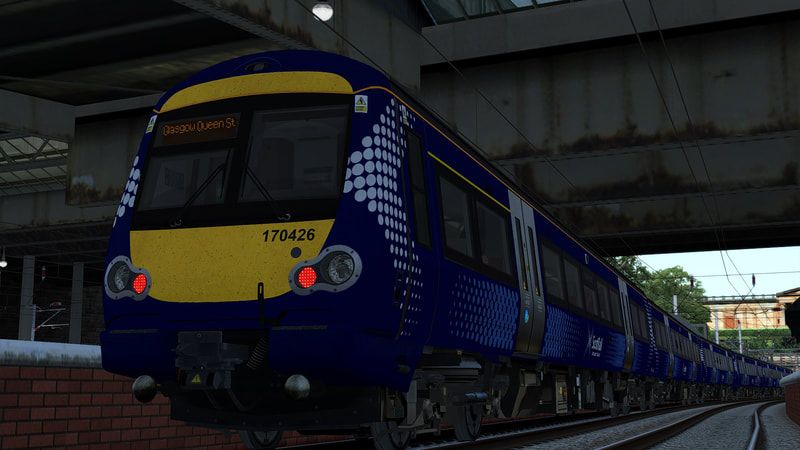
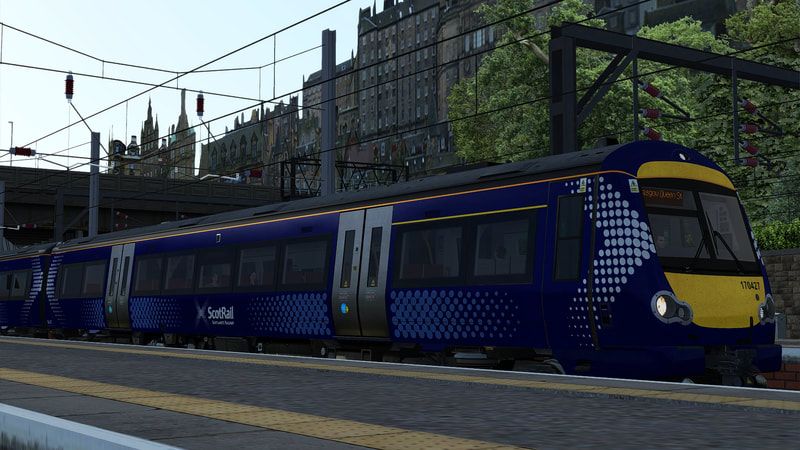
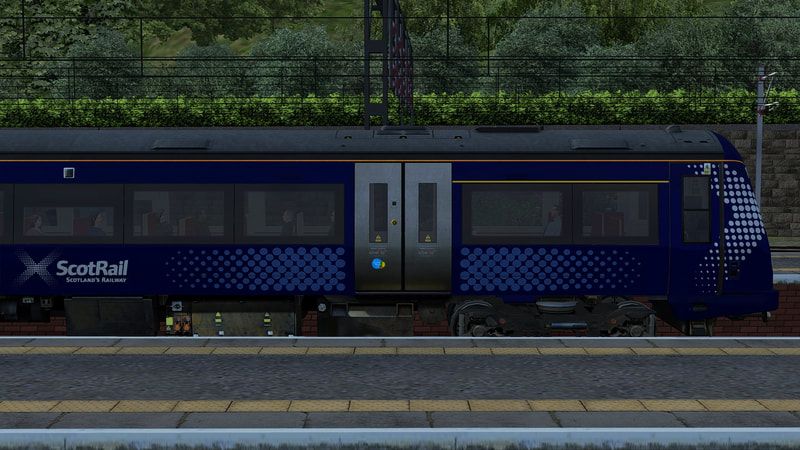
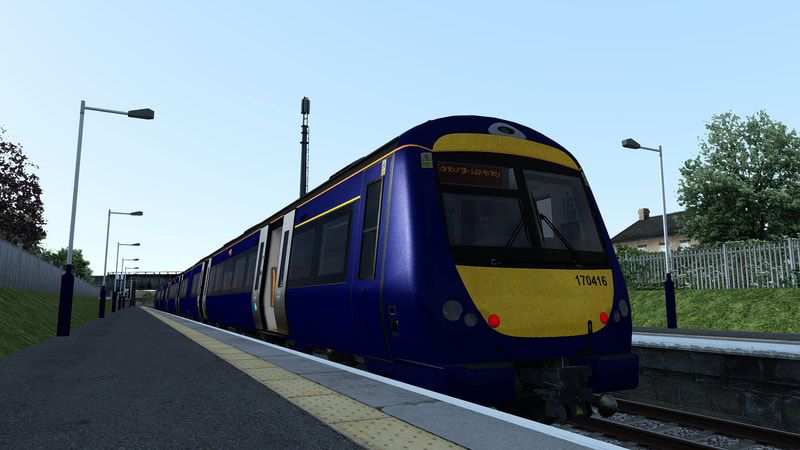
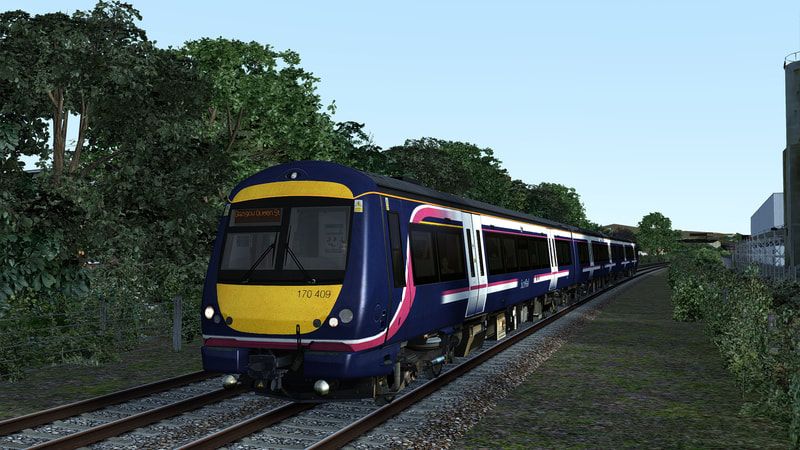
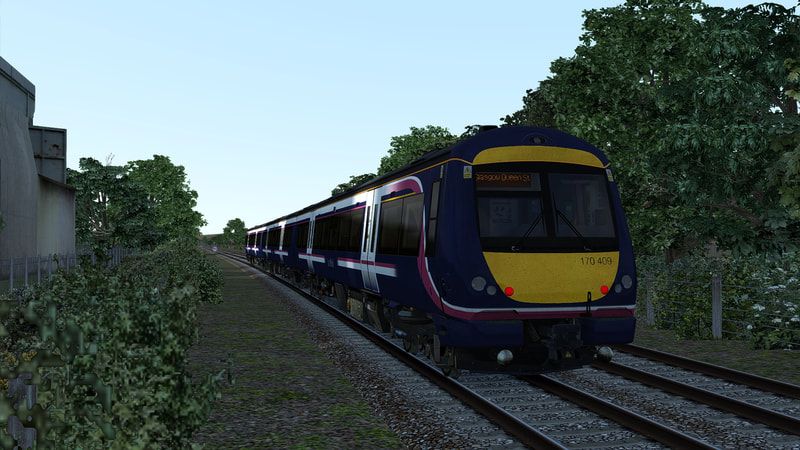
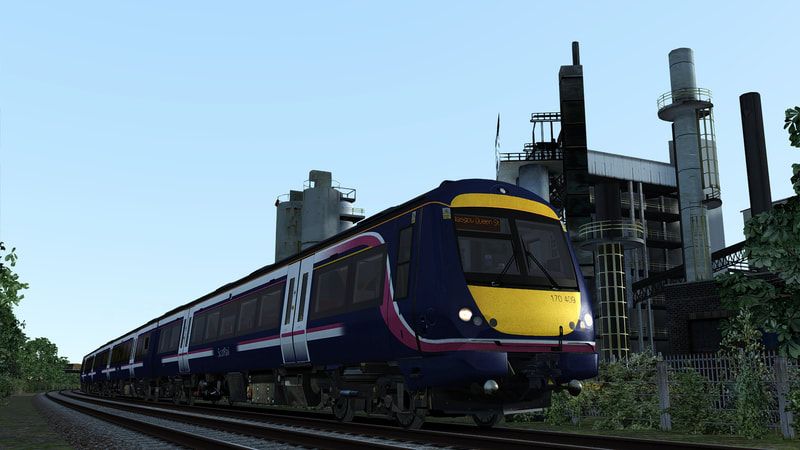
Requirements
Please note, you only require EITHER Train Simulator: BR Class 170 ‘Turbostar’ DMU Add-On OR Train Simulator: Edinburgh-Glasgow Route Add-On
There are no issues if you own BOTH
Dependencies


Installation Instructions
How to Install the Pack Manually:
Copy 'Assets' folder to your Railworks directory
Then run the 'InstallASRPack' BAT file to complete the installation. If for some reason it does not work or you don't wish to use it, refer to the instructions below.
Manual Install:
Copy 170_DMSL.GeoPcDx, 170_MSL.GeoPcDx from Assets/Thomson/Class170Pack01/RailVehicles/Class170/SR_Salt_AP
Paste the GEO files in the following folders:
Assets/Thomson/Class170Pack01/RailVehicles/Class170/AS Barbie EP
Assets/Thomson/Class170Pack01/RailVehicles/Class170/AS Saltire EP
Assets/Thomson/Class170Pack01/RailVehicles/Class170/AS Saltire 2 EP
Assets/Thomson/Class170Pack01/RailVehicles/Class170/AS Saltire UB EP
Assets/Thomson/Class170Pack01/RailVehicles/Class170/AS Saltire UB 2 EP
Copy destinations.GeoPcDx from AP/C170EP/Destinations/SR
Paste the GEO file in the following folders:
AP/C170EP/Destinations/ASR
AP/C170EP/Destinations/Northern
Copy headlights.GeoPcDx, numbers.GeoPcDx, numbers-msl.GeoPcDx and yellow-stripe.GeoPcDx from AP/C170EP/Decals/SR_Salt
Paste the GEO file in the following folders:
AP/C170EP/Decals/AS
AP/C170EP/Decals/ASB
How to Install the Pack Automatically:
Simply run the installer and off you go!
Additional Comments
Please note, I will NOT be providing any support. This file is a reupload of a previously withdrawn file.
Files
Comments
About this mod
- Created
- 9 Apr 2023
- Updated
- 18 Jun 2023
- Game
- Train Simulator Classic
- Type of content
- Reskin


Loading comments…