RSC Flying Scotsman Water Tender BR Blue and Grey Reskin
- by That Train Guy
- 1 upvote
- Downloaded 97 times
Description
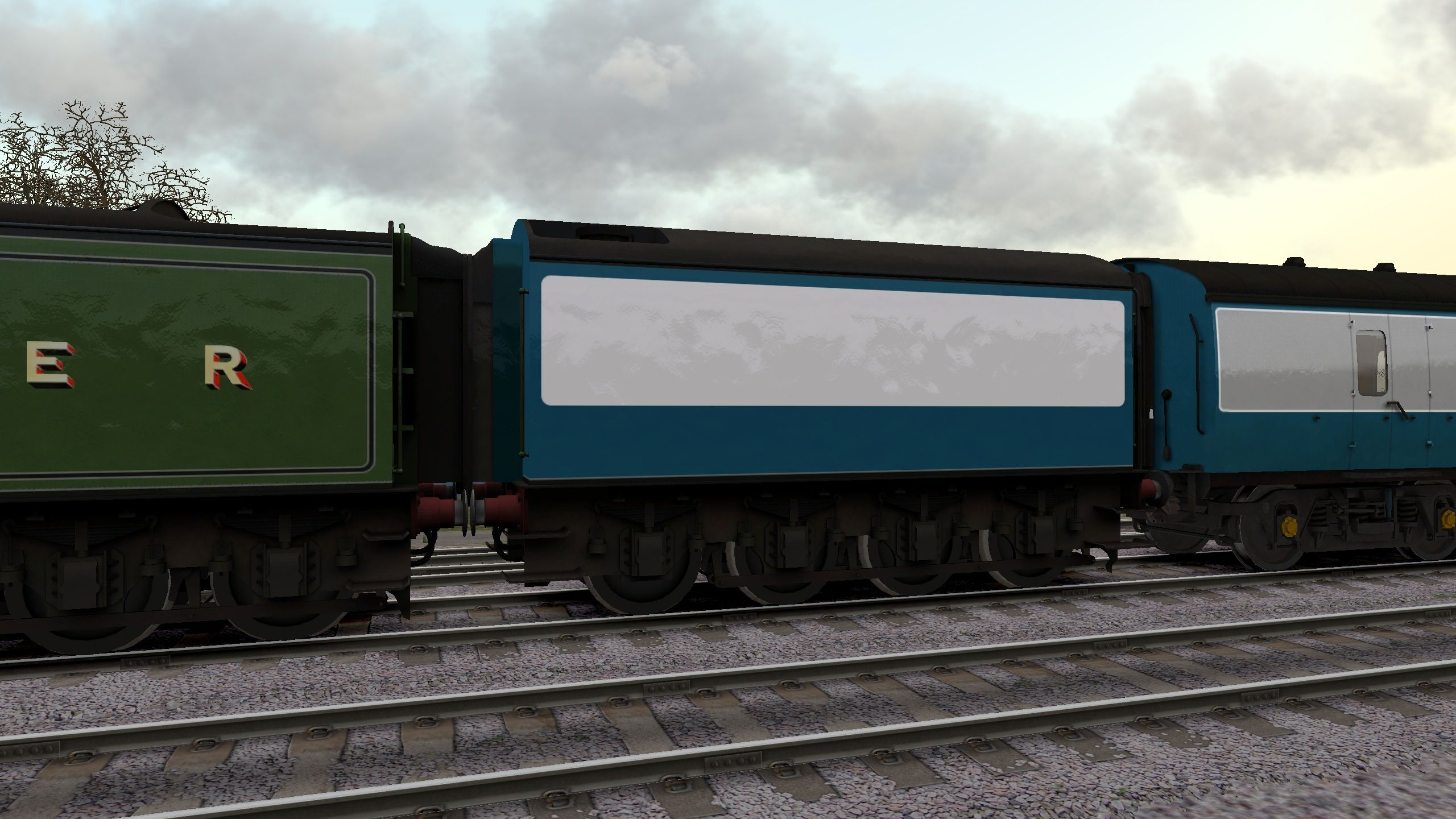
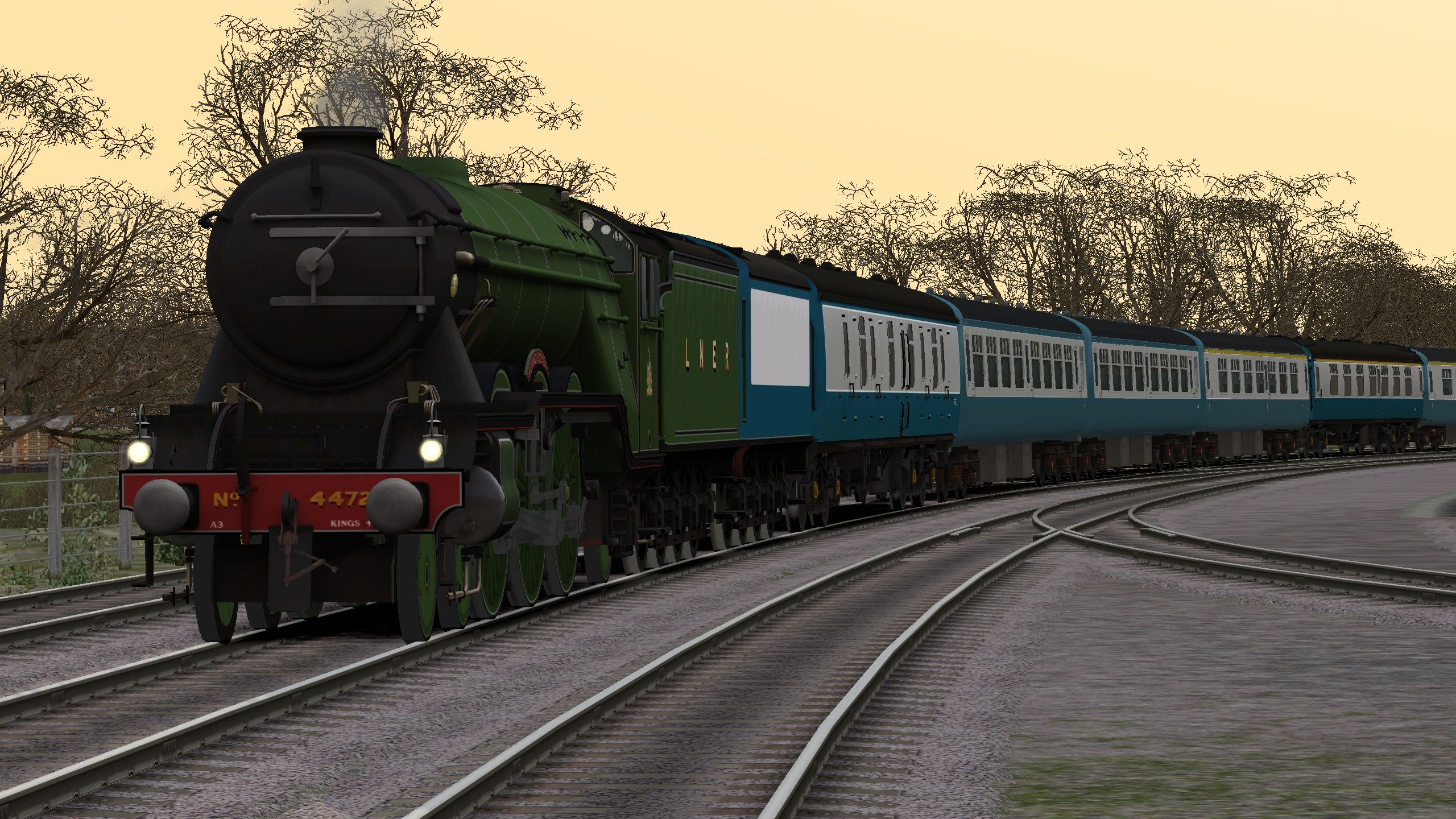
Requirements
The original RSC Flying Scotsman: https://store.steampowered.com/app/208363/Train_Simulator_LNER_Class_A3_Flying_Scotsman_Loco_AddOn/
Installation Instructions
Extract The .ZIP file into a location of your choice then drag and drop the Assets file into your railworks folder.
Next go to "RailWorks\Assets\RSC\FlyingScotsman\RailVehicles\Steam\Scotsman\LNER Double\Engine" and copy the .GeoPcDx file and paste it in "RailWorks\Assets\RSC\FlyingScotsman\RailVehicles\Steam\Scotsman\Blue And Grey Tender\Engine"
Next go to "RailWorks\Assets\RSC\FlyingScotsman\RailVehicles\Steam\Scotsman\LNER Double\Tender" and copy the .GeoPcDx file and paste it in "RailWorks\Assets\RSC\FlyingScotsman\RailVehicles\Steam\Scotsman\Blue And Grey Tender\Intercity Tender"
And you're done!
Files
Comments
About this mod

- Created
- 14 Jan 2024
- Updated
- 14 Jan 2024
- Game
- Train Simulator Classic
- Type of content
- Reskin


Loading comments…