VP Churnet Valley Railway GUV Pack
- by VP Ash
- Downloaded 79 times
Description
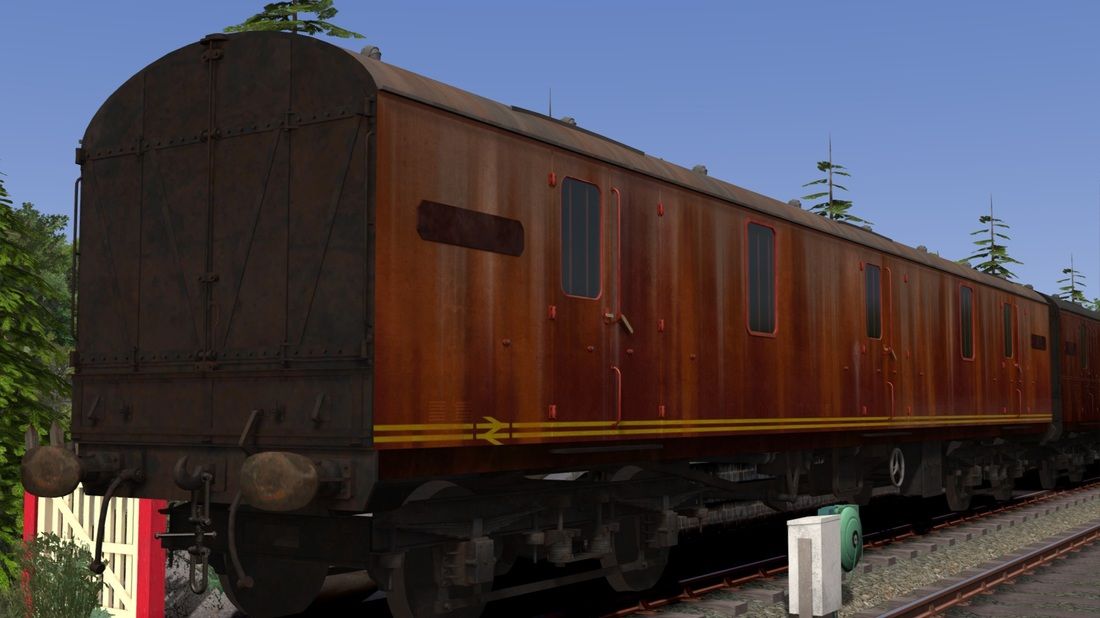
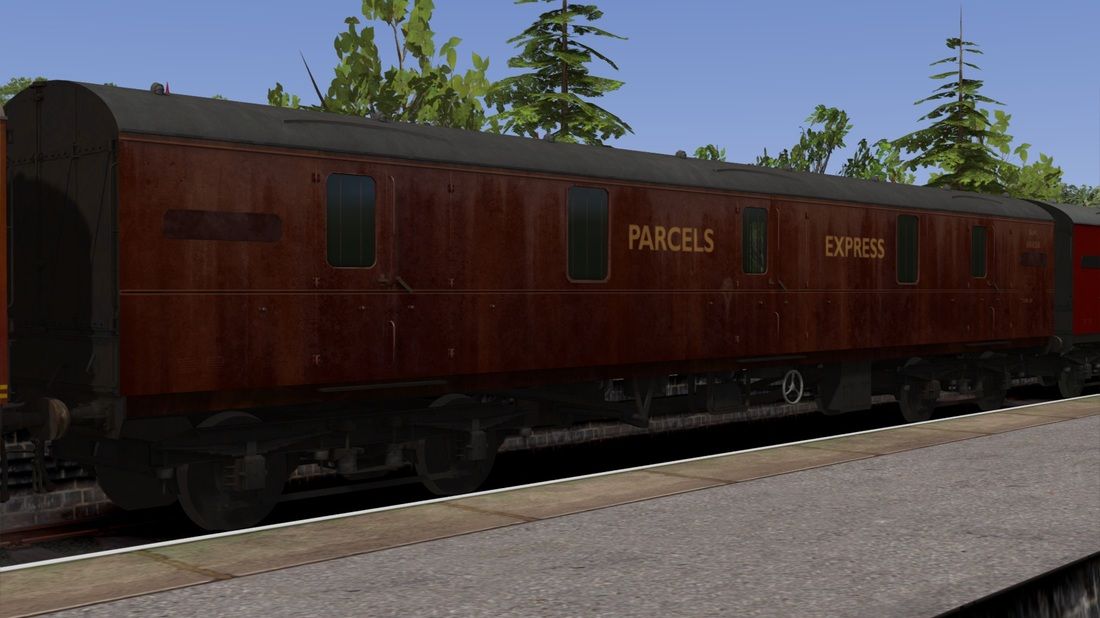
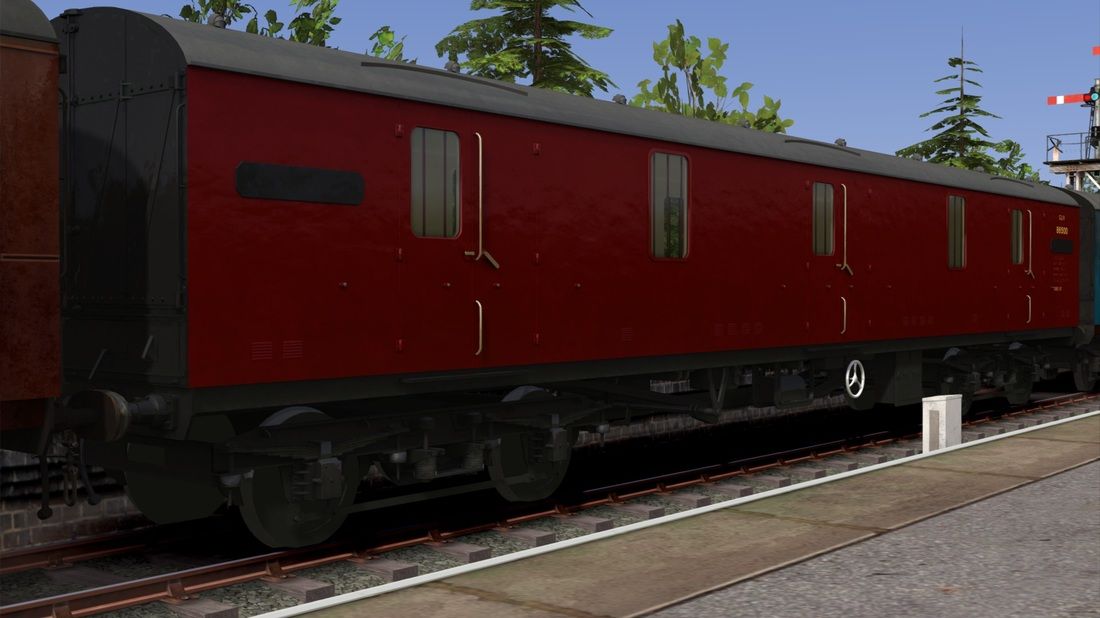
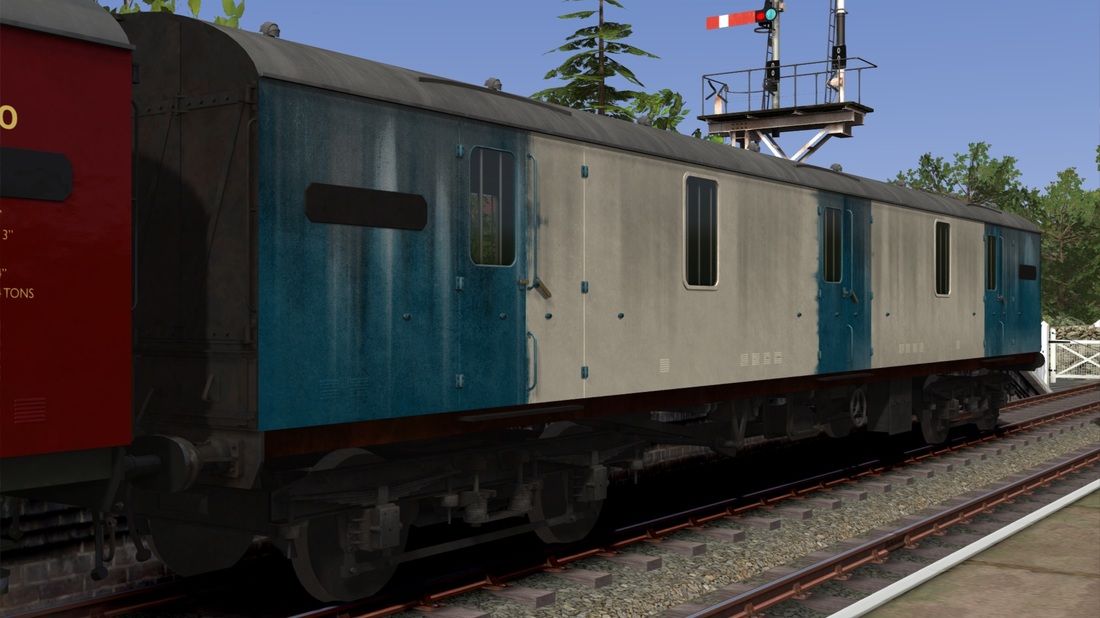
Dependencies

Train Simulator: BR Blue Diesel Electric Pack Loco Add-On
Installation Instructions
It is important that you follow the sequence of this correctly as the files will not be installed/altered correctly if you don't.
- Extract the contents of this archive to your Railworks folder, by default this is located at C:\Program Files (x86)\Steam\SteamApps\common\RailWorks but could differ depending on your installation setup.
- Once extracted fully, navigate in Windows Explorer to your Assets\DTG folder, again by default this is located at C:\Program Files (x86)\Steam\SteamApps\common\RailWorks
- This folder will contain a file called InstallMe.bat (usually at the very bottom of the window) - you need to double-click this file to run it, this will install the the files of which cannot be included for copyright/licensing reasons by duplicating the originals.
- You are now ready to go, any unneeded left over files have been deleted aswell as the blueprint.pak (cache) for the addon.
Files
Comments
About this mod

- Created
- 31 Mar 2025
- Updated
- 31 Mar 2025
- Game
- Train Simulator Classic
- Type of content
- Reskin


Loading comments…