PhUnKi_Ro0sTa's Reshade Preset Bundle
- by PhUnKi_Ro0sTa
- 7 upvotes
- Downloaded 3,507 times
Description


Given that this mod was a single preset and some of you may have older versions which may no longer be supported by current versions of ReShade, I have now decided to combine multiple presets into one full pack so you can have more flexibility on which ones to use
Current Version:
Saturation dialed back a little in vort_StaticEffects.
There are now 6 Shaders to choose from, 3 with prod80_04_ContrastBrightnessSaturation.fx enabled and 3 with it disabled.
Each preset now has different tonemappers enabled in AdaptiveToneMapper.fx
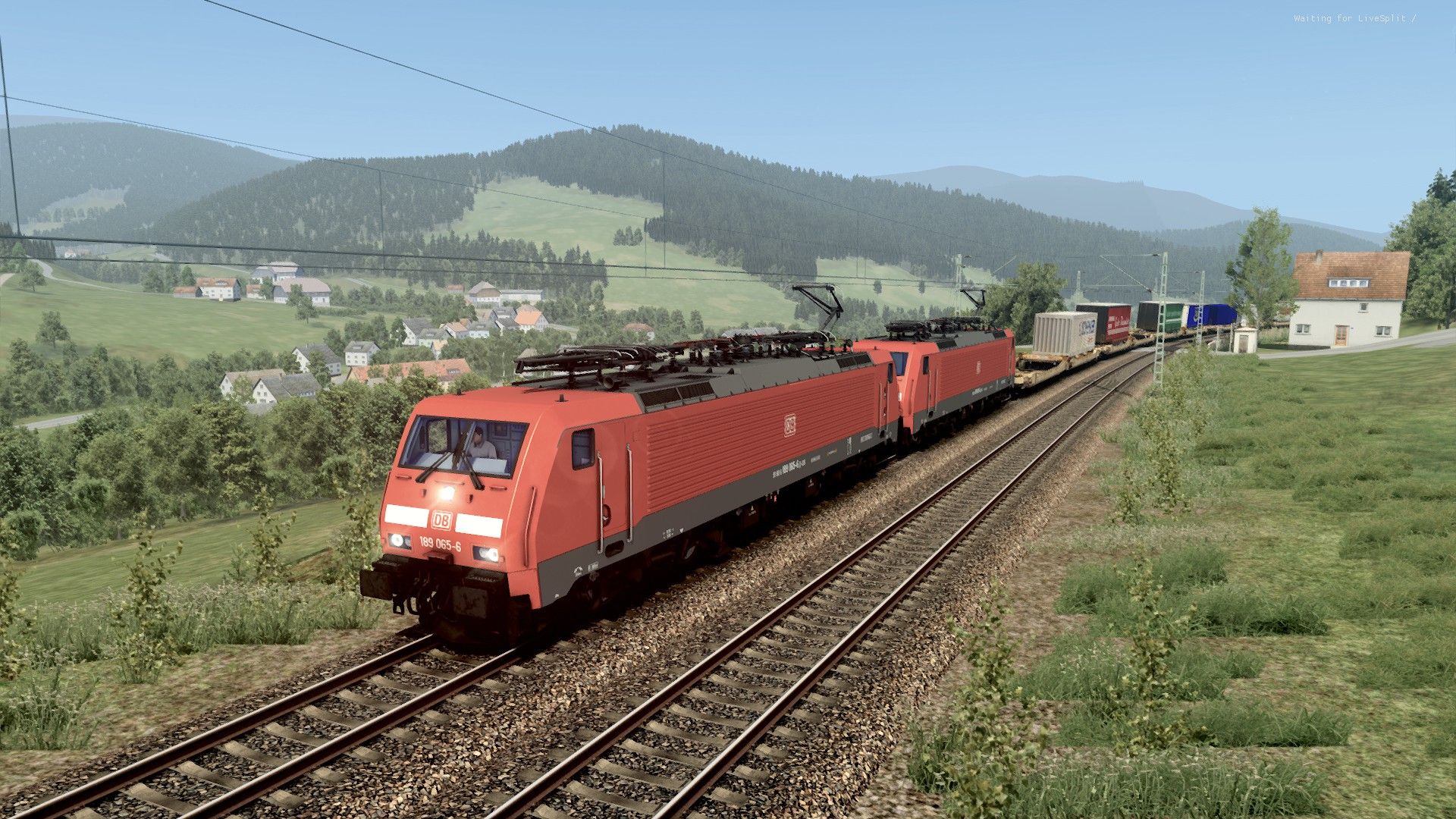
These are as follows and can be showin the following screenshots:
DefaultPresetJRB ACES
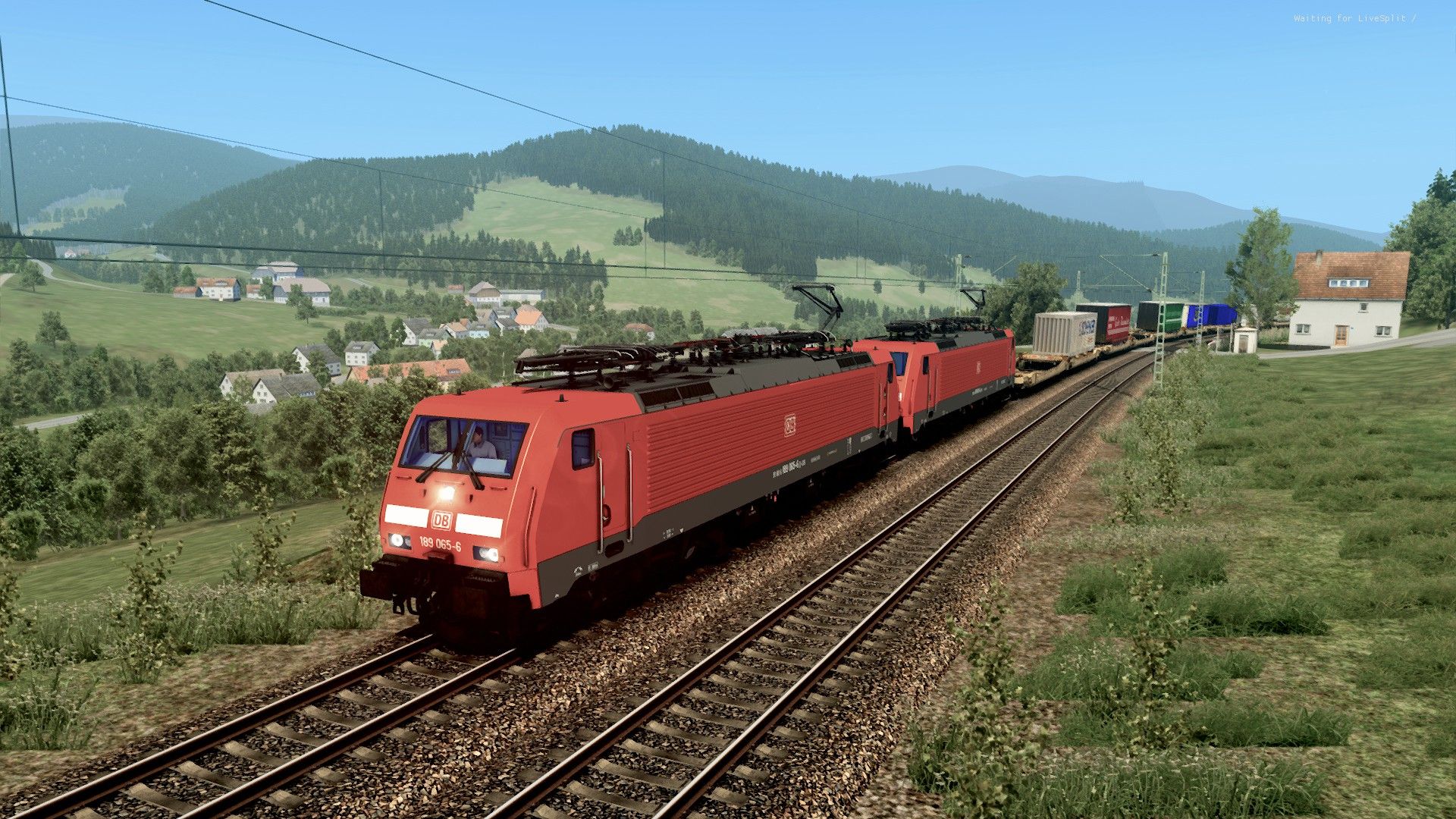
DefaultPresetJRB ACES - no contrastbrightness
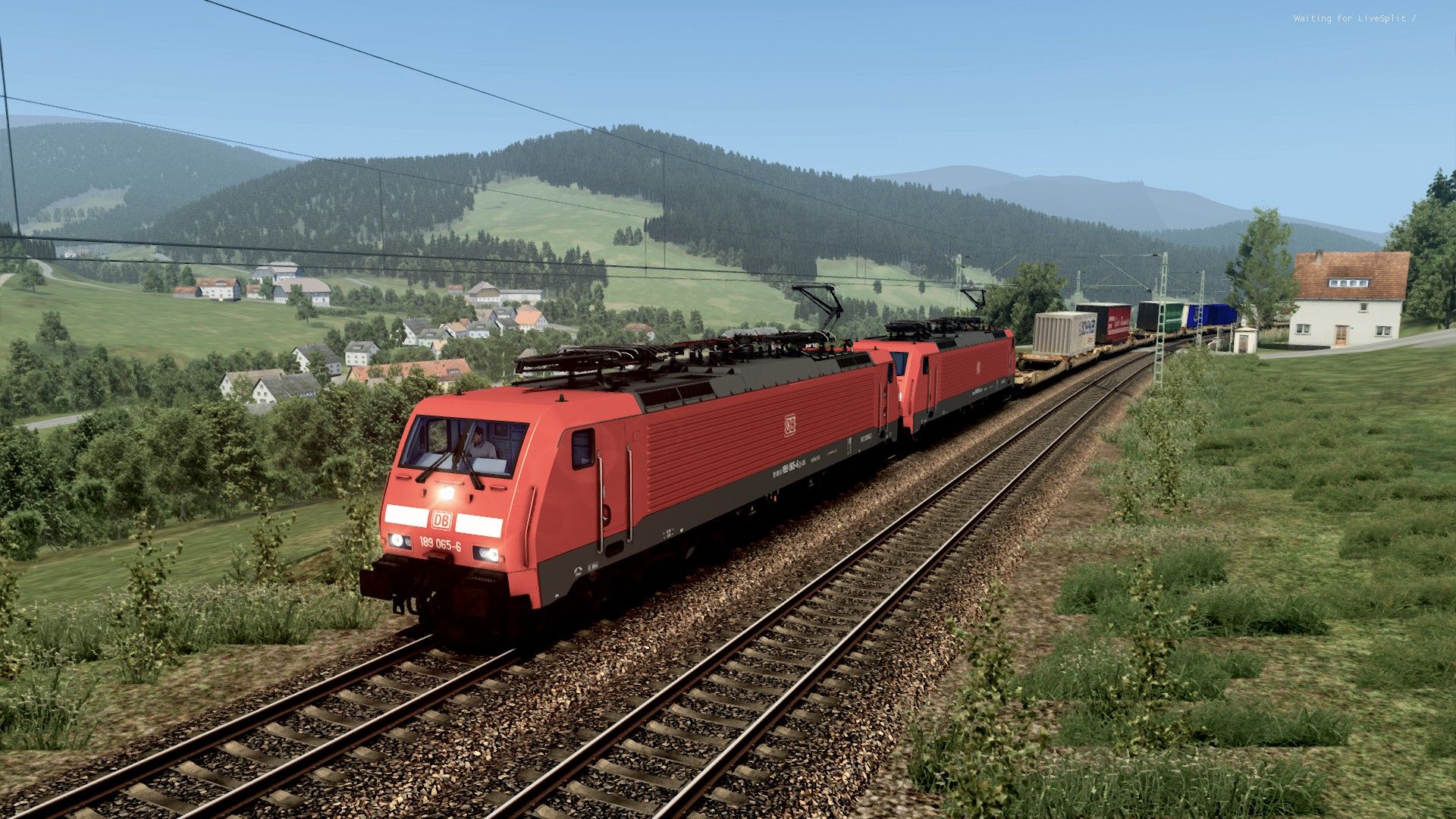
DefaultPresetJRB filmic
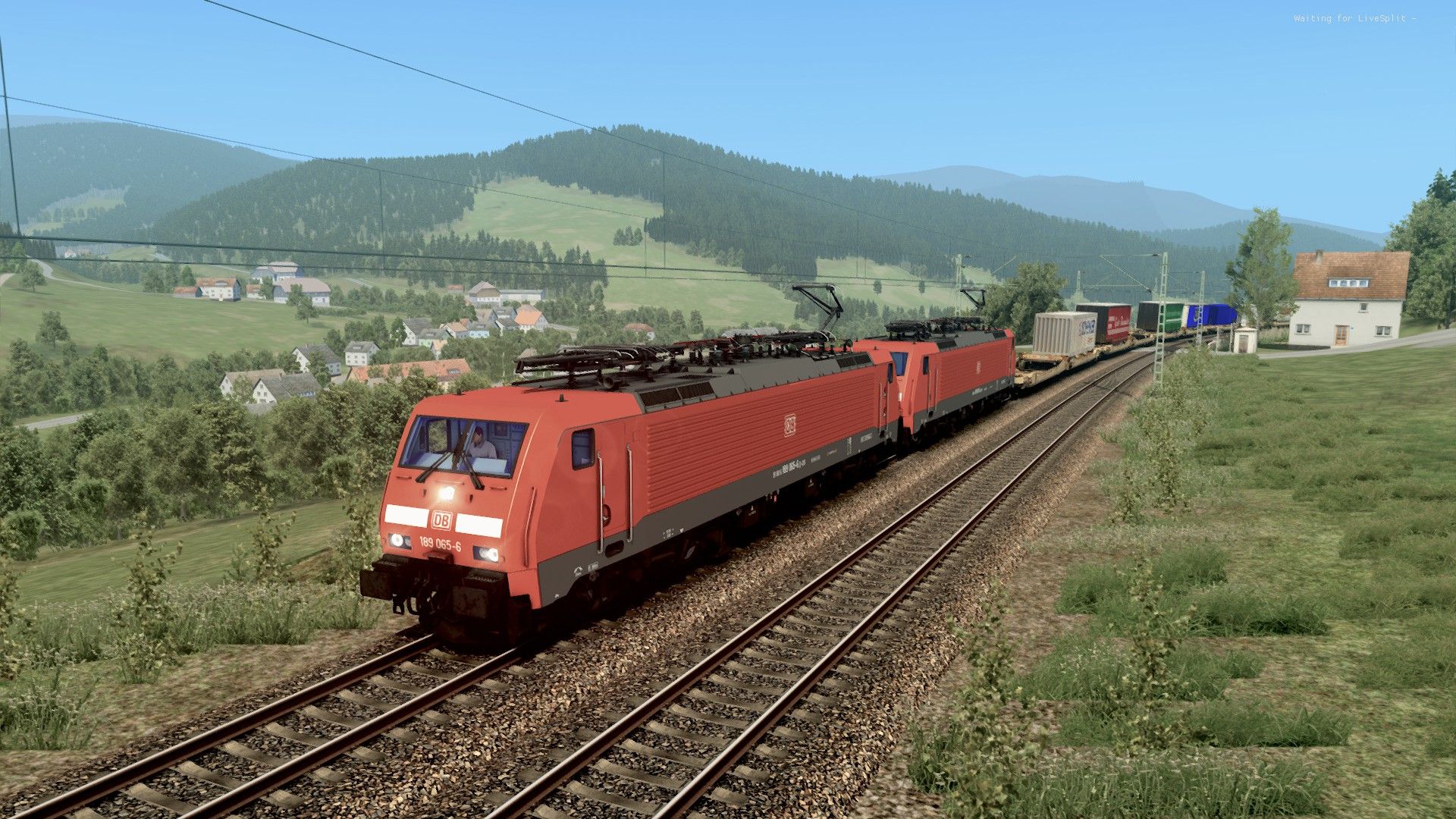
DefaultPresetJRB filmic - no contrastbrightness
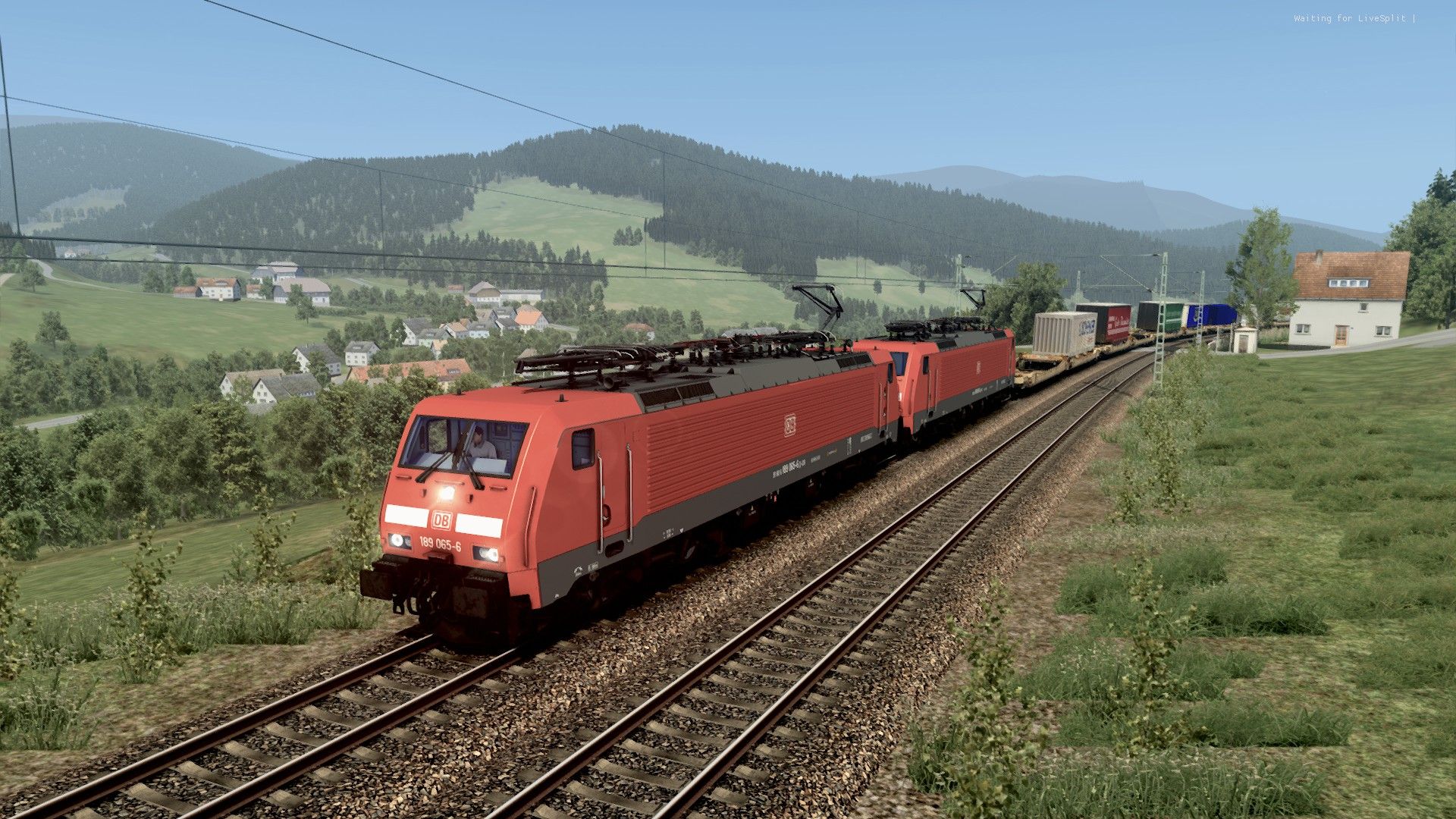
DefaultPresetJRB Reinhard
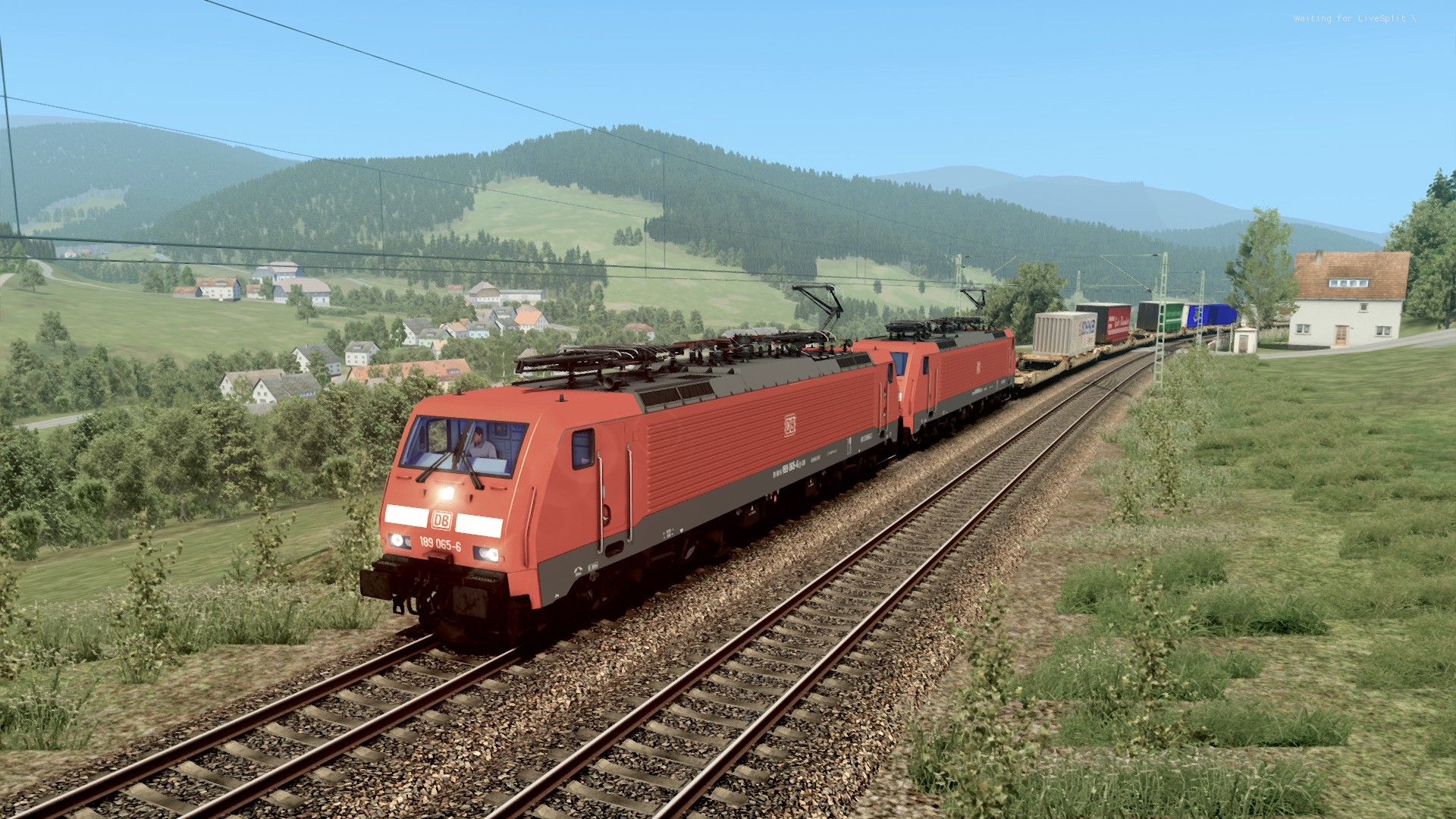
DefaultPresetJRB Reinhard - no contrastbrightness
NOTE
With the vort_MotionEffects, I have noticed that the HUD and scenario messages will also blur if the train is moving - this is due to reshade basically layering over the top of the sim. The issue is only minor, but if it's major for some, simply turn off the effect.
It's also been brought to my attention that when running night time scenarios, the game may become extremely bright, distorting colours - this is due to the adaptive tonemapper filter (think of it as like an eye dilating to let more light in). To resolve this, it's better to run night time scenarios with the adaptive tonemapper turned off.
Feel free to modify to your hearts content!
All commentsx and feeback welcome
Dependencies

Installation Instructions
You must have reshade installed to use this preset. Once ReShade is installed, simply drag and drop the preset into your Railworks folder.
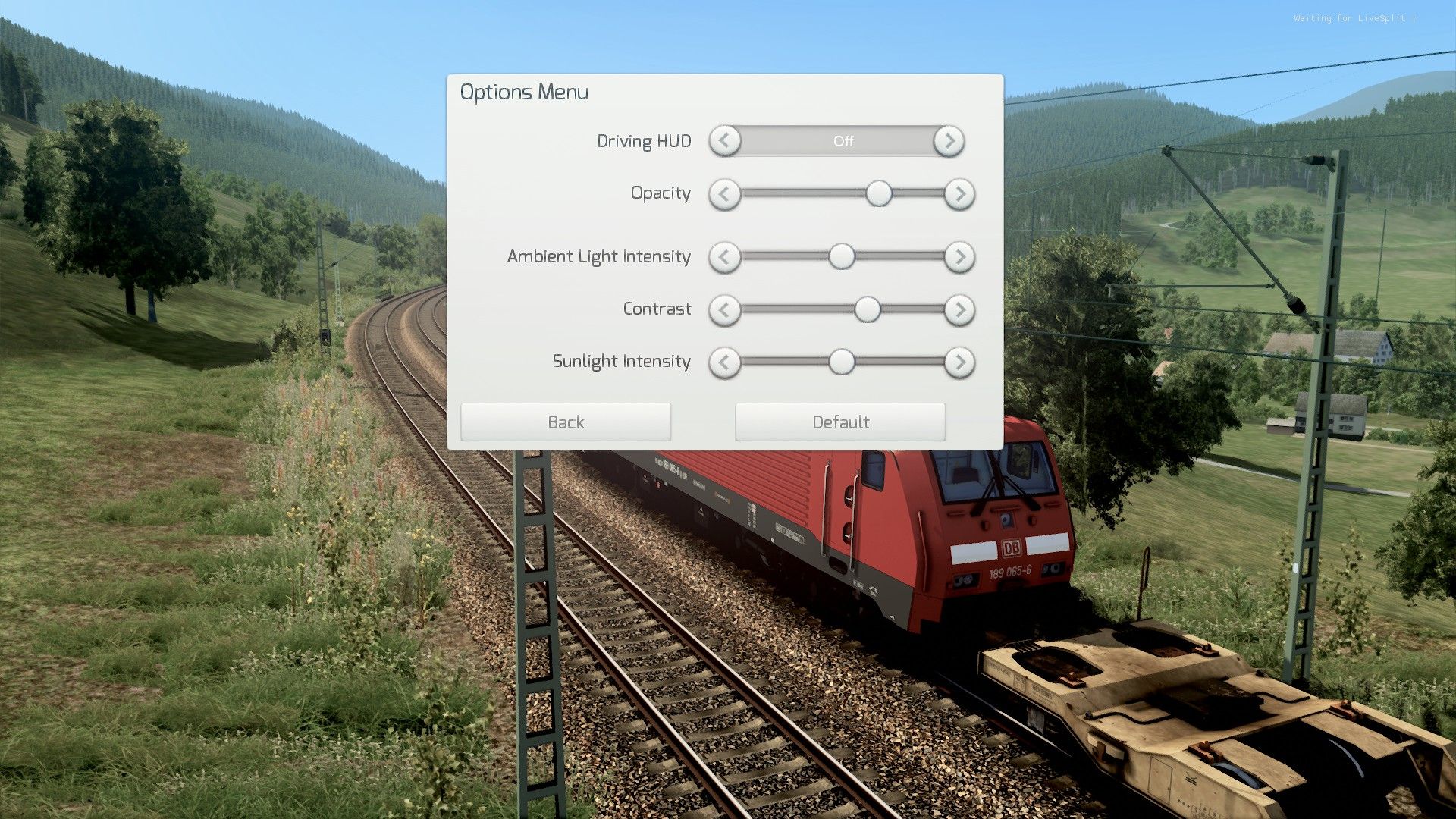
For best results, use the lighting options I've provided in the main game menu.
Options
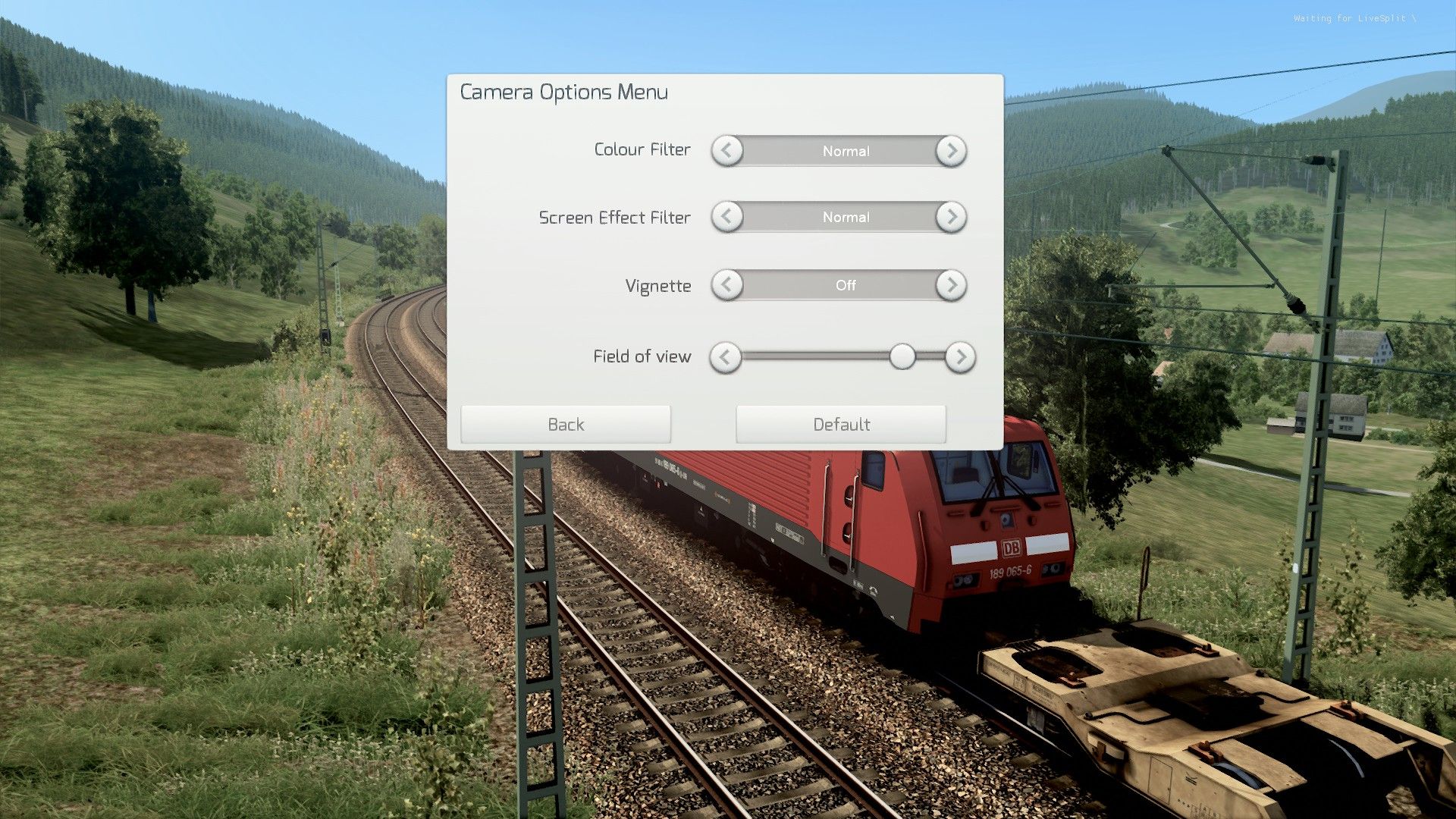
Camera Options:
Files
Comments
About this mod

- Created
- 15 Oct 2023
- Updated
- 7 Apr 2026
- Game
- Train Simulator Classic
- Type of content
- Other

Loading comments…