CSX SD40-2 DCSV Update
- by Capt. Hedgehog
- Downloaded 306 times
Description
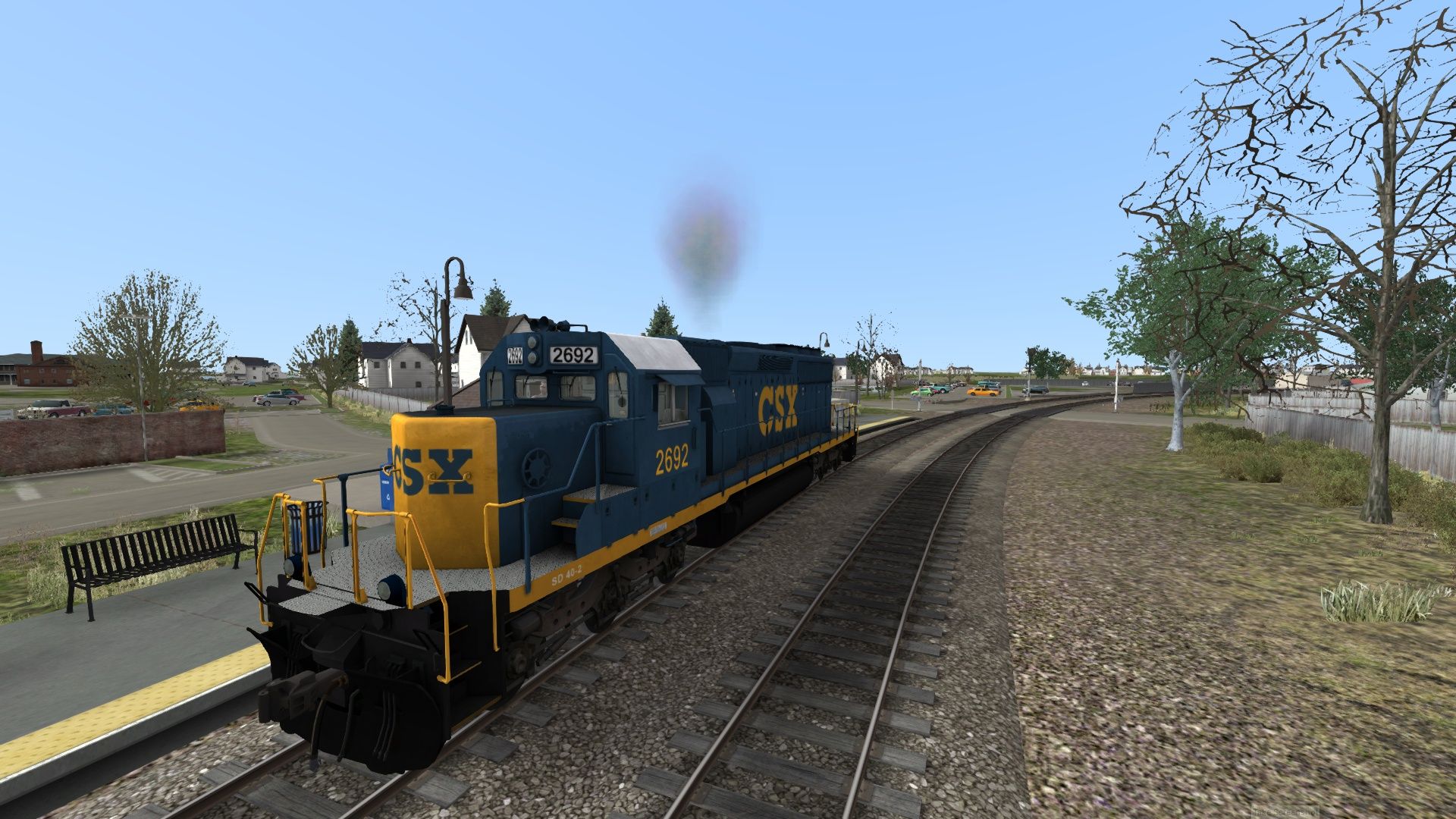
update to the dcsv in the engine folder
Requirements
CSX Hanover Subdivision DLC
Installation Instructions
to install this mod do the following
go to this directory: C:\Program Files (x86)\Steam\steamapps\common\RailWorks\Assets\HIS\Hanover
locate the file "HanoverAssets.ap" and unzip it
copy the contents of the "HanoverAssets" folder created in the previous step
paste them here: C:\Program Files (x86)\Steam\steamapps\common\RailWorks\Assets\HIS\Hanover
if you have my SD40-3 Mod you can skip to these steps
navigate to: C:\Program Files (x86)\Steam\steamapps\common\RailWorks\Assets\HIS\Hanover\RailVehicles\Diesel\SD40-2\Default\Engine
paste my edited file and click yes when prompted
Enjoy!
Additional Comments
Contact me by email for technical assistance
Files
Comments
About this mod

- Created
- 28 Mar 2021
- Updated
- 28 Mar 2021
- Game
- Train Simulator Classic
- Type of content
- Other


Loading comments…