SS Narrow Font K3LA For the Metra CabCar
- by Mikiwikistown
- Downloaded 2 times
Description
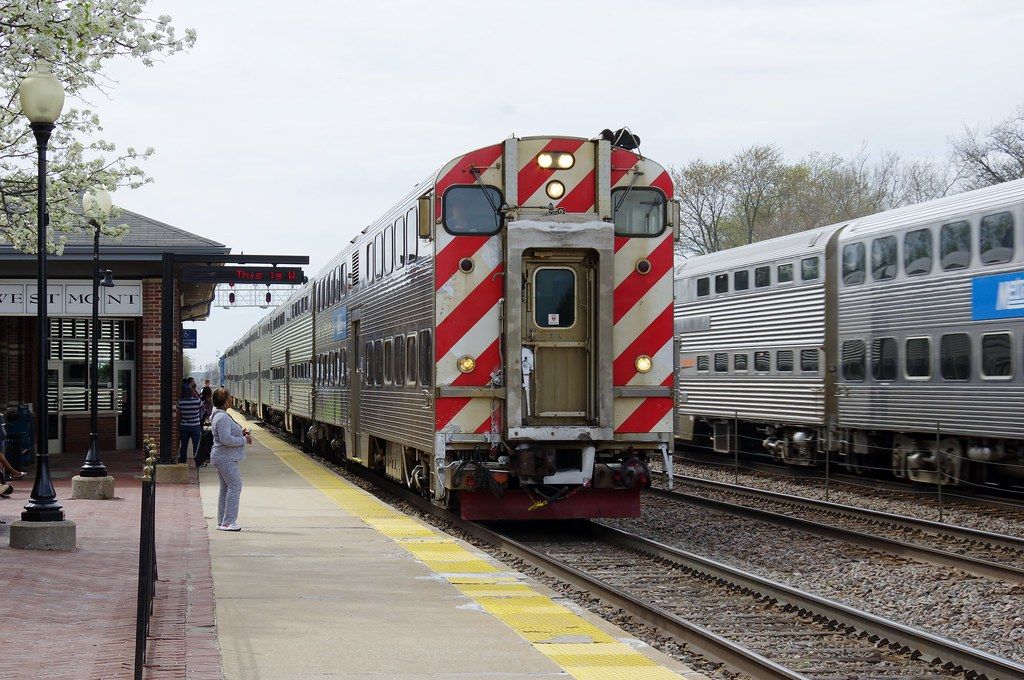
Enjoy this K3LA! And the bell too!
Installation Instructions
(NOTE: I dont accept any requests sorry)
(This is just and example and you need to have 7-Zip Here is the link: https://www.7-zip.org/download.html) First open my file K3LA_NF_METX, and then you will find a folder called SearchlightSimulations you are going to paste it inside the Assets folder you have to go like this: Program Files (x86)\Steam\steamapps\common\RailWorks\Assets\ and then you extract the folder called SearchlightSimulations in Assets. Now for change the horn is easy the Folder calls K3LA_NF_METX open my folder and once you already open, you have two proxymls its already have the names for the Cabcar no worries no need to change the name of the proxymls, then you go here is an example Assets\Barnez\BNSFChicago\BNSFChicagoAssets.ap\Audio\RailVehicles\Passenger and then paste or extract the two proxymls and it should work Have a very Good Day!
Here is another example of how to install the horn if you didnt understand the first one:
Start by dragging the Assets folder into the Railworks directory
Then locate that horn mods directory in assets/searchlightsimulations/(horn mod name) and then copy paste that proxy into your desktop
Then locate the horn section of the locomotive you want to install this ss horn to
Copy paste the original name of the proxy from the locomotive and replace the ss horn proxy name to the original loco dlc horn name. Replace the old proxy with the new ss proxy.
If you dont understand the instructions, here is a video of how to install my SS Horns: https://youtu.be/8K_WBNY__qA
Files
Version History
Initial release.
Comments
About this mod

- Version
- v1.0.0
- Created
- 2 hours ago
- Updated
- 2 hours ago
- Game
- Train Simulator Classic
- Type of content
- Sound


Loading comments…