TSW6 (High FPS) V1
- by Mounettliss
- 12 upvotes
- Downloaded 9,548 times
Description
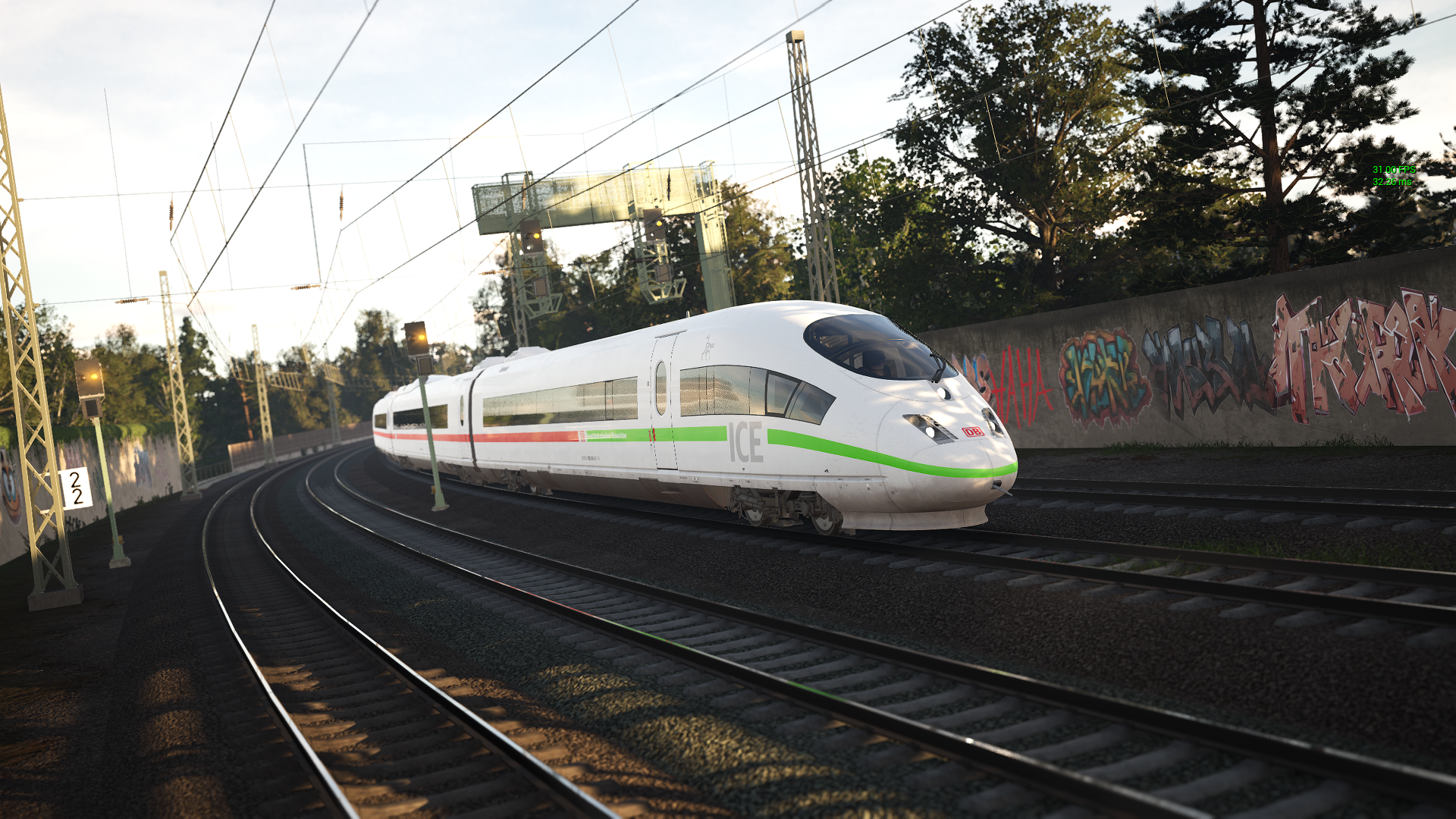

Hello :)
After having tried many .ini files and not getting the desired performance with decent graphics quality, I've tried putting together one of my own with variables set in such a way it allows me to enjoy TSW4 with minimal stutter and higher framerate in busy areas. I would like to share this one with all of you! I play TSW4 on a gaming laptop with a GeForce RTX 2080 with Max-Q Design graphics card, so not incredibly fast. But, with this .ini file I can play like I've just installed a better graphics card where I don't have to do much about the settings in-game.
TSW 4
(Discontinued)
TSW 5
Old Changelog
TSW5 V1.2
- r.MaterialQualityLevel has been set to 0 (caused sleepers to disappear).
- r.ViewDistanceScale.ApplySecondaryScale has been set to 0 (caused massive amount of flickering of shadows on GCC).
- Made changes to colours and lighting.
- Improved shadows.
- Made small changes to streaming commands.
- Made small changes to foliage commands.
TSW5 V1.3
- LowLight commands stopped working, making everything dark again, so I've tweaked the colours and lighting in a different way.
- Some changes in the render settings.
TSW5 V1.4
- Added D3D12.UseUpdateTexture3DComputeShader.
- Added new GlobalDistanceField commands.
- Made changes to render and streaming settings.
TSW5 V1.5
- Made changes to foilage settings.
- Made changes to RHI settings.
- Improved image quality.
- Made changes to shadows.
TSW5 V1.6
- Added new commands for Multithreading.
- Made some changes to visual quality.
- Made minor changes to shadows.
TSW5 V2
- Preset has been rebuilt to eliminate unnecessary commands, following DTG's recent updates that included optimisations.
- Removed entire GarbageCollection setup.
- Many other commands have been removed.
- Retuned some of the rendering commands.
- Added new AI related commands to slightly reduce computation.
- Added Motion Sway commands to make the movement in the cab less exaggerated.
TSW5 V3
- The structure has somewhat been changed with many tweaks to the settings.
TSW 6
TSW6 V1
- I've created a new medium version for TSW6. It's similar to the latest version for TSW5, but some commands have been removed to improve performance.
- Note that 'r.ViewDistanceScale=2' has to manually be added to the medium version to increase the view distance.
-> Set 'r.TemporalAACatmullRom=0' to 1 for a sharper image, but beware of flickering light sources!
If you have at least 16GB of RAM:
-> Set 'r.Streaming.HLODStrategy' to 2
-> Add 'r.Streaming.FullyLoadUsedTextures=1'
The downloadable .zip file contains both .ini files for long (high) and short (low) render distances.
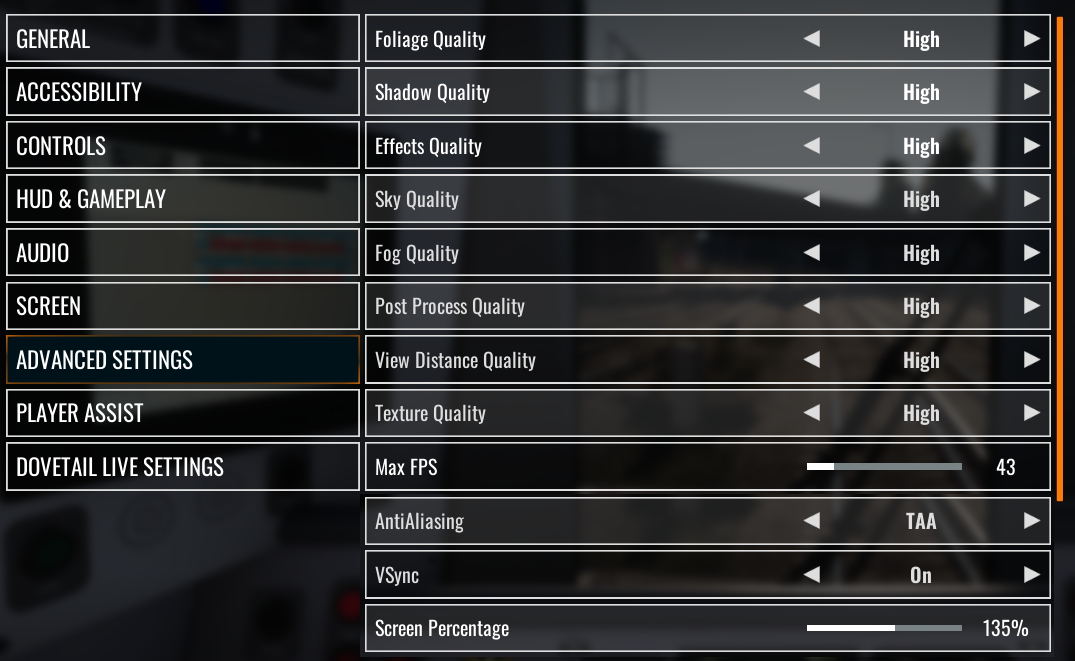
I have all my in-game settings set to high, despite classing this INI as ultra. Ultra settings in game are not necessary and can even reduce performance.
Note that most of the initial lag isn't gone until after a whole route has been travelled through, because of the shaders.
Installation Instructions
Enable DX12 (enter -DX12 in Steam launch option).
For information on how to enable DX12, please visit the page below:
https://help.steampowered.com/en/faqs/view/7D01-D2DD-D75E-2955Delete DirectX Shader Cache with Disk Cleanup (can be found by using Windows Search, or with shortcut 'Windows key + S').
Rename file to Engine.ini
Paste the .ini file in:
- TSW5: C:\Users[USER NAME]\Documents\My Games\TrainSimWorld5\Saved\Config\WindowsNoEditor
Additional Comments
Graphics preset high is recommended, not ultra!

Files
Comments
About this mod

- Created
- 15 Dec 2023
- Updated
- 31 Mar 2026
- Game
- Train Sim World
- Type of content
- Other
- Train Sim World Version
- Train Sim World 5, Train Sim World 6
Loading comments…