Emil's Engine.ini (extremly efficient)
- by Emil
- 2 upvotes
- Downloaded 569 times
Description
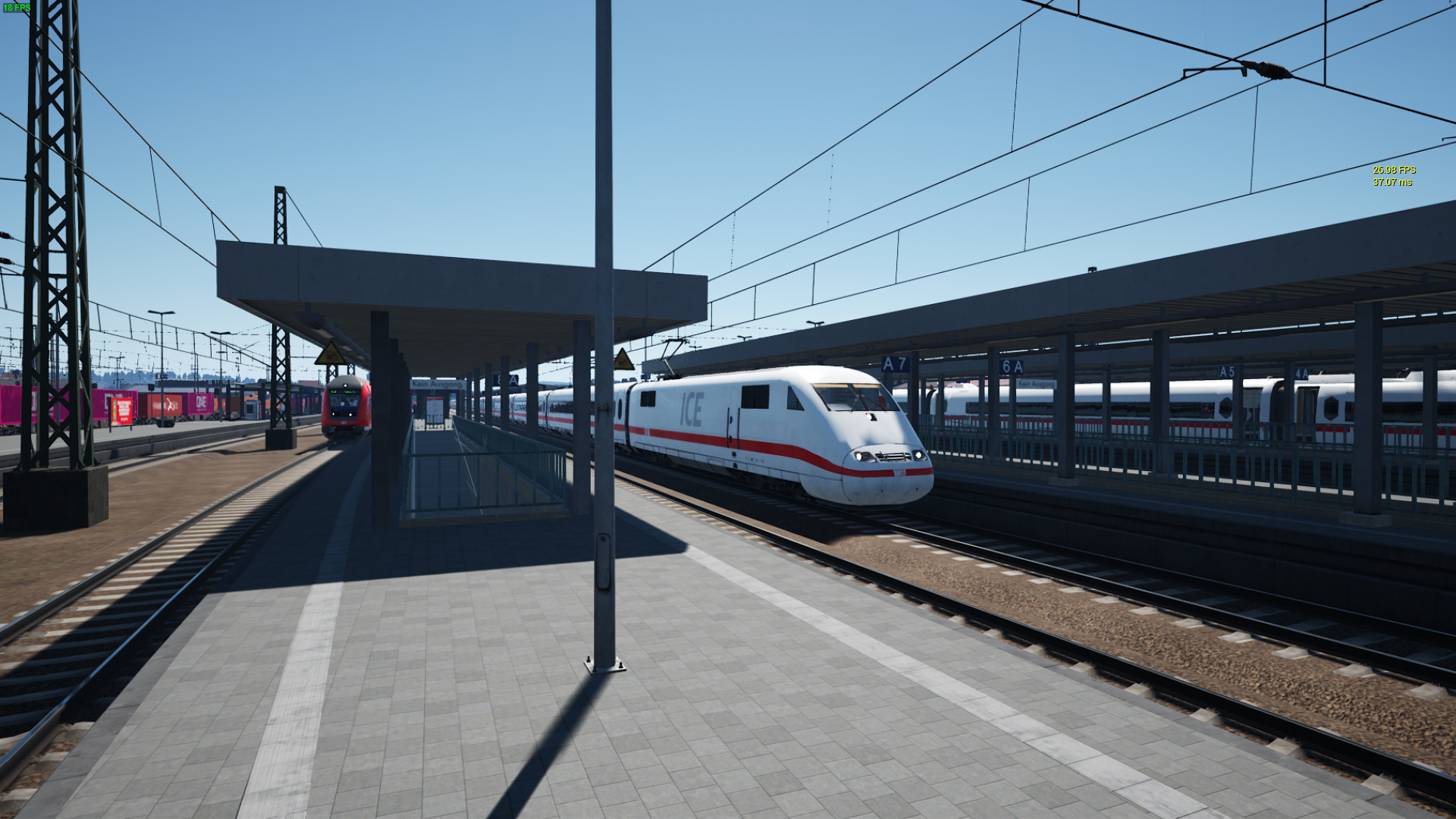
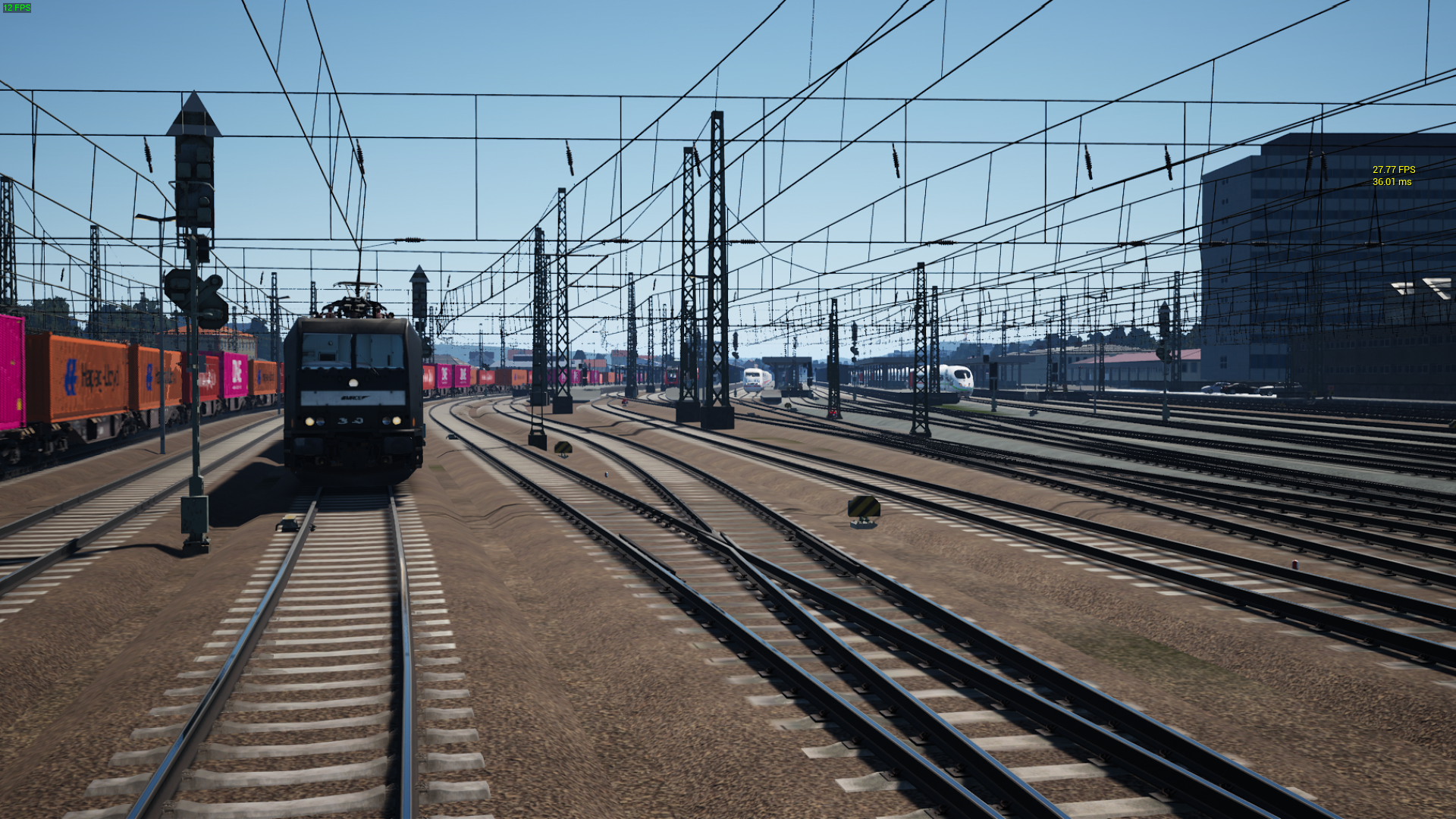
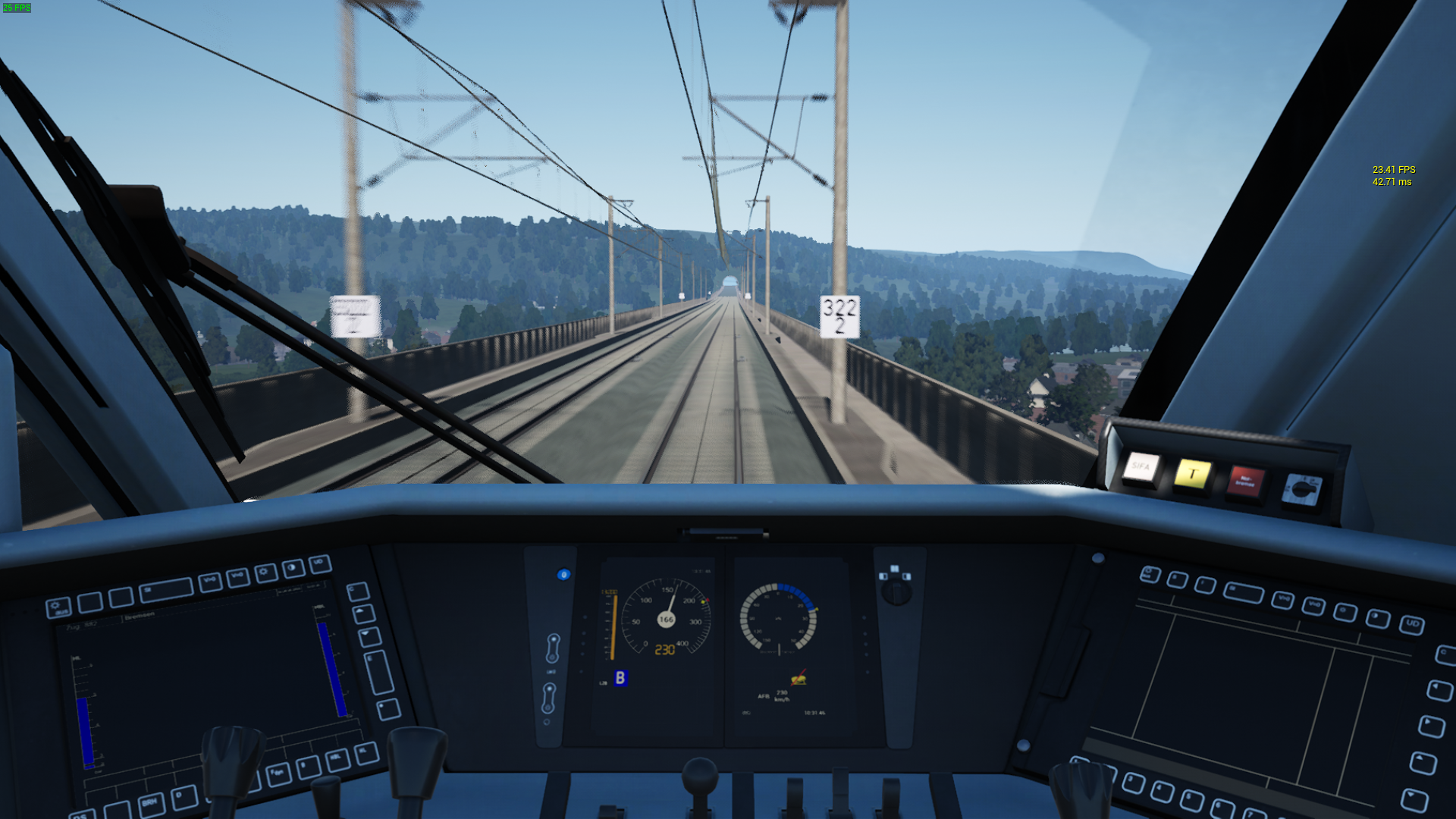
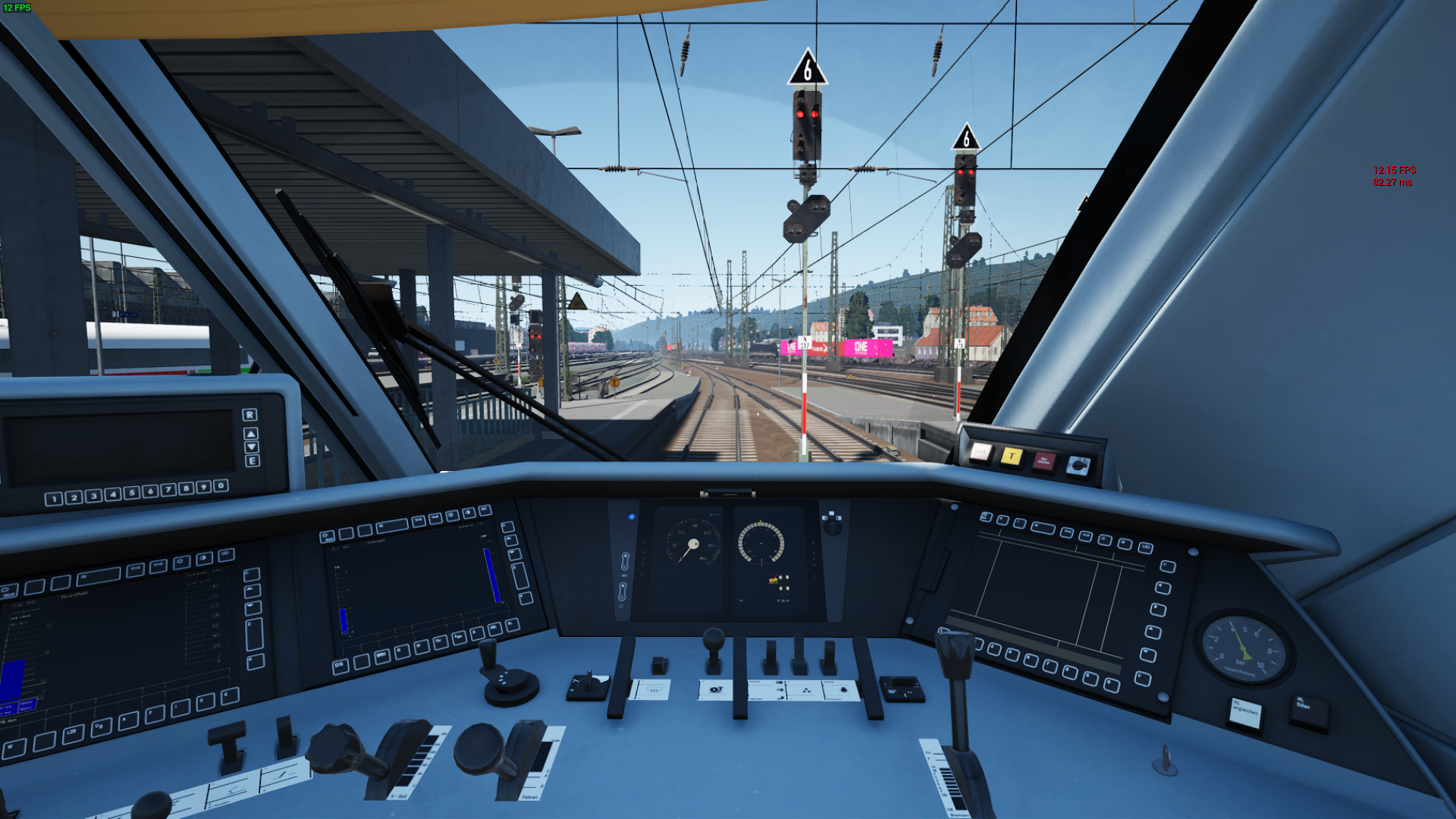
1.1
Changelog:
- set the Skeletal Mesh LOD Bias to 1, because there is no huge performance impact, and it looks way better, when on the outside
1.0
Engine.ini Content
[SystemSettings]
r.TonemapperGamma=2
ts2.save.CheckpointsEnabled=1
r.SkeletalMeshLODBias=0
r.Color.Max=1.1
r.Color.Mid=0.6
r.ToneMapper.Sharpen=0.5
r.SSR.Quality=1
r.SSR.Temporal=1
TimeOfDaySystem.AutoExposure.SpeedUp=10
TimeOfDaySystem.VolumetricCloud.RayMarchedShadows=1
TimeOfDaySystem.AutoExposure.ExposureBias=-0.5
TimeOfDaySystem.SkyLightPollutionLuminance=0.2
TimeOfDaySystem.BloomIntensity=0.1
TimeOfDaySystem.VolumetricCloud.GroundContribution=1
r.MaterialQualityLevel=0
r.MotionBlurQuality=1
r.MipMapLodBias=0
foliage.LODDistanceScale=0.9
I am currently having extreme fps problems in TSW, so I created my own Engine.ini for it. I think my problem is overheating, because I can't properly clean my laptop fan from dust, and I my fps is constantly rising and sinking between 10 and 50 FPS, which sucks, so I also capped my fps to 28.
(This Engine.ini is probably just useless crap, so pls feedback :])
Installation Instructions
Add the text to the Engine.ini file found at: C:\Users\<username>\Documents\My Games\TrainSimWorld4\Saved\Config\WindowsNoEditor
Files
Version 1.1
Version 1.0
Comments
About this mod

- Created
- 30 Jun 2024
- Updated
- 1 Jul 2024
- Game
- Train Sim World
- Type of content
- Other
- Train Sim World Version
- Train Sim World 4


Loading comments…