IMMY's Engine.ini [Lagless Most FPS]
- by IMMY
- 4 upvotes
- Downloaded 4,515 times
Description


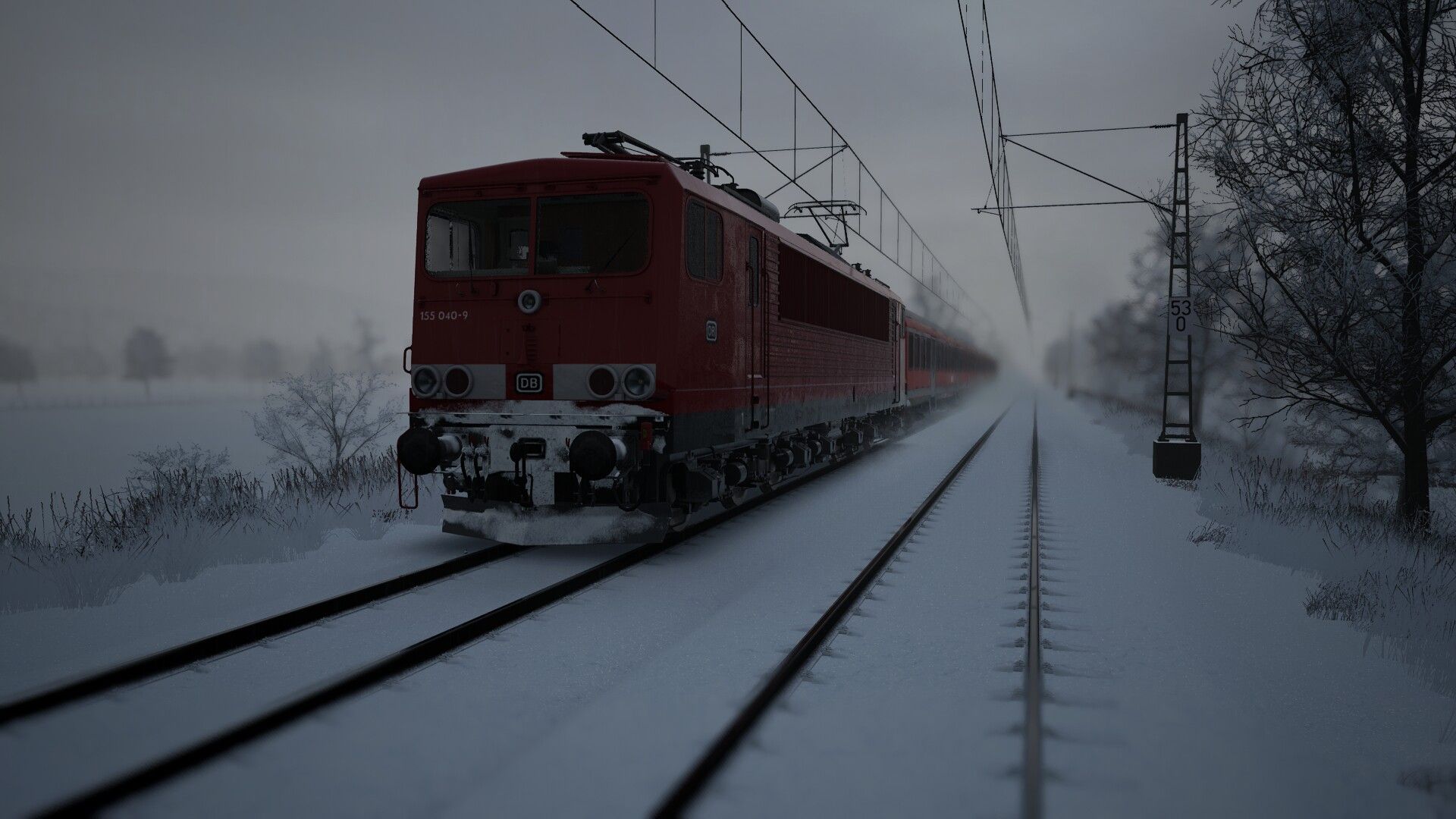


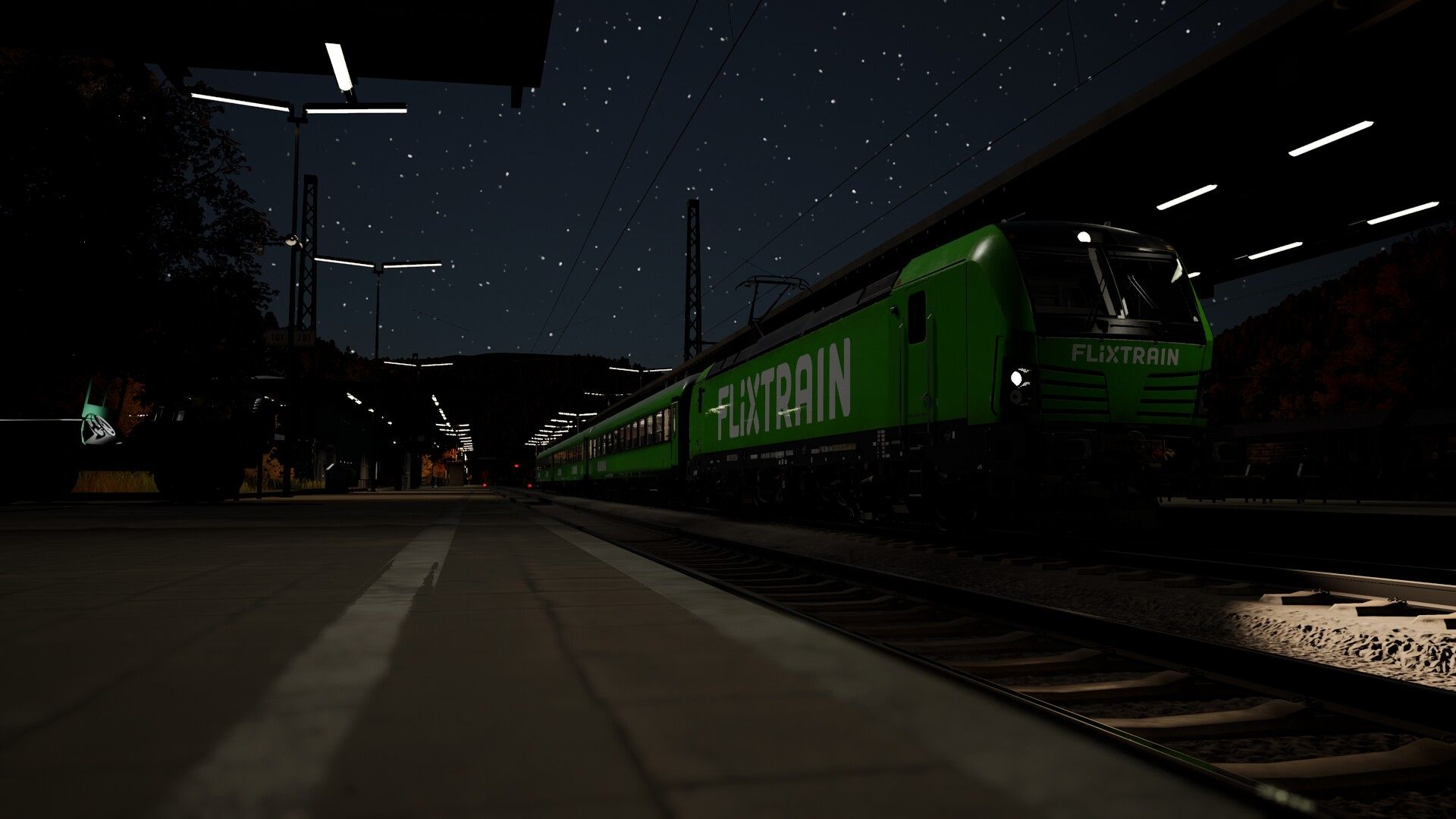
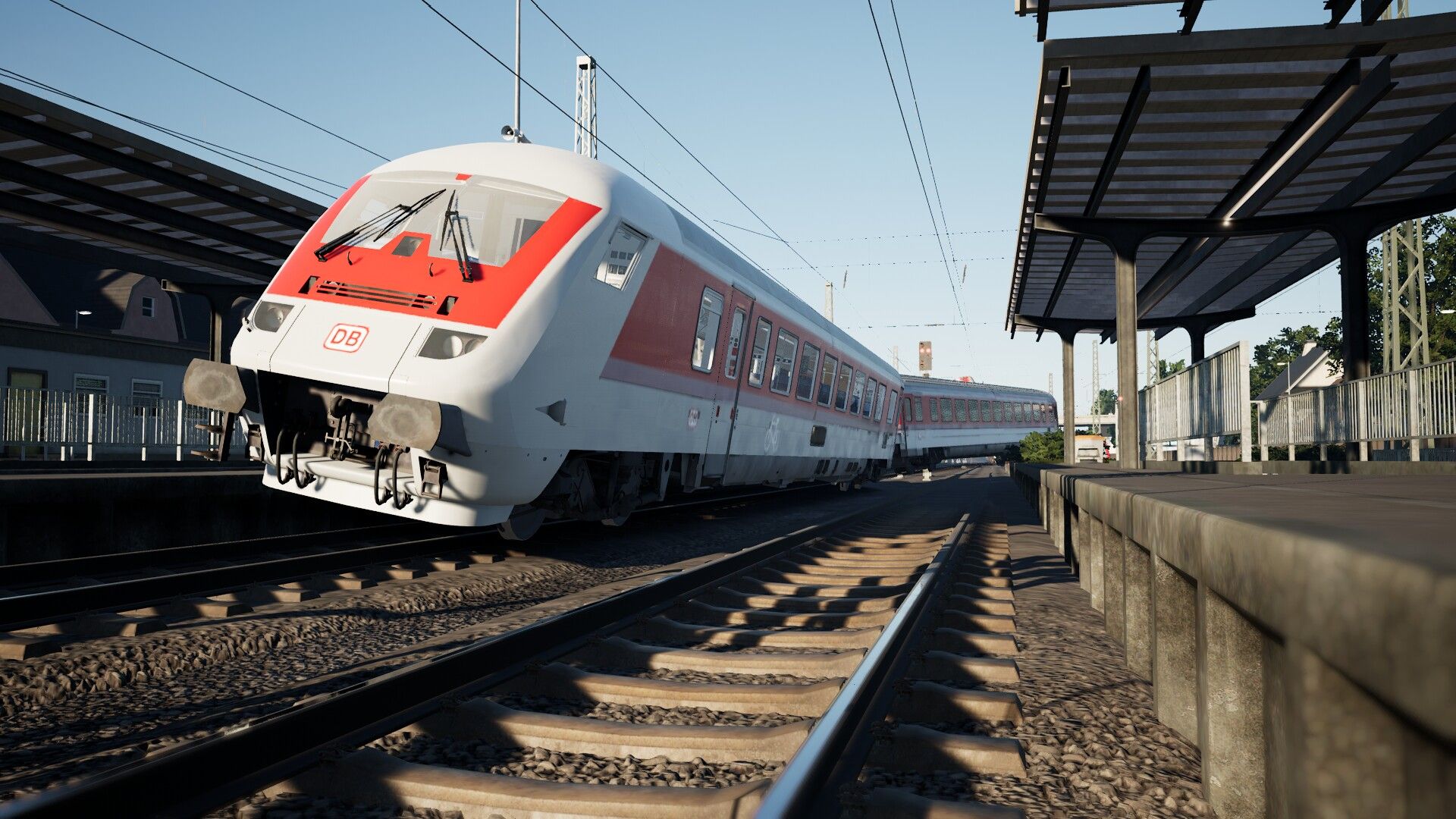
Like TSW Really but the Performance in the Game most time it sucks and every other ini,
what i testet Helped me not Really & i Think the most Users have the same issue,
So i createt the most Lagless und FPS Friendly ini what is Possible,
I hope that in Helps you a Lot in FPS improvemint without big micro stutters.
-------------------------------------------------------------------------------------------------------------
Me and my Friends Helps a lot
I'm That User who will have the most FPS Out of the Game & i testet what is Possible And i try every Update to make this happend
My Specs : Laptop [1920x1080] (Win10-[PRO] & Linux-[Mint]) ~Broken Chip...
i7 10750H 32GB RAM
RTX 2070 [8GB] 2TB NVMe SSD
Friends Specs : Desktop [1920x1080][+DSR]
(Win11-[HOME])
i5 9400 16GB RAM
RTX 3060 [12GB] 500GB SATA+NVMe SSD
Friends Specs : Desktop [3840x2160/2560x1440] (Win10/11-[PRO])
i9 12900KF 32GB RAM
RTX 4070 [12GB] 1TB NVMe SSD
------------------------------------------------------TSW3/4-VERSION---------------------------------------------------------------------------------------
-THERE ARE NO PASSENGERS FOR FPS PERFORMANCE IF YOU WILL HAVE IT ON
-(NOT RECOMMEND IF YOU WANT THE MOST FPS IN THE GAME)
-THEN JUST DELETE THE LINE IN THE ENGINE.INI SETTINGS;
-ts2.Passenger.ObjectPoolSize=0 <-----|
-[Works also with the TSW5 ini when you didnt want passengers Copy These and set the Number in the ini to = 0]
-(NOT RECOMMEND IF YOU SET IT ON 1 OR EVRY OTHER NUMBER THEN THE CHARACTER RENDER NOT PROBABLY)
-------------------------------------------------------------------------------------------------------------------------------------------------------------------
Update 1.4;
'' .pakfilecache added for better Experience with Mods & Game
'' .Skylight editit for better Star, Moon and Night Visibility add Night
'' .TSW3 Support for the TSW4 Engine.ini (Full Working)
''
'' .Bug ingame with the .ini in the external view is now fixed [Thx to the Feedback]
''
-------------------------------------------------------------------------------------------------------------------------------------------------------------------
Tested and works perfectly. If you find an error in the .ini or have a bug triggered by it, then just give me feedback in the comments
Be Sure you have set -DX12 or -dx12 or dxlevel120 on the Command Line on Steam or Epicgames (idk if xbox gamepass works)
------------------------------------------------------TSW5-VERSION-----------------------------------------------------------------------------------------
-There Now passengers for the Guard mode in TSW5 (BETA)
-There allmost the same People for better FPS its saves 5-10% on Performance (sometimes without hair)
-Not Recommend to Download the ini when its Showing (TESTING) but if you want you can do it |-----> [mostly after updates]
------------------------------------------------------------------------------------------------------------------------------------------------------------------
-(NEW)
Update 2.0;
'' .Engine.ini Update for TrainSimWorld5 (Final Testing)
'' .Added Passenger Varients for better experiance with Guard Mode
'' .More Visibility & Higher Graphics at Lower settings and better Performance on All Routes (LOWER MICROSTUTTERS & MORE FPS)
'' .Skylight editet for better Star, Moon and Night Visibility add Night (Better sky and brighter Night on lower Graphics)
'' .New a setting for much smoother shadow rendering on lower Graphics at Snow & Night etc.
'' .Better settings for the .ini for better CPU Threads usage
''
'' .Bug ingame with the .ini in the external view is fixed [Thx to the Feedback]
''
'' .Much more new .ini Settings in the Future..... WILL COME MAYBE SOON.....
''
-------------------------------------------------------------------------------------------------------------------------------------------------------------------
STAY TUNDED FOR FUTURE UPDATES
-------------------------------------------------------------------------------------------------------------------------------------------------------------------
No New Updates to the debug Engine.ini it cost to much time to test all these Commands sadly the most dosent
work because Dovetail brings every Year a new TSW so it makes no sense to do every Year the same from scratch,
so maybe there will come a update in a far future but not in the near.......... Sry.......
-------------------------------------------------------------------------------------------------------------------------------------------------------------------
p.s. sorry for my English........ i come from germany so its not the best........ xD
NEW PC Will Come in the near Future so that i can work at my old projects for you
Dependencies

...........................................................................................................................................................................................................................................................
RECOMMENDED FOR THE | TSW5 .ini | For the best performance and Graphical Visual use Lossless Scaling if you want too (6,89€)
Recommend only on GeForce RTX 30 series / Radeon RX 6000 series / Arc series and Higher
...........................................................................................................................................................................................................................................................
USE TYPE LSFG (3.1/Newer.....) -More Frames/Generation ➔ (Dont use Perfomance if you have not a High end GPU its useless)
USE MODE ADAPTIVE (at your Refreshrate) -Make Vsync with Unlimited Frames is on so Lossless can maybe work better
USE SCALING LS1 OR FSR (BOTH ON PERFOMANCE)
LS1 Higher Frames but little higher Latency (USE LS1 AT Sharpness 2 on HD & 3 on UHD & Higher)
FSR at lest the same Frames then LS1 but better Latency IF YOU NEED IT (USE FSR AT Sharpness 3/5 at HD & 5-7 UHD & Higher)
P.s. Maybe not Every Game or old Graphics card can gain a perfomance boost by this software so be sure u have the right Setup
...........................................................................................................................................................................................................................................................
Installation Instructions
Just Download the File and Replace it with your Engine.ini or copy the settings in your .ini you will find it here -->
YOUR PC/DOCUMENTS/MYGAMES/TRAINSIMWORLD(3/4/5)/SAVED/CONFIG/WINDOWSNOEDITOR/ENGINE.INI
Files
(EVERYTHING IN THE .INI HERE IS EXPERIMENTAL)
(THE MOST NOT WORK OR DONT DO IT WELL)
TSW5 (Working) [Not testet yet for TSW6]
TSW3/4 (FULL WORKING)
Comments
About this mod

- Created
- 16 Aug 2024
- Updated
- 20 Jul 2025
- Game
- Train Sim World
- Type of content
- Other
- Train Sim World Content
- Amtrak's Acela, Arosalinie: Chur - Arosa, Avanti West Coast BR Class 390 Pendolino EMU, Bahnstrecke Bremen - Oldenburg, Bahnstrecke Salzburg - Rosenheim, Bakerloo Line, Berninalinie: Tirano - Ospizio Bernina, Birmingham Cross-City Line, Blackpool Branches: Preston - Blackpool & Ormskirk, BNSF SD70ACe, BR 194 and E94 Railtour Pack, BR Class 20 'Chopper', BR Class 31, BR Class 33, BR Class 52 'Western', BR Heavy Freight Pack, Brighton Main Line: London Victoria - Brighton, Cajon Pass, Caltrain MP15DC Diesel Switcher, Caltrain MP36PH-3C 'Baby Bullet', Canadian National Oakville Subdivision: Hamilton - Oakville, Cane Creek: Thompson - Potash, Cardiff City Network: Radur & Coryton to Penarth & Bae Caerdydd, Cargo Line Vol. 1 - Petroleum, Cargo Line Vol. 2 - Aggregates, Cargo Line Vol. 3 - Intermodal, Cargo Line Vol. 4 - Military, Cathcart Circle Line: Glasgow - Newton & Neilston, Centro Regional Railways BR Class 323, Clinchfield Railroad: Elkhorn - Dante, CSX C40-8W, DB BR 101, DB BR 111 & n-Wagen Pack, DB BR 155, DB BR 182, DB BR 187, DB BR 204, DB BR 218, DB BR 363, DB BR 403 ICE 3 Railbow, DB G6 Diesel Shunter, Diesel Legends of the Great Western, Dispolok BR 182, East Coast Mainline: Peterborough to Doncaster, East Coastway: Brighton - Eastbourne & Seaford, ECML Diesel Railtour Pack, Edinburgh - Glasgow: Engineering Express Pack, Expert DB BR 101 & IC Steuerwagen, Fife Circle Line: Edinburgh - Markinch via Dunfermline & Kirkcaldy, FlixTrain BR 193 Vectron, Frankfurt S-Bahn, Glossop Line: Manchester - Hadfield & Glossop, Great Western Express, Harlem Line: Grand Central Terminal - North White Plains, Hauptstrecke Hamburg - Lübeck, Hauptstrecke München - Augsburg, Hauptstrecke Rhein-Ruhr: Duisburg - Bochum, HKA Bogie Hopper Wagon Pack, Horseshoe Curve: Altoona - Johnstown & South Fork, Island Line 2022: BR Class 484 EMU Add-On, Isle Of Wight: Ryde - Shanklin, Kinzigtalbahn: Frankfurt - Fulda, LGV Méditerranée: Marseille - Avignon, Linke Rheinstrecke: Mainz - Koblenz, LIRR Commuter: New York - Long Beach, Hempstead & Hicksville, LIRR M3 EMU, LNER Class A3 60103 Flying Scotsman, London Overground Mildmay line: Stratford - Willesden Junction, London Overground Suffragette line: Gospel Oak - Barking Riverside, London Underground 1938 Stock EMU, Long Island Rail Road: New York - Hicksville, Main Spessart Bahn: Aschaffenburg - Gemünden, Maintalbahn: Aschaffenburg - Miltenberg, Manchester Airport Commuter, MBTA Commuter: Boston - Framingham/Worcester Line, MBTA Providence/Stoughton Line HSP46, Metrolink Antelope Valley Line: Los Angeles - Lancaster, Metrolink F59PHR, Metrolink Holiday Train Pack, Midland Main Line: Leicester - Derby & Nottingham, Mittenwaldbahn: Innsbruck - Garmisch-Partenkirchen, Nahverkehr Dresden - Riesa, New Journeys - CSX SD40 (TSW 3), New Journeys - S-Bahn Köln BR 423 (TSW 3), New Journeys - Silver 1972 Tube Stock (TSW 3), New Journeys Expansion (TSW 2 bundle), Niddertalbahn, Norfolk Southern Heritage Livery Collection, Northeast Corridor: Boston - Providence, Northeast Corridor: New York - Trenton, Northern Trans-Pennine: Manchester - Leeds, Peak Forest Railway: Ambergate - Chinley & Buxton, Peninsula Corridor: San Francisco - San Jose, Pfälzische Ludwigsbahn: Mannheim - Kaiserslautern, Rail Head Treatment Train, Rail Operations Group BR Class 37/7, Railpool BR 193 Vectron, Rapid Transit, RhB Anniversary Collection, RhB Arosa Aggregates Pack, Rhein-Ruhr Osten: Wuppertal - Hagen, Ruhr-Sieg Nord: Hagen - Finnentrop, S-Bahn Vorarlberg: Lindau - Bludenz, S-Bahn Zentralschweiz: Luzern - Sursee, San Bernardino Line: Los Angeles - San Bernardino, Sand Patch Grade, Santa Fe F7, Schnellfahrstrecke Kassel - Würzburg, Schnellfahrstrecke Köln-Aachen, ScotRail BR Class 158 EMU, ScotRail BR Class 380 EMU, ScotRail Express: Edinburgh - Glasgow, Semmeringbahn: Wiener Neustadt - Mürzzuschlag, Sherman Hill: Cheyenne - Laramie, Southeastern BR Class 465 EMU, Southeastern Highspeed, Southern BR Class 313 EMU, Spirit of Steam: Liverpool Lime Street - Crewe, Spoorlijn Zwolle - Groningen, Tees Valley Line: Darlington – Saltburn-by-the-Sea, Thameslink BR Class 700/0 EMU, Tharandter Rampe: Dresden - Chemnitz, Thomas & Friends™ 80th Anniversary Expansion, Thomas & Friends™ Visit the West Somerset Railway, Union Pacific Heritage Livery Collection, West Coast Main Line: London Euston - Milton Keynes, West Coast Main Line: Preston - Carlisle, West Cornwall Local: Penzance - St Austell & St Ives, West Cornwall Steam Railtour, West Somerset Railway
- Train Sim World Version
- Train Sim World 3, Train Sim World 4, Train Sim World 5
Loading comments…