My Most Favourite Settings: Version 1 & 1.2
- by Peter Kiggins
- 2 upvotes
- Downloaded 773 times
Description
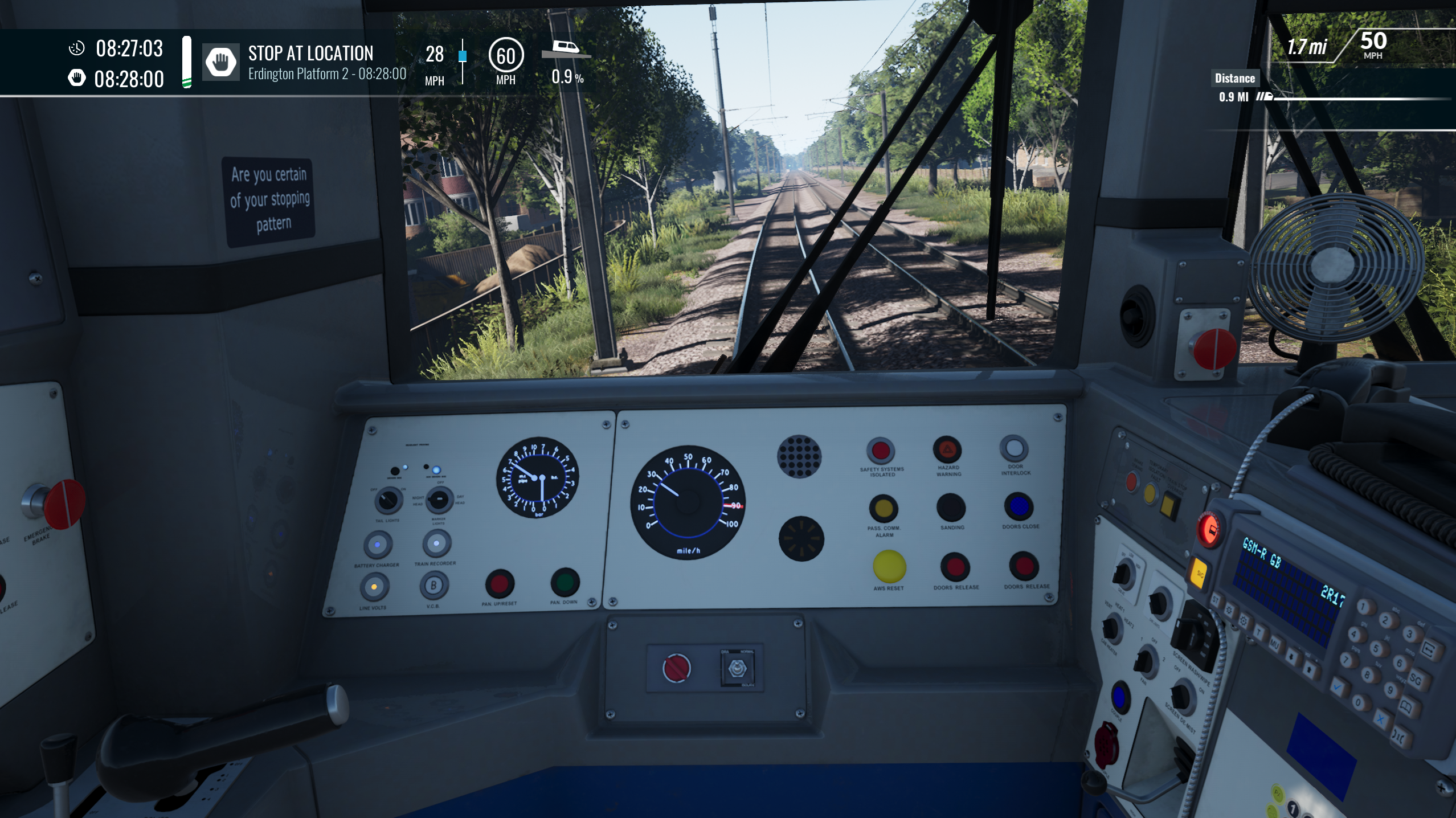


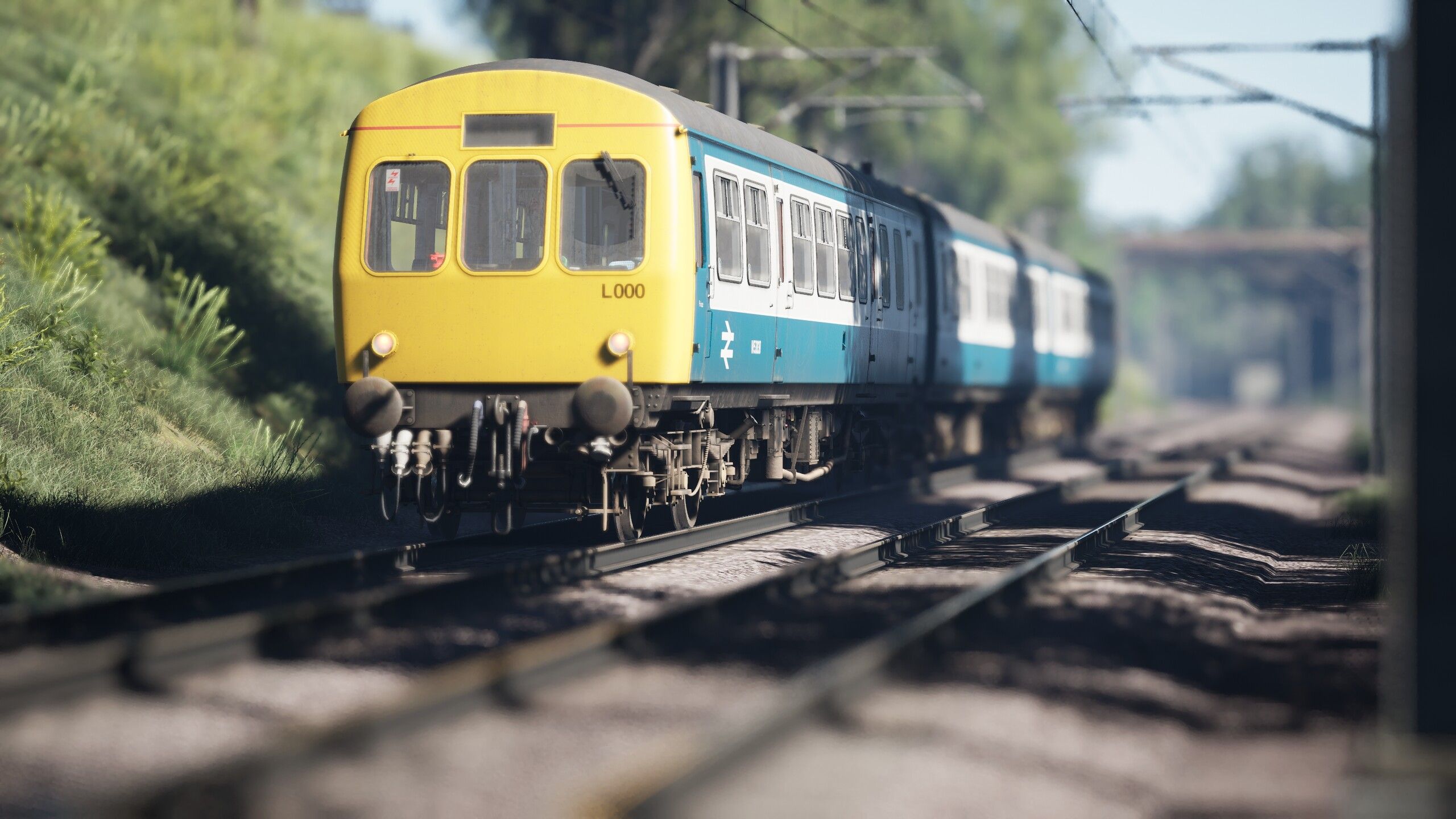
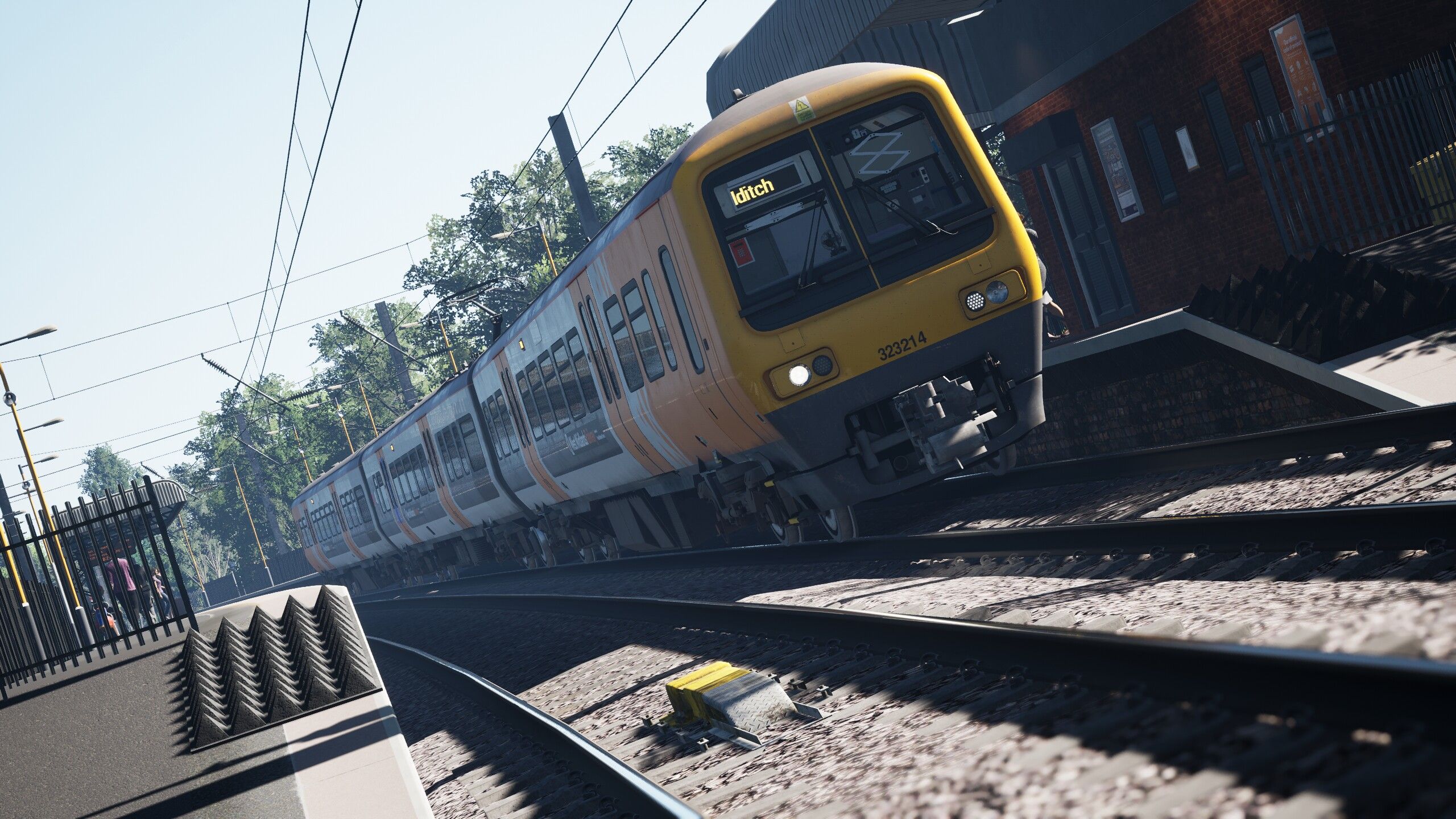
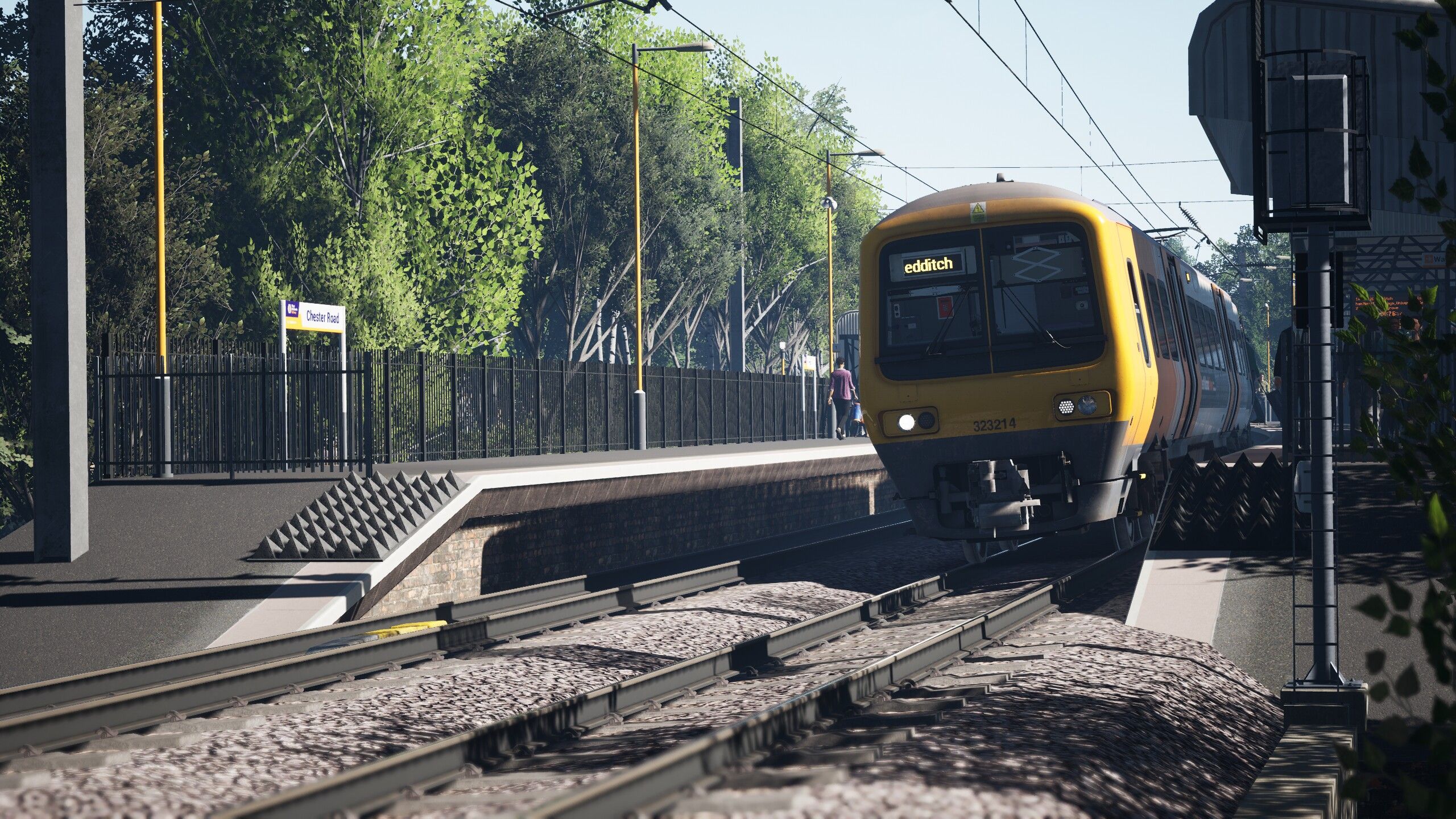



Hi all,
So I am new to TSW again decided to give it another try when TSW 6 come along I am a long time TSC player from the original Rail Simulator to modern day TSC! Yeah it is a long time.
So one thing I hated about all versions of TSW was the stupidly over saturated look and the sheer in your face bloom! Well after many, many, many downloads of different .ini tweaks and mods, God Mode, so many other tweaks to try and find something I class as driveable. So here is what I have come up with it may not suite your tastes so all I can say is give it a go if you don't like it go back to original.
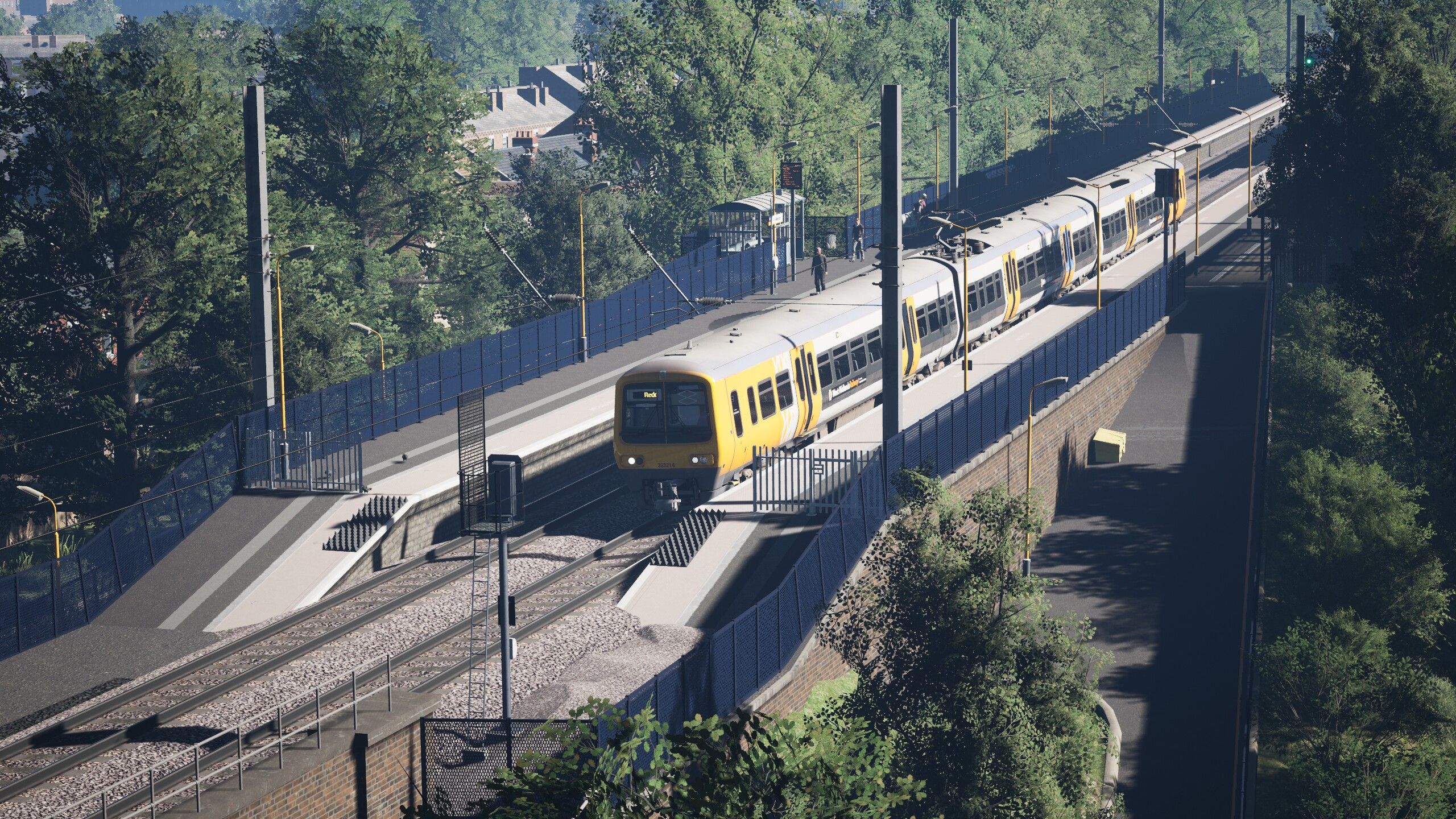
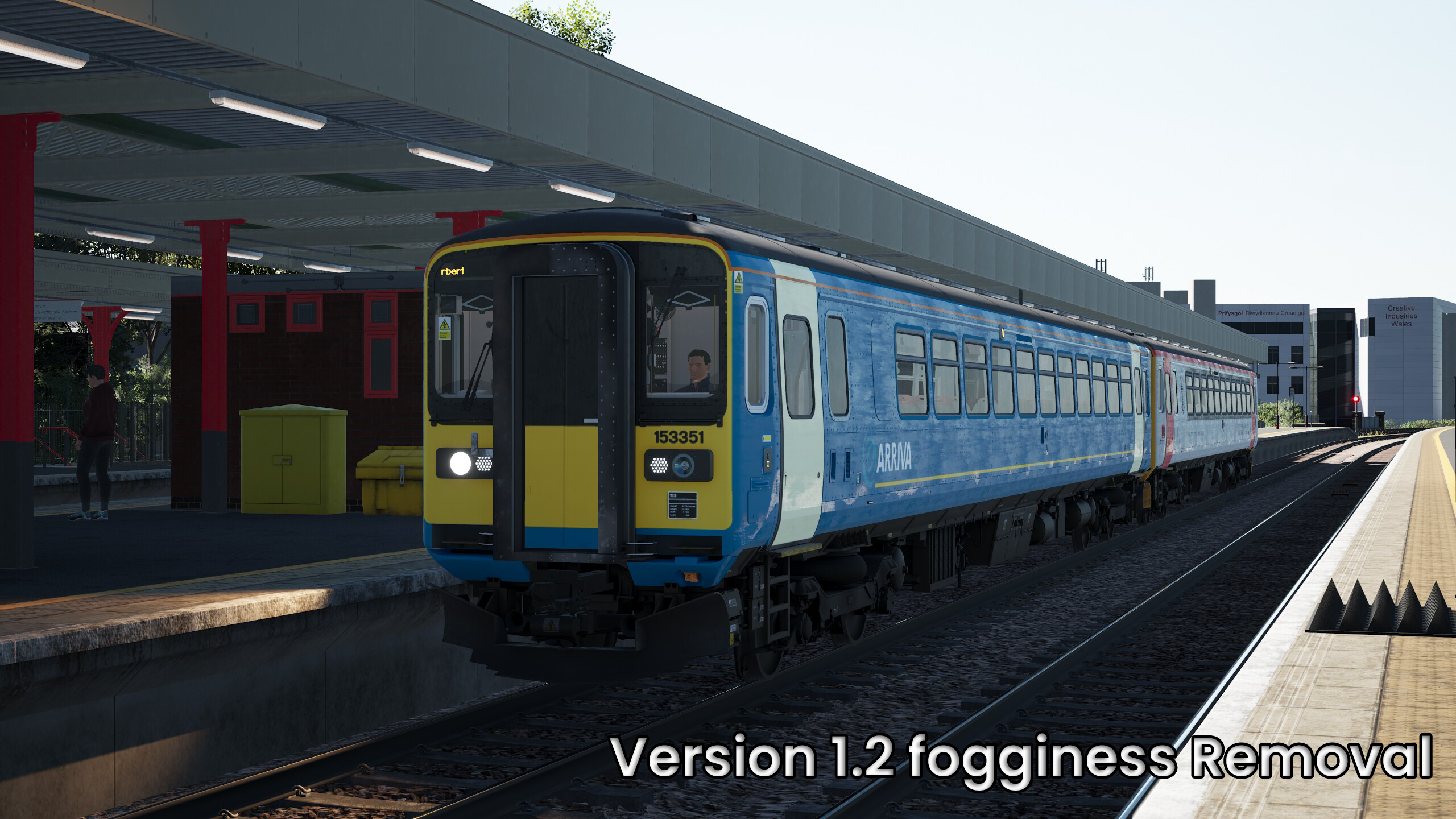
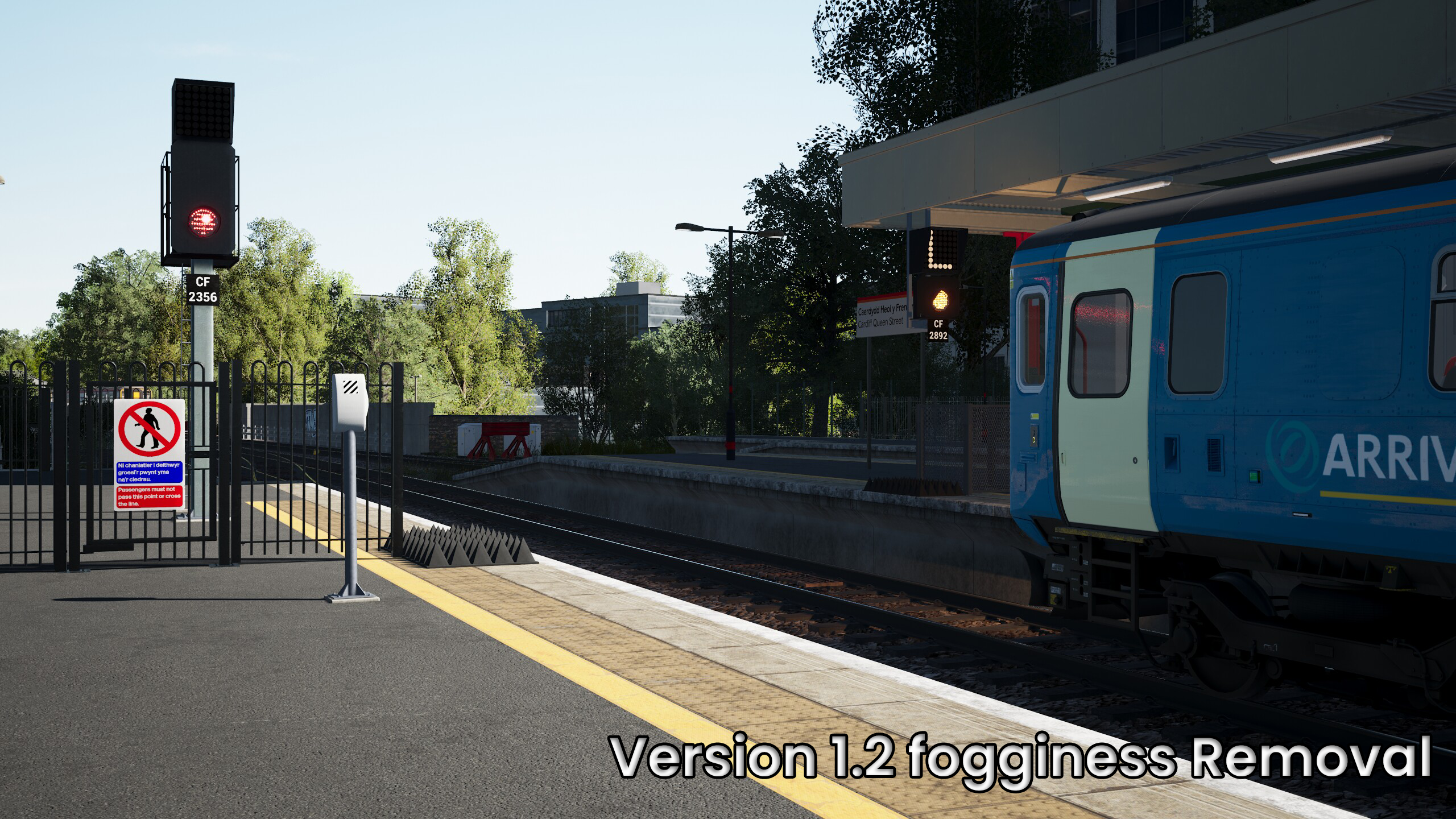
This .ini file has been created using many other .ini tweaks and other bits found online in order to find just the perfect look so while I can't say exactly which ones were used in compiling this I most certainly am thankful to the users who made them for me to understand what done what. You will see a few shots included here taking on the Cross City Line using the Class 323 and with a bit of luck they will do it justice this is for TSW 6 and God Mode is an optional extra but highly recommended so you can play with some settings in game also fully recommended would be TSW 6 - Game Tools v1.2 from Train Sim CZ other mods can all be found right here on Train Sim Community.
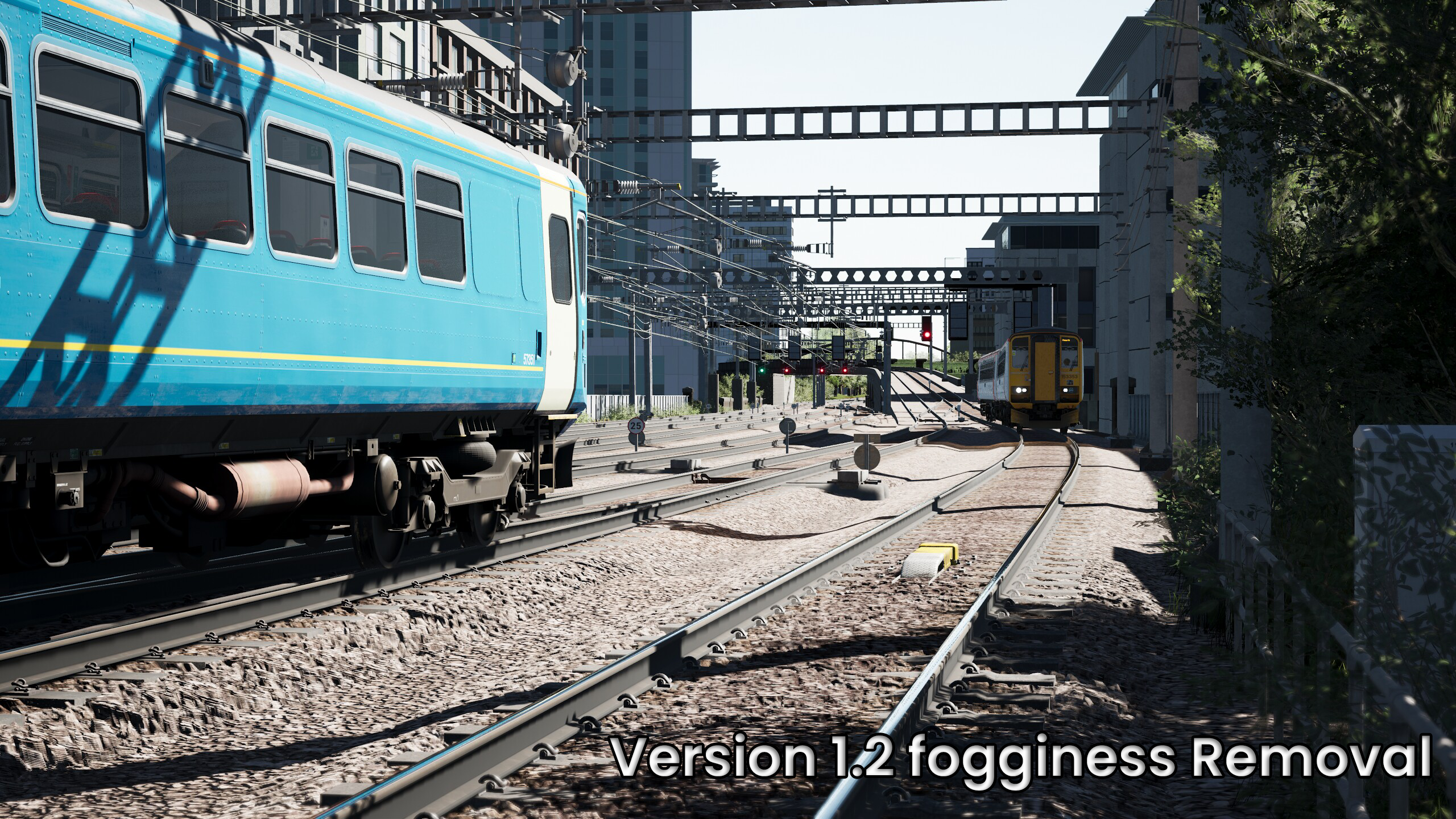
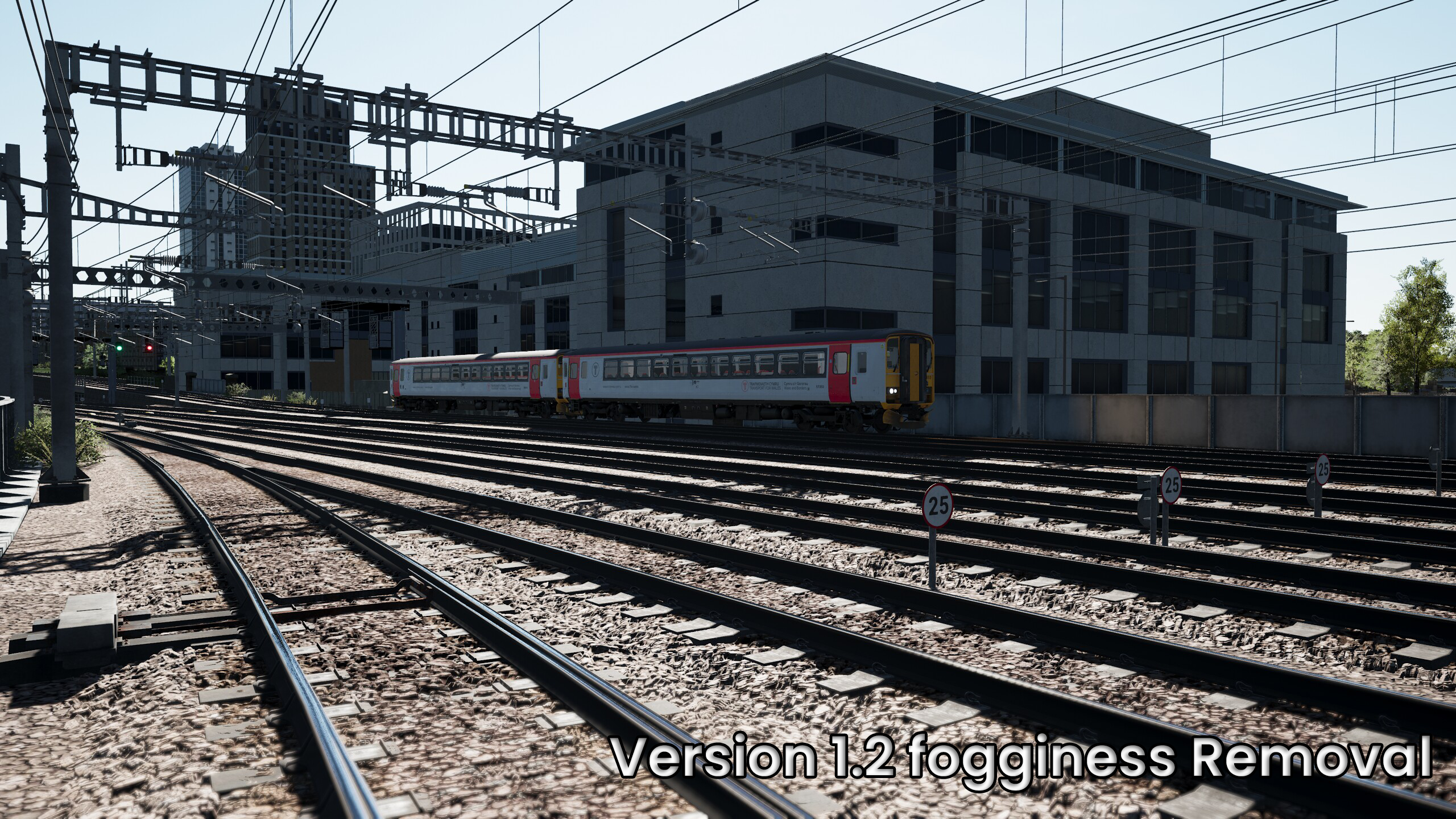
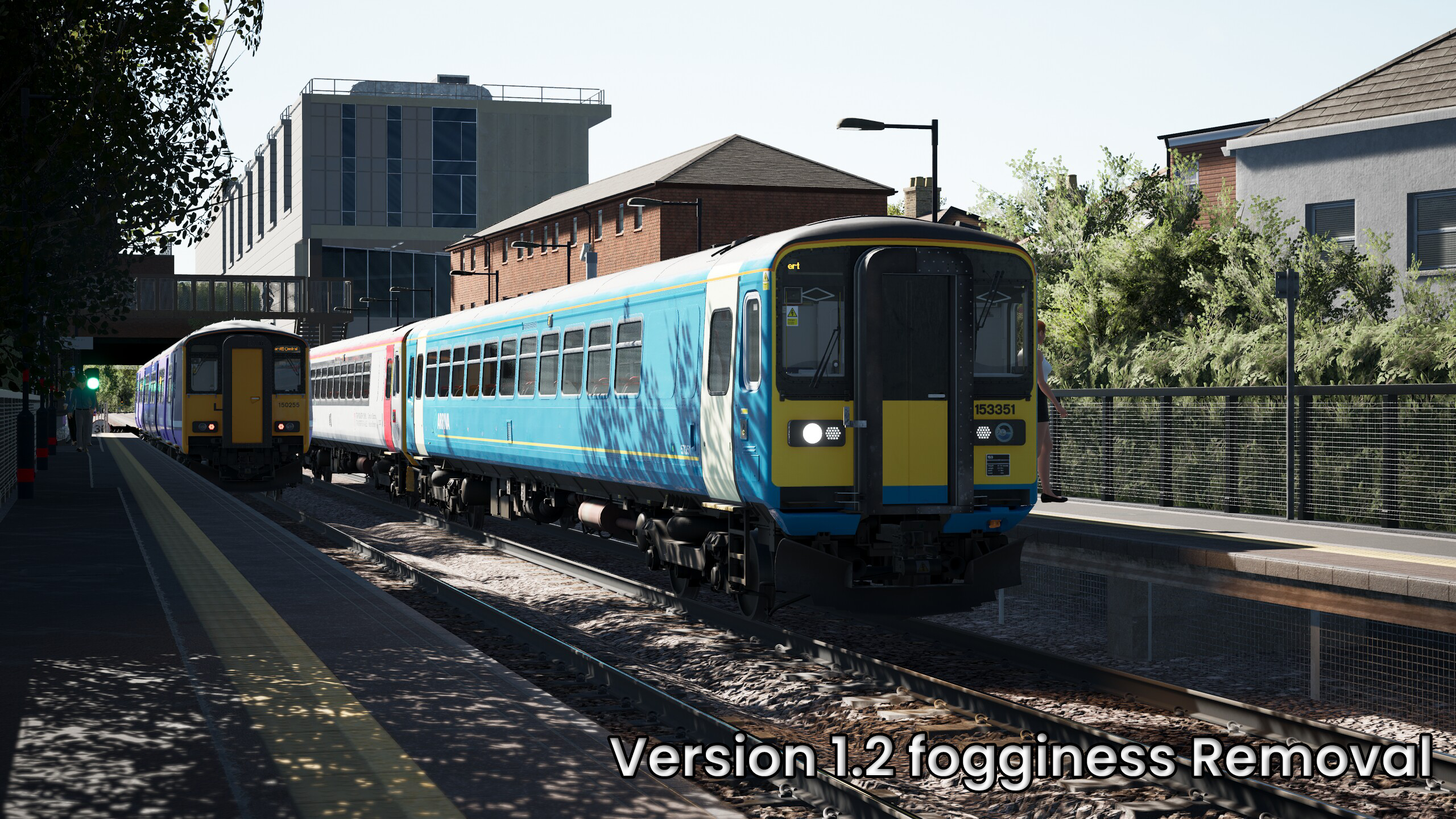
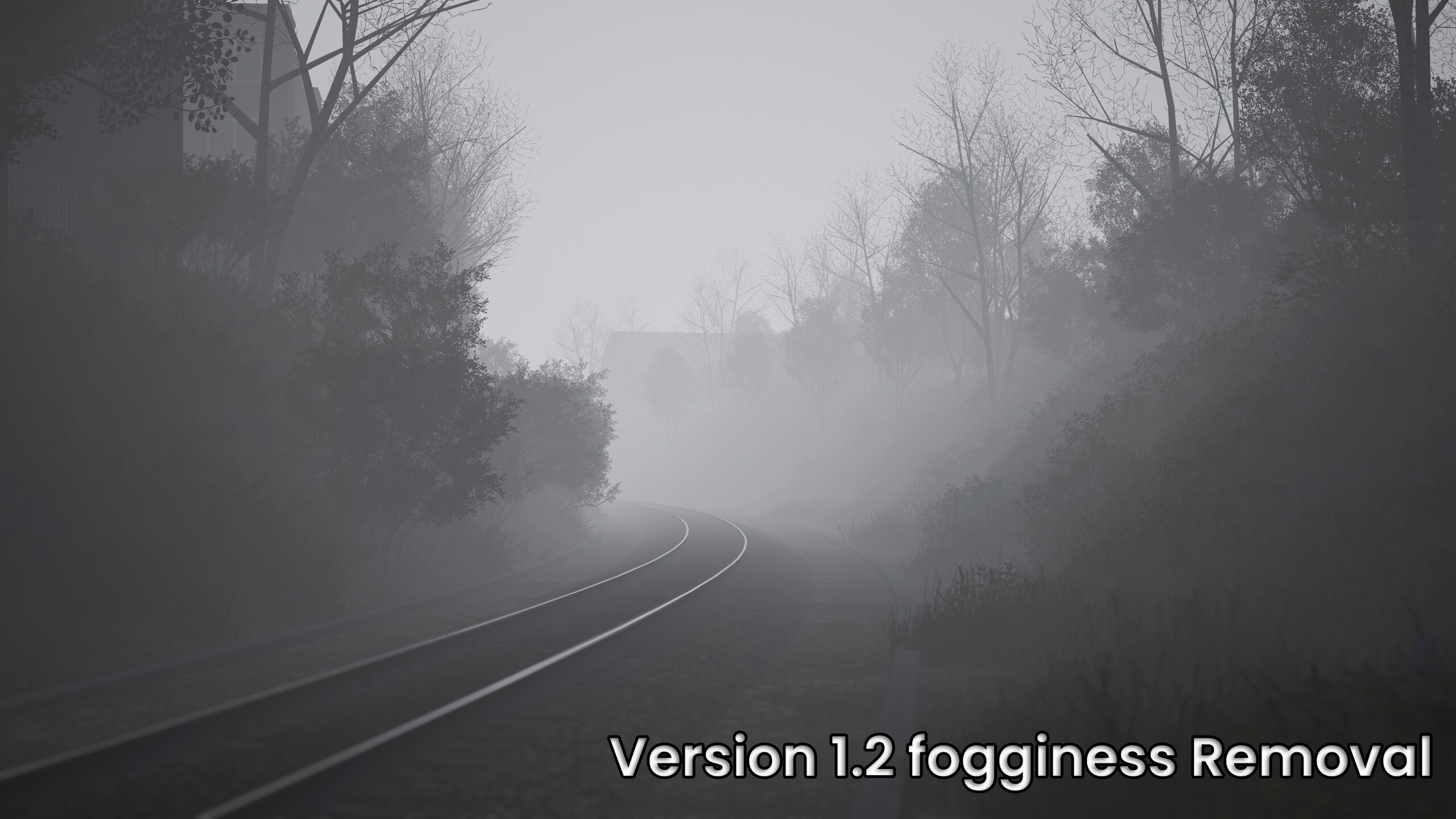
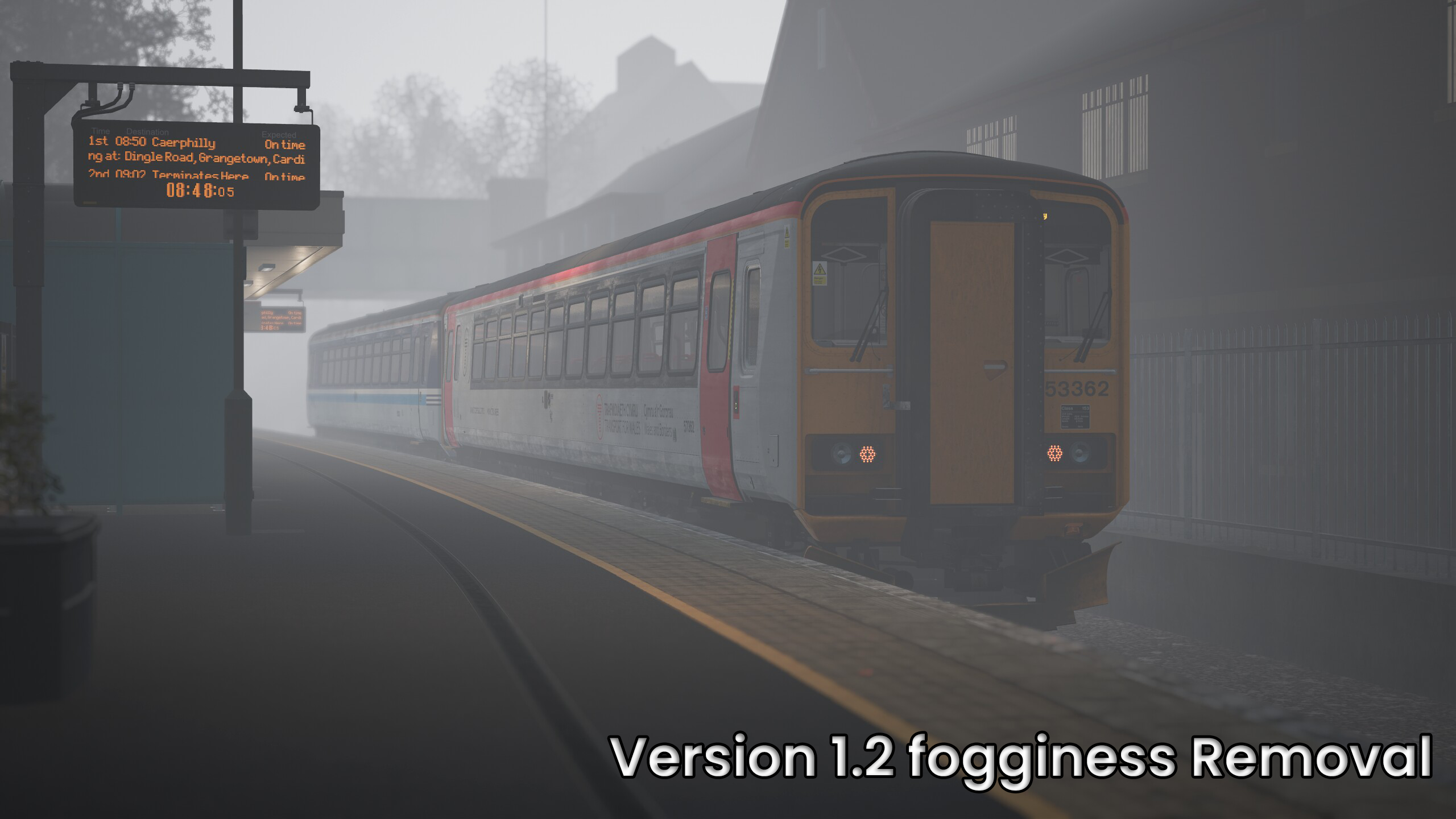
EDIT: V1.2 Removes that fogginess effect seen in the screenshots if you like this stick to the original version 1 But it was really annoying me so I made these changes. Fog removal it is not actually using the flag: r.Fog=0 which is used to eliminate fog altogether from what I can understand I am not 100% sure if the r.Fog=0 would eliminate fog full stop even when using the fog system in TSW6 But I can say version dosn't which can be seen on the screenshots though it does still work fine when driving a scenario/service that you want fog set on.
However again if you like how the pictures from the Cross City Line look then my original v1.0 is the version for you!
Tags: best engineini favourite settings trainsimworld tsw tsw6 tweaks
Dependencies


Installation Instructions
Going off of the Steam base simulator you just need to replace the file found inside of - C:\Users\YourName\Documents\My Games\TrainSimWorld6\Saved\Config\WindowsNoEditor
Please note: One more time before you replace the file make a backup of your original Engine.ini settings encase you want to go back - I put something along the lines of (Engine.ini.BAK) Just so I am always able to revert to older settings.
Additional Comments
Side note: This file is based on the end user having a decent spec rig so please note you may get allot of stuttering and FPS drops if your running on a gaming laptop or a PC that is not the best on performance, My TSW 6 Settings are set to all Ultra.
Recommended in God Mode change the setting: Sun Intensity to 30000.0 This dims and makes the sun look a lot better. I have used: r.AllowHDR=1 But I have not messed with any HDR Values within the .ini file because well let's just say that was a nightmare of epic proportions upon opening the sim! You can feel free to remove this if you don't use/have HDR.
Apart from that hopefully you'll like this tweak and it will give you the effects your looking for in TSW 6 please note that this is my preference's and may not be suitable to everybody else's tastes.
Files
Comments
About this mod

- Created
- 17 Oct 2025
- Updated
- 18 Oct 2025
- Game
- Train Sim World
- Type of content
- Other
- Train Sim World Version
- Train Sim World 6
Loading comments…