TSW6 - RTX5070 TI OC - Engine.ini – Ultra Quality Preset
- by Edelplastic
- 8 upvotes
- Downloaded 2,538 times
Description
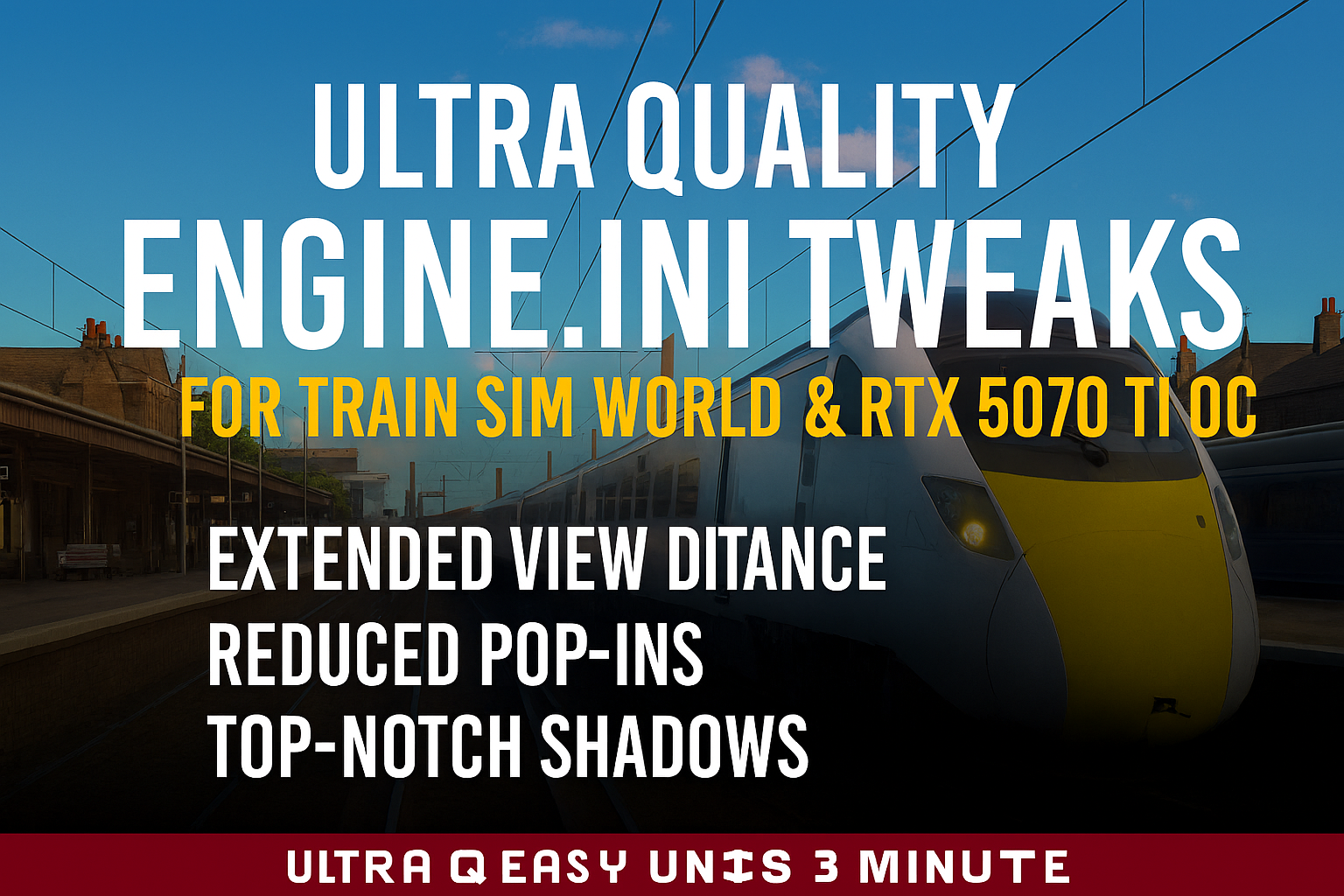
Engine.ini Tweaks for Train Sim World – Ultra Quality Preset (TSW6 Optimized)
This Engine.ini is a fully reworked, high‑end configuration designed to push Train Sim World far beyond its default visual limits.
It is not a random collection of commands – it is a carefully engineered preset that forces the Unreal Engine to render TSW with
maximum clarity, extended draw distances, higher material quality, improved reflections, and dramatically reduced pop‑ins.
If you want the absolute best visual experience TSW can deliver, this file is essential.
View Distance & LOD – Maximum Range, Minimum Pop‑In
• r.ViewDistanceScale=75 and r.LODDistanceFactor=4 extend visibility far beyond the default limits.
• r.StaticMeshLODDistanceScale=0.01 forces static meshes to stay in their highest LOD for as long as possible.
• r.SkeletalMeshLODBias=-4 / r.MipMapLODBias=-4 / r.LODBias=-3 ensure higher‑quality textures and models load earlier.
• Foliage settings increase density and maintain high‑quality vegetation at long distances.
• r.LODFadeTime=2 smooths transitions between LODs.
Result: distant scenery, buildings, trains, and vegetation stay sharp and stable instead of popping in.
Texture Streaming – Full‑Quality Textures at All Times
• r.TextureStreaming=0 disables streaming entirely.
• A large 12 GB texture pool ensures high‑resolution textures remain fully loaded.
• Aggressive streaming parameters reduce micro‑pop‑ins during fast movement.
• r.MaxAnisotropy=16 provides razor‑sharp track and terrain textures at oblique angles.
Result: no blurry textures, no late loading, no streaming artifacts.
Material & Surface Quality – Enhanced PBR Rendering
• r.MaterialQualityLevel=1 forces the highest material quality.
• Improves metal surfaces, glass, wet materials, and reflective train bodies.
Result: more realistic lighting, reflections, and surface detail.
Reflections (SSR) – High‑Fidelity Screen Space Reflections
• r.SSR.Quality=4 and r.SSR.Temporal=1 deliver the best SSR TSW can produce.
• Stabilized reflections through TAA history.
Result: cleaner, more stable reflections on windows, puddles, and glossy surfaces.
Shadows – Maximum Resolution & Distance
• r.Shadow.DistanceScale=25 extends shadow rendering far into the distance.
• r.Shadow.CSM.MaxCascades=8 and r.Shadow.MaxResolution=8192 provide ultra‑sharp shadows.
• Distance Field Shadows & AO enabled for deeper, more realistic shading.
• r.AOMaxViewDistance=20000 extends ambient occlusion visibility dramatically.
Result: sharper, more natural shadows with far less fading and popping.
Anti‑Aliasing & Post‑Processing – Sharper, Cleaner Image
• r.PostProcessAAQuality=6 with 16 TAA samples reduces shimmering.
• r.TemporalAAFilterSize=0.7 and r.TemporalAACurrentFrameWeight=0.04 sharpen the image.
• Chromatic aberration, film grain, and blur are disabled for a clean, modern look.
• r.ToneMapper.Sharpen=0.8 adds clarity without oversharpening.
Result: a crisp, stable image with minimal artifacts.
Shader Preloading & Pipeline Cache – NEW in this Version
These additions are the biggest improvement over the previous preset.
• r.CreateShadersOnLoad=1 forces shaders to compile during loading screens.
• Shader Pipeline Cache timings optimized for aggressive precompilation.
• DXC compiler enabled for more stable shader generation.
• Async shader preloading and caching reduce runtime stutters significantly.
Result: noticeably smoother gameplay with fewer shader‑related hitches.
Threading & Render Pipeline
• r.GTSyncType=1 and r.OneFrameThreadLag=1 improve responsiveness.
• r.RenderTargetPoolMin=1024 ensures enough memory for high‑resolution buffers.
Garbage Collection & Streaming Granularity
• Optimized GC intervals reduce micro‑stutters.
• Fine‑grained streaming registration improves tile loading smoothness.
Why You Should Download This File
This preset is not a simple tweak – it is the result of extensive testing,
reverse‑engineering of TSW’s engine behavior, and careful balancing of Unreal Engine parameters.
It delivers:
✓ Maximum view distance
✓ Minimum pop‑in
✓ Sharper textures
✓ Higher material quality
✓ Better reflections
✓ Cleaner post‑processing
✓ Smoother shader performance
If you want TSW to look and feel like a modern, cinematic simulation, this file is the fastest and most effective way to achieve it.
Important Note
These tweaks cannot override developer‑defined LODs inside the 3D assets themselves.
Some limitations are hardcoded into the models and materials.
Additional Technical Notice – First-Generation TSW1 Routes
Some users have reported issues with incorrectly initialized junctions when using
heavily modified Engine.ini presets on certain very early Train Sim World routes.
This behavior is not caused by the preset itself, but by the internal structure
of these early‑generation routes.
The earliest TSW1 routes were built on an older version of the Unreal Engine and
still rely on legacy track and junction blueprints. These first‑generation
blueprint systems are significantly less tolerant to high engine load during
scenario initialization.
While this behavior has been confirmed on routes such as CSX Heavy Haul and
West Somerset Railway, it may also potentially affect other very early TSW1
routes that were created using the same blueprint generation — even if no issues
have been observed on them so far.
When the game is forced to process extremely large view distances, ultra‑high
shadow resolutions, disabled texture streaming, or other heavy rendering tasks
during the loading phase, the engine may delay the arrival of certain track data.
Because the junction logic on these early routes initializes very early and
without modern fallback checks, this can result in:
• junctions loading in their default state
• AI dispatcher reservations occurring too early
• incorrect switch positions at scenario start
This behavior is limited to early‑generation TSW1 routes.
All later TSW1 routes — and all routes released from TSW2 onward — use updated
blueprint systems and more robust initialization logic, and are not affected.
This is a limitation of the original blueprint design of these early routes and
cannot be corrected through Engine.ini modifications.
What’s coming next?
The core adjustments to the actual Engine.ini are now essentially complete.
At this point, there is nothing further that can be extracted from the engine
itself in terms of raw performance or rendering features.
The next phase will focus on a series of colour‑grading and lighting refinements
to achieve a more realistic overall visual presentation of the simulator.
These enhancements will be tailored exclusively to the latest generation of TSW
lighting modules, as it is expected that additional remastered routes will be
released in the future. As a result, optional third‑party lighting mods will
gradually become obsolete and may even cause incorrect lighting behaviour on
older routes that still use legacy lighting systems.
To support these visual improvements, dedicated GodMode profiles will be
provided. However, I cannot give a release timeframe yet, as a large number of
individual parameters must be aligned and fine‑tuned to ensure consistent
results across all times of day and all seasons.
All adjustments are created in 4K resolution and calibrated specifically for
modern OLED/QLED displays. Depending on the display technology used, colour
deviations may occur on older or outdated screens.
Hardware Requirements & Disclaimer
This preset is designed for high‑end hardware with at least 16 GB VRAM.
Tested only on an RTX 5070 Ti OC with an Intel i9 Ultra 285K and 48 GB DDR5 RAM at 8000 MT/s.
Use at your own risk. Stability may vary depending on your system.
Warning
These settings are extremely demanding.
Lower‑end systems should reduce ViewDistanceScale or Shadow.MaxResolution to maintain performance.
Download
The full Engine.ini is included in the download.
Copy it into your TSW configuration folder to apply all settings instantly.
If you want the highest possible visual quality in Train Sim World, this file is essential.
Tags: engineini graphics preset shader tsw6 tweaking tweaks ultra
Requirements
These tweaks are designed for maximum quality and require a GPU with at least 16 GB VRAM.
Installation Instructions
Installation Guide for Engine.ini Tweaks
Download the provided Engine.ini file.
Navigate to the Train Sim World configuration folder:
Path: C:\Users<YourName>\Documents\My Games\TrainSimWorld6\Saved\Config\WindowsNoEditor\Before replacing anything, create a backup of your current Engine.ini file:
- Copy the existing Engine.ini and rename it to Engine.ini.old
- This allows you to restore your original settings at any time.
Copy the downloaded Engine.ini file into the folder above, replacing the existing file.
Set the new Engine.ini file to read-only:
- Right-click the file → Properties → Check "Read-only" → Apply.
- This step is essential, otherwise Train Sim World will overwrite your custom values on the next launch.
(Optional but recommended) Clear the NVIDIA shader cache once:
- Open the NVIDIA Control Panel → Manage 3D Settings → Scroll down to "Shader Cache".
- Disable it, apply the settings, then re-enable it again.
- Alternatively, manually delete the NVIDIA shader cache folder:
C:\Users<YourName>\AppData\Local\NVIDIA\DXCache
C:\Users<YourName>\AppData\Local\NVIDIA\GLCache - On the next launch, the game will rebuild the shaders with your new settings applied.
Start Train Sim World and enjoy the enhanced visuals.
Important Notes
- Always keep your backup (Engine.ini.old) in case you want to revert to the original settings.
- These tweaks are designed for maximum quality and require a GPU with at least 16 GB VRAM.
- Tested only with an RTX 5070 Ti OC, paired with an Intel i9 Ultra 285K CPU and 48 GB CUDIMM DDR5 RAM.
- Performance and stability may vary on other hardware configurations.
- I take no responsibility or liability for any potential issues, crashes, or damages caused by using these settings.
Files
V1.03
• Shader preloading enabled (r.CreateShadersOnLoad=1)
• Optimized shader pipeline cache timings
• DXC compiler forced for more stable shaders
• Async shader precompilation & predraw enabled
• MaterialQualityLevel=1 (highest material quality)
• SSR upgraded (r.SSR.Quality=4 + Temporal=1)
• MaxAnisotropy=16 for sharper textures
Comments
About this mod

- Created
- 13 Dec 2025
- Updated
- 13 Feb 2026
- Game
- Train Sim World
- Type of content
- Other
- Train Sim World Version
- Train Sim World 6
Loading comments…