creators club livery importing to PC editor instructions
- by Mad31basher
- 2 upvotes
- Downloaded 589 times
Description
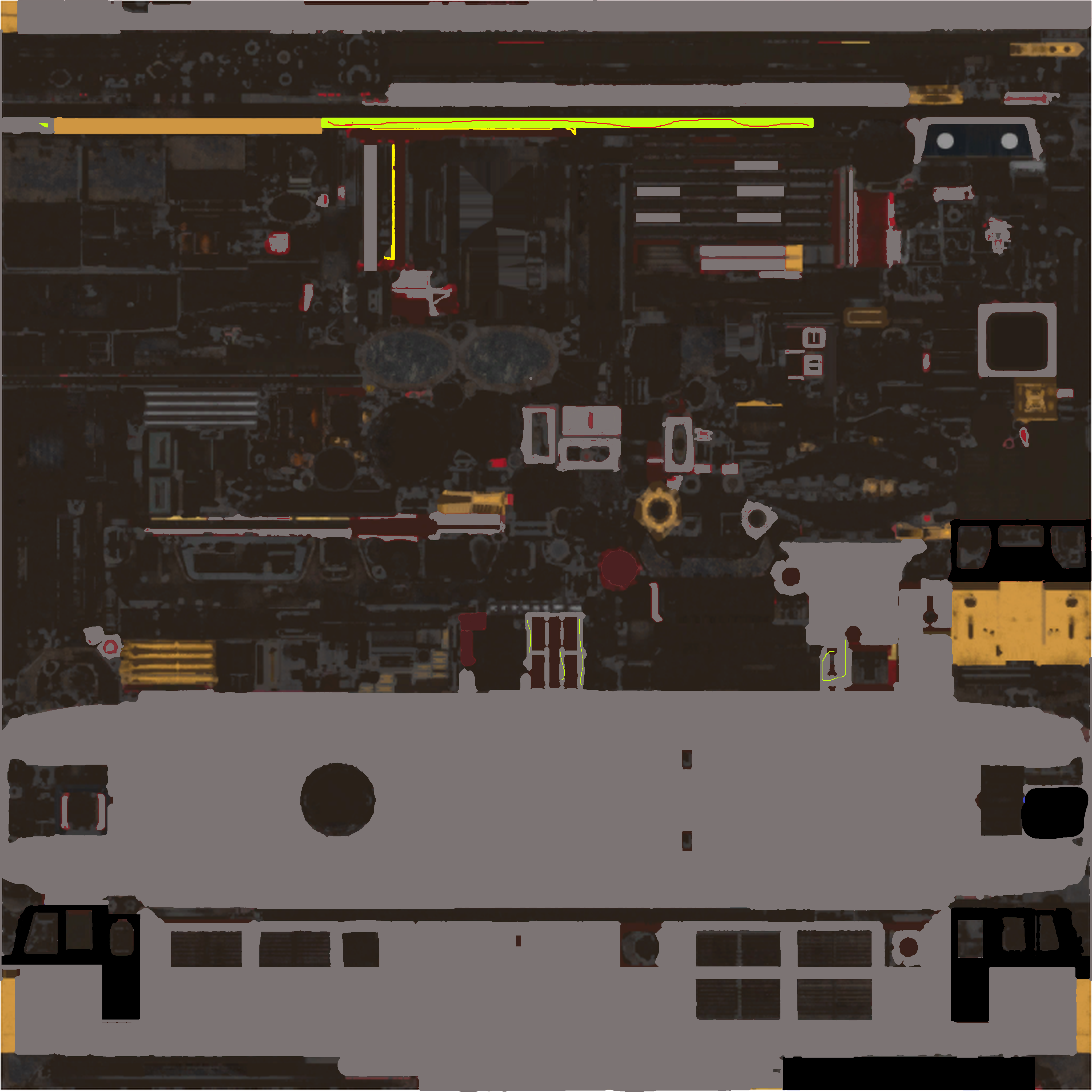
Here is the instructions on how to import creators club liverys in to the PC editor for custom liverys, hope you find it useful, if you need any help, enjoy
Tags: livery
Files
Comments
About this mod

- Created
- 9 Jul 2024
- Updated
- 9 Jul 2024
- Game
- Train Sim World
- Type of content
- Other
- Train Sim World Content
- Amtrak's Acela, Arosalinie: Chur - Arosa, Bahnstrecke Bremen - Oldenburg, Bahnstrecke Salzburg - Rosenheim, Bakerloo Line, Berninalinie: Tirano - Ospizio Bernina, Birmingham Cross-City Line, Blackpool Branches: Preston - Blackpool & Ormskirk, BNSF SD70ACe, BR Class 20 'Chopper', BR Class 31, BR Class 33, BR Class 52 'Western', BR Heavy Freight Pack, Brighton Main Line: London Victoria - Brighton, Cajon Pass, Caltrain MP15DC Diesel Switcher, Caltrain MP36PH-3C 'Baby Bullet', Canadian National Oakville Subdivision: Hamilton - Oakville, Cane Creek: Thompson - Potash, Cargo Line Vol. 1 - Petroleum, Cargo Line Vol. 2 - Aggregates, Cathcart Circle Line: Glasgow - Newton & Neilston, Centro Regional Railways BR Class 323, Clinchfield Railroad: Elkhorn - Dante, CSX C40-8W, DB BR 101, DB BR 155, DB BR 182, DB BR 187, DB BR 204, DB BR 218, DB BR 363, DB BR 403 ICE 3 Railbow, DB G6 Diesel Shunter, Diesel Legends of the Great Western, Dispolok BR 182, East Coast Mainline: Peterborough to Doncaster, East Coastway: Brighton - Eastbourne & Seaford, Edinburgh - Glasgow: Engineering Express Pack, Fife Circle Line: Edinburgh - Markinch via Dunfermline & Kirkcaldy, Glossop Line: Manchester - Hadfield & Glossop, Great Western Express, Harlem Line: Grand Central Terminal - North White Plains, Hauptstrecke Hamburg - Lübeck, Hauptstrecke München - Augsburg, Hauptstrecke Rhein-Ruhr: Duisburg - Bochum, Horseshoe Curve: Altoona - Johnstown & South Fork, Island Line 2022: BR Class 484 EMU Add-On, Isle Of Wight: Ryde - Shanklin, LGV Méditerranée: Marseille - Avignon, Linke Rheinstrecke: Mainz - Koblenz, LIRR Commuter: New York - Long Beach, Hempstead & Hicksville, LIRR M3 EMU, LNER Class A3 60103 Flying Scotsman, London Overground Suffragette line: Gospel Oak - Barking Riverside, London Underground 1938 Stock EMU, Long Island Rail Road: New York - Hicksville, Main Spessart Bahn: Aschaffenburg - Gemünden, Maintalbahn: Aschaffenburg - Miltenberg, Metrolink Antelope Valley Line: Los Angeles - Lancaster, Midland Main Line: Leicester - Derby & Nottingham, Nahverkehr Dresden - Riesa, New Journeys - CSX SD40 (TSW 3), New Journeys - S-Bahn Köln BR 423 (TSW 3), New Journeys - Silver 1972 Tube Stock (TSW 3), New Journeys Expansion (TSW 2 bundle), Niddertalbahn, Norfolk Southern Heritage Livery Collection, Northeast Corridor: Boston - Providence, Northeast Corridor: New York - Trenton, Northern Trans-Pennine: Manchester - Leeds, Peak Forest Railway: Ambergate - Chinley & Buxton, Peninsula Corridor: San Francisco - San Jose, Rail Head Treatment Train, Rail Operations Group BR Class 37/7, Railpool BR 193 Vectron, Rapid Transit, RhB Anniversary Collection, RhB Arosa Aggregates Pack, Rhein-Ruhr Osten: Wuppertal - Hagen, Ruhr-Sieg Nord: Hagen - Finnentrop, S-Bahn Vorarlberg: Lindau - Bludenz, S-Bahn Zentralschweiz: Luzern - Sursee, Sand Patch Grade, Santa Fe F7, Schnellfahrstrecke Kassel - Würzburg, Schnellfahrstrecke Köln-Aachen, ScotRail Express: Edinburgh - Glasgow, Semmeringbahn: Wiener Neustadt - Mürzzuschlag, Sherman Hill: Cheyenne - Laramie, Southeastern BR Class 465 EMU, Southeastern Highspeed, Southern BR Class 313 EMU, Spirit of Steam: Liverpool Lime Street - Crewe, Tees Valley Line: Darlington – Saltburn-by-the-Sea, Thameslink BR Class 700/0 EMU, Tharandter Rampe: Dresden - Chemnitz, Union Pacific Heritage Livery Collection, West Cornwall Local: Penzance - St Austell & St Ives, West Cornwall Steam Railtour, West Somerset Railway
- Train Sim World Version
- Train Sim World 4


Loading comments…