Train Sim World 2 - 5 ReshadePreset from Yami
- by Yami
- 4 upvotes
- Downloaded 648 times
Description
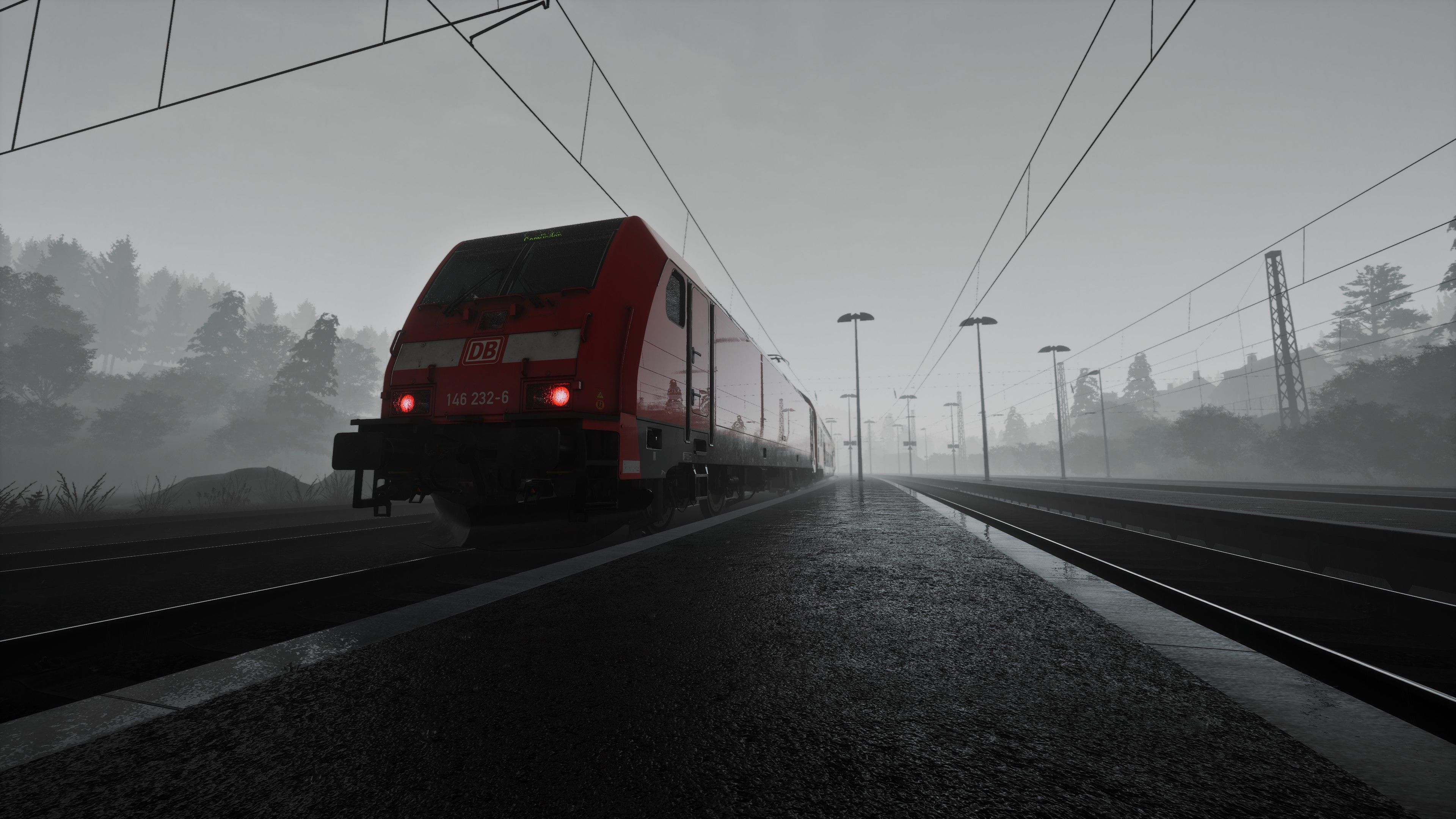
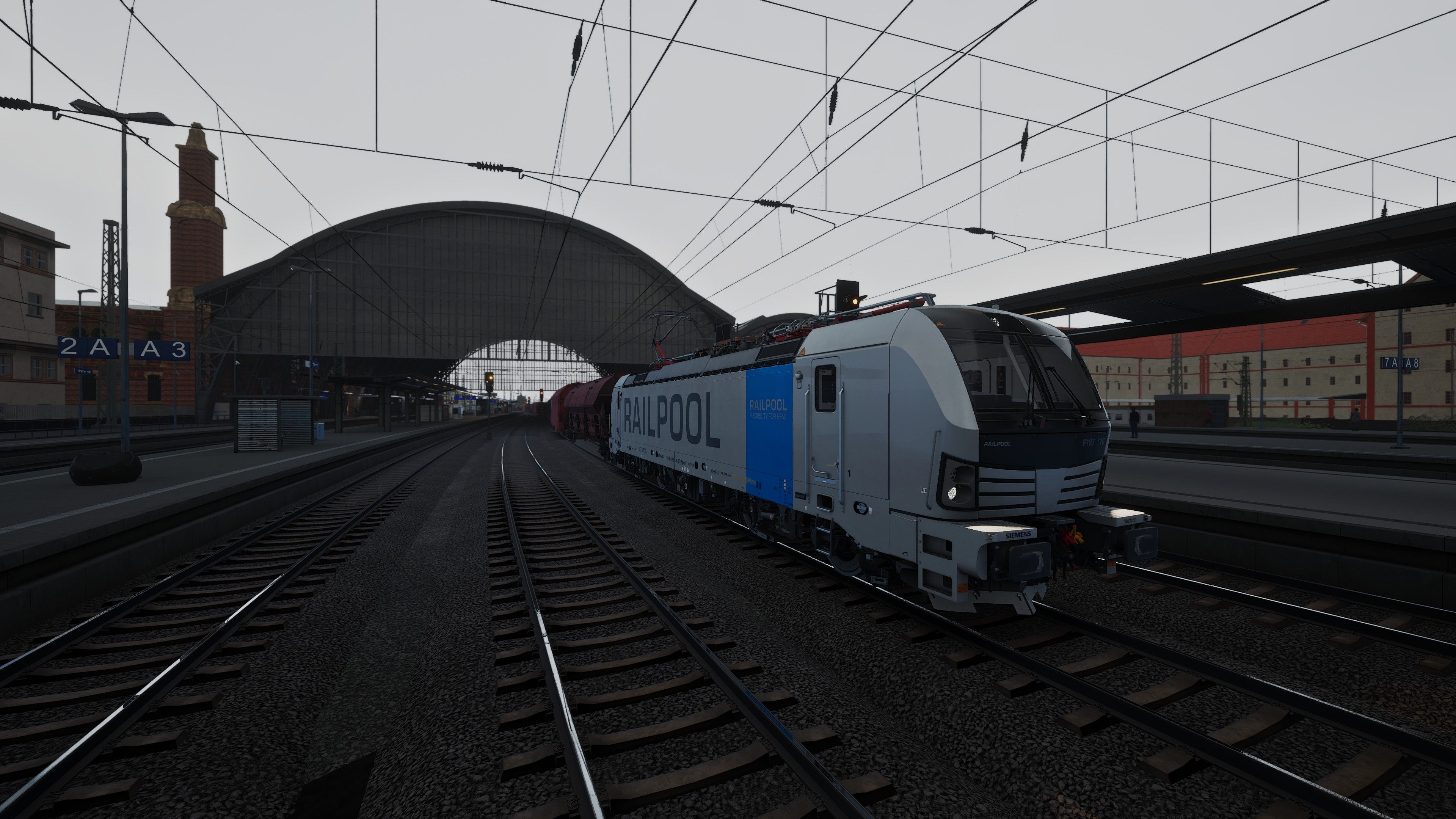
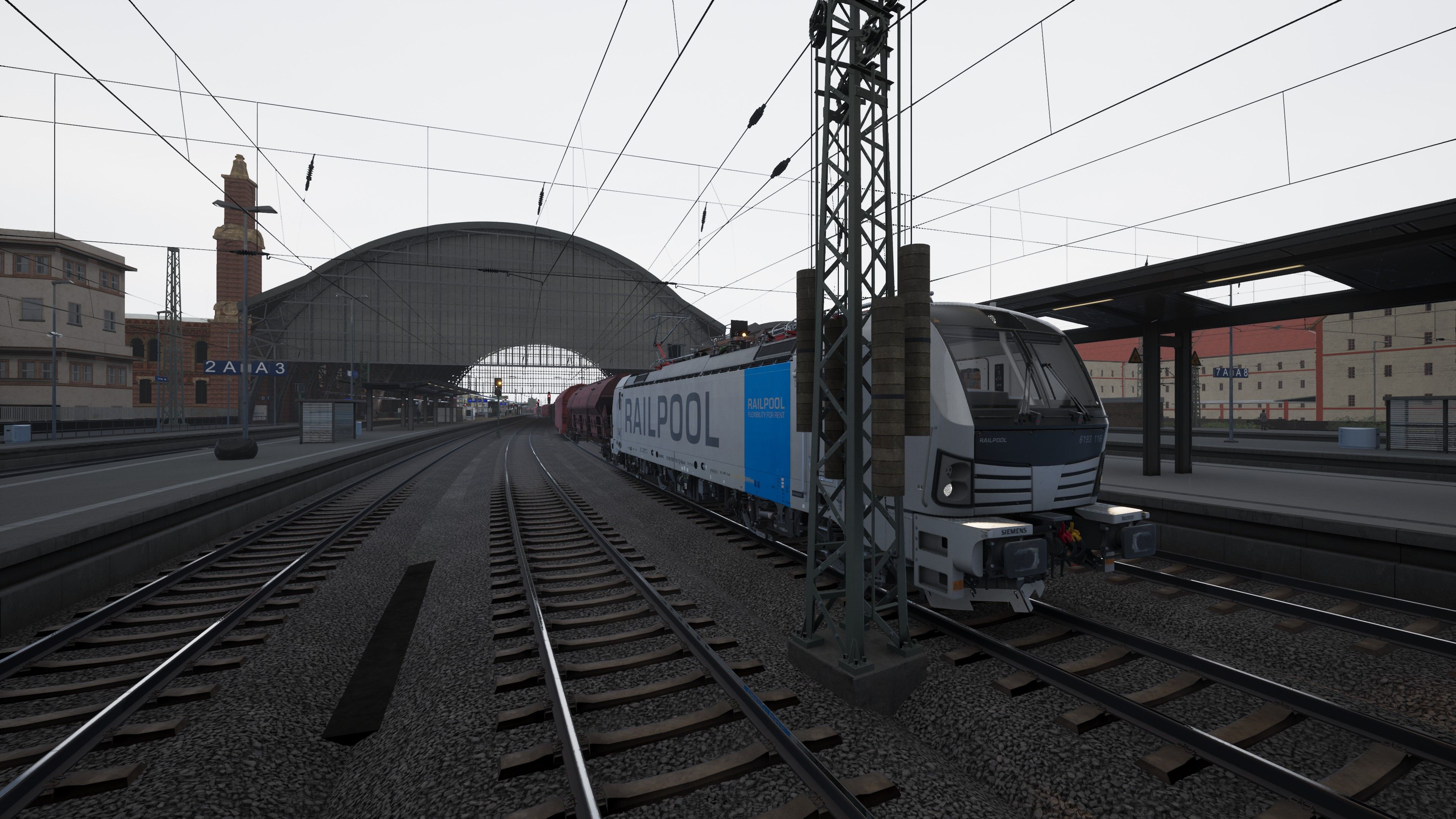
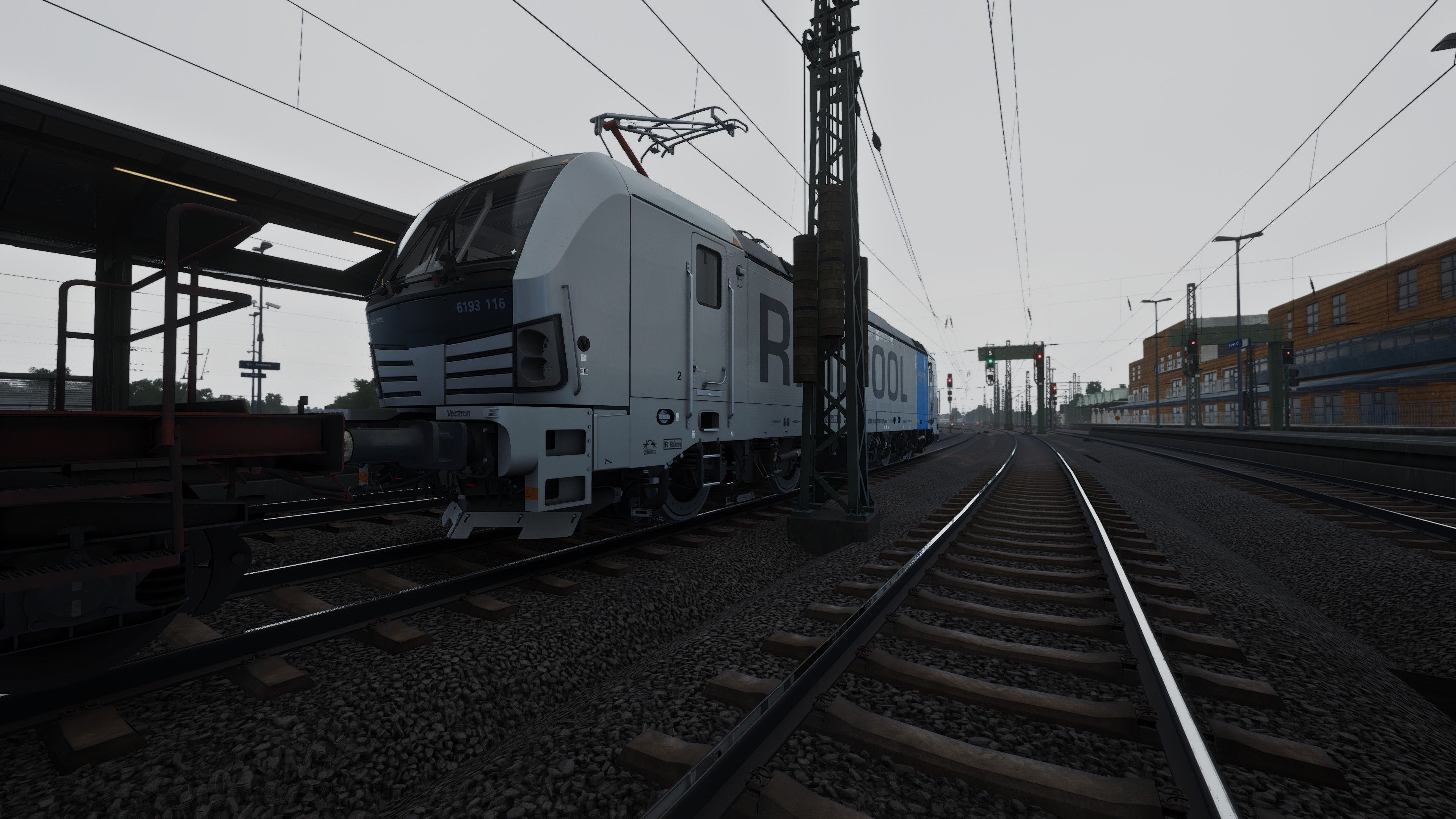
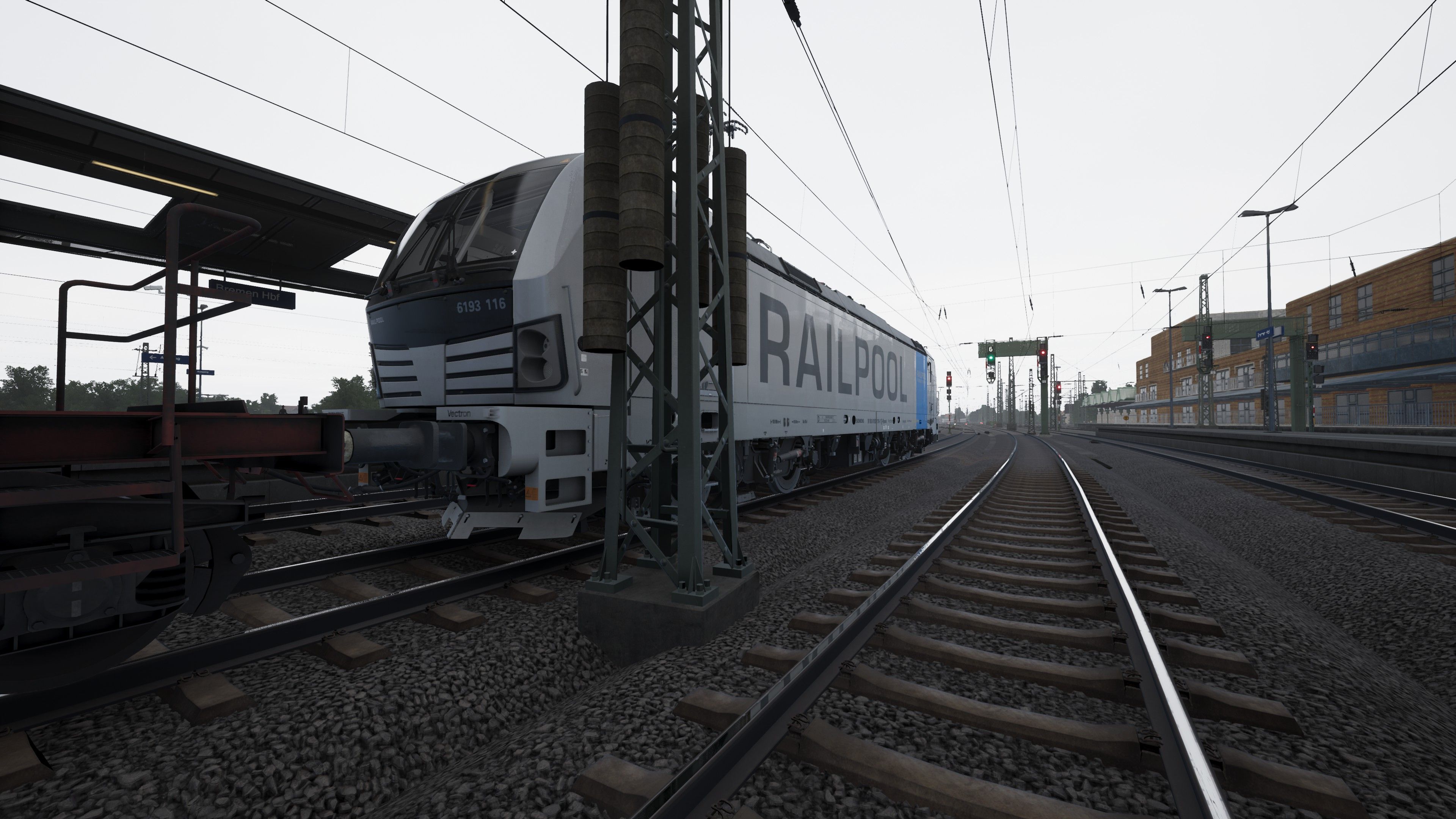
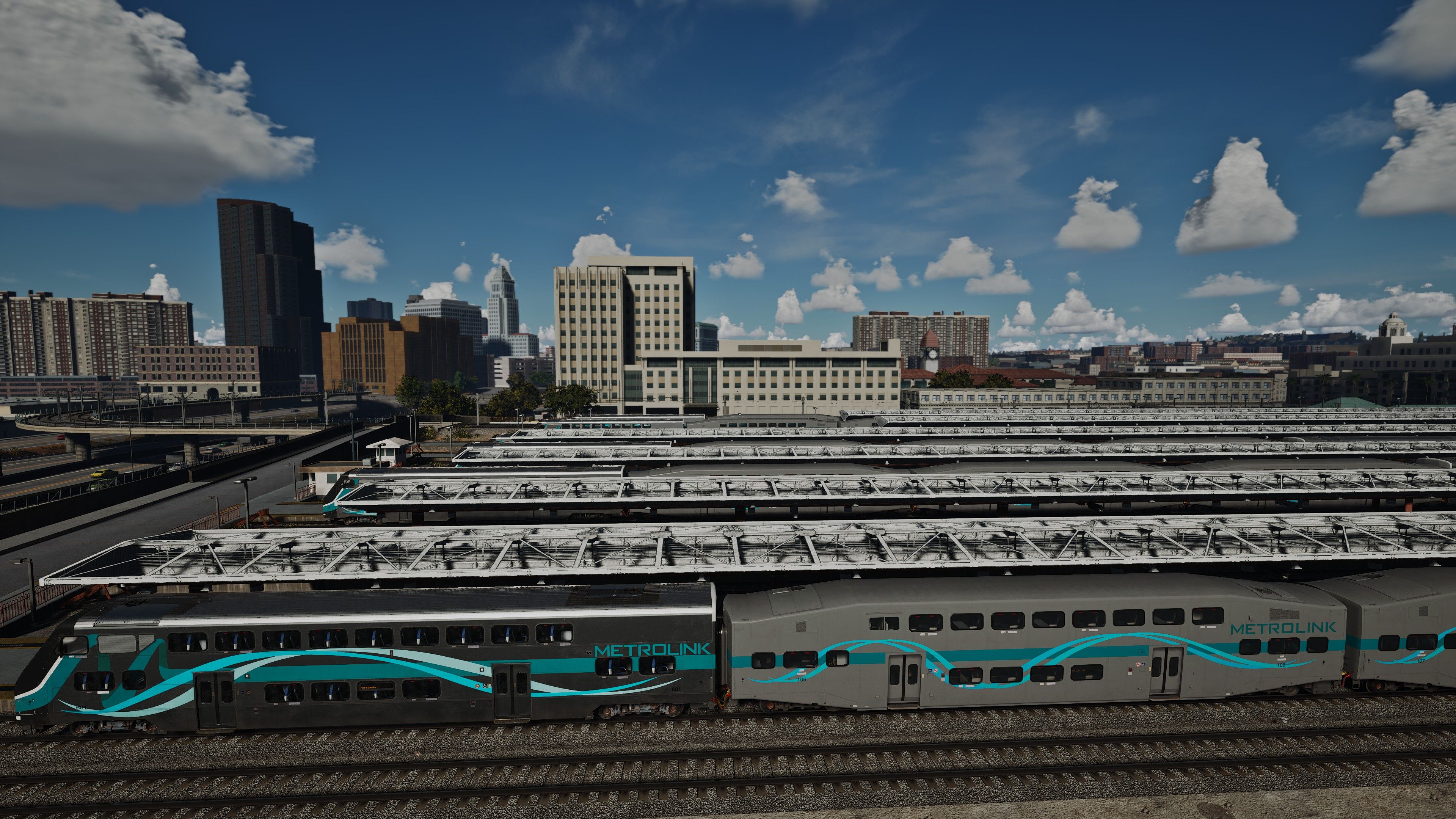
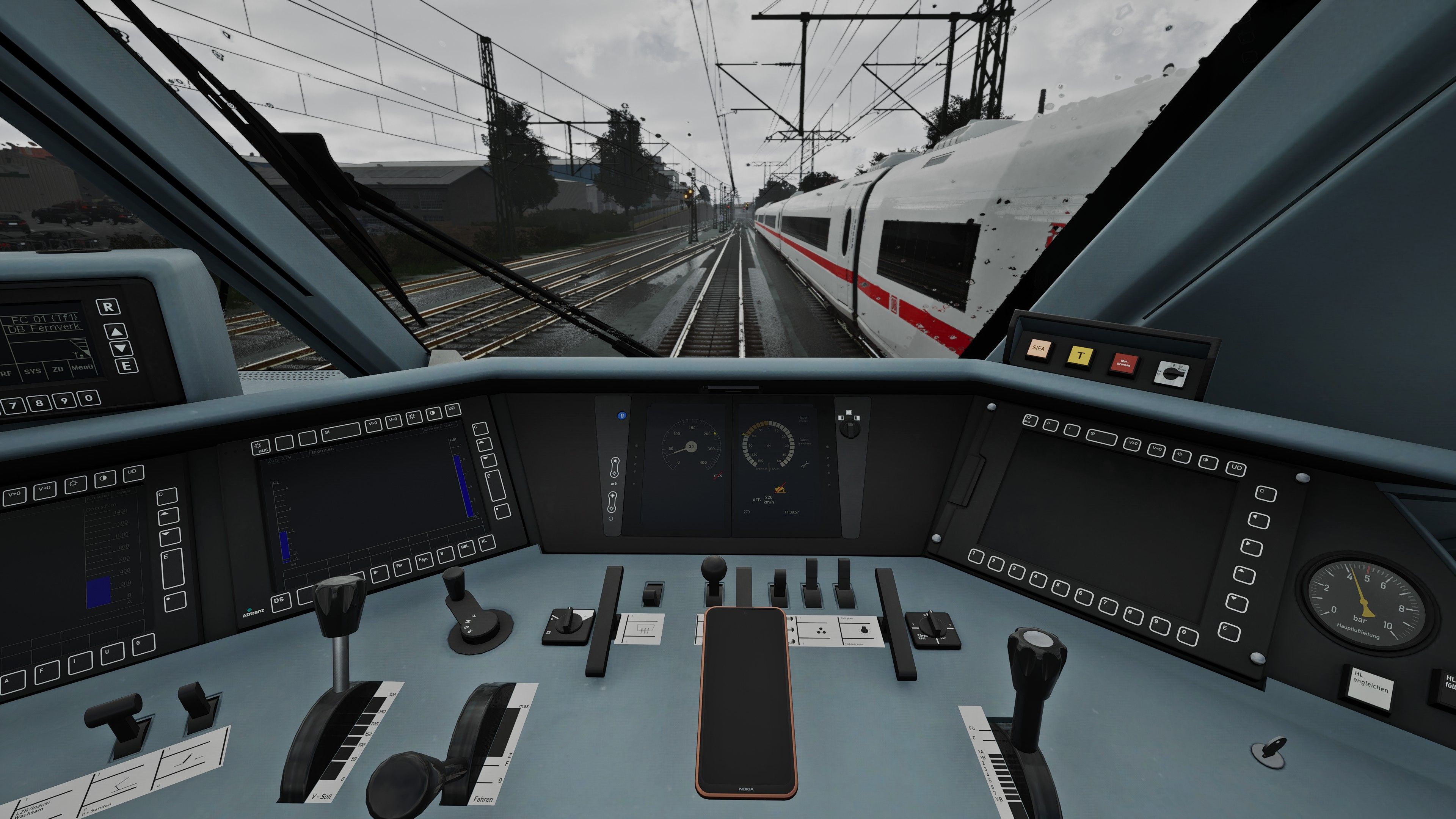
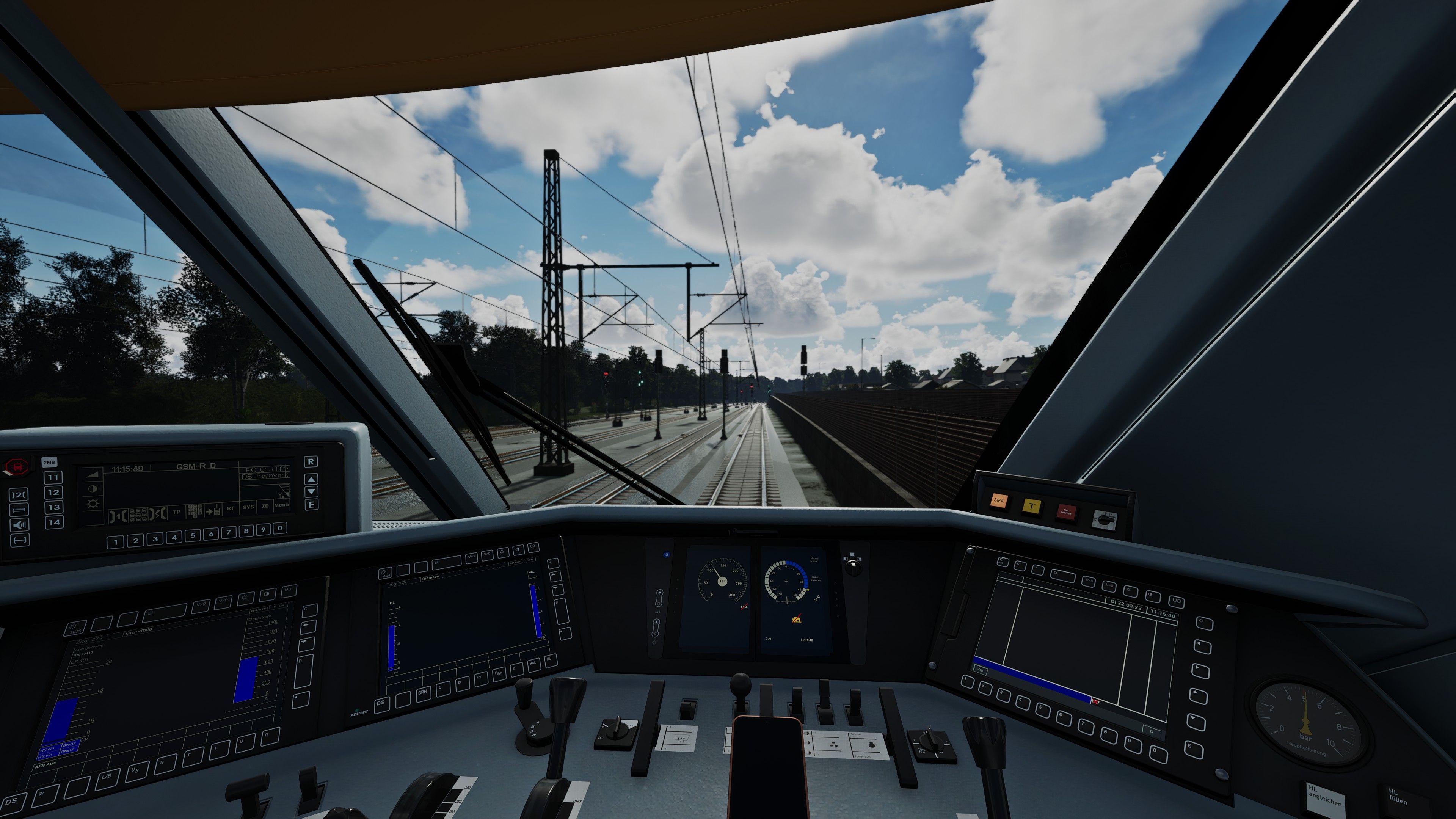
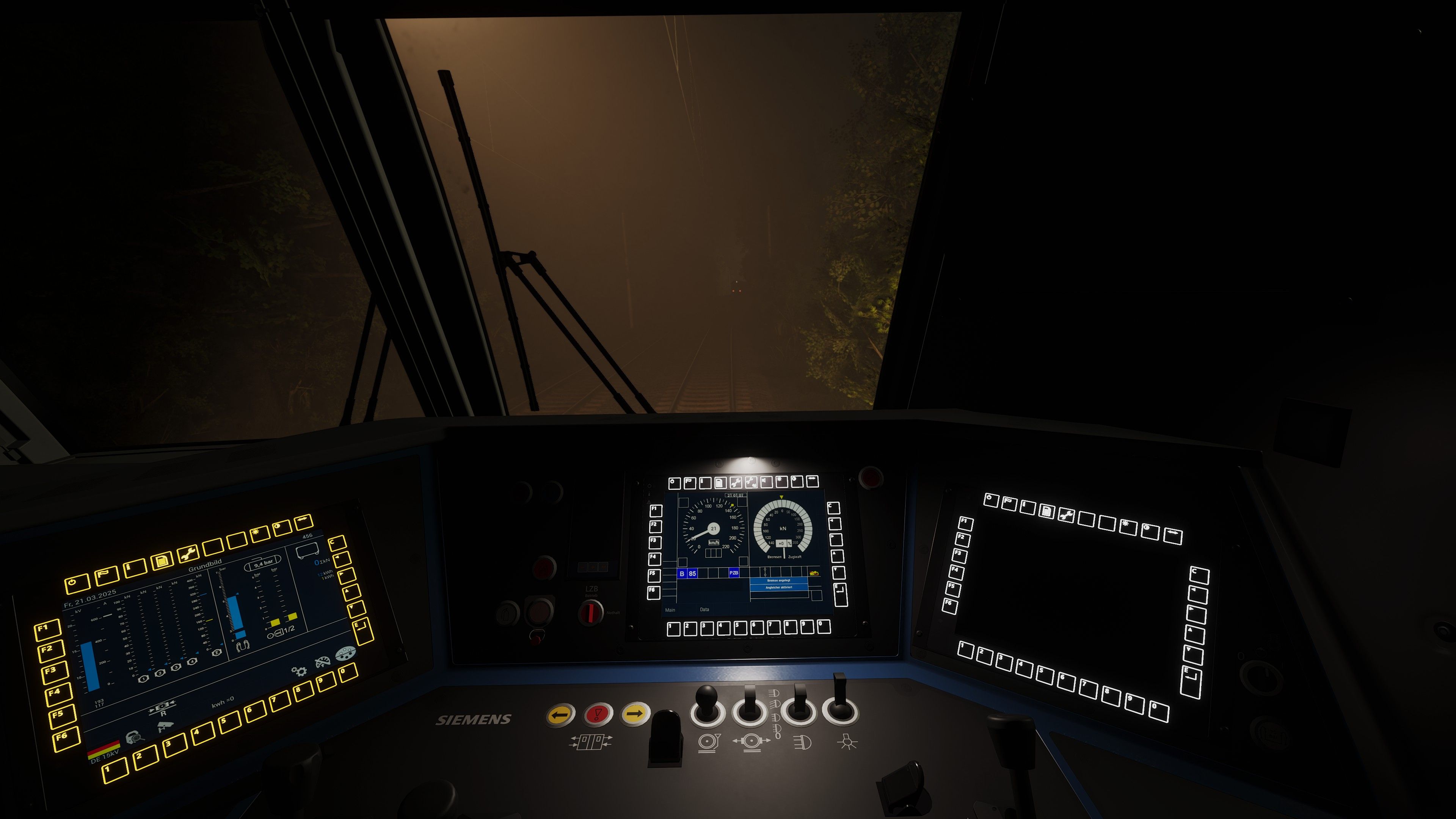
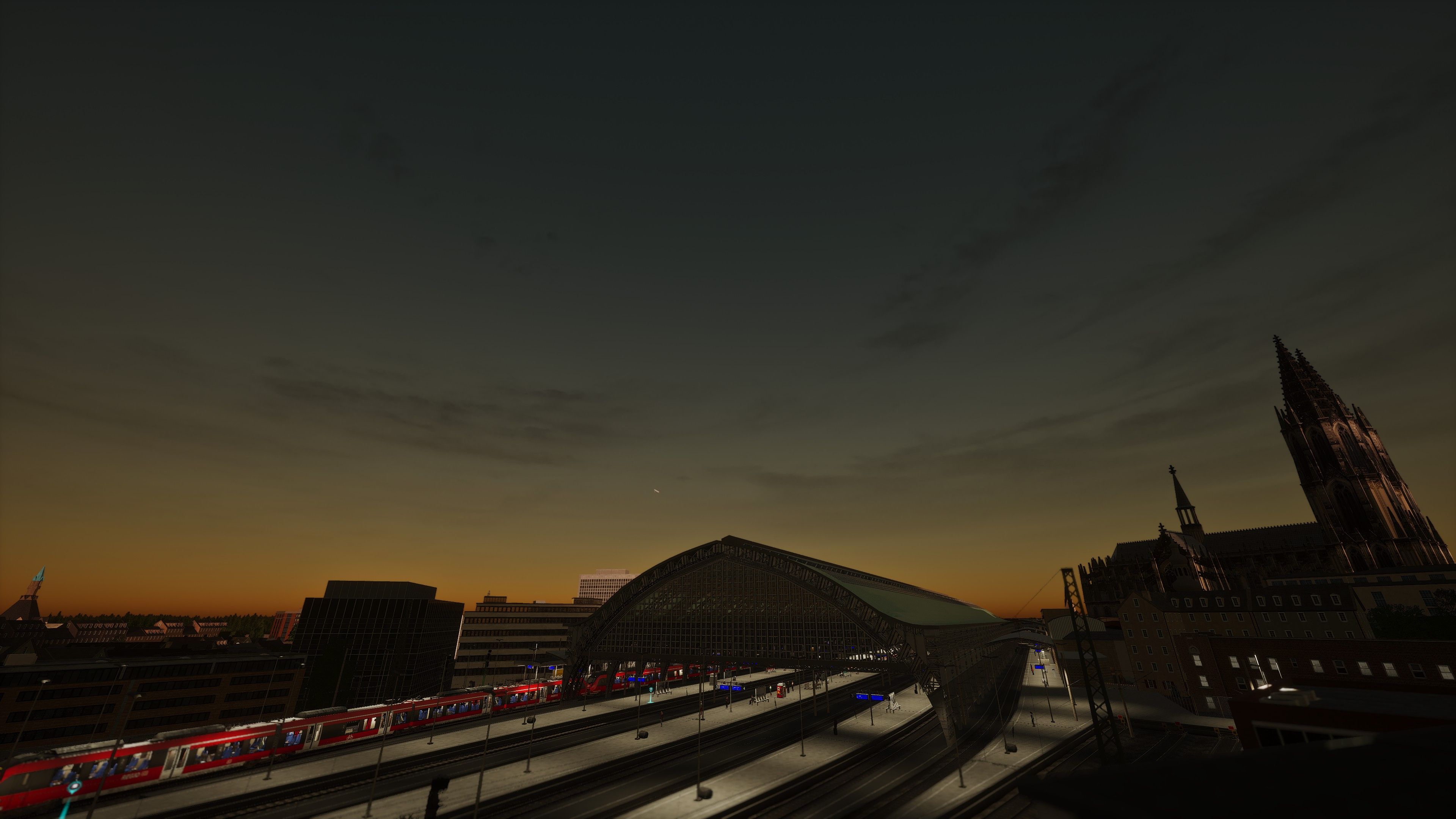
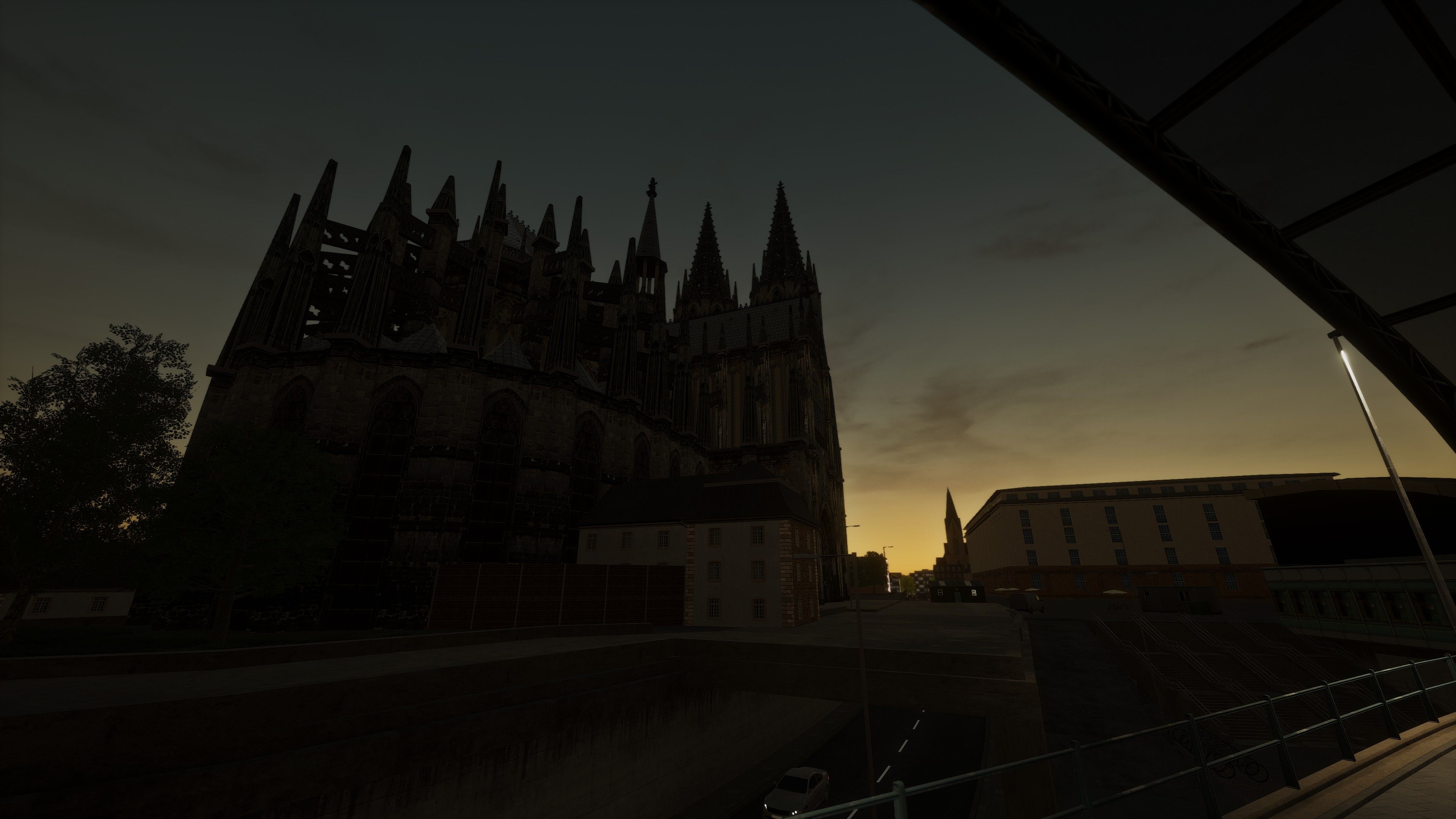
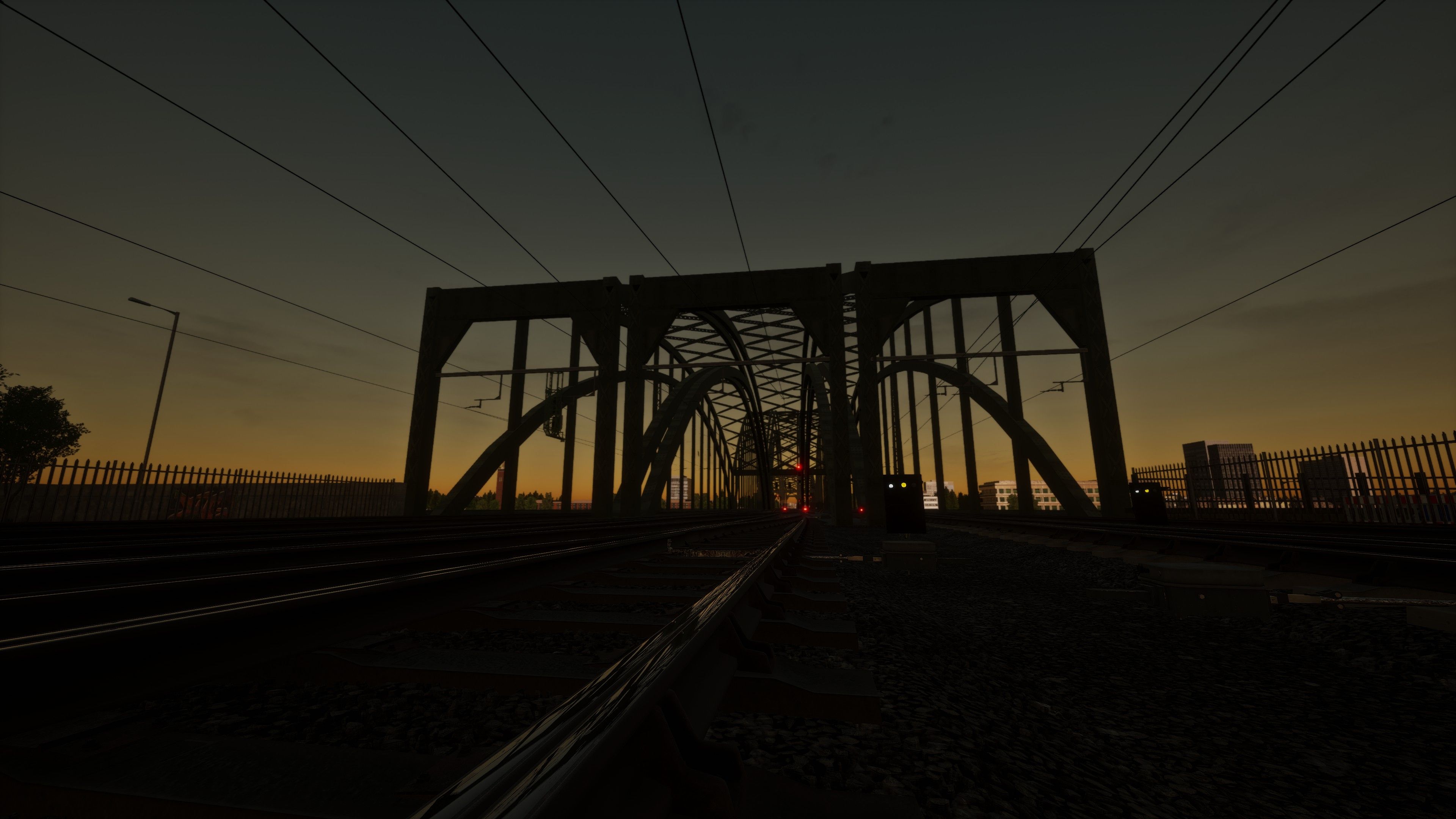
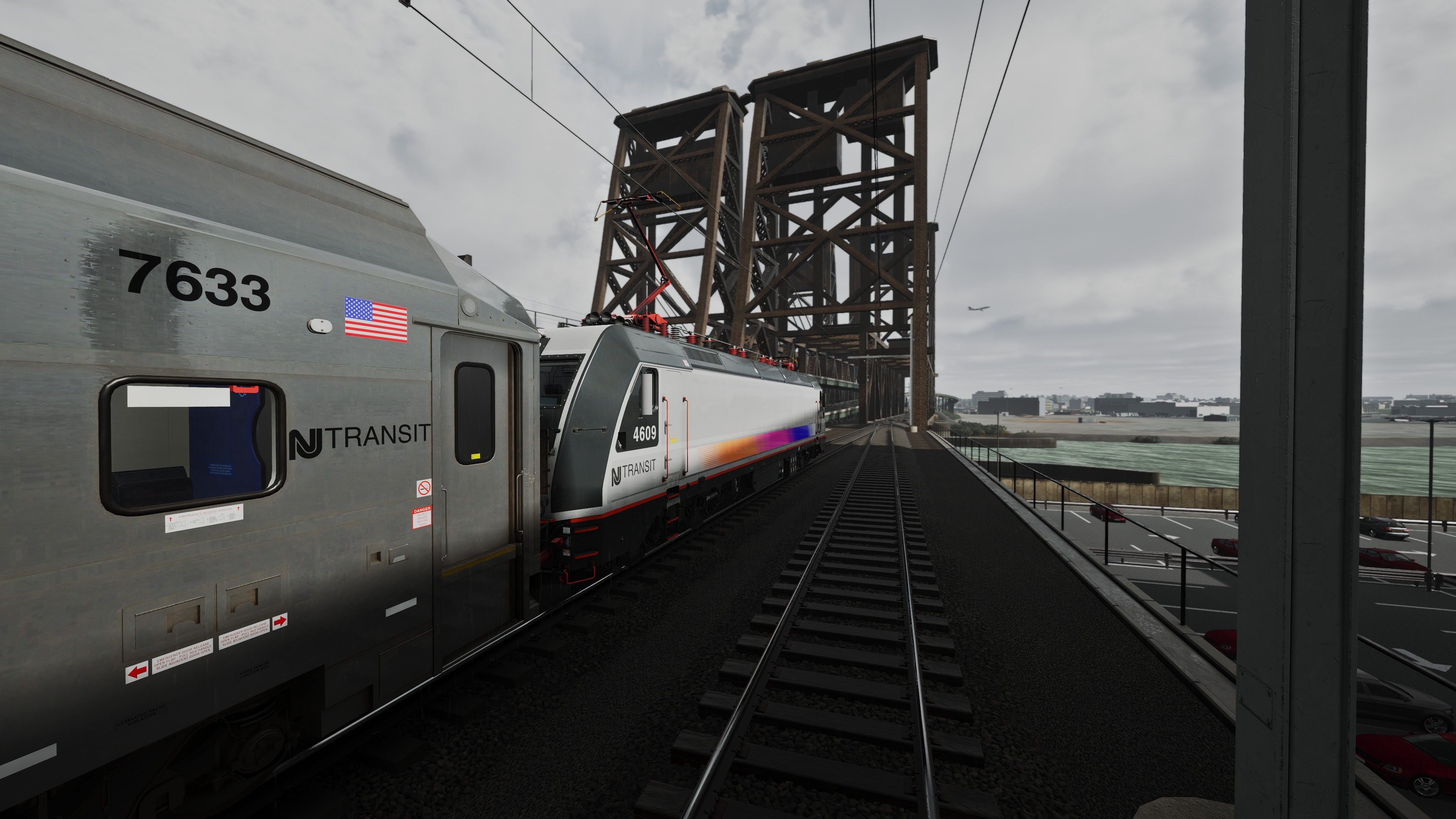
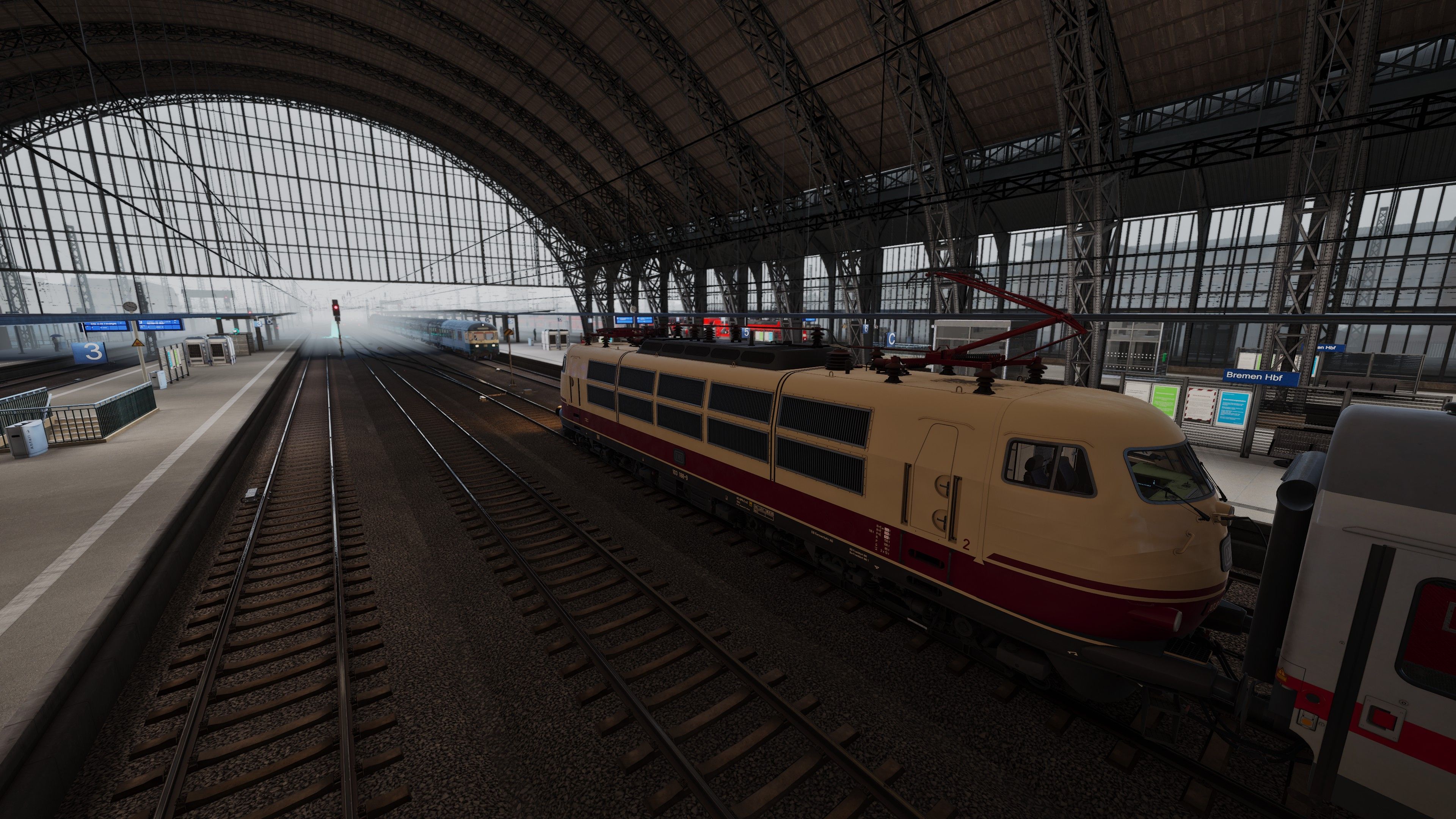
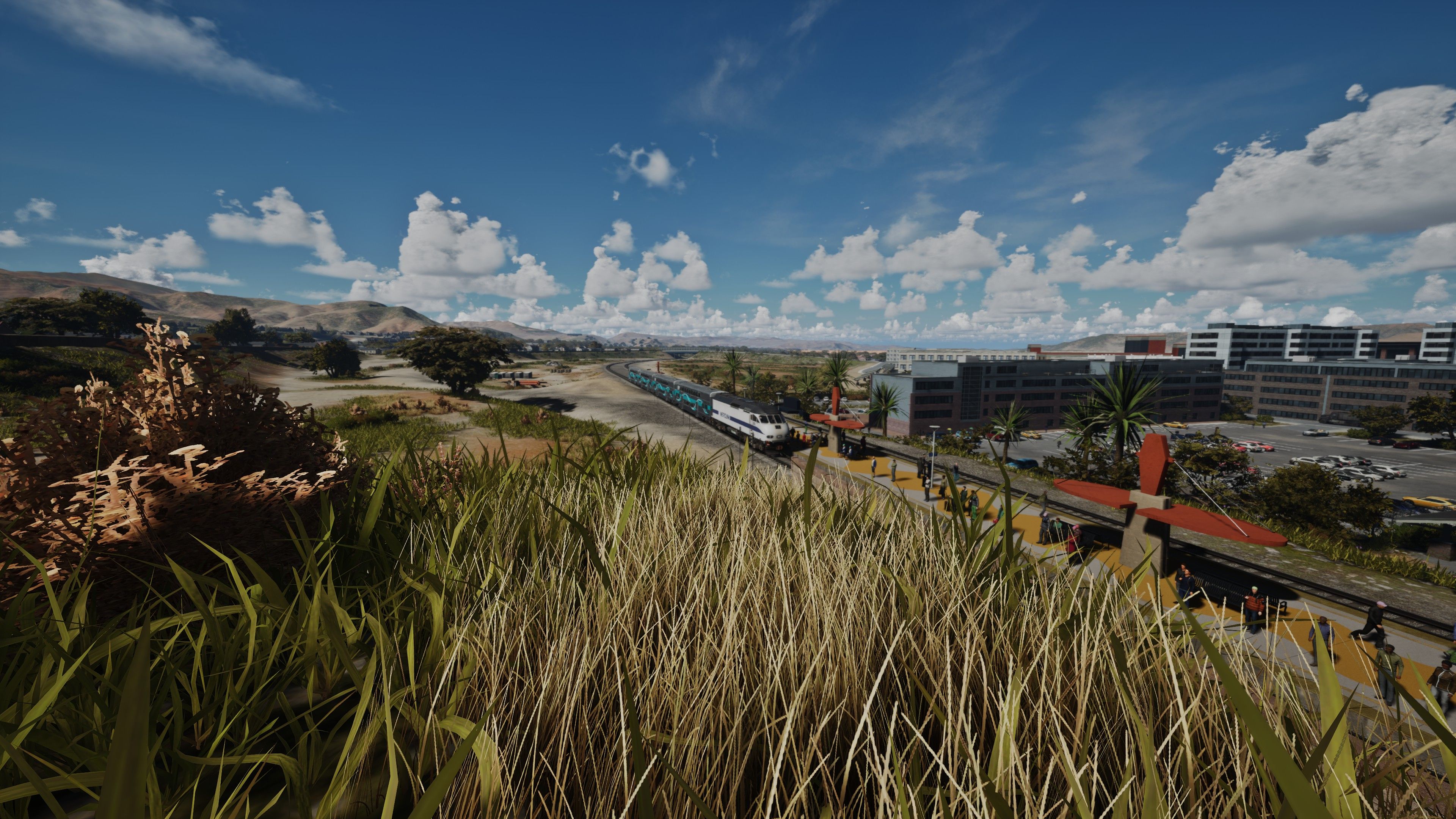
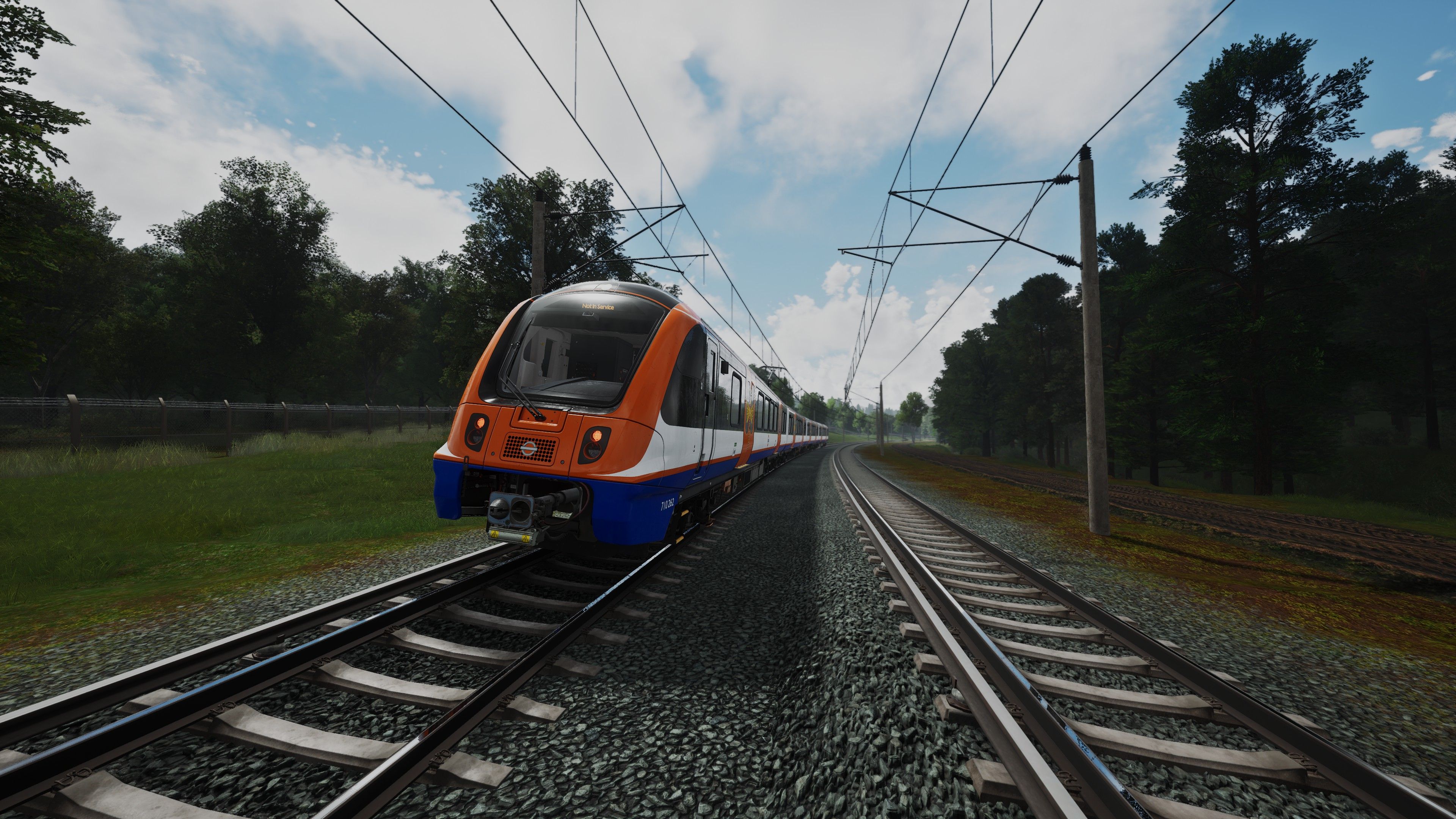
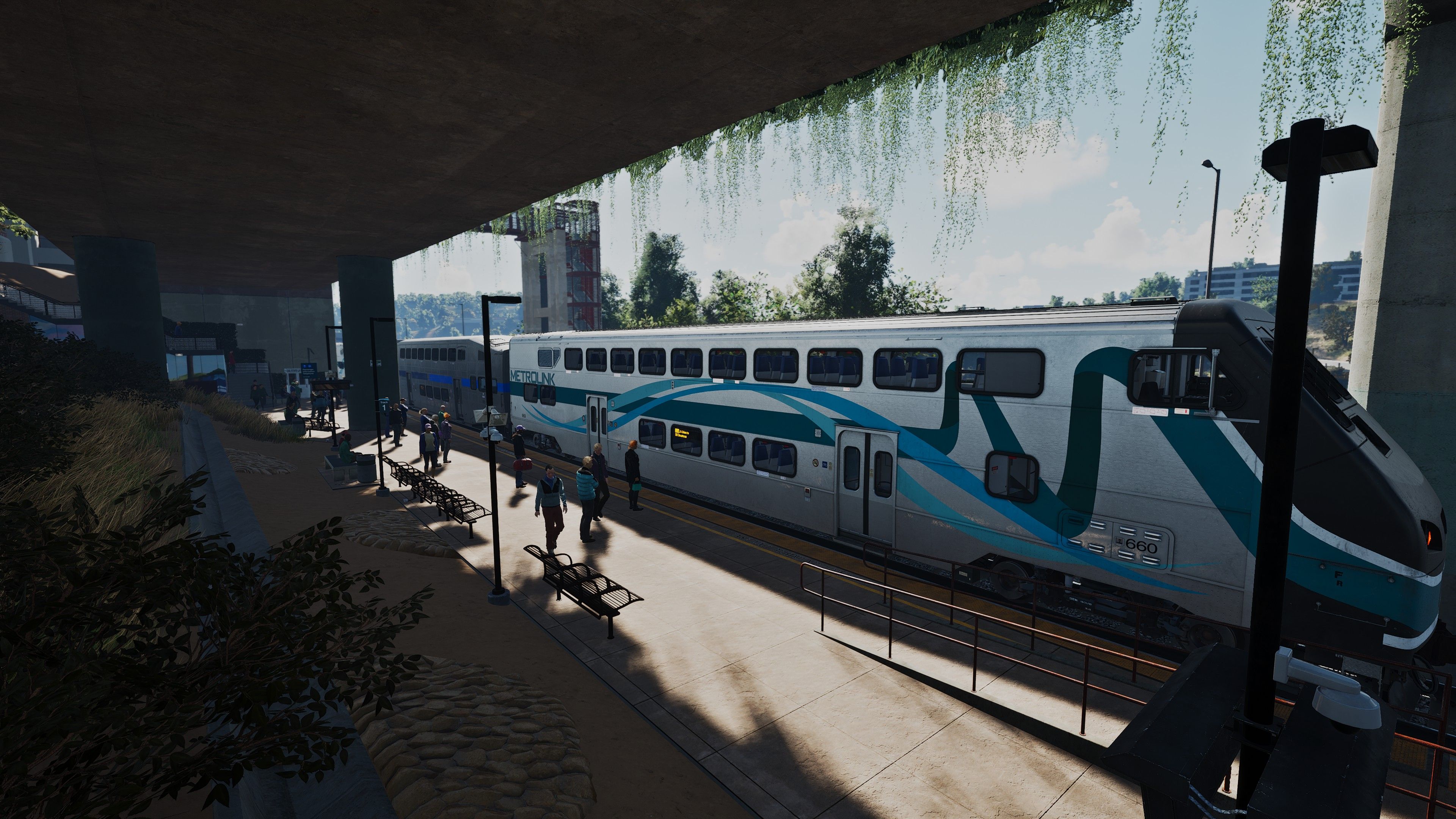
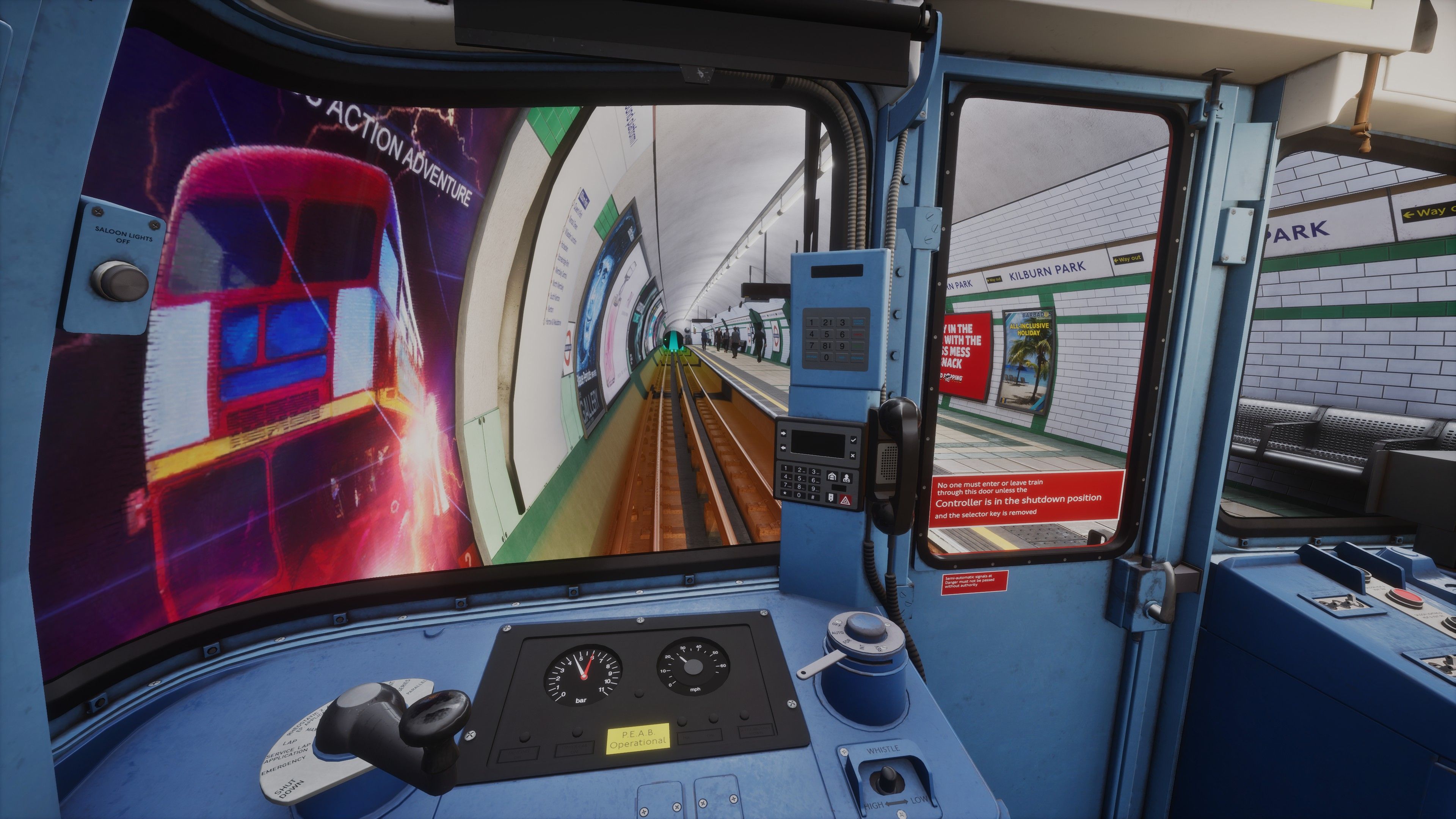
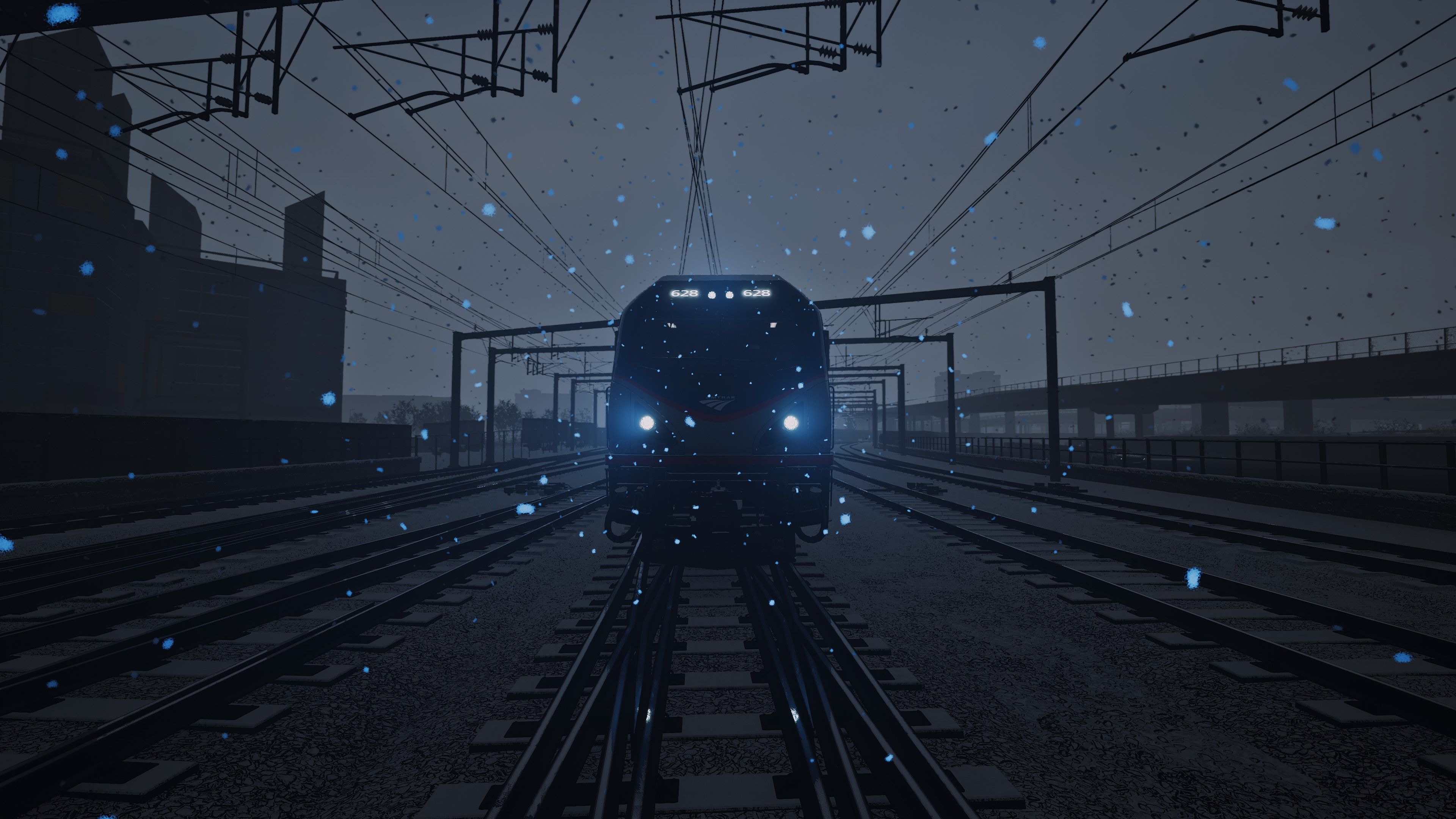
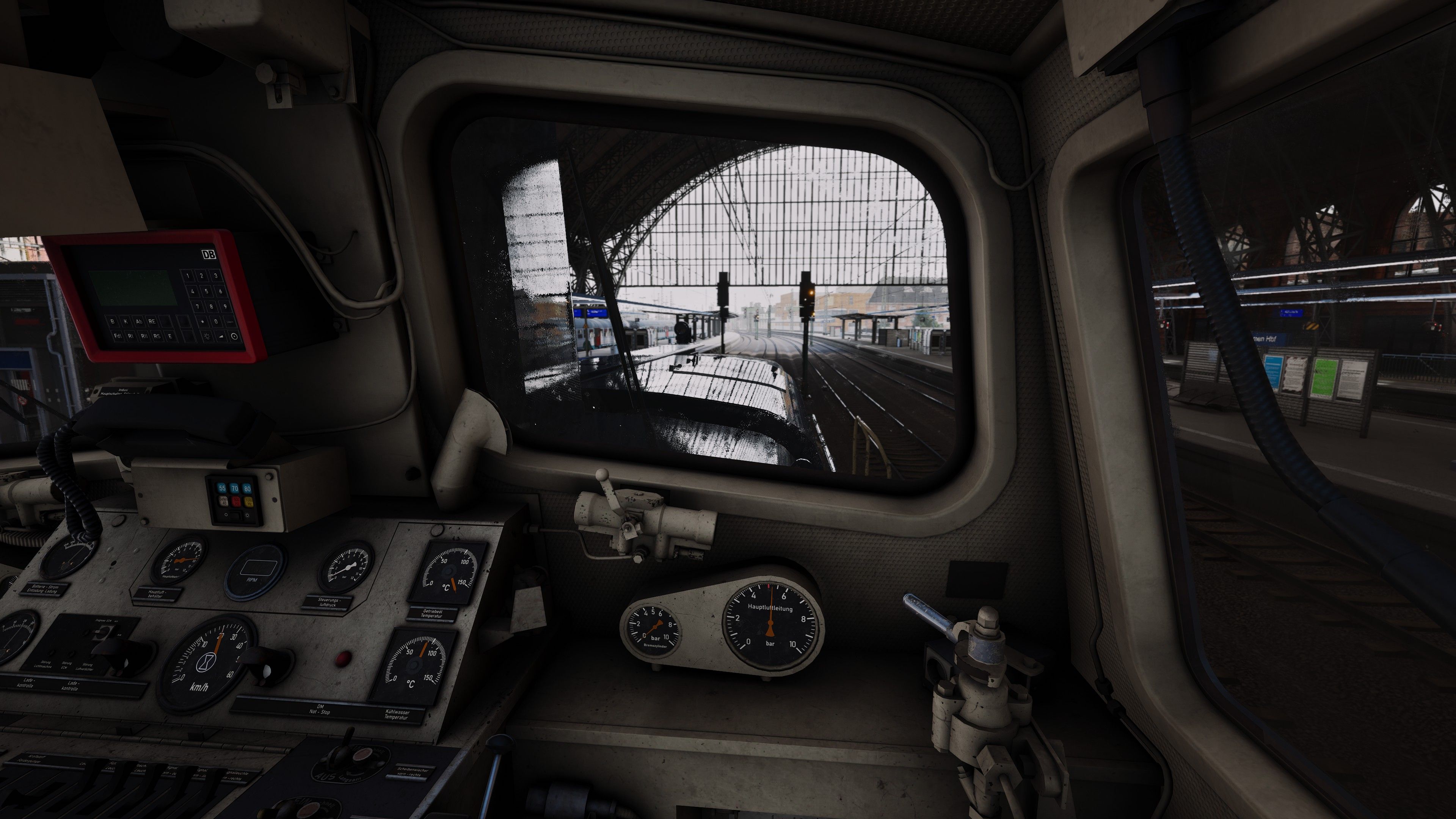
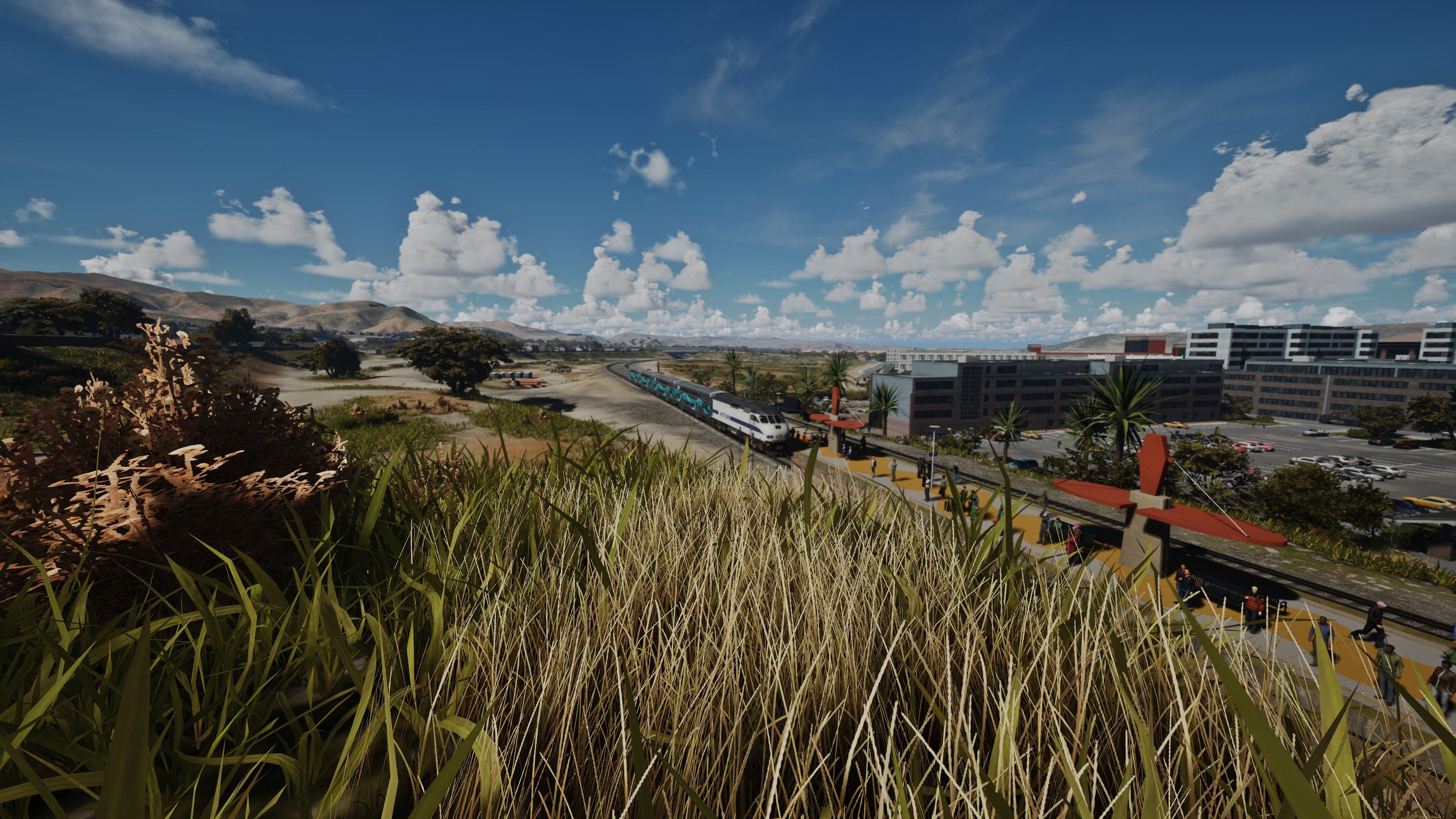
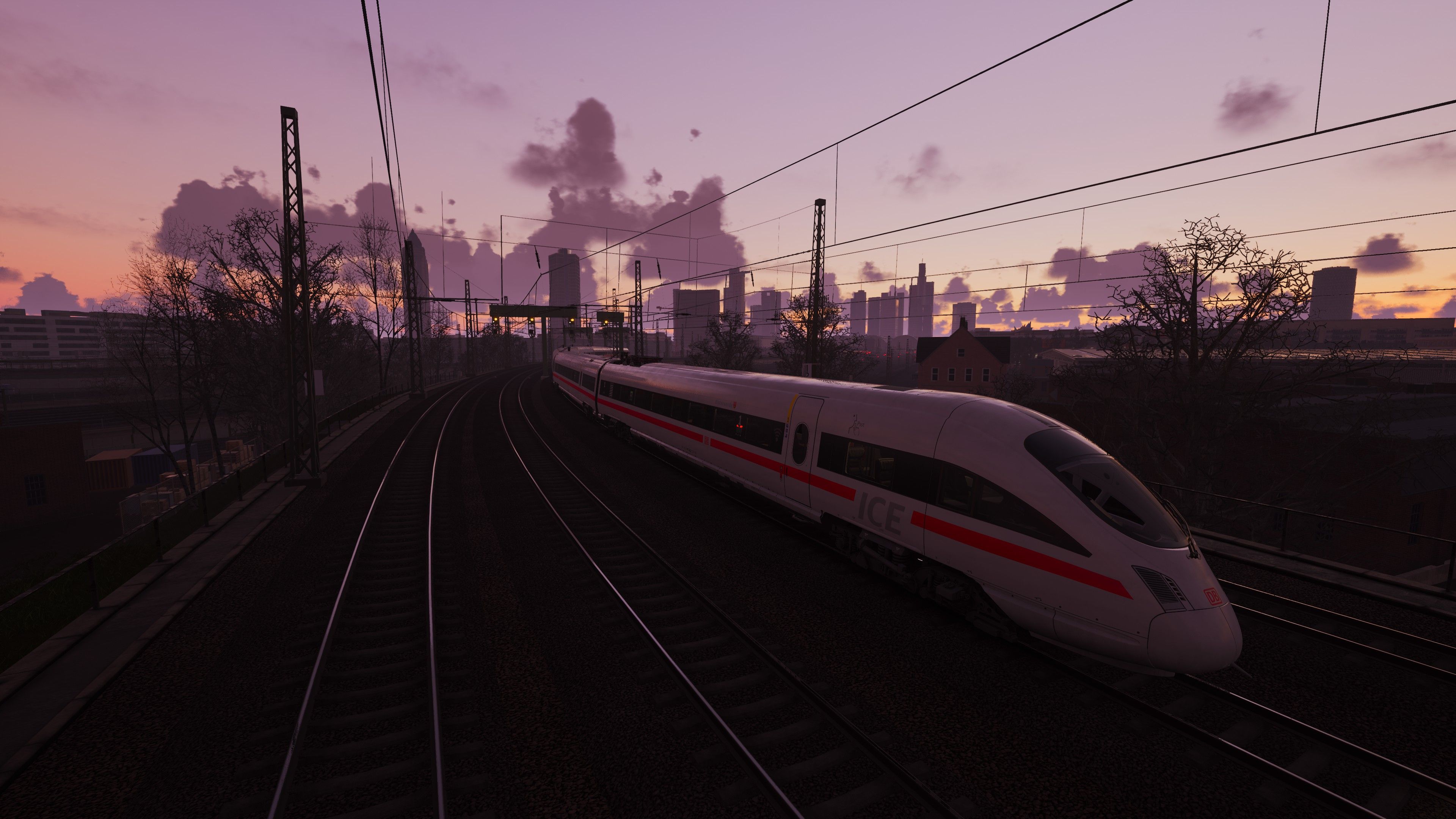
Hey Folks! This highly optimized Reshade preset is designed for Train Sim World 5 while maintaining full backward compatibility with TSW 2–5. It bridges the gap between the game’s native rendering and a more immersive, cinematic experience, enhancing sharpness, lighting, depth, and color accuracy without compromising performance. Whether you're navigating dark tunnels, admiring distant landscapes, or fine-tuning your screenshots in Photo Mode, this preset delivers a polished upgrade.
Vanilla
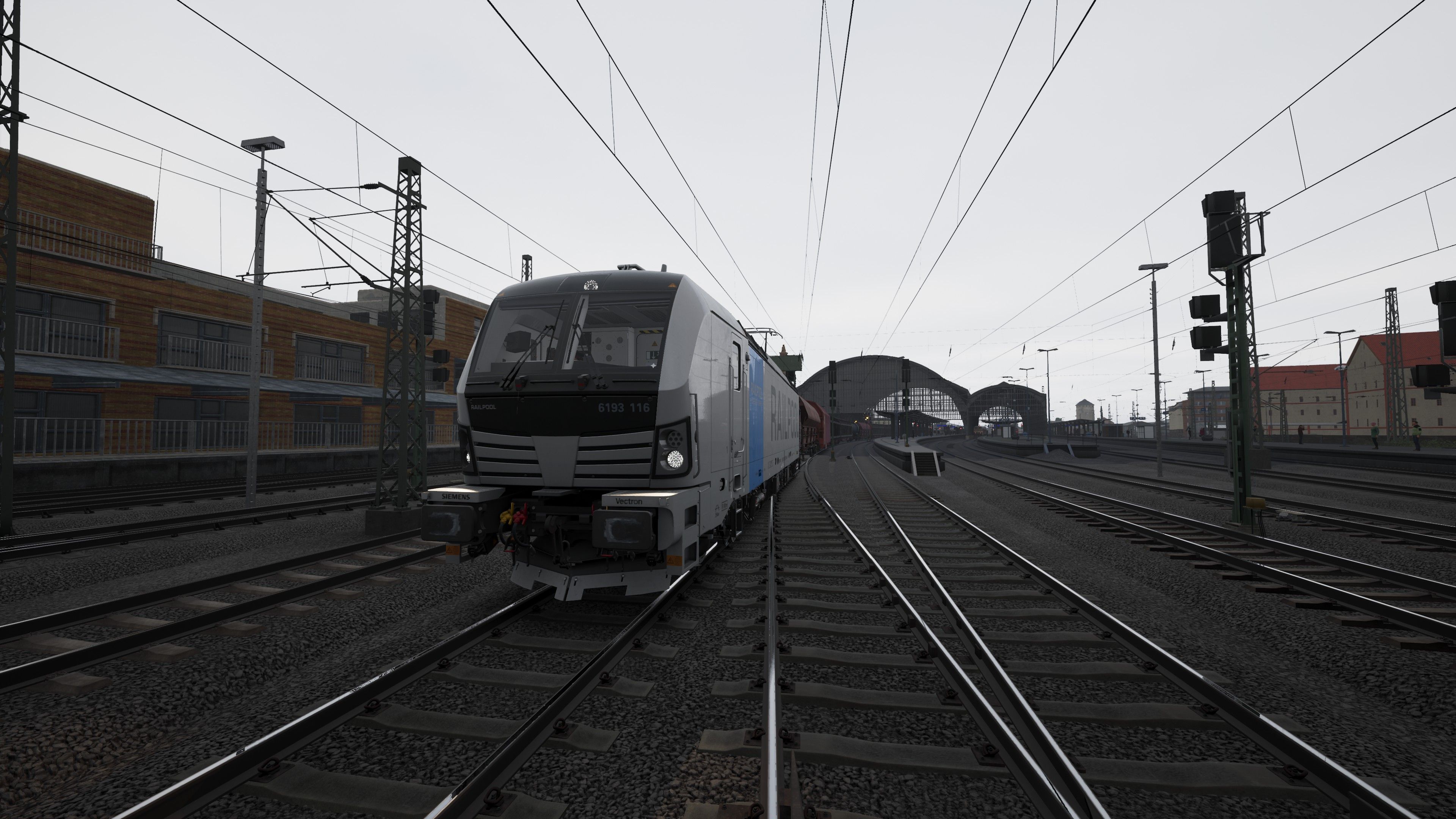
Reshade preset
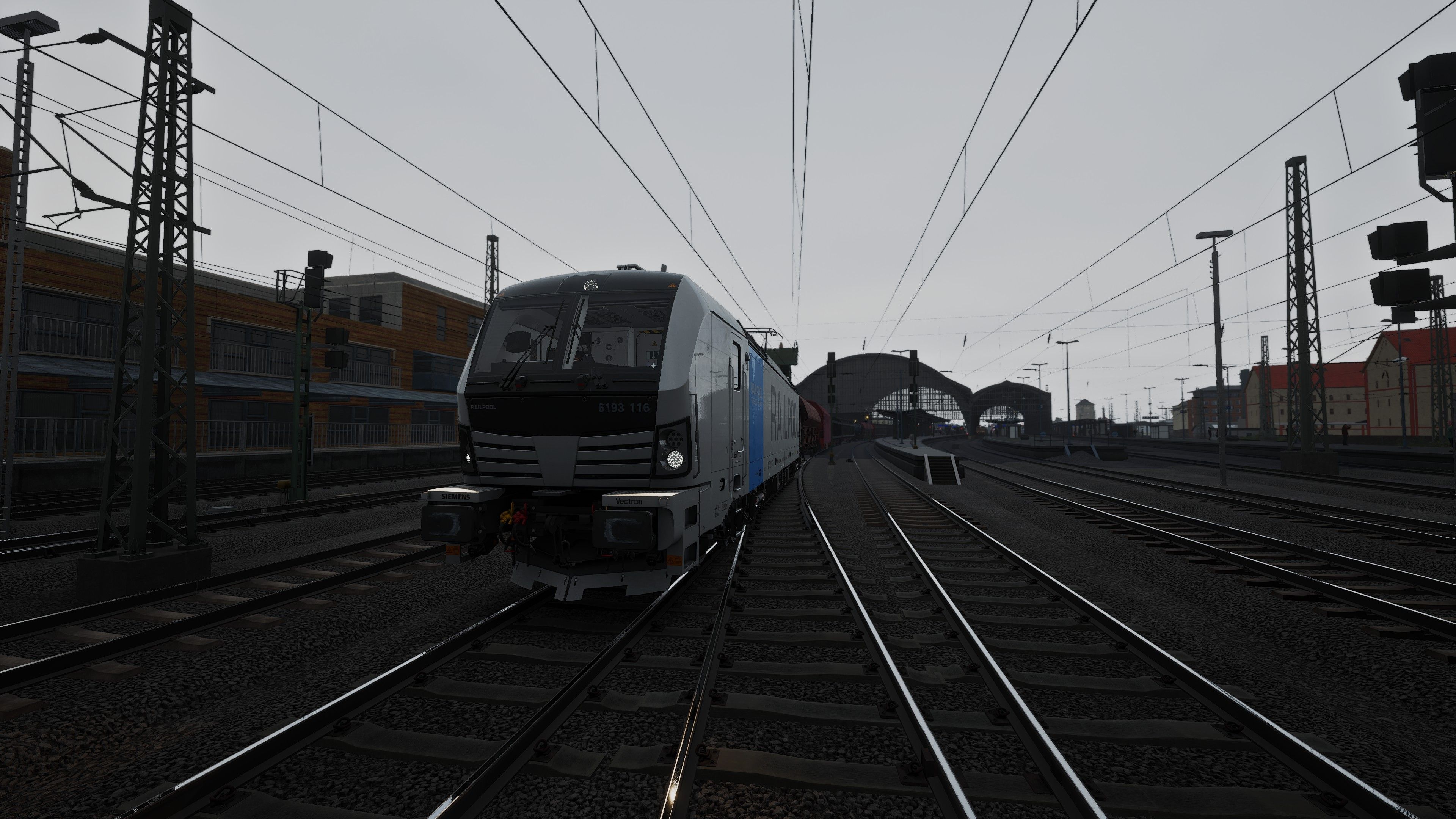
Vanilla
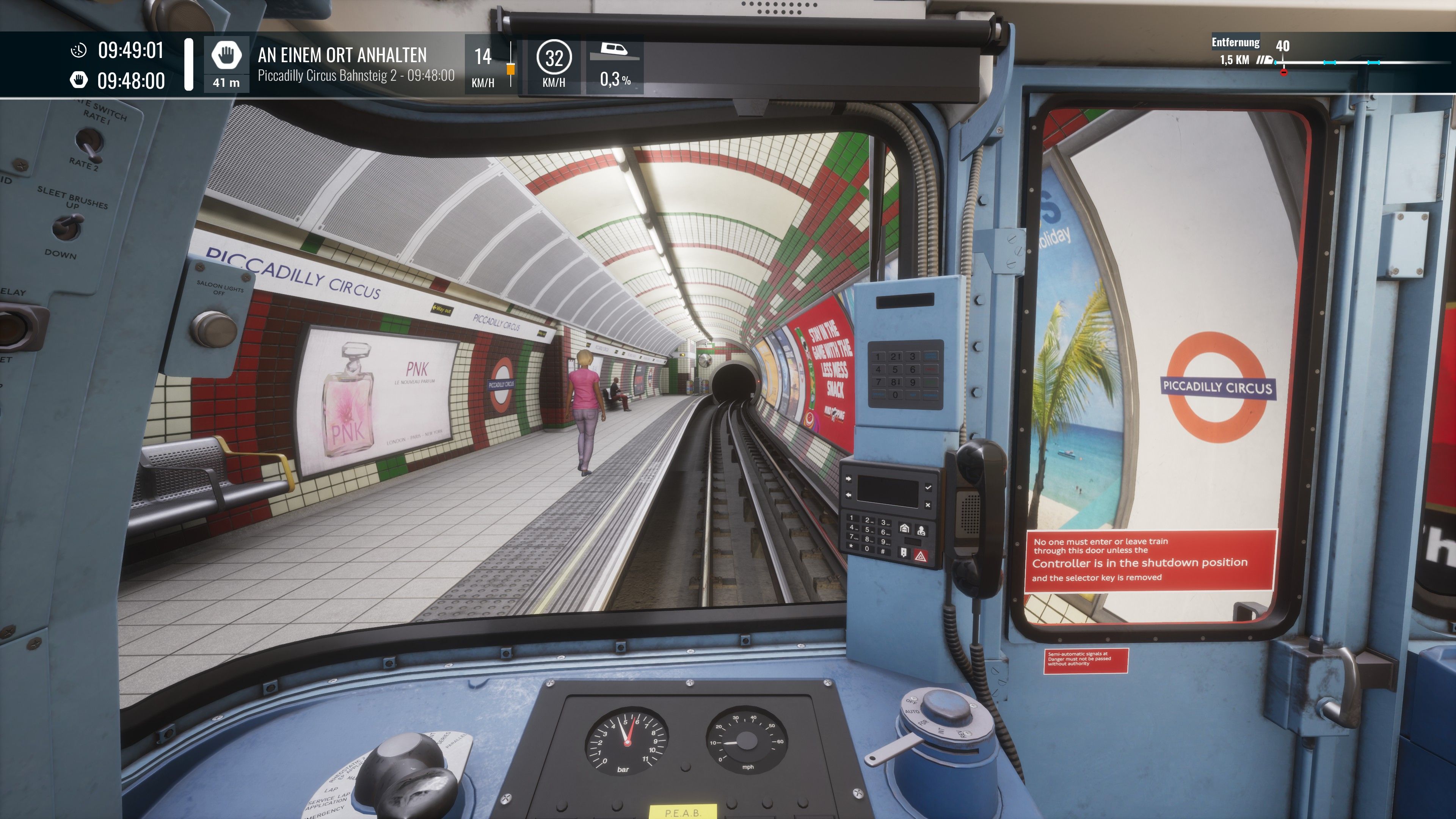
Reshade preset
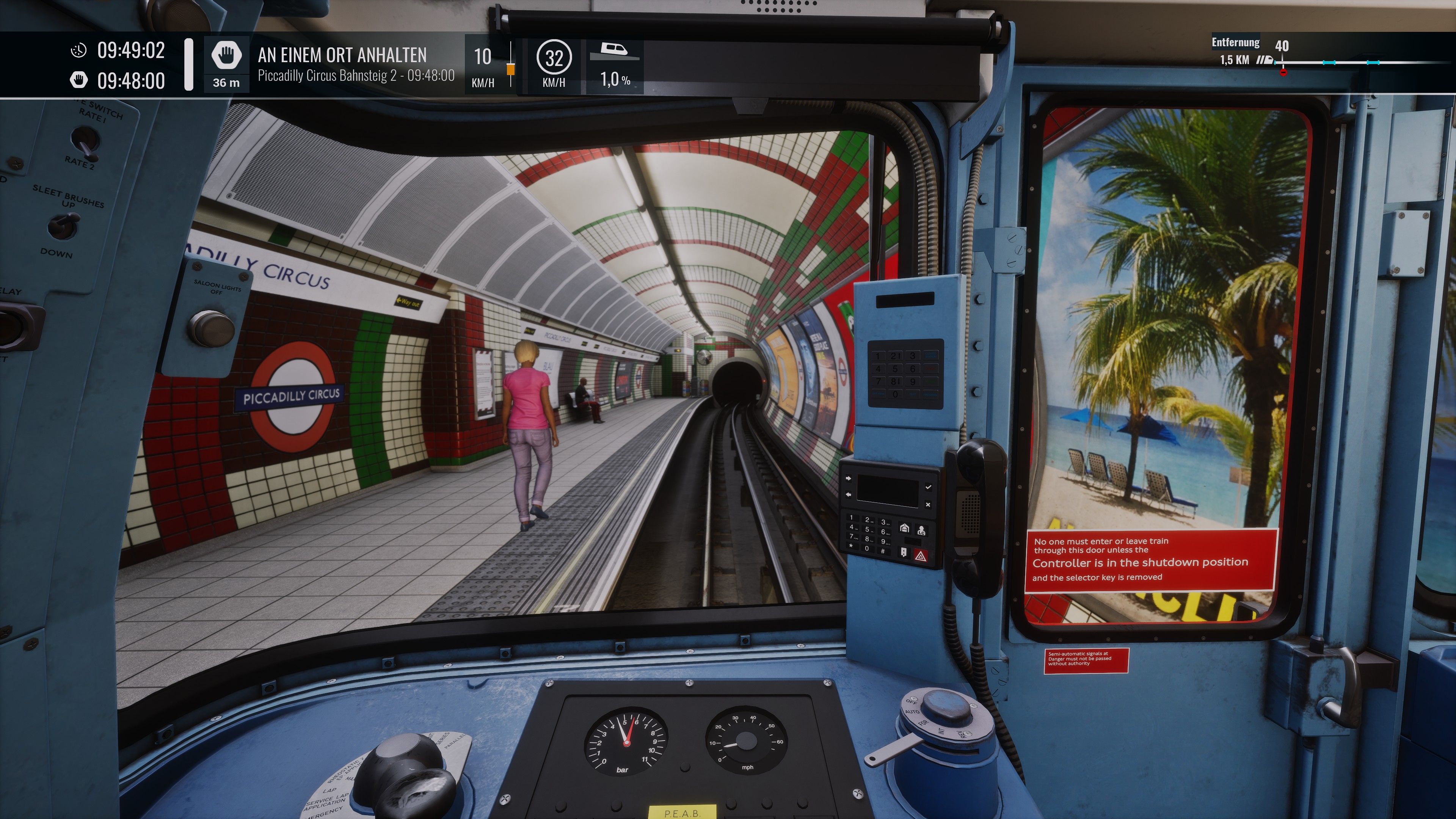
Vanilla
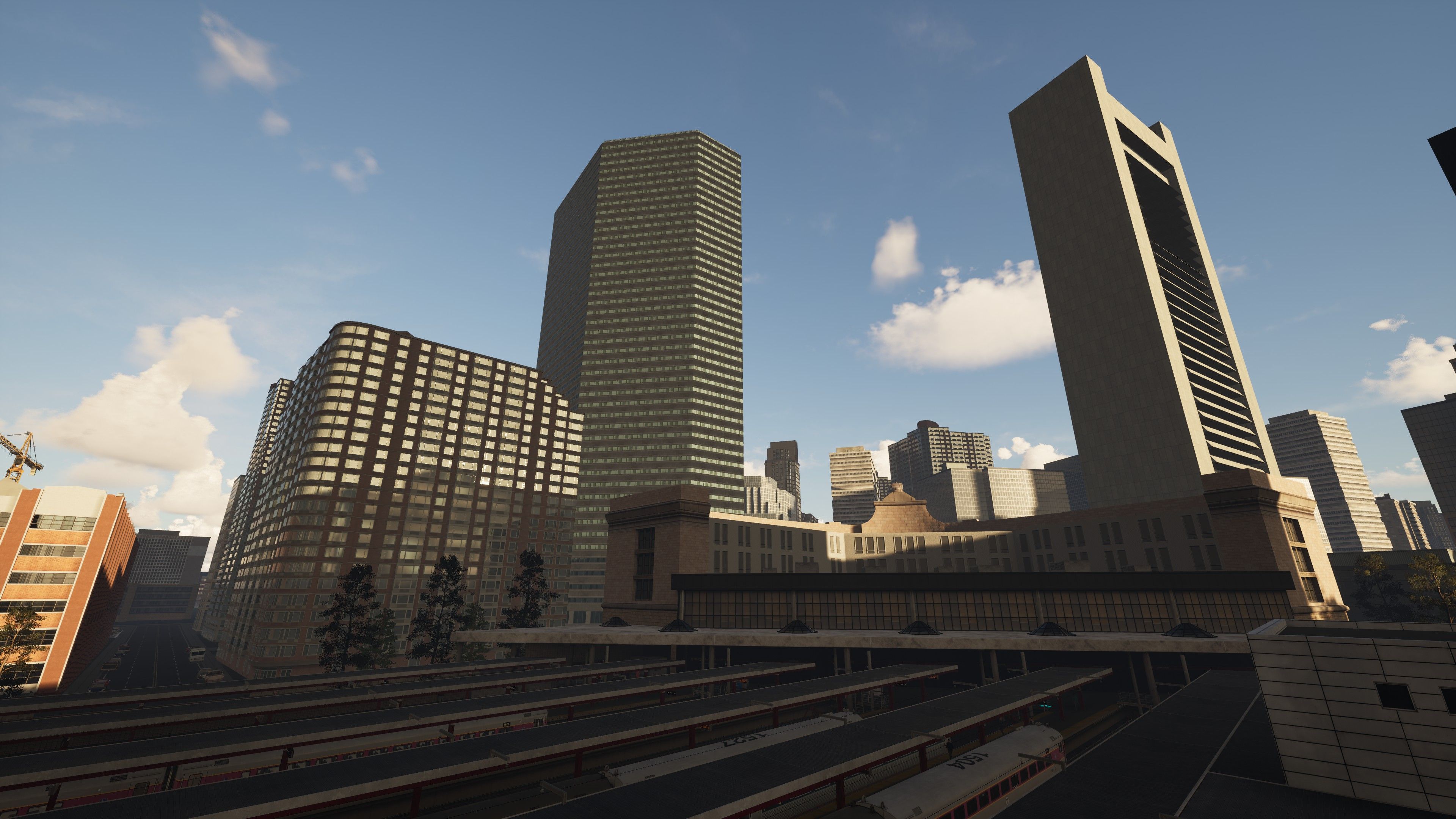
Reshade preset
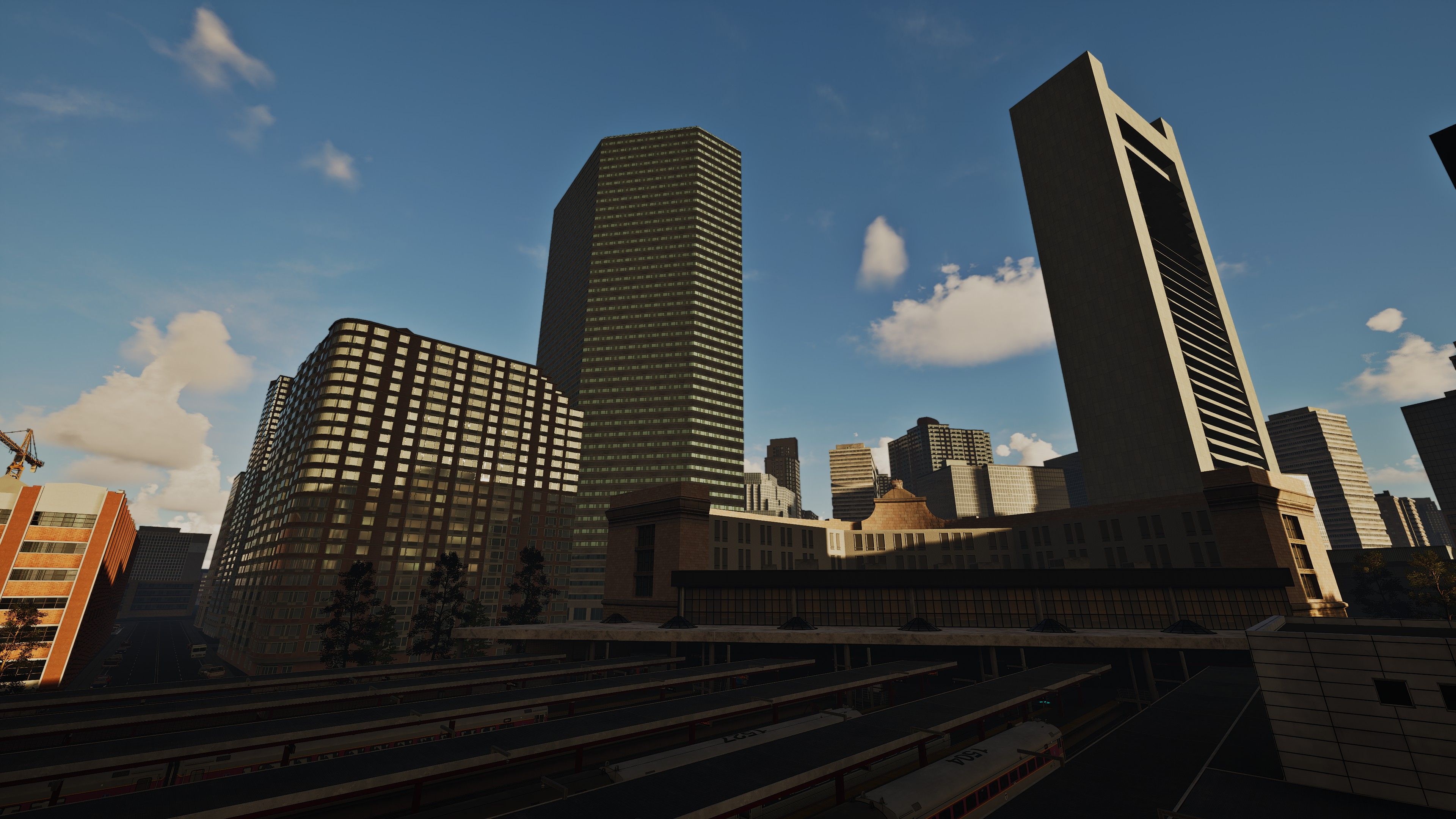
Key Features & Enhancements:
1. Precision Sharpness & Detail Enhancement
- AdaptiveSharpen.fx: A balanced sharpening algorithm clarifies distant objects and textures without introducing artifacts; Enhances edges while preserving texture detail, ideal for high-resolution displays
- AMD FidelityFX ContrastAdaptiveSharpen.fx: Enhances edges while preserving texture detail, ideal for high-resolution displays
- Unsharp.fx: Softens pixelation with subtle blur for a natural, anti-aliased look
2. Dynamic Depth of Field (DoF) & Focus Realism
- MagicDOF.fx: Autofocus-enabled depth blur dynamically adjusts based on your viewpoint, simulating real camera behavior
3. Cinematic Lighting & Color Grading
- FilmicPass.fx: Applies a filmic tone curve for deeper shadows and vibrant highlights, avoiding "flat" visuals
- Tonemap.fx: Fine-tunes exposure and saturation to prevent washed-out skies and boost contrast
- MagicBloom.fx: Subtle bloom mimics real-world light diffusion around lamps and sunlight
- Colerfulness: Adjust the right balance for the colors
- FilmicTonemap.FilmicAdaptation: This effect rounds off the other effects in a harmonious interplay
Optimized Performance
- Lightweight Workflow: The effects are all not particularly GPU or CPU heavy
- Mod-Friendly: Zero conflicts with other TSW mods; disable any effect via the ReShade menu
preview/examples
Technical Notes
- Compatibility: Works flawlessly across TSW 2–5 and all DLC routes
- Note: Extreme close-ups (e.g., cockpit panels) may briefly blur but stabilize instantly when zooming out
- Troubleshooting: You can disable "MagicDOF" if blur is undesirable; reduce GI_Power for lower-end PCs
Download now & experience Train Sim World like never before! 🚄✨
(Questions or feedback? Leave a comment below!)
Requirements
Requires only the official Reshade Software (free to download on the official website)
Installation Instructions
*Installation:
- Download Reshade official
- install Reshade to -> SteamLibrary\steamapps\common\Train Sim World 5\WindowsNoEditor\TS2Prototype\Binaries\Win64 ->TrainSimWorld.exe
- Copy and paste the Reshade preset and start the game
(I recommend keybinding the Reshade window to F4 (or any other key) and the effect toggle to F5. This way, you'll have easy access to activate or disable the Reshade preset whenever it's not needed.)*
Files
This is the improved version.
Comments
About this mod

- Created
- 22 Mar 2025
- Updated
- 1 Apr 2025
- Game
- Train Sim World
- Type of content
- Other
- Train Sim World Version
- Train Sim World 2 before Rush Hour update (UE4 4.23), Train Sim World 2: Steam version (UE4 4.26), Train Sim World 2: Epic Games Store version (UE4 4.26), Train Sim World 3, Train Sim World 4, Train Sim World 5

Loading comments…