TSW4 | Onboard Announcements - Birmingham Cross City
- by JetWash
- 8 upvotes
- Downloaded 835 times
Description
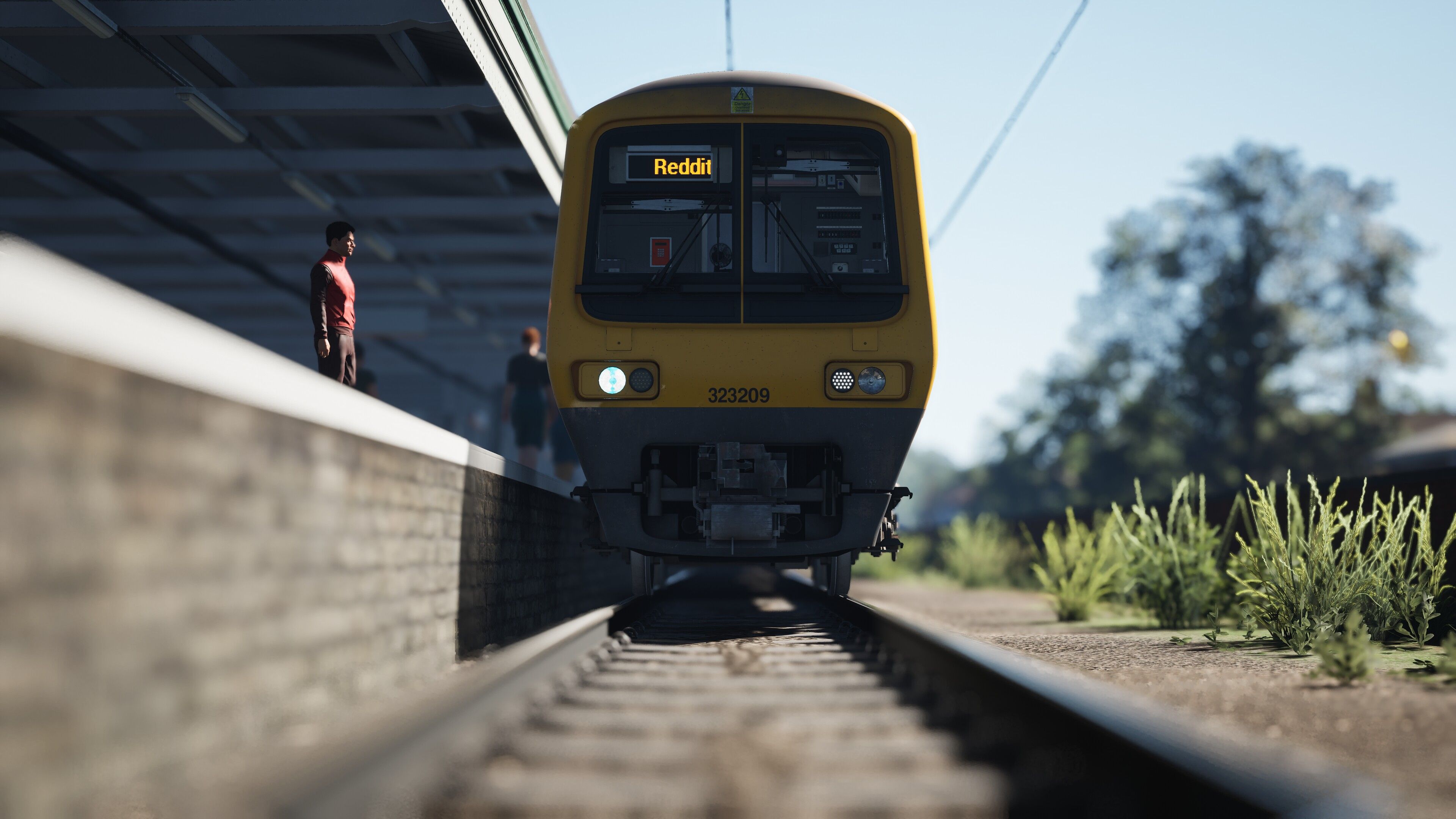
After Mulumbu had the great idea to utilise Soundpad to play announcements I've been hard at work on some of my own, because it is so transformative to the game. Well done Mulumbu! My aim is to make announcements for all UK content to be utilised in this way. Using Soundpad in this way allows the announcements to be triggered using the 'G' key, just like in Blackpool-Preston. It is easy to set up and really adds to the immersion of the game.
The first installment is Birmingham Cross City. It is a work-in-progress as there are so many different service patterns to get through but as it stands it contains;
Birmingham New Street to Bromsgrove
Blake Street to Bromsgrove
Bromsgrove to Birmingham New Street
Bromsgrove to Four Oaks
Bromsgrove to Lichfield City
Bromsgrove to Lichfield Trent Valley
Four Oaks to Bromsgrove
Four Oaks to Longbridge
Four Oaks to Redditch
Lichfield City to Redditch
Lichfield Trent Valley to Bromsgrove
Lichfield Trent Valley to Longbridge
Lichfield Trent Valley to Redditch
Longbridge to Four Oaks
Longbridge to Lichfield Trent Valley
Birmingham New Street to Bromsgrove
Birmingham New Street to Four Oaks
Birmingham New Street to Redditch
Redditch to Four Oaks
Redditch to Litchfield Trent Valley
Redditch to Birmingham New Street
I aim to complete the line-up for BCC as soon as possible. I've done my best to avoid errors but as this is WIP it may be possible that the odd one slipped through the net. Ifthat's the case let me know and I'll fix it.
All files created and edited by me
Dependencies

Play sounds in voice chats in high digital quality. Add sounds or music to your microphone signal so others will hear it, too.
Installation Instructions
You will need to purchase Soundpad (currently £4.29) from Steam as linked on this page
Once you have bought it you simply need to go to Files - Preferences and make sure the Hotkey tab is selected. I would suggest assigning 'Pause/Resume Playback' to a key of your choice, and 'Play next file' to the 'G' key.
Once that is done you simply need to open the folder of your chosen service pattern, highlight all the files and drag them in to Soundpad, ensuring that when you do so you select number 1 in the list (always 'Welcome Aboard') to drag. It is imperitive you do it like this for it to work as intended. They should populate in the correct order in Soundpad. I simply then select the first track and pause it, load into the game and start the service. I use my chosen play/pause key to play the 'Welcome Aboard' announcement and then the G key from there on.
The announcements all follow the same pattern: Welcome Aboard - Approaching a Station - At a Station - Terminate
It's very simple to use and an earlier version can be seen here;
Files
Comments
About this mod

- Created
- 23 Feb 2024
- Updated
- 23 Feb 2024
- Game
- Train Sim World
- Type of content
- Announcement
- Train Sim World Content
- Birmingham Cross-City Line
- Train Sim World Version
- Train Sim World 4


Loading comments…