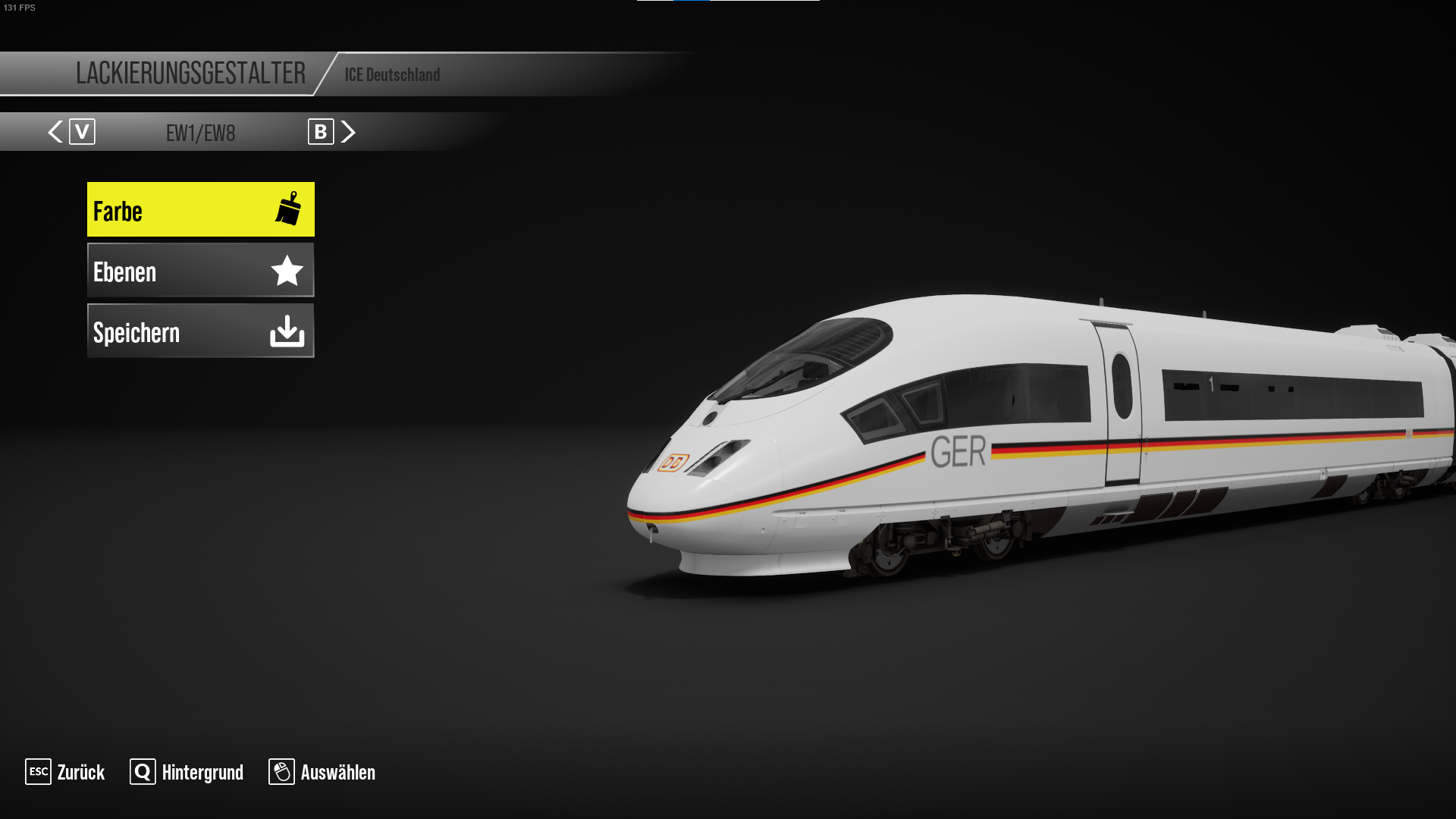
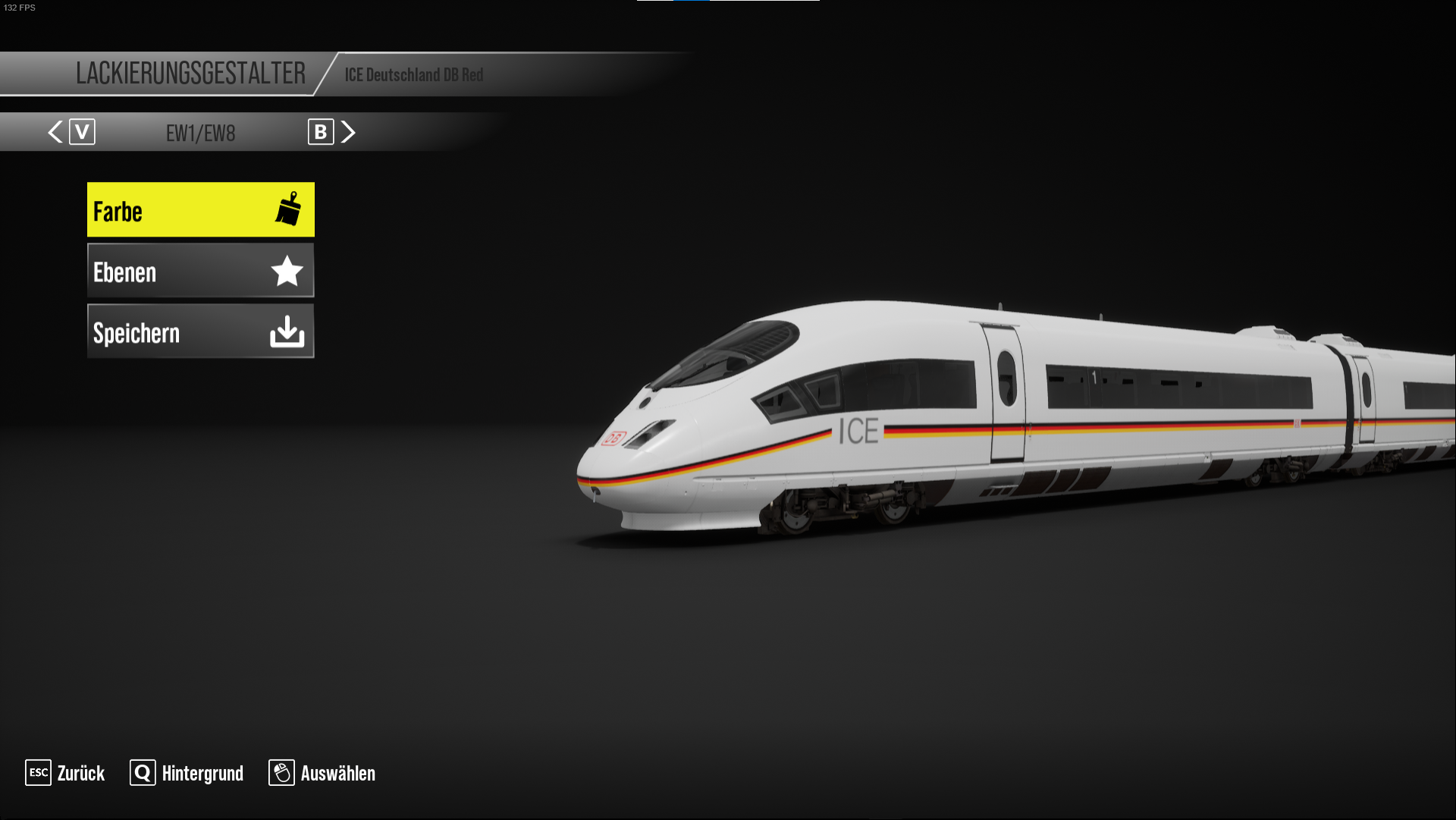
ICE Germany DB BR 406
- by NoZen
- Downloaded 541 times
Description
Installation Instructions
Step One. You need the TsW Liverty Manager Download Here The file named 'TSW2LM.zip'
Step Two. Extract the zip file into an empty folder
Step Three. Open the folder and double click the .exe file named 'TSW3LM.exe'
Step Four. Make an empty folder and name it (Reskin) where the file comes in
Step Five. Download the .tsw3 File
Step Six. Place the .tsw3 file in the reskin folder and click Refresh
Step Seven. You should now see the .tsw3 file in the Liverty Manager
Step Eight. You now click on the .tsw3 file and click on import
Step Nine. Open train sim world 3 and go to the liveries and go to the loco and then you should see the loco as a livery
Step Ten. Have Fun!!!
Files
Comments
About this mod

- Created
- 30 Jul 2023
- Updated
- 30 Jul 2023
- Game
- Train Sim World
- Type of content
- Reskin
- Train Sim World Content
- Schnellfahrstrecke Köln-Aachen
- Train Sim World Version
- Train Sim World 3
Loading comments…