SPSF Santa Fe SD40
- by AndrewBeeman
- Downloaded 775 times
Description
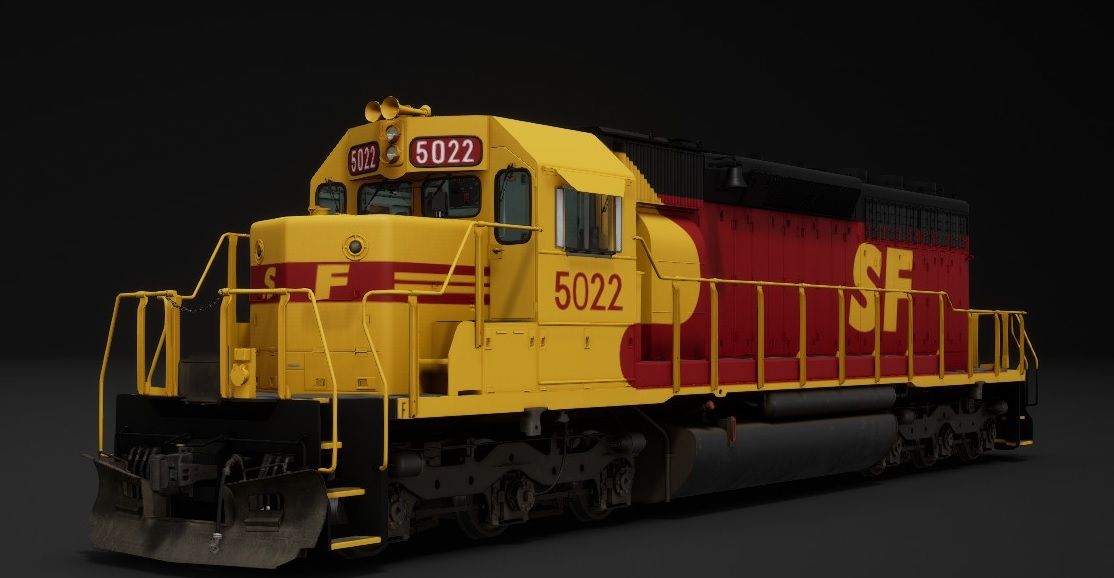
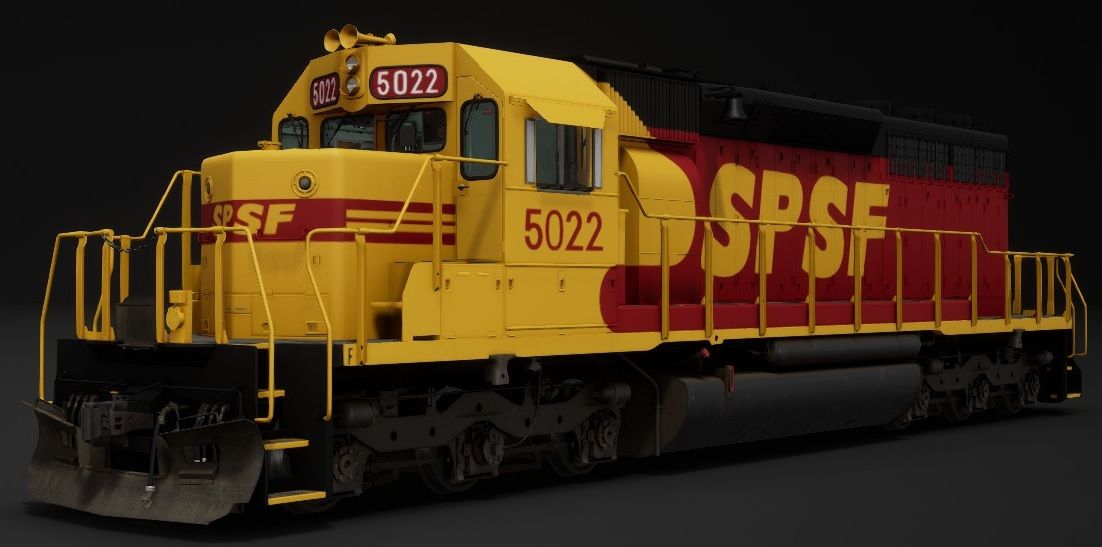
CRR repaint into SPSF colors v2
-Fixed some texture issues with the rear handrails and reflective striping on the rear steps
Also including 5022 painted fully into SPSF lettering
Requirements
Clinchfeild Add on
Livery Manager https://github.com/RagingLightning/TSW2-Livery-Manager/
Livery Editor Logo Pack 1.3 http://www.trainsim.cz/stahuj//33/0_10/TSW2-LiveryEditorLogoPack1.3_426.zip
Additional Comments
If you are playing on an AMD machine and the textures look corrupted, this is due to the way AMD drivers handle DX11 graphics
So in order to fix the problem we need to run TSW trough Vulkan instead of its normal DX11/DX12 trough DXVK extension
Here are the steps:
- Download the zip from https://github.com/doitsujin/dxvk/releases/download/v1.8.1/dxvk-1.8.1.tar.gz
- Open the file with 7zip and navigate trough the folders inside the X64 folder (d3d files should be visible)
- Extract all those files somewhere for easy access
- Navigate to the TSW Binaries / Win64 with the executable inside path bellow
steamapps\common\Train Sim World 2\WindowsNoEditor\TS2Prototype\Binaries\Win64 - Paste all files you have already extracted to that location inside Bin64
Note: If you have reshade make a backup of DXGI.dll prior to this, reshade will not work with vulkan as its own DXGI file rpelaces the reshader one
6.Run the game and enjoy any Custom Livery as they are now rendered properly
Note: During first run of the game and especial after loading a route, the game will be slow or even stop responding for some seconds as the shader cache is created. This is normal , just wait for it to be ready. This only occurs on the first run of the game, after this it will load normally.
Thanks to this forum page for the info on how to fix these issues
https://forums.dovetailgames.com/threads/created-paint-finishes-are-bugged.41368/
Files
Comments
About this mod

- Created
- 24 Oct 2021
- Updated
- 24 Oct 2021
- Game
- Train Sim World
- Type of content
- Reskin
- Train Sim World Version
- Train Sim World 2: Steam version (UE4 4.26)
- NA Operator
- Santa Fe


Loading comments…