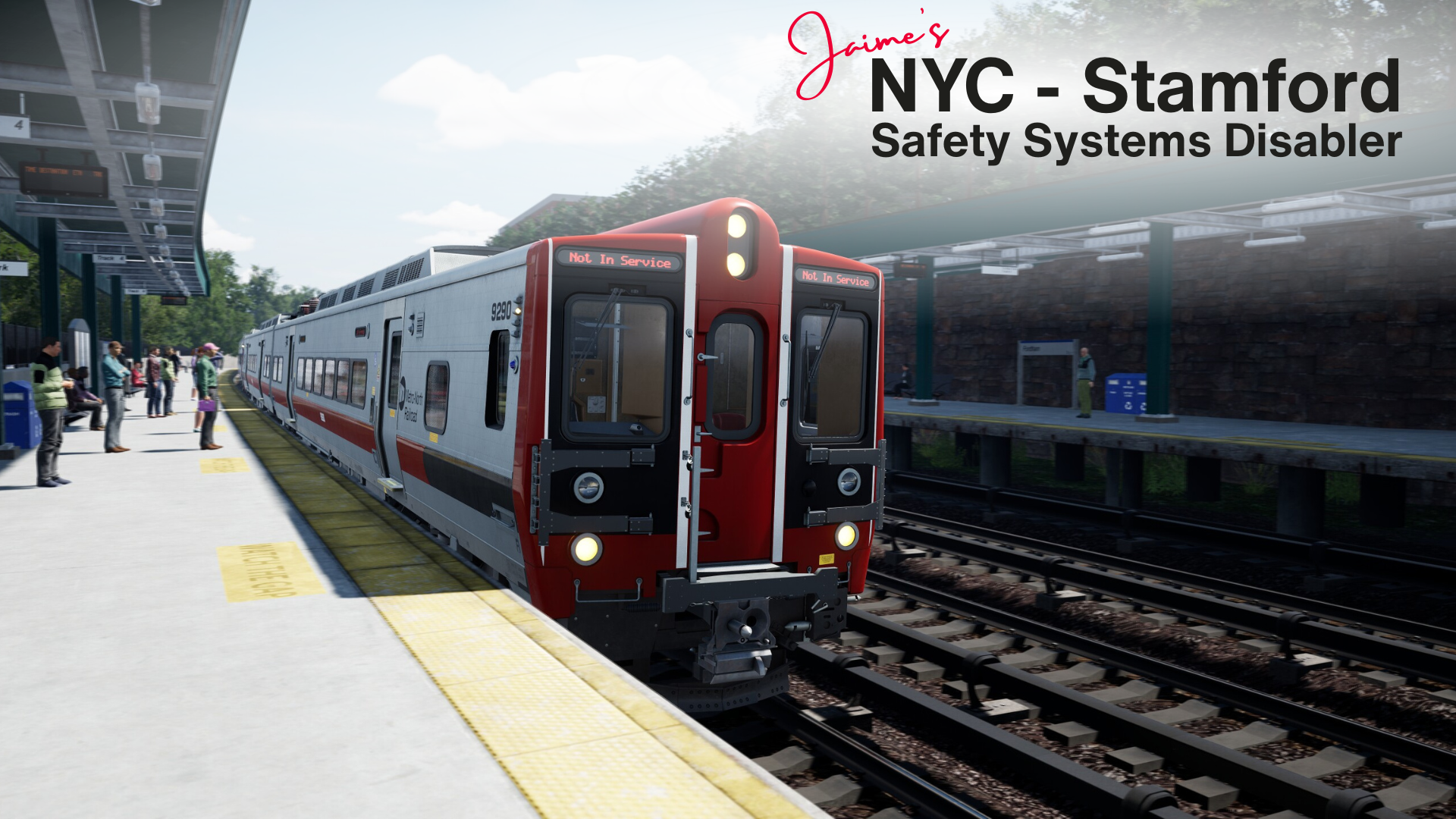
NYC - Stamford: Safety Systems Disabler
By default, the M8 EMUs have their safety systems on, and cannot be turned off. This mod disables the braking enforcement mechanisms from the Alerter, ATC, and ACSES. This change is permanent for as long as the mod is installed; to re-enable these systems, you must uninstall the mod.
To install this mod, download the .pak file, and move it to your game's DLC folder.
To uninstall this mod, delete the .pak file.
Please Note: Unlike my previous mod, which targets the M7 and M9 EMUs from LIRR Commuter, this mod does not outright turn off these systems -- the M8's structure is vastly different from those trains. However, all braking enforcement mechanisms are disabled. The only notable difference to the player is that certain alarms will still sound (but can be dismissed/acknowledged), and that on the normal HUD, the blue speed marker still appears.
This mod has only been tested on the Steam edition of Train Sim World 6. While I don't anticipate any issues on other platforms, you are essentially my test subjects.
I am not aware of any mod conflicts.
Download this file to mute audible alarms.
Download this file to keep audible alarms.
I thank you so much. I can even support you please. Can you make a mod to sub in the ACS 64 train on the Morristwon line as I don’t like the ALP train breaks system divres me carzy please.
Or if you can make the trains system on the ALP 46 and 45 be like the ACS-64 break systeam please please. man if yoy do you would’ve saved me a lot headache so much my goodness you don’t understand.
You don't need to post the same comment across multiple mods.
How do I access the game DLC folder to place the mod in? I can't find it??? (This is the 1st mod I've ever used.) Thanks.
Find your Train Sim World 6 installation directory -- on Steam, you can right-click on the game, hover over "Manage", and select "Browse Local Files". Epic Games probably has a similar function.
Navigate to 'Train Sim World 6\WindowsNoEditor\TS2Prototype\Content\DLC', and drop the file in there.
Thank you so much, now I can actually enjoy the M8.
The instructions say to put the PAK file in the games DLC folder, however, I cannot find this folder. Do I need to create it? and if so, where do I do it?
Thank you.
Might be a stupid question but if I get this I can still use the safety systems if I want, right?
No; per the description, "This change is permanent for as long as the mod is installed; to re-enable these systems, you must uninstall the mod." Enabling or disabling braking enforcement ad hoc isn't possible (or at least, not under my current understanding of the train).
To explain a bit more on why: other trains in the sim have toggles for their safety systems that are fairly easy to disable — either via physical controls or keyboard shortcuts in-game. Even the LIRREX units have these, though they are obscured from the player. The M8's safety systems, on the other hand, are hardcoded into the train's files; so rather than target the systems themselves, I opted to target the braking enforcement mechanisms. Think of it like cutting a wire instead of flipping a switch.
In that sense, one could say I've neutered a train (which is not a sentence I ever expected to type).
If you're looking to build confidence with the safety systems without the maddening penalty brakes, I'd recommend the initial release, which keeps the audible alarms intact.
hello so i downloaded this and when leaving from stamford on the express going to grand central about 10 to 15 into the route the safety system have you to slow to 60 then a little more down the route it goes to 50 and i cant recover from the train safety system forcing me to brake and train coming to complete stop ive download both and still have not fully disable the safety system from slowing train
Thanks for letting me know. I can't immediately think of why that'd happen, but I'll look into it. If anyone else has had this issue, please reply here as well.
Before anything else, could you please verify that the .pak file is in your DLC folder, and that only one version of the mod is installed? I haven't tested what happens when both files are installed, and I would not recommend it.
If that doesn't fix it, then some more information would really help; so can you please share:
ok so from what I'm seeing is that no matter what service times I'm selecting it when I'm coming from new haven and rye and Greenwich on the express route i would get alarms sound and train will slow down i try to recover it hitting hitting q to turn it off and the alarm will go off but over speed will stay highlighted even though Ur not and train will come to complete stop. i tryed both of the mods u have and it did it with both of them. yes i do have it in my dlc folder
I've done some tests and couldn't replicate the issue. Do the penalty brakes engage at a specific point in the map, and if so, can you tell me where? Again, a specific service number would also be very helpful.
Either way, the fact that you're hearing any alarms at all, even with the mod version that disables them, makes me think that the mod isn't being loaded at all. Do you have any other mods in the folder where you've installed this one, and if so, do those load as well?
i think u may be correct i dont know why the mods are not loading i have allow mods enabled in the setting
I figured that may be the case. Unfortunately, I can't really provide any further assistance, past asking you to verify your DLC folder's location.
Steam: In your Library, right-click on Train Sim World 6. Hover over "Manage", and select "Browse Local Files". Navigate to "Train Sim World 6\WindowsNoEditor\TS2Prototype\Content\DLC".
Epic Games: Open the Epic Games Launcher's settings, and select "Download Settings". You can then view the install path; navigate to "[Install Path]\Train Sim World 6\WindowsNoEditor\TS2Prototype\Content\DLC".
If you wish to leave a comment, please log in .
Awesome, thank you!