TSW Addon Manager
- by Oppenheimer
- 18 upvotes
- Downloaded 3,547 times
Description
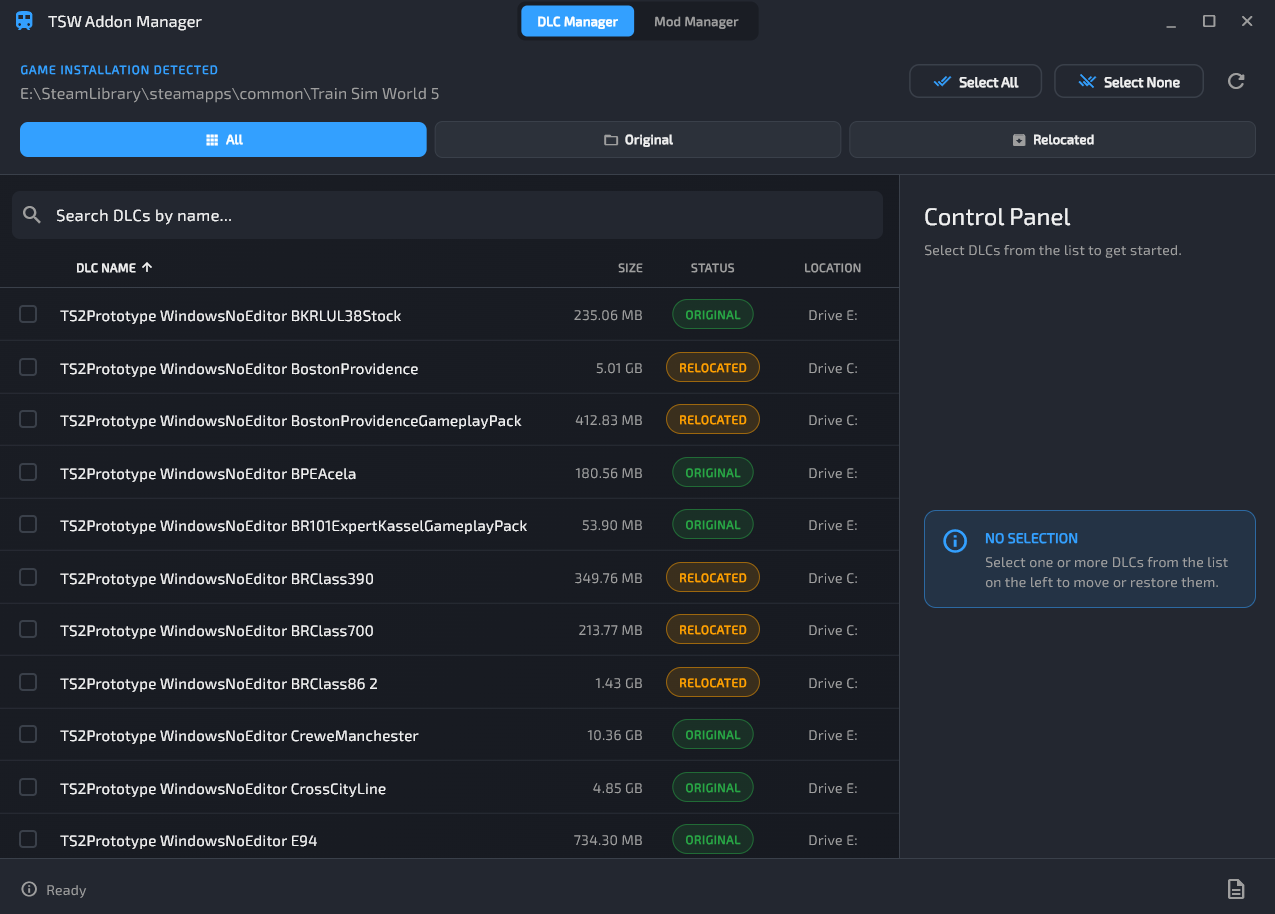
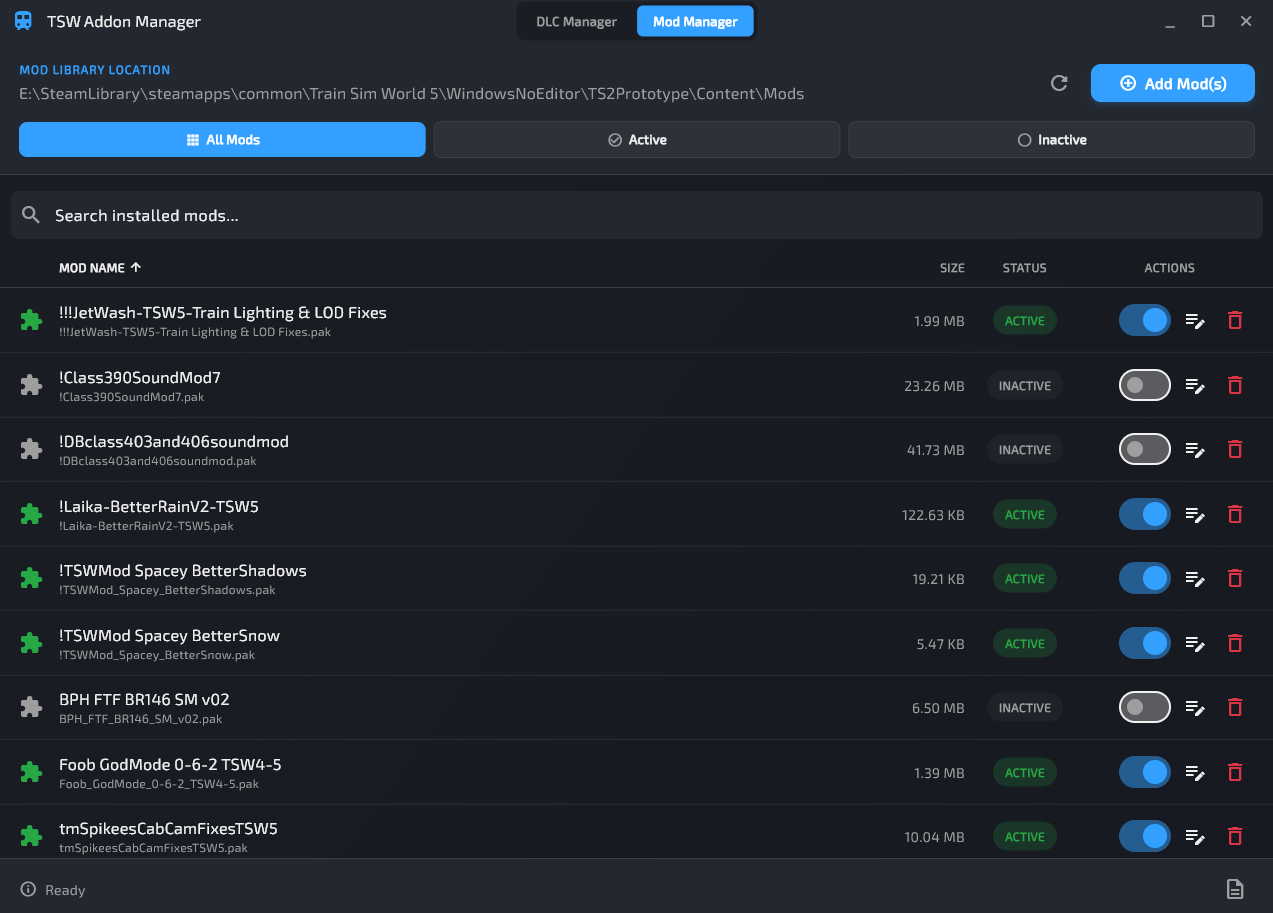
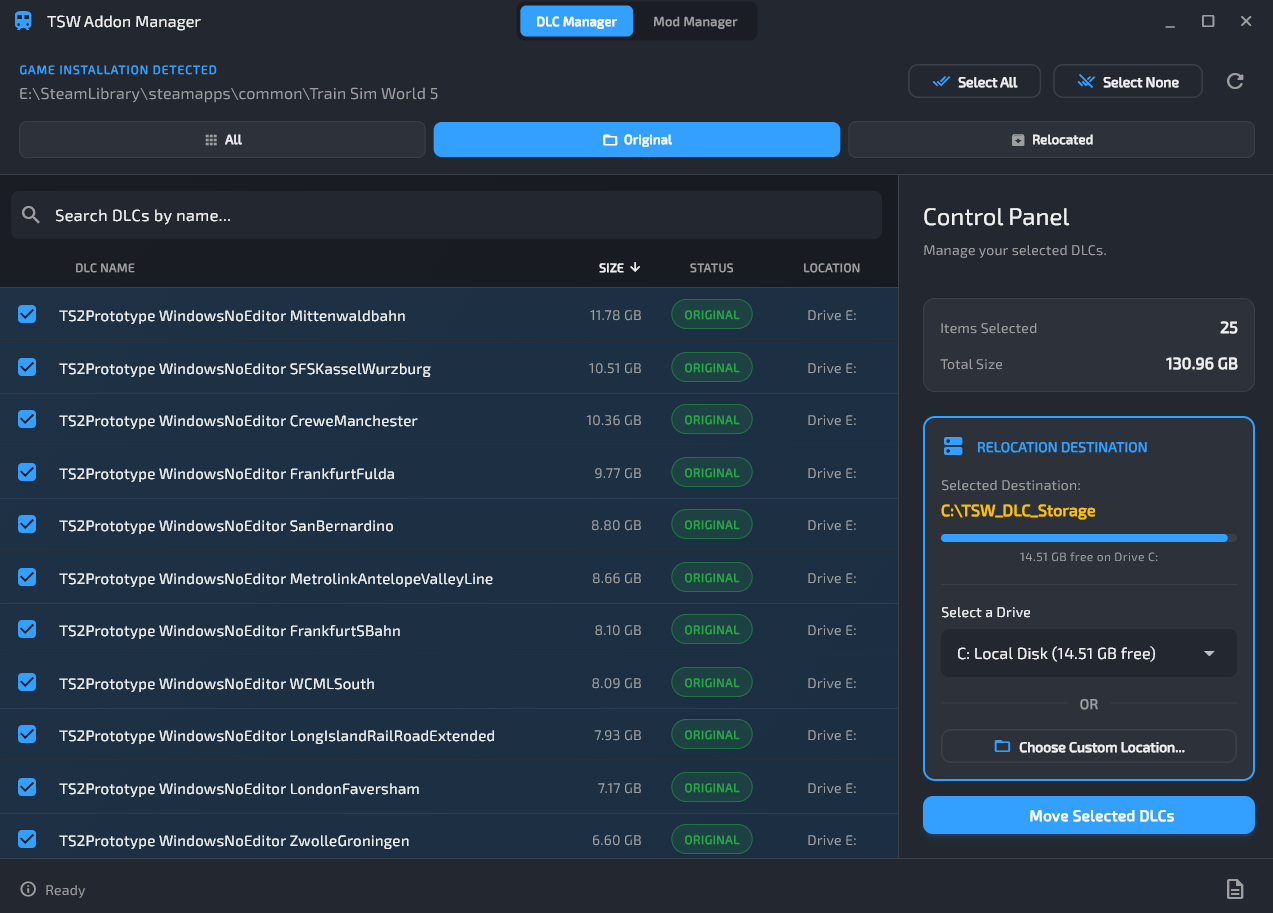
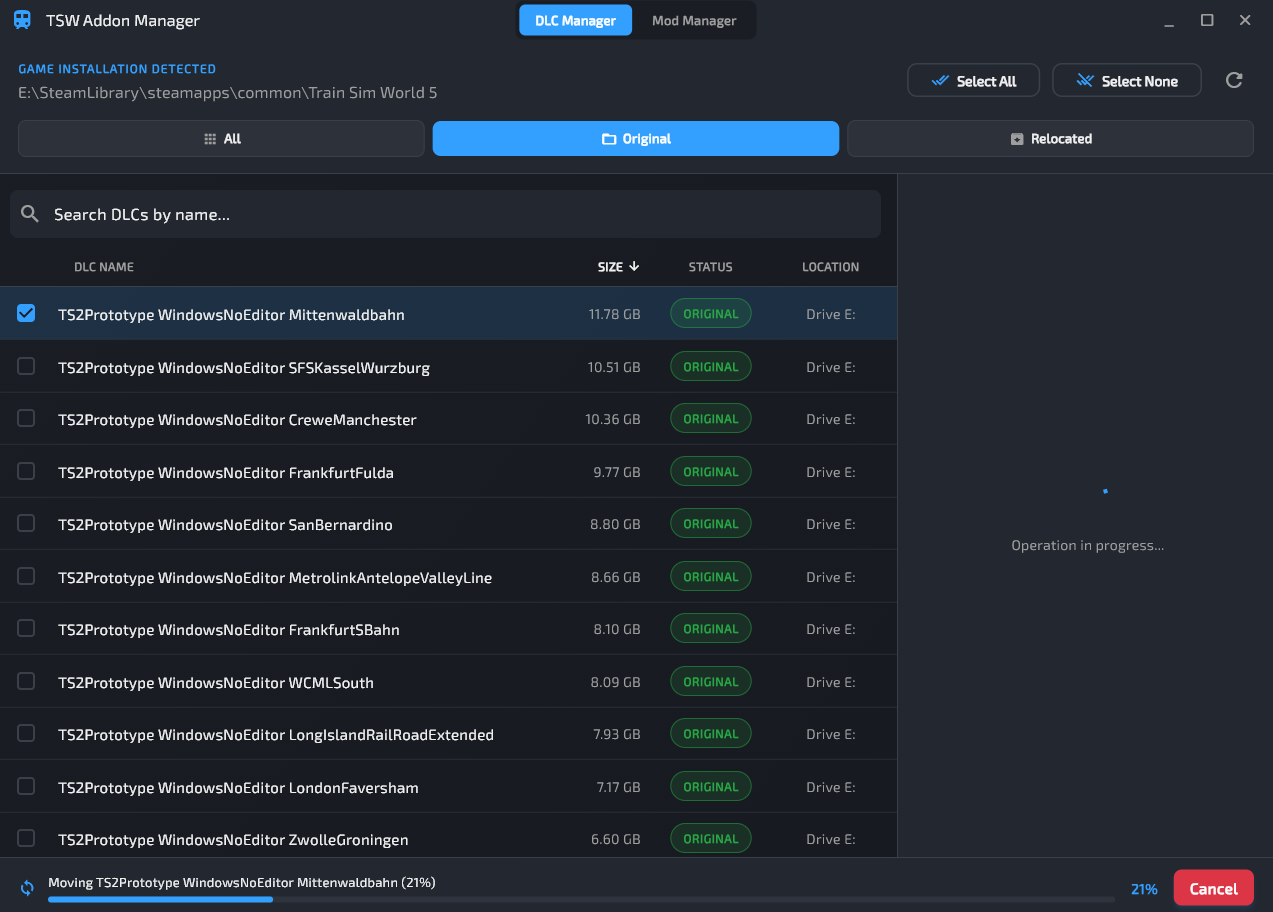
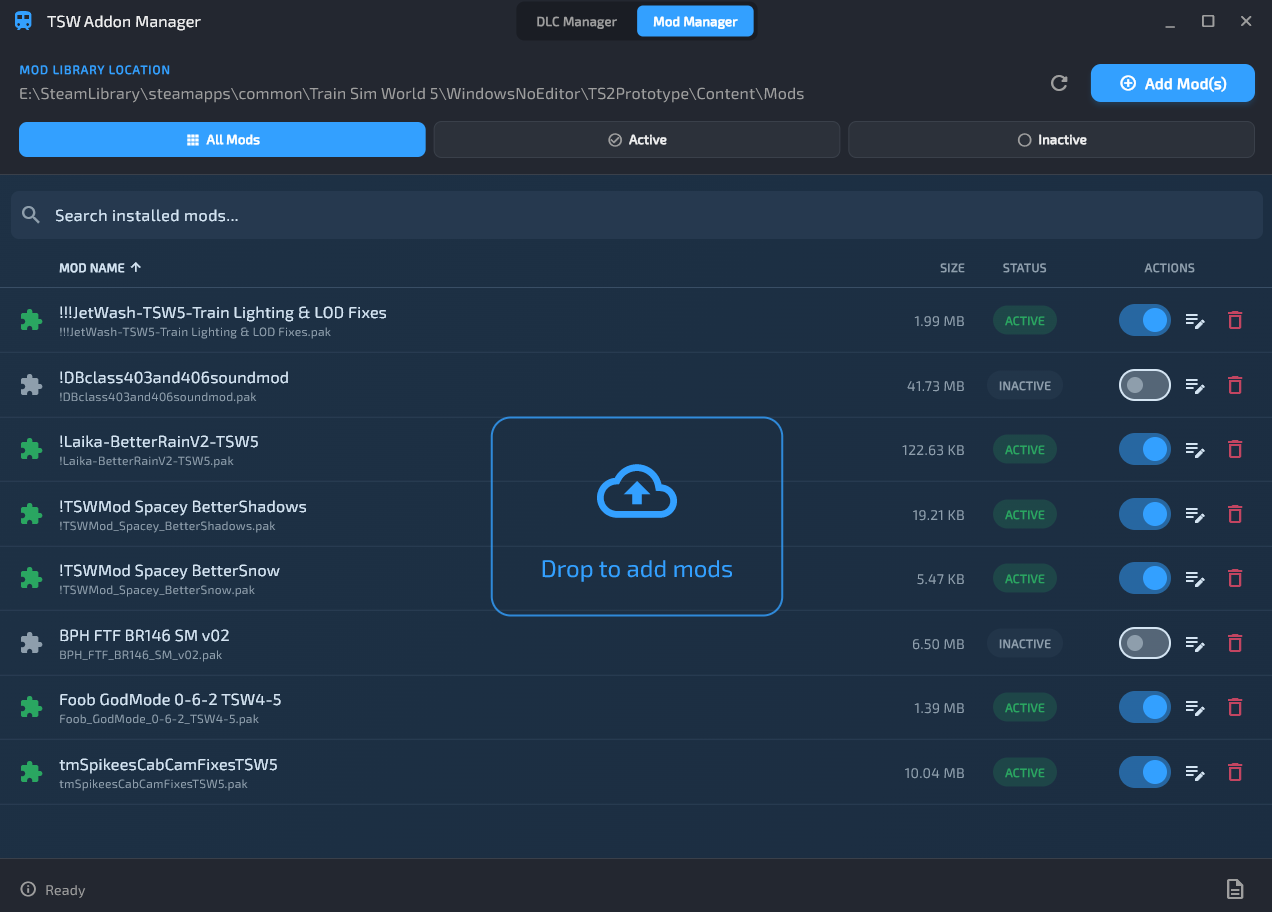
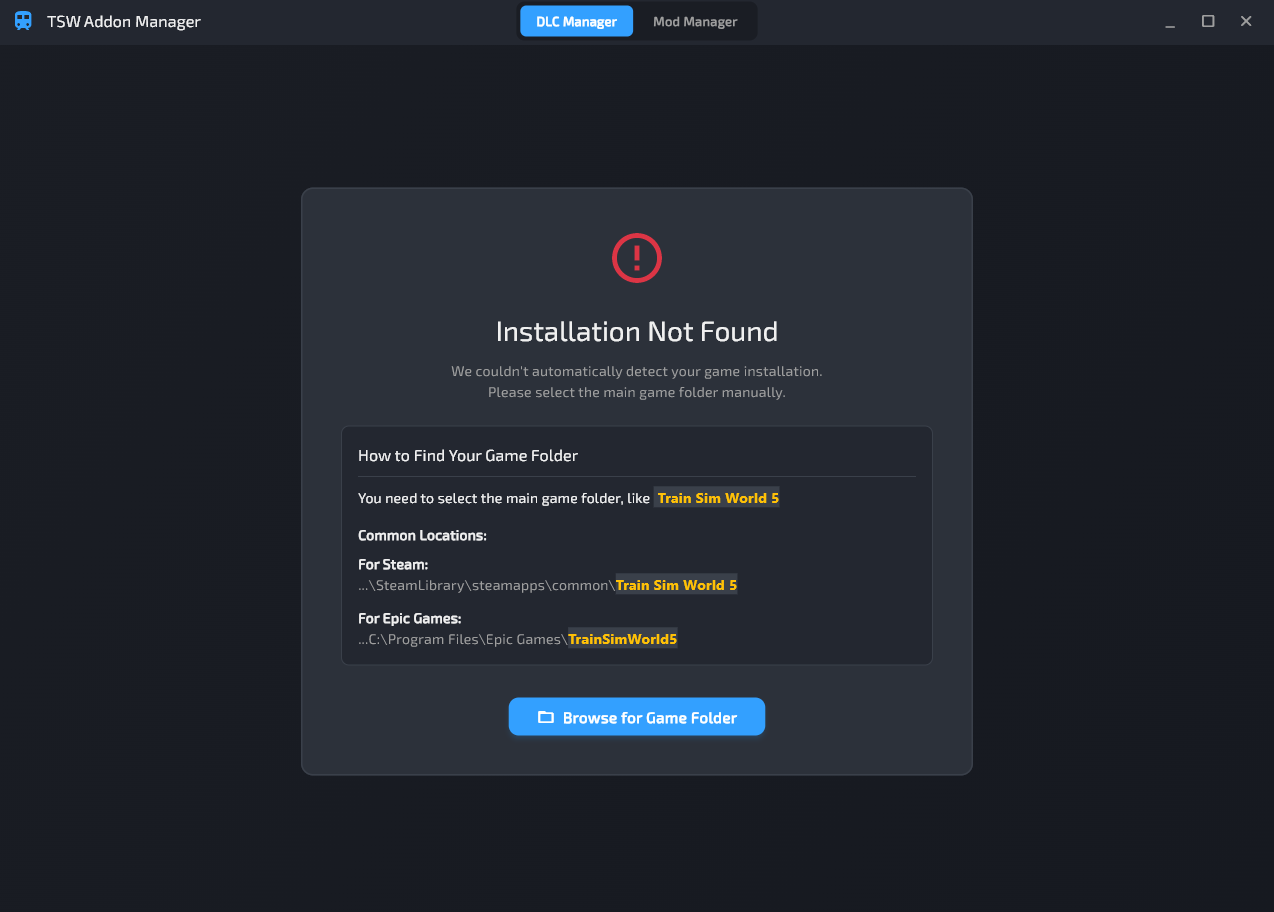
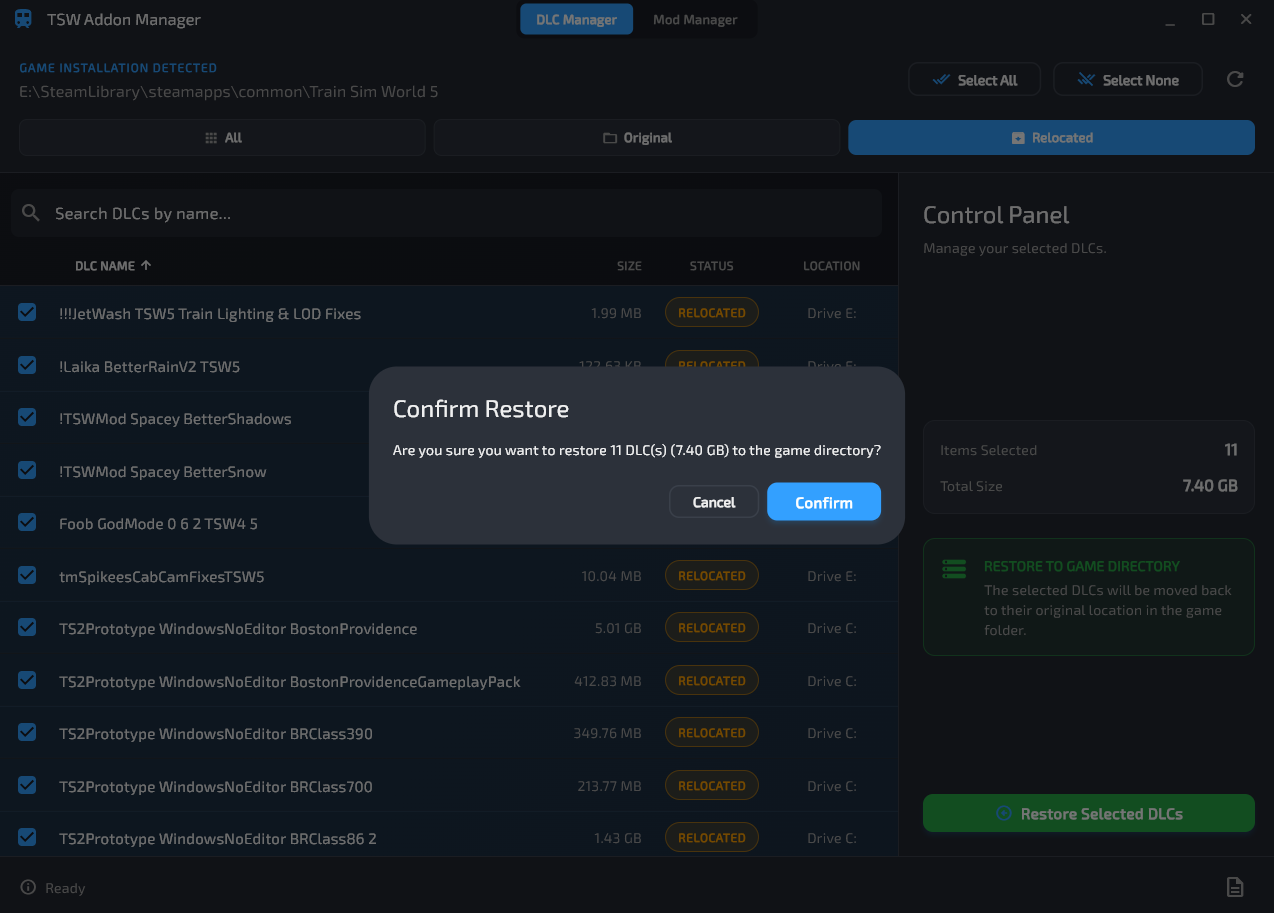
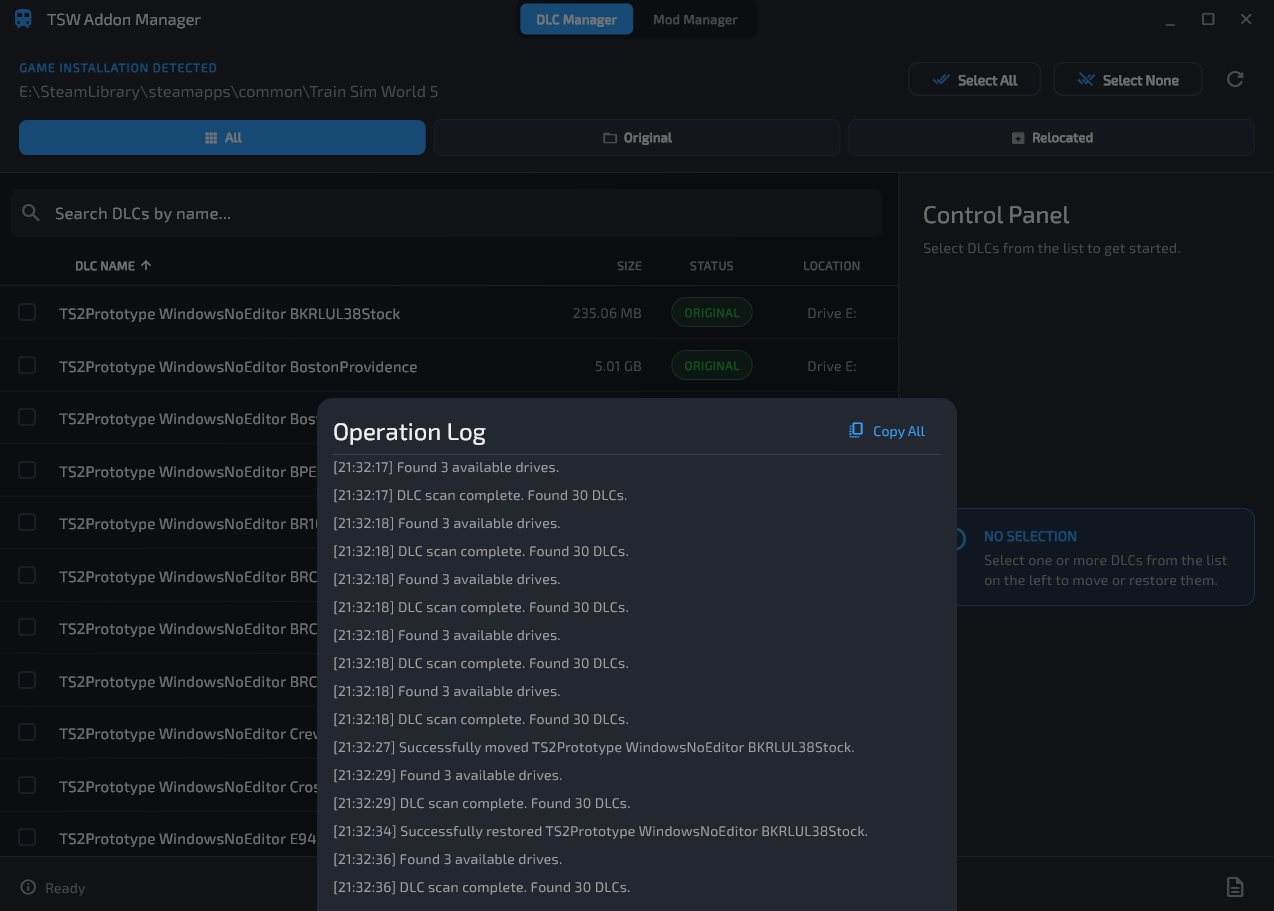
This tool helps you manage both your DLCs and Mods in Train Sim World. The main feature of this tool is the DLC Manager. With it, you can easily move your DLCs to another drive or folder to save space, or keep all your addons downloaded at once if you’re running out of space in your drive, while still keeping them fully playable in-game. It also comes with a Mod Manager, which helps you manage your mods and lets you enable or disable them with ease.
DLC Manager
- Move DLCs to another drive or folder while still keeping them fully playable.
- Free up SSD space while still being able to play the DLCs.
- Easily restore DLCs when needed.
- View the status, size, and location of all your DLCs.
Mod Manager
- Install mods easily with a simple drag-and-drop interface.
- Organize mods in a dedicated library, separate from official DLCs.
- Rename mods and add custom notes to keep track of what they do.
- Enable or disable mods with one click.
- Prevent clutter and keep the DLC folder clean.
New Version 1.1 Changelogs:
Multi-Game Profile Support
- The app now automatically detects all installed versions of Train Sim World (e.g., TSW 5, TSW 6, etc.) on your system.
- A distinct profile is created for each game installation, allowing you to manage them independently.
- DLC lists, mods, and individual mod activation states are now saved and loaded per-profile. For example, switching from TSW5 to TSW4 will correctly show only the DLCs and mods relevant to TSW4, preserving their active/inactive states.
New Settings Panel
- A Settings button has been added to the status bar.
- Added Profile Switching which allows you to switch between your game profiles using a simple dropdown menu.
- You can now manually change the Game Installation Path and Mod Library Path for the currently selected profile directly from the settings.
Batch Mod Operations
- "Activate All" and "Deactivate All" buttons have been added for bulk activation/deactivation.
Storage Cleanup Utility
- A new "Clean Up Unused Files" option has been added in the Settings Panel which scans your relocated DLC storage folder for any files that are no longer linked to any of your game profiles (i.e., orphaned files). It then calculates the space they occupy and gives you the option to safely delete them.
Installation Instructions
Extract the .rar file and run TSWAddonManager.exe
Additional Comments
- This tool requires Administrative rights to function properly because Windows only allows symbolic links to be created with elevated permissions. The application uses them exclusively for this purpose.
- If you encounter any .dll errors, install the required Redistributables.
Files
Version 1.1
Comments
About this mod

- Created
- 13 Sept 2025
- Updated
- 22 Sept 2025
- Game
- Train Sim World
- Type of content
- Utility
- Train Sim World Version
- Train Sim World 2 before Rush Hour update (UE4 4.23), Train Sim World 2: Steam version (UE4 4.26), Train Sim World 2: Epic Games Store version (UE4 4.26), Train Sim World 3, Train Sim World 4, Train Sim World 5, Train Sim World 6
Loading comments…