FURX SD40-2
- by suzukisk
- Downloaded 167 times
Description
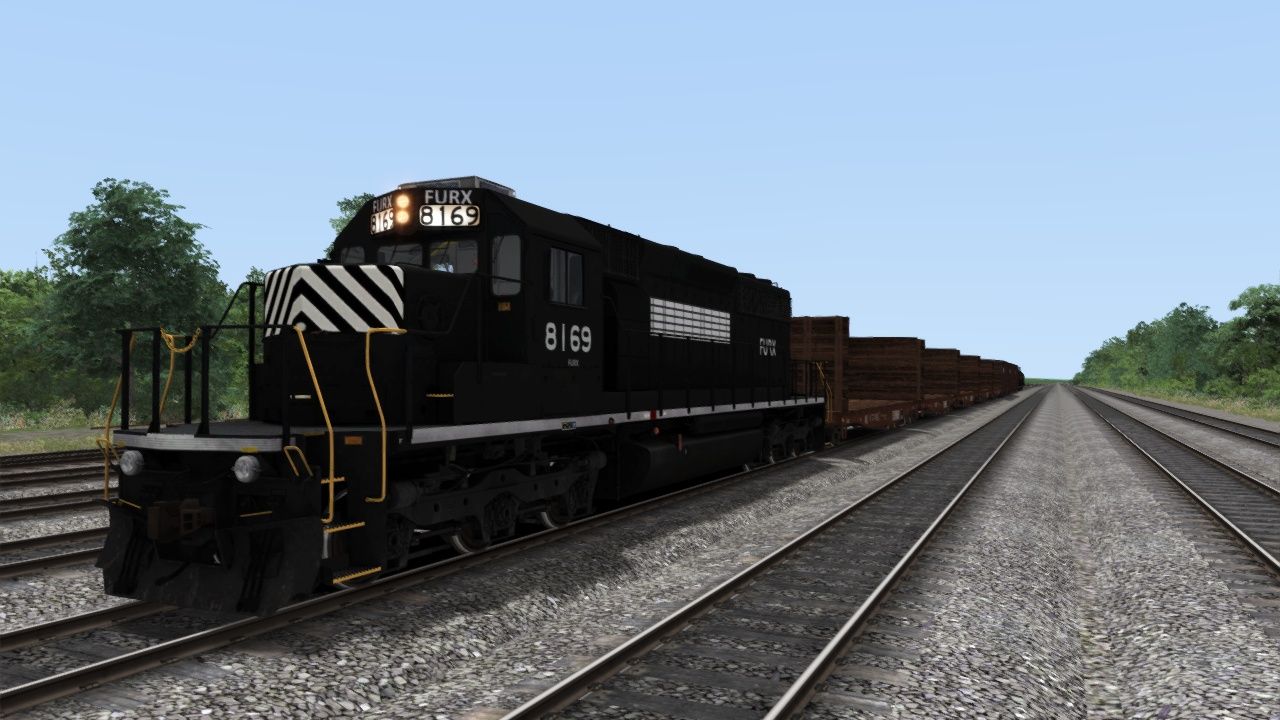
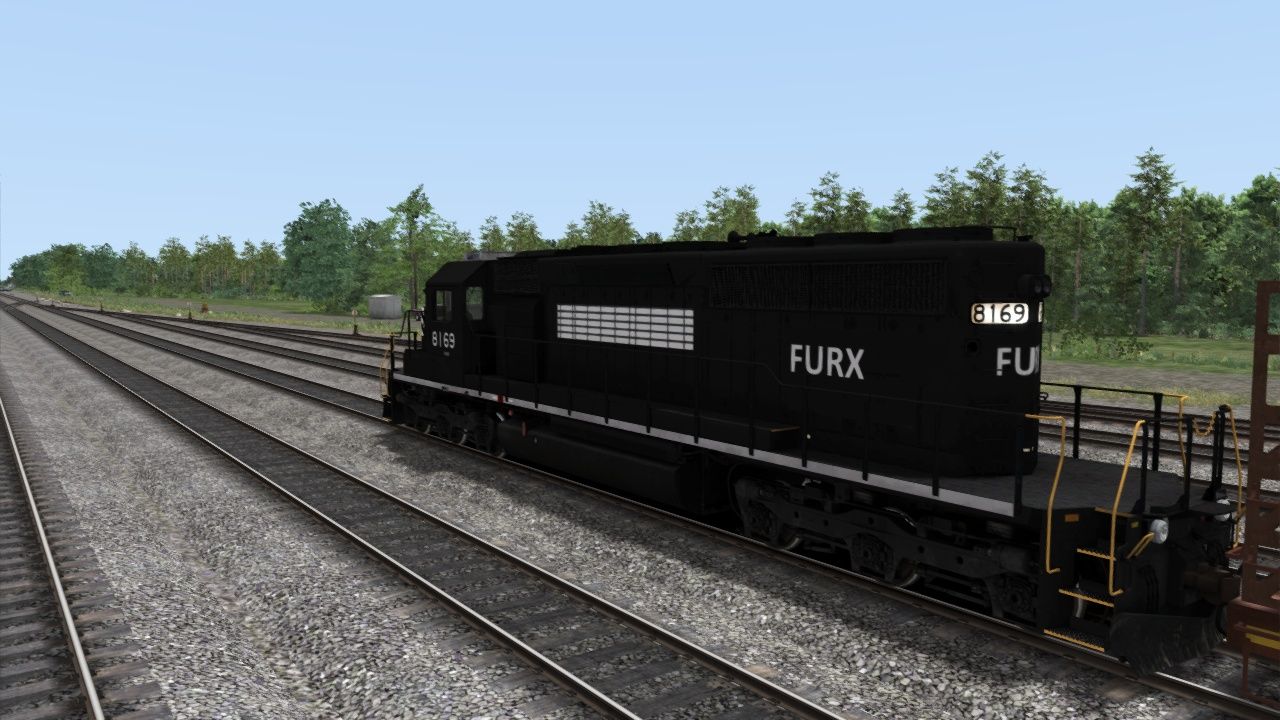
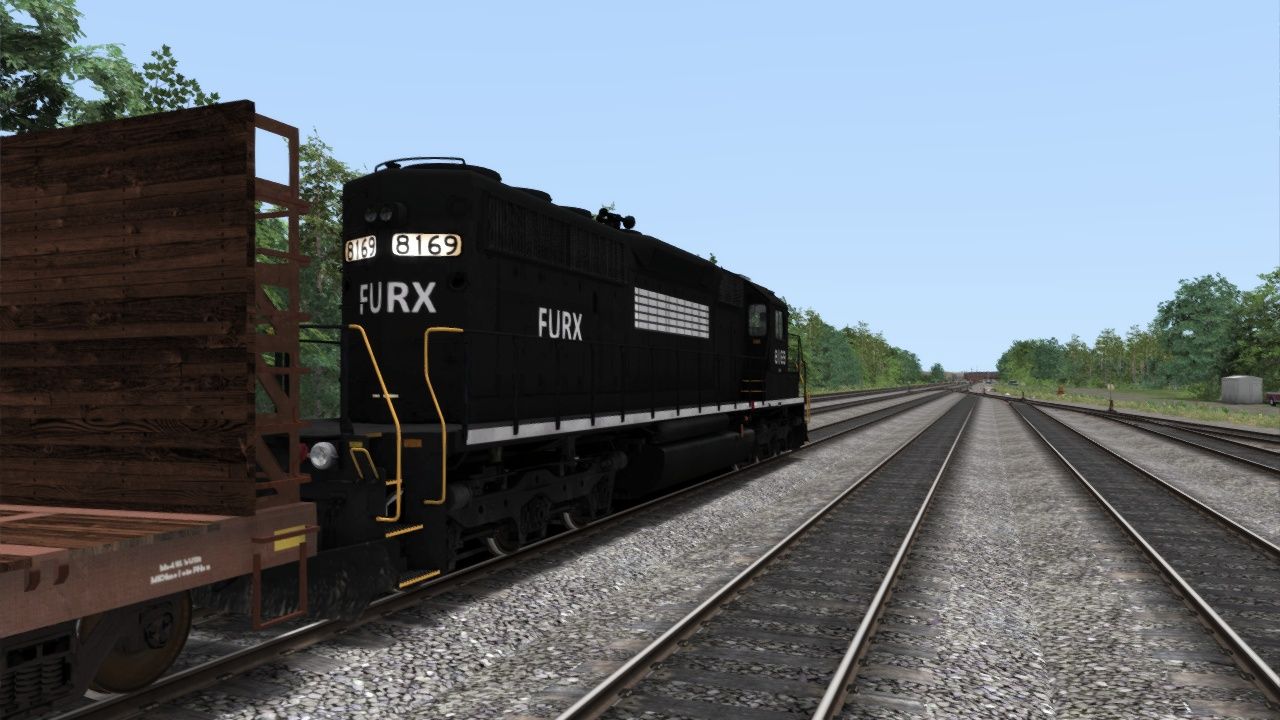
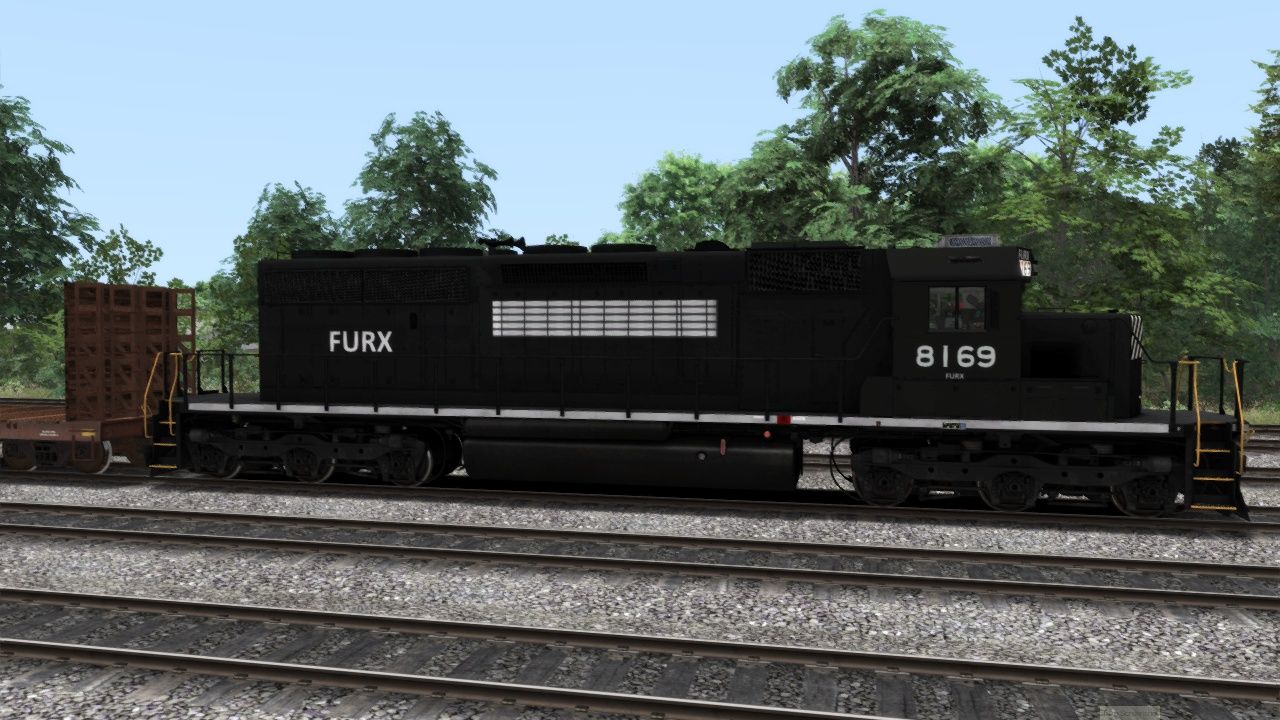
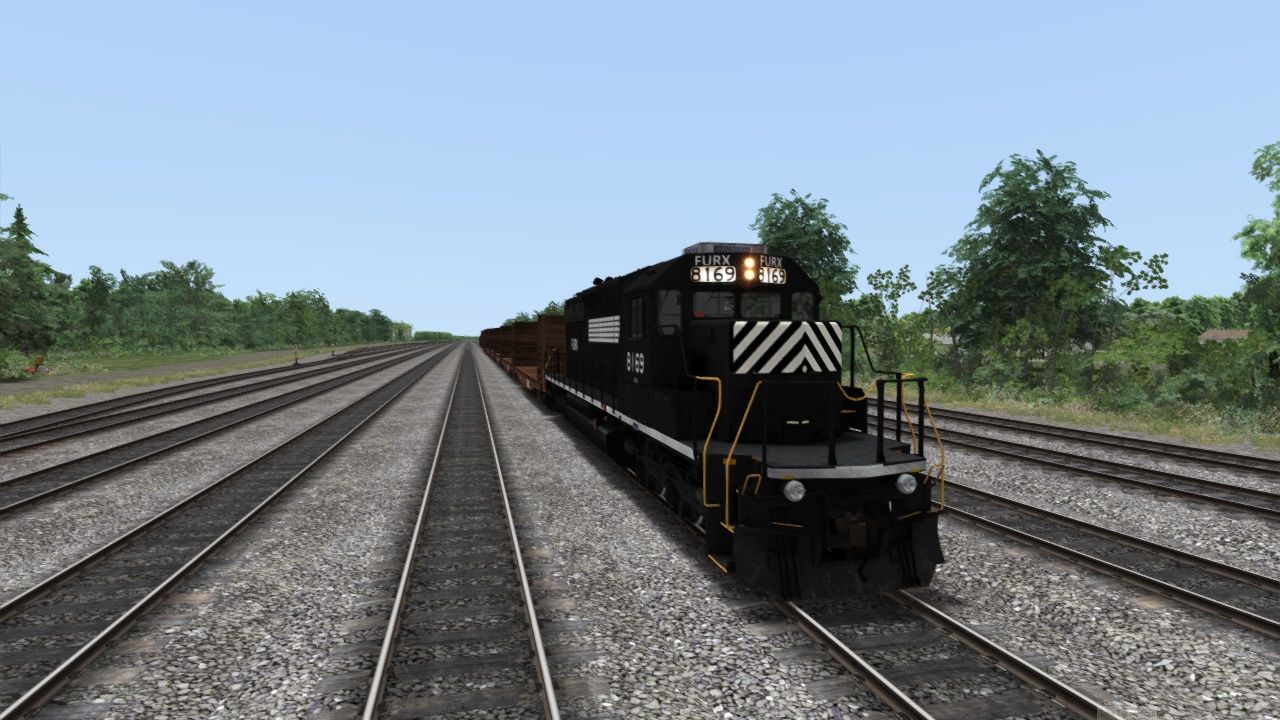
This is a FURX SD40-2 repaint usilizing the NS version from Searchlight Simulations This is a one off repaint based on pictures of the real unit. This uses the road number from that unit.
Installation Instructions
Extract files from FURX RAR compressed files to -
C:\Program Files (x86)\Steam\steamapps\common\RailWorks\Assets\SearchlightSimulations\EMD\JRSD40-2\RailVehicles\Diesel
Copy all the ".GeoPcDx" files from the NS "Engine" folder:
Assets\SearchlightSimulations\EMD\JRSD40-2\RailVehicles\Diesel\NS\Engine...
...and paste the files into the FURX "Engine" folder.
-Copy all the ".GeoPcDx" files from the NS "Cabview" folder:
Assets\SearchlightSimulations\EMD\JRSD40-2\RailVehicles\Diesel\NS\CabView...
...and paste them into the FURX "Cabview" folder..
The locomotive should appear in game as "JR SD40-2 FURX"
Use this FURX Repaint at your own risk. It was tested by some fellow trainsimmers with no issues.
Files
Comments
About this mod

- Created
- 15 Nov 2022
- Updated
- 15 Nov 2022
- Game
- Train Simulator Classic
- Type of content
- Reskin
- NA Operator
- Other


Loading comments…