Golden Spike Centennial Limiter Berkshire
- by ShadowSteel18
- Downloaded 134 times
Description

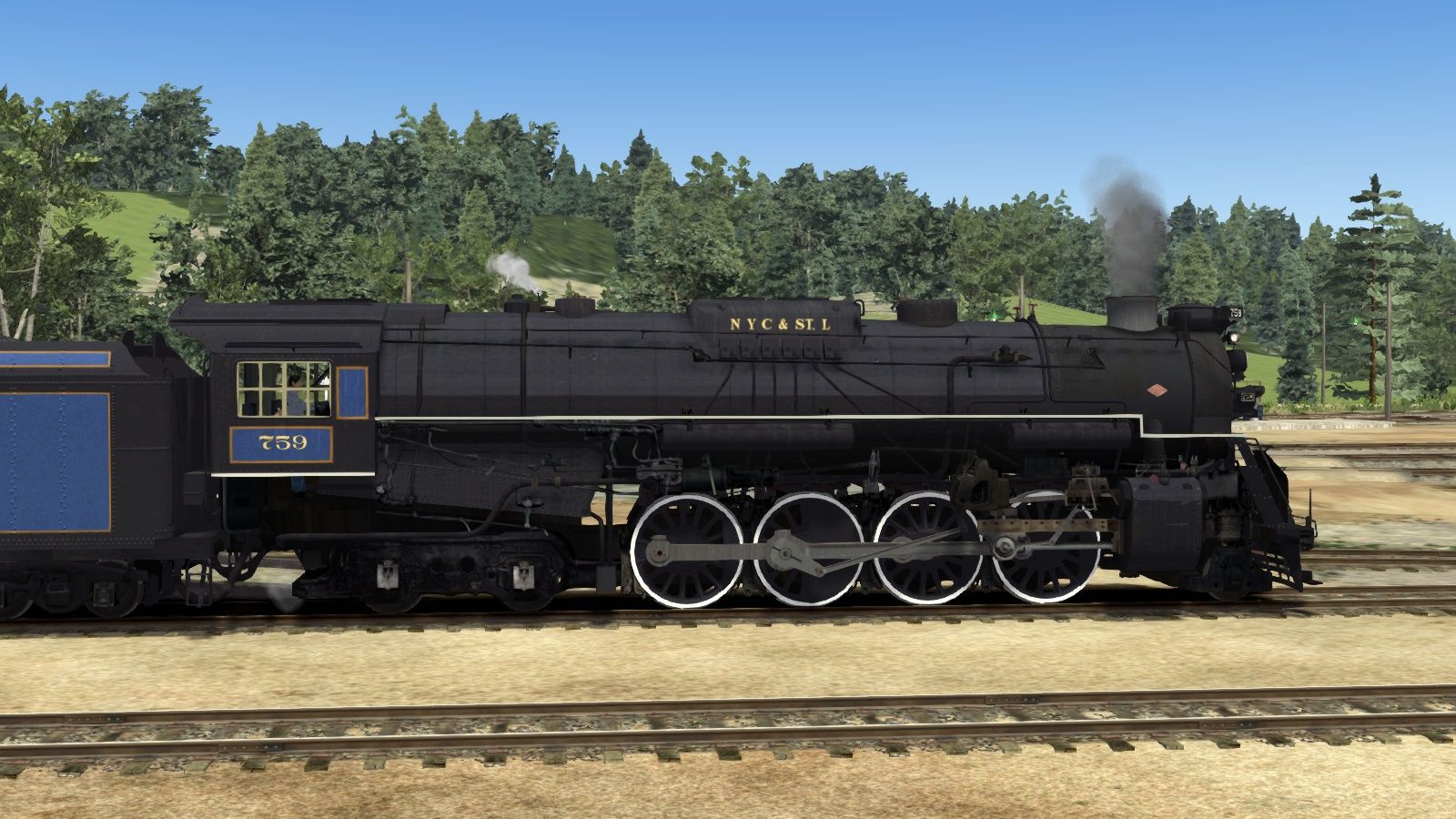
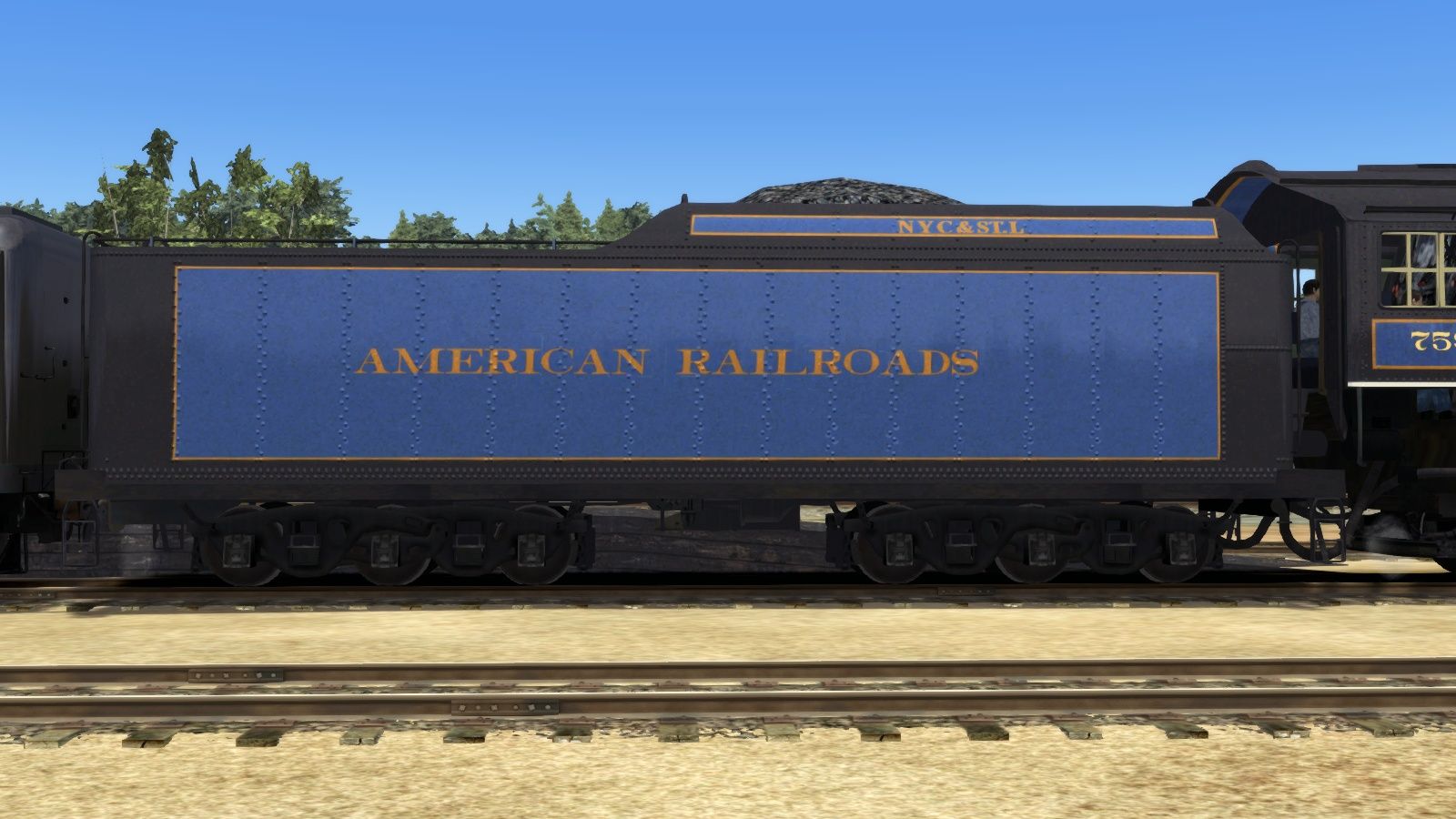
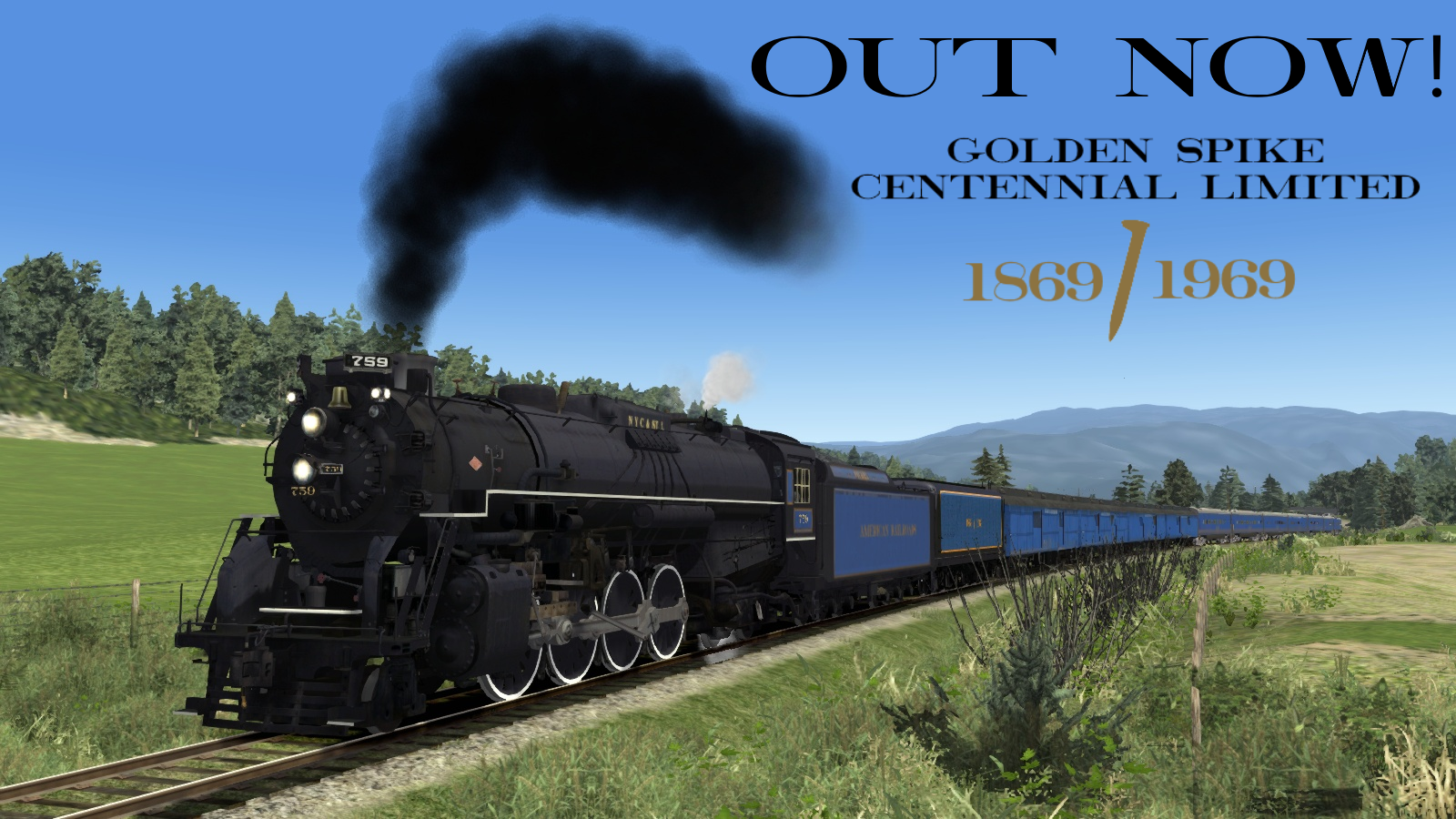
HISTORY
May 9th, 1869 the first Transcendental Railroad completed at Promontory Summit. This linked a then brand new nation from coast to coast with a ribbon of steel.. 100 Years later a pioneering Business man had taken it upon himself to not only restore a steam locomotive but to take it from Coast to Coast to celebrate the 100th anniversary of the completion of the Transcontinental Railroad. That man was none other was Ross Rowland the locomotive was Nickle Plate Road S-2 Berkshire 759.
The Golden Spike Centennial Limited Berkshire is part of a larger pack to recreate the set that was seen on the rails between 1968 and 1969.
FEATURES
- Semi-Accurate Livery
Tags: 759 berkshire celebrate excursion golden lima limited locomotive nickle plate power road s-2 spike steam
Dependencies

The fantastic S-2 Class ‘Berkshire’ is a wonderful US steam locomotive and now available for Train Simulator in two preserved representations of these stunning models.The New York, Chicago and St Louis Railroad, popularly known as the Nickel Plate Road, is famous for its powerful and beautiful Berkshire locomotives, so called due to...
Installation Instructions
--INSTALLATION--
01.) Either extract the RWP file using either winRAR or 7Zip, or use the Utilities program that is included with Railworks.
02.) Next head over the folder listed below:
C:\Program Files (x86)\Steam\steamapps\common\RailWorks\Assets\G-TraX\Trains\RailVehicles\Steam\Berkshire\Default\Locomotive
03.) From there, copy the Berkshire.GeoPcDx file and paste it in the following location:
C:\Program Files (x86)\Steam\steamapps\common\RailWorks\Assets\G-TraX\Trains\RailVehicles\Steam\Berkshire\GSCL\Locomotive
04.) Next head over to the following folder:
C:\Program Files (x86)\Steam\steamapps\common\RailWorks\Assets\G-TraX\Trains\RailVehicles\Steam\Berkshire\Default\Tender
05.) From there, copy the BerkshireT.GeoPcDx file and paste it in the following location:
C:\Program Files (x86)\Steam\steamapps\common\RailWorks\Assets\G-TraX\Trains\RailVehicles\Steam\Berkshire\GSCL\Tender
06.) Once commplete enjoy and have fun.
Files
Comments
About this mod

- Created
- 10 May 2024
- Updated
- 10 May 2024
- Game
- Train Simulator Classic
- Type of content
- Reskin
- NA Operator
- Fallen Flag, NS - Norfolk Southern, Other
![[The Otaku Rail Co.] The Shakedown Runs](https://images.trainsimcommunity.com/PNC1QgDAIeCXXIDFFeK-St8FzS0=/64x36/tscmr-prod/images/1525657678453878784.jpg)


![[TNR] Blackwater Branch Route](https://images.trainsimcommunity.com/1z10AY-BImoAwGsuQuGbR6sf5Lk=/64x36/tscmr-prod/images/1352177444550434816.png)

Loading comments…