43002 'Coupling Hatch and Roof Gen'
- by Ash992478
- Downloaded 216 times
Description
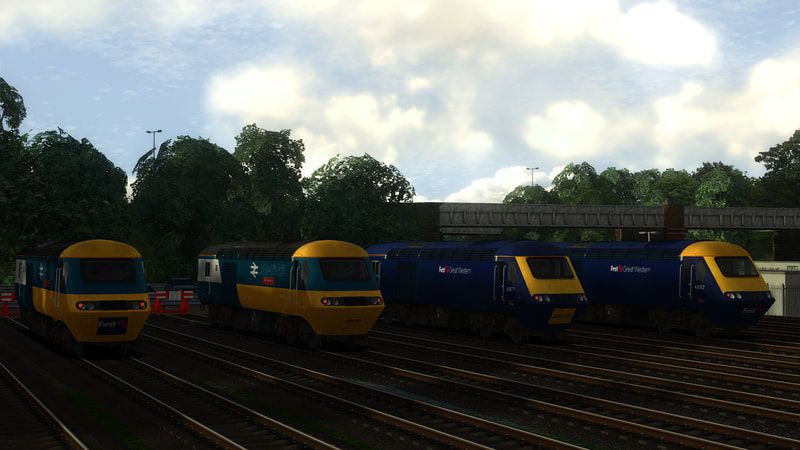
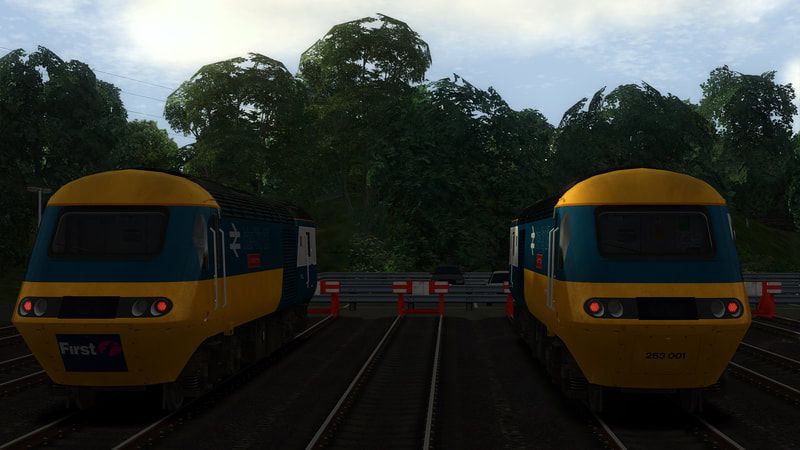
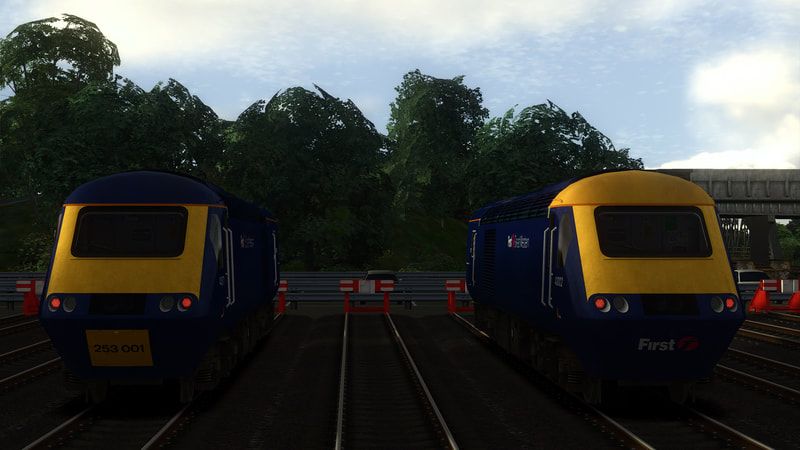
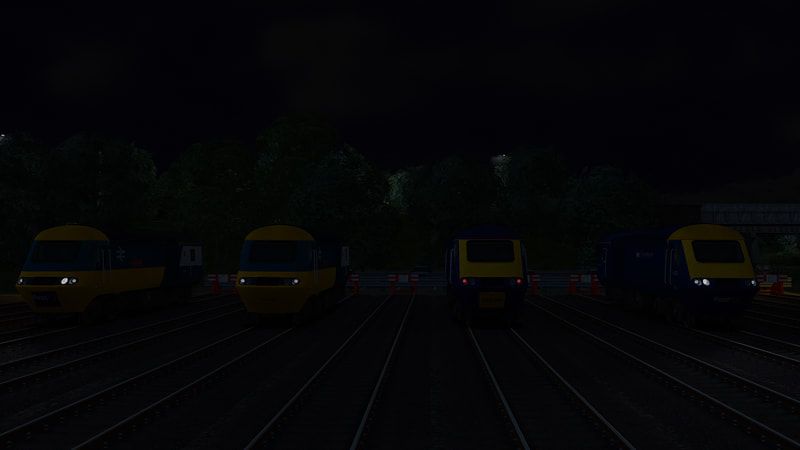

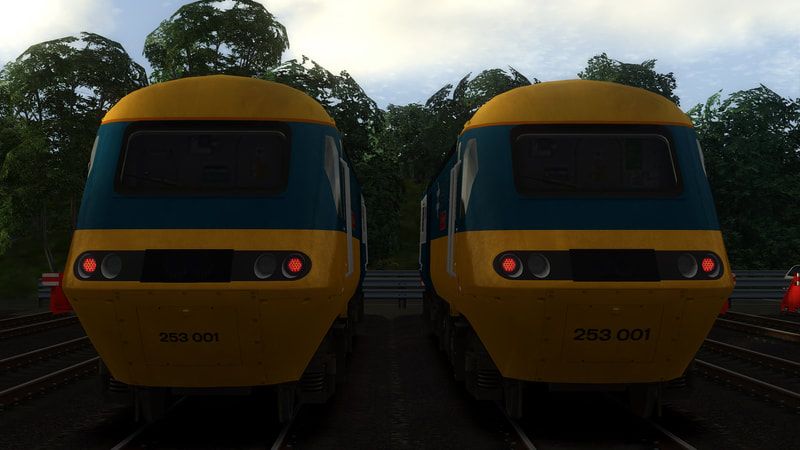
This reskin pack features three additional variants of the powercar 43002. These being: Yellow Roof and Blue Cooling Vents, First Group Coupling Hatch, and The Replacement Hatch with smaller numbers.
Tags: class43 fgw first-great-western
Requirements
Please note, the European Loco & Asset Pack was included with Train Simulator before 2012, and is included in some DLCs.
The Class 43 (MTU)/Mk3 Enhancement Pack has been withdrawn by Armstrong Powerhouse.
Dependencies

The European Community Asset Pack is aimed at users creating and using independently developed content.
Installation Instructions
How to Install:
First copy the 'Assets' folder from the 'Assets' folder into Steam/steamapps/common/Railworks
Then run the 'Install43002' BAT file in 'Railworks/Assets' to install. If this doesn't work or you don't wish to use it for whatever reason, manual installation instructions are provided below.
Powercar
Copy class43_fgw.GeoPcDx from Assets/Kuju/RailSimulator/RailVehicles/Diesel/HST/BRIC125_MTU_AP/Class43
Paste class43_fgw.GeoPcDx into Assets/Kuju/RailSimulator/RailVehicles/Diesel/HST/BRIC125_MTU_AP/Class43_2.
Paste class43_fgw.GeoPcDx into Assets/Kuju/RailSimulator/RailVehicles/Diesel/HST/BRIC125_MTU_AP/Class43_3.
Copy class43_fgw.GeoPcDx from Assets/Kuju/RailSimulator/RailVehicles/Diesel/HST/FGW_AP/Class43
Paste class43_fgw.GeoPcDx into Assets/Kuju/RailSimulator/RailVehicles/Diesel/HST/FGW_AP/Class43_002.
Paste class43_fgw.GeoPcDx into Assets/Kuju/RailSimulator/RailVehicles/Diesel/HST/FGW_AP/Class43_002CH.
How to Install the Pack Automatically:
Simply run the installer and off you go!
Additional Comments
Please note, I will NOT be providing any support. This file is a reupload of a previously withdrawn file.
Files
Comments
About this mod
- Created
- 29 Apr 2024
- Updated
- 29 Apr 2024
- Game
- Train Simulator Classic
- Type of content
- Reskin


Loading comments…