Description
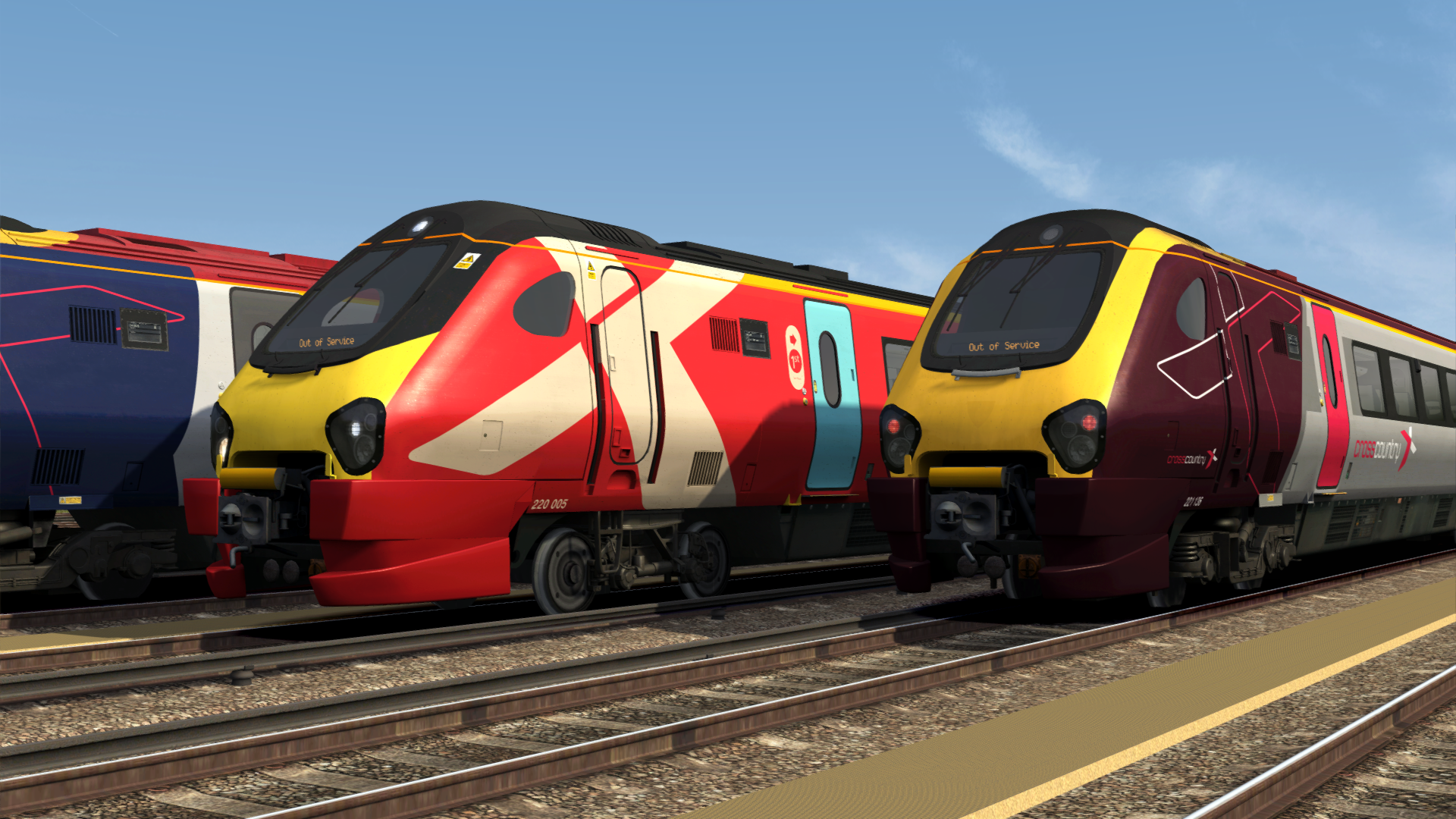
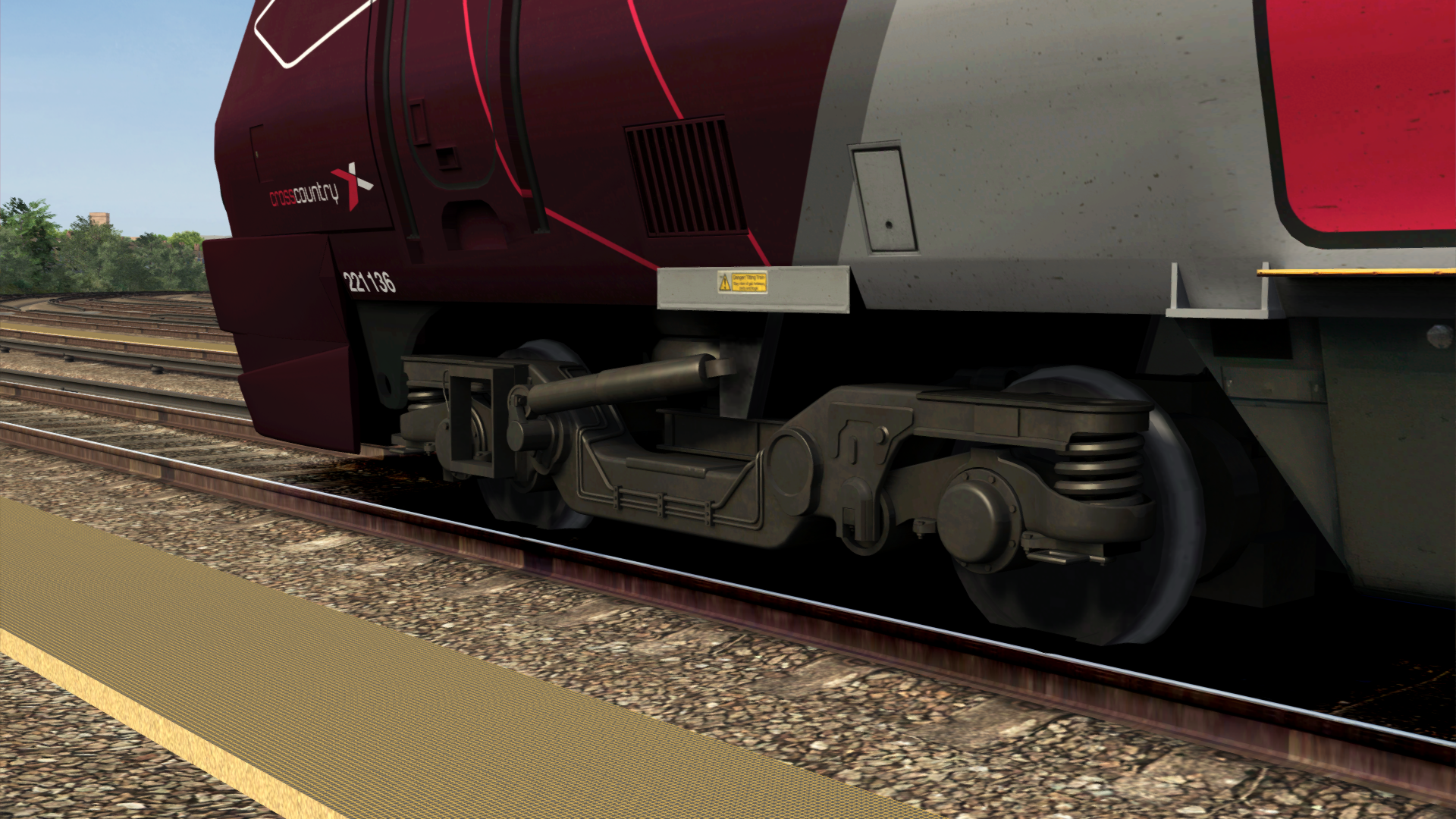
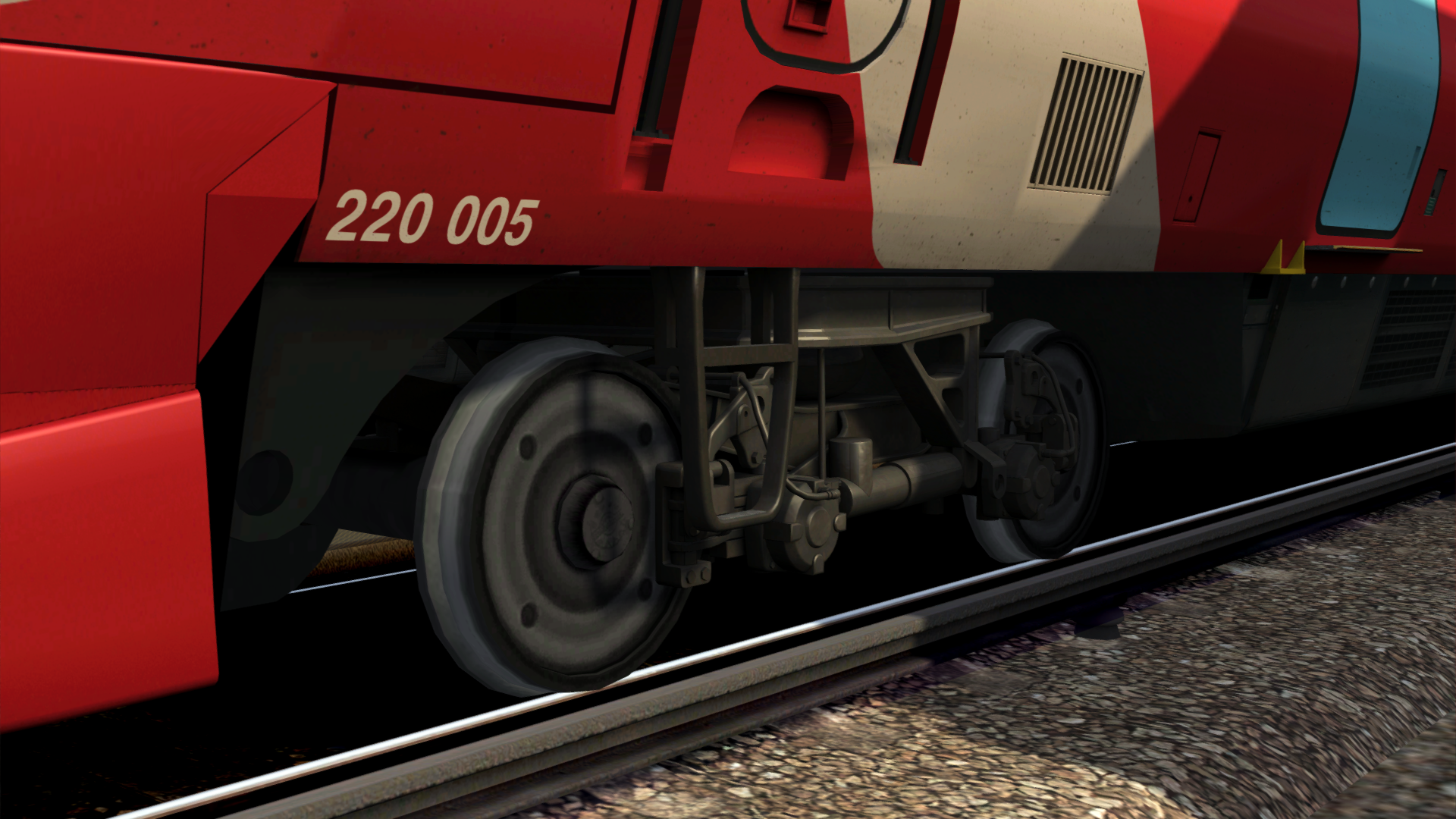
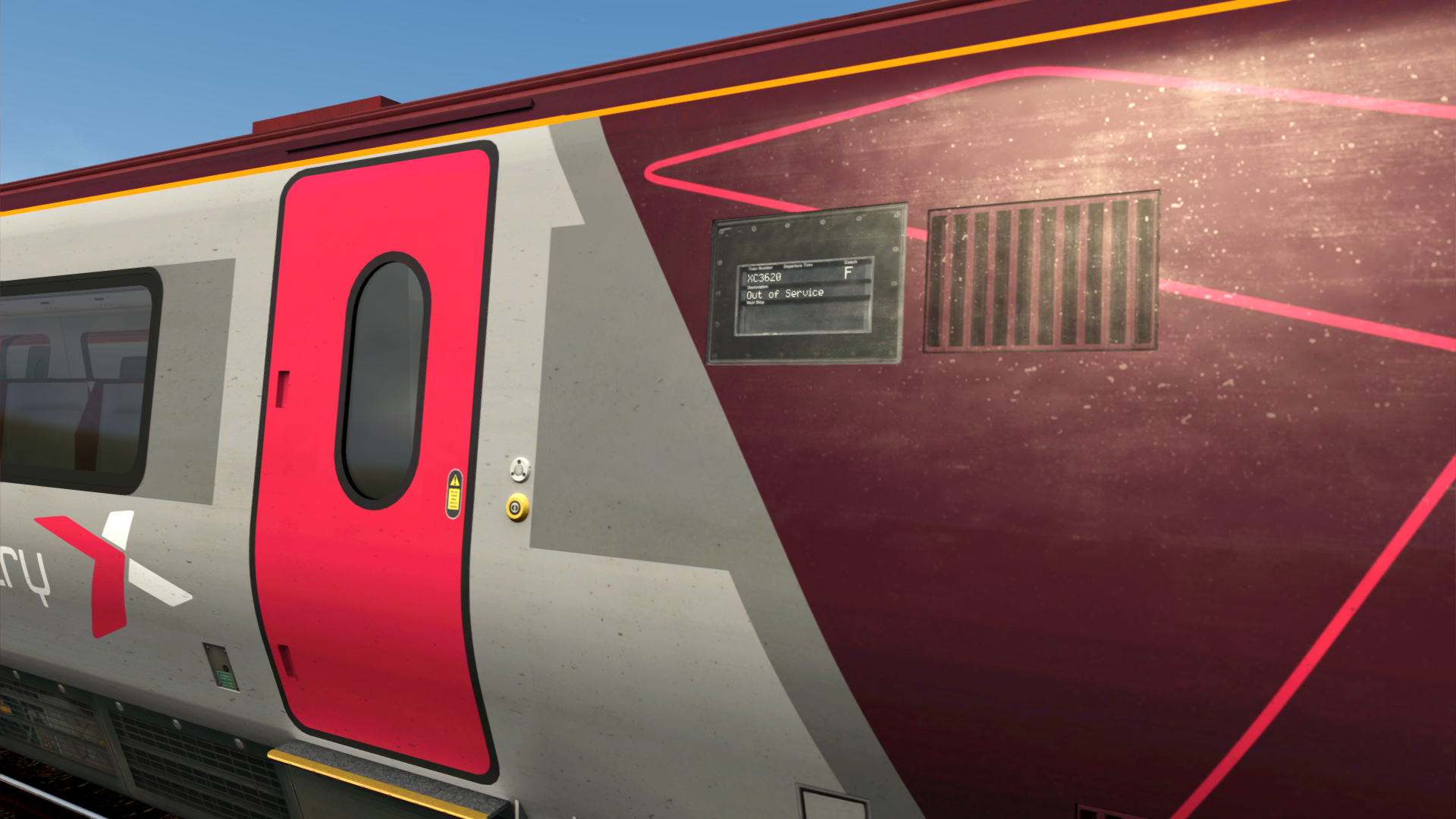
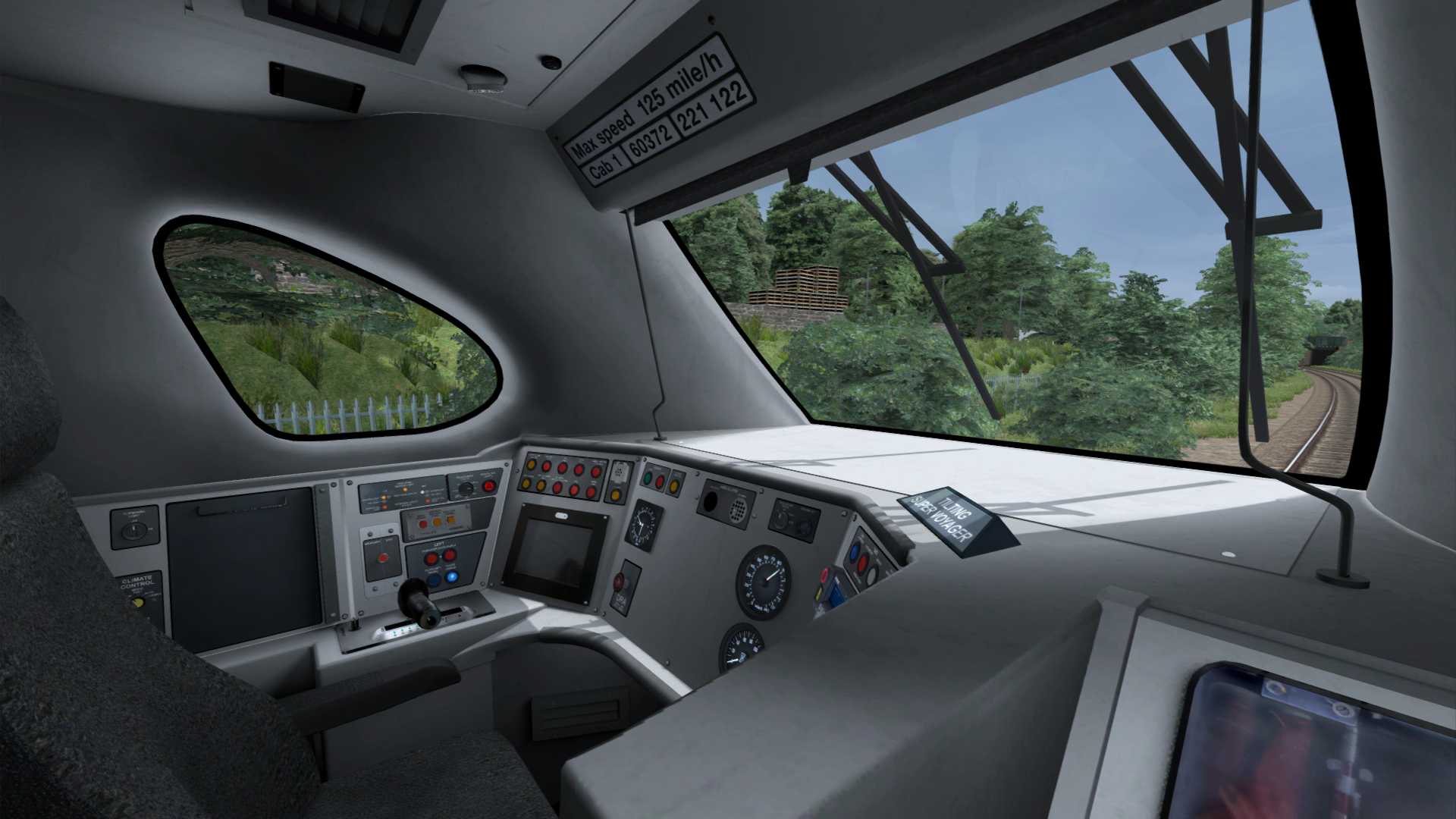
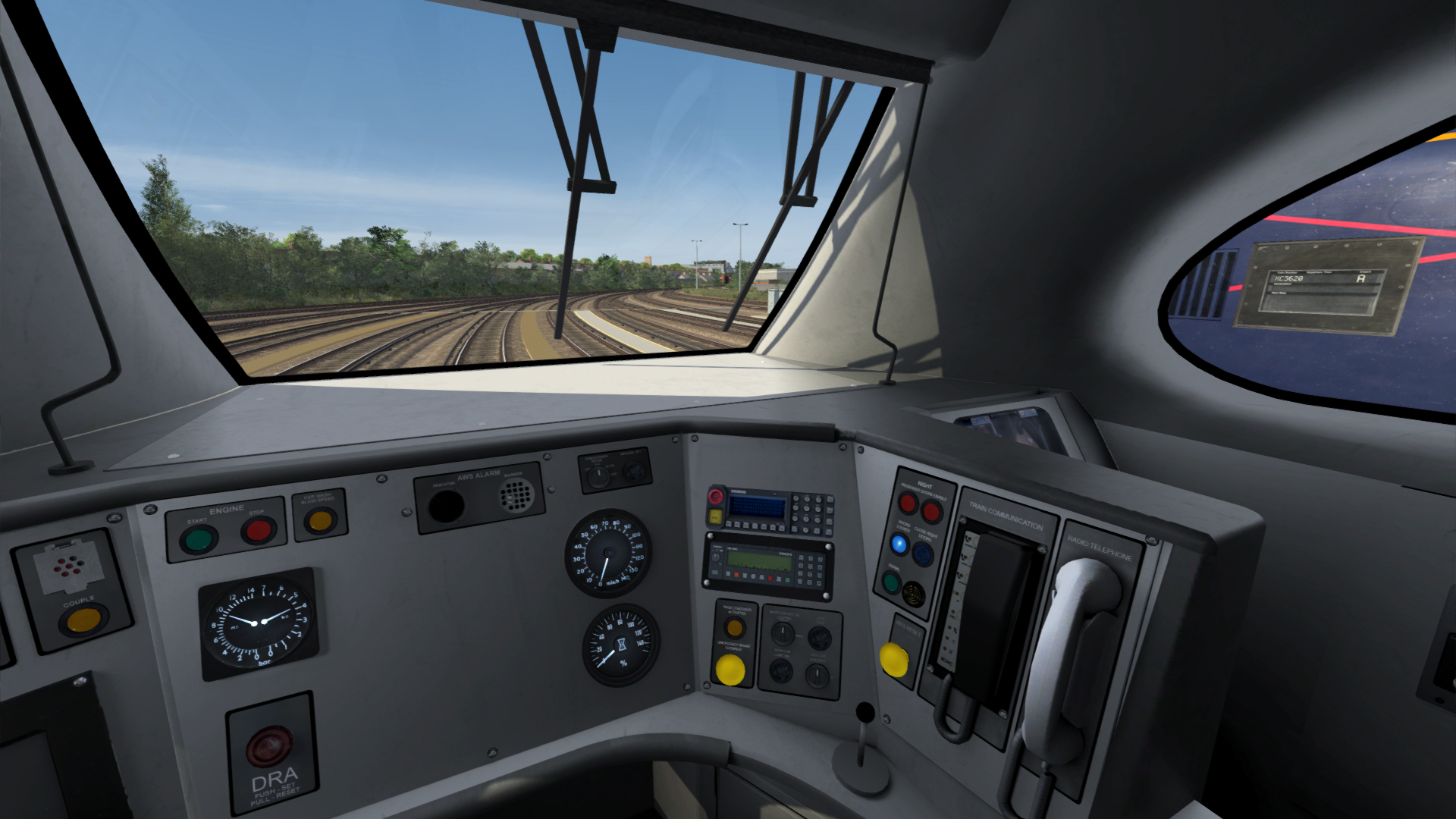
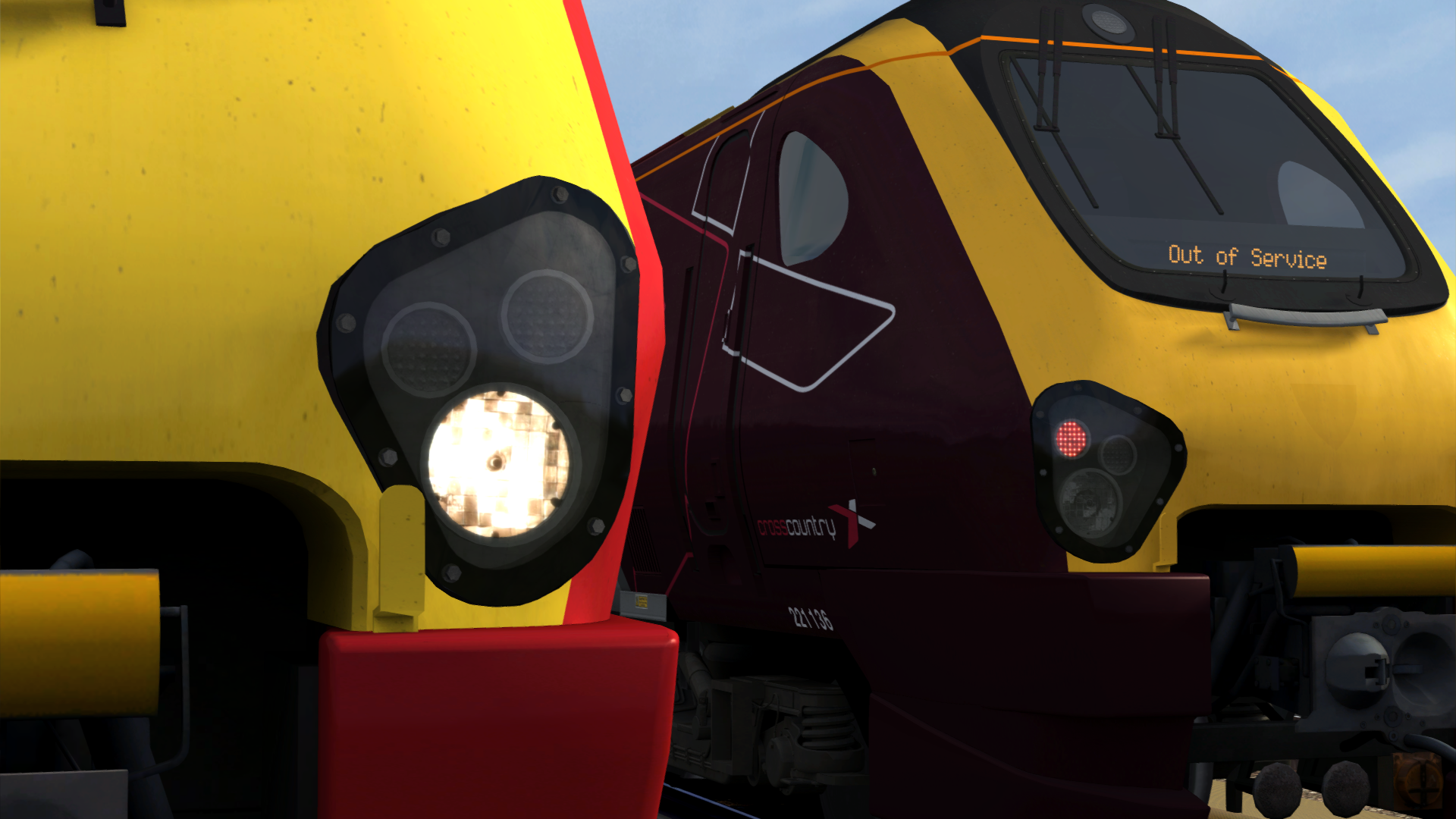
This patch improves many visual aspects of AP's Class 220/221 Enhancement Pack. These include:
- Newly modelled bogies for both classes 220 and 221
- Newly modelled headlight surrounds for 220/221
- Newly modelled revised front skirts
- Passenger door window position and size is now accurate
- Retextured couplers (Thanks to DullName for the textures)
- Retextured cab on classes 220, 221 and 222
This pack also contains the CrossCountry Class 220/221 with its newer white side destination displays.
Included are quick drive consists featuring the Class 220/221 in 4, 5, 8 or 10 car formations. (220 4/8, 221 4/5/10)
Dependencies


Just Trains - Voyager Advanced 2019
https://www.justtrains.netInstallation Instructions
- Copy the "Assets" folder to you RailWorks folder. This is normally located at C:\Program Files (x86)\Steam\steamapps\common\RailWorks
- Run the .bat file titled "InstallVoyagerVisualPatch.bat" inside the Assets folder
- The patch should now be installed
Additional Comments
Big thanks to Ash992478 for allowing me to include the CrossCountry White Destination Displays patch, and to DullName for providing updated coupler and 222 bogie textures


Loading comments…