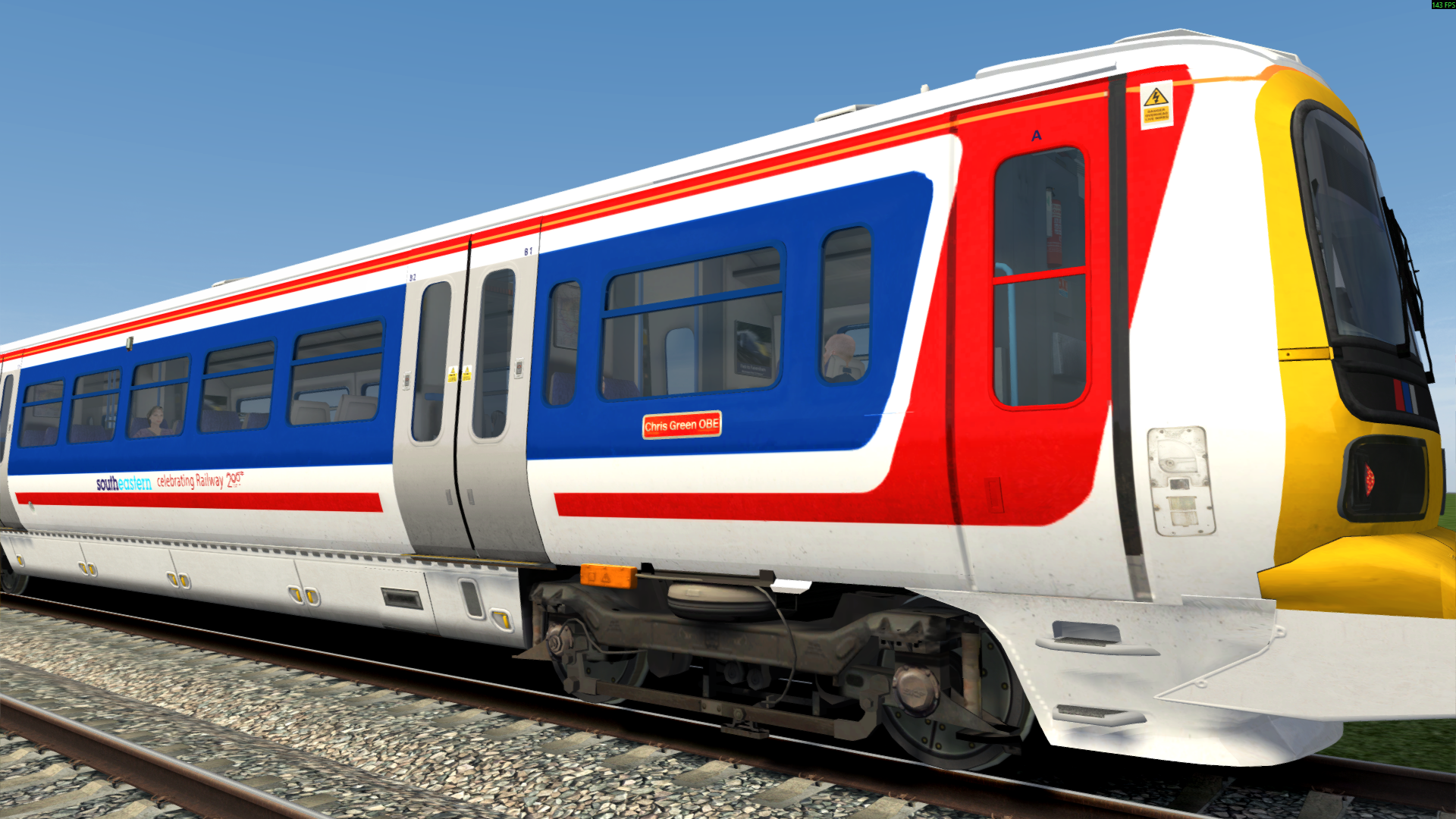
Class 465: Southeastern NSE 2025
- by Stenkil
- 3 upvotes
- Downloaded 962 times
Description
Dependencies

Installation Instructions
• Navigate to “RailWorks” directory.
• Copy the “Assets” folder from the download and paste it into “Railworks” directory.
• Make sure class AP Class 465 EPs are correctly installed.
• Inside “Assets” folder a file called “Installer_SENSE465.bat” will be present.
• Right click the batch file and run it as administrator. That will be it.
Additional Comments
WHAT’S INSIDE:
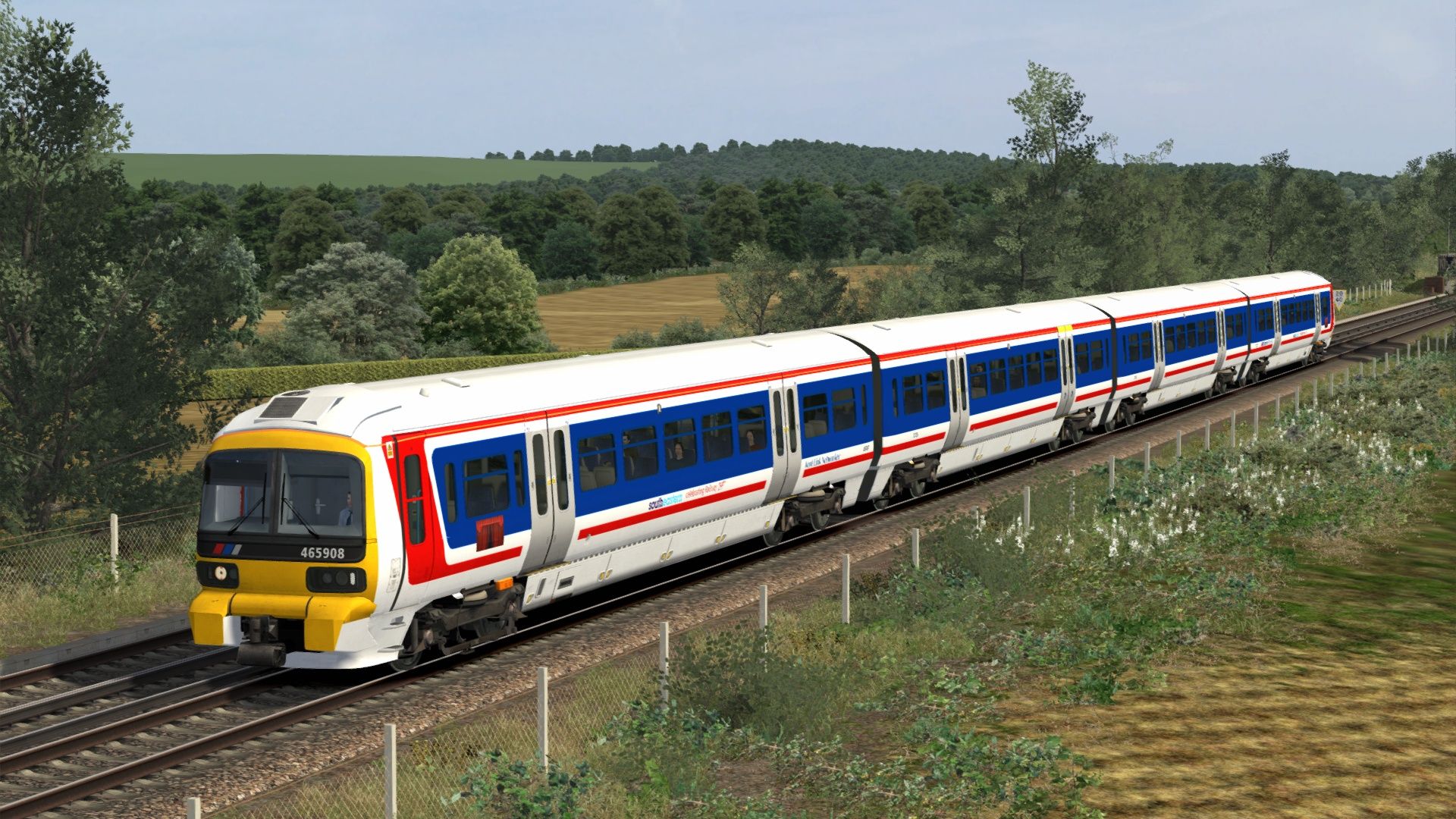
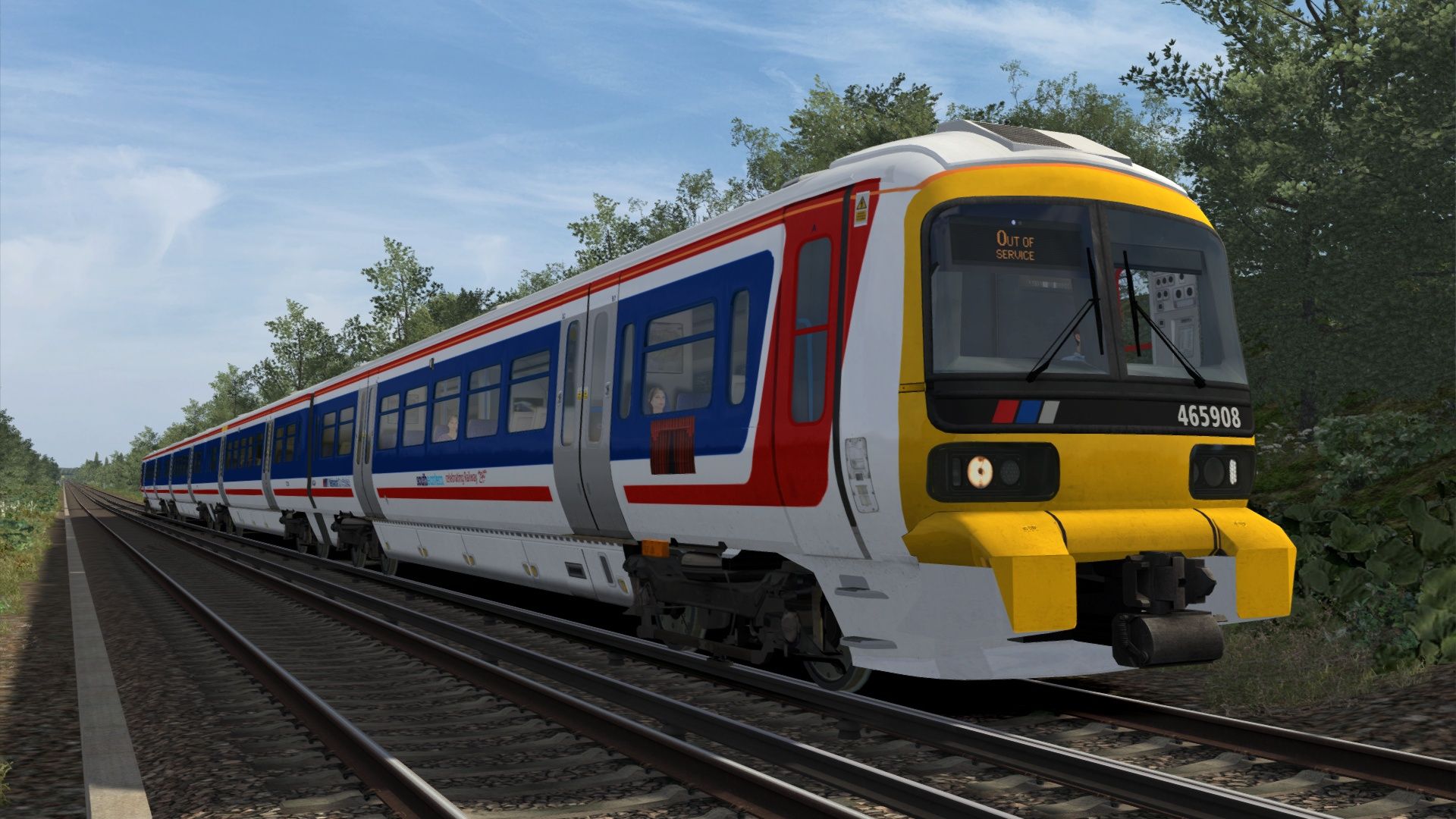
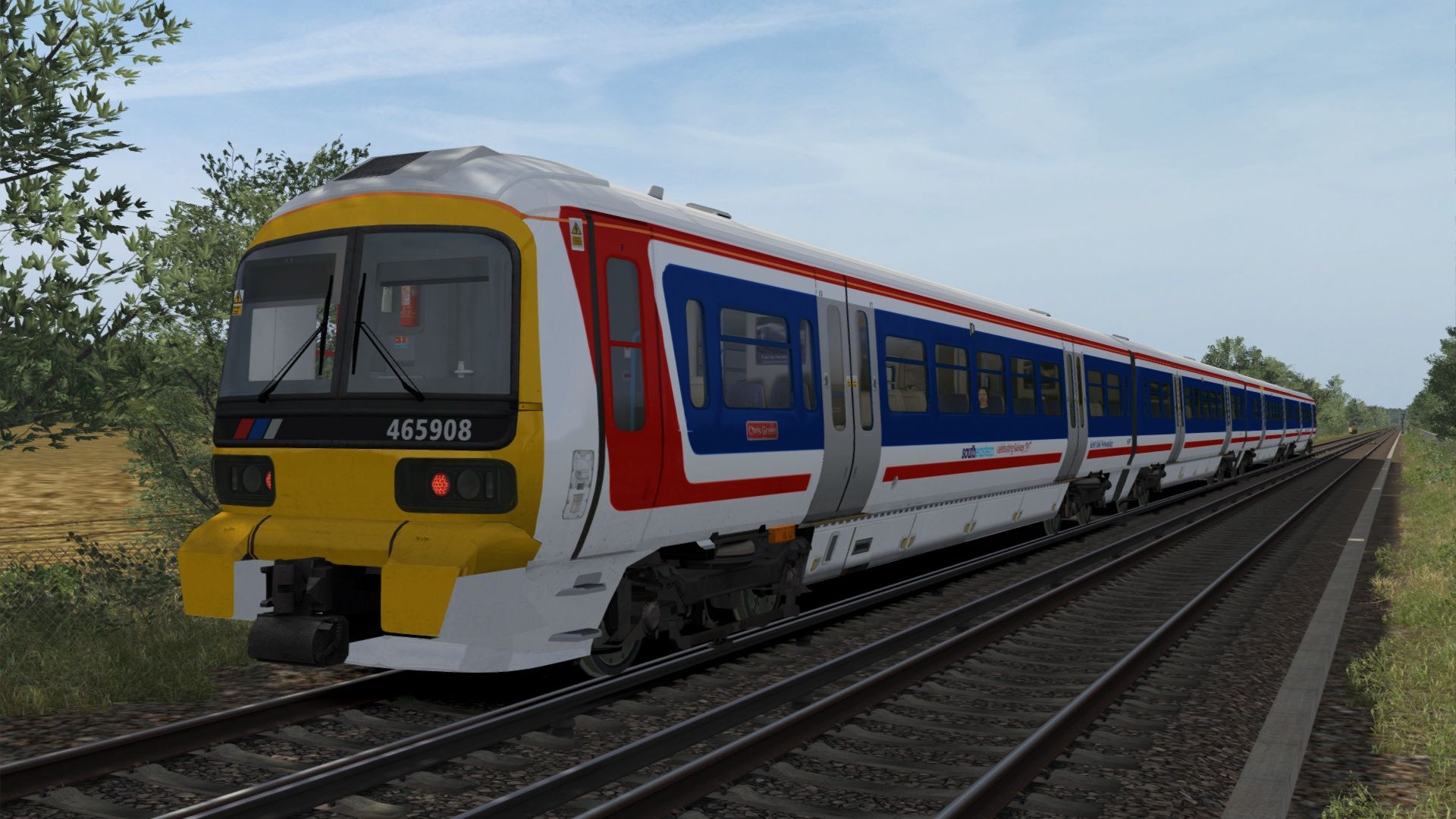
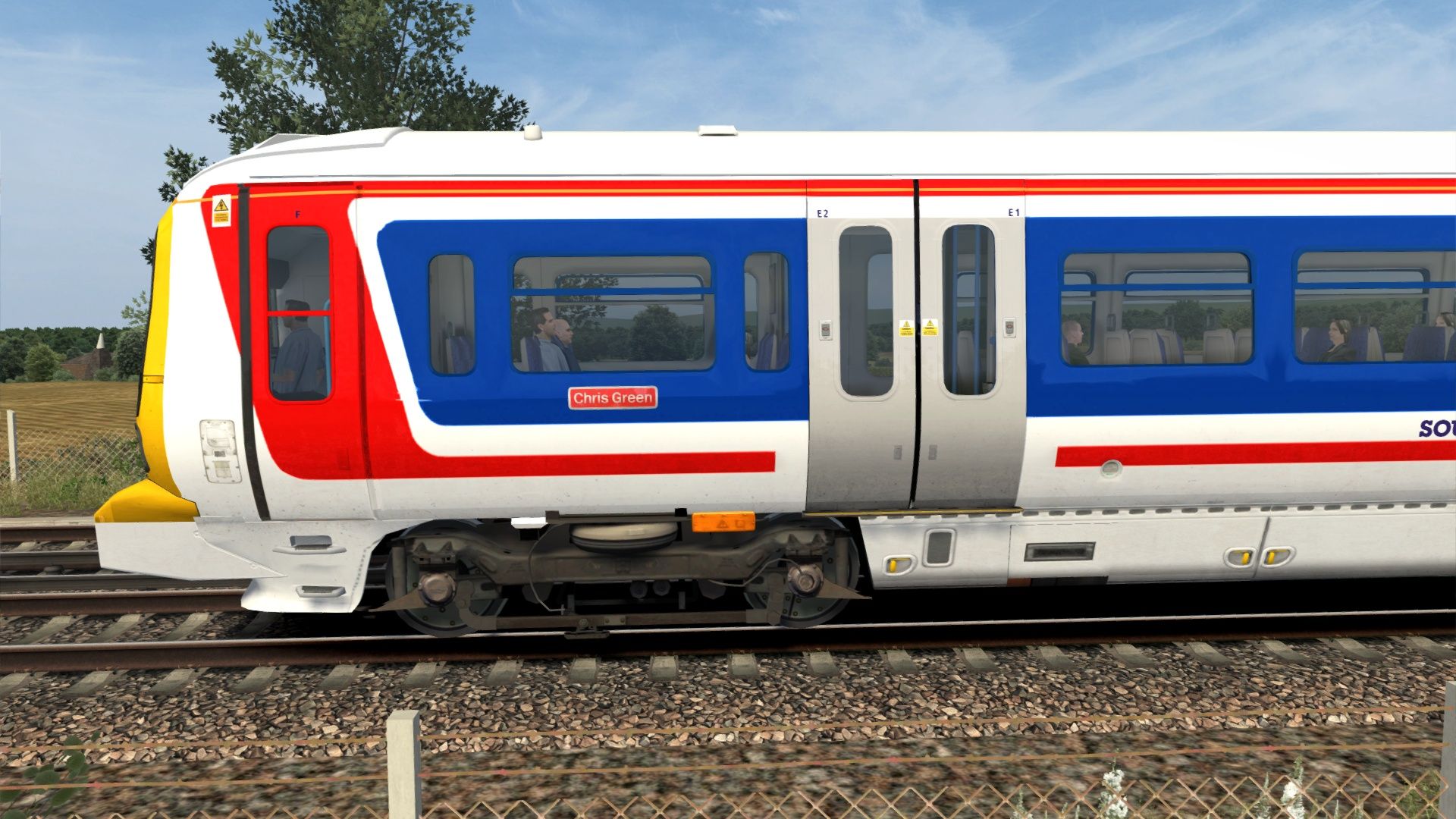
• Unit 465908 in NSE livery with various branding such as Railway 200 decals, PRM stickers, door markings, etc
• Includes 3 consist types one veiled version with “Curtain” stickers on the driving coaches, “Chris Green” stickers and “Chris Green OBE” stickers.
UPDATE LOG:
• 05-03-2025: Original release
• 13-02-2026: Added “Chris Green OBE” stickers
Files
Comments
About this mod

- Created
- 5 Mar 2025
- Updated
- 13 Feb 2026
- Era
- Present Day (1995 – Present)
- Game
- Train Simulator Classic
- Type of content
- Reskin


Loading comments…