• Navigate to “RailWorks” directory.
• Copy the “Assets” folder from the download and paste it into “Railworks” directory.
• Make sure class 350 enhancement pack is correctly installed.
• Inside “Assets” folder a file called “Installer_LNR350PromLiveries.bat” will be present.
• Right click the batch file and run it as an administrator. That will be it.
Thanks to SlowLineTS, Emrai & MoldJunction for testing out the pack.
UPDATE LOG:
• 10-05-2024: Original Release
Hello! Could you make MORE LWNR liveries - as this is enjoying me now!
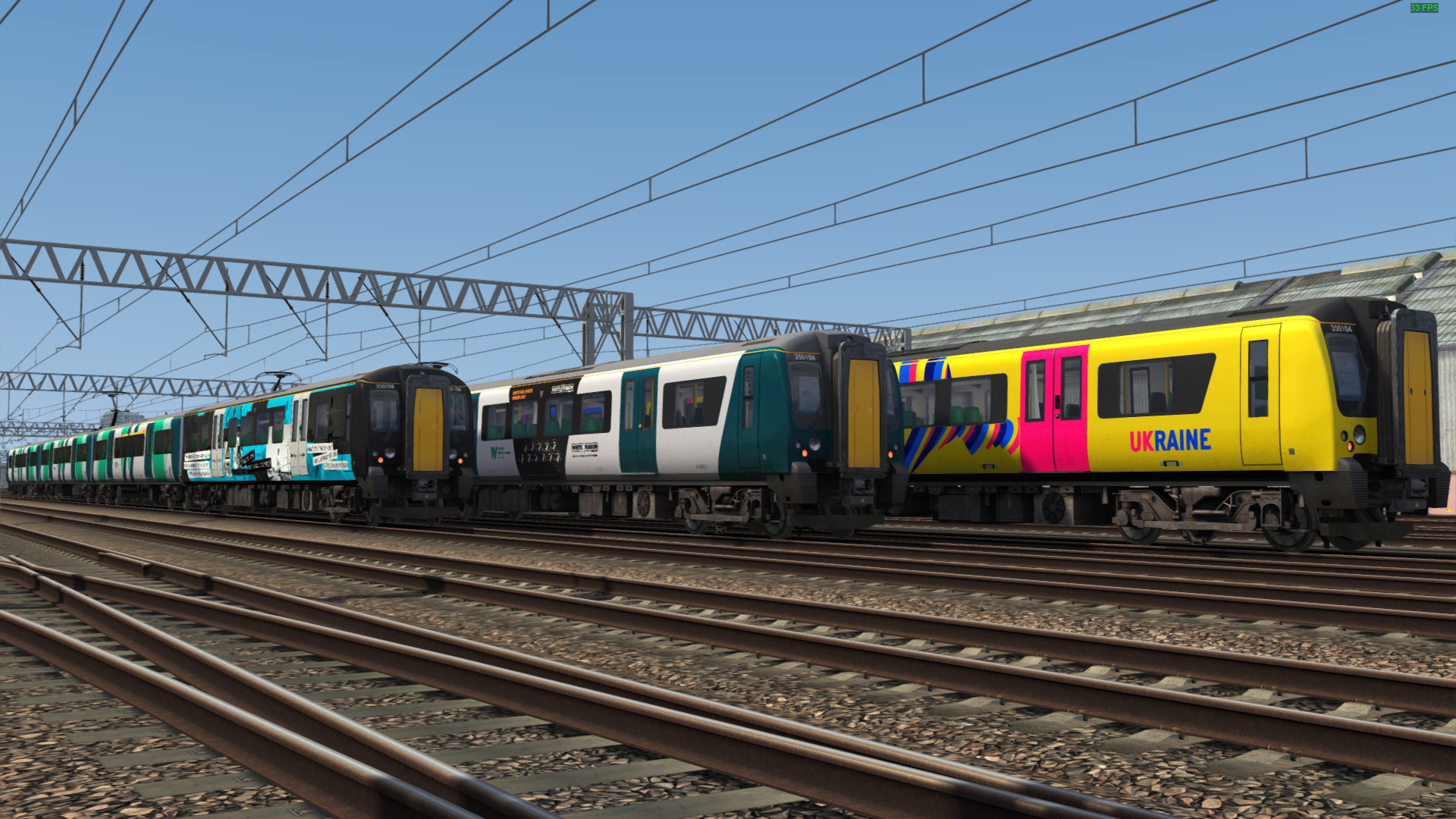
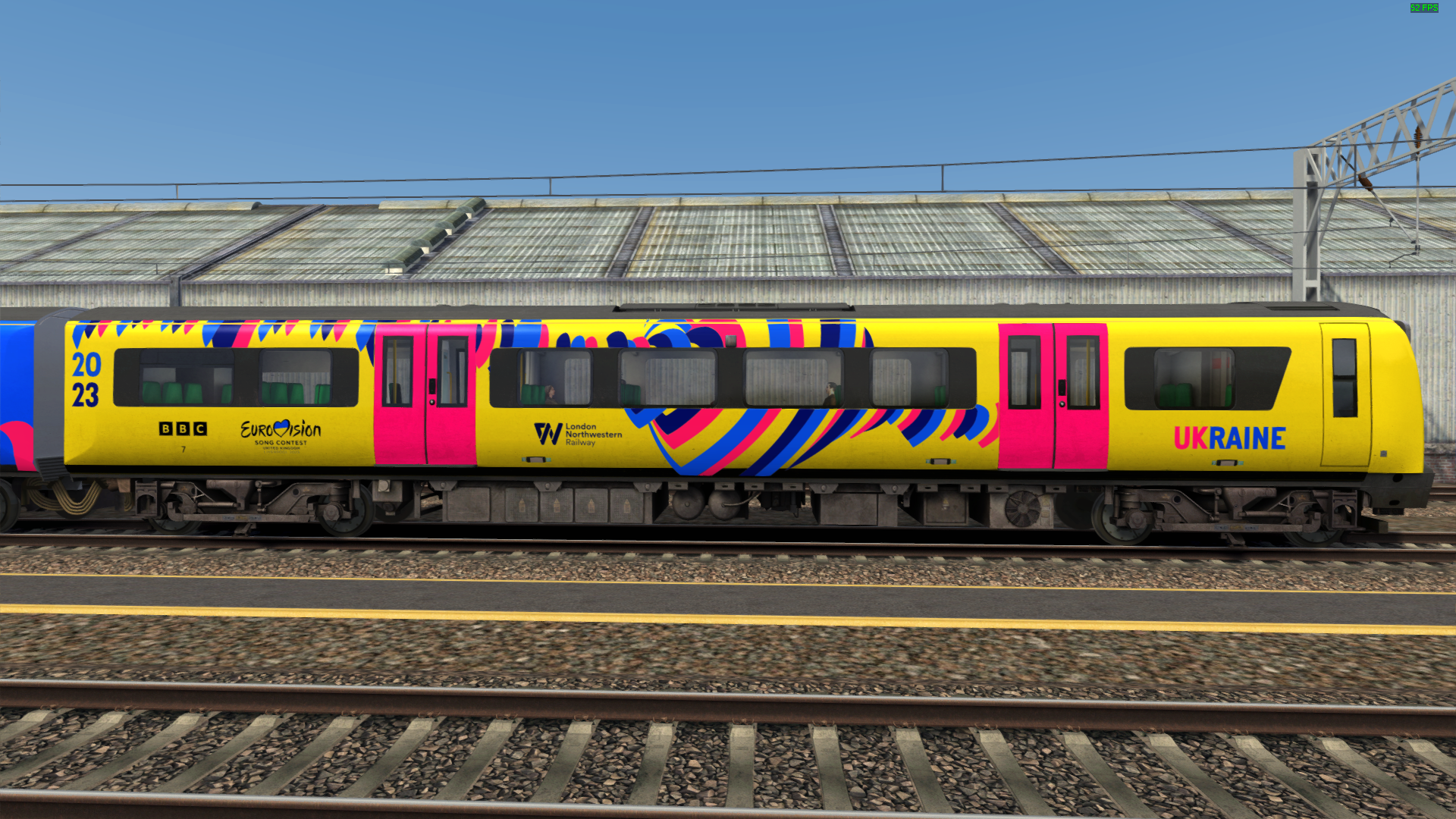
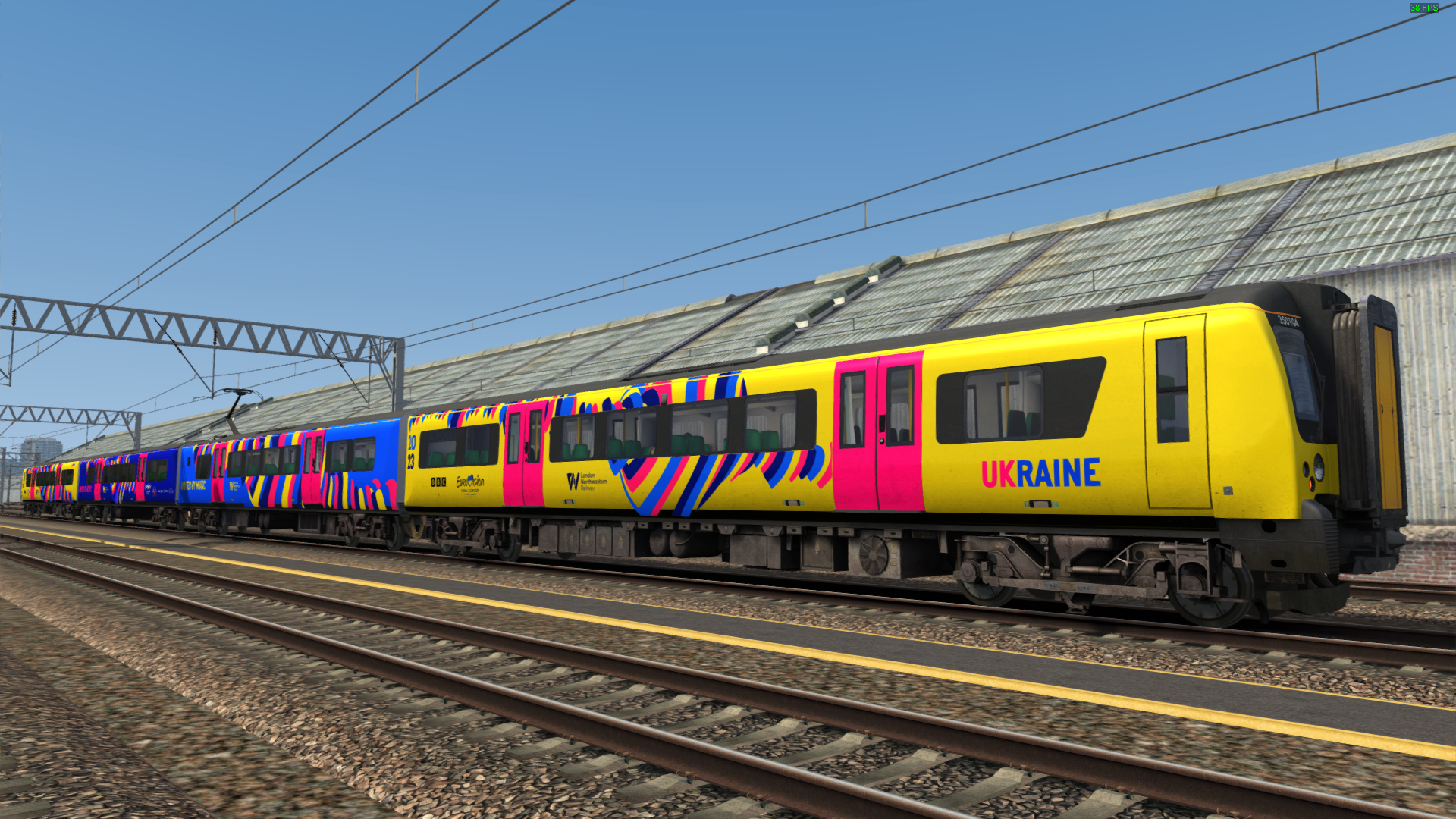
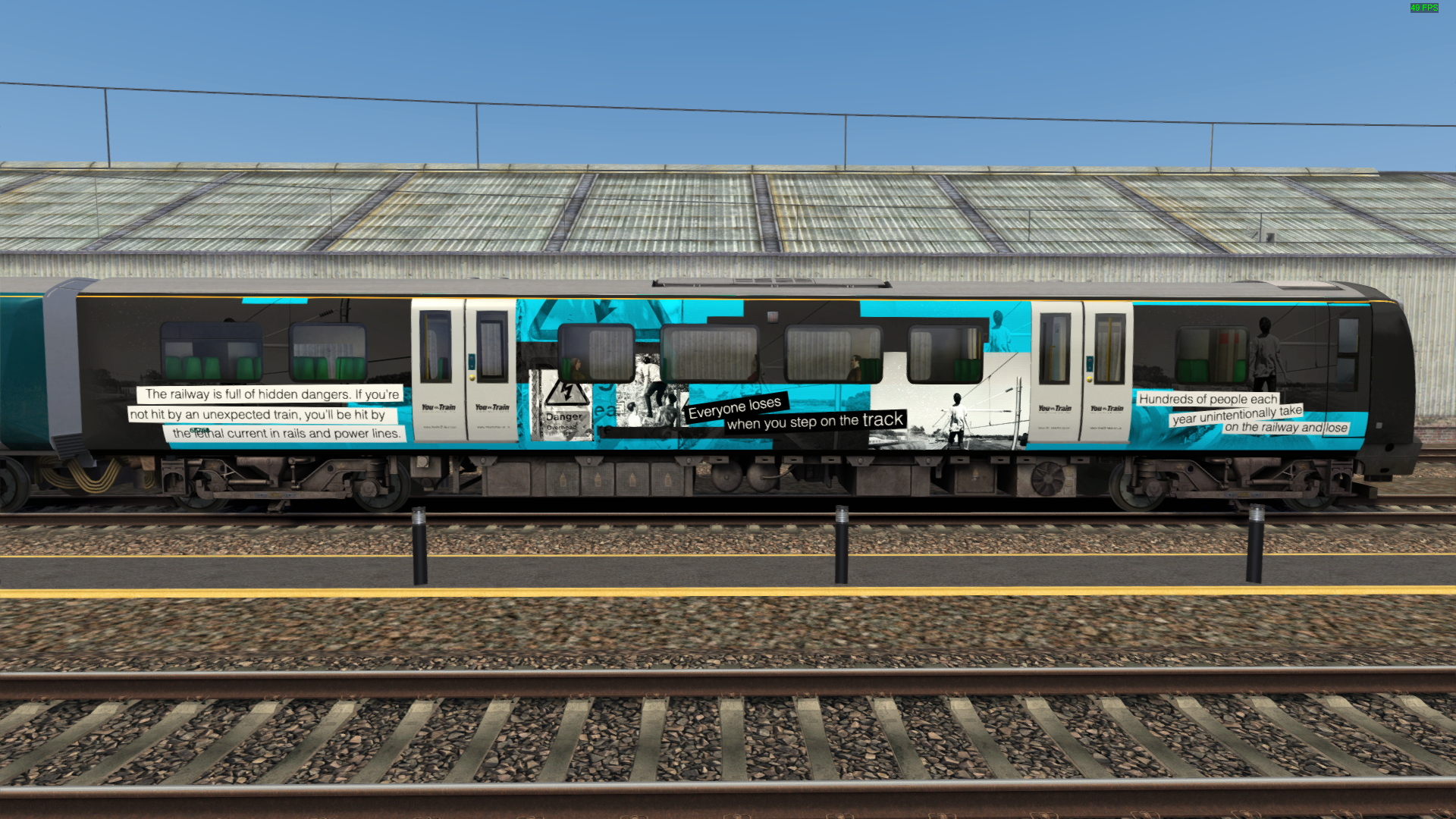
350370 Lichfield Festival*
350375 Vic Hall - Nameplate
350377 Graham Taylor OBE - Name plate
350368: Full LNWR livery with "Resorts World Birmingham" advertising branding
350369: Full LNWR livery with "Edgbaston Cricket Ground" advertising branding
350370: Full LNWR livery with "Cadbury World" advertising branding
350371: Full LNWR livery with "Birmingham Airport" advertising branding
350372: Full LNWR livery with "Visit Liverpool" advertising branding
350373: Full LNWR livery with "Birmingham Hippodrome" advertising branding
350374: Full LNWR livery with "Liverpool Airport" advertising branding
350375: Full LNWR livery with "Madame Tussauds" advertising branding
350376: Full LNWR livery with "Wizarding World of Harry Potter" advertising branding
350377: Full LNWR livery with "RSC: Visit Stratford upon Avon" advertising branding

getting this error when copying the files over
If you wish to leave a comment, please log in .
Hello, it's me jomom.
I have a standard account and I don't know how to install this with a standard account, could you please help me?
Hello, what you mean by standard account? You can click on the file name under "Files" above to download.
Yes
I have a standard account, should I run it as normal or a admin?
Run as admin while installing
Can you please do a LWNR Grey version because the red seats:
https://alanthomsonsim.com/downloads/class-350-ap-london-northwestern-railway-base-grey/ keeps coming up while I've changed it