Class 150/2 FGW Blue (GWR)
- by Ash992478
- 1 upvote
- Downloaded 250 times
Description
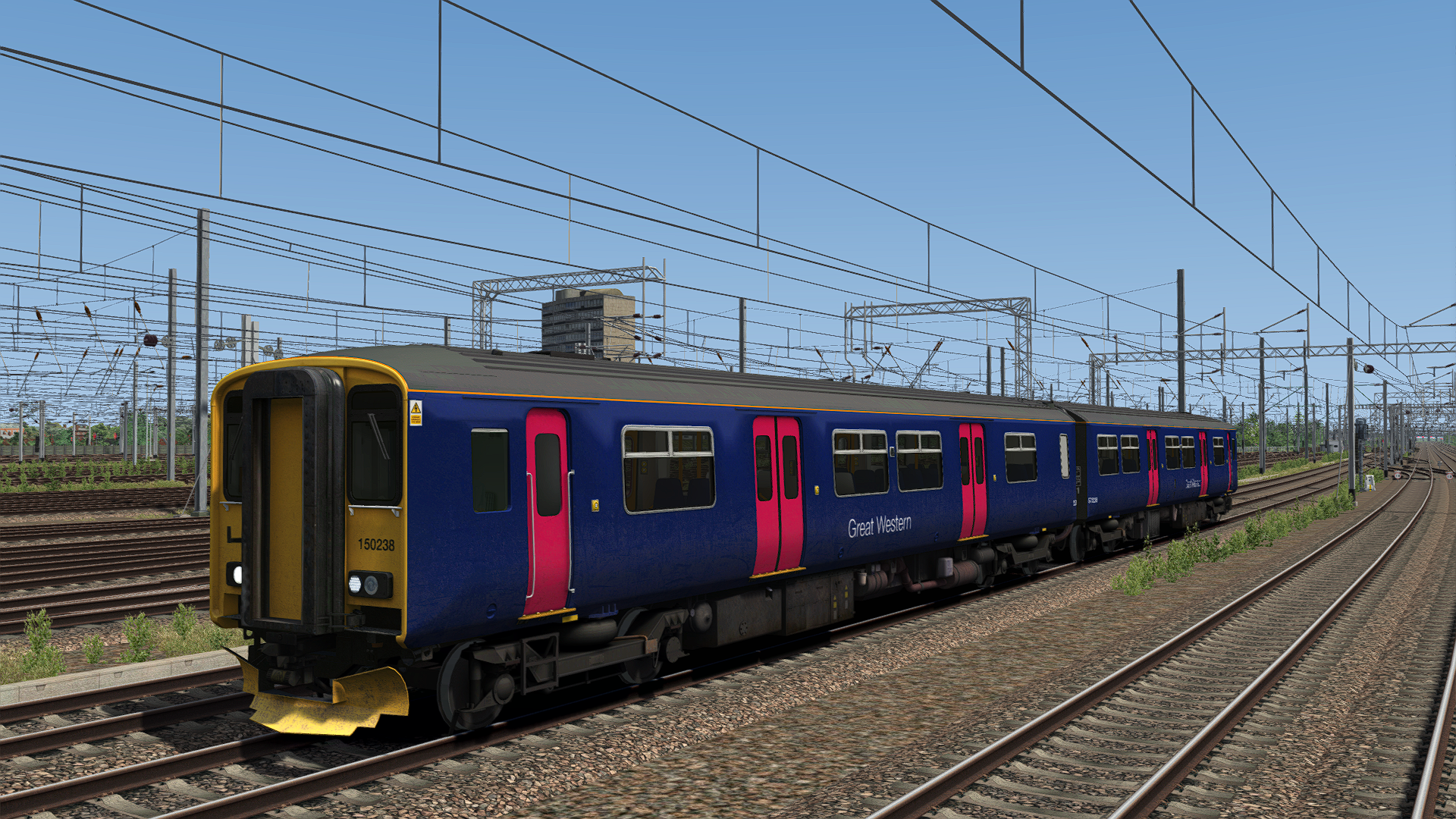
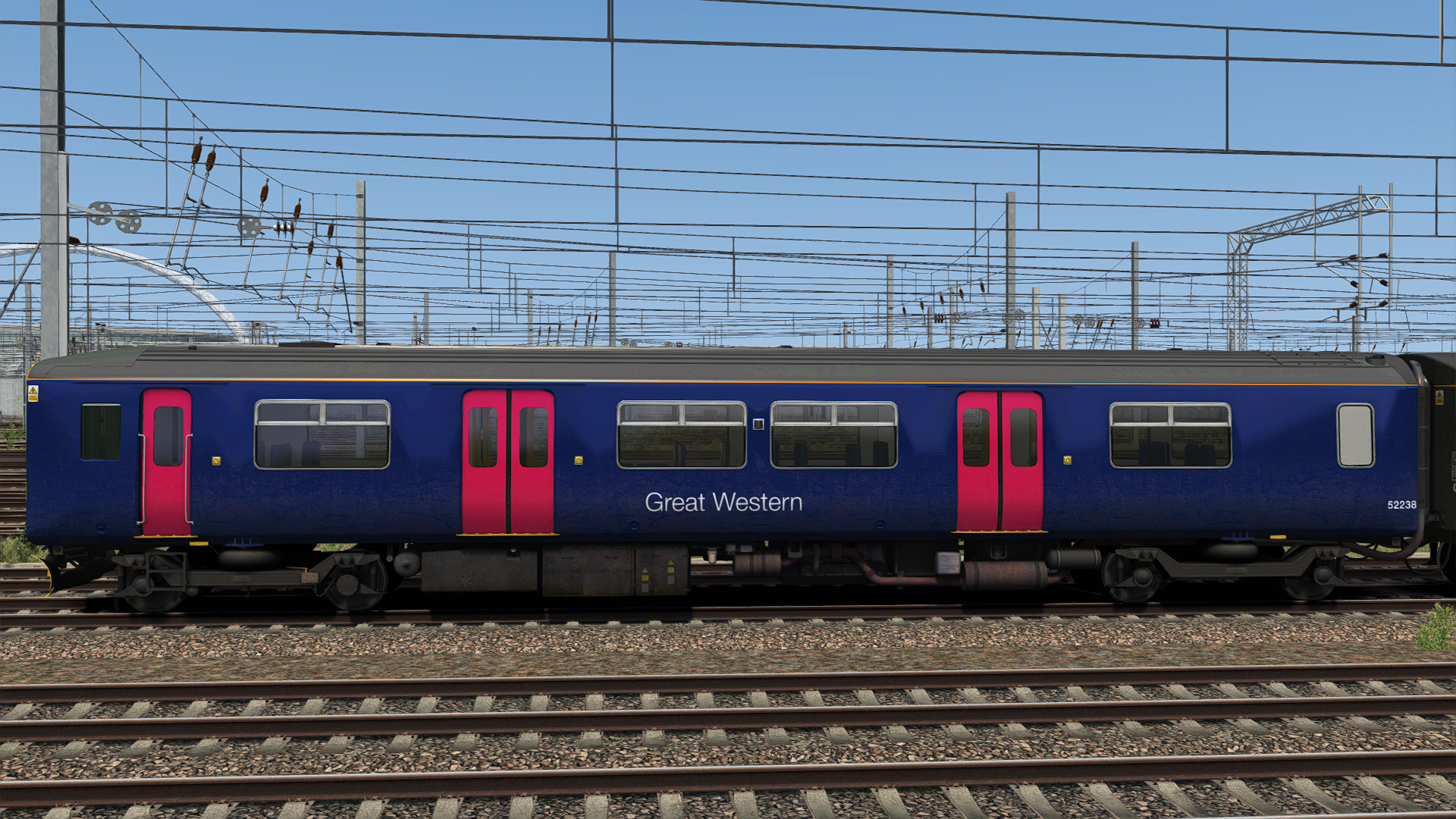
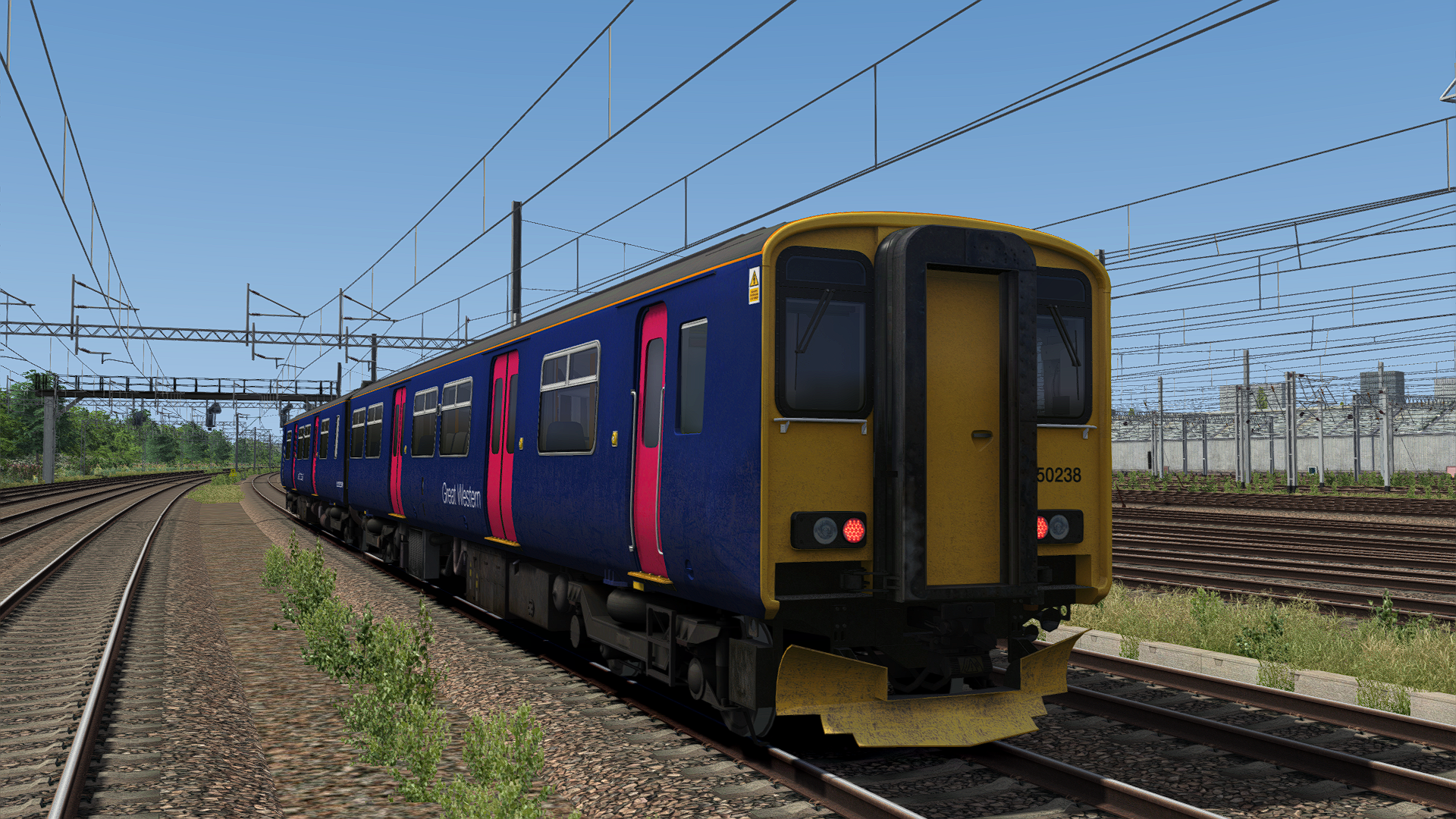
This reskin contains the Class 150/2 Sprinter in it's FGW Blue livery, but in it's condition with GWR.
Tags: class150 great-western-railway gwr uk
Dependencies

Installation Instructions
How to Install the Pack Manually:
Copy the Assets Folder to: Steam/steamapps/common/Railworks
Then run the 'InstallC150FGWBlue(GWR)' BAT file to complete the installation. If for some reason it does not work or you don't wish to use it, refer to the instructions below.
Copy Class150_DMS.GeoPcDx from Assets/AP/Class150Pack01/RailVehicles/Class150/FGW_B_AP
Paste the GEO file in the following folder:
Assets/AP/Class150Pack01/RailVehicles/Diesel/FGW_B_GWRCopy Class150_DMSL.GeoPcDx from Assets/AP/Class150Pack01/RailVehicles/Class150/FGW_B_AP
Paste the GEO file in the following folder:
Assets/AP/Class150Pack01/RailVehicles/Diesel/FGW_B_GWR
How to Install the Pack Automatically:
Simply run the installer and off you go!
Additional Comments
Please note, I will NOT be providing any support.
Files
Comments
About this mod
- Created
- 8 Apr 2025
- Updated
- 8 Apr 2025
- Game
- Train Simulator Classic
- Type of content
- Reskin


Loading comments…