Class 47: GWR 150 reskin pack
- by Stenkil
- Downloaded 6 times
Description
Dependencies

Installation Instructions
• Navigate to “RailWorks” directory.
• Copy the “Assets” folder from the download and paste it into “Railworks” directory.
• Make sure class AP Class 47 is correctly installed.
• Inside “Assets” folder a file called “Installer_47gwr150.bat” will be present.
• Right click the batch file and run it as administrator. That will be it.
Additional Comments
WHAT’S INSIDE:
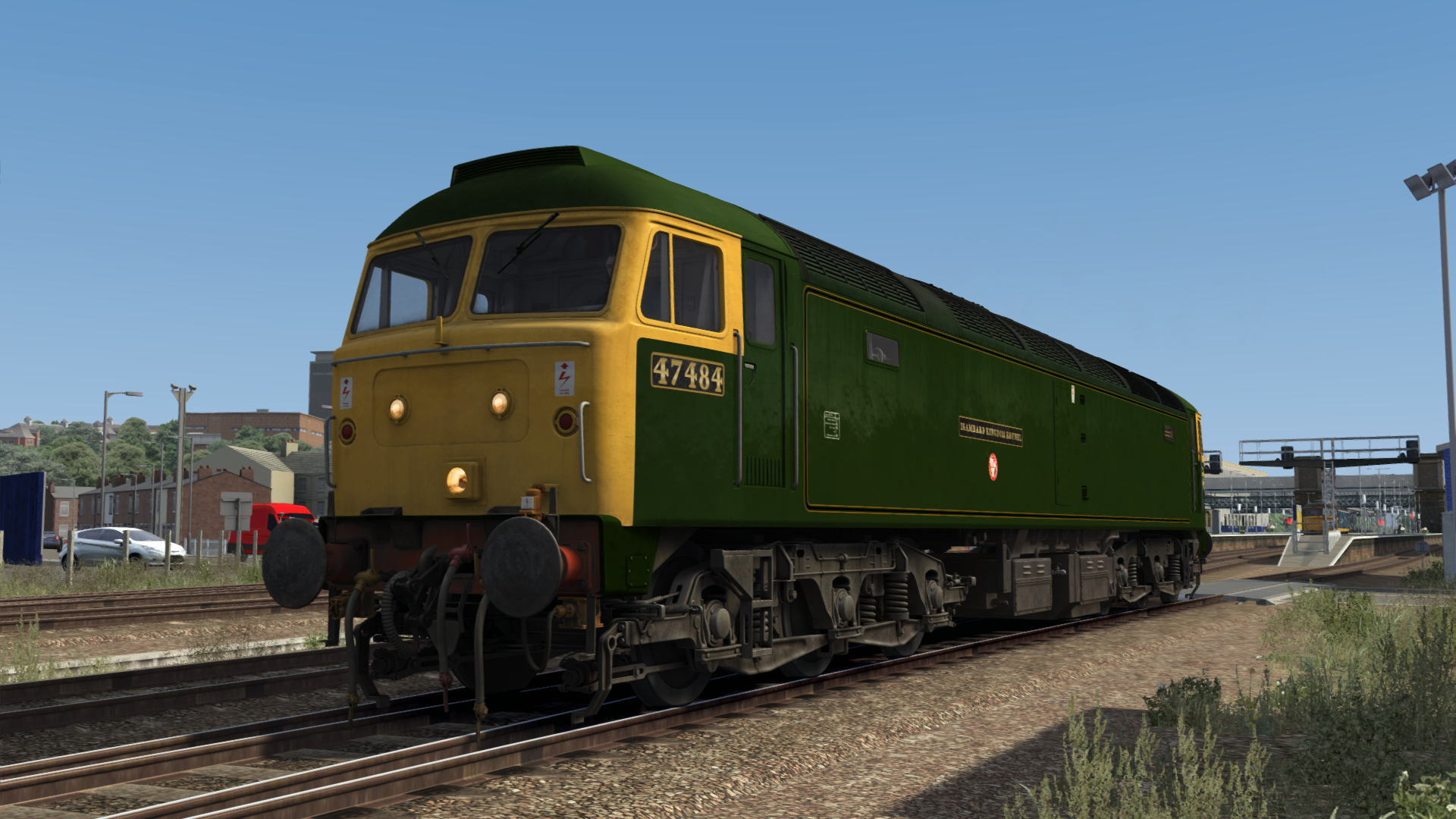
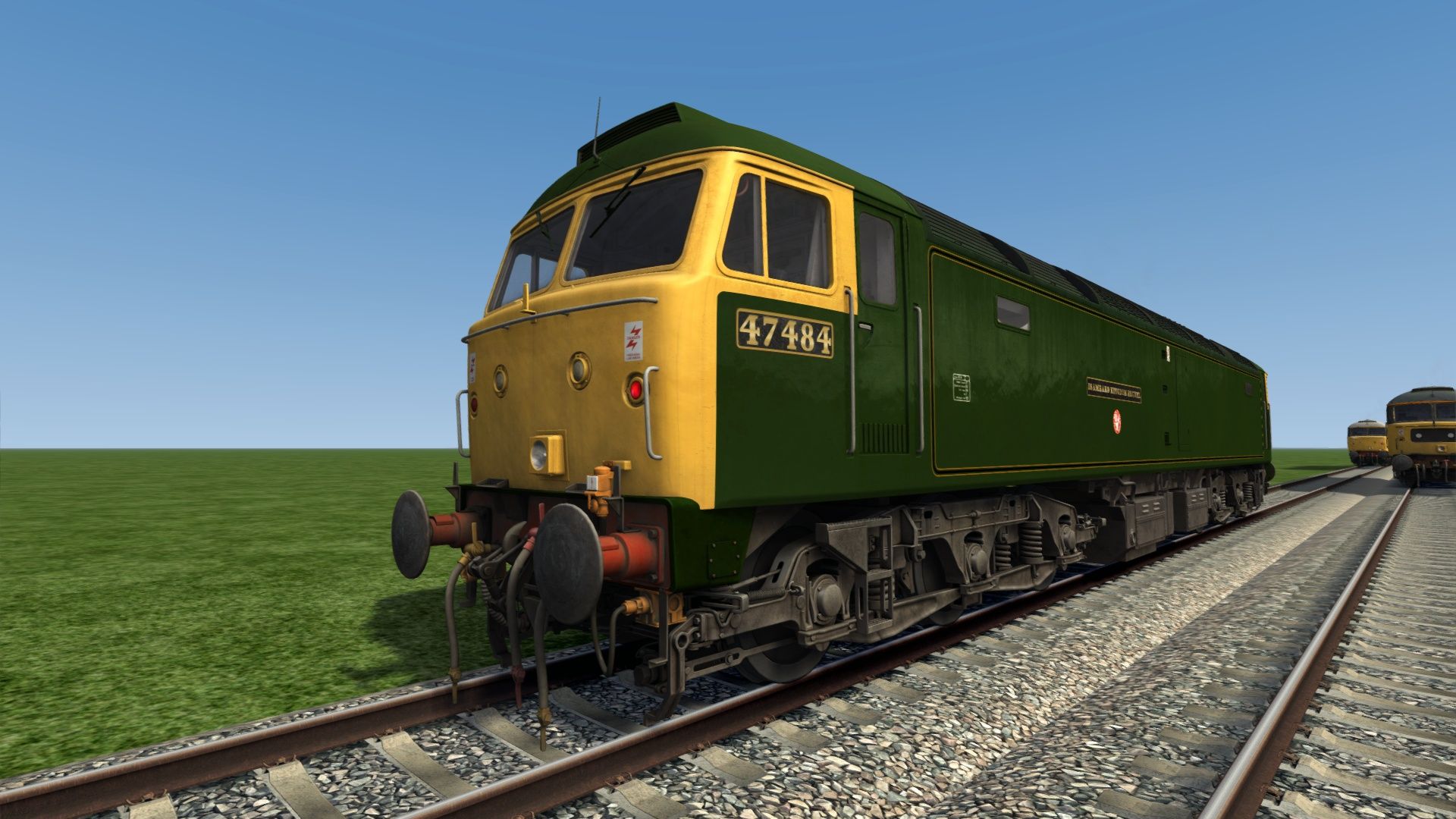
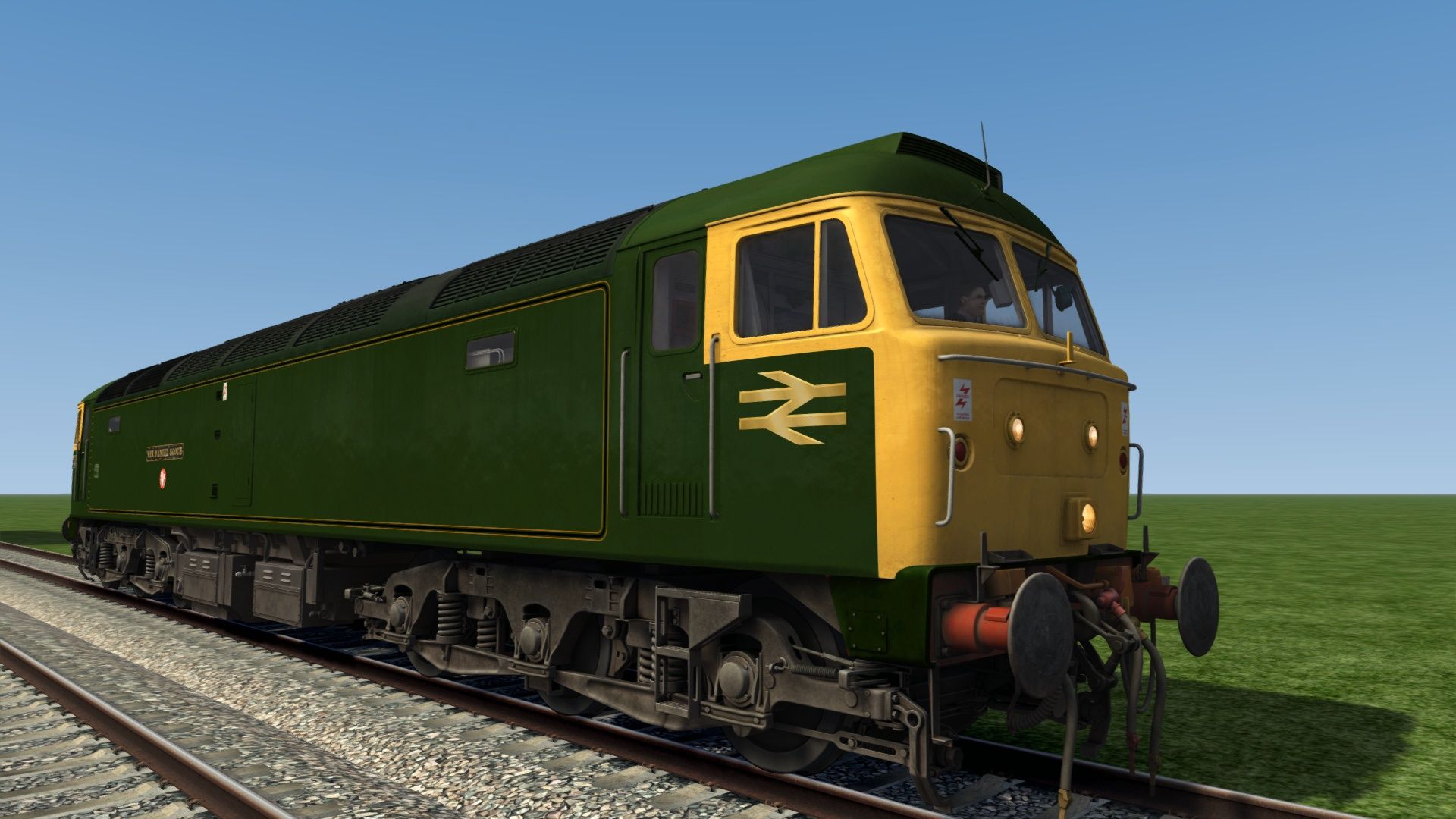
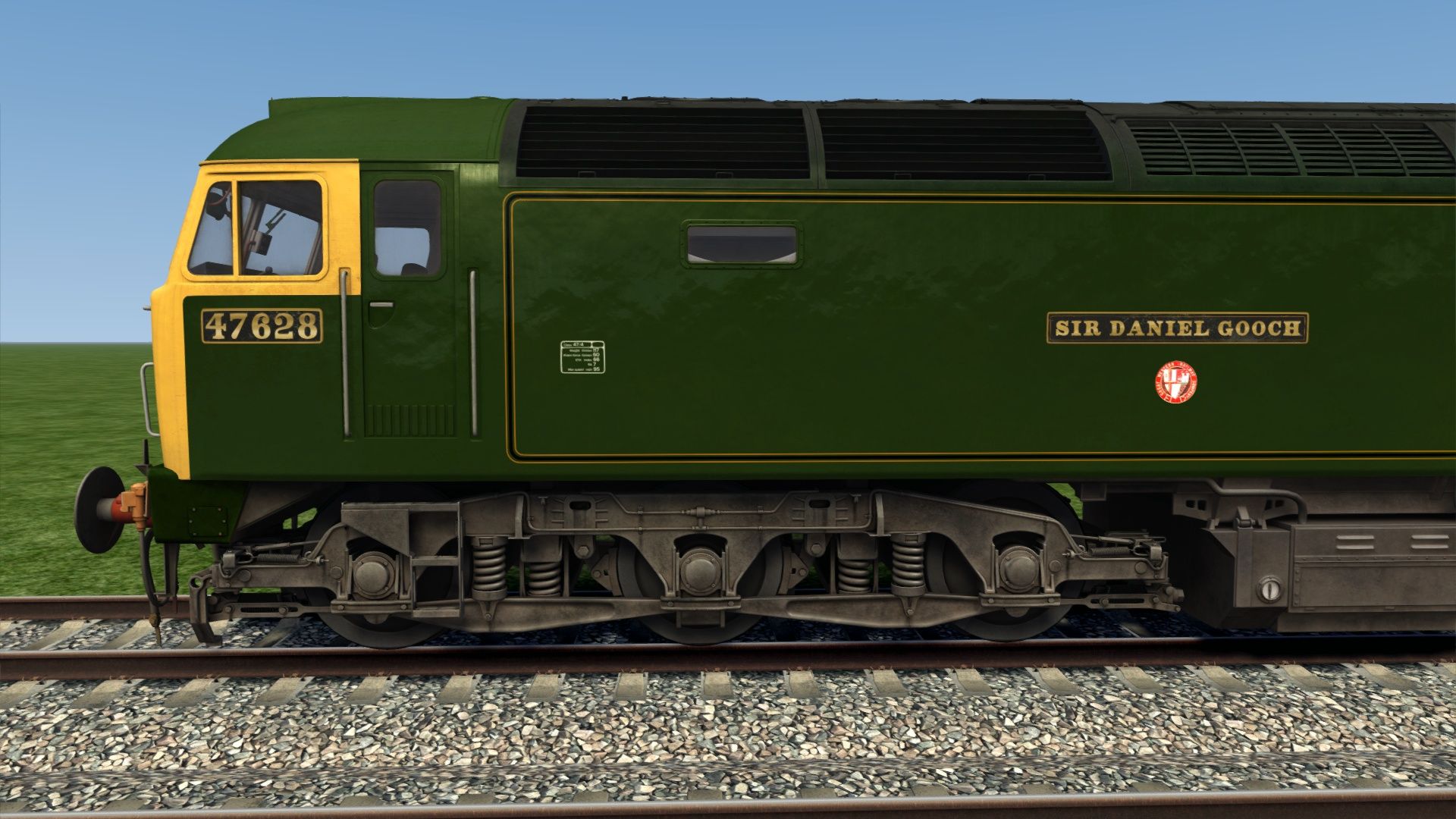
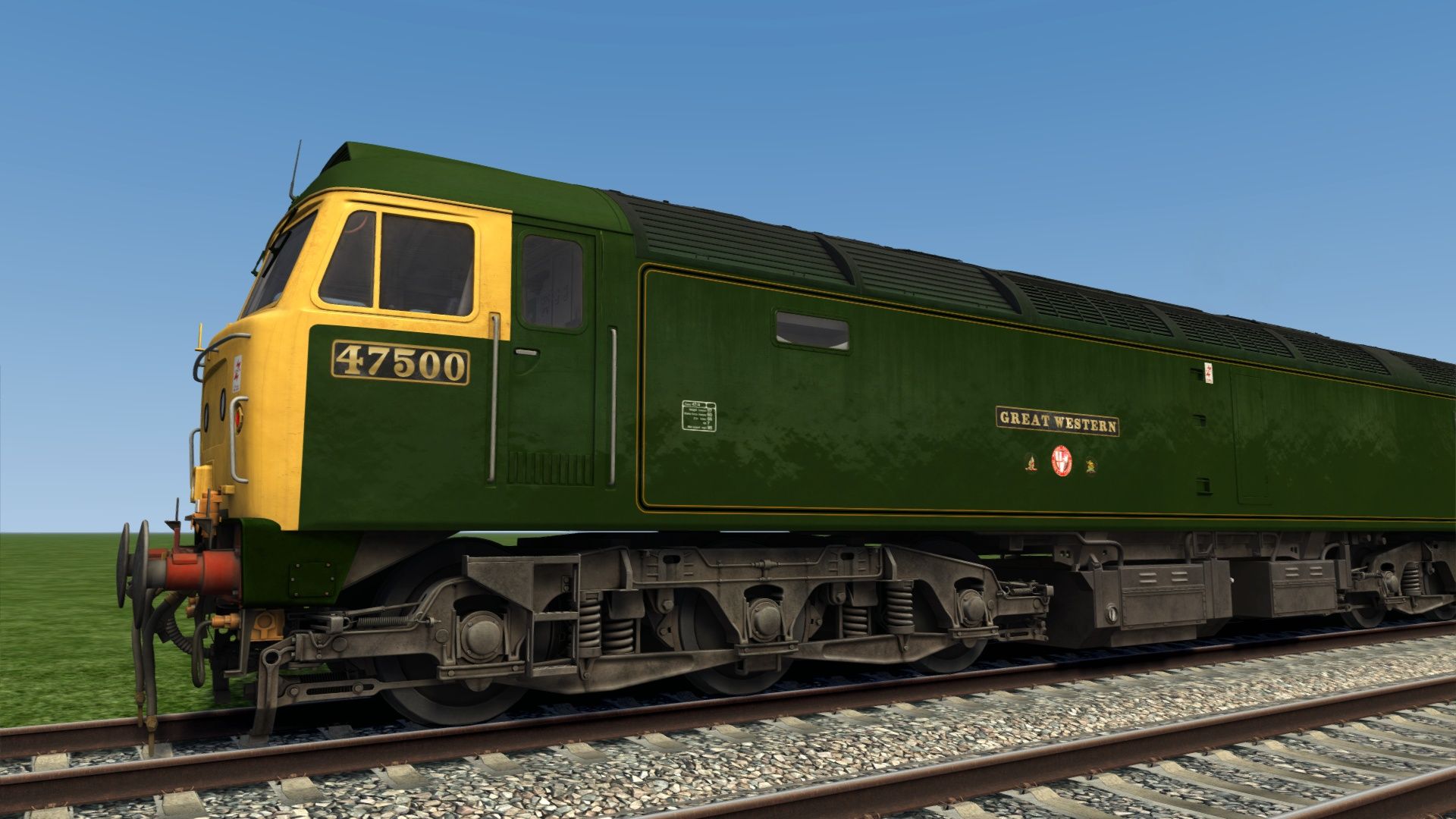
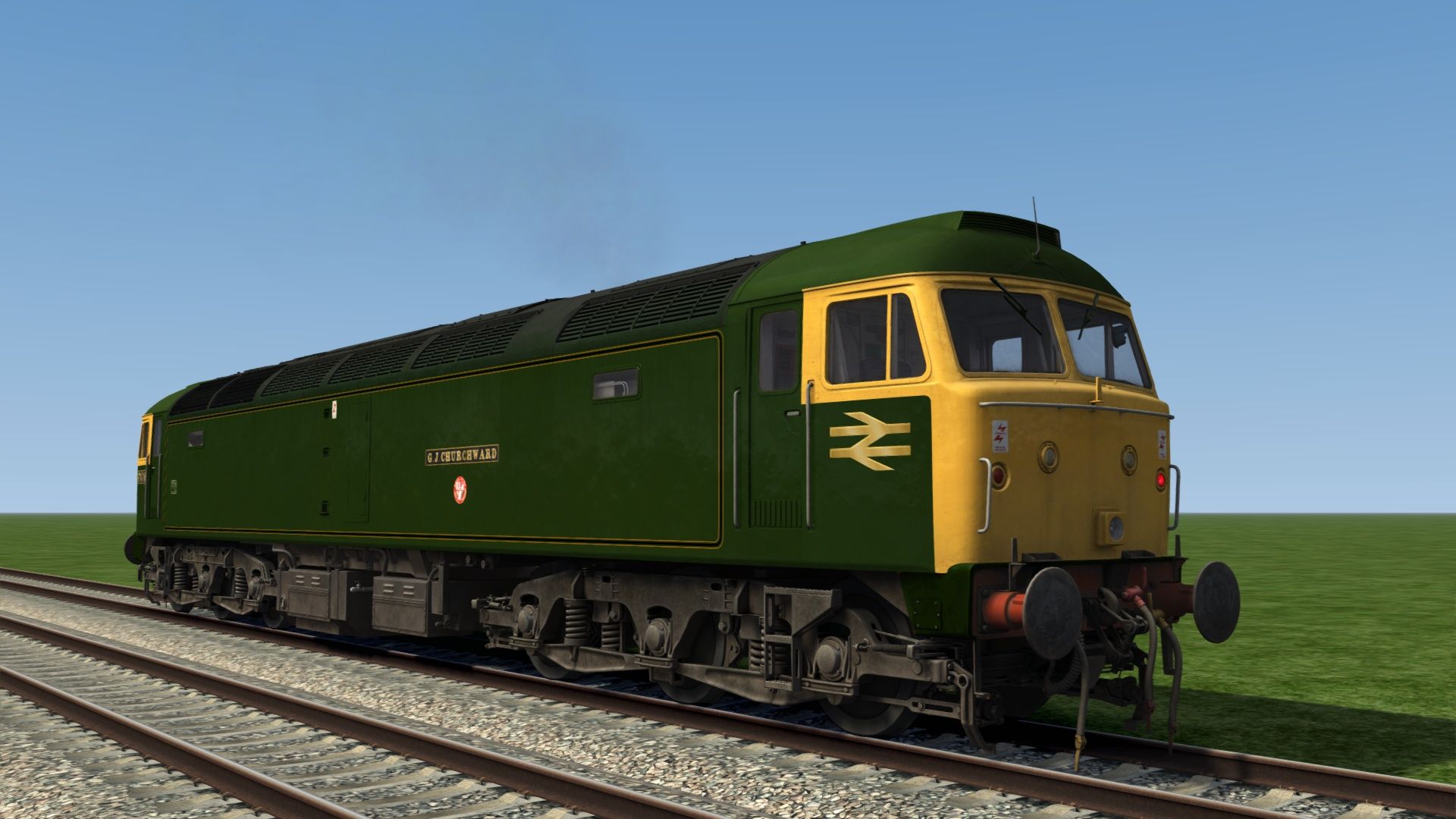
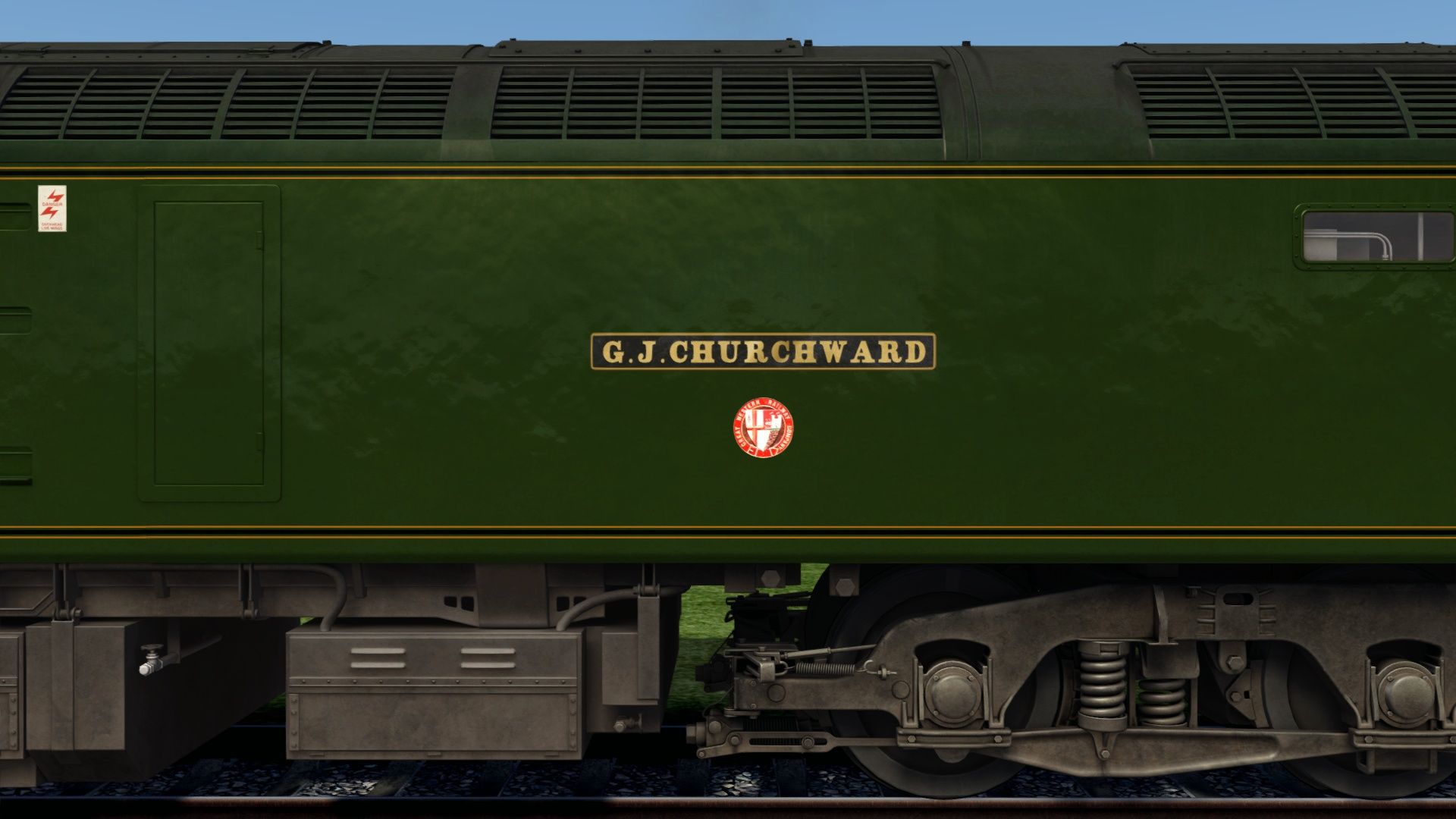
• Locomotives 47079, 47484, 47500 and 47628 in the Brunswick Green livery.
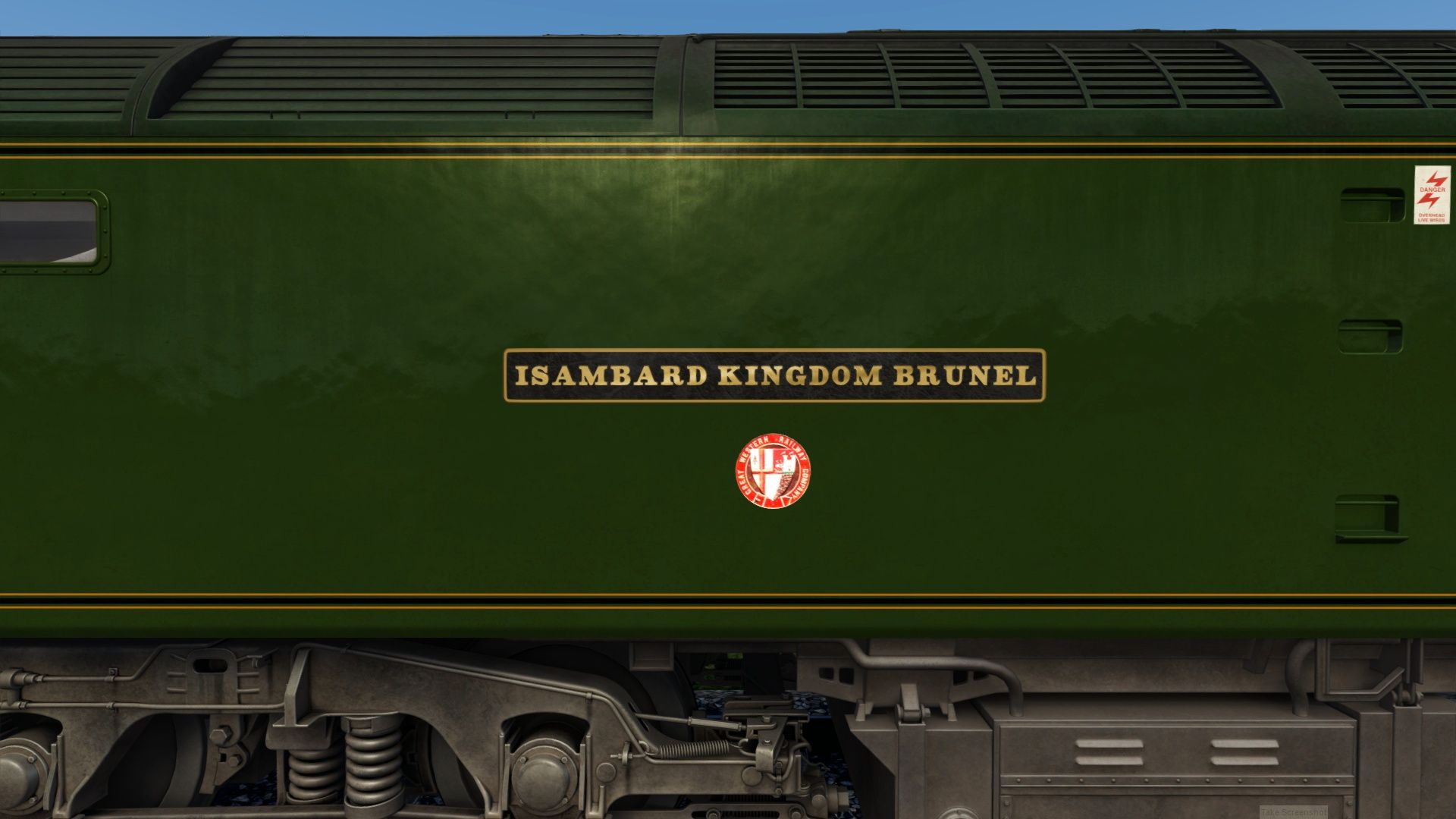
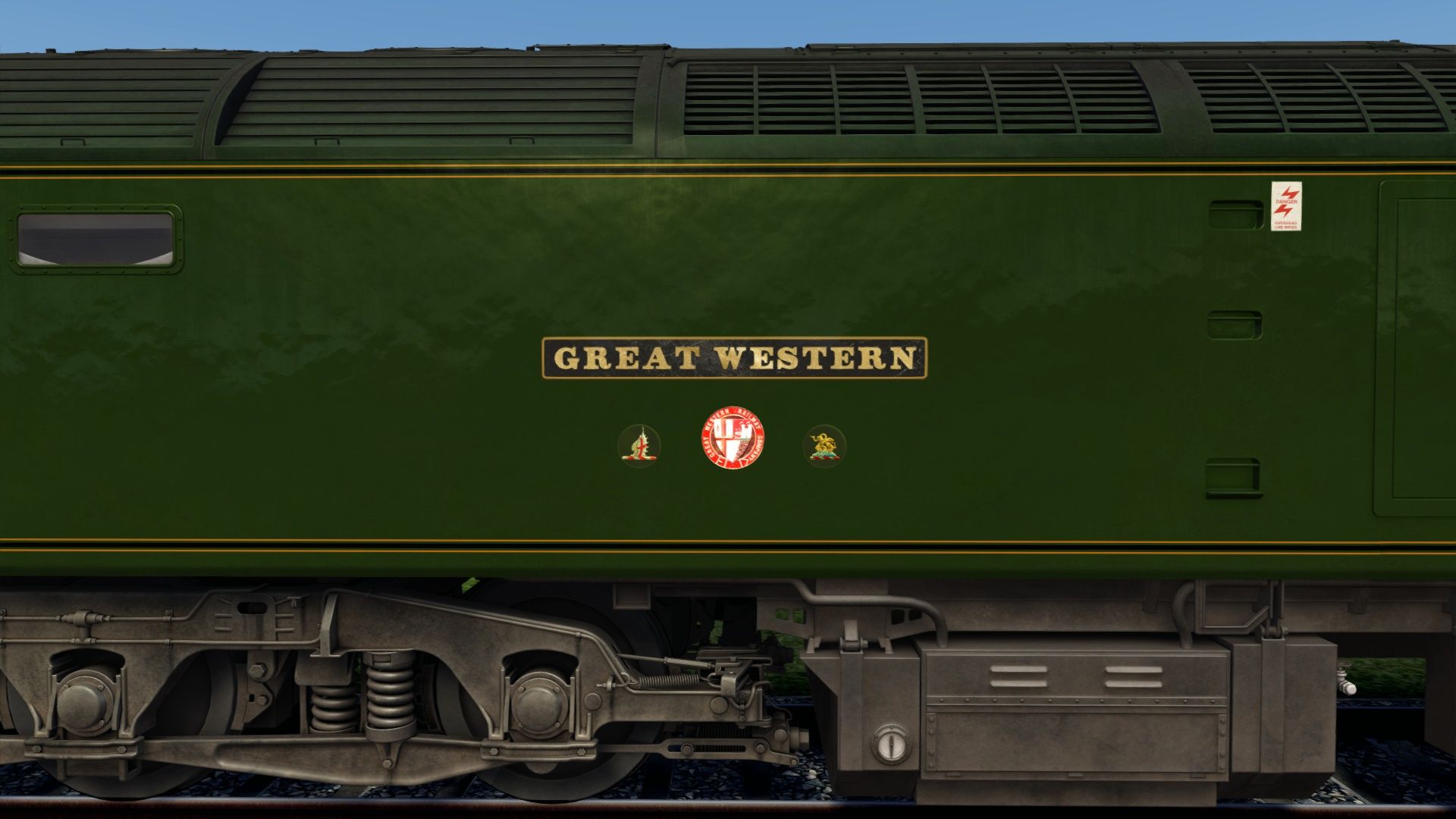
• Individual 2D cast iron plates for both numbers and names.
• Locomotive specific GWR coat of arms plates.
Thanks to MoldJunction for kindly testing this pack.
Files
Version History
v1.0.0
23 Jul 2026
Initial release.
Comments
About this mod

- Version
- v1.0.0
- Created
- an hour ago
- Updated
- an hour ago
- Era
- Modernization (1970 – 1994)
- Game
- Train Simulator Classic
- Type of content
- Reskin


Loading comments…