Glasgow Airport Rail Link Upgrade V2.1
- by Agdron
- 4 upvotes
- Downloaded 410 times
Description
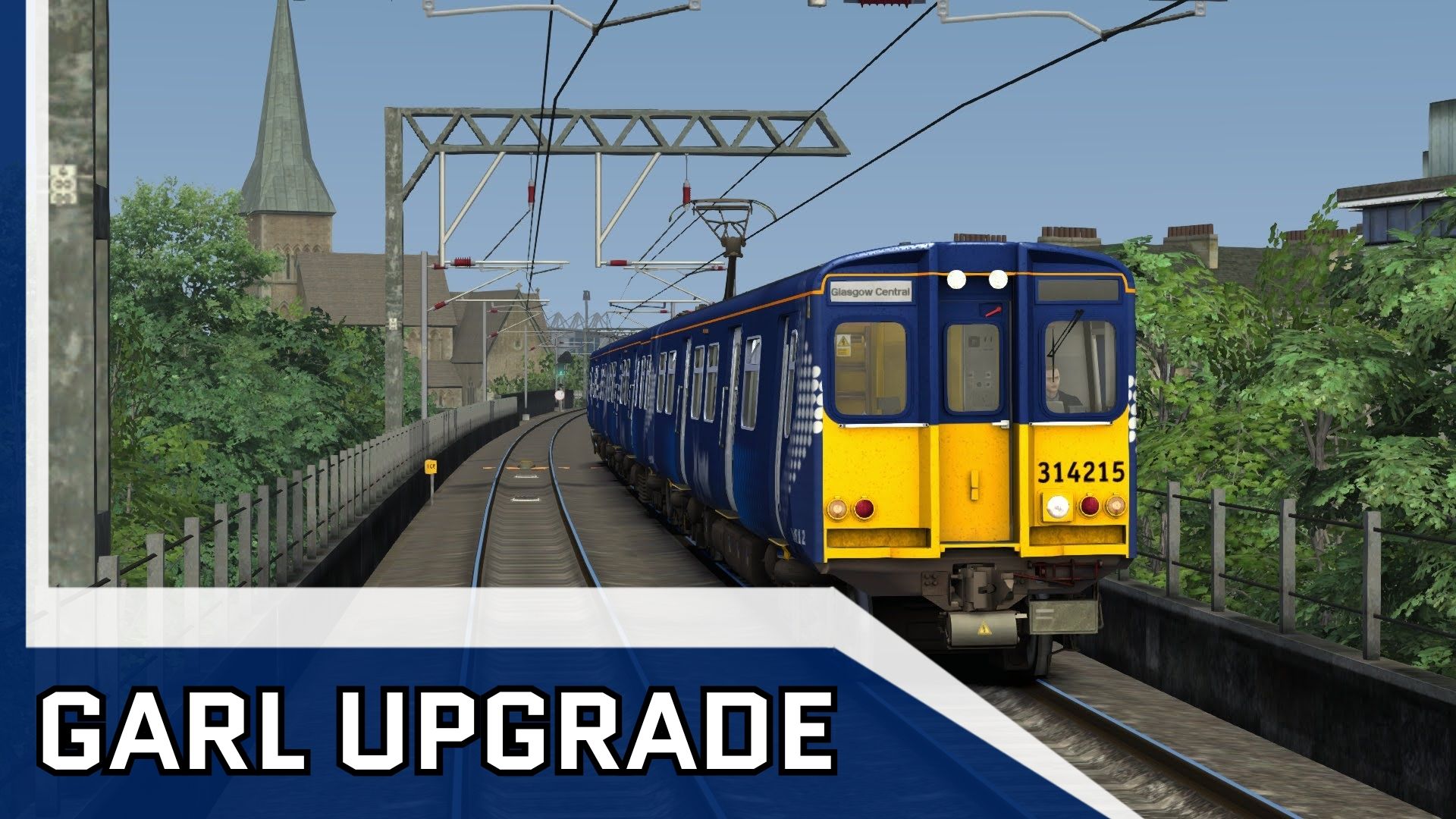
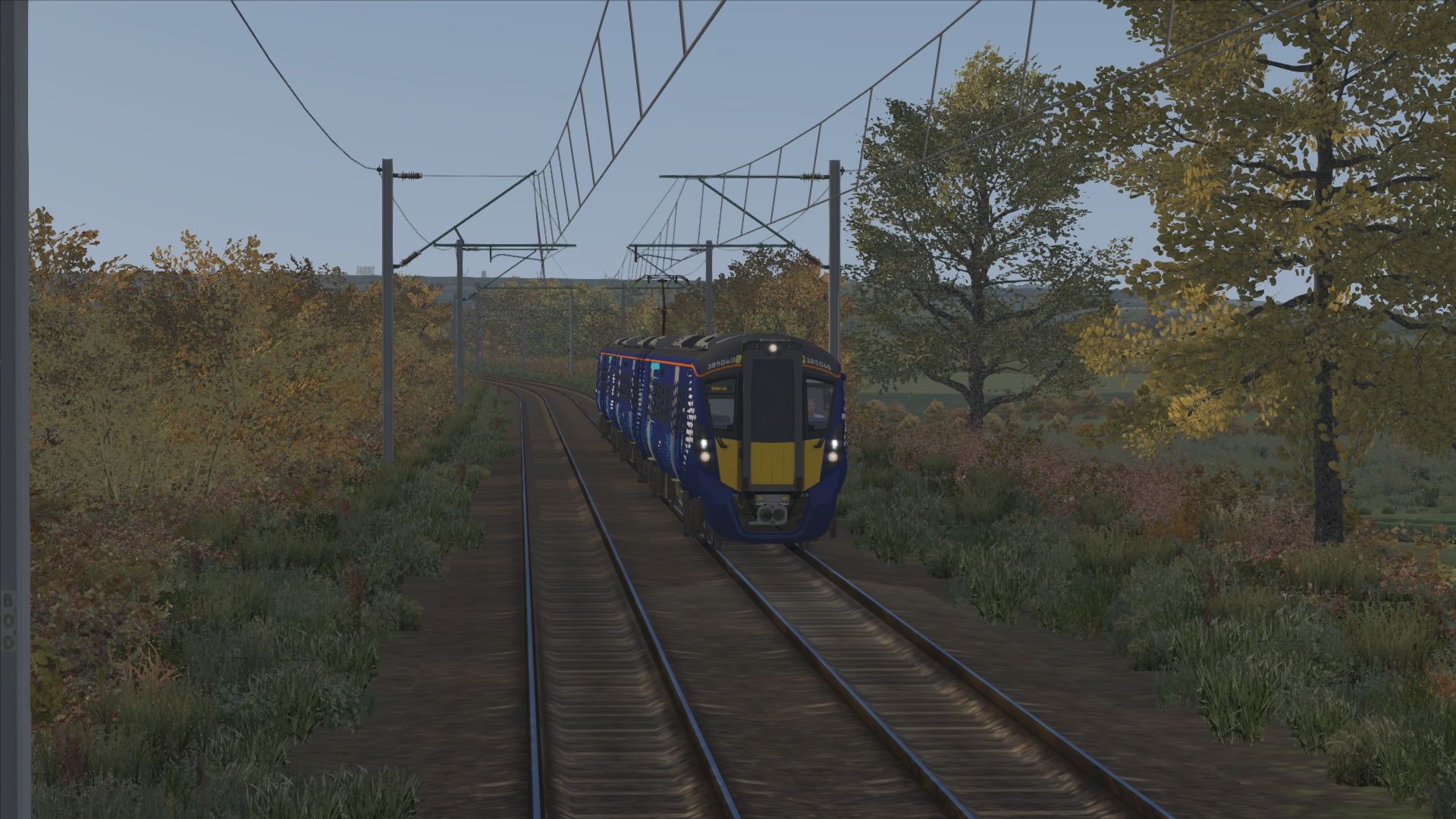
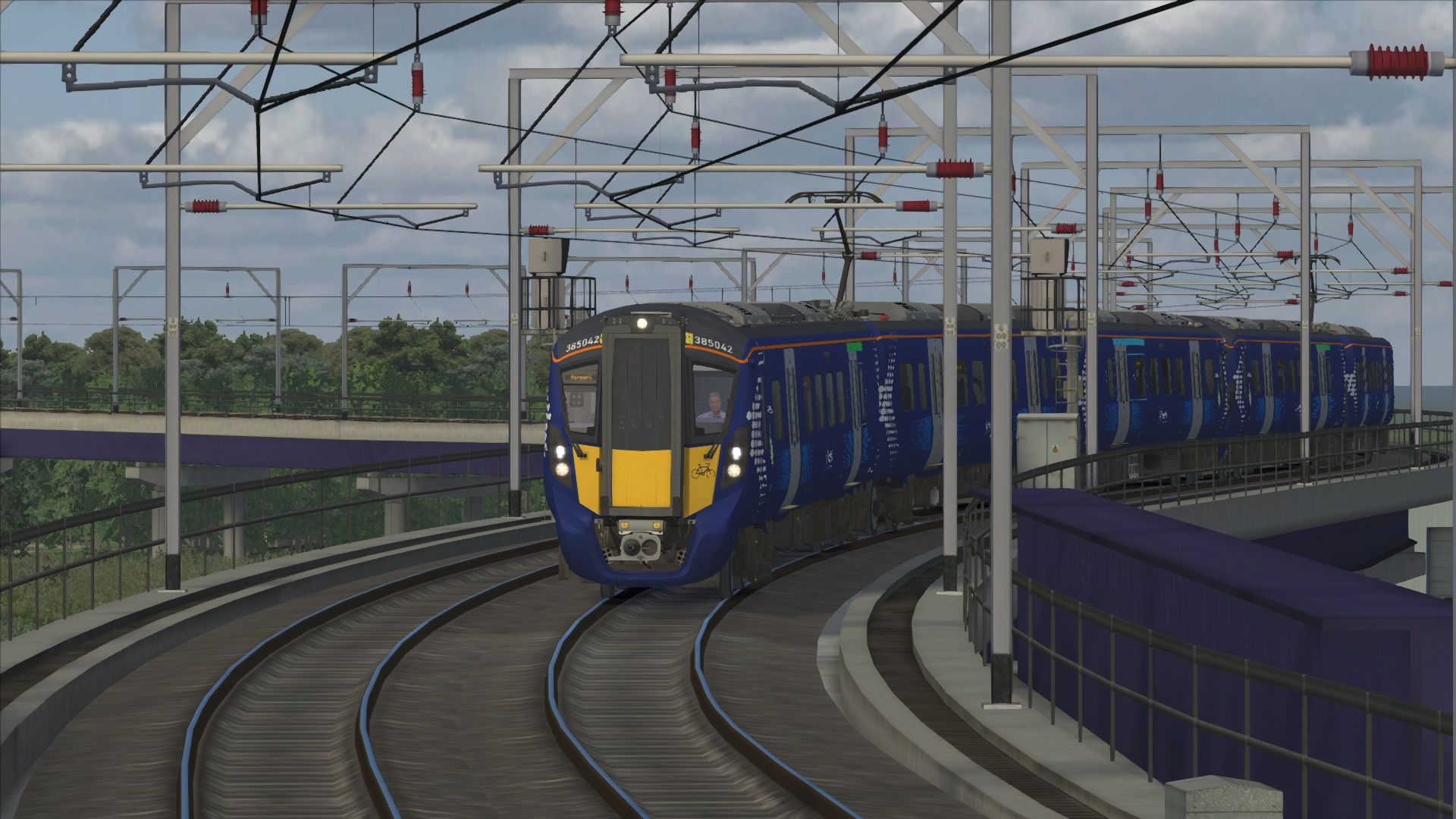
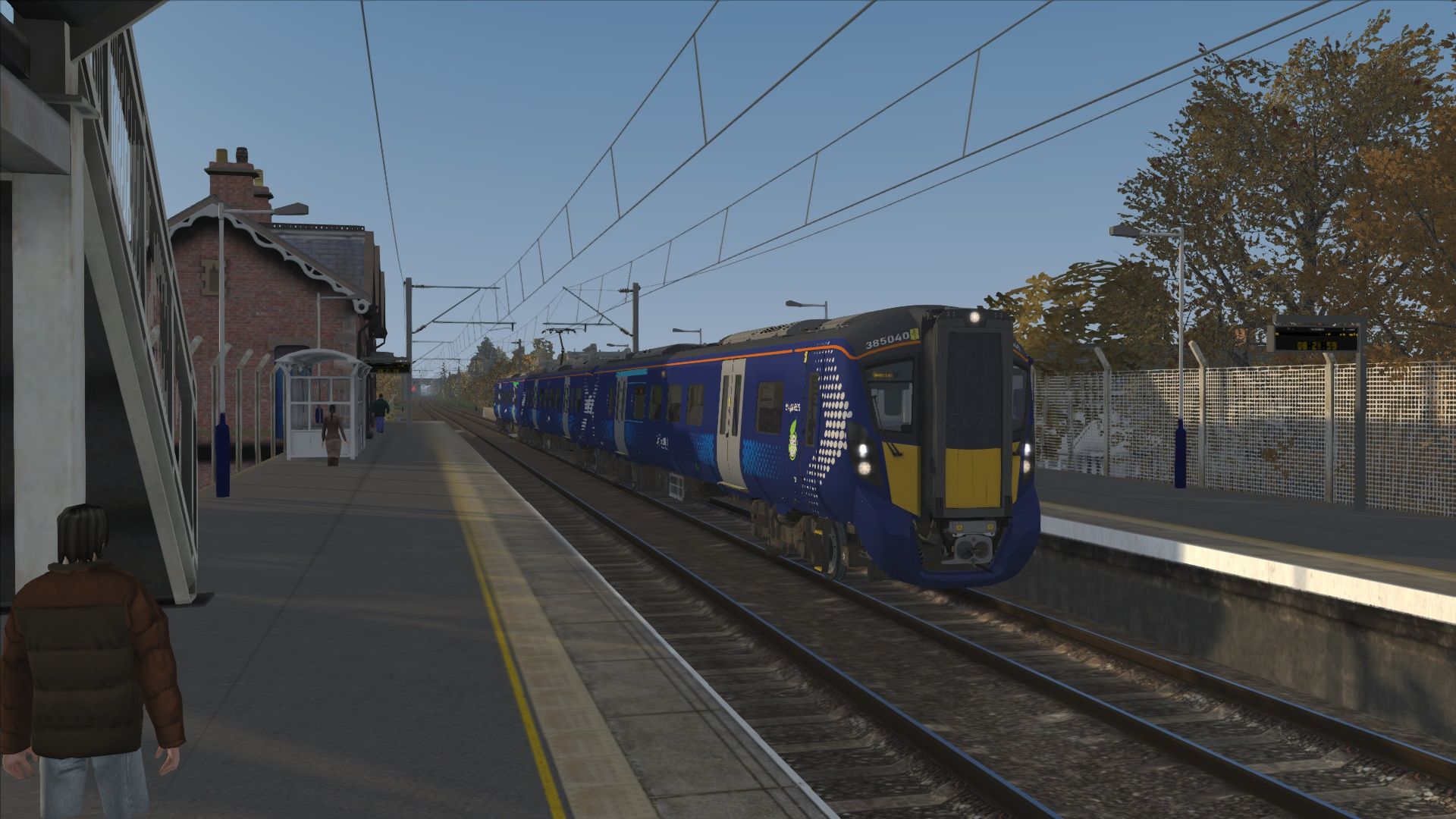
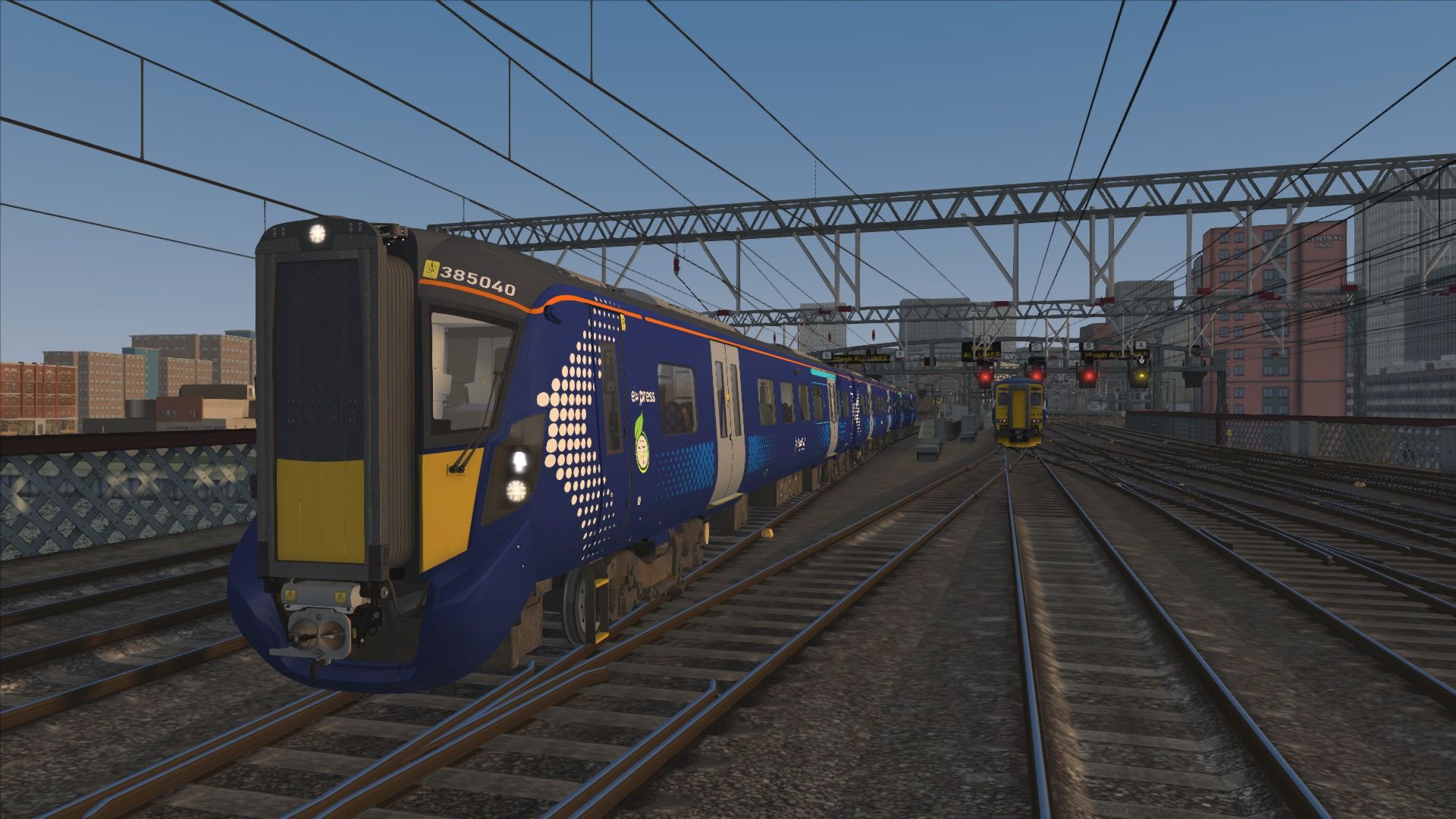
VERSION 2 UPDATE
2.2: Updated to include Weather EP Patch, this is now mandatory if you wish to install the assets folder with the track bed rumble removal
This isn’t the route you wanted, nor is it the route you needed, but it is unfortunately the route you get. Apologies in advance.
GARL but “slightly better” takes Thomson’s concoction (Glasgow Airport Railway Link) from the early 2010s and updates the scenery ever so slightly in ways which should only be viewed from the drivers eye view. Exactly how Thomson had intended for this route to be played. In his original route, the scenery didn’t even extend 1 meter away from the track. This fixes that by adding assets to clutter up the view and make it seem more like you’re driving through a city’s industrial centre rather than baby’s first train simulator route making experience.
So what have I done to “Update the Route?” I’m glad you asked:
VERSION 1.1:
Trees, almost all trackside vegetation has been replaced, with the exception of a few cases.
Buildings beyond that of which were originally present in the base route have also been added, just to avoid that whole “woah a bunch of houses lined up in the middle of nowhere for no reason” effect the original route goes for. (TLDR: Scenery which extends more than 5m away from the track
Added some “necessary” scenery details
VERSION 1.2 UPDATE
Adds more scenery to the route and tweaks the vegetation to add more variety
Fixes the “Eldritch Horror” Scenario
Adds a new scenario using the APW Class 314
Ground Textures have been swapped out
VERSION 1.3 UPDATE:
All Track has now been swapped to the ATS Track
KNOWN ISSUE: Buffers are missing and the reverb is a bit weird in places
VERSION 1.5 UPDATE:
Track and Scenery to Bishopton added
New Scenarios Added featuring the new track section
NOTE: This scenery is not fully accurate nor the best craftsmanship, and due to limitations of terrain data, gradients are also incorrect. Please keep this in mind when riding this part of the route.
VERSION 1.6 UPDATE:
Updated vegetation between Paisley St James and Bishopton
Track swap to JT Track, fixing occlusion issue
Rail Buffers added back to tracks
VERSION 2.0 UPDATE:
Completely ripped up the ground overlay, laying down necessary lofts and re-doing all textures in their place
Massive overhaul in the vegetation department (excluding the Bishopton extension, I have no plans to update this)
Daytime lighting added to stations which are annoyingly dark (this is not on par with modern routes because I’m not a lighting man
All Scenarios included now have randomised weather
Various other scenery updates just to try and make the majority of the route look less and less like GARL
GENERAL REMINDER THAT THIS ROUTE IS INTENDED TO BE VIEWED FROM THE CAB
ROUTE REQUIREMENTS
Glasgow Airport Rail Link (Base Route)
AP Weather EP 2.0 (ESSENTIAL)
ATS Common Library (ESSENTIAL)
Just Trains Common Library
DTG West Coast Mainline South (ESSENTIAL)
DTG Fife Circle (ESSENTIAL)
Suburban Glasgow Northwest: Helensburgh to Springburn (ESSENTIAL)
West Coast Mainline North (I don’t know why but it was ticked for some reason)
DTG Southampton to Bournemouth (ESSENTIAL)
Thomson Interactive Glasgow to Dunblane and Alloa (ESSENTIAL)
Eye Drops (To ease the pain)
SCENARIO REQUIREMENTS (COLLECTIVE)
ATS Class 385 Upgrade + It’s Dependencies
(Optional (I used it but not essential): Zema and Raphael TSC 385 Sound Patch)
AP Class 318 EMU Pack
AP Class 321 EMU Pack
AP Class 156 DMU Pack
AP Class 800 Enhancement Pack + It’s Dependencies
AP Class 158 Enhancement Pack + It’s Dependencies
APW Class 314 EMU Pack
All Above Route Requirements + Eyedrops + European Loco and Asset Pack
AP Sky and Weather Enhancement Pack V2 is also advised as weather patterns may not display correctly without.
AS PER MY SUPPORT POLICY, ANYONE WHO DOES NOT OWN ALL THE REQUIREMENTS LISTED ABOVE IS NOT ELIGIBLE FOR SUPPORT
To install this route “upgrade” simply copy the Assets and Content folder from the Unzipped folder into your Railworks Directory. When asked to Overwrite, click yes. This is for the Assets folder, all it does is edit the sound values on bridges and the track. The route is named something along the lines of “Glasgow to Paisley St James (GARL Upgrade)”
FAQ:
No
Enjoy it if you dare!!!
Tags: airport ayr ayrshire ayrshire-coast-line cardonald cthulhu dumbreck eldritch-horror garl garl-but-slightly-better glasgow glasgow-airport-rail-link glasgow-central gourock hillington hillington-east hillington-west inverclyde inverclyde-line johnstone link paisley paisley-canal paisley-gilmour-street paisley-st-james port-glasgow rail scotrail
Requirements
- ATS Common Library
- JT Common Library
Dependencies

Experience the charm of Scotland and scenic diverse landscapes as you explore Glasgow to Dunblane and Alloa for Train Simulator from Thomson Interactive.

Explore stunning Firth of Forth and south Fife territory with the always-busy Fife Circle Line for Train Simulator!

The Glasgow Airport Rail Link (GARL) was a proposal to directly link Glasgow Central station with Glasgow International Airport in Scotland, United Kingdom

Explore the complexities of Glasgow commuting with SGL’s Suburban Glasgow Northwest route!

Experience the pinnacle of high-speed travel in the UK and bustling commuter services with WCML South: London Euston - Birmingham in Train Simulator!

One of the most significant route expansion since the launch of Train Simulator, West Coast Main Line North brings you well over 100 miles of highly-detailed railway line, with stations, yards, cuttings, viaducts and stunning scenery.
Installation Instructions
To install this route “upgrade” simply copy the Assets and Content folder from the Unzipped folder into your Railworks Directory. When asked to Overwrite, click yes.
If you are having issues with getting the weather patch to work, please enter into the route editor on the route and enable it in the right hand Provider/Product menu. If it isn't already enabled then it usually means the route wasn't installed correctly, but better to have a troubleshooting step than not.
Files
Comments
About this mod

- Created
- 7 Jan 2025
- Updated
- 12 May 2026
- Game
- Train Simulator Classic
- Type of content
- Route

![2V33 0621 Springburn to Milngavie [AGD]](https://images.trainsimcommunity.com/lTfGESfGJ1LTPj_FNhC9frMGg8g=/64x36/tscmr-prod/images/1510312075291254784.jpg)


Loading comments…