West Highland Line Extension AP Vegetation Patch
- by Agdron
- 2 upvotes
- Downloaded 116 times
Description
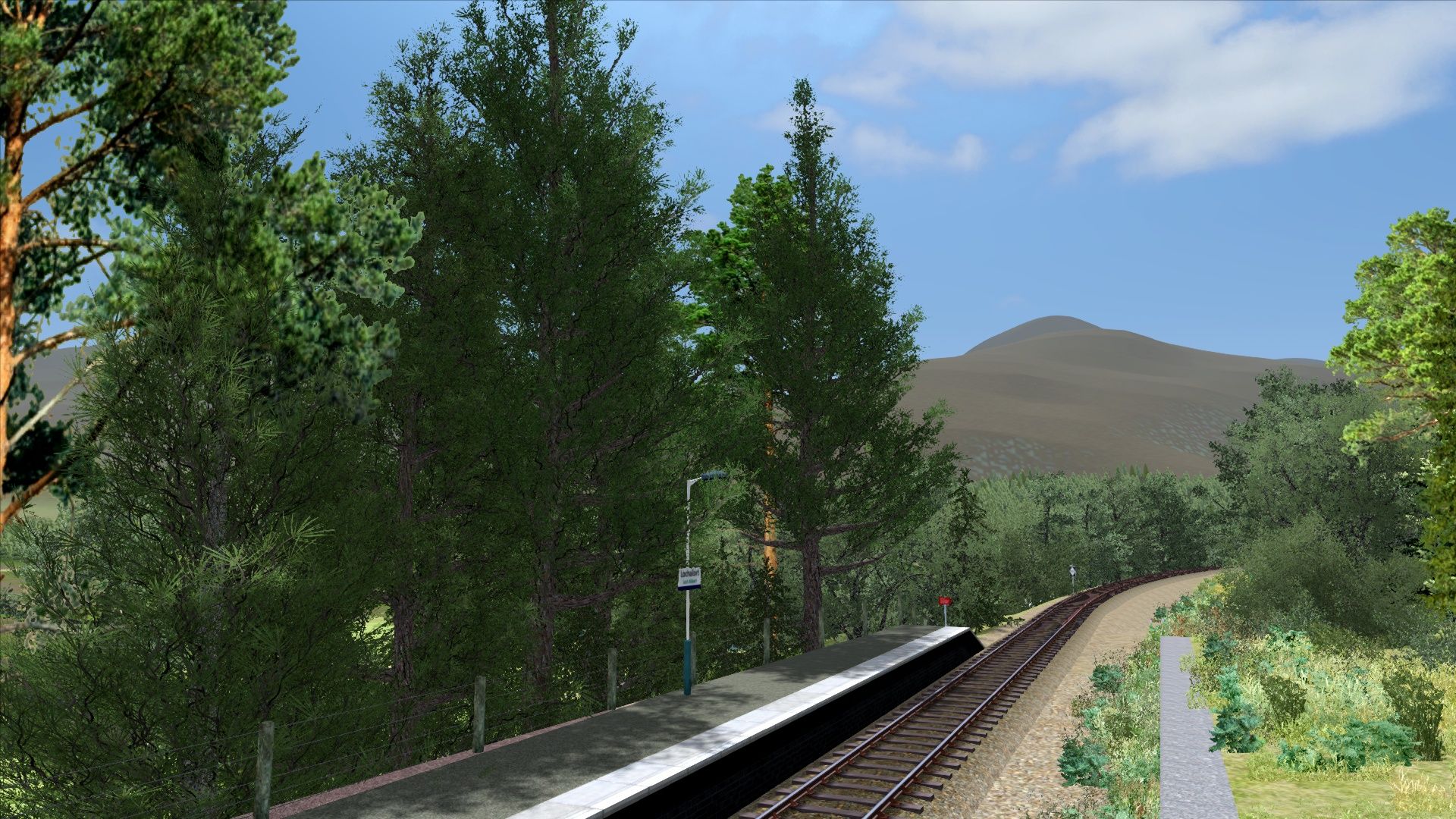
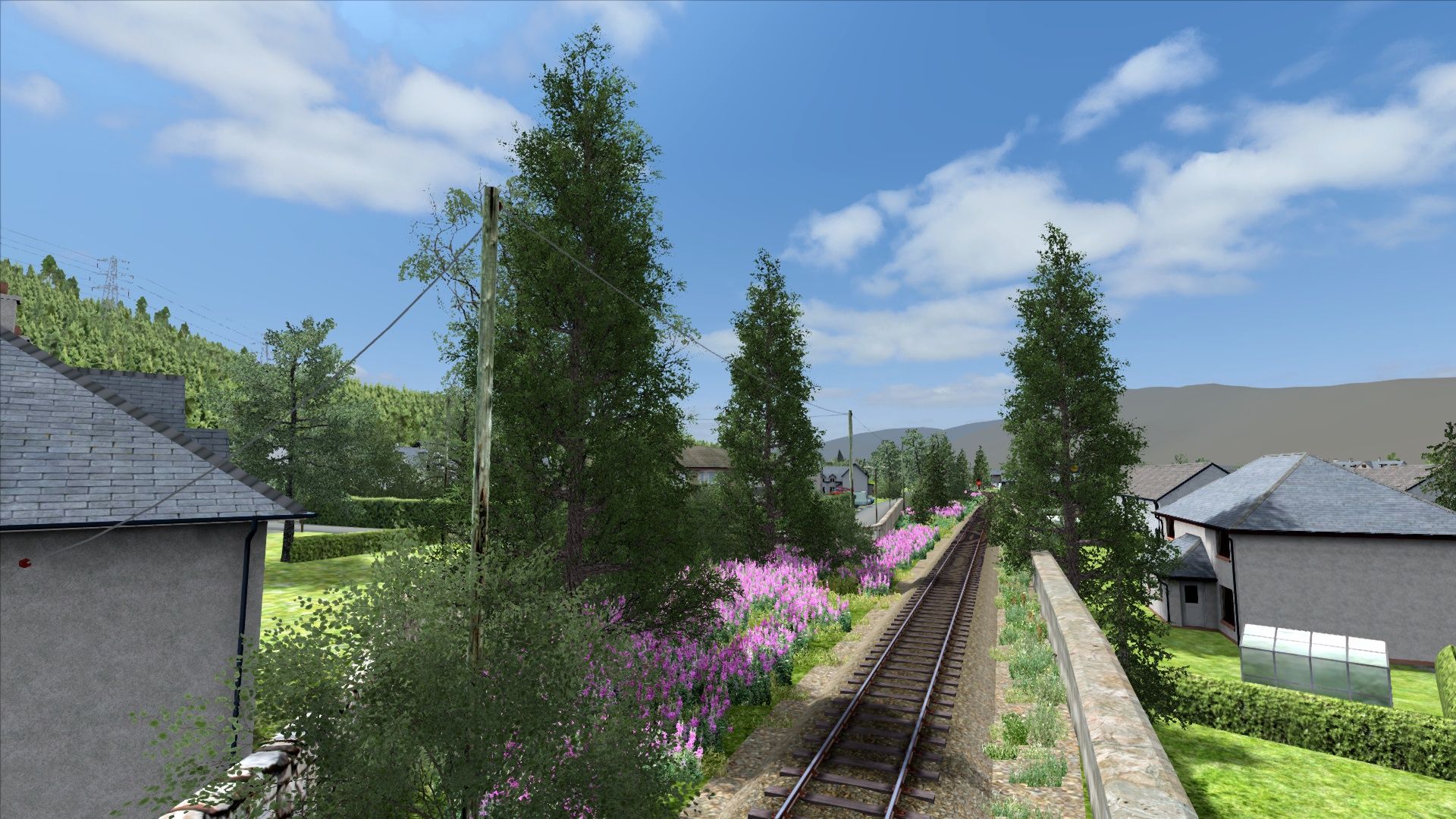
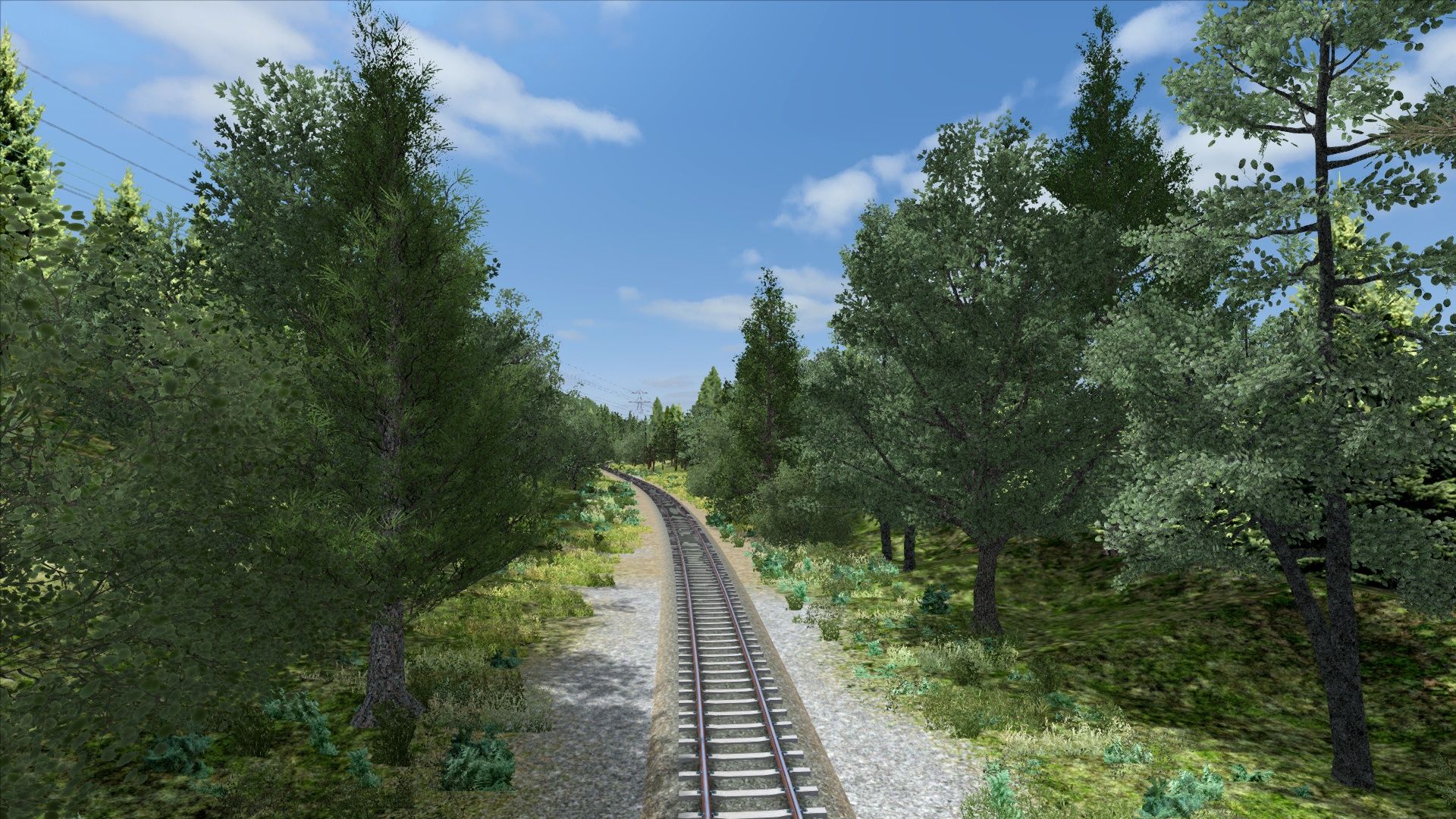
This patch simply patches the AP Vegetation EP the Thomson Interactive West Highland Line Extension route in Train Simulator Classic.
REQUIREMENTS:
- Thomson Interactive West Highland Line Extension Route Add On
- Armstrong Powerhouse Vegetation EP
INSTALLATION:
Simply copy the Assets folder to your railworks directory and overwrite all when asked. This patch does not change the route itself, rather the assets files
Disclaimers:
- I will not accept responsibility for any issues encountered while using this patch.
- Performance impacts may be felt on lower end systems due to the higher quality of the AP vegetation assets. Similarly, they may clip the track area in some places. This patch is not directly editing the route, therefore these instances (if any) will not be fixed.
- If the default trees are still showing after installation, locate this directory: Assets\Thomson\FortWilliamMallaig\Scenery\Vegetation, then delete the Vegetation folder and re-install this patch
- I will not provide any further support for this patch
Enjoy!
Tags: ap ep extension highland interactive line patch scotland scotrail thomson vegetation west
Dependencies


Installation Instructions
INSTALLATION:
Simply copy the Assets folder to your railworks directory and overwrite all when asked. This patch does not change the route itself, rather the assets files
UNINSTALLATION
Using 7Zip or any compatible file browser, navigate to your Railworks directory then Assets\Thomson\FortWilliamMallaig then extract the .ap folder in this directory
Additional Comments
Disclaimers:
- I will not accept responsibility for any issues encountered while using this patch.
- Performance impacts may be felt on lower end systems due to the higher quality of the AP vegetation assets. Similarly, they may clip the track area in some places. This patch is not directly editing the route, therefore these instances (if any) will not be fixed.
- If the default trees are still showing after installation, locate this directory: Assets\Thomson\FortWilliamMallaig\Scenery\Vegetation, then delete the Vegetation folder and re-install this patch
- I will not provide any further support for this patch
Enjoy!
Files
Comments
About this mod

- Created
- 27 May 2026
- Updated
- 27 May 2026
- Game
- Train Simulator Classic
- Type of content
- Patch

![2V33 0621 Springburn to Milngavie [AGD]](https://images.trainsimcommunity.com/lTfGESfGJ1LTPj_FNhC9frMGg8g=/64x36/tscmr-prod/images/1510312075291254784.jpg)


Loading comments…