Class 350 Pickup Shoe Patch
- by Ash992478
- 2 upvotes
- Downloaded 1,030 times
Description
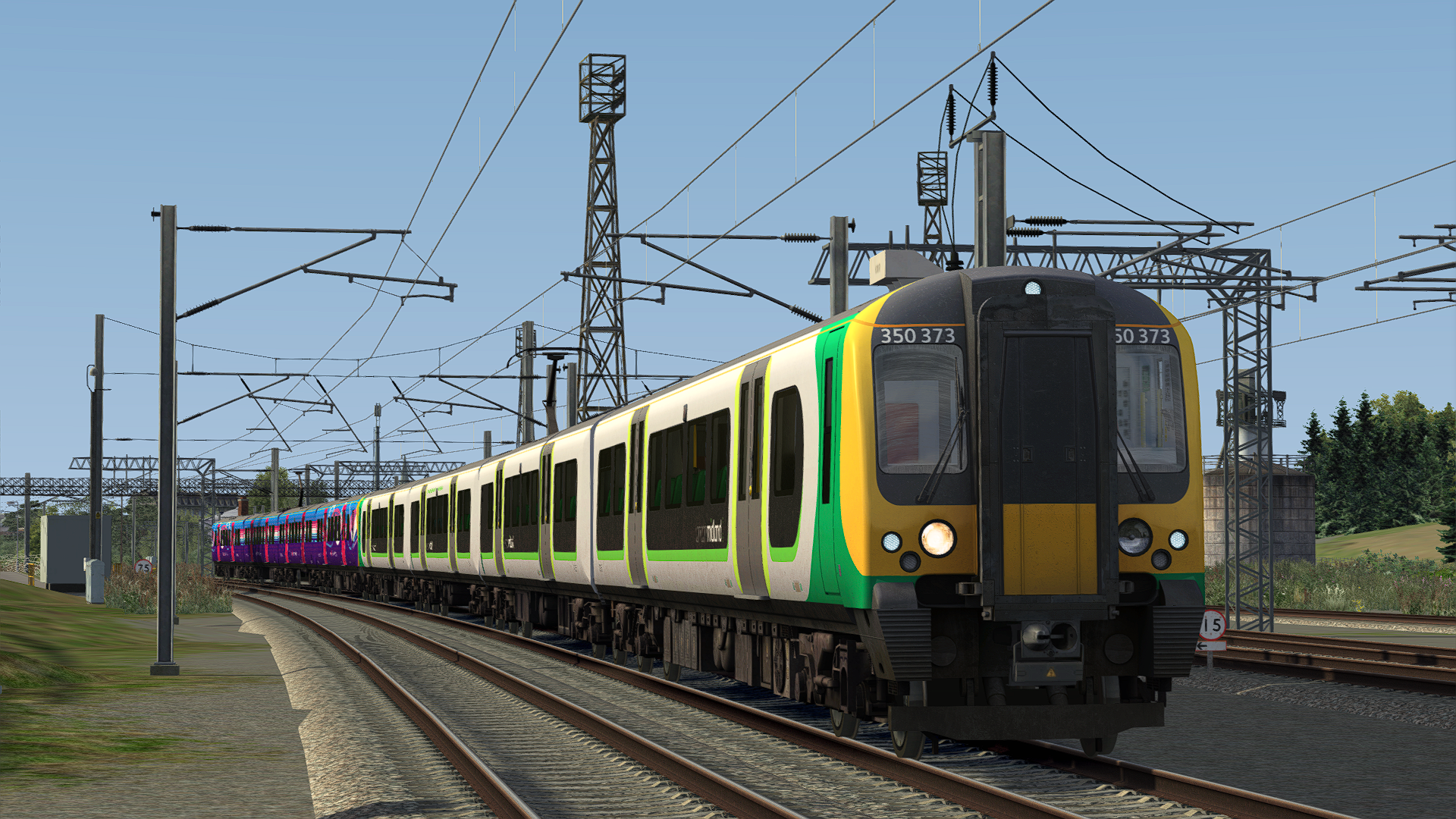
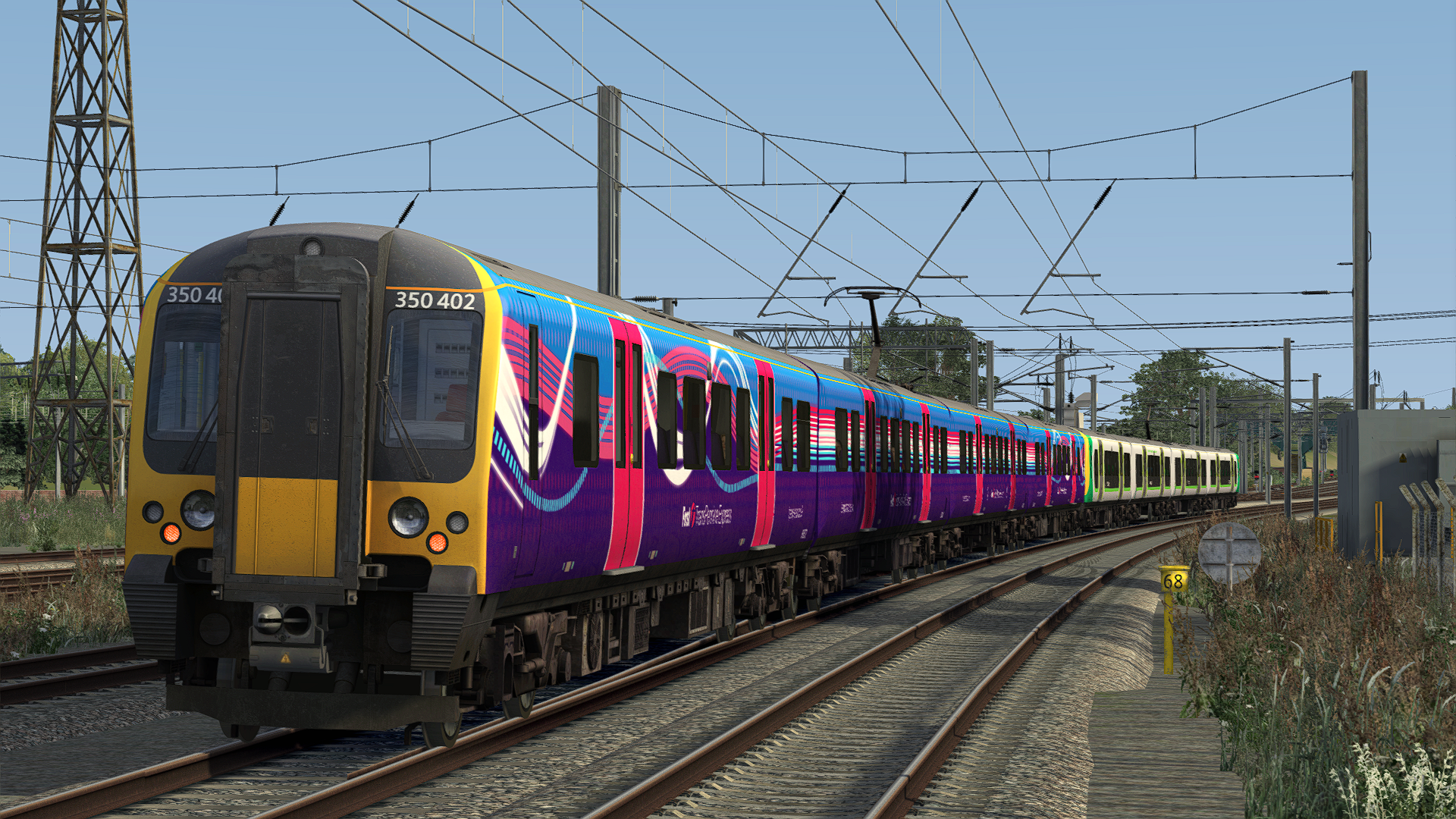
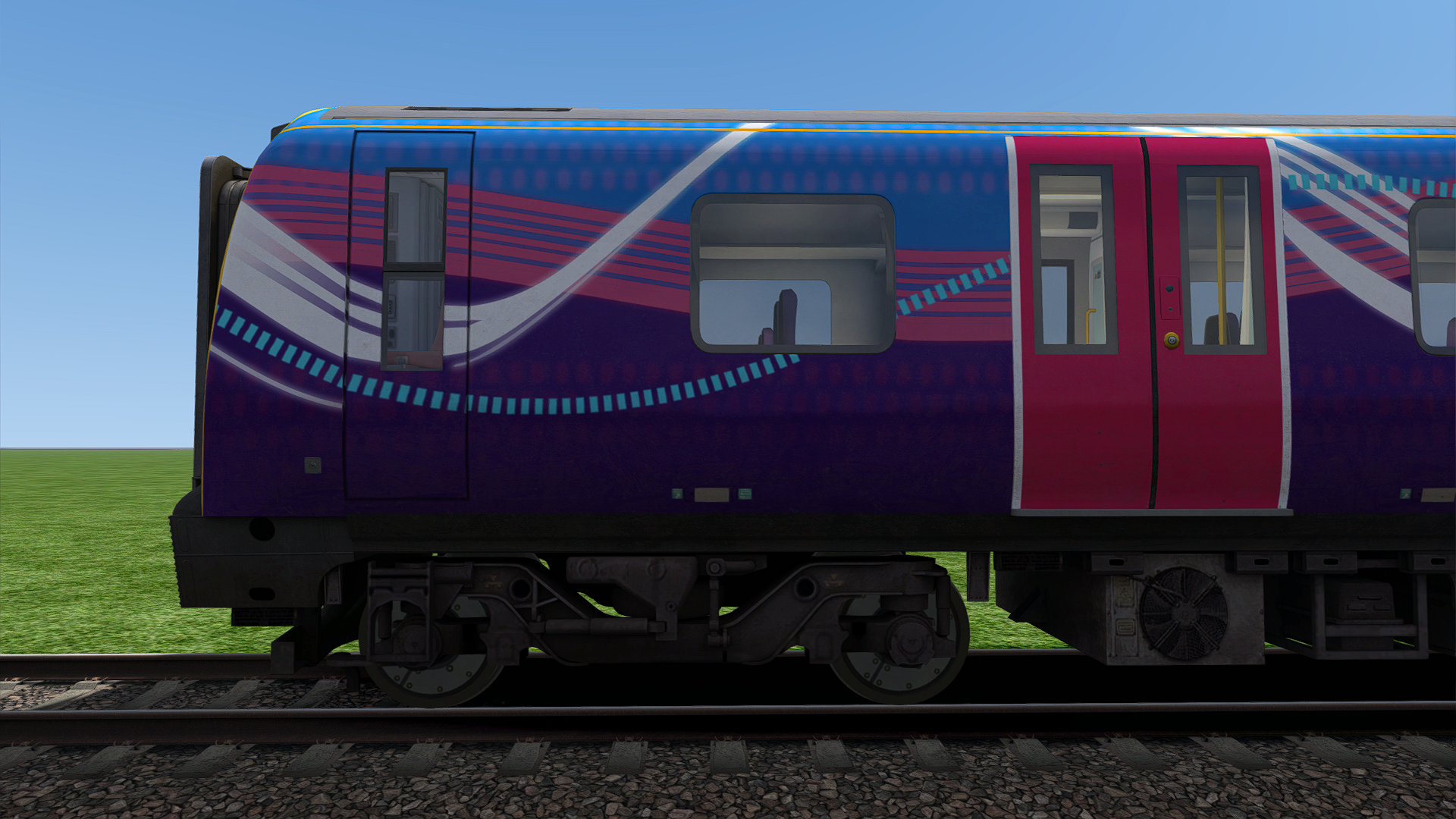
What does this patch do?
This patch removes the third rail shoe from the Class 350s included with the Armstrong Powerhouse Class 350 Enhancement Pack. Note, so that third rail shoes are not missing from Class 350/1s, extra files are included for the 'London Midland' and 'London Northwestern Railway' variants without third rail shoes.
ADDITIONAL NOTE
You will need to enable the 'WCML-South' asset filter to use this in scenarios.
Changelog:
Minor edit to support the APEP Update on 20/7/24.
Dependencies


Installation Instructions
How to Install:
First copy the 'Assets' folder from the 'Assets' folder into Steam/steamapps/common/Railworks
Then run the 'InstallClass350NoShoe' BAT file in 'Railworks/Assets' to install. If this doesn't work or you don't wish to use it for whatever reason, manual installation instructions are provided below.
Copy bogie.TgPcDx from Assets\DTG\PortsmouthDirect\RailVehicles\Electric\Class450\LM_AP\Engine\TexturesSWT
Paste bogie.TgPcDx into Assets\DTG\WCML-South\RailVehicles\Electric\Class350\Default\Engine\textures
Copy bogie_noshoe.TgPcDx from Assets\DTG\PortsmouthDirect\RailVehicles\Electric\Class450\LM_AP\Engine\TexturesSWT
Paste bogie_noshoe.TgPcDx into Assets\DTG\WCML-South\RailVehicles\Electric\Class350\Default\Engine\textures
Copy underframeTgPcDx from Assets\DTG\PortsmouthDirect\RailVehicles\Electric\Class450\LM_AP\Engine\TexturesSWT
Paste underframe.TgPcDx into Assets\DTG\WCML-South\RailVehicles\Electric\Class350\Default\Engine\textures
Copy underframe_tso.TgPcDx from Assets\DTG\PortsmouthDirect\RailVehicles\Electric\Class450\LM_AP\Engine\TexturesSWT
Paste underframe_tso.TgPcDx into Assets\DTG\WCML-South\RailVehicles\Electric\Class350\Default\Engine\textures
How to Install the Pack Automatically:
Simply run the installer and off you go!
Additional Comments
Please note, I will NOT be providing any support.
Files
Comments
About this mod
- Created
- 20 Jul 2024
- Updated
- 20 Jul 2024
- Game
- Train Simulator Classic
- Type of content
- Patch


Loading comments…