TSW3 ToD4 Lighting Overhaul
- by JetWash
- 12 upvotes
- Downloaded 6,873 times
Description
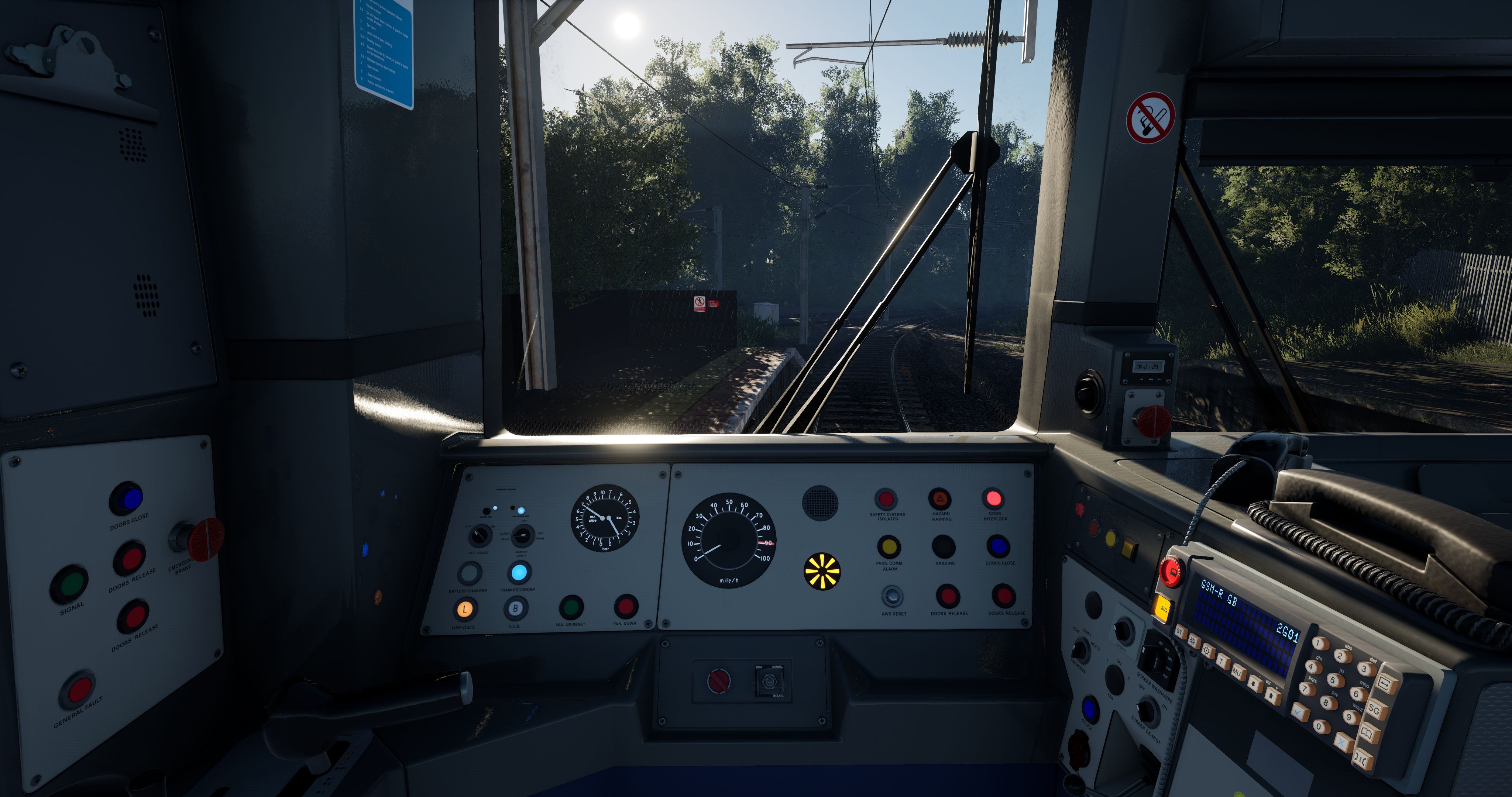
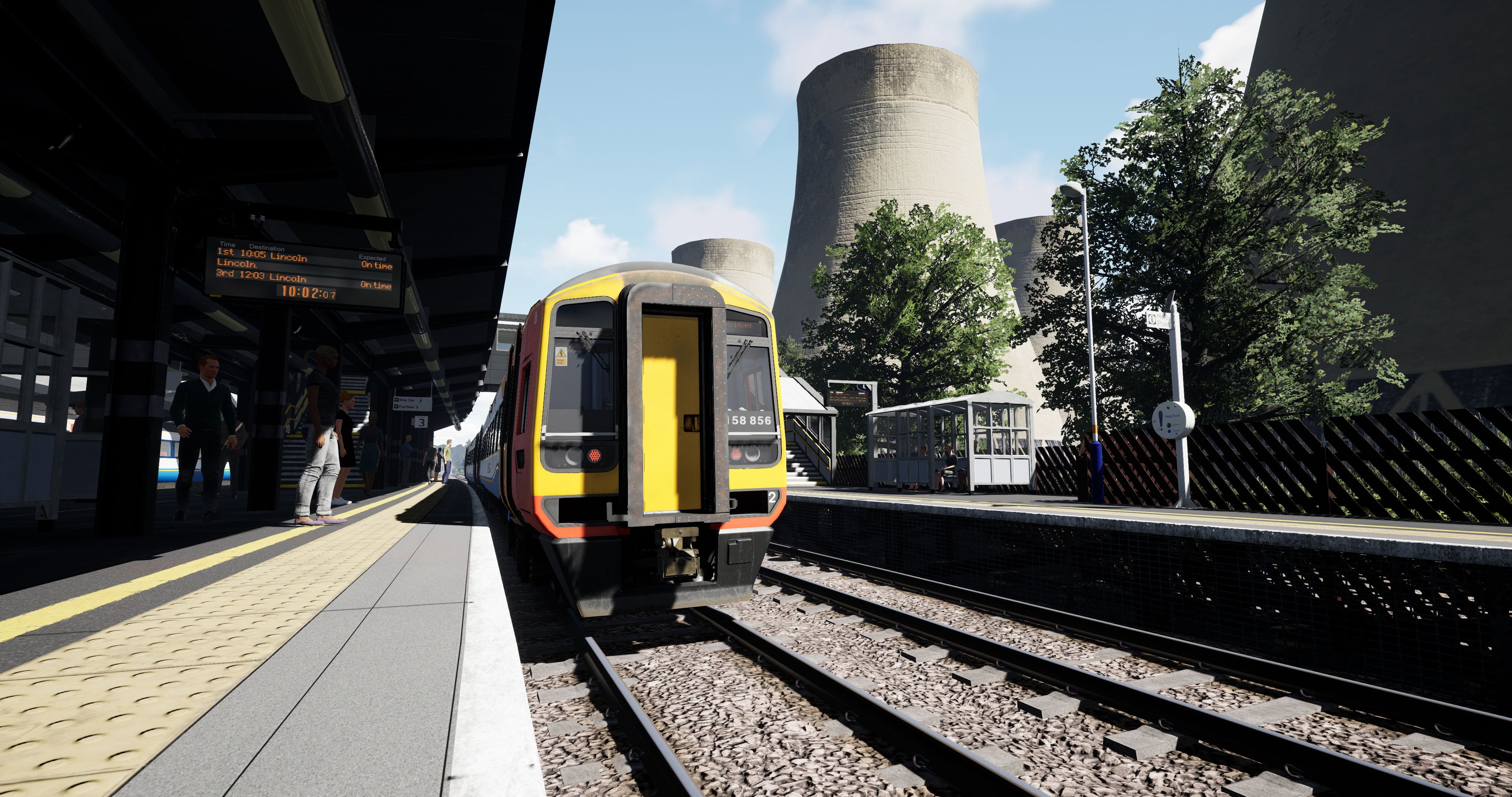
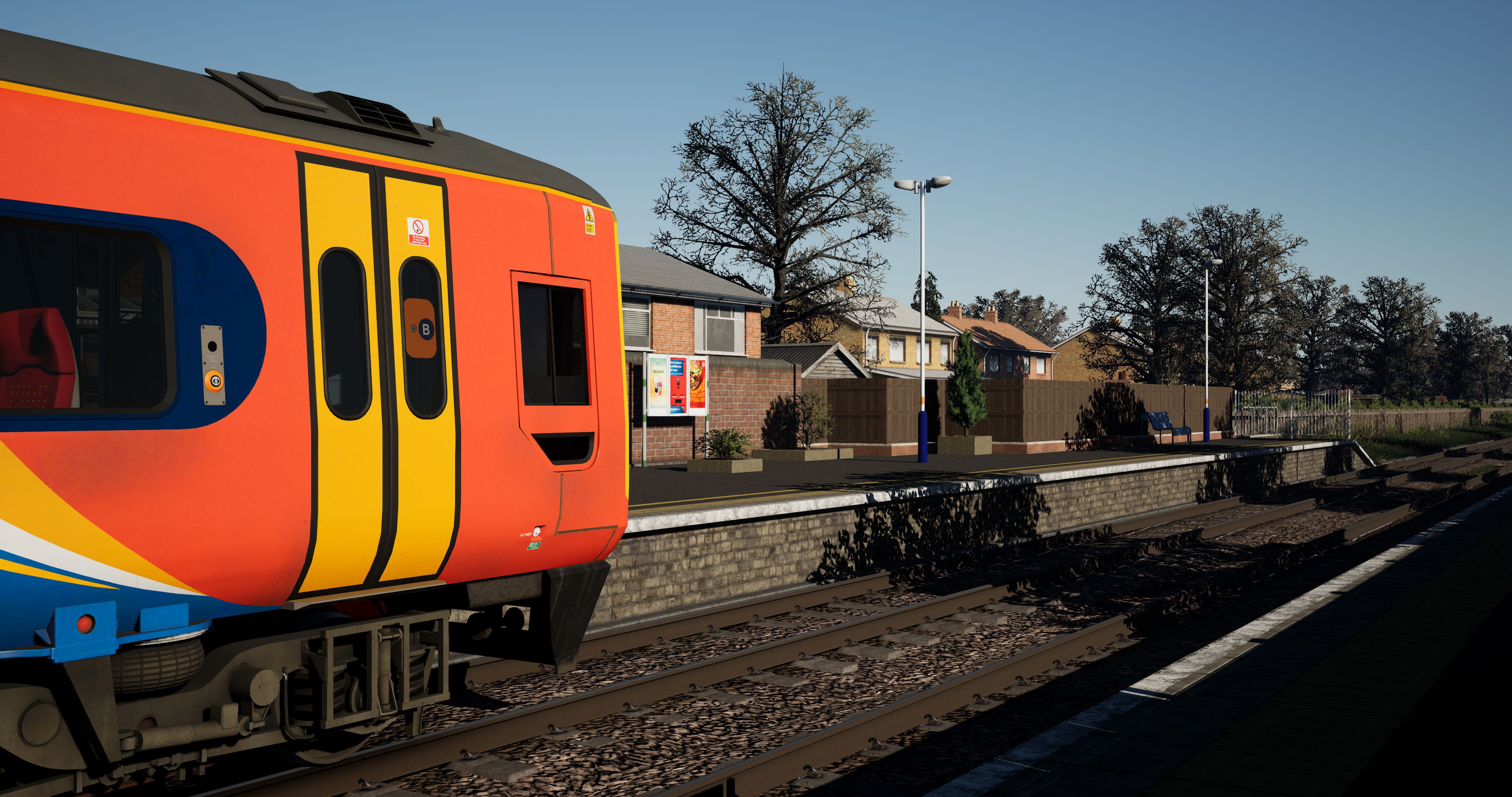
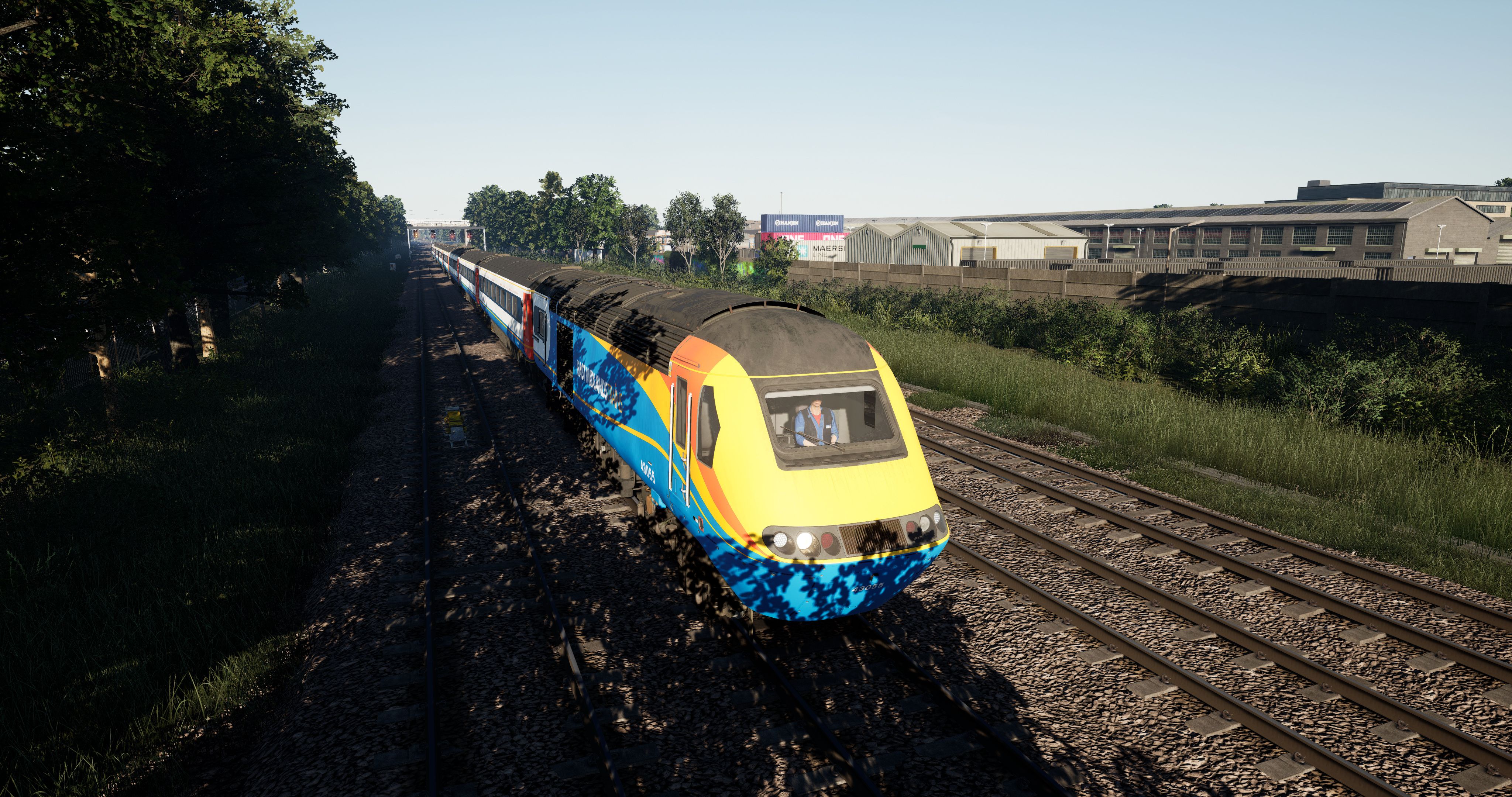
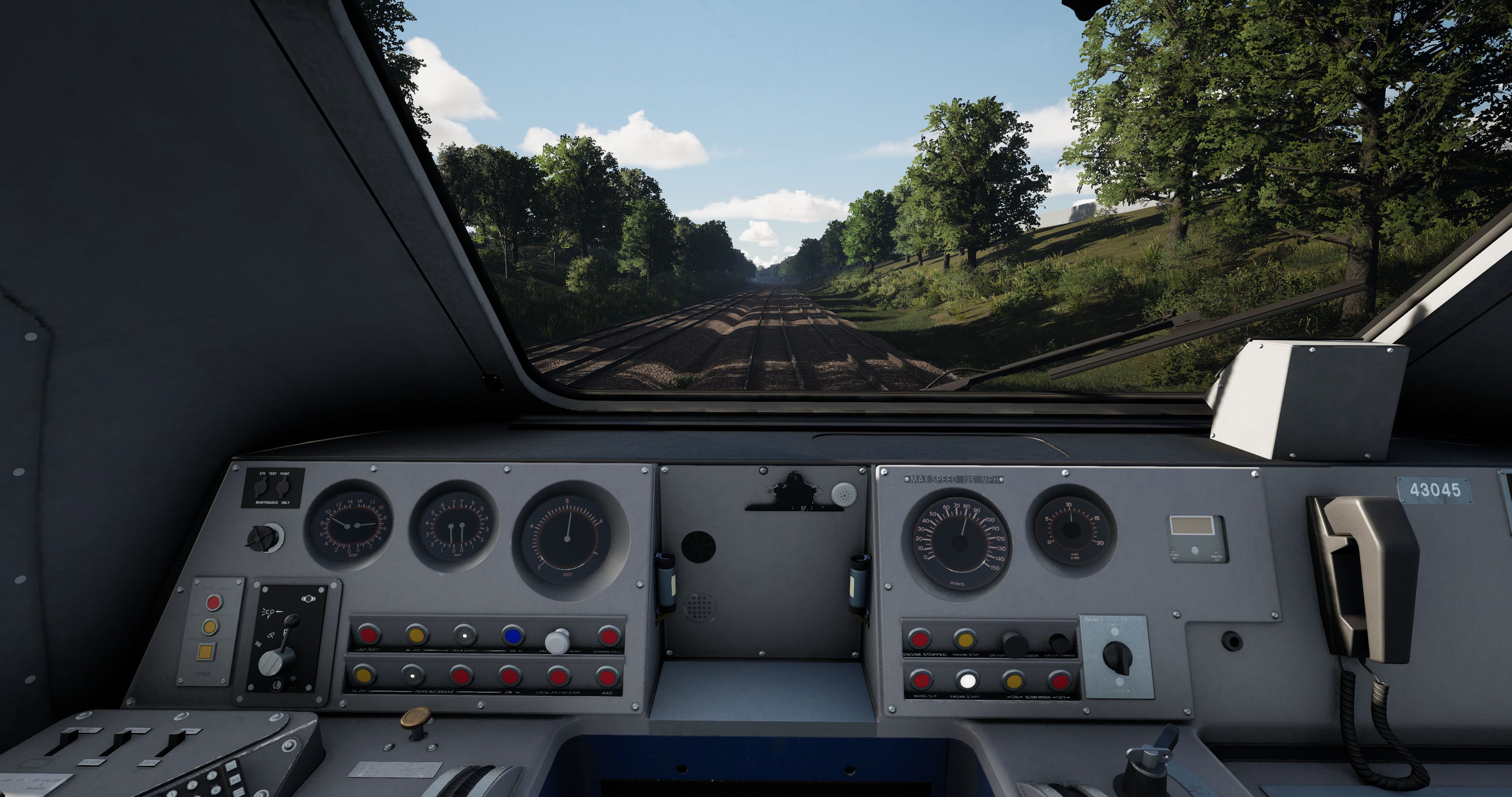
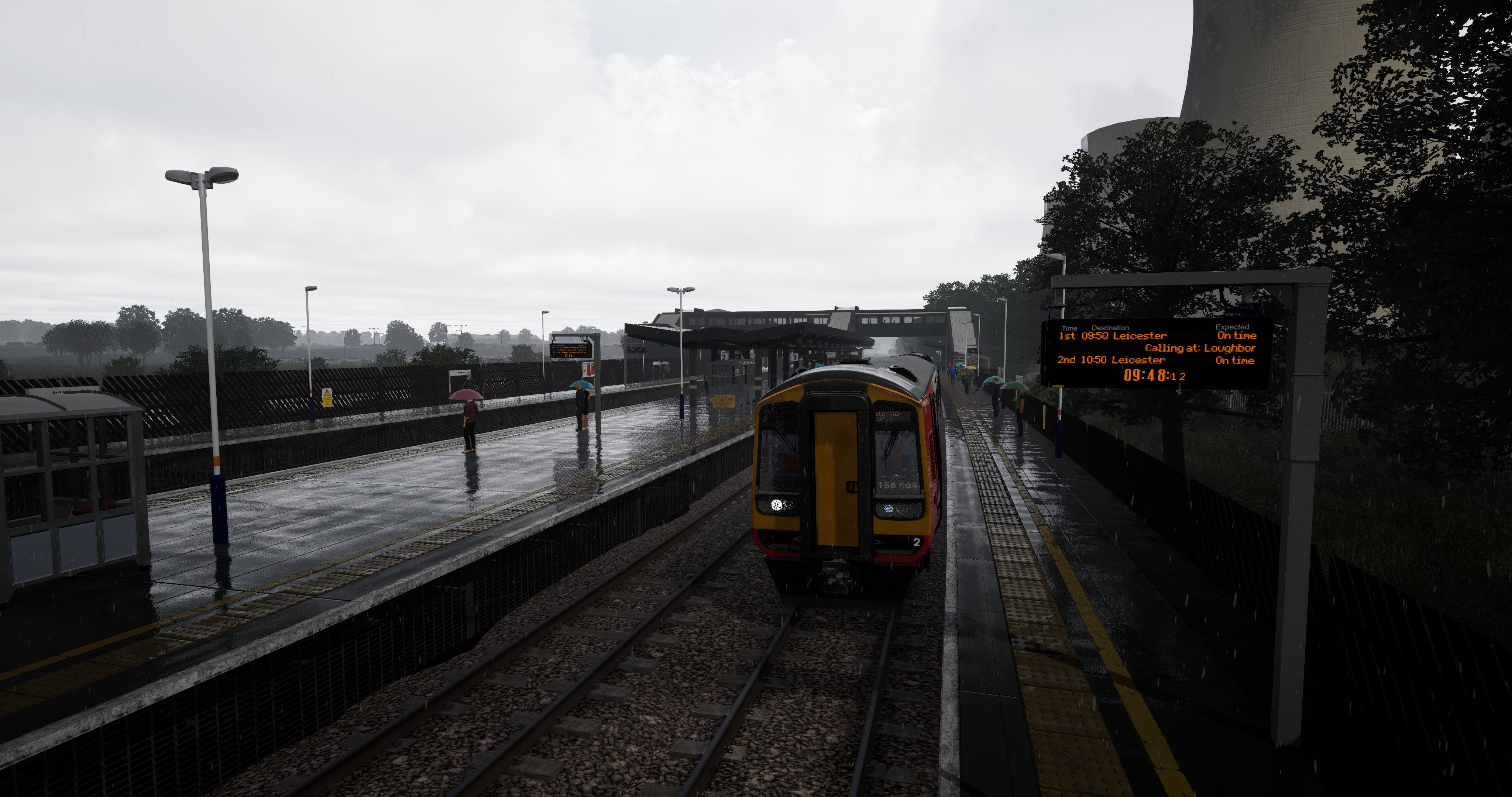
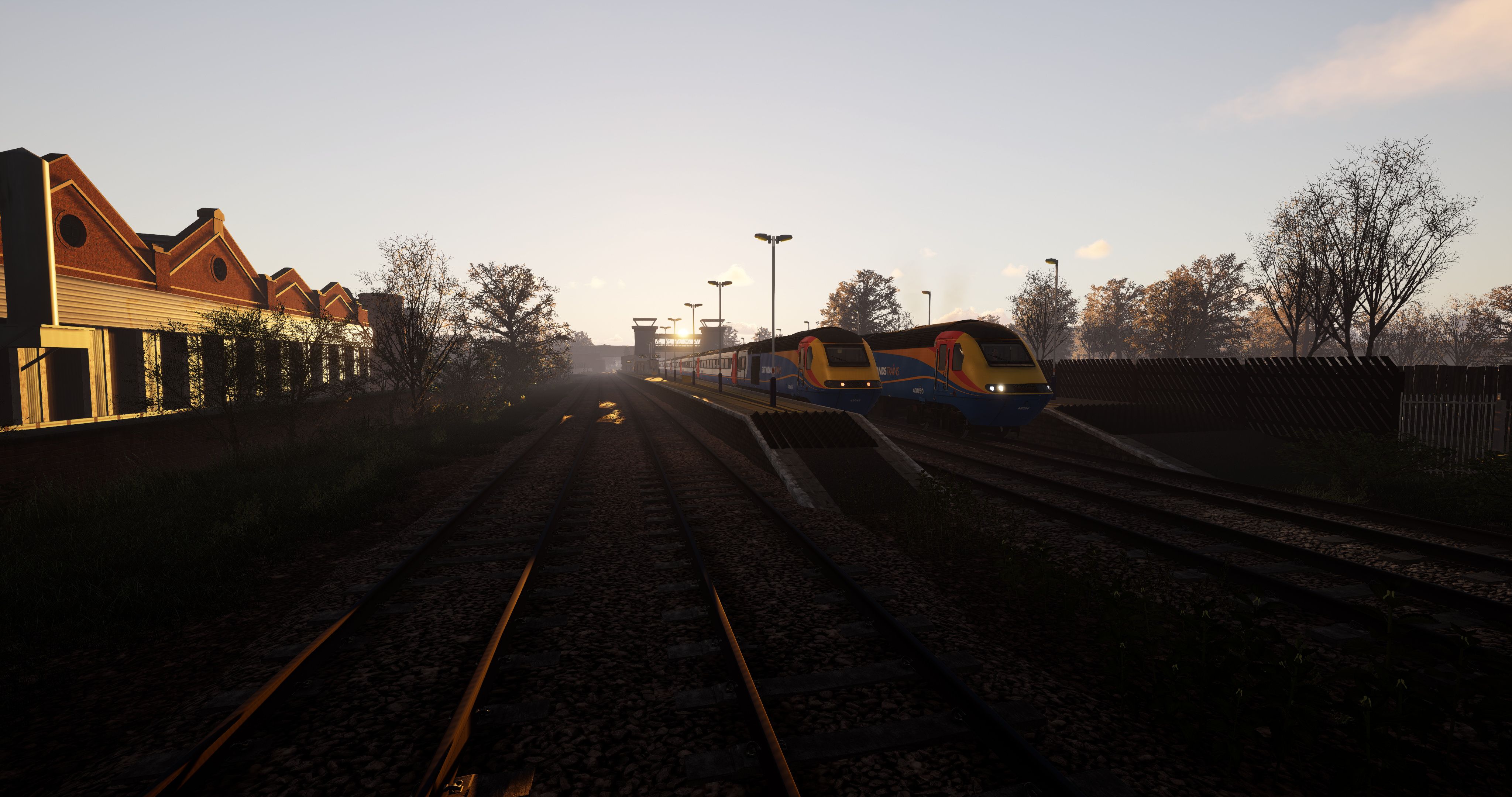
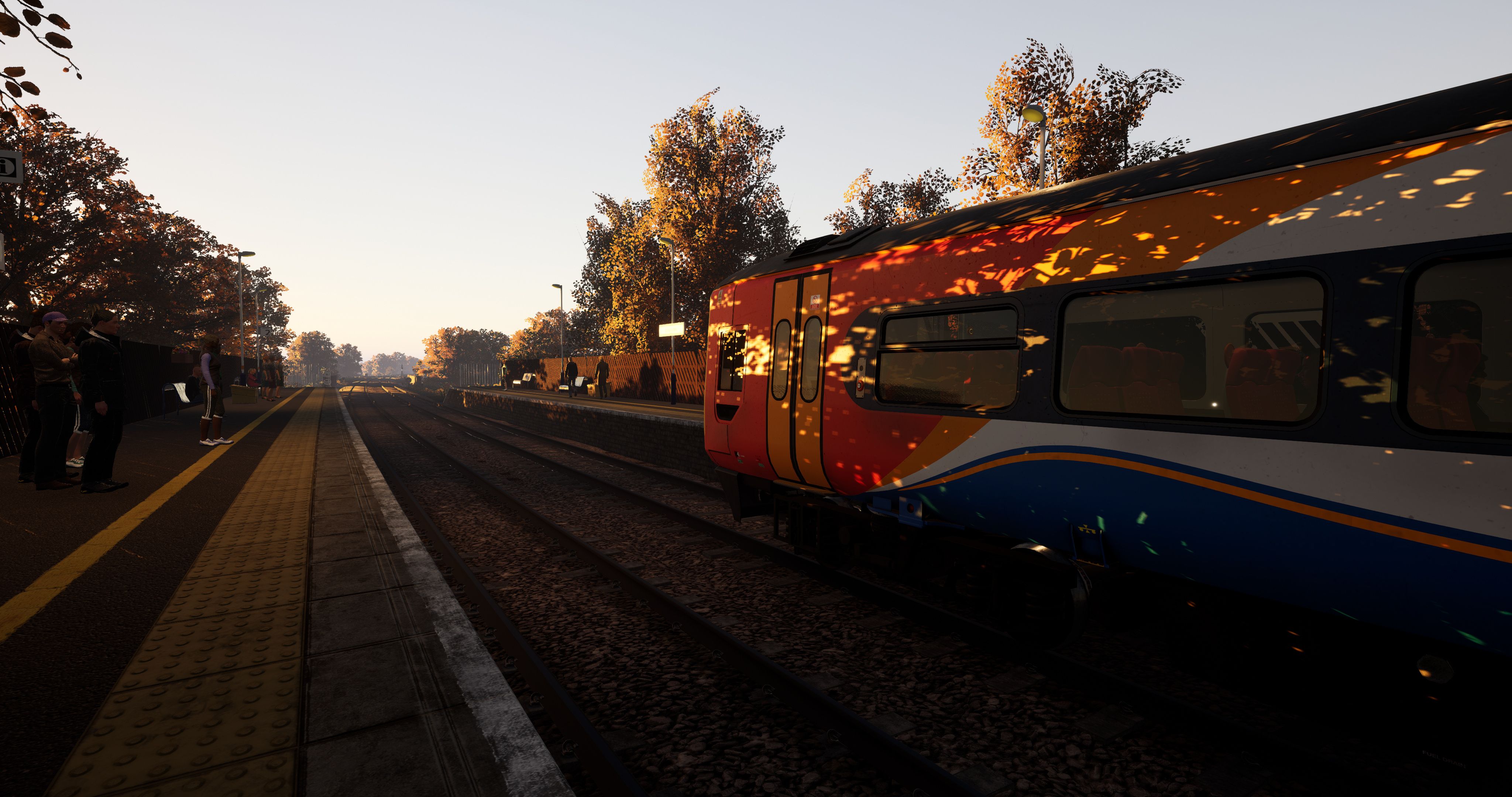
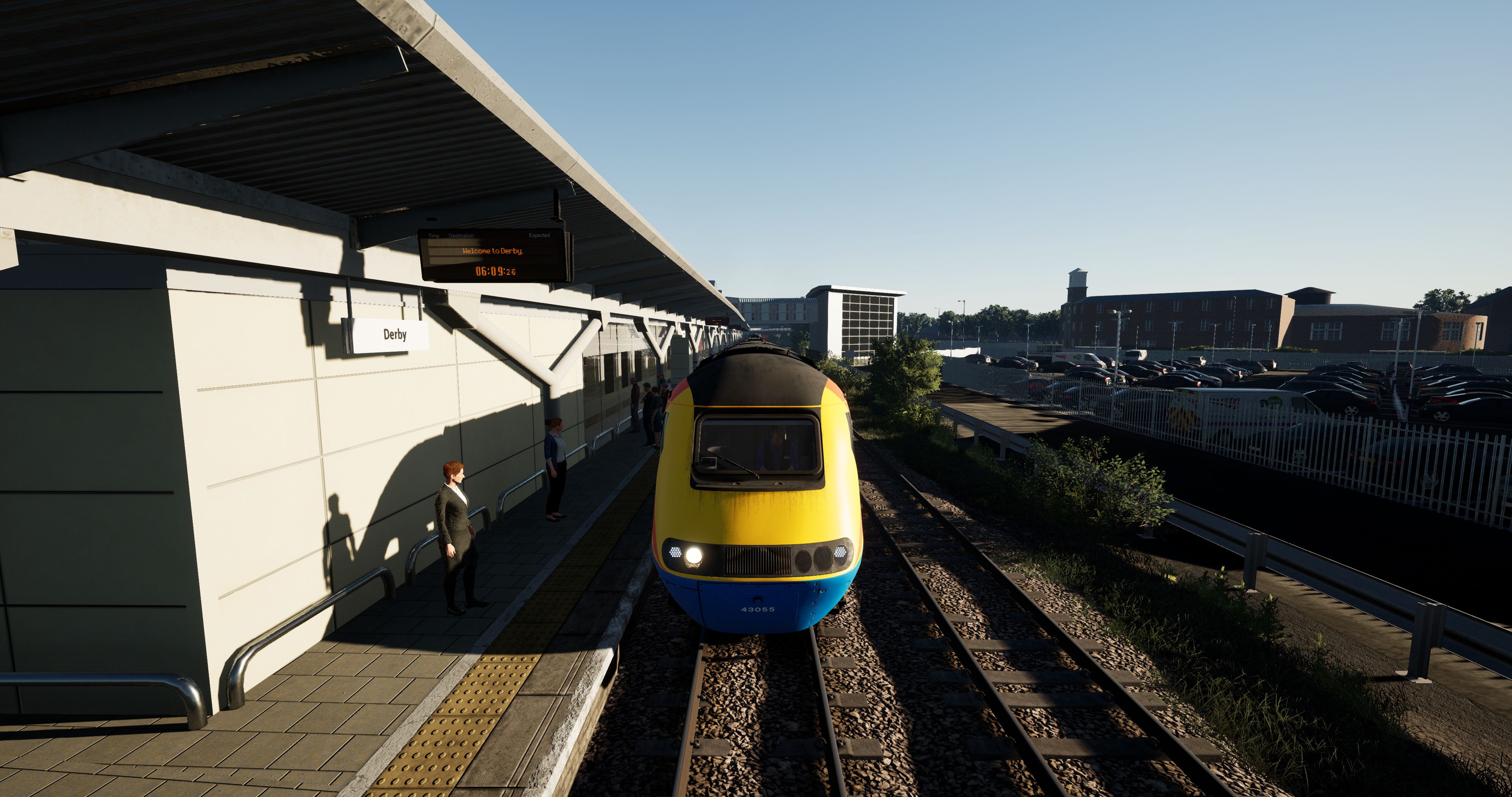
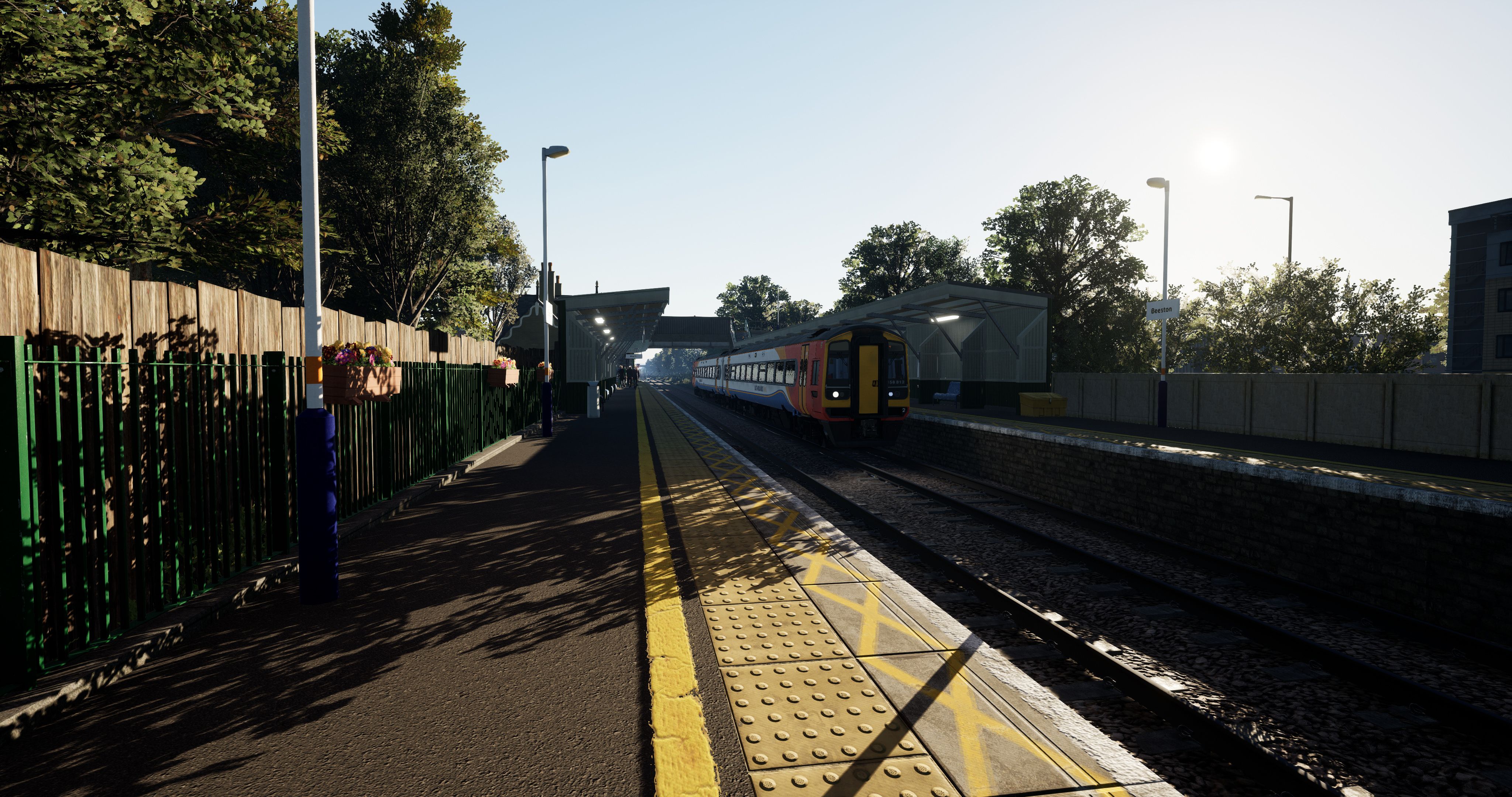
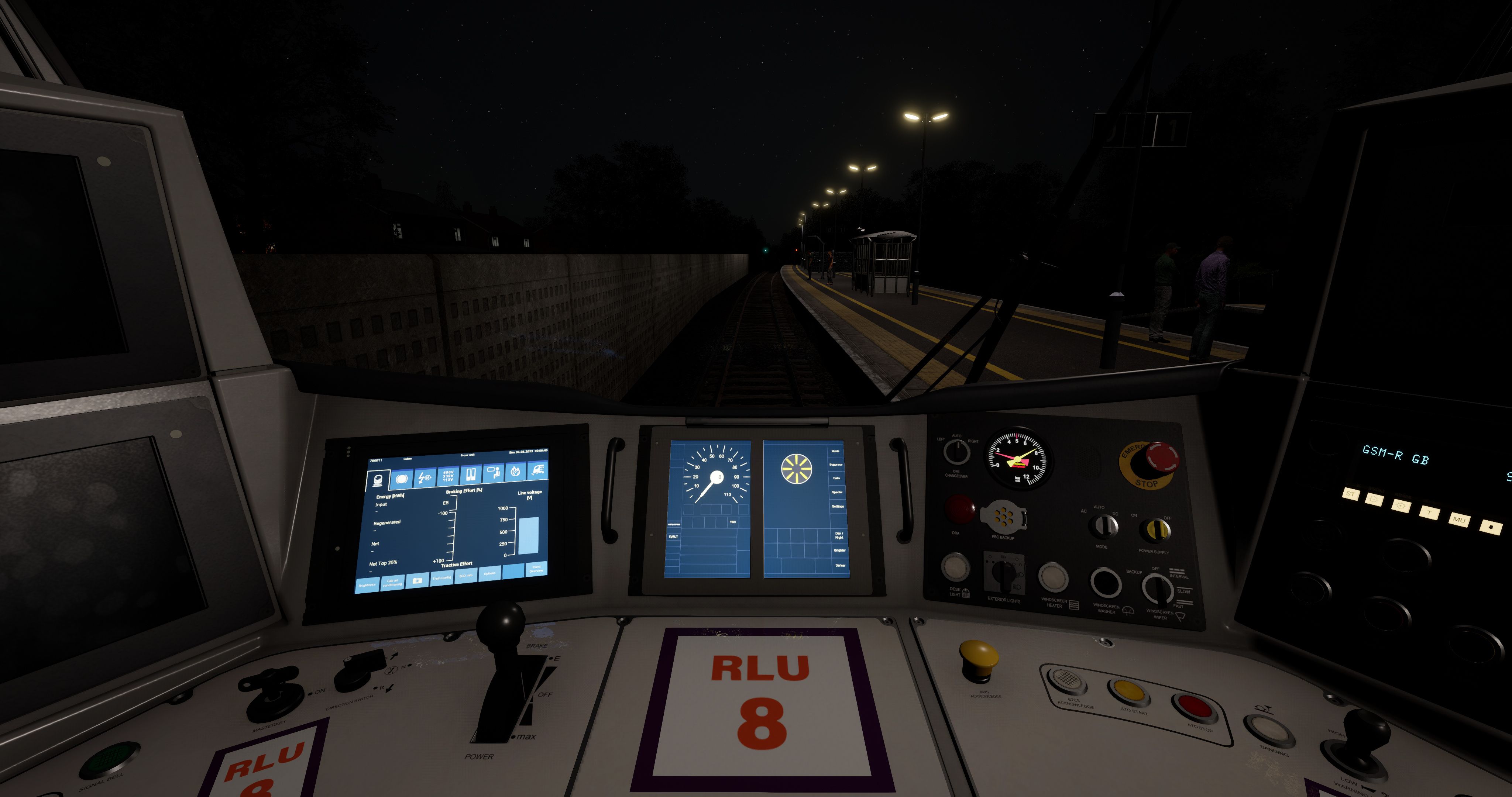
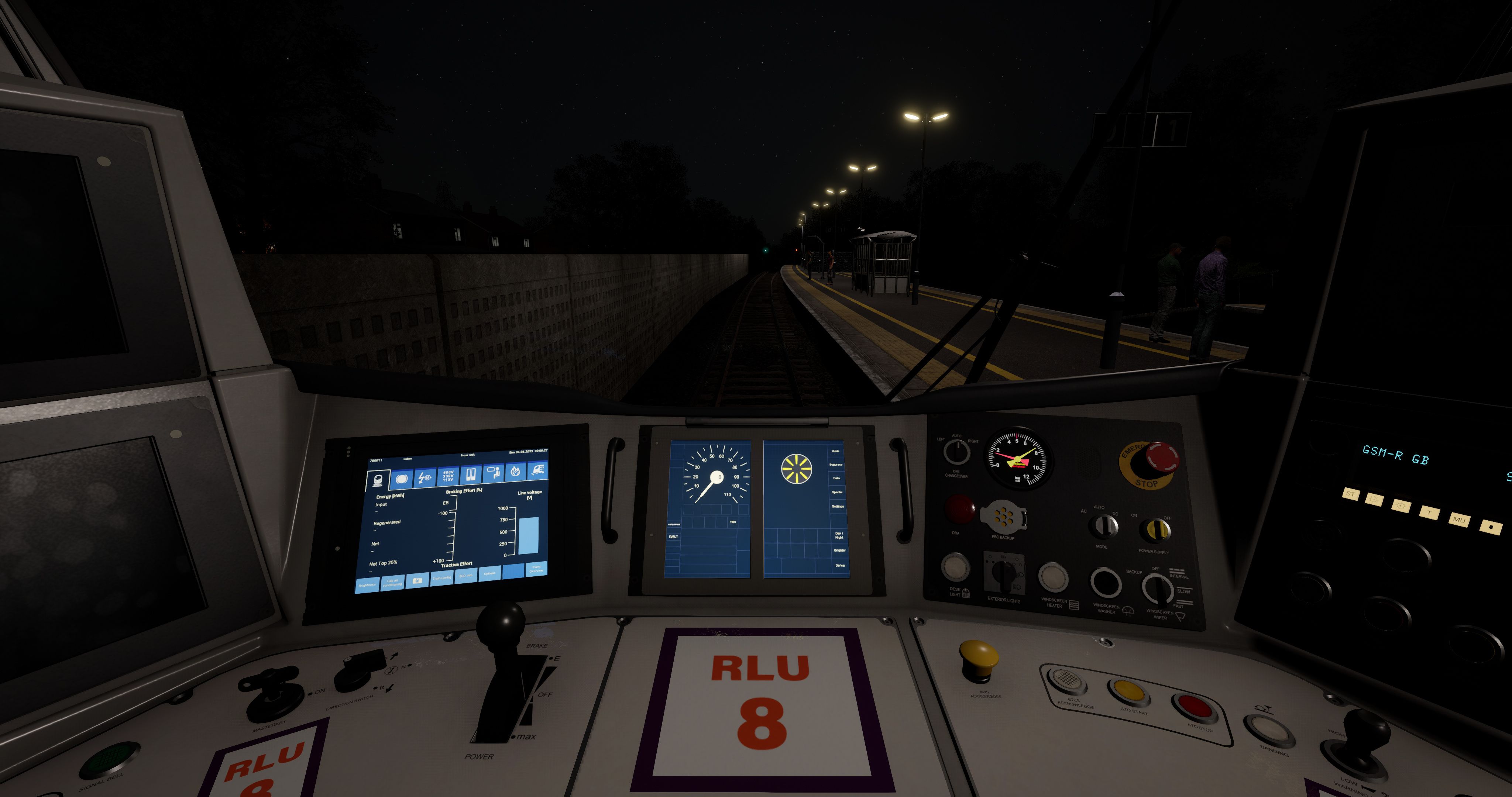
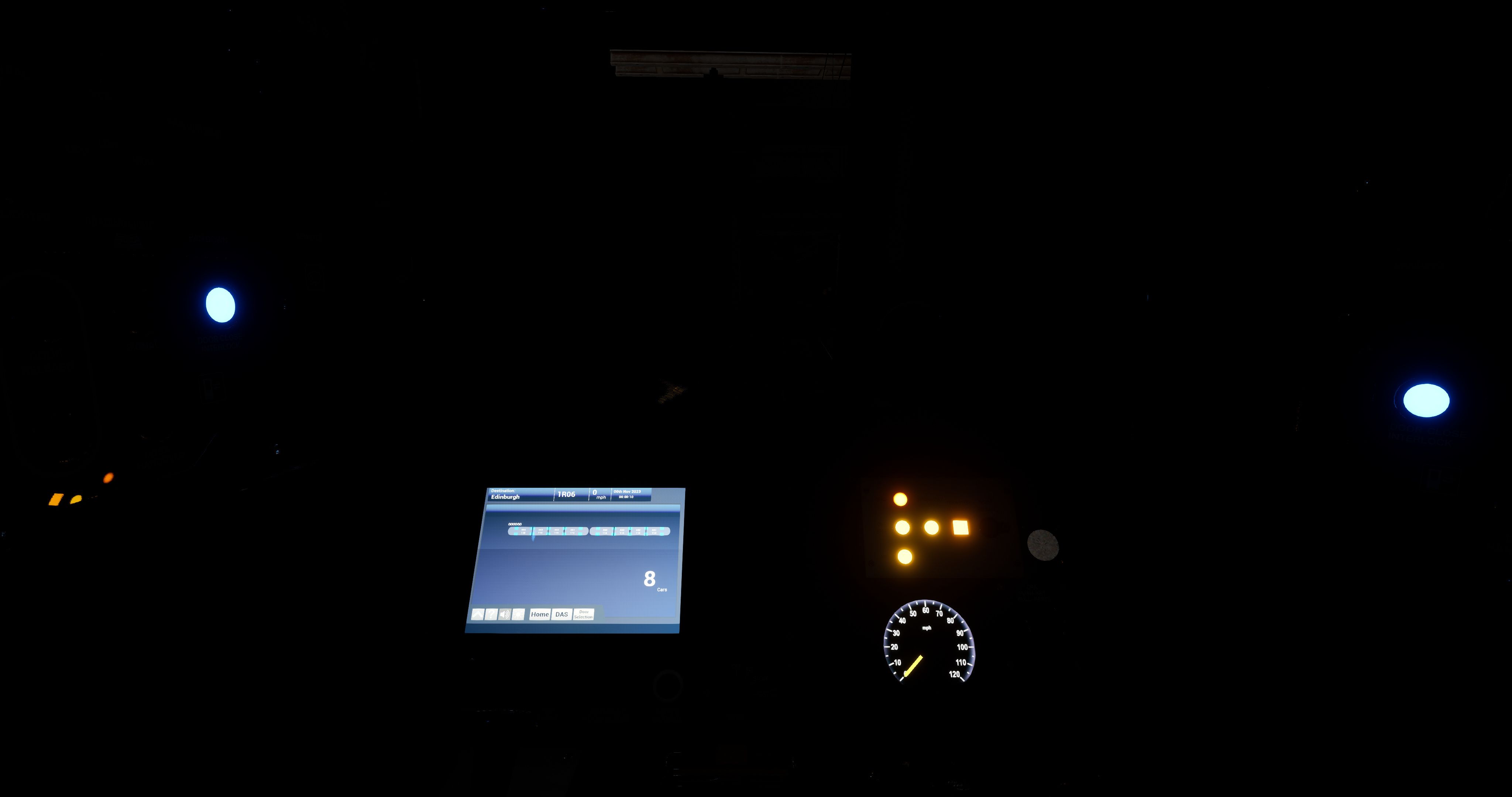
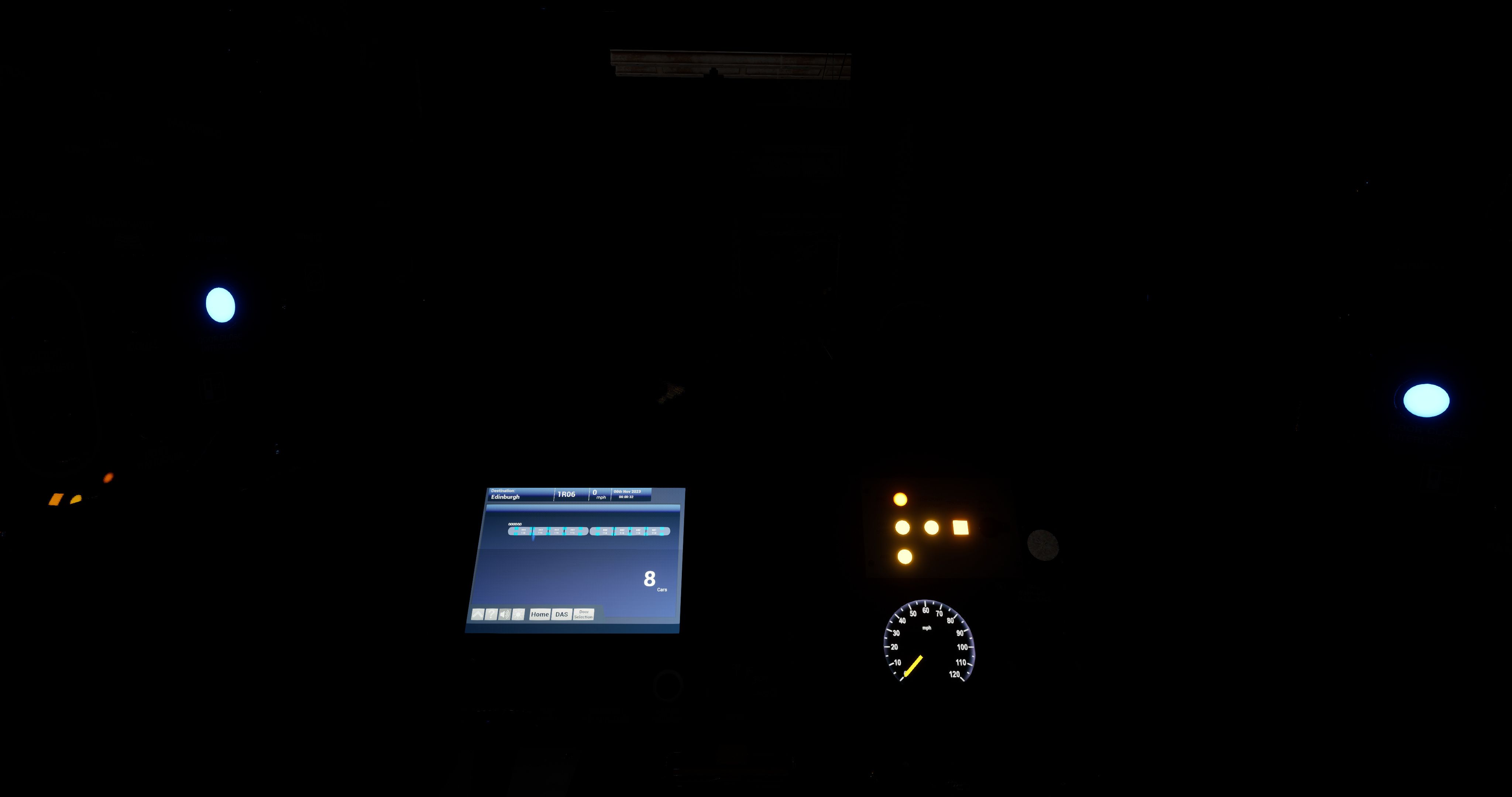
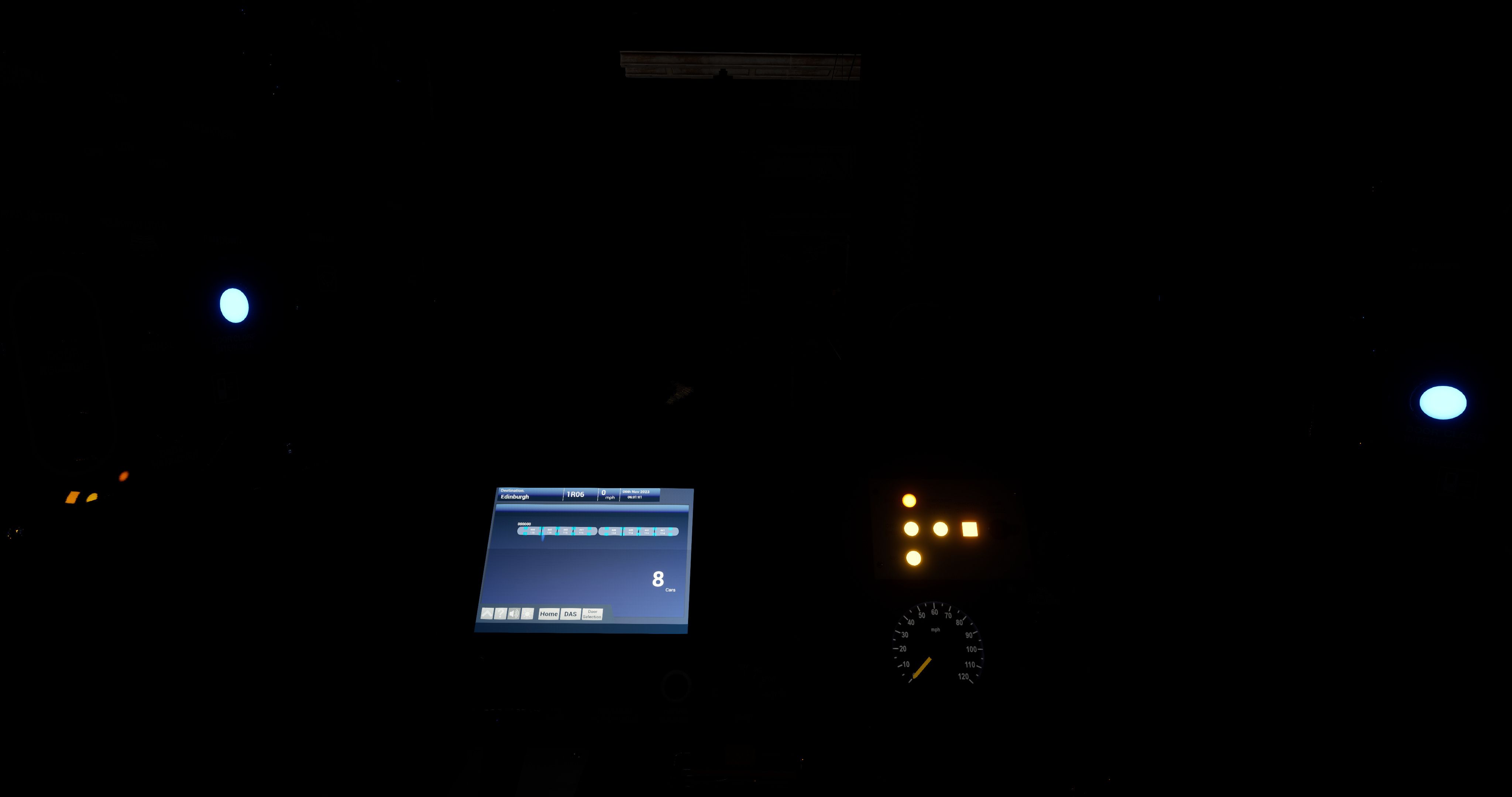
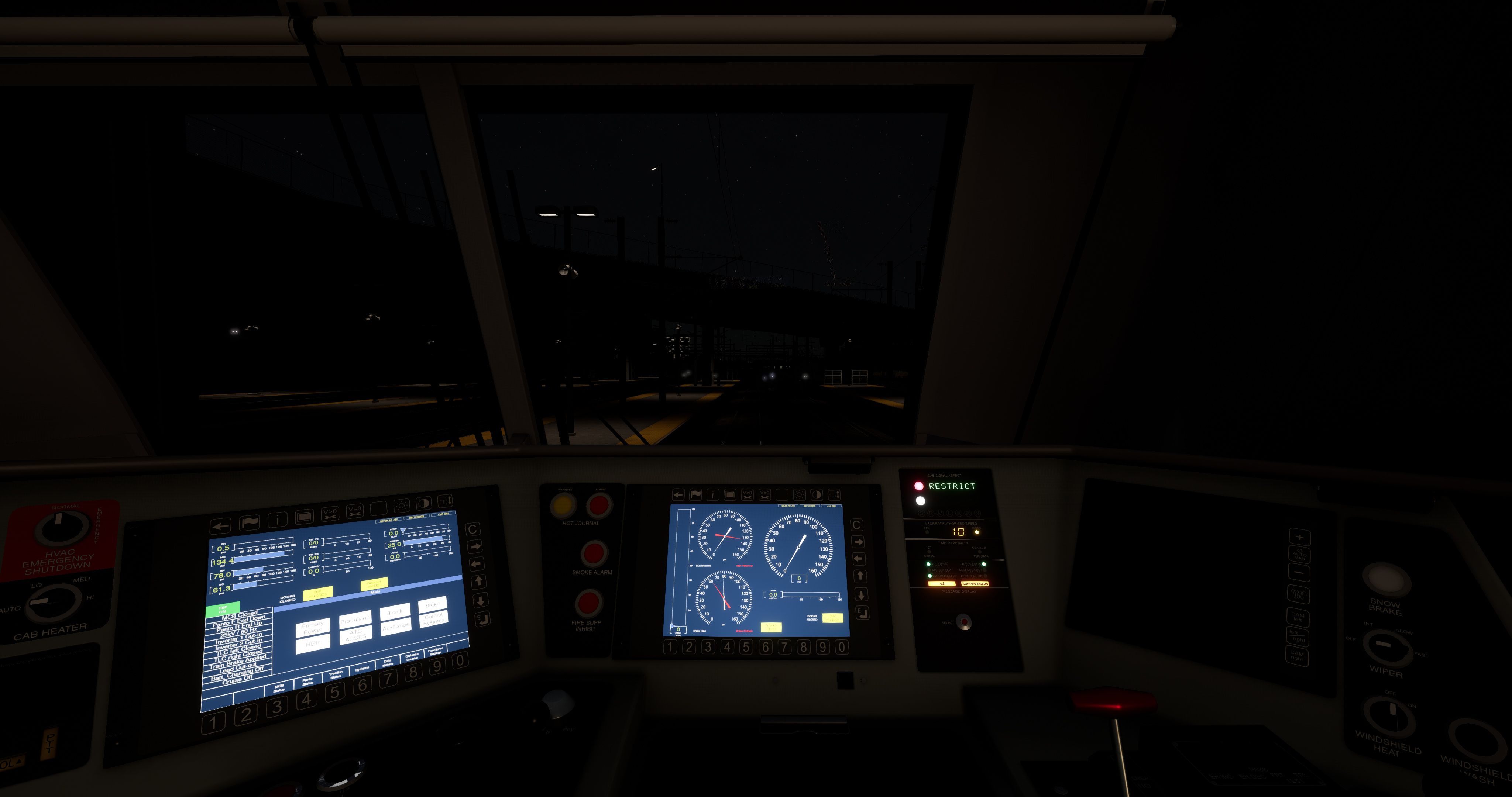
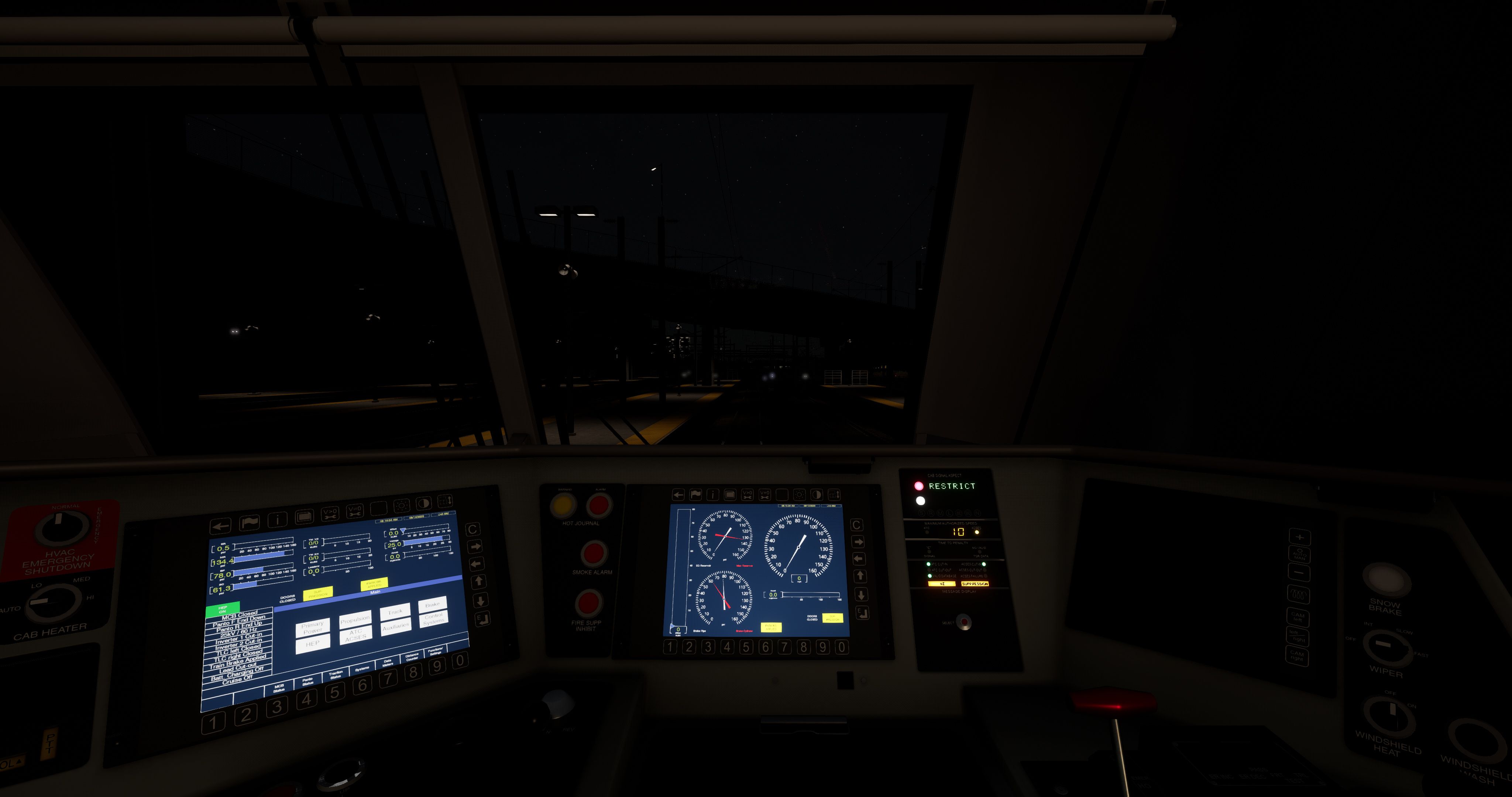
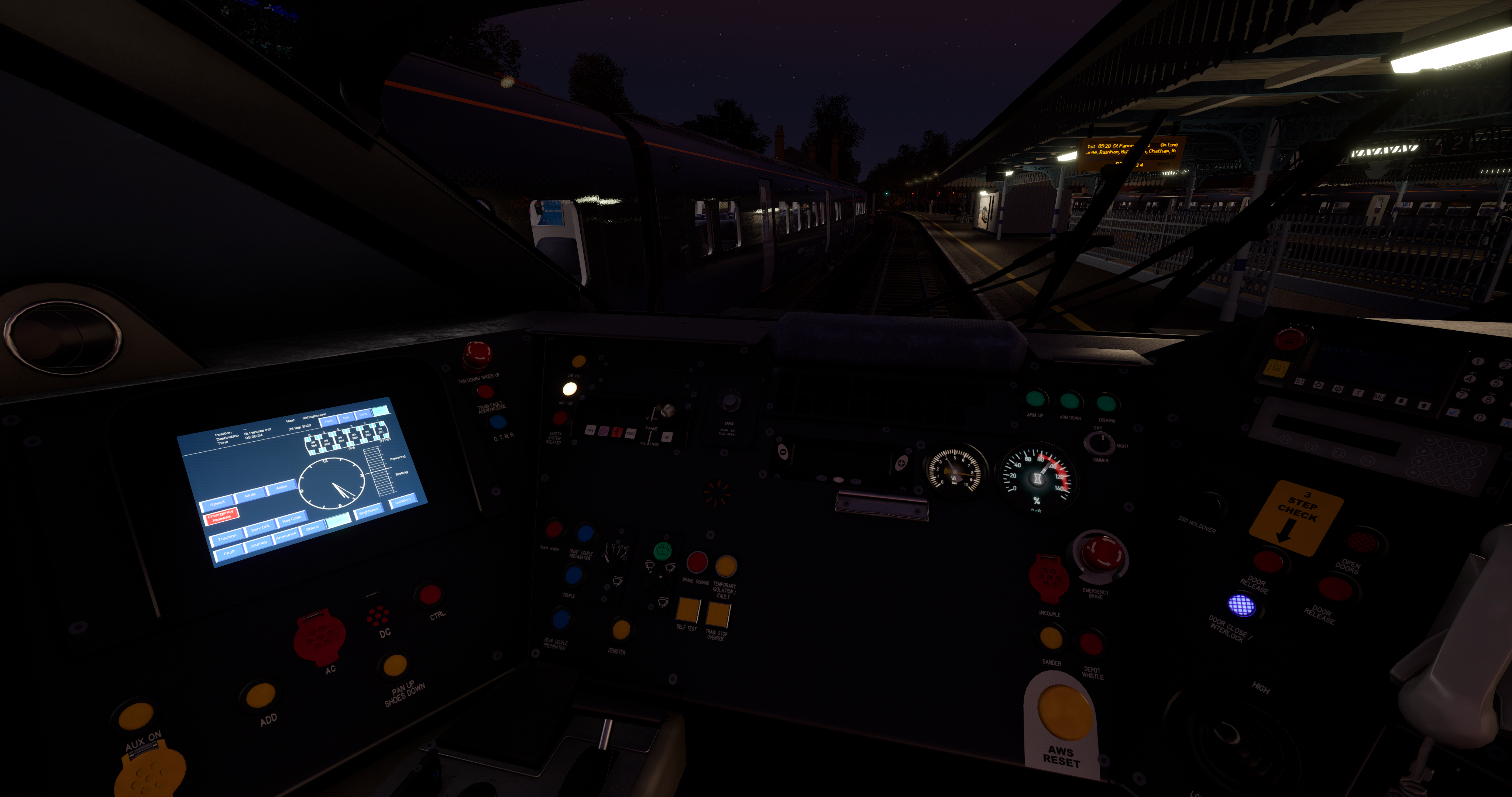
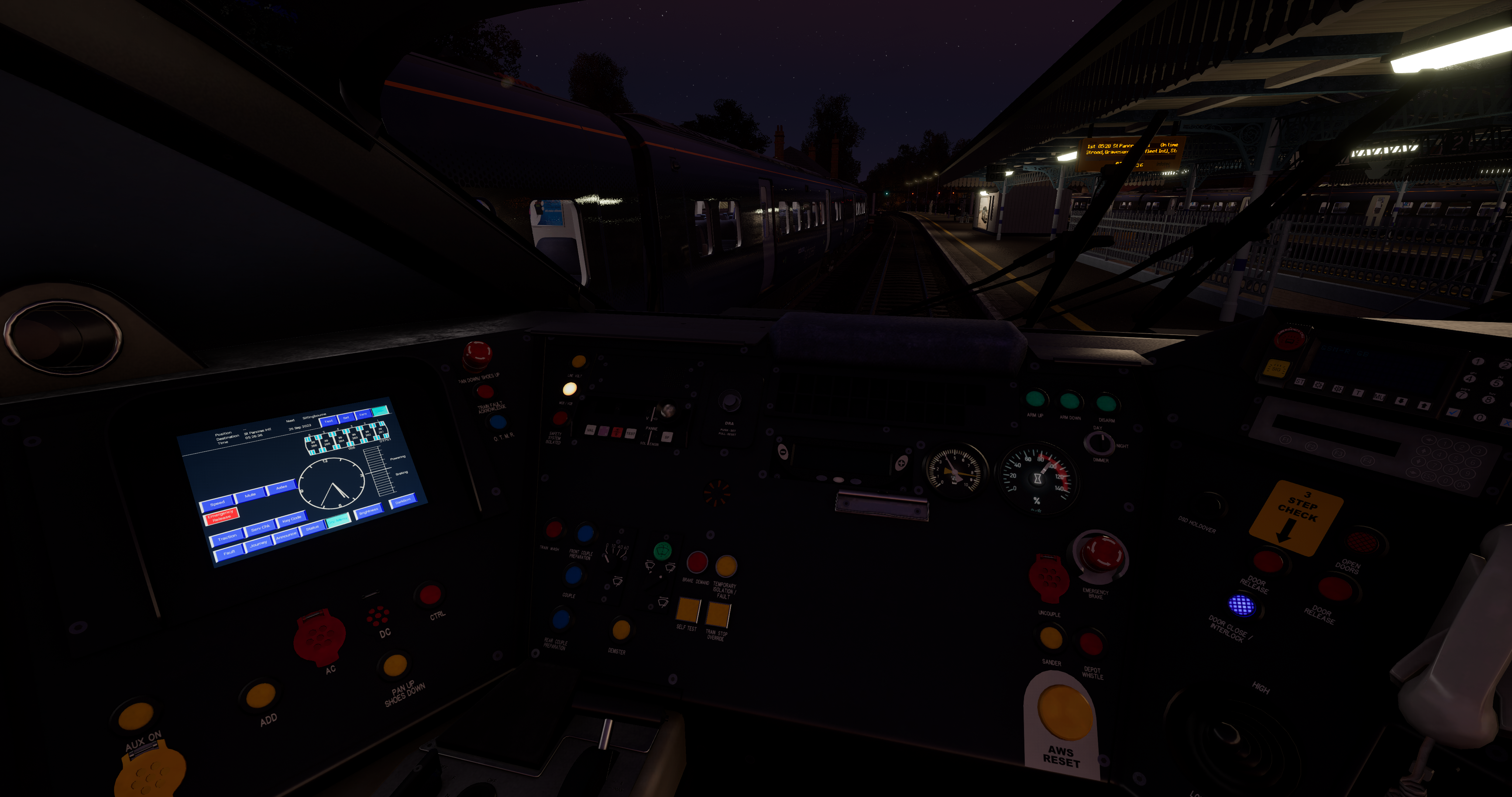
Note | This version is for TSW3 only
Previews Here
Having struggled with TSW3's lighting for a long time I decided to try and come at it from a completely different angle. The aim was to create a more realistic, hybrid look that was based more around Armstrong Powerhouse lighting in Train Sim Classic but utilising the extra benefits that TOD4 and UE4 bring and I'd like to think I've achieved that, improving the game as a result.
Designed for all PC's these settings will;
- Improve draw distance
- Unlock Journey Mode so you can play it in the order YOU want to
- Help with stuttering
- Speed up the way eye-adaption works so entering and exiting tunnels is much more realistic
- Most importantly overhaul the lighting to be more realistic, less washed out, less over-exposed and more detailed
What does that actually mean?
- First and foremost I have decreased the brightness of the sun to half it's default value. This was the starting point, and key to reducing how over-blown the lighting in the game was
- Added detail to the clouds; more vertical extent, reduced the low quality (and exceptionally low resolution) second layer of 2D high cloud and added light pollution to them at night. Cloud shadows are greatly improved
- Decreased the brightness of the stars to realistic levels and added a touch of light pollution to the sky itself at night
- The higher end settings (Medium through Beyond Ultra) will also vastly improve shadows and shadow draw distance, with the changes becoming more noticeable the higher you go. When teamed with the UK Vegetation & Grass EP (linked below) grass pop-in is eliminated entirely
God Mode | PLEASE READ
Although I can't recommend this enough there will be people who don't want, or can't use it. If you have God Mode installed (and you should!) then please note it sets the SkyLight Intensity value to 1.0 each time you start a drive. I suggest you set the intensity to suit the conditions you're driving in using the inbuilt slider. Note that I designed these settings specifically so that the only thing you would need to do yourself would be adjust that slider to suit. The ideal setting varies by route and weather conditions but it is this that adds the finishing touches to the reduction in TSW3's tendency to be massively over-exposed. By not using the God Mode mod you will always have the value set to 1, which whilst suitable for some conditions is totally unsuitable for others.
Nvidia Image Scaling | Read This too!
It is frustrating that TSW3 still doesn't support DLSS. If you own an Nvidia card you can, however, use Nvidia Image Scaling (NIS) with the game. NIS was the pre-cursor to DLSS and in a nutshell allows you to select a lower resolution as your game resolution (with the associated performance benefit) which NIS then upscales to your native screen resolution with virtually zero loss in quality. I use it in 4K and it has many benefits, not least keeping the noise and heat chucked out by my GPU to much reduced levels. It allows me to push the game harder and enjoy a much better experience. It's use is optional, but I would give it due consideration if you're using anything less than a 40 series card (I have a 3090 for comparison)! More information here on how to use it;
https://www.gamingpcbuilder.com/nvidia-image-scaling-tested/#foogallery-16565/i:16567
Game Settings
The lighting changes will work irrespective of your game settings and I have tested this through the range. Even using the 'Low' option with Medium pre-set in game looks vastly better than default. I use The Ultra settings with Ultra set in-game. Recommendation time - I strongly suggest that whatever settings you use, you never set 'Sky Quality' to anything higher than than ‘Very High’. Ultra has a significant performance hit and doesn't look good enough to justify it. I have altered the way clouds look through these settings so would suggest you use 'Very High' or below.
Other Important Things to Note
- You must remove Bescot's eye-adaption mod if you have it installed
- Any external programs (such as ReShade) that alter the lighting in the game should not be used with these changes. However, I still recommend the use of ReShade with the TAA shader which vastly reduces the shimmering when stationary that TSW is known for. You must use version 5.8 as the latest update (5.9) crashes the game for some reason
- This works fine with legacy (TSW2) content although given it tends to be darker anyway I'd suggest you start with a skylight intensity of 1.0 and then fine-tune to your liking
Further information & discussion can be found here;
https://forums.dovetailgames.com/threads/enhancement-tsw3-tod4-lighting-overhaul.71901/
Tags: lighting night-lighting realism
Dependencies


Installation Instructions
Installation and use is very very simple and please don't worry, even if you get yourself in a mess and end up deleteing the engine.ini file the game will just recreate a new one next time you start it.
To start navigate to;
C:\Users\USER NAME\Documents\My Games\TrainSimWorld3\Saved\Config\WindowsNoEditor
or wherever your game is located if you have installed it in a custom directory.
- In there you will see an ini file called 'engine'. Double click on it and it will open in notepad.
- Open your chosen settings and select everything in there and copy it.
- Scroll down to the bottom of the text contained within the engine.ini file (which is simplay a list of your installed DLC) and, leaving a single blank line, paste your copied text
- In the menu along the top of notepad click 'File' then 'Save' and that's it
To remove the settings you can either simply delete the flie itself (as I said, the game will simply create a new one) or delete your added text and save again.
Files
Comments
About this mod

- Created
- 26 Jul 2023
- Updated
- 9 Aug 2023
- Game
- Train Sim World
- Type of content
- Other
- Train Sim World Content
- Amtrak's Acela, Arosalinie: Chur - Arosa, Bahnstrecke Bremen - Oldenburg, Bakerloo Line, Birmingham Cross-City Line, BNSF SD70ACe, BR Class 20 'Chopper', BR Class 31, BR Class 33, BR Class 52 'Western', BR Heavy Freight Pack, Brighton Main Line: London Victoria - Brighton, Cajon Pass, Caltrain MP15DC Diesel Switcher, Caltrain MP36PH-3C 'Baby Bullet', Canadian National Oakville Subdivision: Hamilton - Oakville, Cane Creek: Thompson - Potash, Cathcart Circle Line: Glasgow - Newton & Neilston, Clinchfield Railroad: Elkhorn - Dante, CSX C40-8W, DB BR 101, DB BR 155, DB BR 182, DB BR 187, DB BR 204, DB BR 363, DB BR 403 ICE 3 Railbow, DB G6 Diesel Shunter, Diesel Legends of the Great Western, Dispolok BR 182, East Coastway: Brighton - Eastbourne & Seaford, Glossop Line: Manchester - Hadfield & Glossop, Great Western Express, Harlem Line: Grand Central Terminal - North White Plains, Hauptstrecke Hamburg - Lübeck, Hauptstrecke München - Augsburg, Hauptstrecke Rhein-Ruhr: Duisburg - Bochum, Horseshoe Curve: Altoona - Johnstown & South Fork, Island Line 2022: BR Class 484 EMU Add-On, Isle Of Wight: Ryde - Shanklin, LGV Méditerranée: Marseille - Avignon, Linke Rheinstrecke: Mainz - Koblenz, LIRR M3 EMU, London Underground 1938 Stock EMU, Long Island Rail Road: New York - Hicksville, Main Spessart Bahn: Aschaffenburg - Gemünden, Midland Main Line: Leicester - Derby & Nottingham, Nahverkehr Dresden - Riesa, New Journeys - CSX SD40 (TSW 3), New Journeys - S-Bahn Köln BR 423 (TSW 3), New Journeys - Silver 1972 Tube Stock (TSW 3), New Journeys Expansion (TSW 2 bundle), Norfolk Southern Heritage Livery Collection, Northeast Corridor: Boston - Providence, Northeast Corridor: New York - Trenton, Northern Trans-Pennine: Manchester - Leeds, Peak Forest Railway: Ambergate - Chinley & Buxton, Peninsula Corridor: San Francisco - San Jose, Rail Head Treatment Train, Rail Operations Group BR Class 37/7, Rapid Transit, RhB Anniversary Collection, Rhein-Ruhr Osten: Wuppertal - Hagen, Ruhr-Sieg Nord: Hagen - Finnentrop, S-Bahn Zentralschweiz: Luzern - Sursee, Sand Patch Grade, Santa Fe F7, Schnellfahrstrecke Kassel - Würzburg, Schnellfahrstrecke Köln-Aachen, ScotRail Express: Edinburgh - Glasgow, Sherman Hill: Cheyenne - Laramie, Southeastern BR Class 465 EMU, Southeastern Highspeed, Southern BR Class 313 EMU, Spirit of Steam: Liverpool Lime Street - Crewe, Tees Valley Line: Darlington – Saltburn-by-the-Sea, Thameslink BR Class 700/0 EMU, Tharandter Rampe: Dresden - Chemnitz, Union Pacific Heritage Livery Collection, West Cornwall Local: Penzance - St Austell & St Ives, West Cornwall Steam Railtour, West Somerset Railway
- Train Sim World Version
- Train Sim World 3


Loading comments…