TSW 6 | Lighting & Visual Quality Enhancement vTSW6.1
- by JetWash
- 123 upvotes
- Downloaded 105,184 times
Description


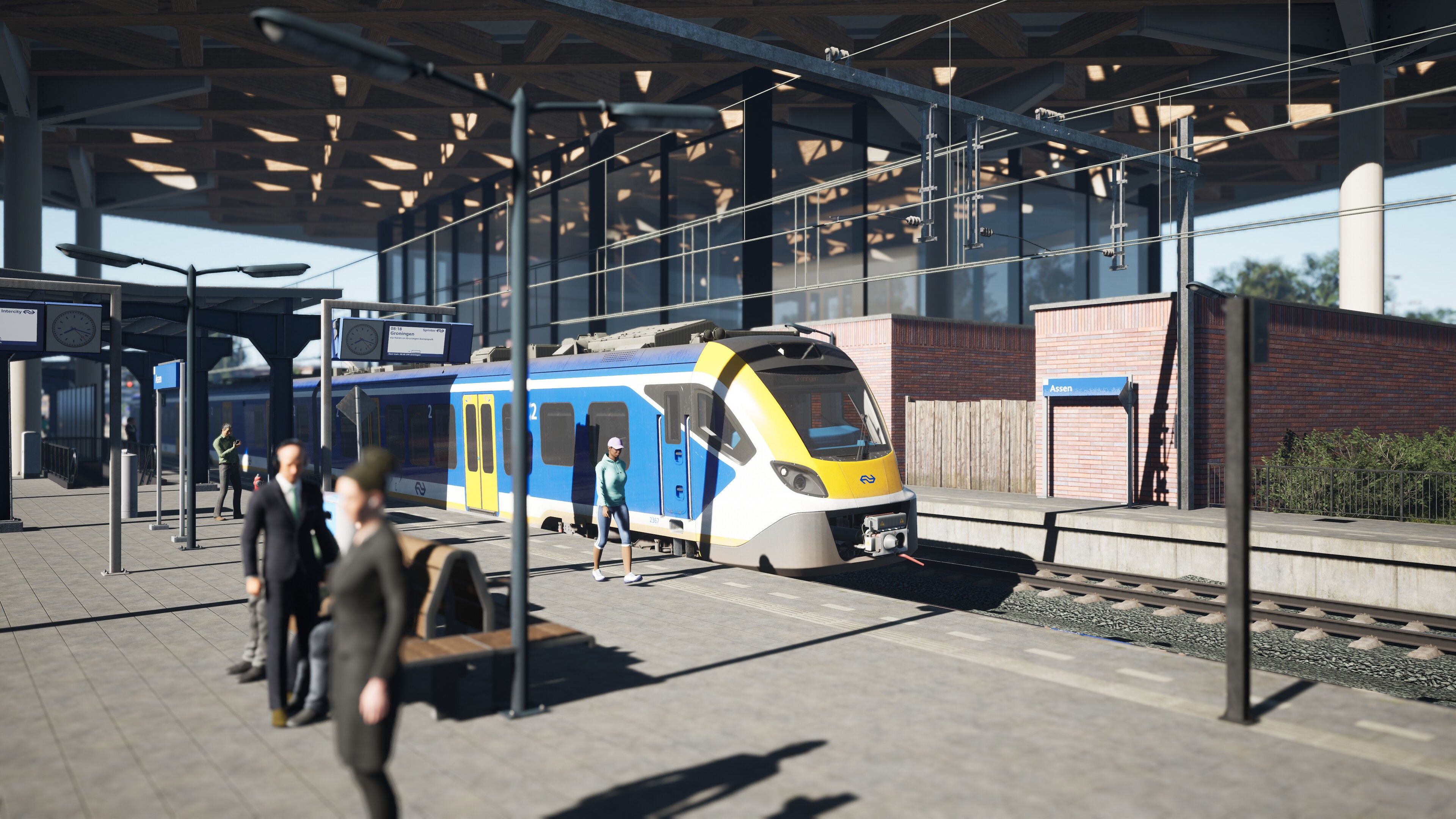
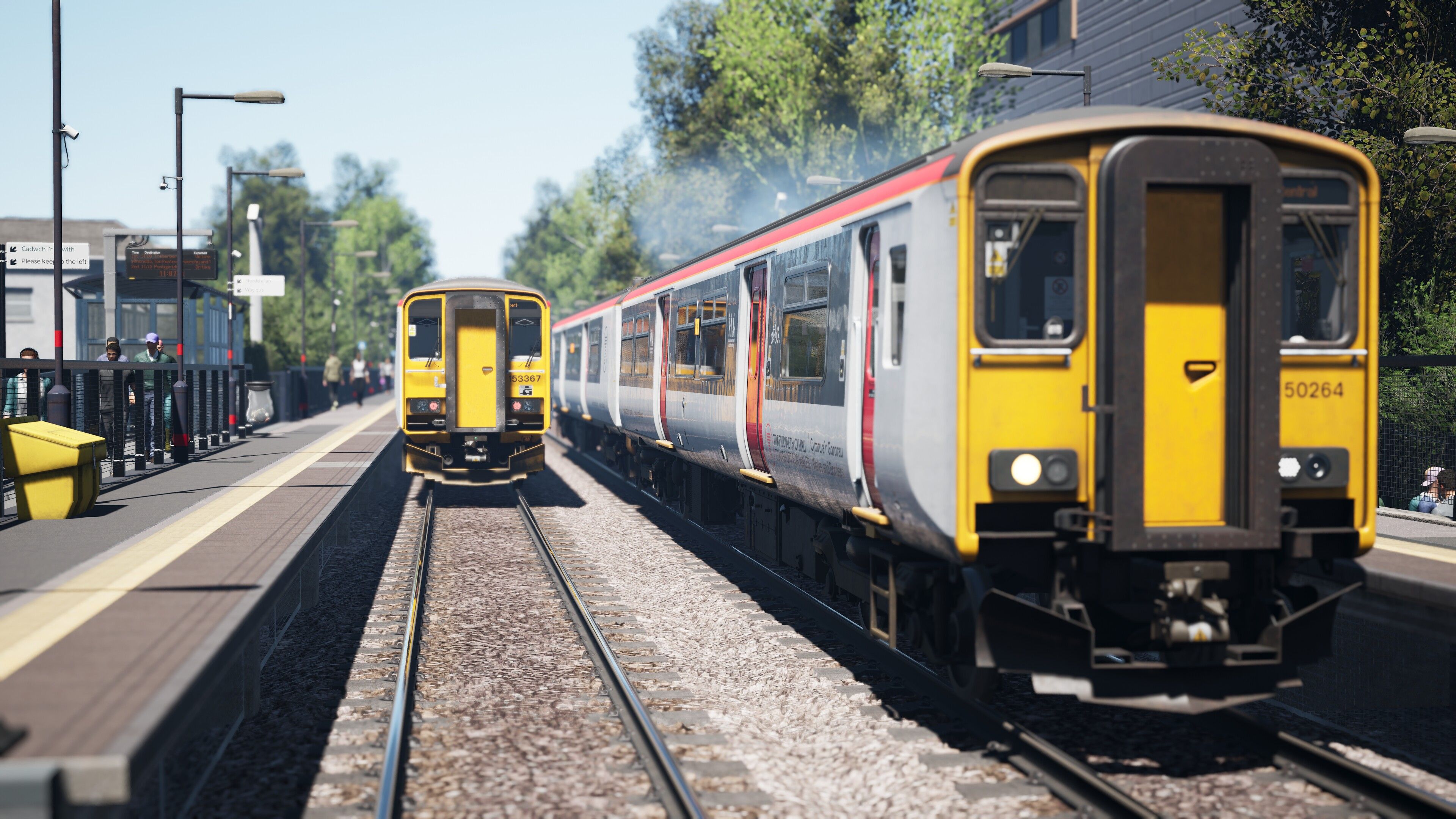
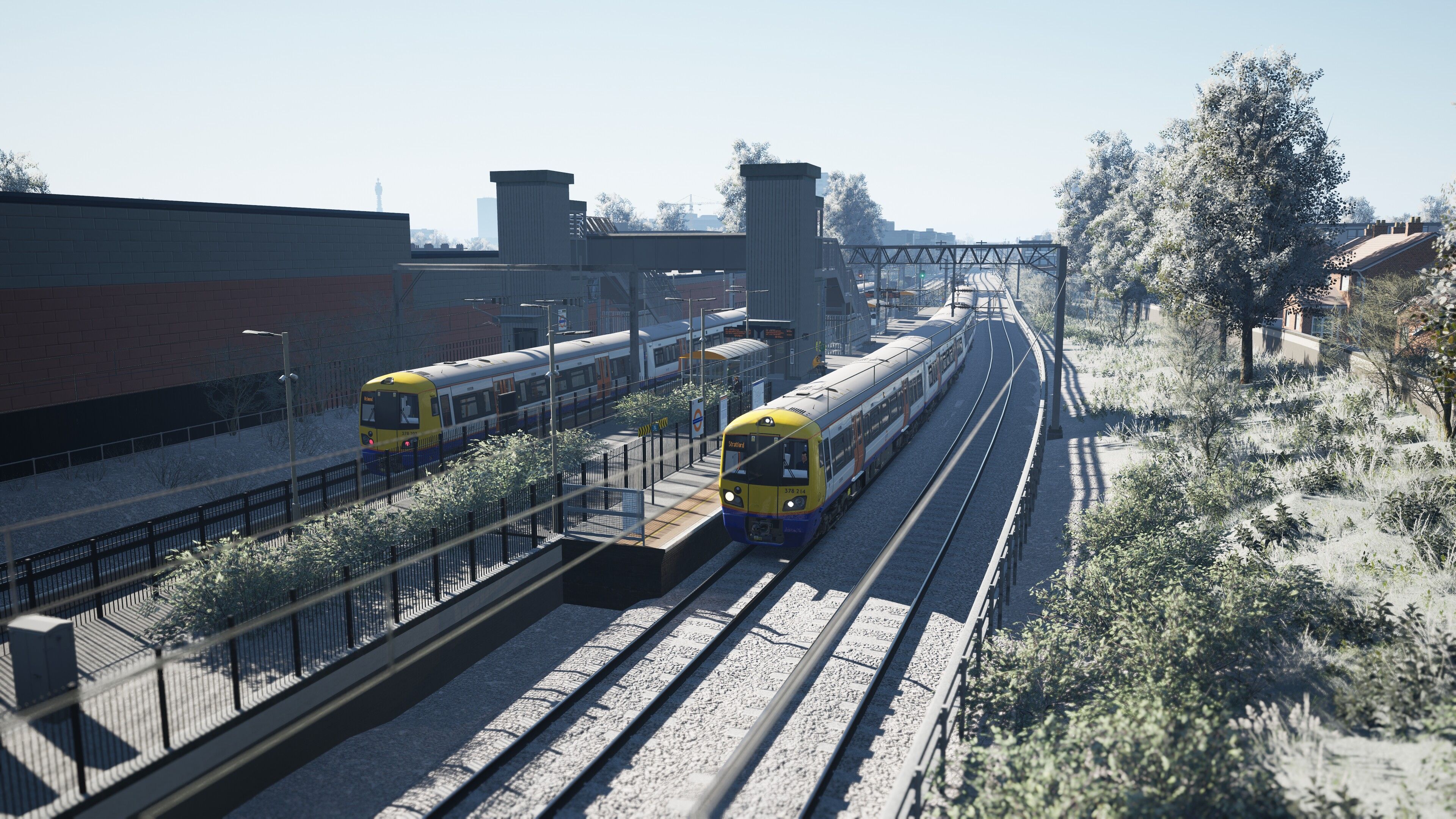
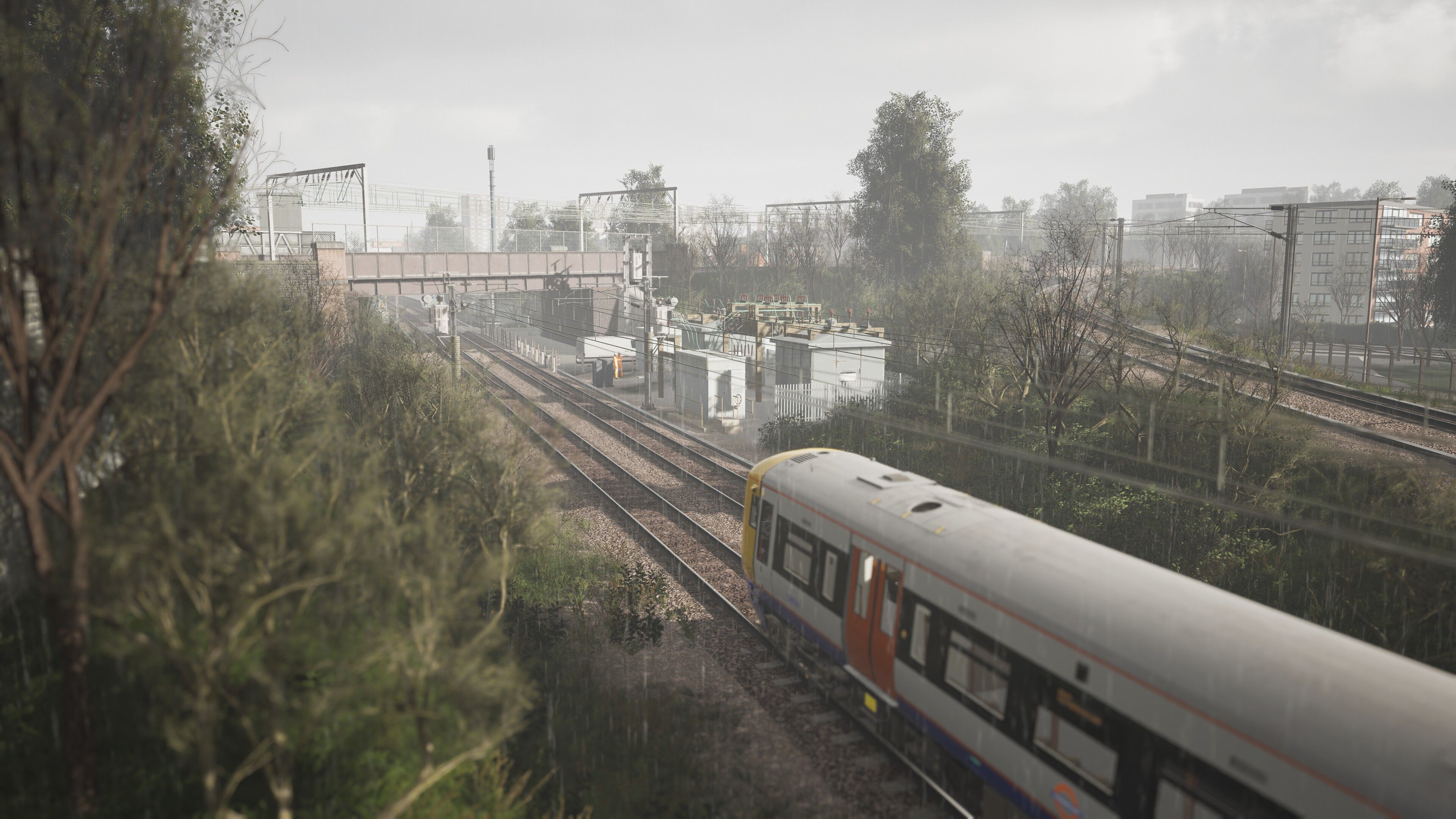
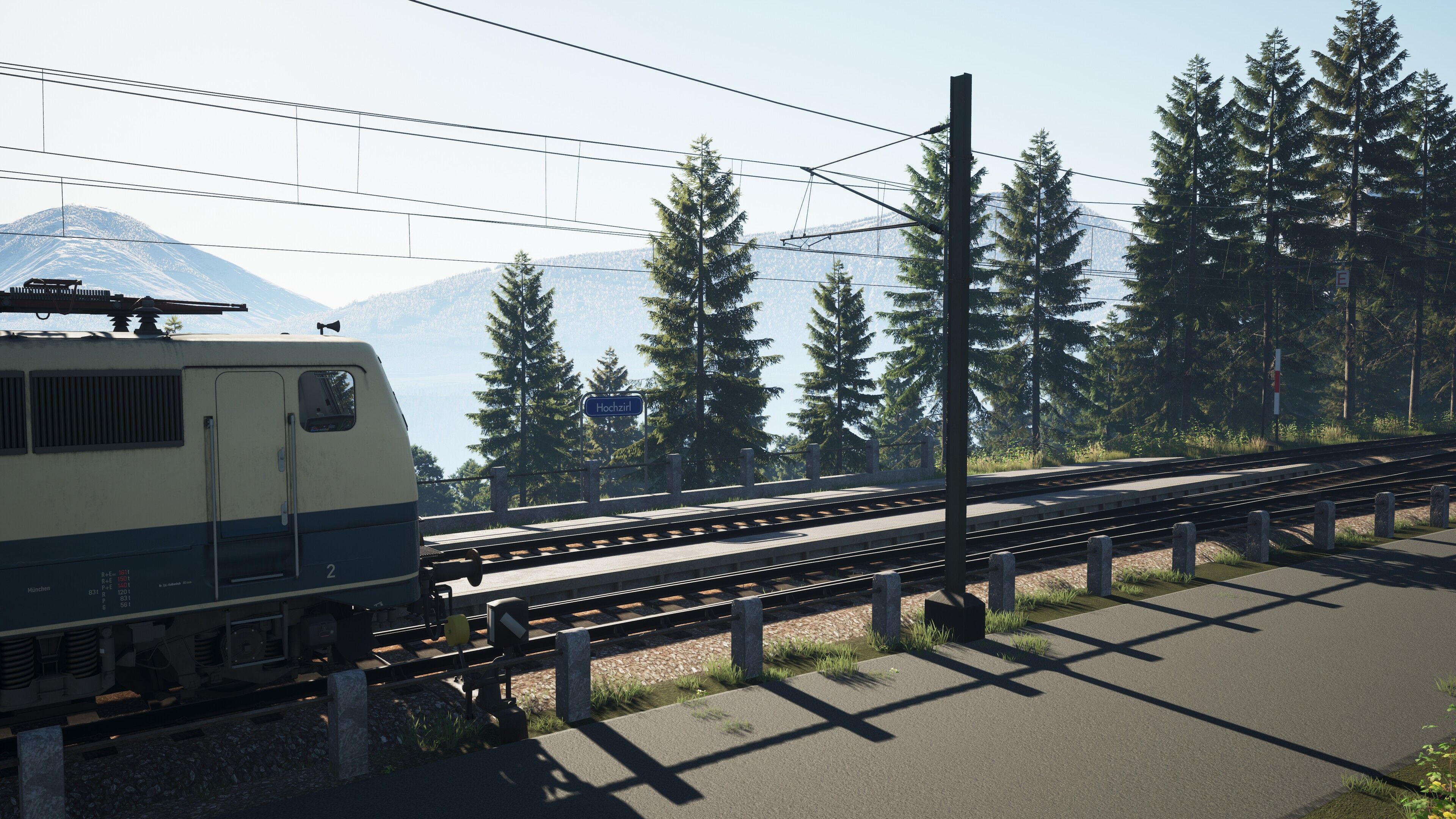
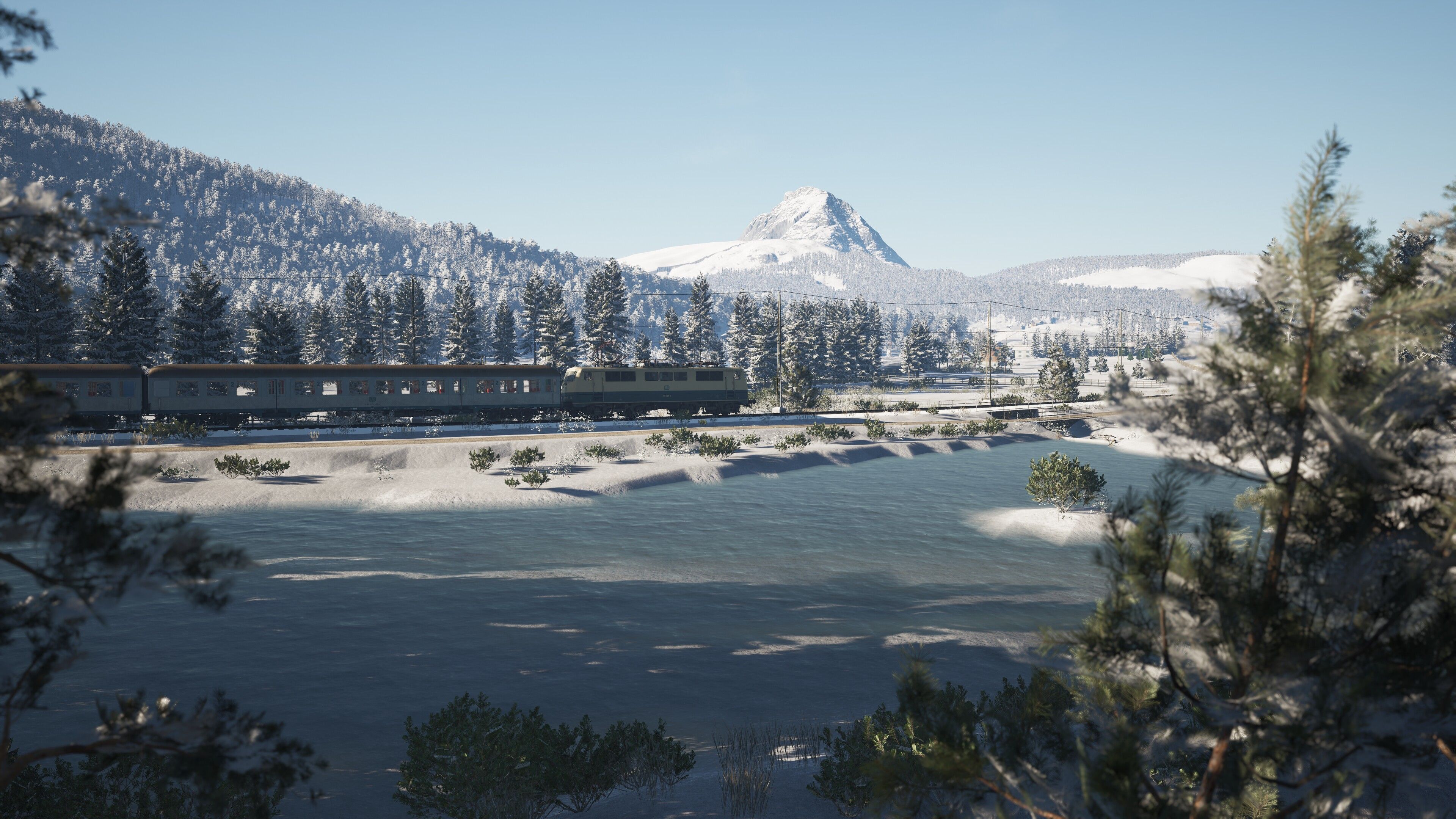
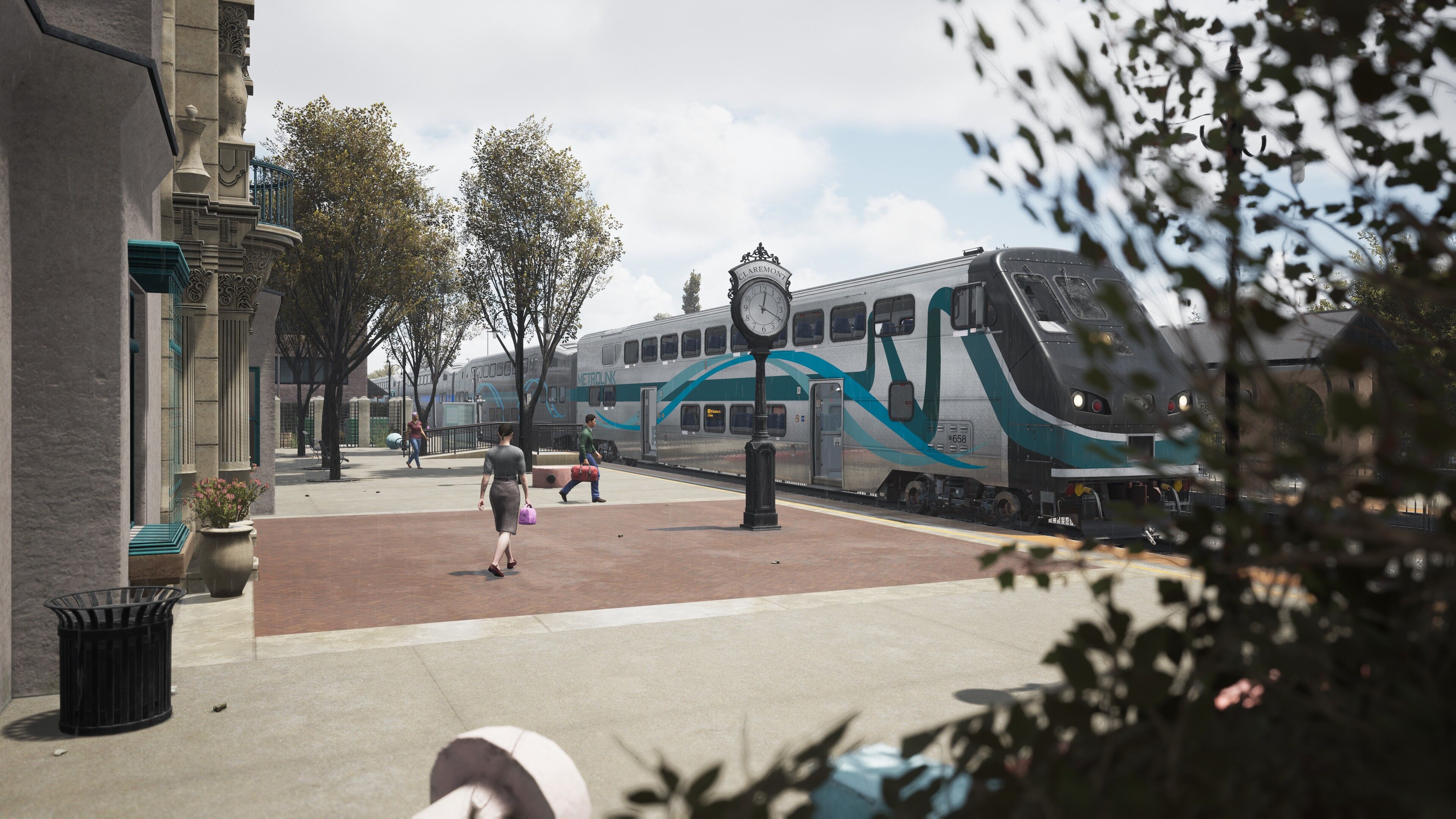
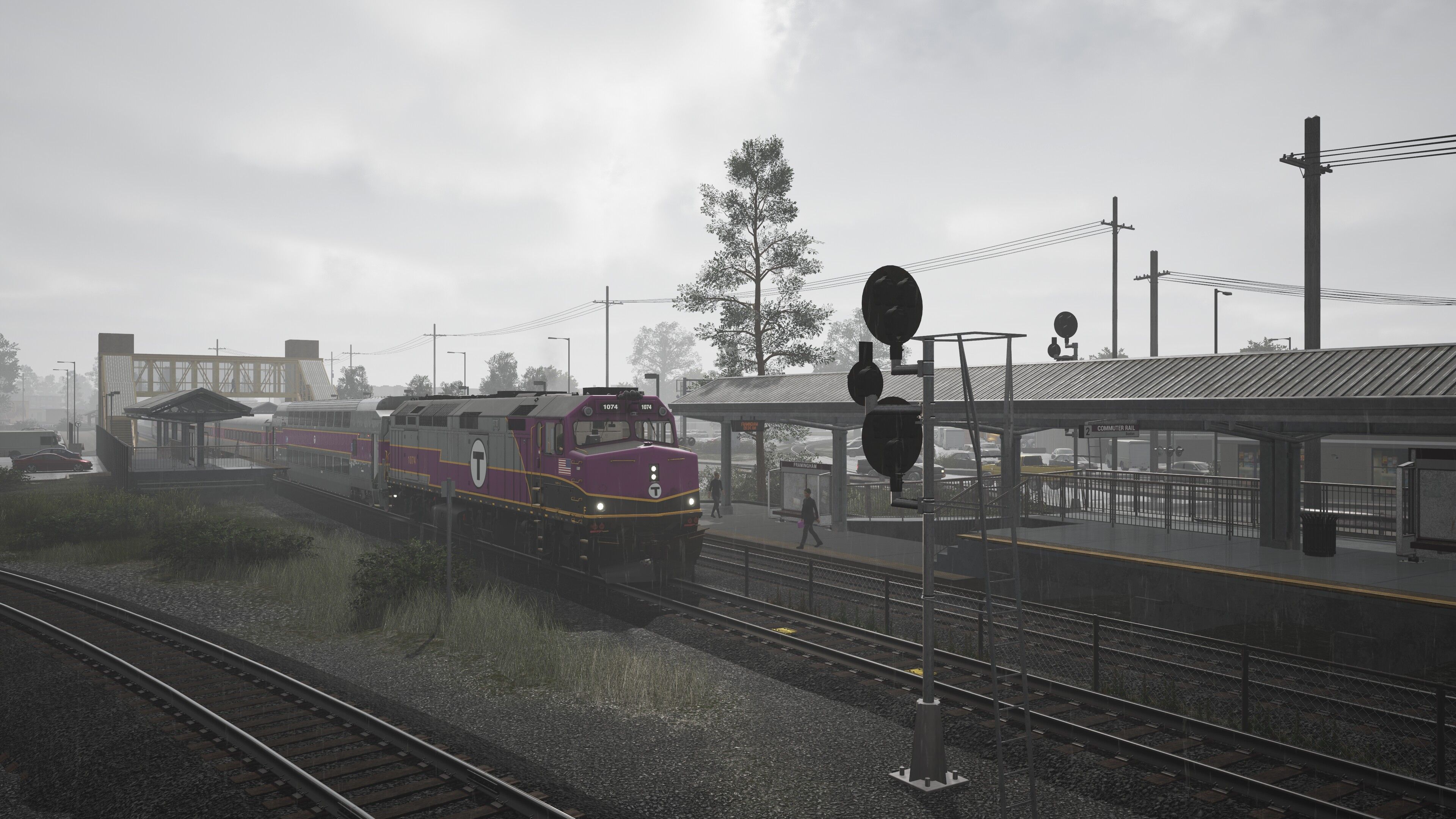
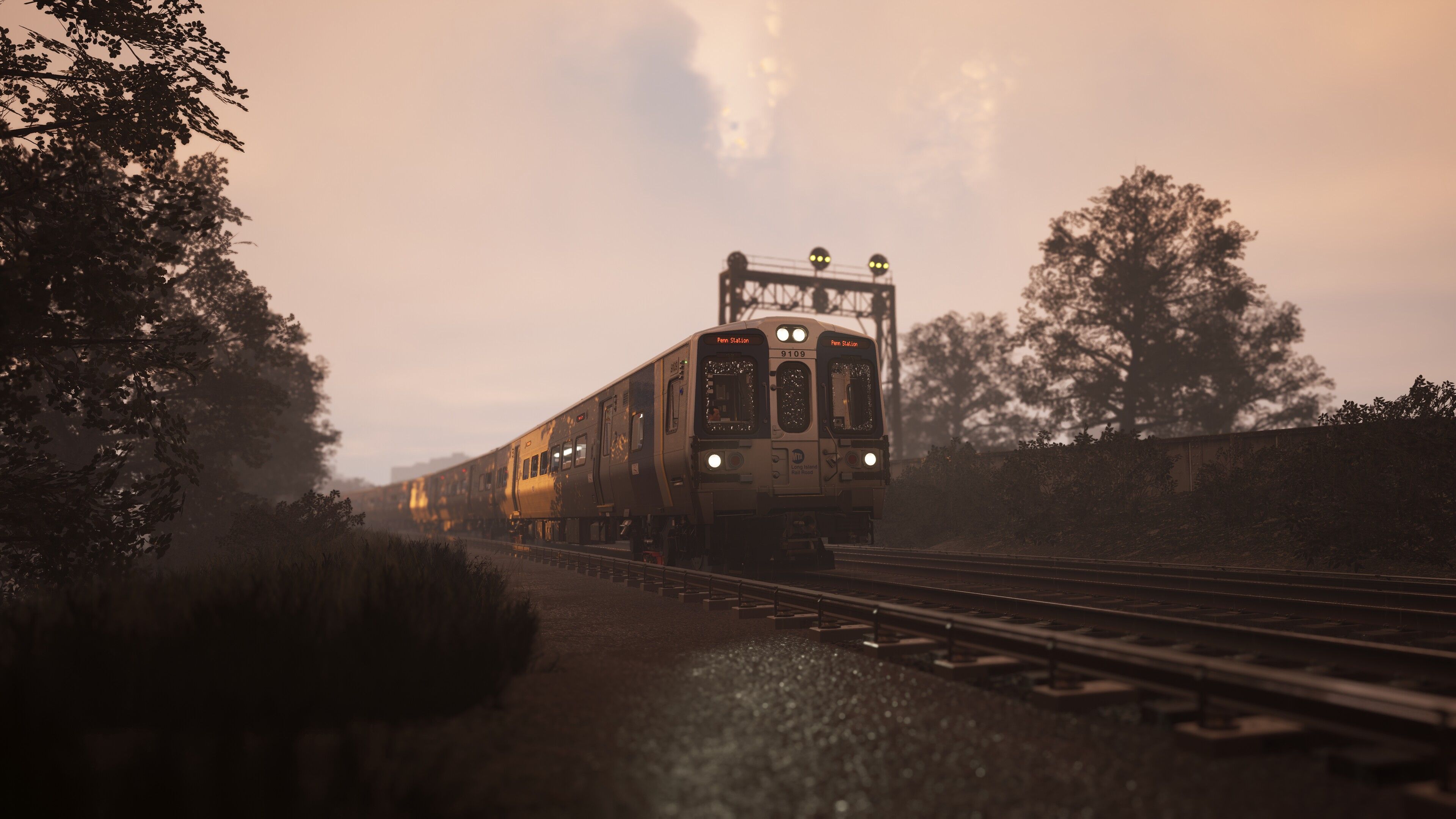
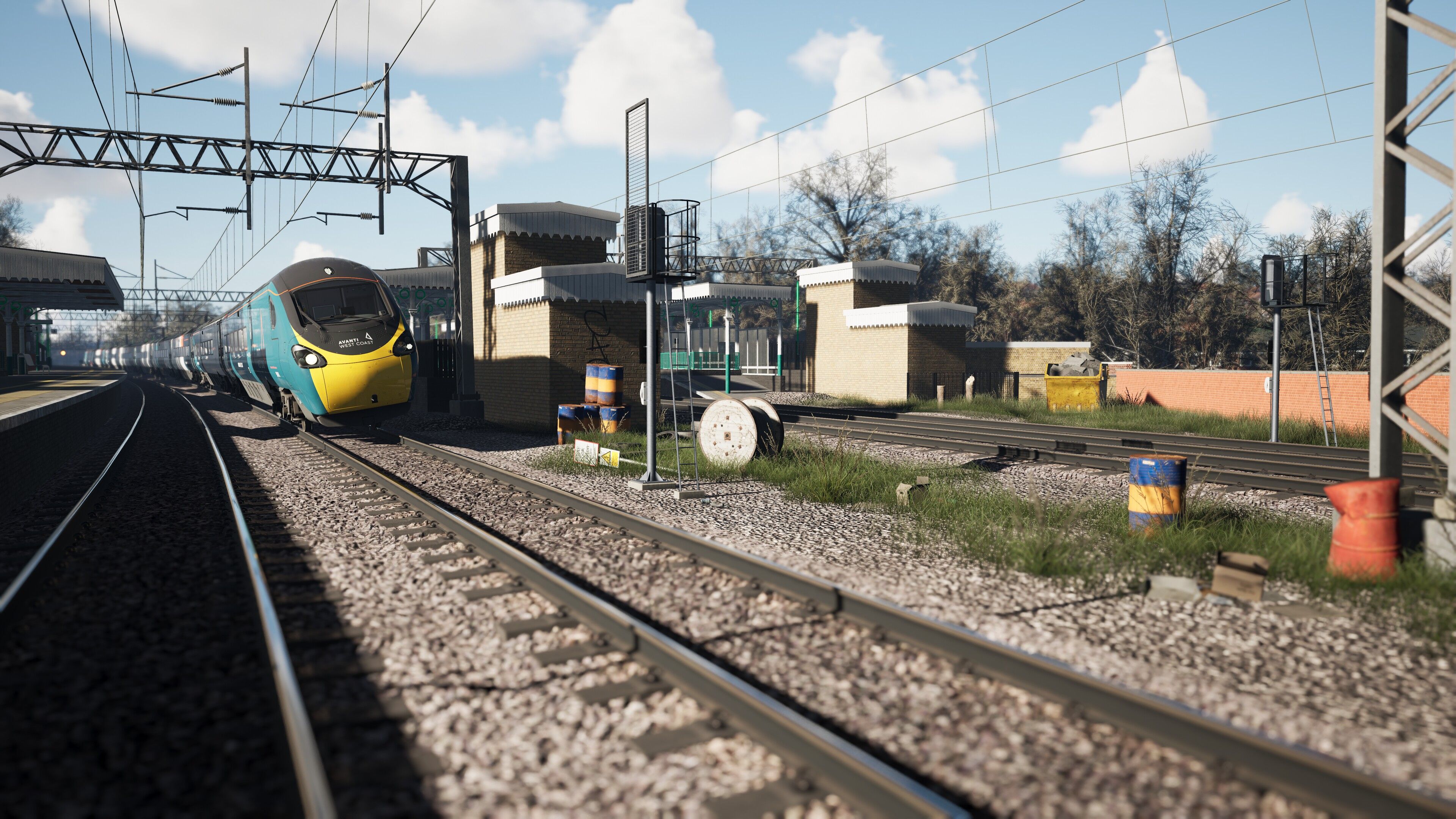
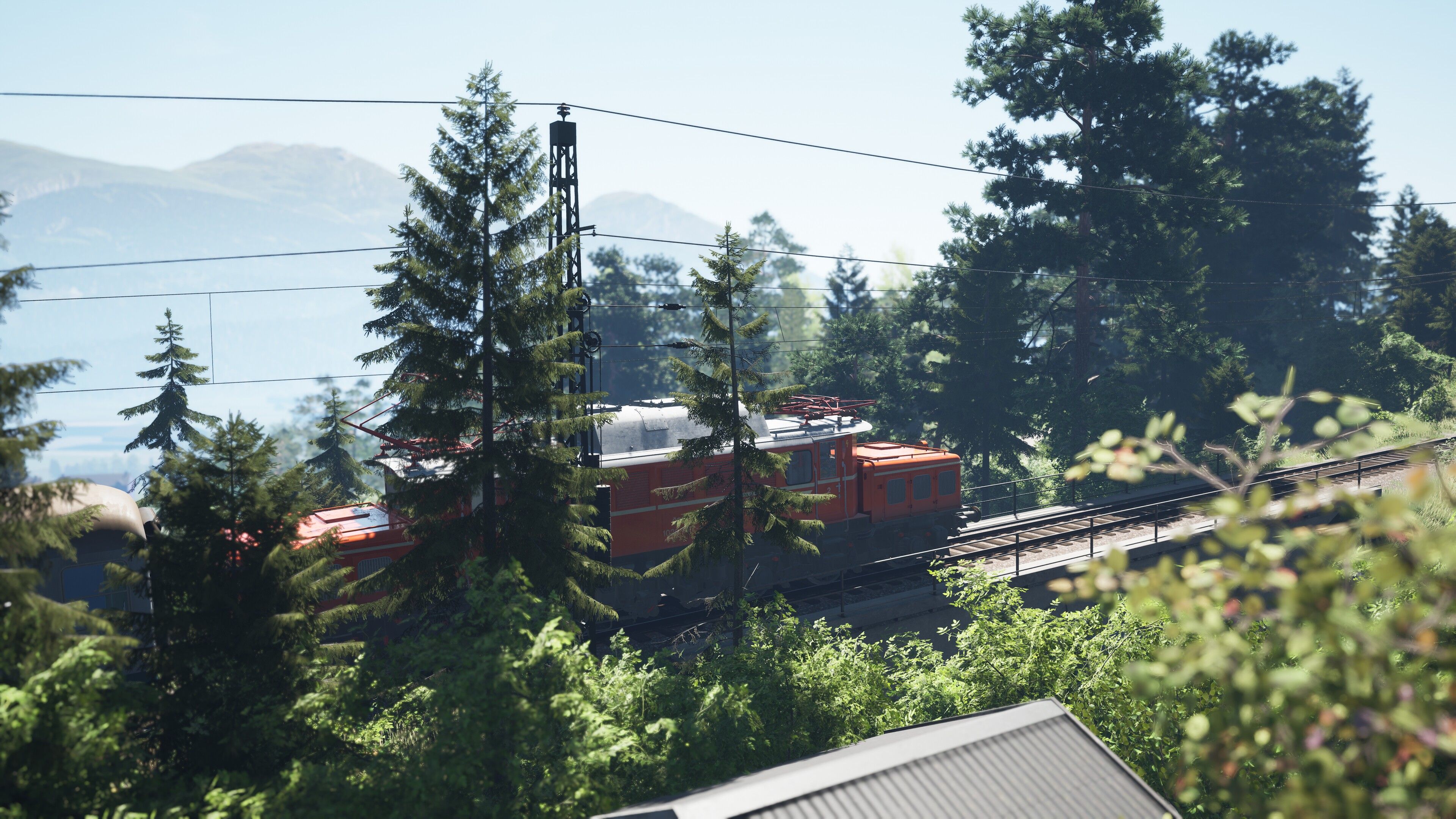
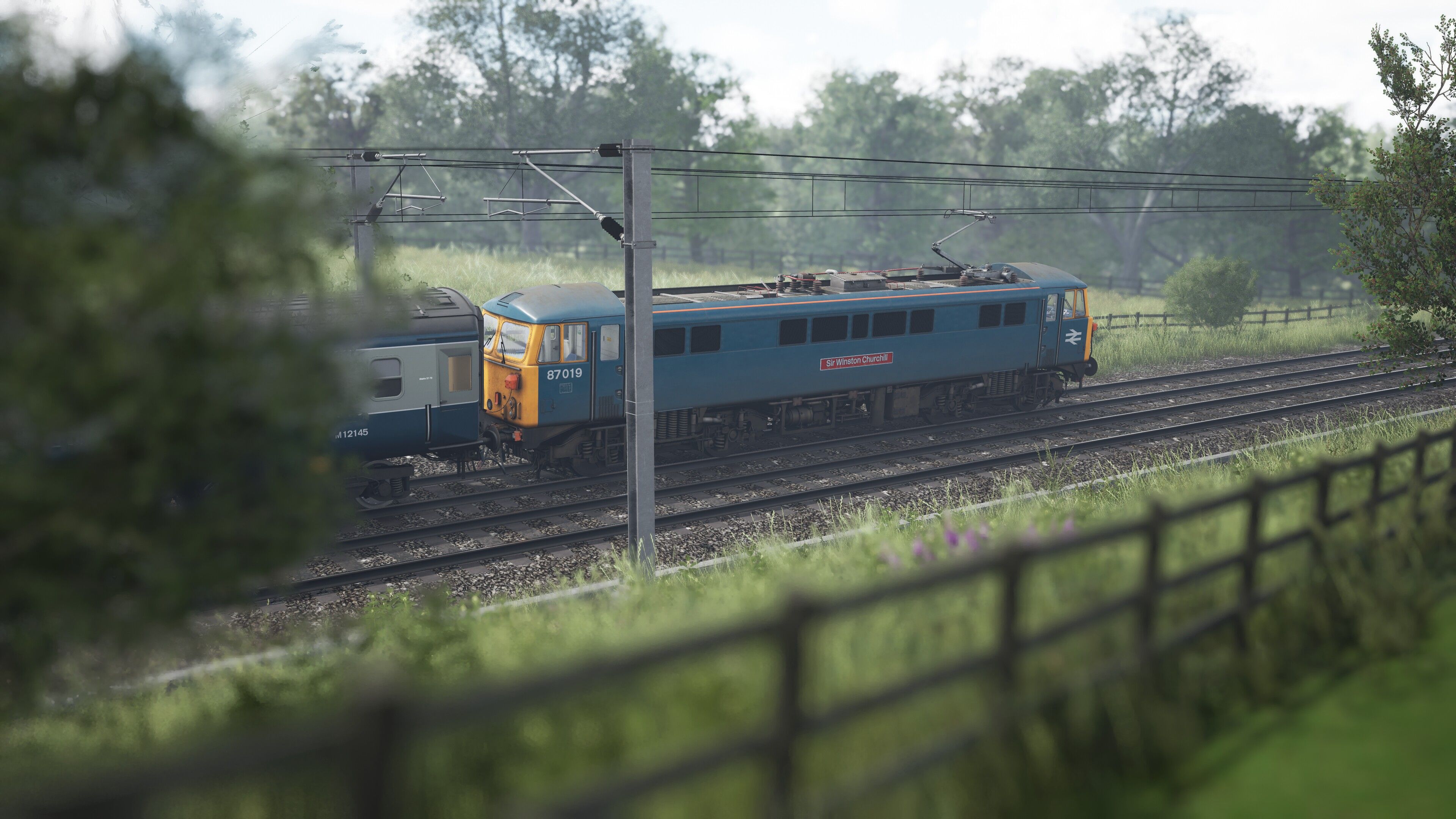
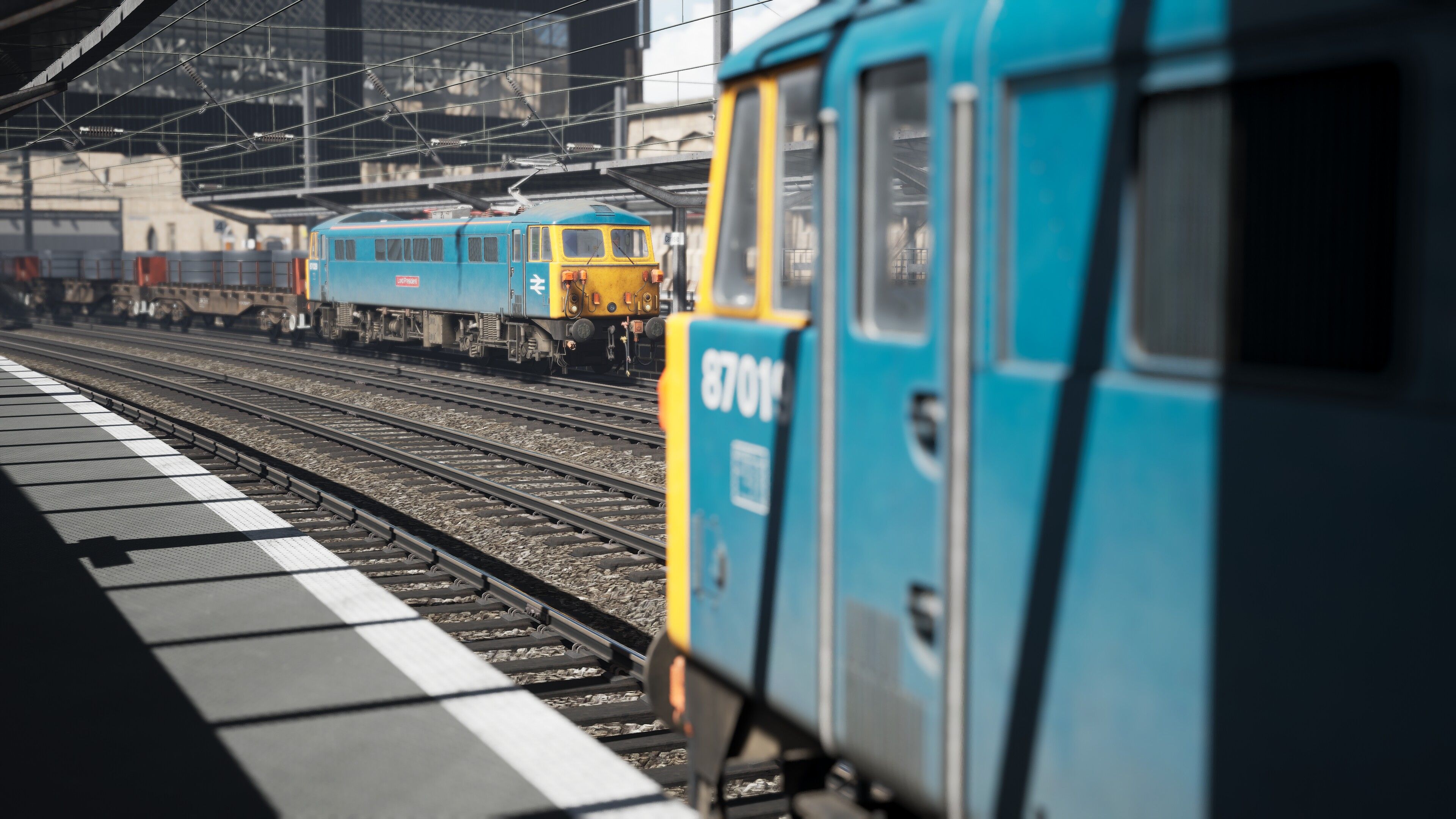
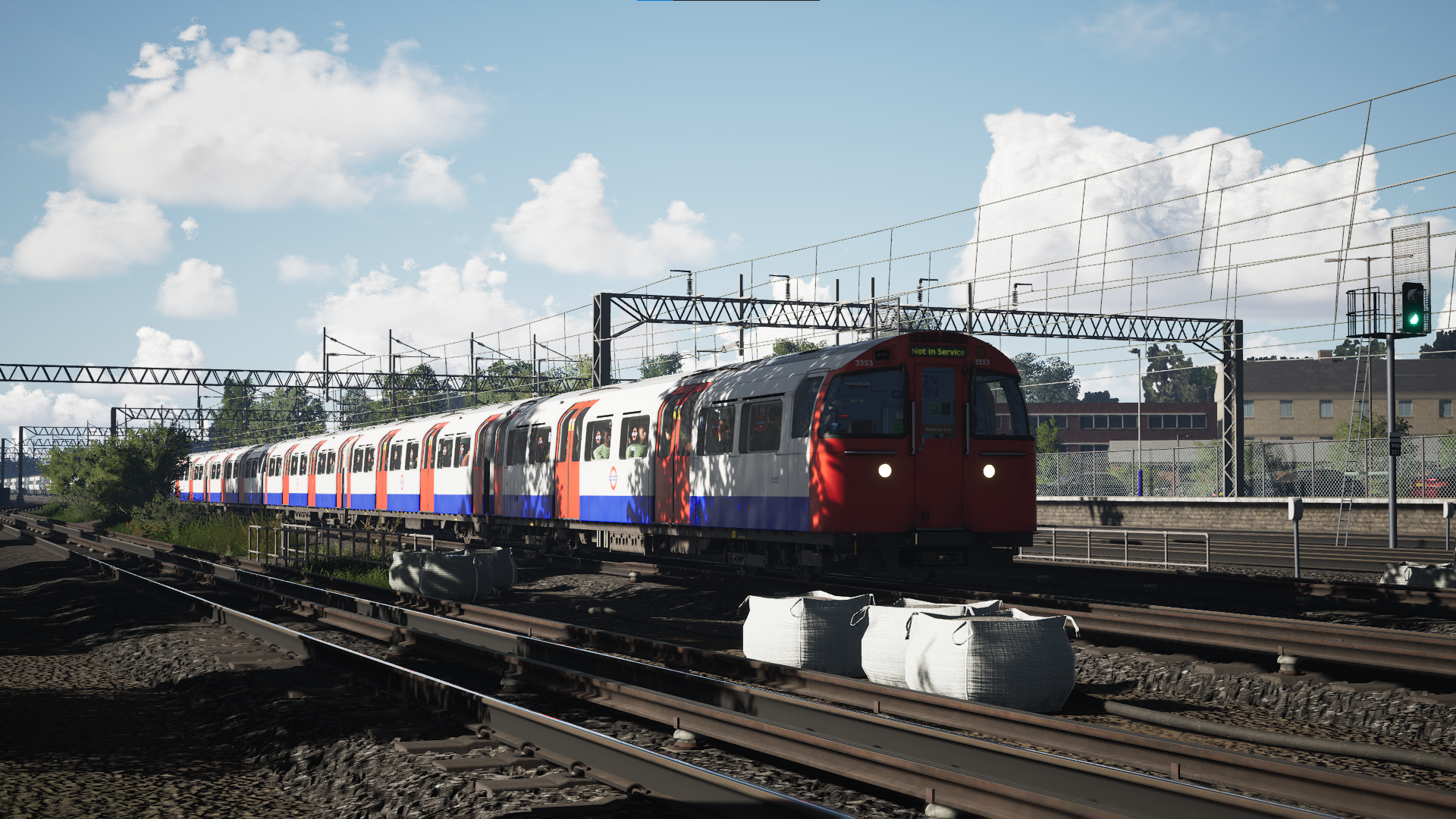
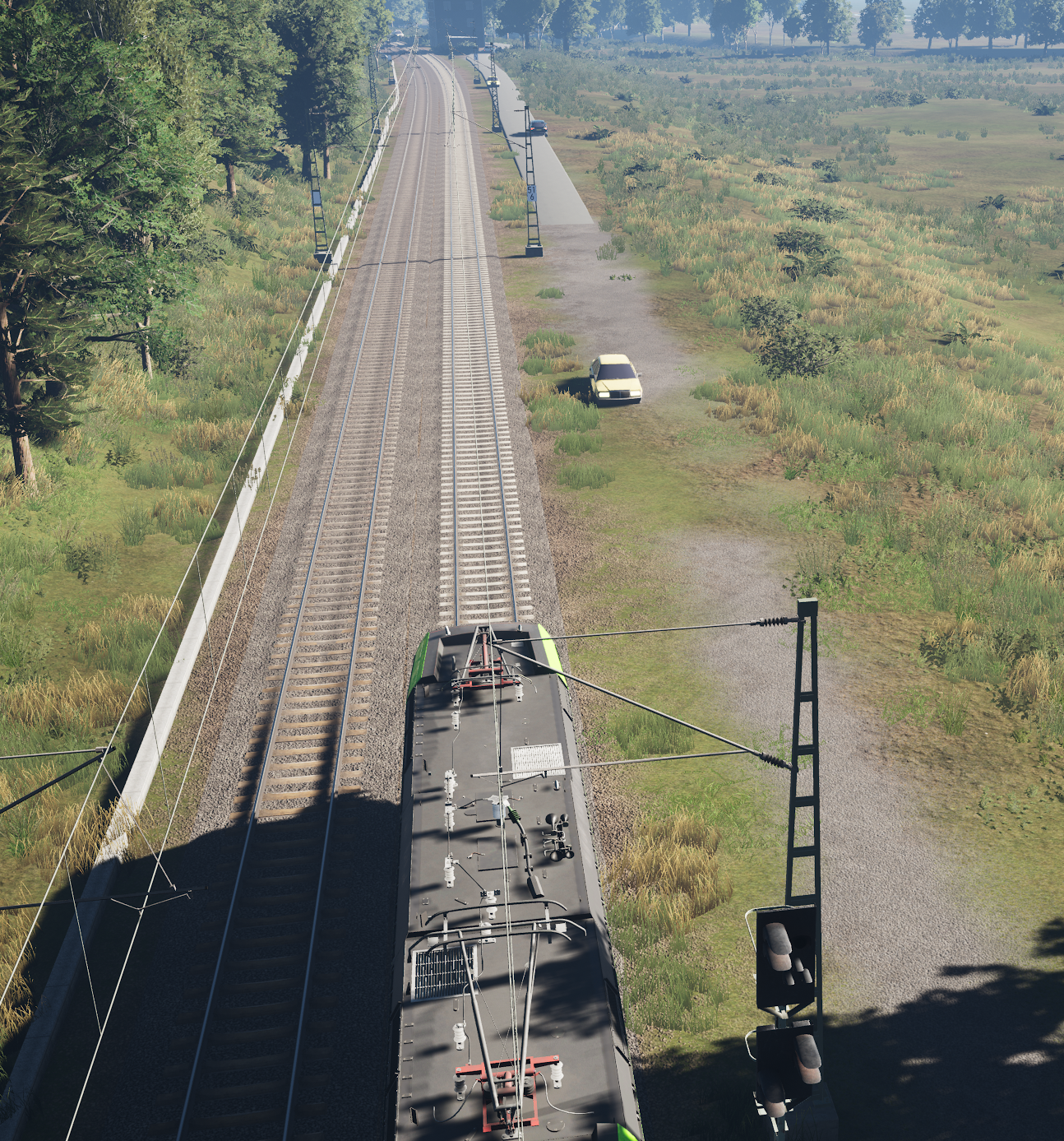
The changelog is below. Please note the manuals are now included in the download
A temporary GodMode file enabling all current routes can be found here until the main GodMode mod is updated
You must also have the latest version of GodMode installed alongside the temporary file
IMPORTANT | Any reference to lines such as these;
r.Streaming.PoolSize=
r.Streaming.MaxTempMemoryAllowed=
in the manual should be ignored as these CVAR commands are one of the causes of the crashes
TSW6 Changelog
vTSW6.1
- Fully updated the mod post-Medway Valley release for compatibility
vTSW6.0
- Updated the mod for TSW6, including Riviera, Morristown, Dresden & Birmingham to Crewe
- Please understand that I haven't had time to update the manuals, and have taken the decision to remove the seperate file with the TOD4 lighting with older routes
TSW5 Changelog
v2.3.0
- I realise it was a bit presumptuous of me to force everyone to switch their TOD3 routes to use the TOD4 mod whether they wanted to or not, so here is an update that gives you the option. Inside the zip file there are now two folders; one that contains setting to use with the TOD4 mod and one that has TOD3 routes use TOD3 lighting and TOD4 routes use TOD4. The choice as they say, is yours. Note You must update your engine.ini file too, using the new one contained in your chosen version. IF YOU CHOOSE TO SWITCH BACK TO THE TOD3 LIGHTING VERSION, REMEMBER TO REMOVE THE ALLROUTESTOD4 MOD!
- In addition to the above, and part of the reason for updating the ini file, I have made a tweak to the parameters for lights that should get rid of the LOD problem that blights many versions of the Class 66 and the Class 313 as well. You should no longer see the physical headlights popping in at close range
v2.2.1
- Frankfurt S-Bahn added to the mod
v2.2
- Spoorlijn Zwolle - Groningen added to the mod
- A further adjustment to the colouring on Cardiff City Network to improve the lighting under cloudy skies
- Adjustments to the lighting on Manchester Glossop to improve the look of the route
- Amendments to the main ini's for Beast and Ultra to further improve the passenger experience and minimise the chances of seeing the same NPC pulled more than once. NPC's should pretty much all be different. Uses a little (I mean little) bit more memory hence it only being for these 2 pre-sets
v2.11
- An update to Cardiff City Network as the bloom level was still too high. Apologies
- I've also added a note on the download page indicating which file(s) to update
v2.1
- Updated to include Cardiff City Network
- Further reduced the infamous TSW shimmering to imperceptible levels with some new commands. I will never be able to get rid of it entirely but it’s 99% banished now. FPS neutral. There is some hellish shimmering on the OHLE at Cardiff central that I can't get rid of. Other than that, on every other route I've tested there is a vast improvement
- Made colouring improvements to;
- Midland Mainline
- the newly updated West Somerset Railway
- Frankfurt - Fulda
- East Coast Mainline
- Minor change to the bloom level on Mittendwaldbahn - Despite extensive testing which didn't show any problems in this respect, I've had reports that for some v2.0 was causing performance issues due to a change I had made to texture loading and memory. Even though I haven't seen it myself and can't replicate it, I've reverted the change to match v1.6. From the reports I've had from people struggling with the issue the fix more than doubles their FPS in certain problem areas
- Finally, an edit to the manual regarding Lens Flare. The game is deleteing lines with // in-front of them (which I'd not seen before) so I have made that a simple copy and paste if it still interests anyone
v2.02
- After some reports of people seeing issues with the Medium Pre-set I have gone through it with a magnifying glass and removed 3 lines that had made it into v2 that weren't in v1.6. I've also added back in my custom shadow resolutions incase that was having an effect too. This is now, lighting changes aside identical to previous versions
- Improved the skies yet further by decreasing the cloud base layer 'noise' just slightly. A subtle change but a decent improvement in that the clouds don't drive to fully overcast so soon
v2.01
- Having tested the Mildmay Line further this morning I believe it to be too dark and have retuned the lighting hence this update. Just to re-iterate that you only need to update the GodMode.sav file, you do not need to alter the main engine.ini again assuming you had already applied Version 2
- Squashed some rogueness in the Low preset and removed the line relating to cloudspeed which shouldn't have been left in there. Also adjusted a couple of parameters that had been accidentally missed
v2.0
- With the release of London Overground | MildMay Line, Version 2 of this mod is finally here. There are some significant changes and with a completely re-written manual and installation (the manual is included with the download) I implore you to read that as you install. I believe this is the best I can get this game to look using this methodology, I hope you do too. Enjoy
- A huge thanks to all the guys who've tested and provided feedback for this version, as well as helped with the German Manual translation!
- Please note that there is no GodMode update for Mildmay as it works already
v1.6.1
- A hot fix for Beast, Ultra and High presets. Further testing revealed some performance drops which I had seemingly mistakenly attributed to foliage draw (and which looked to be resolved) where it turns out the grass cull commands were the culprit. The removal of those commands seems to have solved the issue so if you had downloaded v1.6 of any of the above 3 presets please re-download. Apologies for the error. This does not affect Medium and Low.
v1.6
- Added preset(s) for the new Innsbruck-Garminsch-Partenkirchen DLC
- As I've recently been able to upgrade my machine I've now included an experimental 'Beast' version that I am using. It is for high end GPU's only (I'm using a 4090) and, without being silly, just pushes things a little further. I have developed this using 140% screen percentage at 4K with the FPS locked at 30 and Lossless Scaling in mode 2 (giving me a consistant and smooth 60fps)
- Minor adjustments to the gamma levels on Midland Mainline
- Updates to the Manual and Included Routes PDFs, although if you had the previous versions downloading these isn't necessary
v1.5
- Added preset(s) for Mannheim - Kaiserslautern
- I have reverted back to the stock Ambient Occlusion (AO) rather than GTAO. Although the latter looks better (which was why it was included in the first place) I had noticed occasionally there was some banding or certain shadows, most noticably straight lines on certain clouds. Reverting back to normal AO has removed that issue and lighting has been adjusted to compensate for the change
- I have, with input from dbrunner (who had done his own work on this), been working on ways to reduce the stuttering that seems to be more prevalent in TSW5. I have removed lines relating to texture streaming etc from the individual route ini's and replaced them with some settings that need to go into your main engine.ini, just as you already do. As was the case many moons ago which settings you use depend on how much VRAM your GPU (graphics card) has but I've provided 3 or 4 versions that should cover everyone. It is a one time drag 'n' drop and my experience is that the game now runs much smoother, hopefully yours will be the same. Please see the updated manual for the relevant information
- Renamed the 'low' preset to 'lighting changes only' to clear up any confusion. It is the same thing
- Removed the pre-TSW5 changlog .txt document
- This mod is no longer TSW4 compatible as upgrading to TSW5 was free. If you didn't take the opportunity so be it, but this mod no longer gets support for TSW4
v1.41
- I've been digging for a long time to try and find the cause of the crazy flickering shadows that randomly appear. There was no rhyme or reason to it and I've witnessed them in a totally default game under both DX11 and DX12. I'm happy to say that I've found a fix that works under all circumstances. This small update is to High & Medium only to bring them in to line with Medium (which by chance already had the correct setting).
v1.4
- Removed the lines that were causing some people to crash when leaving WCMLOS to return to the main menu
v1.3
- Added presets for the newly released West Coast Mainline Over Shap
v1.2
- Added Presets for the newly released Boston - Worcester route
- Minor tweaks to WCMLS
v1.1
- An update to WCMLS in anticipation of the Enhancement Pack's release
v1.01
- An update fix for the Medium Pre-set only that corrects an error I'd made that was causing a graphical glitch on WCMLS.
v1.0
- Added the TSW5 base routes and rebuilt the lighting on all other Time of Day V4 (ToDv4) routes
Which File(s) Do I Need To Update?
vTSW6.1
- engine.ini | Yes
- GodMode.sav | Yes
Enjoy!
Thankyou and I hope you enjoy the mod
JetWash
Tags: lighting night-lighting realism
Dependencies


Required. Ensure you have the latest version (which is always linked above)

Installation Instructions
Installation is described in the accompanying manual.
If you are unsure as to how to enable DX12 then follow the instructions here. You simply need to enter -DX12 in the box
https://help.steampowered.com/en/faqs/view/7D01-D2DD-D75E-2955
Files
Comments
About this mod

- Created
- 23 Sept 2023
- Updated
- 28 Mar 2026
- Game
- Train Sim World
- Type of content
- Other
- Train Sim World Content
- Bahnstrecke Bremen - Oldenburg, Bahnstrecke Leipzig - Dresden, Bahnstrecke Salzburg - Rosenheim, Bakerloo Line, Berninalinie: Tirano - Ospizio Bernina, Birmingham Cross-City Line, Blackpool Branches: Preston - Blackpool & Ormskirk, Brighton Main Line: London Victoria - Brighton, Cajon Pass, Cardiff City Network: Radur & Coryton to Penarth & Bae Caerdydd, Cathcart Circle Line: Glasgow - Newton & Neilston, Clinchfield Railroad: Elkhorn - Dante, East Coast Mainline: Peterborough to Doncaster, East Coastway: Brighton - Eastbourne & Seaford, Fife Circle Line: Edinburgh - Markinch via Dunfermline & Kirkcaldy, Frankfurt S-Bahn, Glossop Line: Manchester - Hadfield & Glossop, Great Western Express, Harlem Line: Grand Central Terminal - North White Plains, Hauptstrecke Hamburg - Lübeck, Hauptstrecke München - Augsburg, Hauptstrecke Rhein-Ruhr: Duisburg - Bochum, Island Line 2022: BR Class 484 EMU Add-On, Isle Of Wight: Ryde - Shanklin, Kinzigtalbahn: Frankfurt - Fulda, LGV Méditerranée: Marseille - Avignon, Linke Rheinstrecke: Mainz - Koblenz, LIRR Commuter: New York - Long Beach, Hempstead & Hicksville, London Overground Mildmay line: Stratford - Willesden Junction, London Overground Suffragette line: Gospel Oak - Barking Riverside, Long Island Rail Road: New York - Hicksville, Main Spessart Bahn: Aschaffenburg - Gemünden, Maintalbahn: Aschaffenburg - Miltenberg, Manchester Airport Commuter, MBTA Commuter: Boston - Framingham/Worcester Line, Metrolink Antelope Valley Line: Los Angeles - Lancaster, Midland Main Line: Leicester - Derby & Nottingham, Mittenwaldbahn: Innsbruck - Garmisch-Partenkirchen, Morristown Line: New York & Hoboken - Dover, Nahverkehr Dresden - Riesa, Niddertalbahn, Northeast Corridor: Boston - Providence, Northeast Corridor: New York - Trenton, Northern Trans-Pennine: Manchester - Leeds, Peak Forest Railway: Ambergate - Chinley & Buxton, Peninsula Corridor: San Francisco - San Jose, Pfälzische Ludwigsbahn: Mannheim - Kaiserslautern, Rapid Transit, Rhein-Ruhr Osten: Wuppertal - Hagen, Riviera Line: Exeter – Plymouth & Paignton, Ruhr-Sieg Nord: Hagen - Finnentrop, S-Bahn Vorarlberg: Lindau - Bludenz, S-Bahn Zentralschweiz: Luzern - Sursee, San Bernardino Line: Los Angeles - San Bernardino, Sand Patch Grade, Schnellfahrstrecke Kassel - Würzburg, Schnellfahrstrecke Köln-Aachen, ScotRail Express: Edinburgh - Glasgow, Semmeringbahn: Wiener Neustadt - Mürzzuschlag, Sherman Hill: Cheyenne - Laramie, Southeastern Highspeed, Spoorlijn Zwolle - Groningen, Tees Valley Line: Darlington – Saltburn-by-the-Sea, Tharandter Rampe: Dresden - Chemnitz, West Coast Main Line: Birmingham - Crewe, West Coast Main Line: London Euston - Milton Keynes, West Coast Main Line: Preston - Carlisle, West Cornwall Local: Penzance - St Austell & St Ives, West Somerset Railway
- Train Sim World Version
- Train Sim World 6


Loading comments…