TSW4 Editor: Uncooked Timetable Example
- by 2TallTyler
- 7 upvotes
- Downloaded 359 times
Description
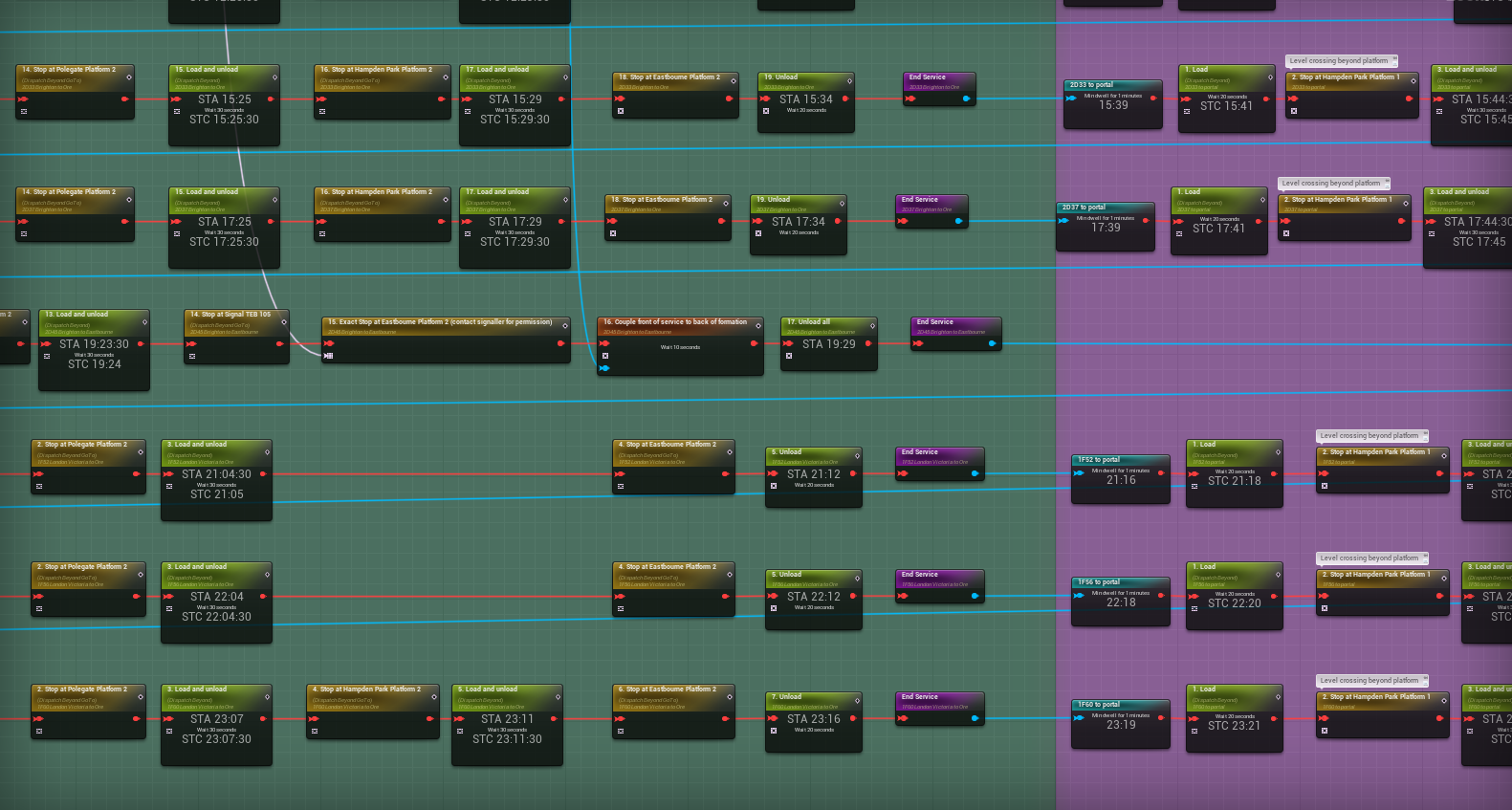
Creating timetables in the official TSW 4 editor is very rewarding, but challenging to get right.
Here you can download the full uncooked plugin of my East Coastway timetable, so you can see how I've done it.
Feel free to reverse-engineer my work and make a timetable of your own!
Installation Instructions
Unzip the file and place the folder EastCoastwayGameplayPack in your editor folder, TrainSimWorld4MOD\TS2Prototype\Plugins. When you launch the editor, it should appear in your content browser.
Note that the included .bat file to start the timetable simulation is set up for my file path. You'll need to edit it for your file path if you wish to use it.
Additional Comments
I don't often check for comments here, so please ping me on the TSC Discord if you have any questions.
Files
Comments
About this mod

- Created
- 23 Aug 2024
- Updated
- 23 Aug 2024
- Game
- Train Sim World
- Type of content
- Other
- Train Sim World Version
- Train Sim World 4

Loading comments…