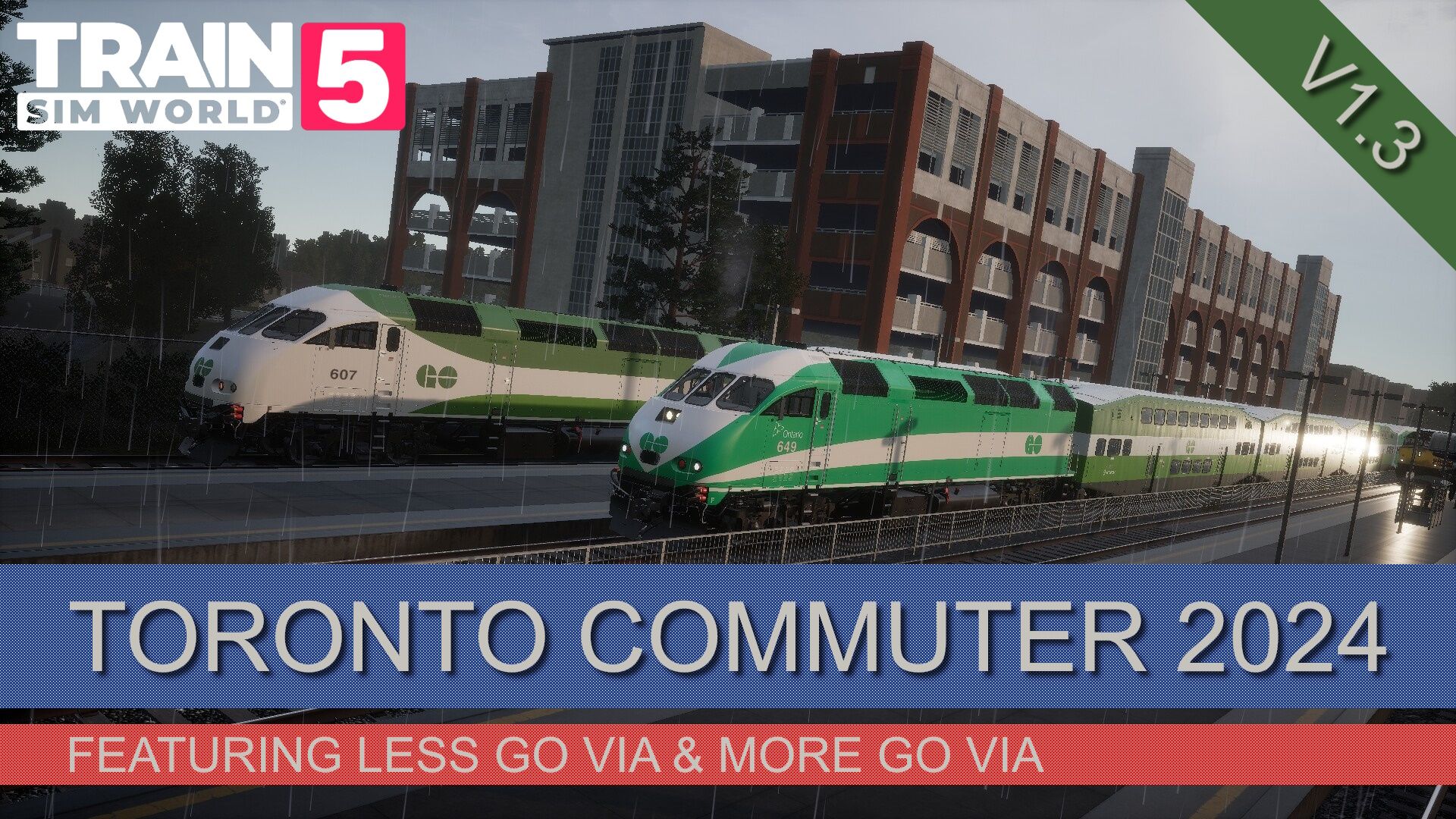
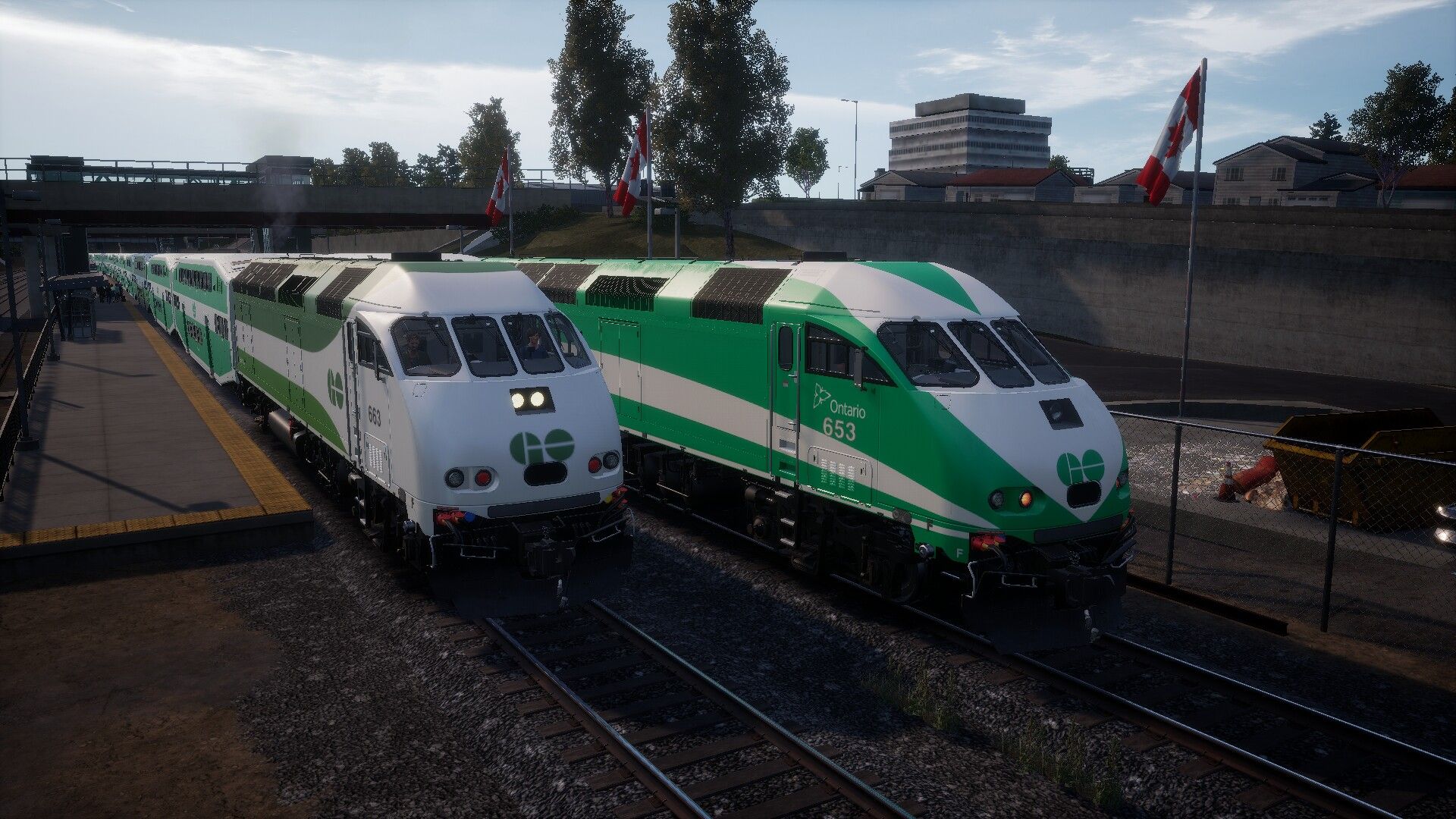
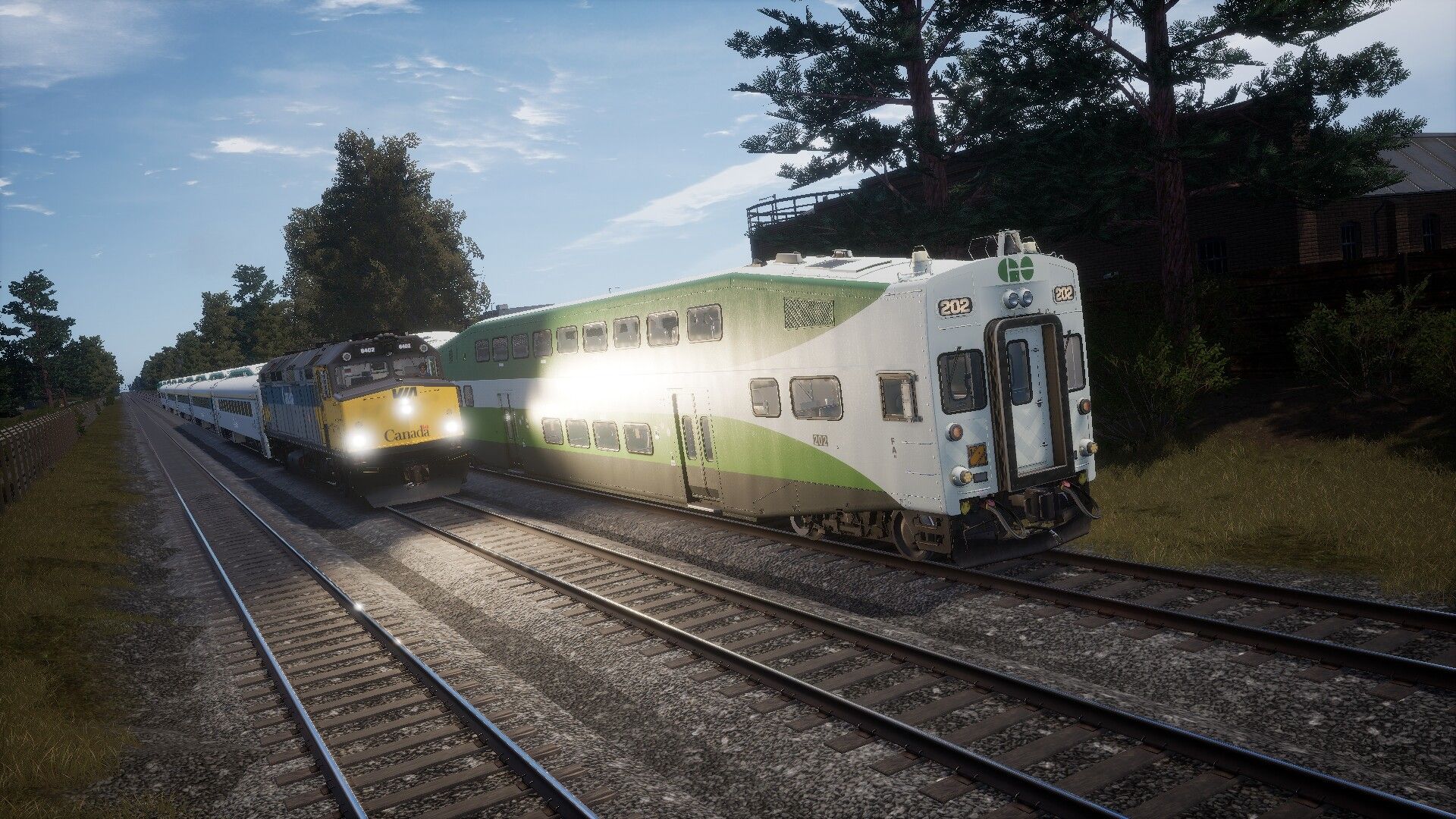
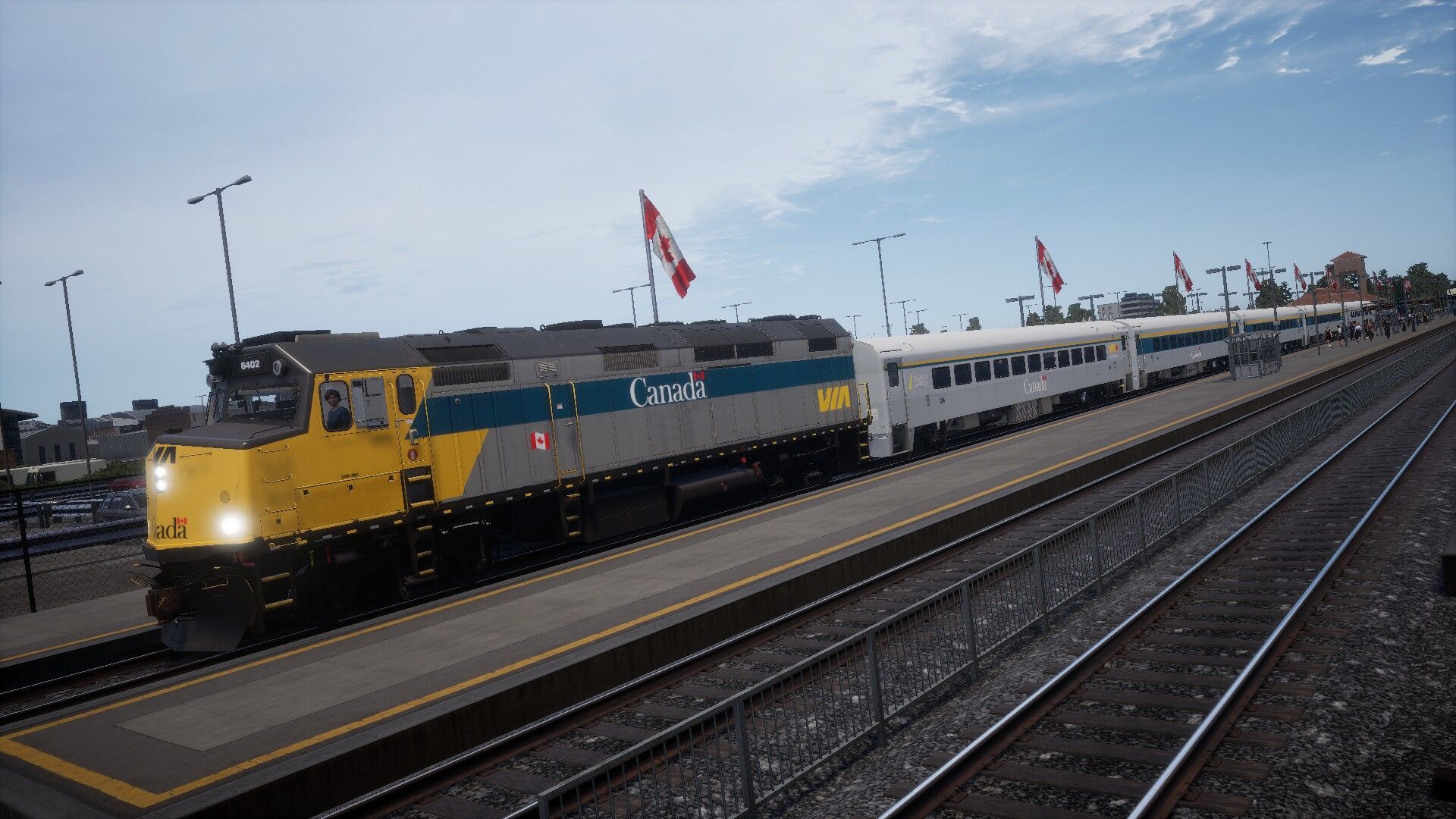
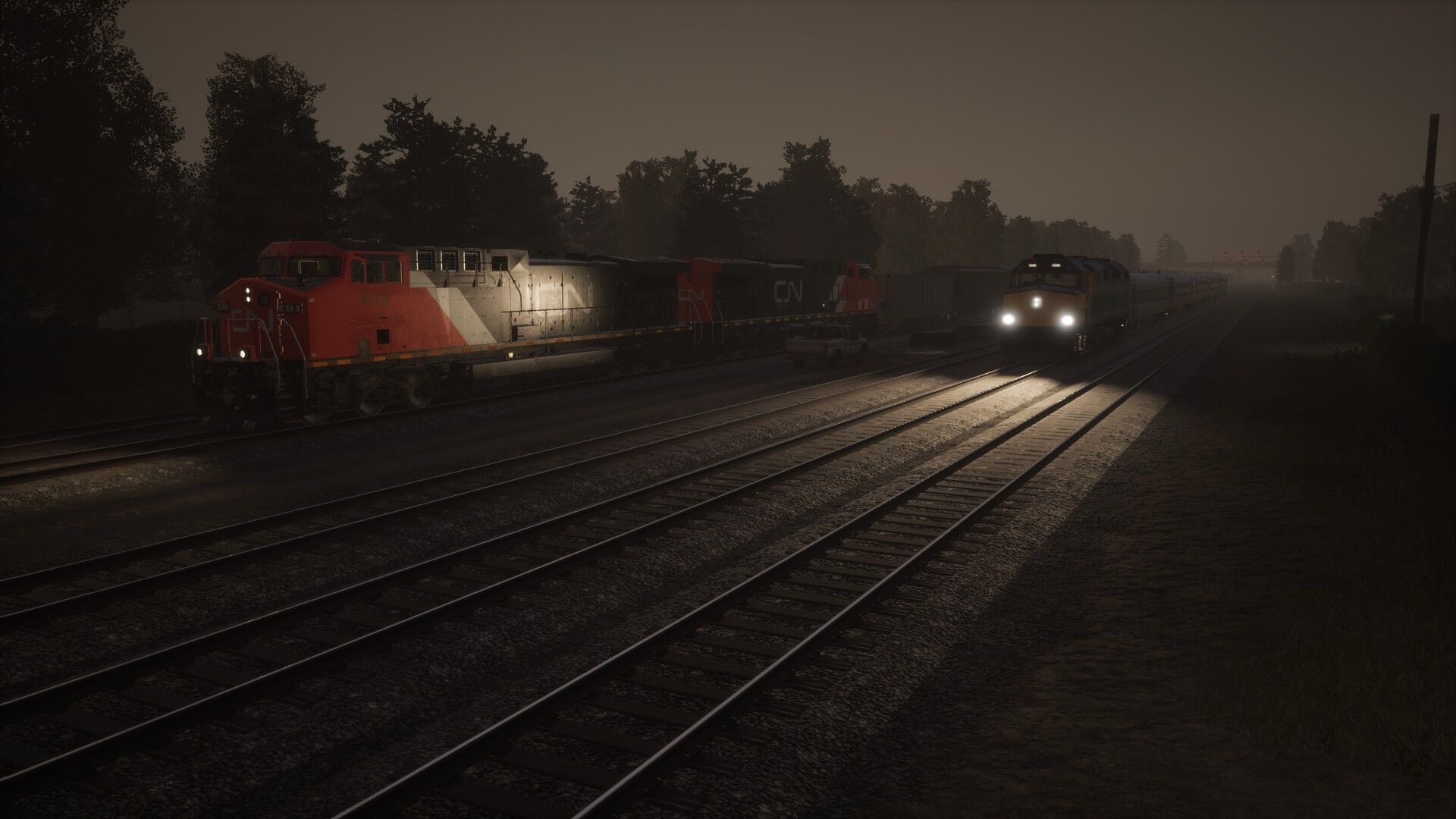
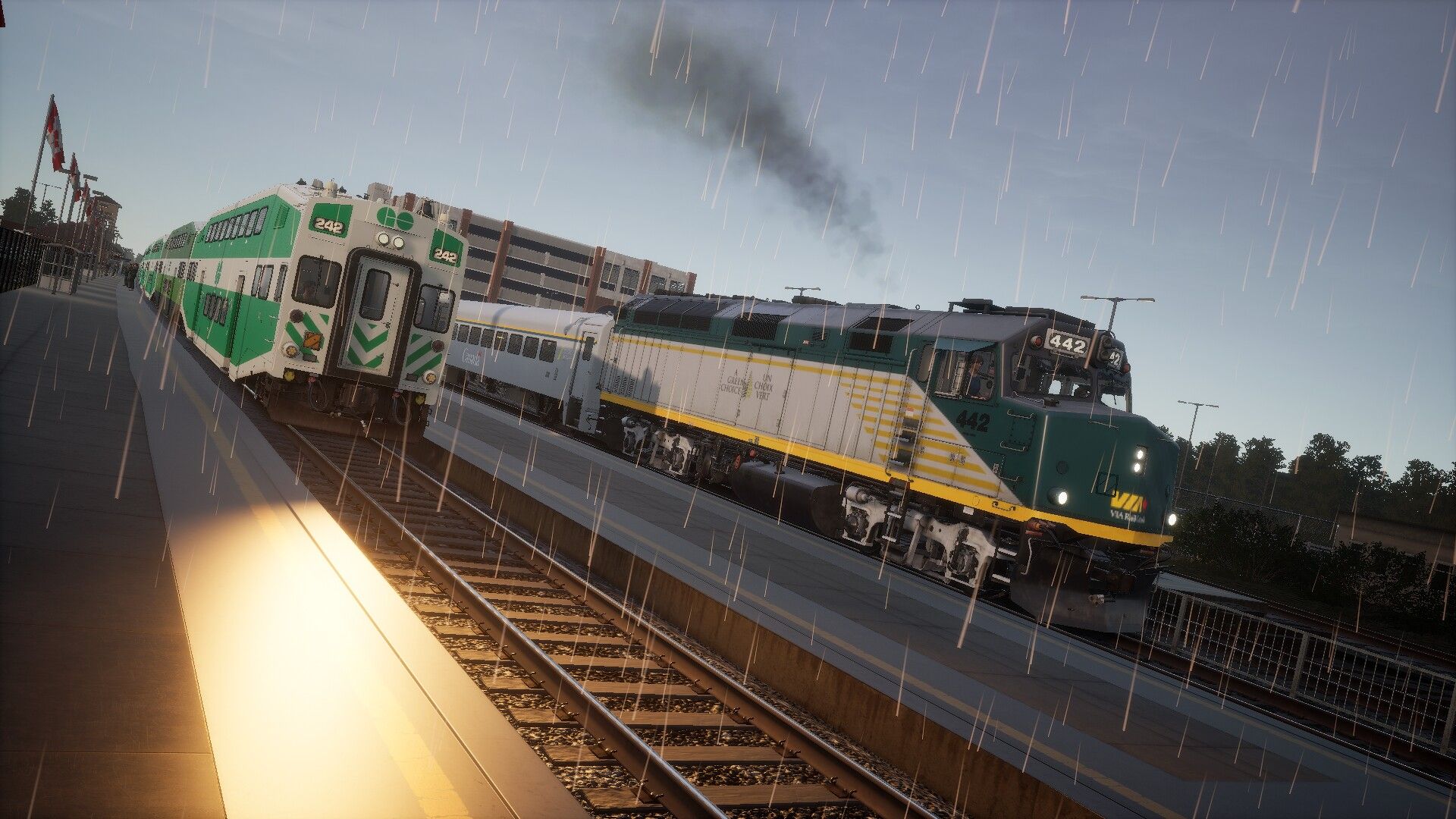
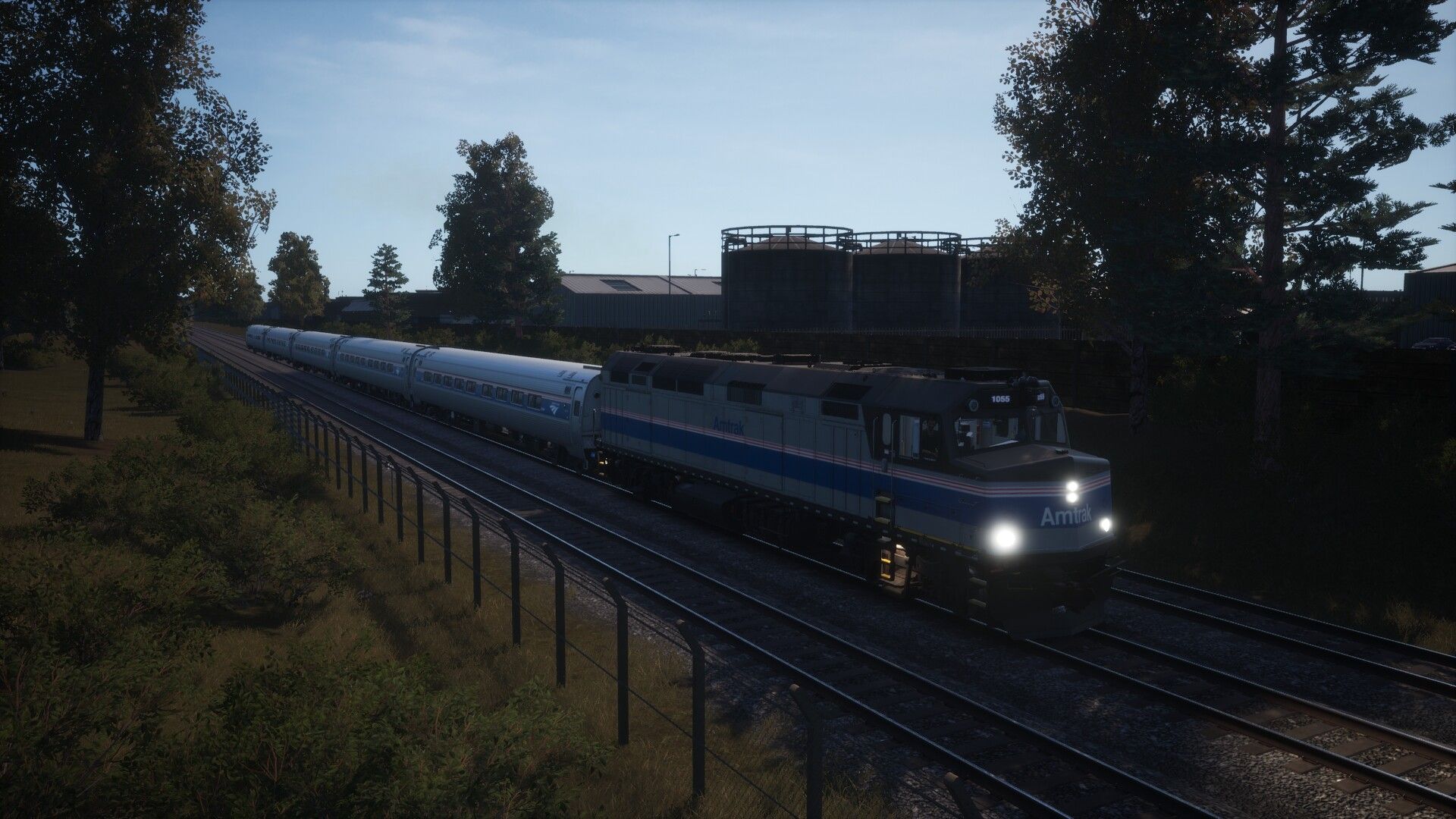
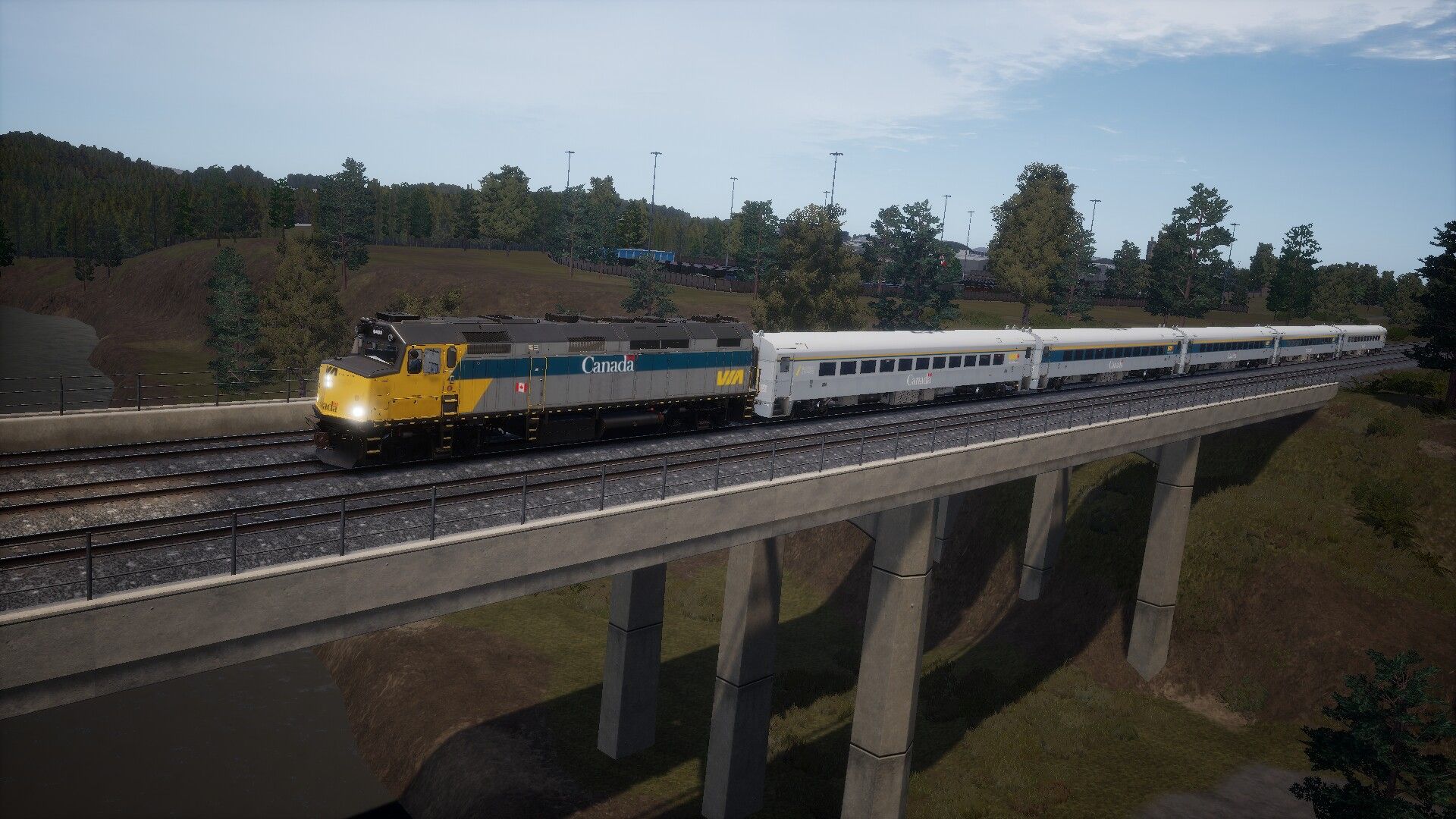
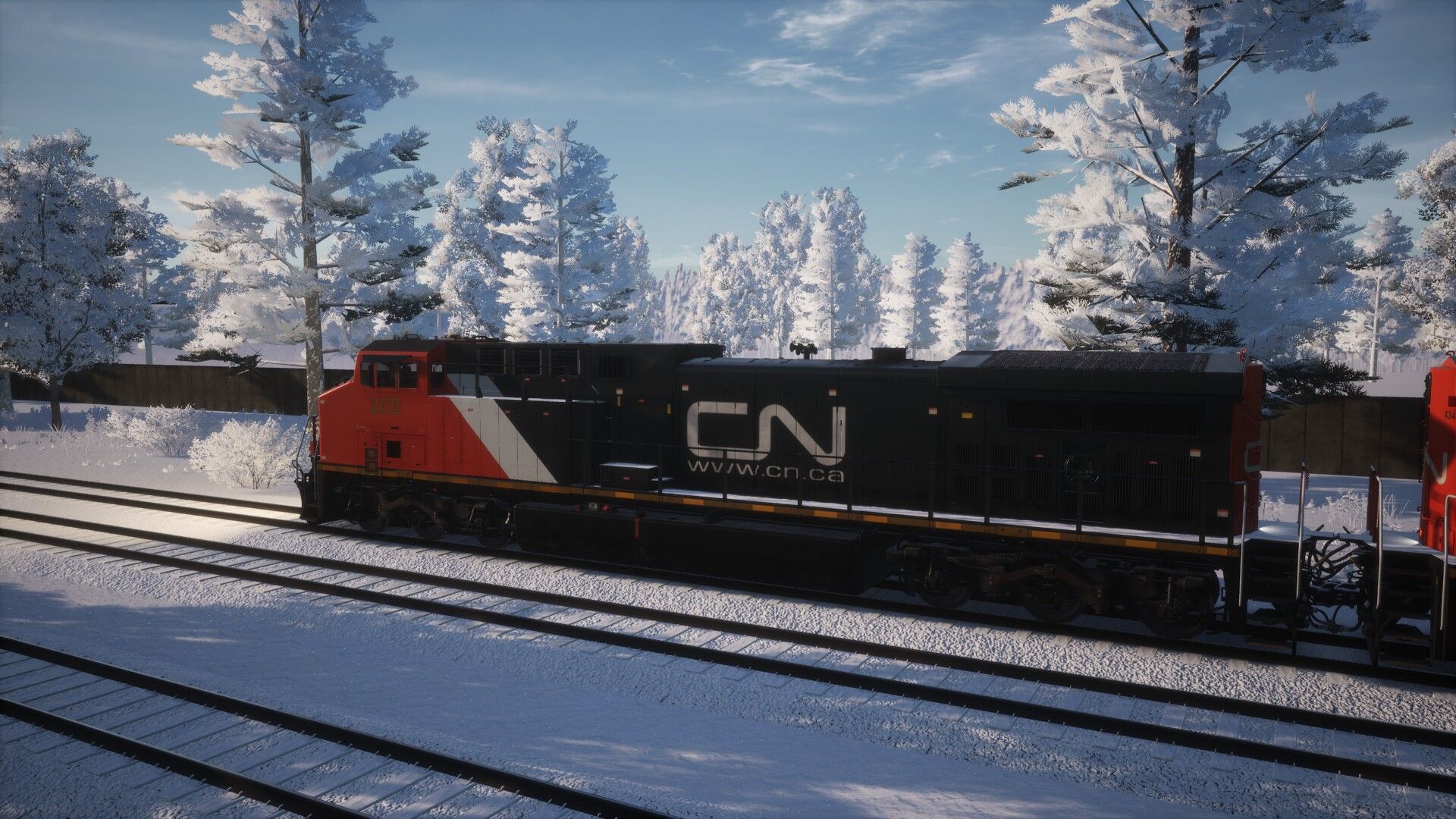
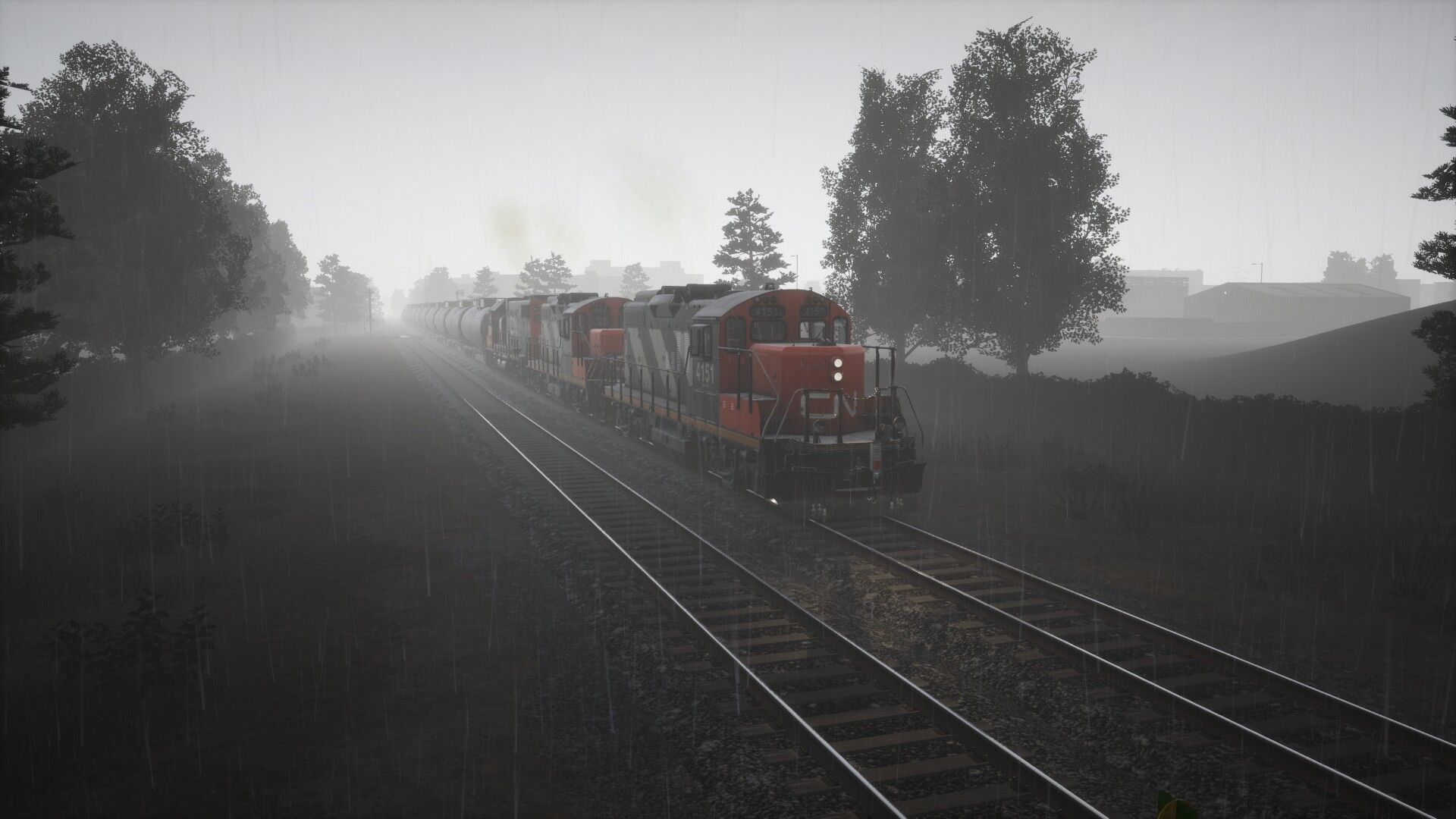
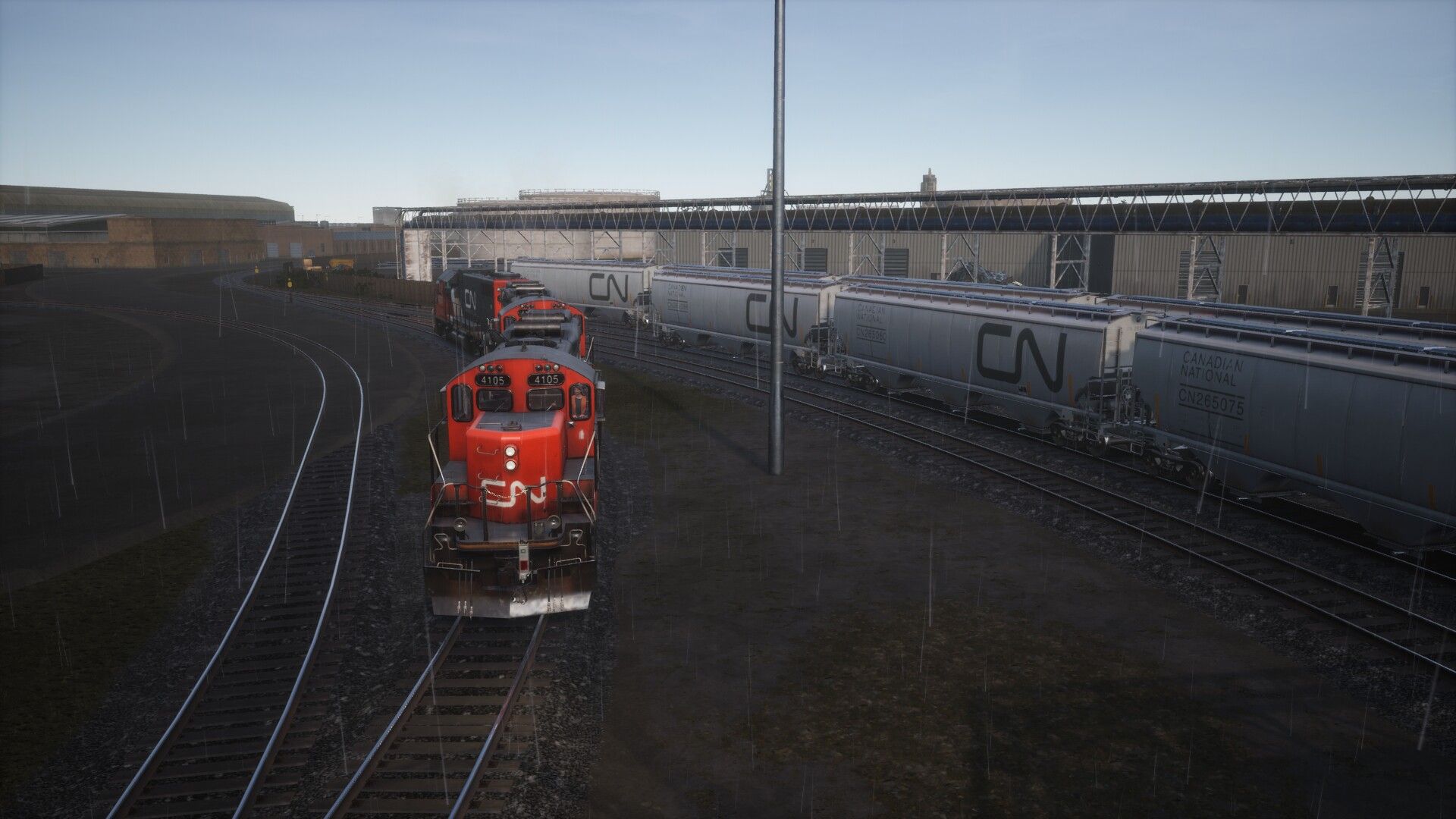
Welcome to Toronto Commuter 2024. Built by the Great Western Railway (Ontario) between 1853 and 1855 the present day Oakville and Grimsby Subdivisions hosts over 100 passenger and freights trains daily making this the busiest rail corridor in Canada.
This timetable enhancement pack includes the following. A brand new 24 hour timetable featuring GO Transit regional rail, intercity passenger, local and fast freight services. 6 custom made scenarios featuring passenger and freight services. In addition 37 reskins are provided to transform locomotives and cars from Sand Patch Grade, Boston - Providence, Peninsula Corridor and MP36PH-3C Baby Bullet add-ons into appropriate liveries. Finally tweaks to the existing route includes adding stations to the PIS, adjusting passenger density at stations and as a bonus added new paths to the Scenario Planner.
With 111 playable services, choose from 88 GO Transit services operating the MP40PH-3C and Bombardier BiLevel cars along the western shore of Lake Ontario on all day stopping local, limited express, and rush hour commuter services. Or drive 1 of 10 intercity domestic and international services with the F40PH. If freight is your preference, you have a pick of 6 yard transfer services or 5 local shunting jobs using the GP9Rm and the GP38-2. Or drive the AC4400CW on 2 short haul manifest servcies. Looking for more freight, use the Free Roam feature to create your own adventure exploring the various industrial sidings throughout the route. While you are riding the rails, keep an eye out for additional AI operating local and fast freight services.
What's included:
Timetable - TSW4/5 version (V1.3): [NEW]
Timetable - TSW3 version (V1.2):
Repaints (V1.32): [NEW]
Stations (V1.1):
Issues:
Comments:
Tags: oakville-sub oakville-subdivision-route-enhancements real-timetable timetable
TSW4 Install:
Download 3 files: Repaints (V1.32), Stations (V1.1) & Timetable (V1.3) and copy to TSW4 DLC folder.
TSW4 Update from V1.1 or V1.2:
Download 2 files: Repaints (V1.32) & Timetable (V1.3) and copy to TSW4 DLC folder.
TSW3 Install:
Download 2 files: Stations (V1.1) & Timetable-TSW3 (V1.2) and copy to TSW3 DLC folder.
TSW3 Update from V1.1:
Download 1 file: Timetable-TSW3 (V1.2) and copy to TSW3 DLC folder.
Thanks to for beta testing
GO Transit Timetable - November 2023
V1.32 - New release - RailDriver support added
V1.1 - 15 May 2024
V1.2 -TSW3 - 7 Sept 2024
V1.3 - TSW4/5 - New release
This sounds just awesome. Great work, really looking forward to drive passengers in Canada... Thanks, ey
great mod
This is insane, the amount of modifications this brings! Fantastic work!!!
Very good job !!
slapped in the face with this masterpiece, So many modifications!
Truly incredible! I can't imagine Dovetail's offical passenger timetable (if it ever releases) will be anywhere near this good. Lots of thought and care went into this!
Can't wait to try this! I even love how you used the BPE version of the F40ph to simulate the rear platform that existed before the cowls were extended to make room for the HEP. Would you consider allowing the SFJ F40 to substitute on this timetable, to simulate VIAs newer F40s that did have the HEP?
I hate to tell you but you are giving me too much credit. I choose the BPE version for two reasons, first I was already using BPE for the Amfleet cars and wanted to minimize the number of required DLC. Secondly I am not a fan of the braking system on the SFJ version. I can take a look at the SFJ F40 and see about adding it.
"first I was already using BPE for the Amfleet cars and wanted to minimize the number of required DLC. "
Good thinking, but since the Baby Bullet is required, that necessarily means the player has to have SFJ as well.
As requested I have added the SFJ F40. Enjoy.
This looks amazing, but can I still play the default Oakville and it's scenarios with this installed ?
Yup. This doesn't replace anything, just adds a second timetable.
The stations mod does however remove the original journey from the menu. This isn't a major issue, though.
I am working on a fix for that.
I can only see the Bi Level Cabcar somehow in TT selection, I got a ton of mod, do you wish me to try figure out what conflicted or theres something that you can guide me to?
That's odd. Providing you have all of the required DLC you should see 6 selectable locomotives in the timetable. I intentional didn't install any mods while I was developing this so yeah it sounds like something is conflicting. Afraid I can't give you any hints but I'd appreciate if you do find something to let me know.
I'm also getting the same issue, have all the required DLC installed.
Sorry to hear that goosewaffe. If you have other mods installed, I would recommend removing them and see if my timetable works. If you find a conflicting mod, let me know.
I'll have a looksy
Strangely i noticed after installing the mods i lost the stock on boston sprinter and only when i removed the stock they reappeared, the only one that was on boston was the cab car
Interesting. Could you download the Station pak (THB_OSD_Station-RD) from here and see if it fixes the problem,
https://forums.dovetailgames.com/threads/toronto-commuter.76384/page-2#post-831693
Thanks.
Thank you so much for this. I grew up near this line riding GO Trains so was dissapointed that there were no passenger train layers in the release. This is the layer this route has always needed. Well done!
You're welcome and thanks. I also grew up nearby (the other half of the route) and was also disappointed with the route in general (scenery, services, etc). So was happy when the editor came along.
I assume that the route doesn't have any ATC/ACSES functionality installed, so the unit in the F40 doesn't work?
EDIT: It's worse than that; if you turn it on it assumes "Restricting" and holds you to 20 mph (brake enforced) the whole way.
There seems to be an issue with speed limits. I ran the Amtrak service holding to the posted limit of 95mph - which is reflected in the profile map as well - but the program registered my speed as around 130! And I lost all my APs for "speeding"
Is there a miles/kilometers conversion problem?
OK, it seems the two issues are connected: running faster than the ATC limit registers as "speeding." Solution: turn off PTC and everything works fine.
There is no PTC/ATC/ACSES in Canada. So I wouldn't recommend running with safety systems on. Burlington to Toronto Union is being upgraded to ERTMS over the next decade.
It is crashing TSW after today's update
I'm guessing you are using TSw4 and are updating from the original version. Did you download and install the 3 new files (Repaints, Stations and Timetable) because you can not mix V1.0 with V1.1.
The current file dates shown as being added are:
TSW3- 07-09-2024 x2 <-- I downloaded only two that are showing as updated as of 07-09-2024
and what I take as being TSW4- 15-05-2024 x2 <--the two from this date I did not re-download.
Nor did I redownload the PDF which is from 15-05-2024.
Maybe something got lost or mixed up in the update process.
No mix up. Only the Timetables have been updated to V1.2. The Repaints and Stations are still V1.1 and do not need to be redownloaded if you already have them. You also do not need to download both Timetables if you don't want to. Timetable.pak is the full version for TSW4 and Timetable-TSW3.pak is the TSW3 compatible version.
Okay very good thank you for getting back to me, very much appreciated.
Do you think some of the passenger train services could start in the "bottom right" despite no stop being there? Or some runs with mainline diesels? That area seems fairly underused, yet it could be interesting to have something go through the entire map. Nice work already though. Even in base liveries
Hey Monder. Thanks. Not sure if you are looking for playable passenger services starting in the "bottom right" but 3 MP40PH/Cab car services and the Amtrak service enter and exit on their way to/from Niagara Falls. There is also 2 freight services that travel the entire run plus 1 one way freight service. In real life that area is fairly quiet.
On another Subject Does your Timetable Enhancement mod change lighting in any way be it station and or yard lights or both?
I ask because I am going through my mods to find a lighting conflict or what ever mod(s) are effecting lighting at stations and yards.
There are no changes to lighting in my mods. Repaints only changes locomotives/cars, Stations changes station directory (PIS), passenger density, average temperatures and adds paths for the Scenario Planner. Timetables adds the new timetable and scenarios.
I again thank you for the quick reply, I appreciate it, and thank you for making the game so much moe better :)
My pleasure. Thanks for downloading and have fun.
Great mod, really enjoying it. Just curious why there are no Go Transit logos on the trains, did I miss a step when installing it? All I have are two green circles instead of GO on everything? How can I get the logos to show up?
Hey nairfacial. You didn't miss anything. The trains are unbranded as the liveries were created by editing the CalTrain textures and not using the livery editor. So I was unable to add the logos in the proper place. Thanks for downloading.
works under TSW5, Thanks for your great mod!
Thanks for letting me know gghobby.
Maybe this is just a TSW 5 issue but on the "Late Running" scenario I can't move more than a few yards before getting the "you've reached the end of the represented area" message and it kicks me out
That is probably a combination of TSW5 and me pushing the limits. The scenario starts behind the invisible wall (The Maple Leaf scenario does the same) before you drive it onto the route proper. It worked fine for me in TSW4 and I don't think I have any mods installed that changed how the game runs. You'll probably need an Invisible Wall Remover mod from here, https://www.trainsim.cz/?mod=article&showid=2772
That mod worked! Thank you very much!
Glad that worked.
AC4400Cw cn loads a GP38 instead, and when adding it manually in the game using the new add train feture the game crashes.... Maybe its just me :(. Other than that thank you for all your hardwork. Solid Stuff
That's odd behaviour. Can you give more information what you did so I can try to replicate it on my side (i.e.. is this a timetabled service or something else). Also stupid question but do you have Sand Patch Grade installed?
I've been hoping this would eventually return! Thank you so much!
Thanks mac_g313. Have fun.
lol even i am surprised
and i even helped beta testing the previous version
never heard anything about it
I am little sad about that
but still very happy with this newer version
what a suprise was not expecting this present.
Hope you enjoy it johneebgood.
do you think you can add the f59ph to this mod?
I could but I don't own the F59PH at the moment. The only problem will be that the F59PH is a TOD4 loco and Oakville is a TOD3 route. So the headlights are going to be super bright. It's the reason I have used TOD3 locos on the route and not newer ones. Now if Oakville ever received a Remaster that would be a different story.
ah ok, tbh i dont mind the light issue, i would love to have it seen in this timetable, do take your time though!


This is awesome, thanks so much. I grew up in Port Credit and loved riding GO Trains so this takes me back to my childhood. You've really made this route the best it can be.
Thanks regis902. I grew up in Erin Mills and this definitely has been a labour of love.
Trag , this mod looks amazing, but I'm having issues using my controller with this timetable specifically. I use a separate device and this program:
https://forums.dovetailgames.com/threads/ts-world-raildriver-and-joystick-interface.61440/
The buttons and levers work for all other timetables and DLC's but not for the Toronto Commuter timetable. For some reason, the buttons will work but the levers for throttle, reverser and brake don't respond. I can move them with the mouse controls in the game, but the levers won't respond like they do in other timetables.
I removed all other mods except for this one and that didn't fix it. The levers wouldn't move, but the buttons responded. I found an old thread that someone posted about a Raildriver issue with the 'stations' PAK but deleting that (and also trying the 'fixed' PAK from that thread) did not fix the levers not moving.
Just curious if you or anyone else ran into this and had any ideas about how to fix it! I really want to run commuter services in Oakville but I'll need to be able to control the train in VR. :)
Latest version fixes this! Thanks Trag!
My pleasure raz_22. Have fun.
superb timetable comes with scenarios and even its own journeymode
totaly recommend this!
Thanks as always.
Is there a way this can be updated and reworked to use the Metrolink equipment instead of the old Caltran Stuff? since we do still have the cars they are just in different liveries
Hey maxim342. I used the Caltrain stock for 2 reasons. First Oakville is a TOD3 route and the Caltrain train is also TOD3. If I were to use the newer Metrolink which is TOD4, all of the lights would be super bright and look out of place. Secondly the newer Metrolink stock doesn't have a Bilevel CabCar as they were decommissioned and replace with Rotem CabCars.
The only way I would see updating is if Oakville were to receive a TOD4 upgrade (frankly it needs to be redone and not remaster) and a newer Bilevel CabCar was released.
The North American TOD4 Upgrade mod implements TOD4 into OSD. It makes the route look 1000x better. I don't see myself launching TSW4 and playing those classic routes without that mod now. It's brilliant.
Great timetable that is!
Is it planned in the future to include the sw1500 and the SD70 which were released by now?
Hey Trag! I was wondering if in the future, a soundmod will ever be added to the trains to add the iconic 3-tone chime to the bi-levels? It feels a little wrong hearing the Caltrain chime...
Hey, thats an impressive mod, it works in TSW6. Just a question, when I run the Amtrak or VIA rail, I didn't see any go transit train, and when I run go transit train, there's no Amtrak or VIA rail, is it possible to combine together? Or is it gonna crash out? Lastly, I really love your mod, thank you for putting all the hard work!!!
I saw that this mod worked for william in tsw6, but its not working for me. Everything in the Toronto Commuter 2024 timetable crashes everytime you try to launch it. If you could fix that issue, that would be great.
Edit: I got it to work by downloading the Repaints and Stations files, and using the TSW3 timetable instead of the 4/5 one. I dont know about whether or not the GO trains work because I dont have the required content for those.
Edit 2: I got it to work. Turns out you need every required DLC to get the regular timetable to work. Who would’ve guessed.
me too. is very sad i love this timetable
This is insanely well done, impressed might be a bit of an understatment. I do have a few suggetstions to help further improve the experience. I will list them below.
Whsitle posts - The route is a full QZ, but it would be great knowing when and where to throw your bell on. making use of qz sign posts from antelope valley would be ideal .
Spot markers - Every station on go transits network uses spotting markers for the crews to line the trains up correctly with the platform (specifically for the 5-A coach) markers should be in place for all train lengths used by go, as well as the addition of the mobility platforms. this will spice up the challenge of operations for sure.
FYI to anyone wondering it works with the unbranded Peninsula Corridor rolling stock..Great TT picked this DLC up with the Sale just because of this mod. Thank you
Absolutely love this mod! I just wish it had more freight.
It's great! The only thing is for some reason the baby bullet and bi level cars dont have the go train livery...
If you wish to leave a comment, please log in .
Amazing!