Run8 V3 CSX Heritage Units Megapack *UPDATED APRIL 2, 2024*
- by Fey96
- 1 upvote
- Downloaded 808 times
Description
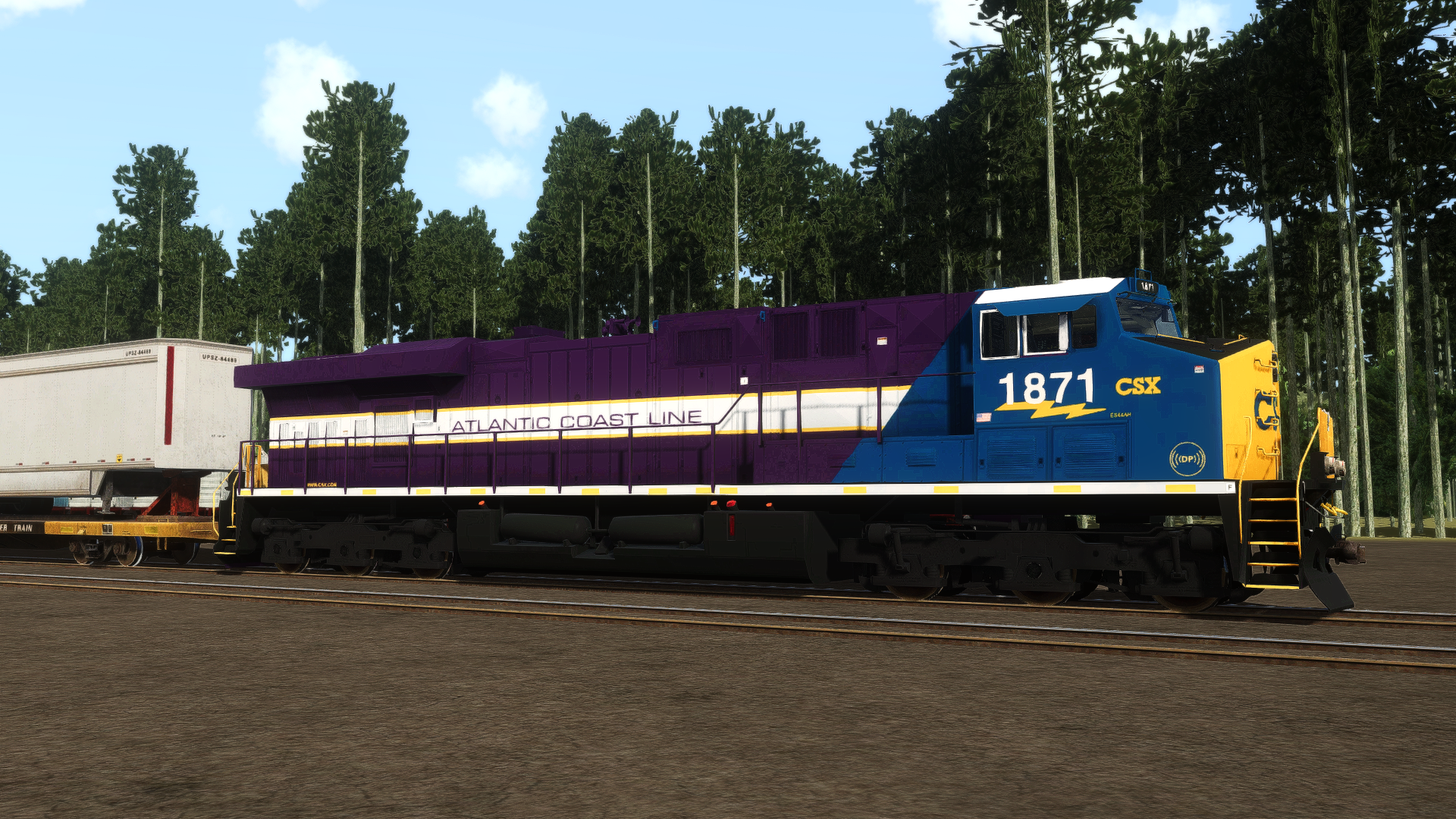
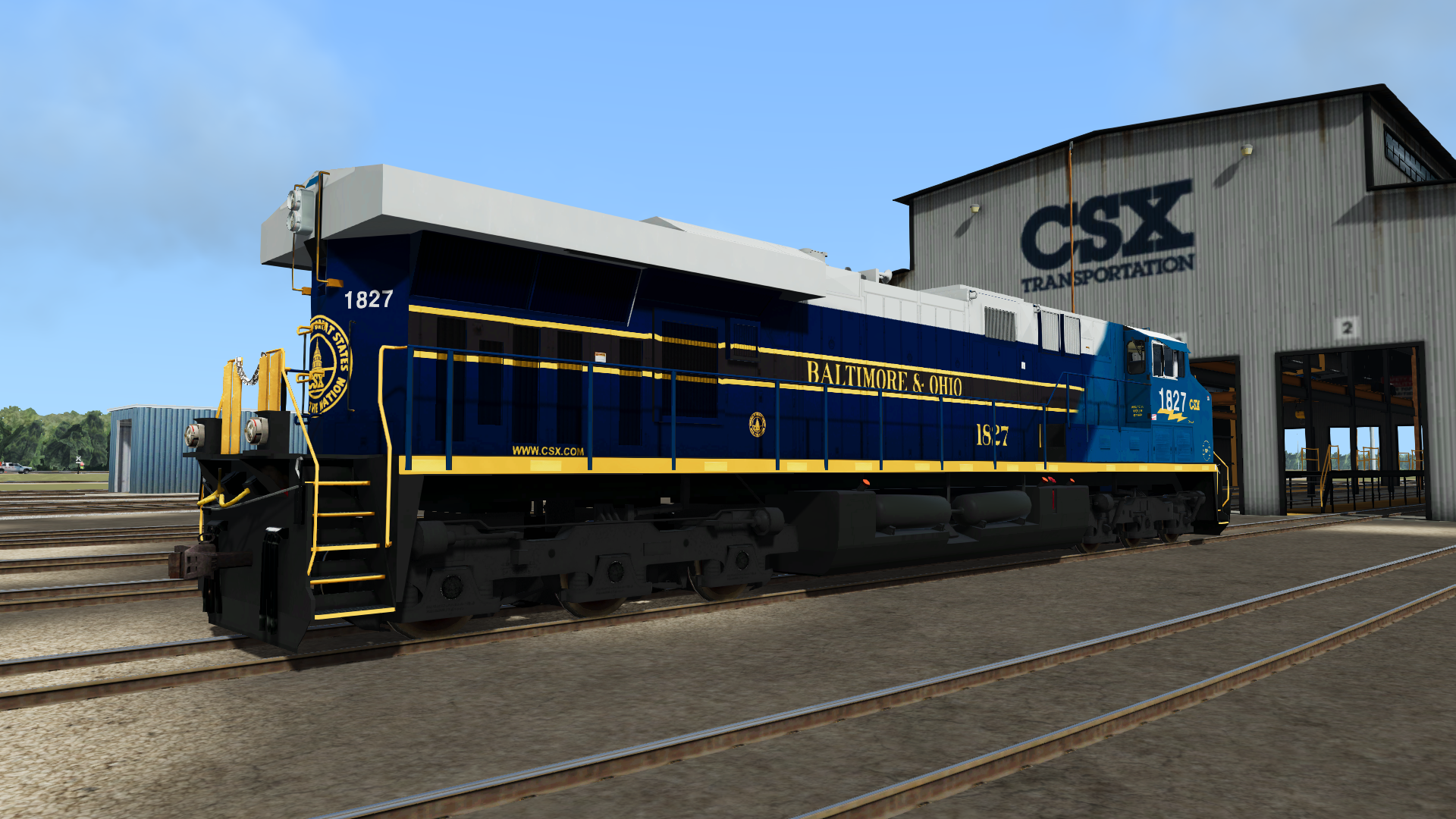
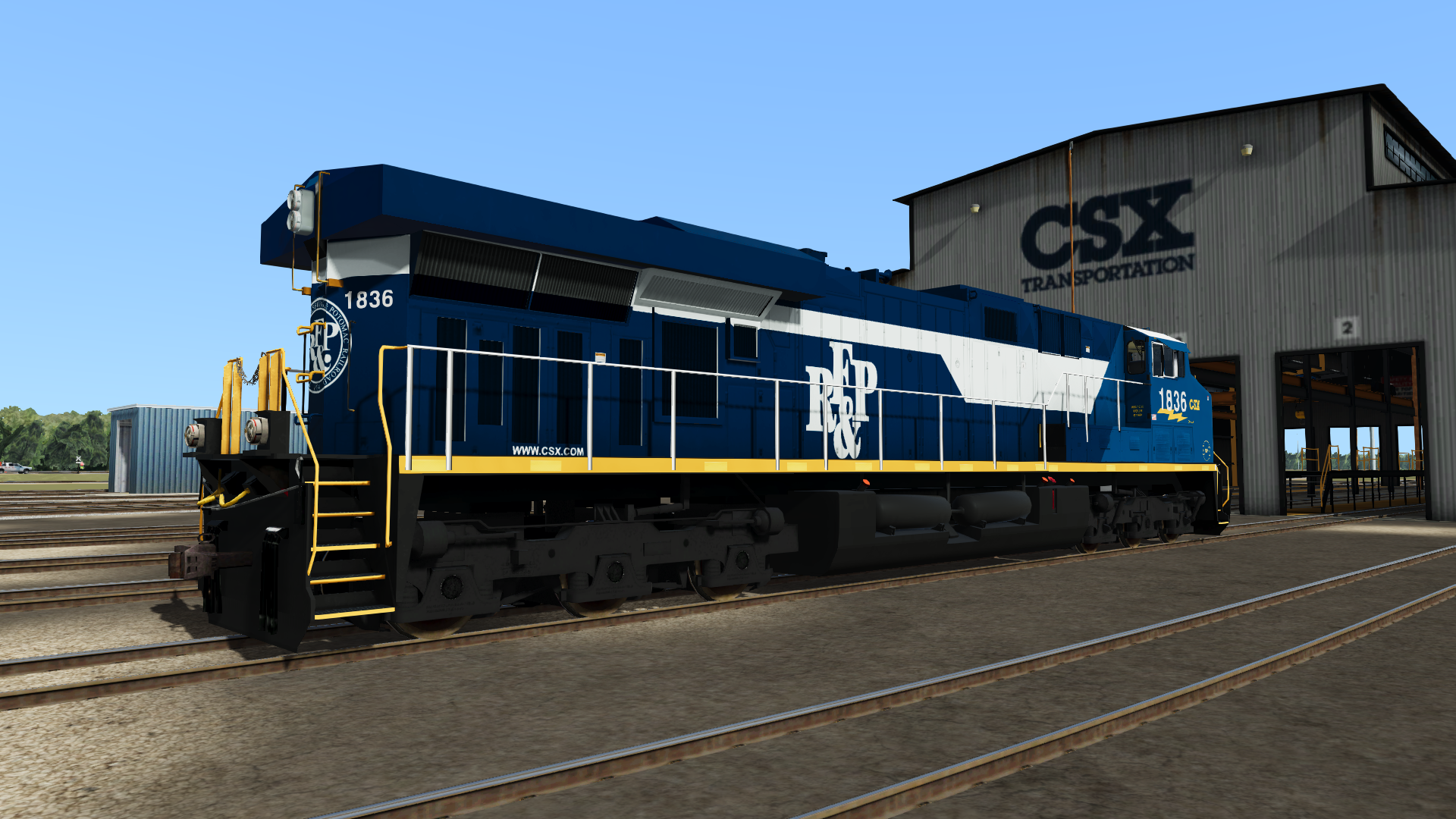
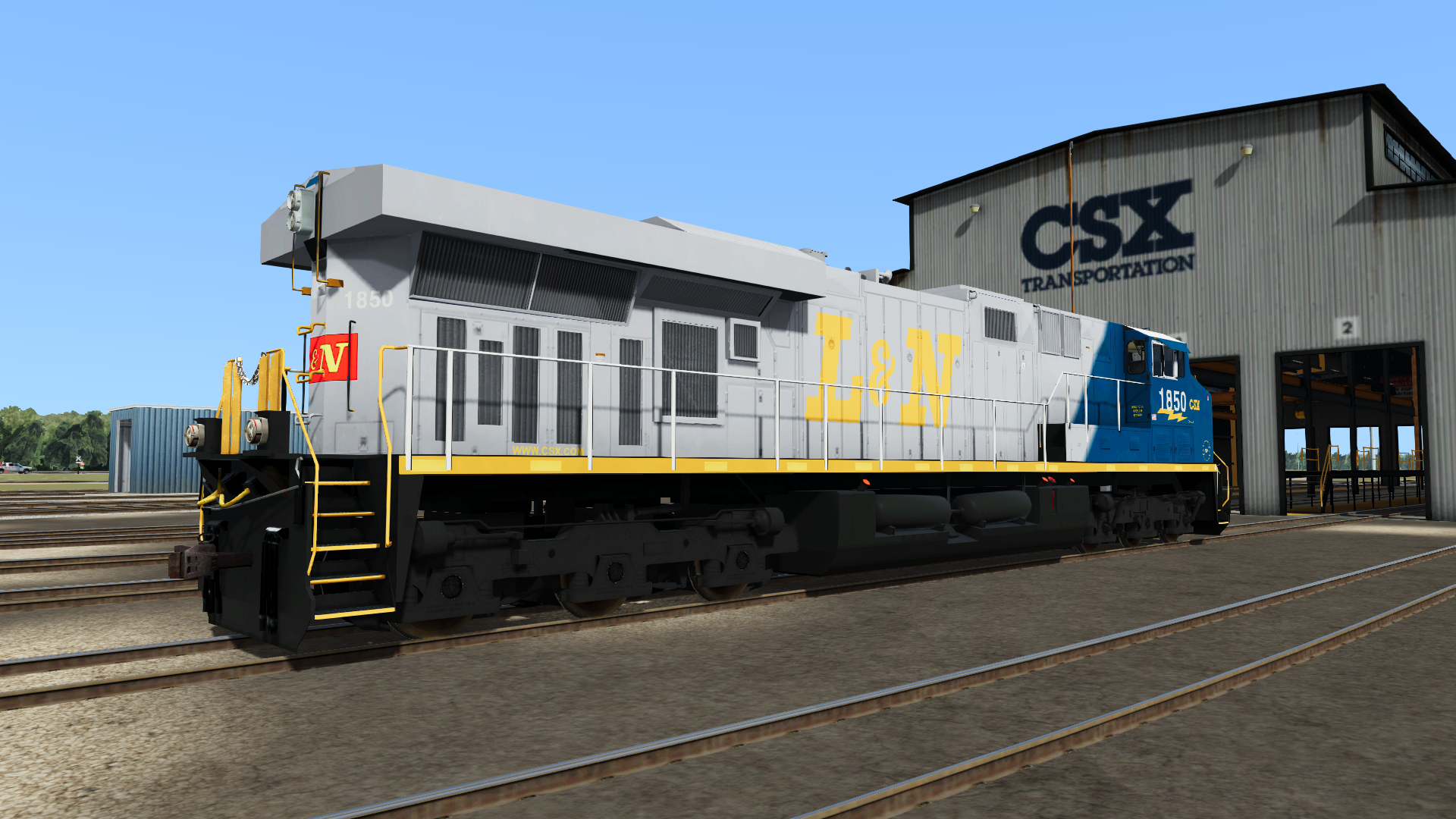
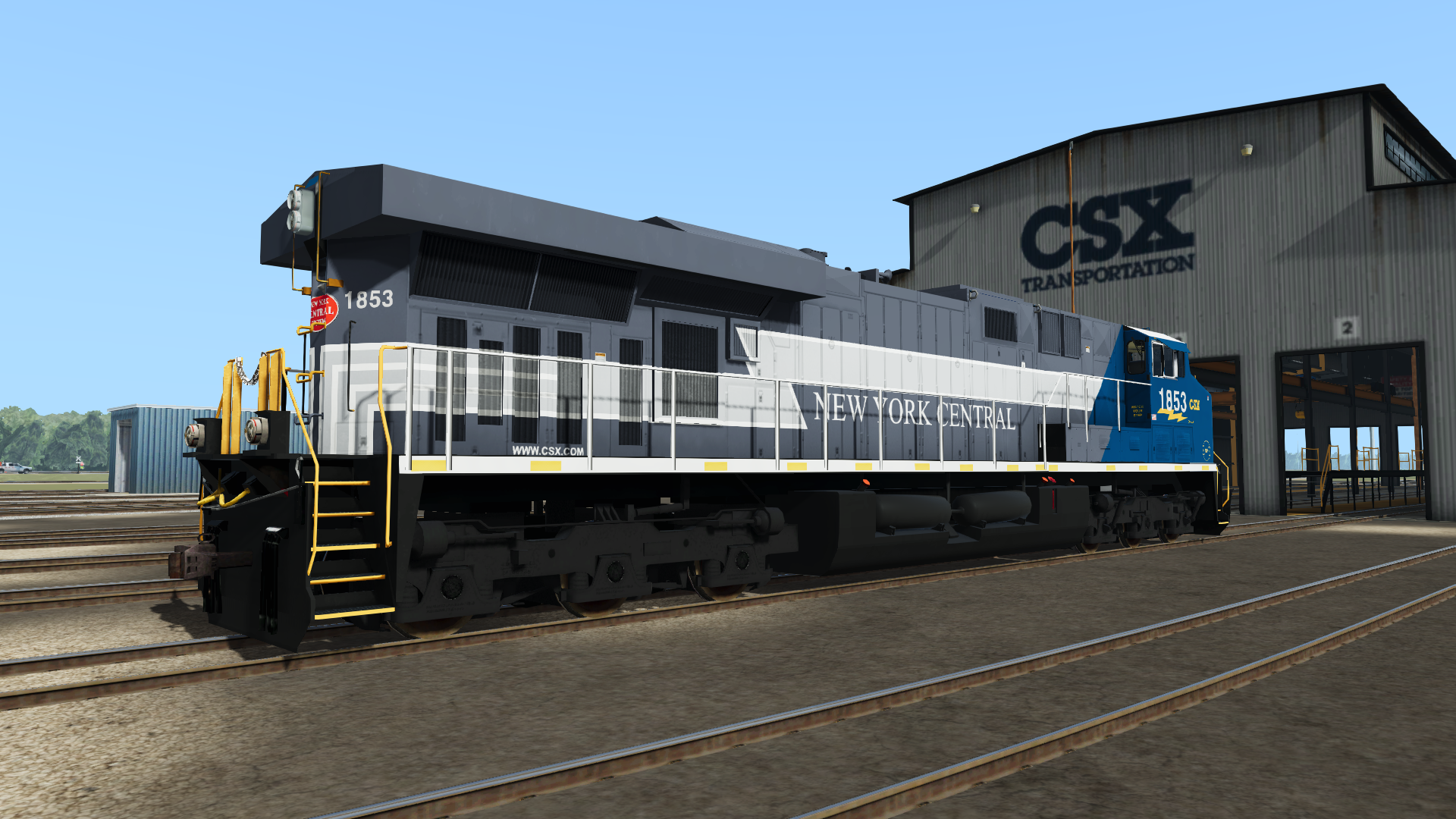
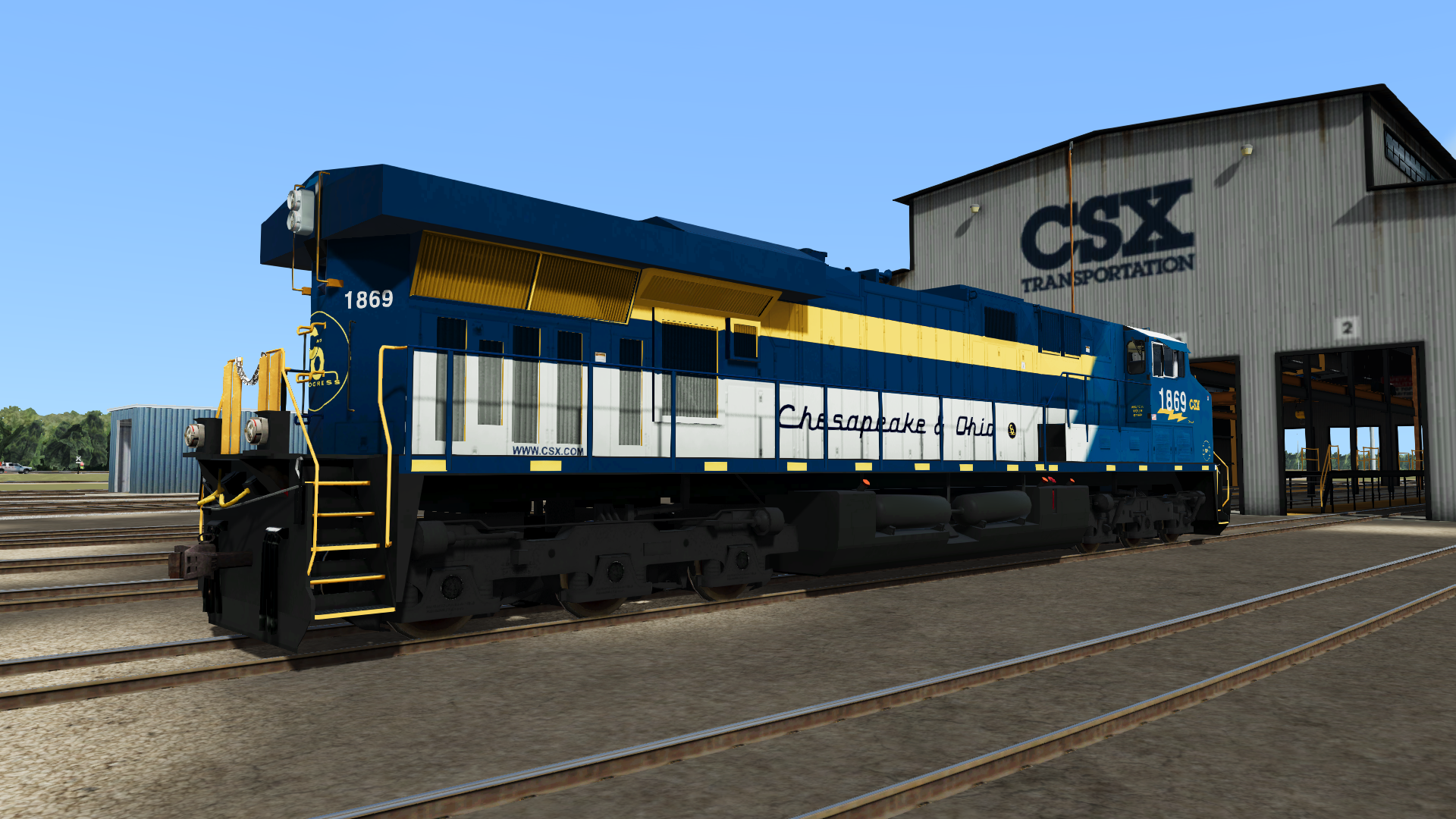
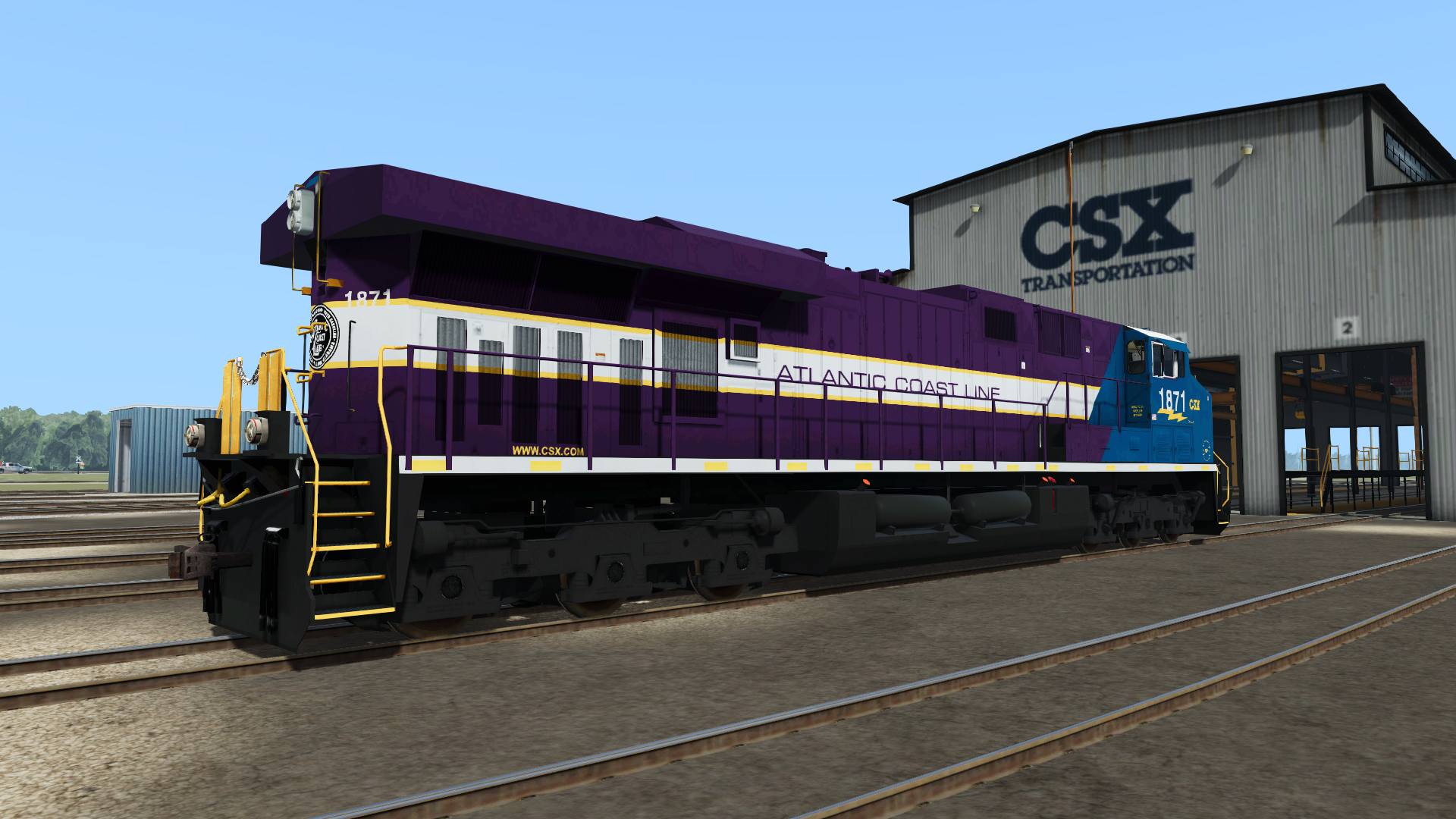
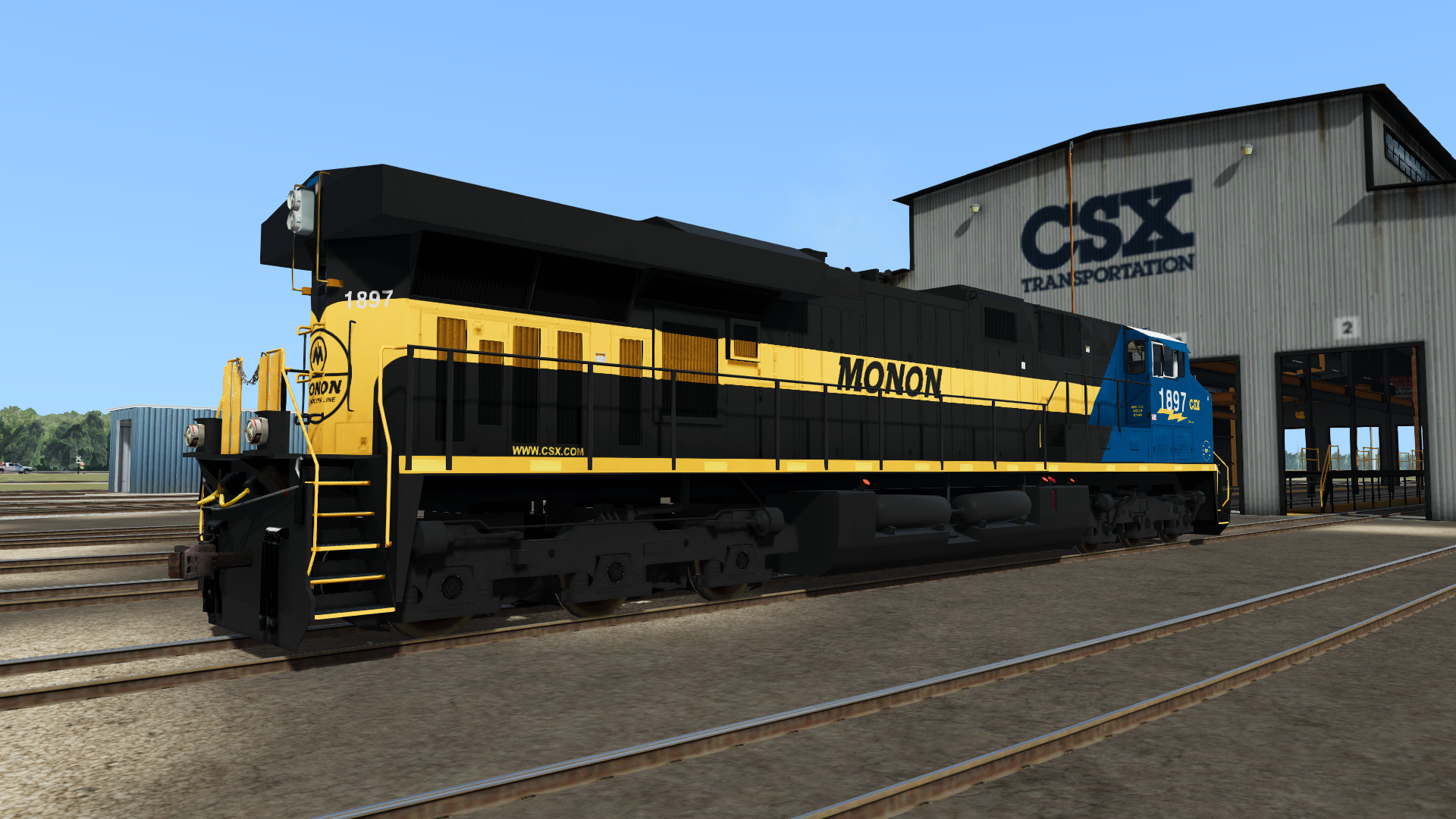
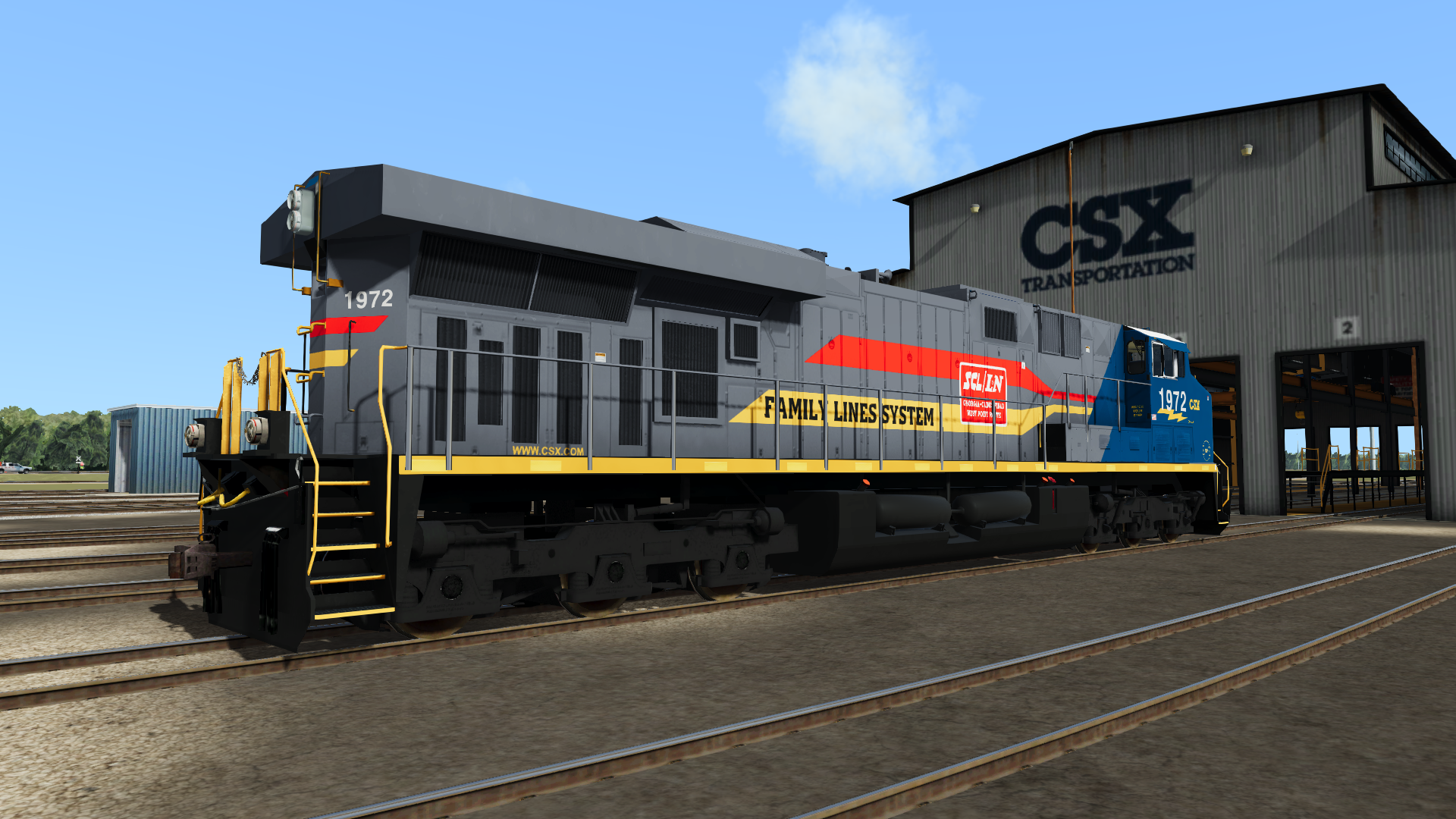
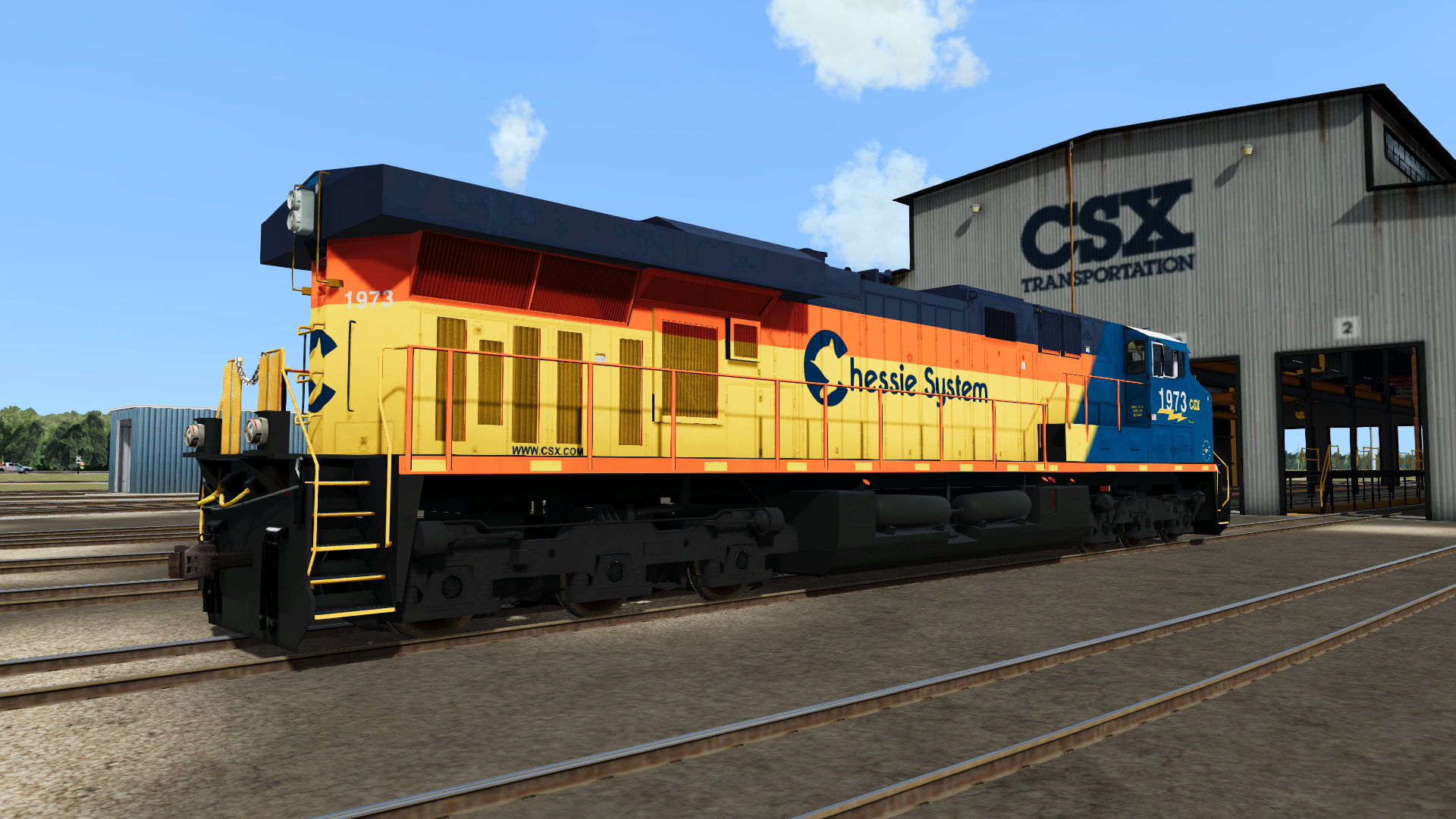
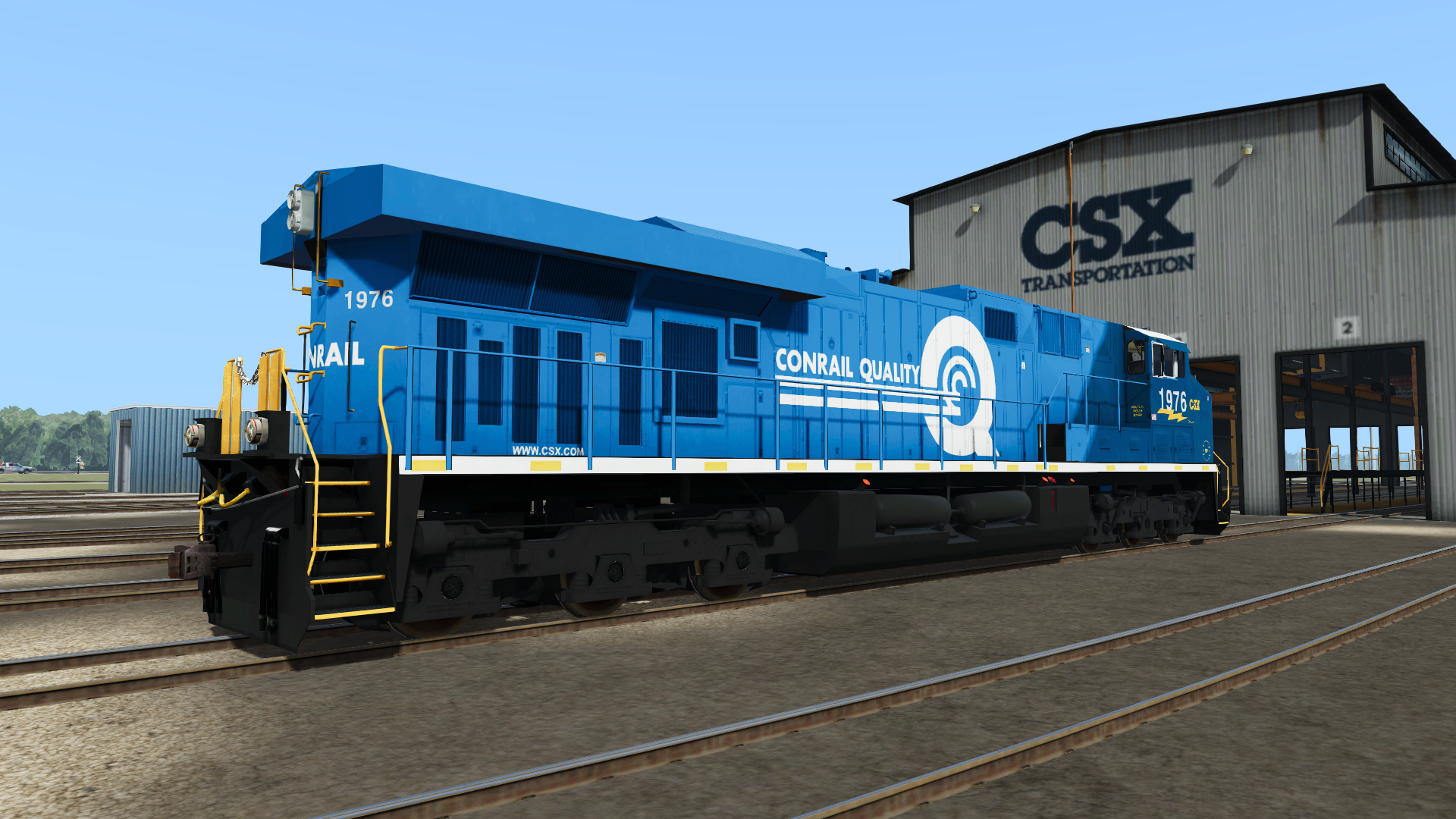
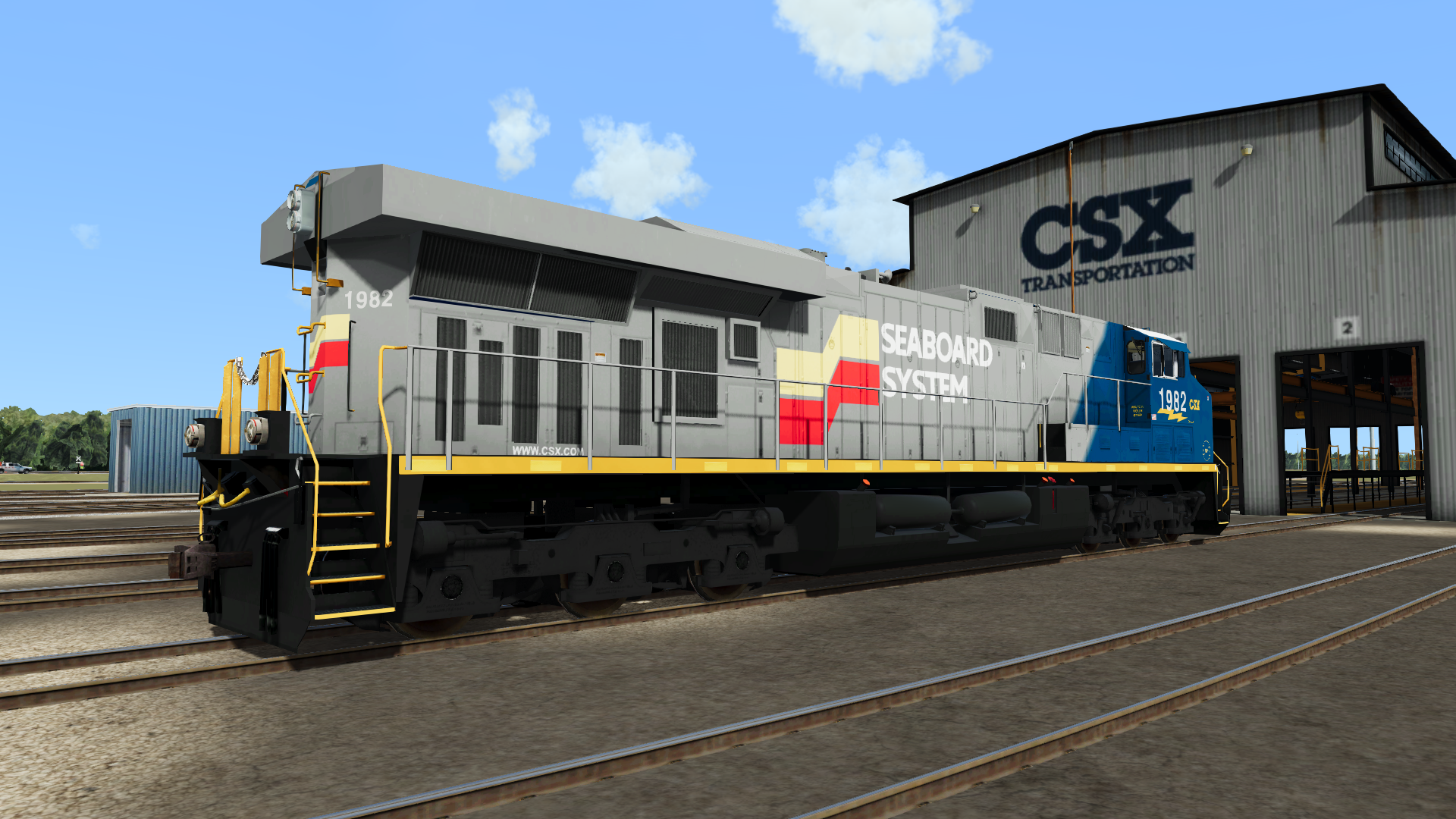
This pack brings the entire CSX heritage fleet to Run8, replacing the default SP ES44DC texture. Currently includes all 11 locomotives released out of Waycross as of April 1st, 2024:
CSX 1827 - Baltimore & Ohio
CSX 1850 - Louisville & Nashville
CSX 1869 - Chesapeake & Ohio
CSX 1871 - Atlantic Coast Line
CSX 1973 - Chessie System
CSX 1976 - Conrail
CSX 1982 - Seaboard System
UPDATE 4/2/24 - Added 4 additional heritage liveries:
CSX 1836 - Richmond, Fredericksburg, and Potomac
CSX 1853 - New York Central
CSX 1897 - Monon
CSX 1972 - Family Lines System
New repaints will gradually be added to the pack as they're officially revealed from CSX. Stay tuned for updates.
Tags: chessie conrail csx enhancement-pack es44ac expansion-pack family-lines-system gevo heritage heritage-unit heritageunit livery-pack north-america-reskin pack repaint reskin reskins run8
Installation Instructions
If you have experience installing repaints in Run8, you know what to do.
If this is your first time working with repaints, please keep in mind you can only use one paint scheme at a time for the SP ES44DC.
Navigate to C:(Your Drive)\Run8Studios\Run8 Train Simulator V3\Content\V3RailVehicles\Body and make a backup copy of 'Run8_ES44_Body_SP_0.TX8'
From this package, make a copy of the texture you'd like to use (e.g. Run8_ES44_Body_SP_0_CSX1827.TX8) and rename it to Run8_ES44_Body_SP_0.TX8
Move your copied file to V3RailVehicles\Body and replace the original when prompted.
To install the matching Black Trucks, copy the two files from this package to V3RailVehicles\Trucks and replace the originals.
You're good to go! In-game, you can renumber the locomotive by selecting it, then double clicking the road number at the top of the menu.
Files
Comments
About this mod

- Created
- 23 Dec 2023
- Updated
- 2 Apr 2024
- Game
- Run8


Loading comments…