Run8 V3 Pan Am Railways Pack
- by Fey96
- Downloaded 155 times
Description
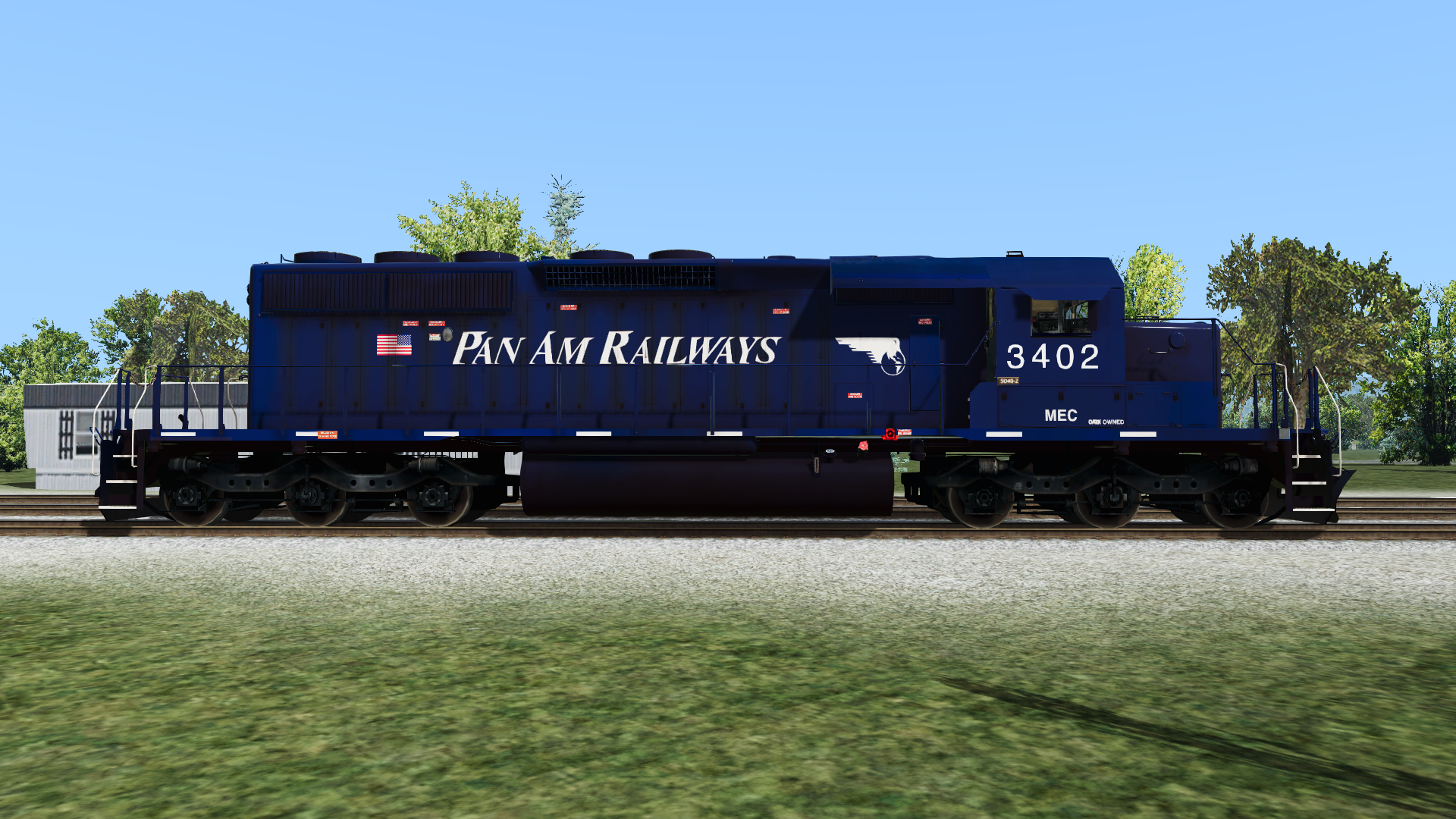
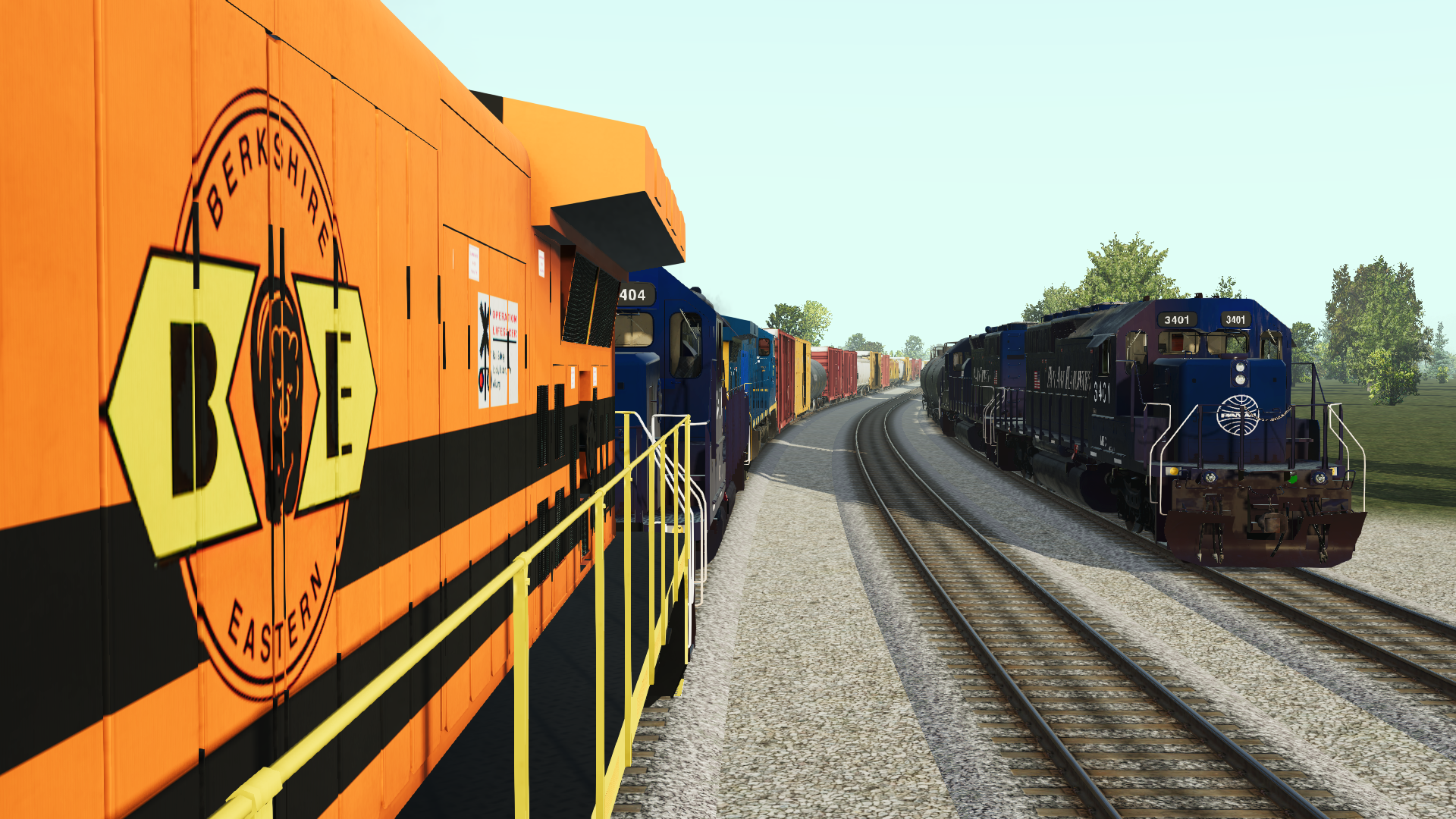
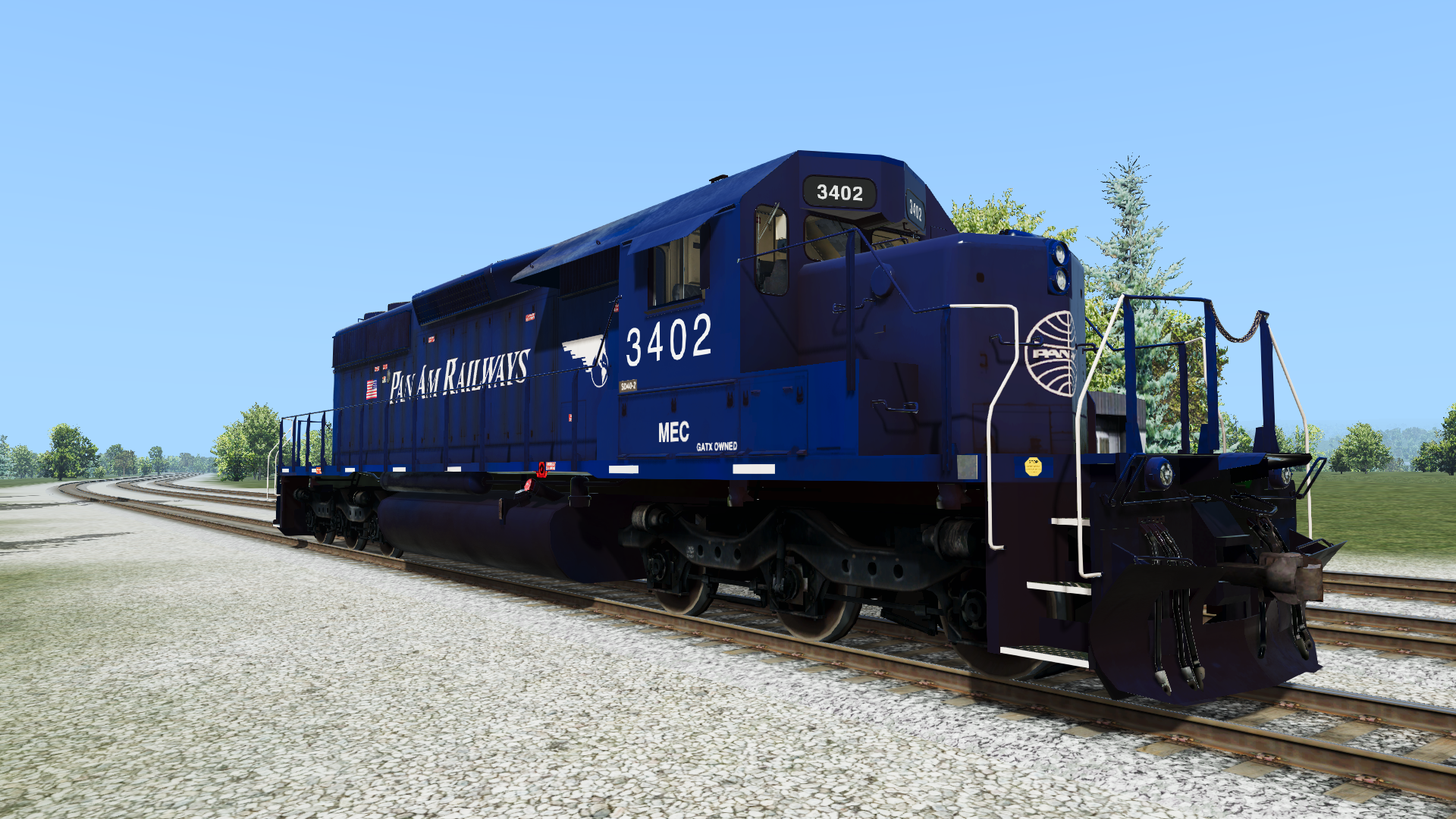
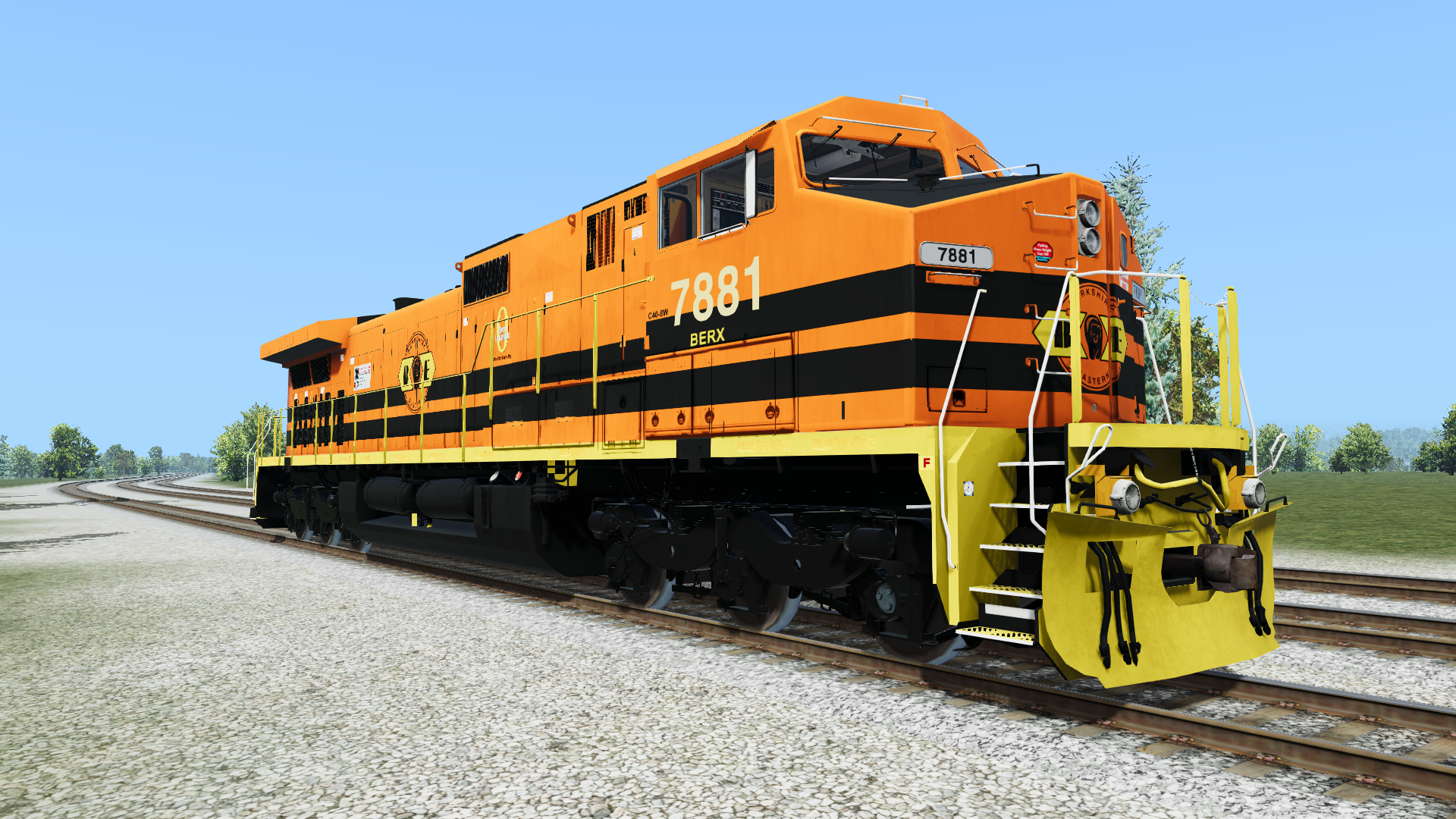
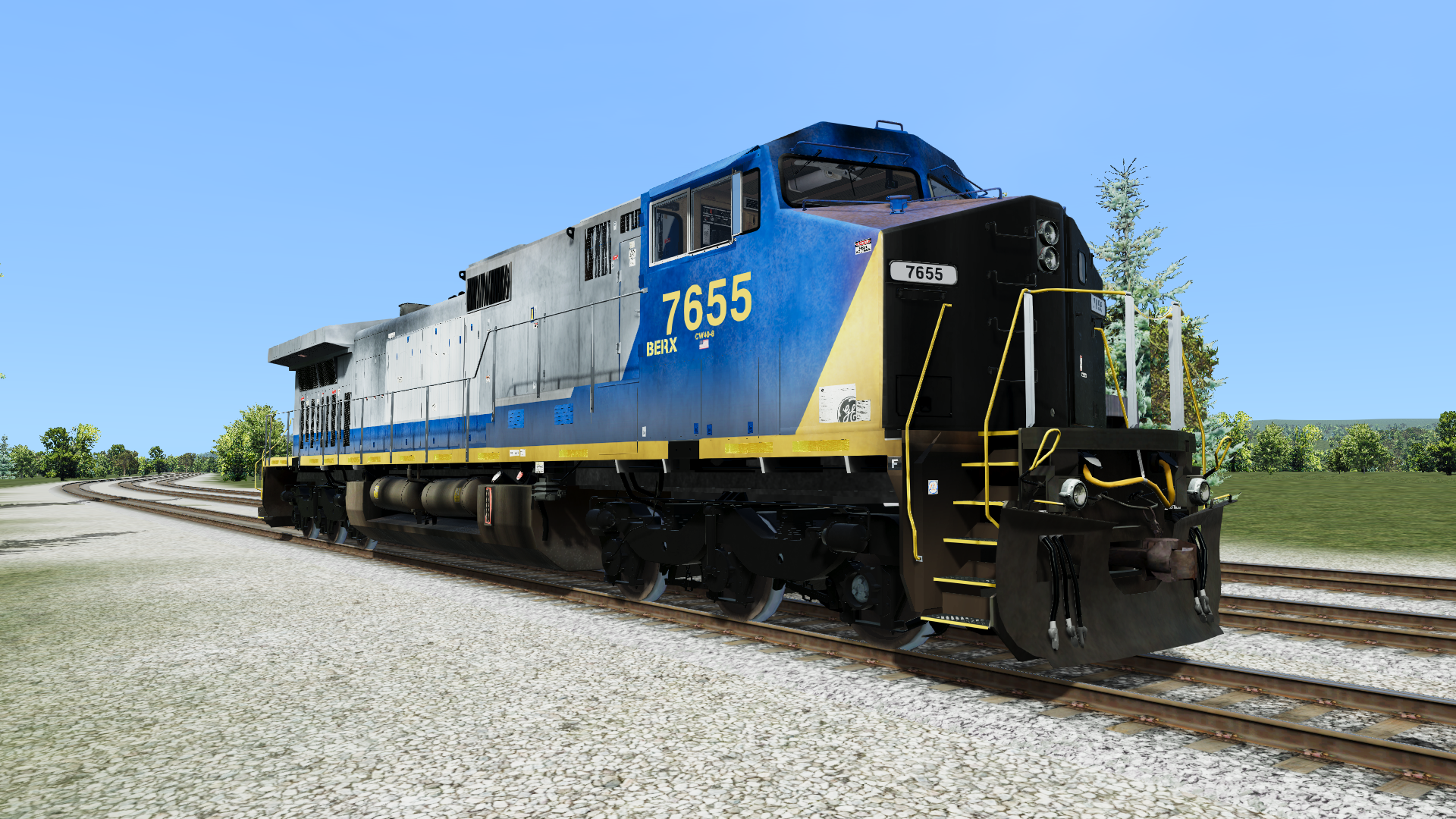
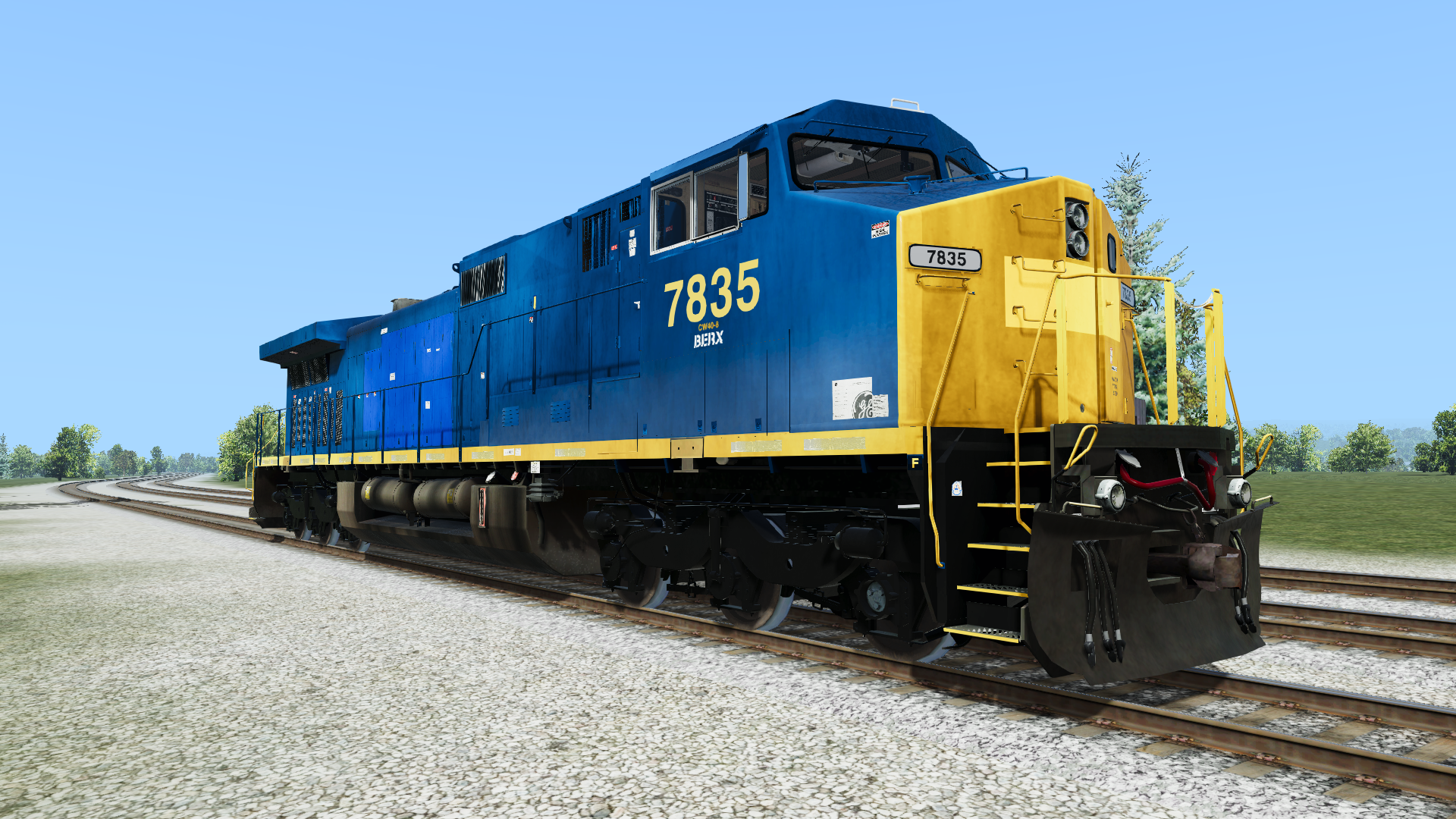
This pack contains 4 repaints of Pan Am Railway / Berkshire & Eastern locomotives:
-Pan Am SD40-2 (MEC 3400 - 3404)
-Berkshire & Eastern Dash 8-40CW (BERX 7880 / 7881)
-BERX YN2 Patch (based on BERX 7655)
-BERX YN3 Patch (generic patch)
Requries SD40-2 Pack 5 and Dash 9 Pack 3
Pan Am skin replaces R8 SD40-2 CN01
Berkshire & Eastern skin replaces R8 C449W CSX01
BERX Patch units replaces R8 C449W CSX02
Tags: dash-8 dash-9 run-8-train-simulator-v3 run-8-v3 run8 sd40-2
Installation Instructions
If you have experience installing repaints in Run8, you know what to do.
If this is your first time working with repaints, follow the steps carefully. Before installing, it is highly recommended to backup your original texture files located in: Run8Studios\Run8 Train Simulator V3\Content\V3RailVehicles\Body
Make a copy of the texture you'd like to use (e.g. R8_Dash9_44CW_Main_CSX01_BERX.TX8)
Rename the copied file to: R8_Dash9_44CW_Main_CSX01.TX8
Move the texture file to: C:(Your Drive)\Run8Studios\Run8 Train Simulator V3\Content\V3RailVehicles\Body
To install the matching trucks for the BERX Dash 8, rename the TX8 file to 'R8_Dash9_44CW_Truck_CSX01.TX8' an place it in your V3RailVehicles\Trucks folder.
You're good to go! You can renumber the locomotives in-game by selecting them, then double clicking the road number at the top of the menu.
Files
Comments
About this mod

- Created
- 21 Dec 2024
- Updated
- 21 Dec 2024
- Game
- Run8


Loading comments…