Union Pacific SD60m Triclops Flag
- by Kcsouthern32
- 2 upvotes
- Downloaded 367 times
Description
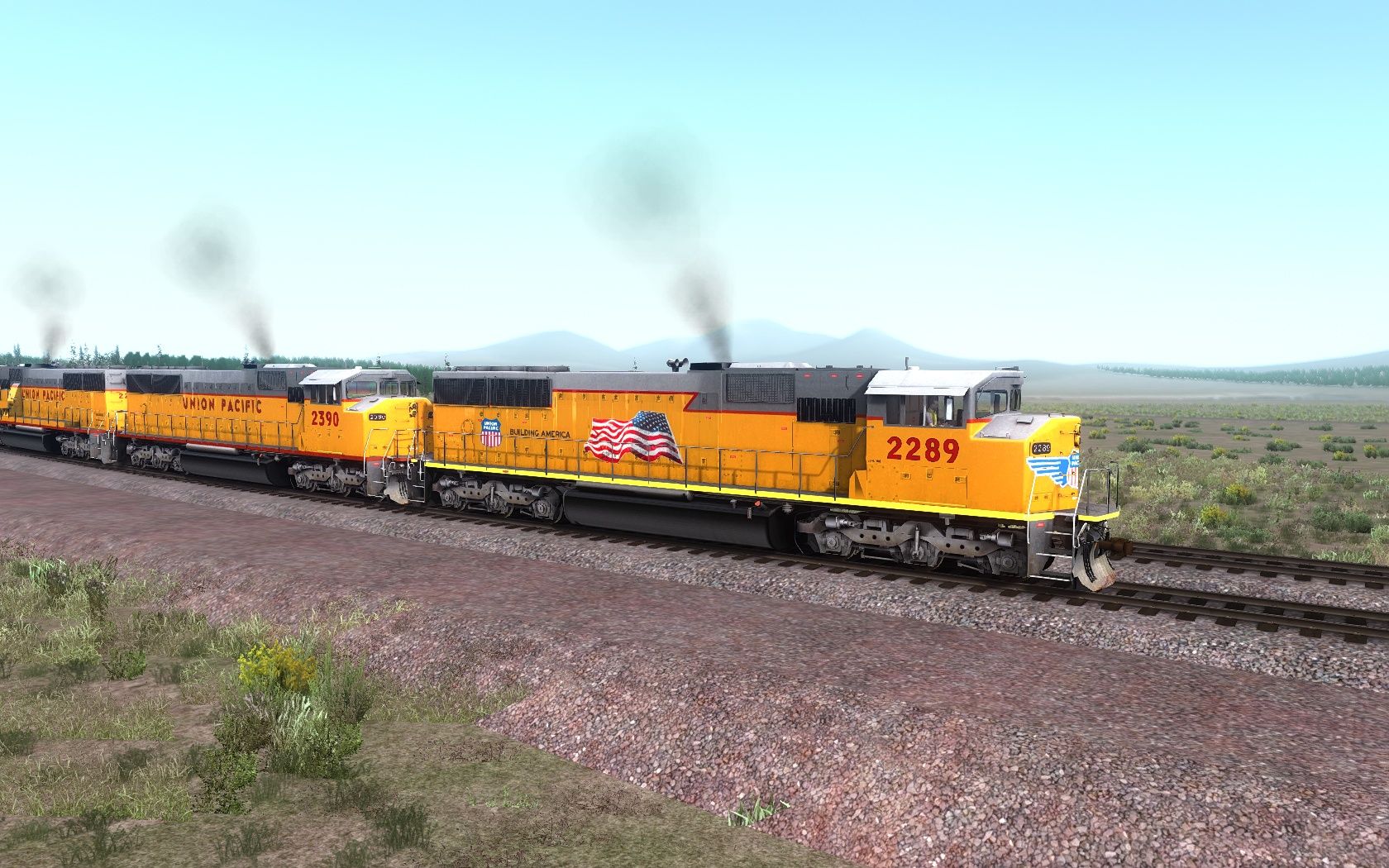
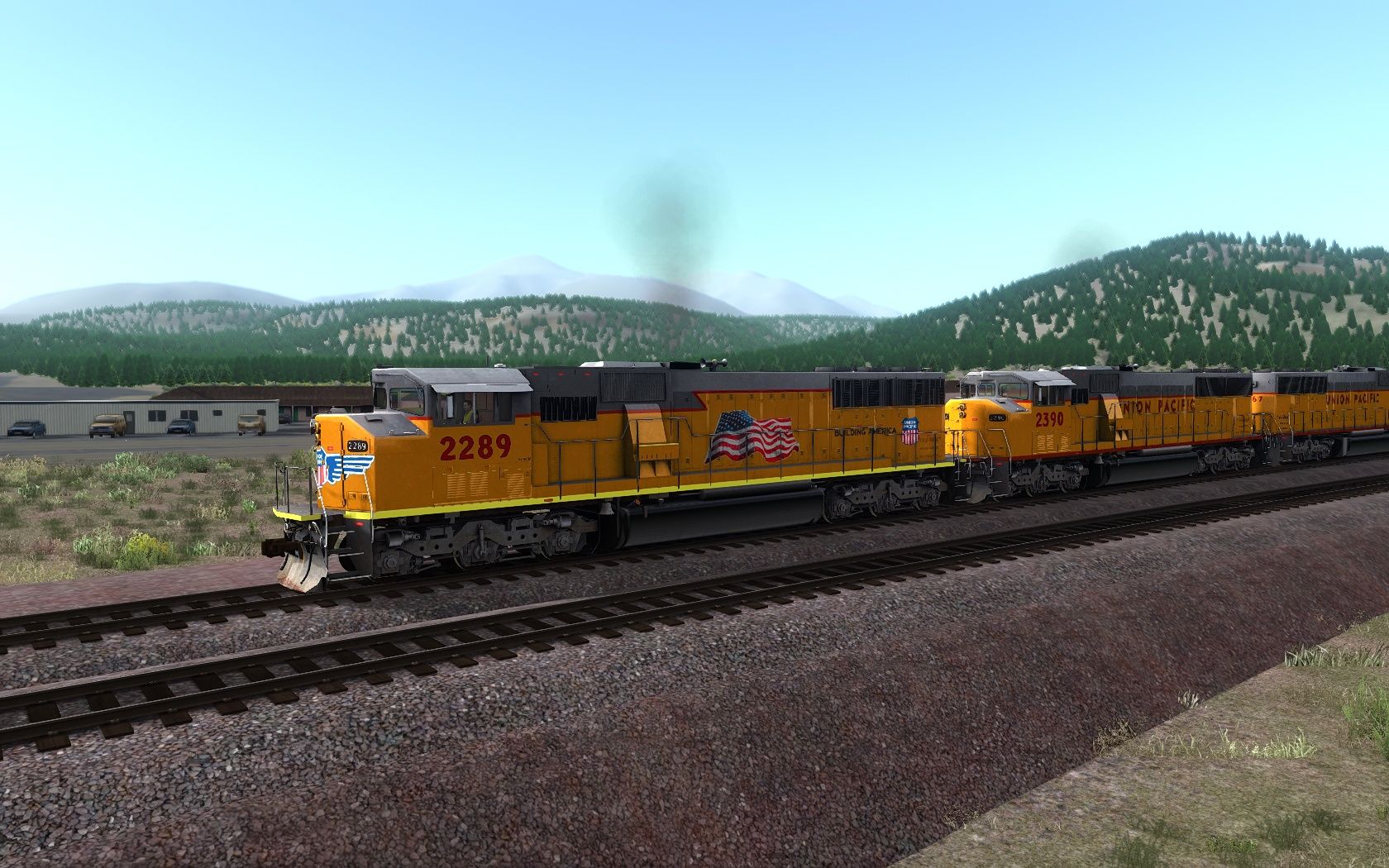
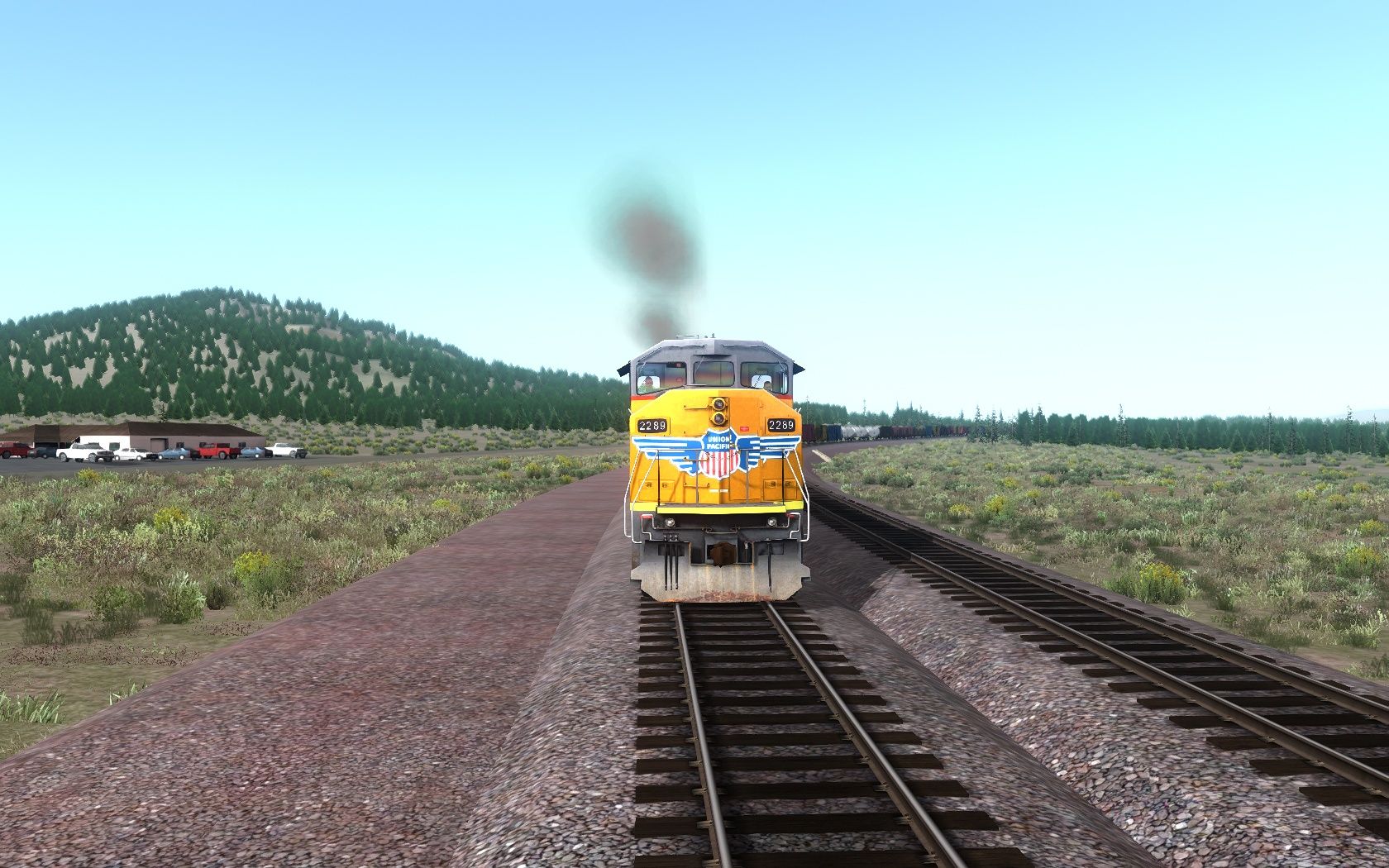
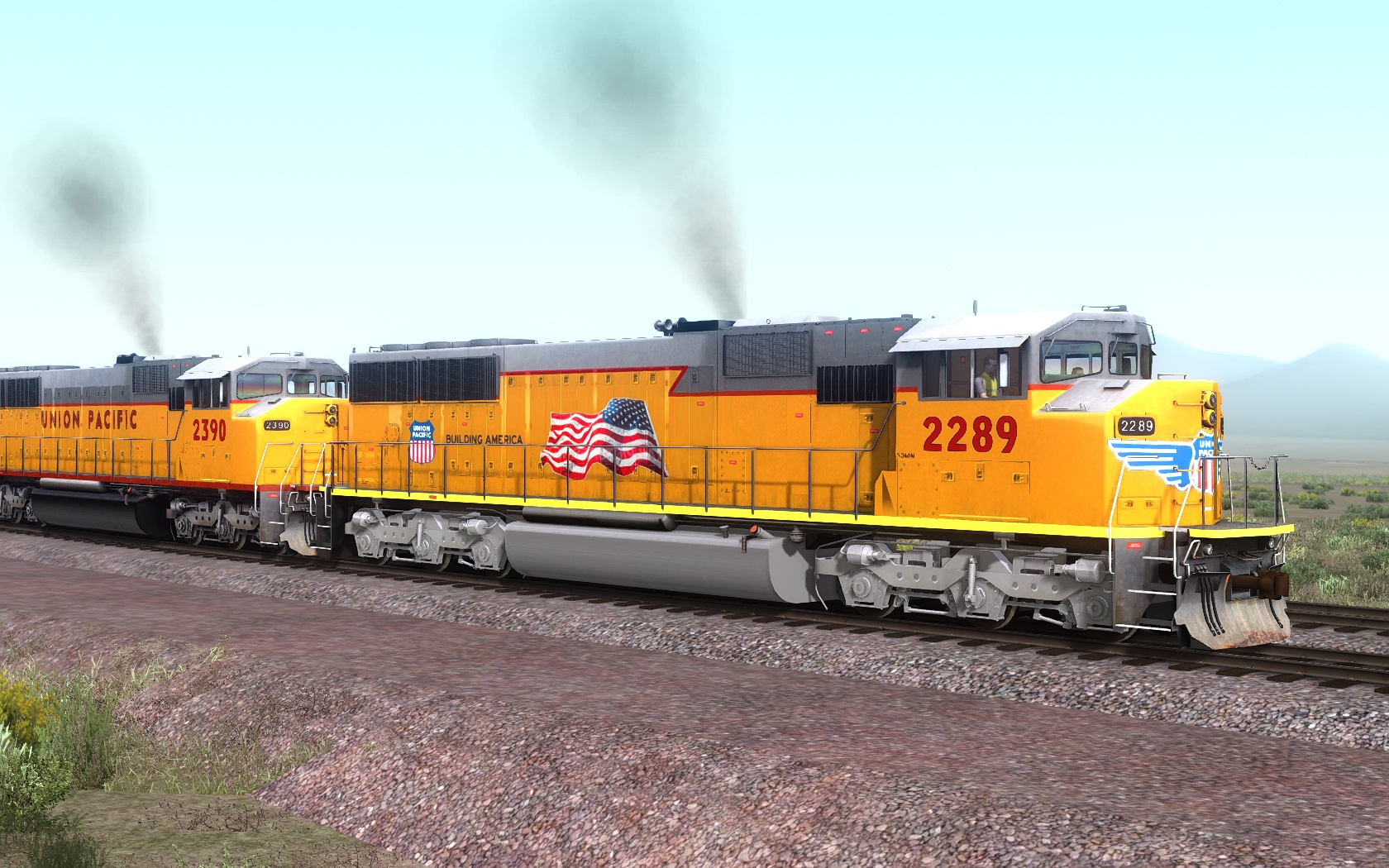
Thank you for downloading the UP SD60m Flag the original Payware SD60MPack01 package is required to use this reskin. It is retextured with a little more realism look
Requirements
Union Pacific SD60M Loco Add-On (Steam)
Installation Instructions
1.) Drop the "Assets" folder inside the "Railworks" folder into your TS2020 directory:
C:\Program Files (x86)\Steam\steamapps\common\RailWorks\
2.) Copy the SD60M_UP.Geo file from the Diesel Engine folder
C:\Program Files (x86)\Steam\steamapps\common\RailWorks\Assets\RSC\SD60MPack01\RailVehicles\Diesel\Engine
And paste into the UP_Flag folder
C:\Program Files (x86)\Steam\steamapps\common\RailWorks\Assets\RSC\SD60MPack01\RailVehicles\UP_Flag\Engine
Additional Comments
By KCSouthern32
Files
Comments
About this mod

- Created
- 18 May 2021
- Updated
- 20 May 2021
- Game
- Train Simulator Classic
- Type of content
- Reskin


Loading comments…