JR/SS SD40-2´s CSX Stealth #8174 & 8177
- by Jonasson Bacon
- Downloaded 211 times
Description
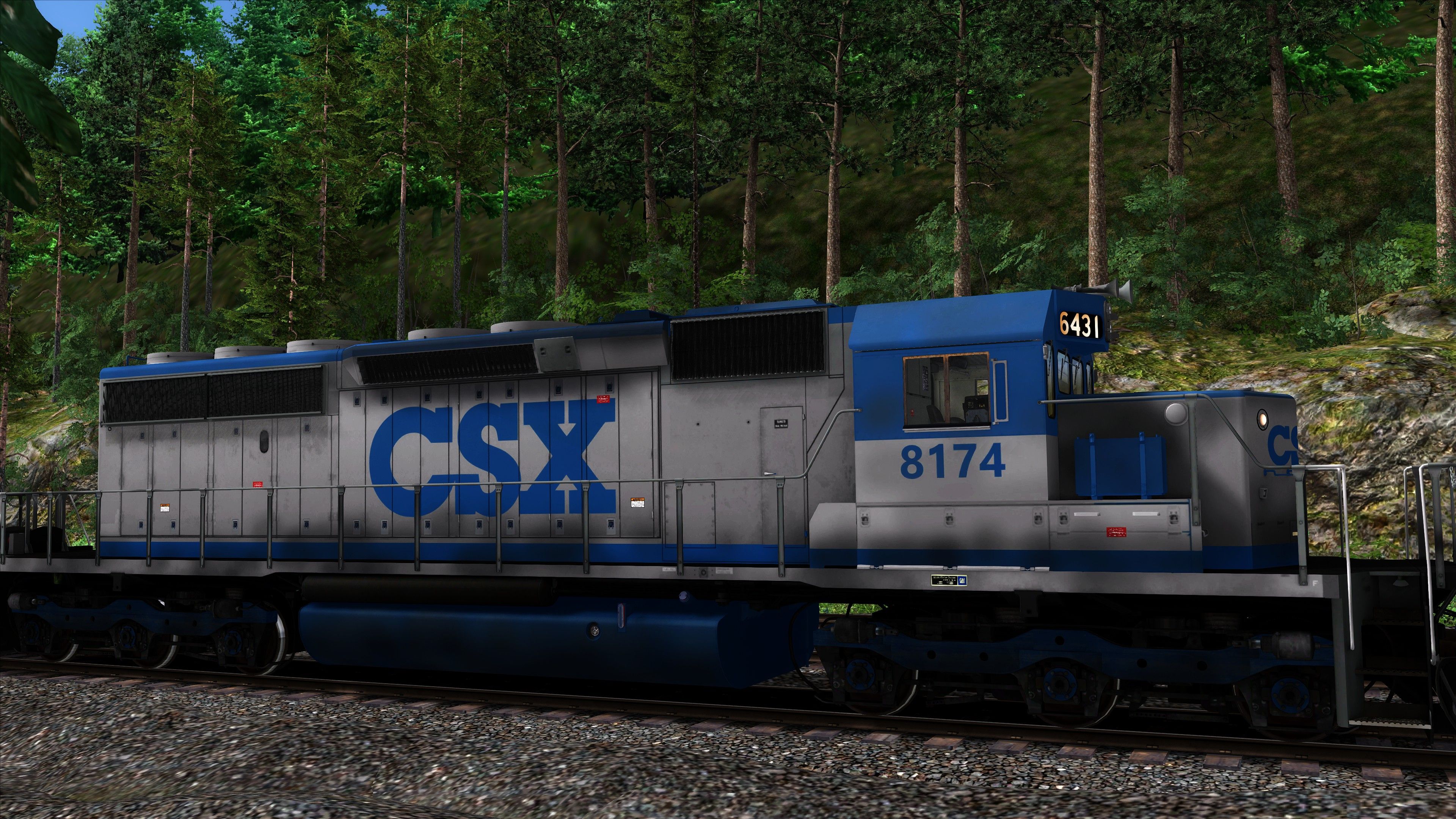
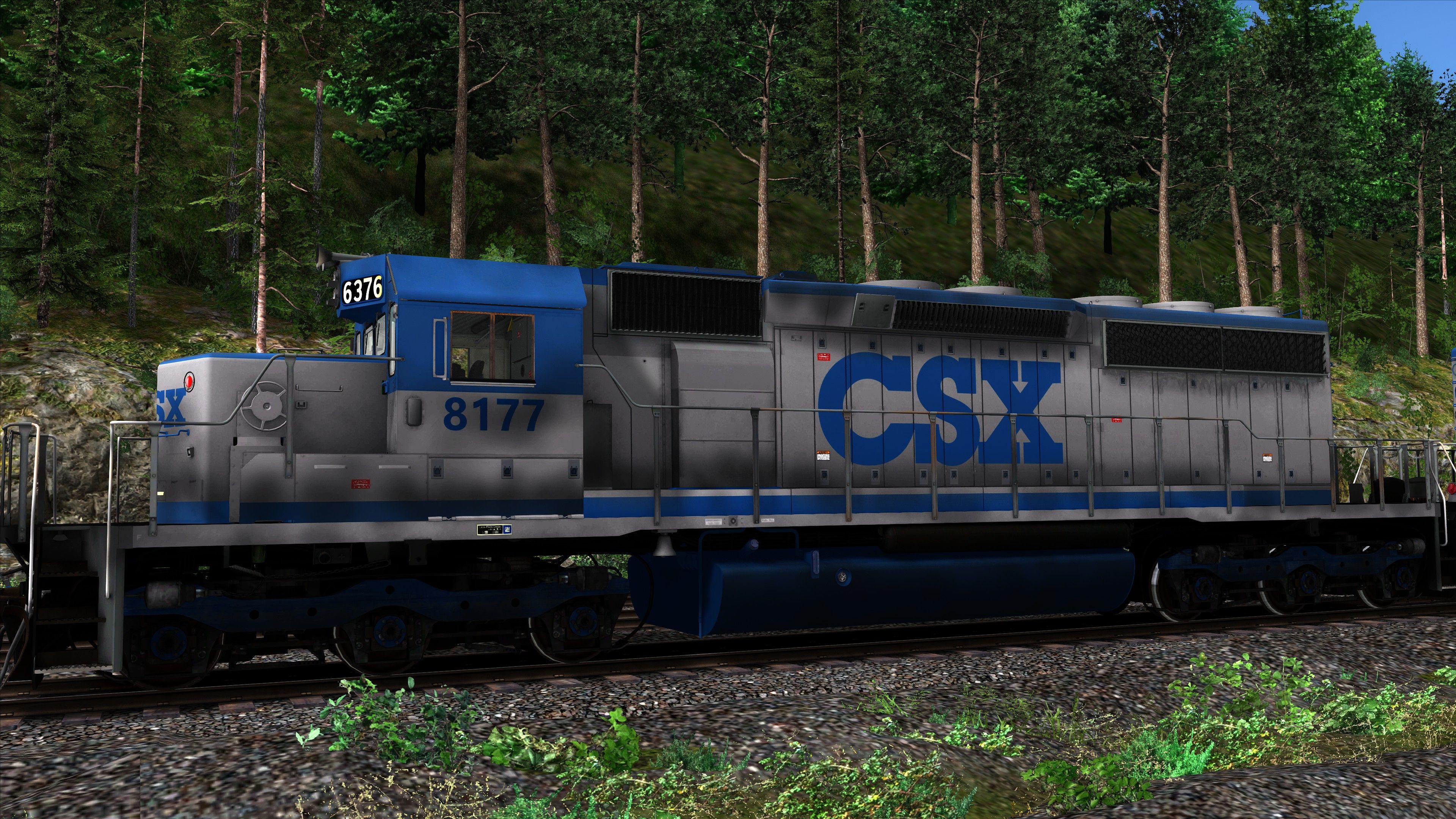
Requirements
In order for this repaint to work, you must have the JR/SS SD40-2 Conrail!
Installation Instructions
1.Drag the included "Assets" folder into your main Railwork directory, example path:
C:\Program Files (x86)\Steam\steamapps\common\RailWorks
2.Copy all the ".GeoPcDx" files from the CR "Engine" folder, path:
Assets\SearchlightSimulations\EMD\JRSD40-2\RailVehicles\Diesel\CR\Engine...
...and paste the files into the CSX8174 & CSX8177 "Engine" folders.
3.Copy all the ".GeoPcDx" files from the CR "Cabview" folder, path:
Assets\SearchlightSimulations\EMD\JRSD40-2\RailVehicles\Diesel\CR\CabView...
...and paste them into the CSX8174 & CSX8177 "Cabview" folders.
Copy the folder called "Scripts" from the "CR" folder and paste it into the "CSX8174 & CSX8177" folders.
Now u are ready to go.
Additional Comments
If you want to contact me, visit my Facebook profile: https://www.facebook.com/jonasson.bacon/
Files
Comments
About this mod

- Created
- 19 Nov 2020
- Updated
- 19 Nov 2020
- Game
- Train Simulator Classic
- Type of content
- Reskin


Loading comments…