UP ES44AC Revamp Set (Searchlight Simulations Compatible only)
- by Monchito5
- 2 upvotes
- Downloaded 1,779 times
Description
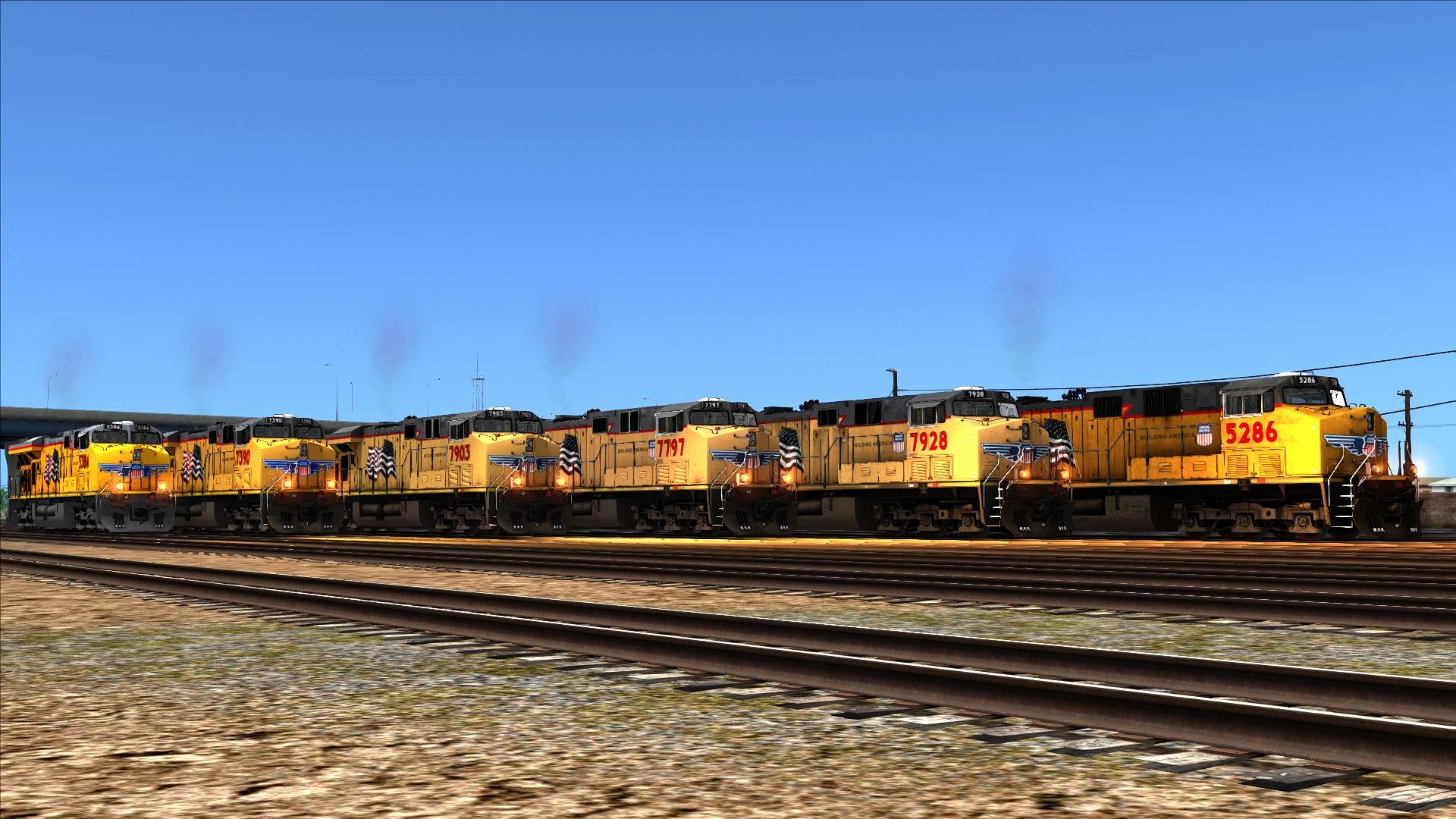
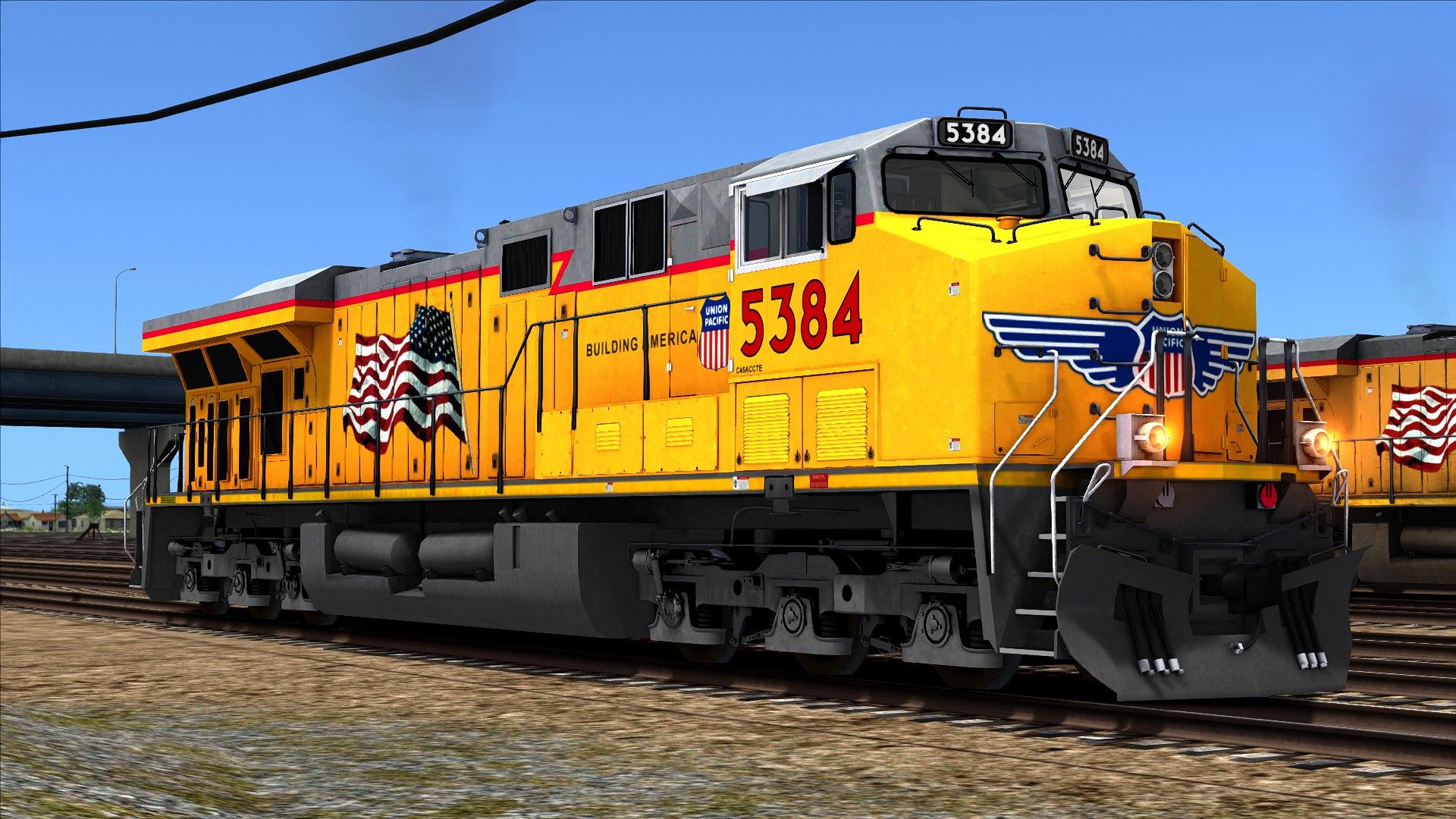
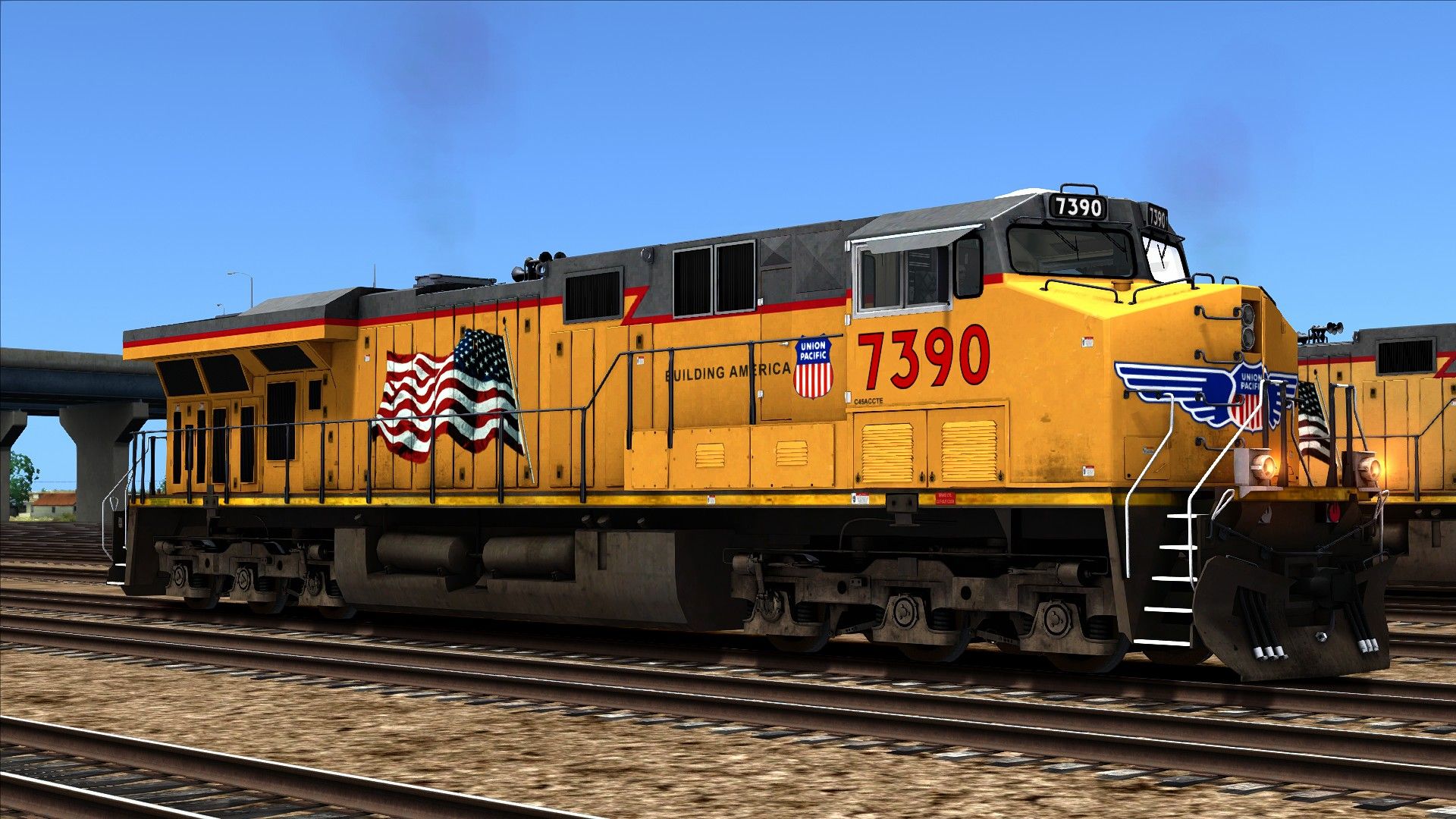
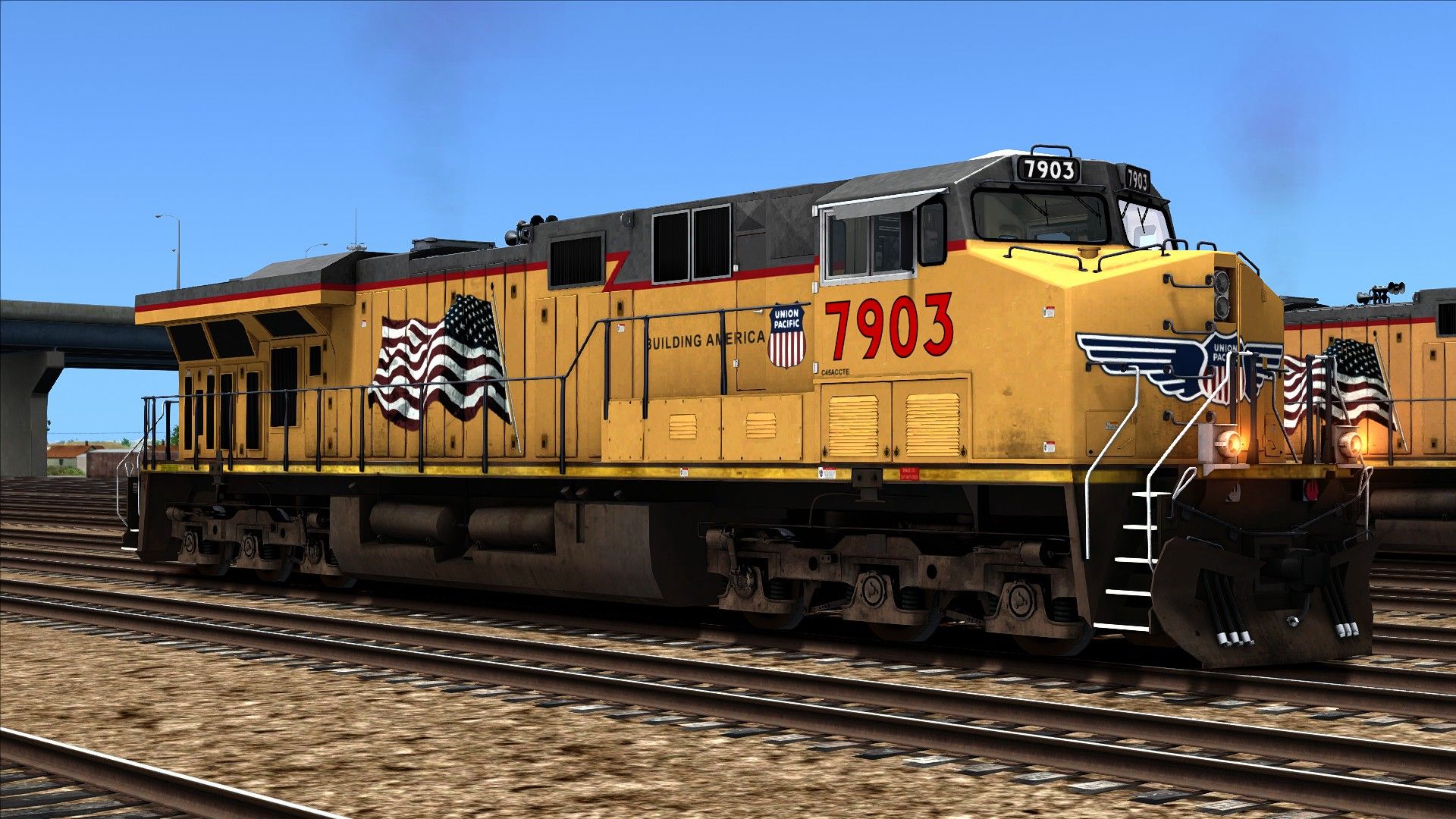
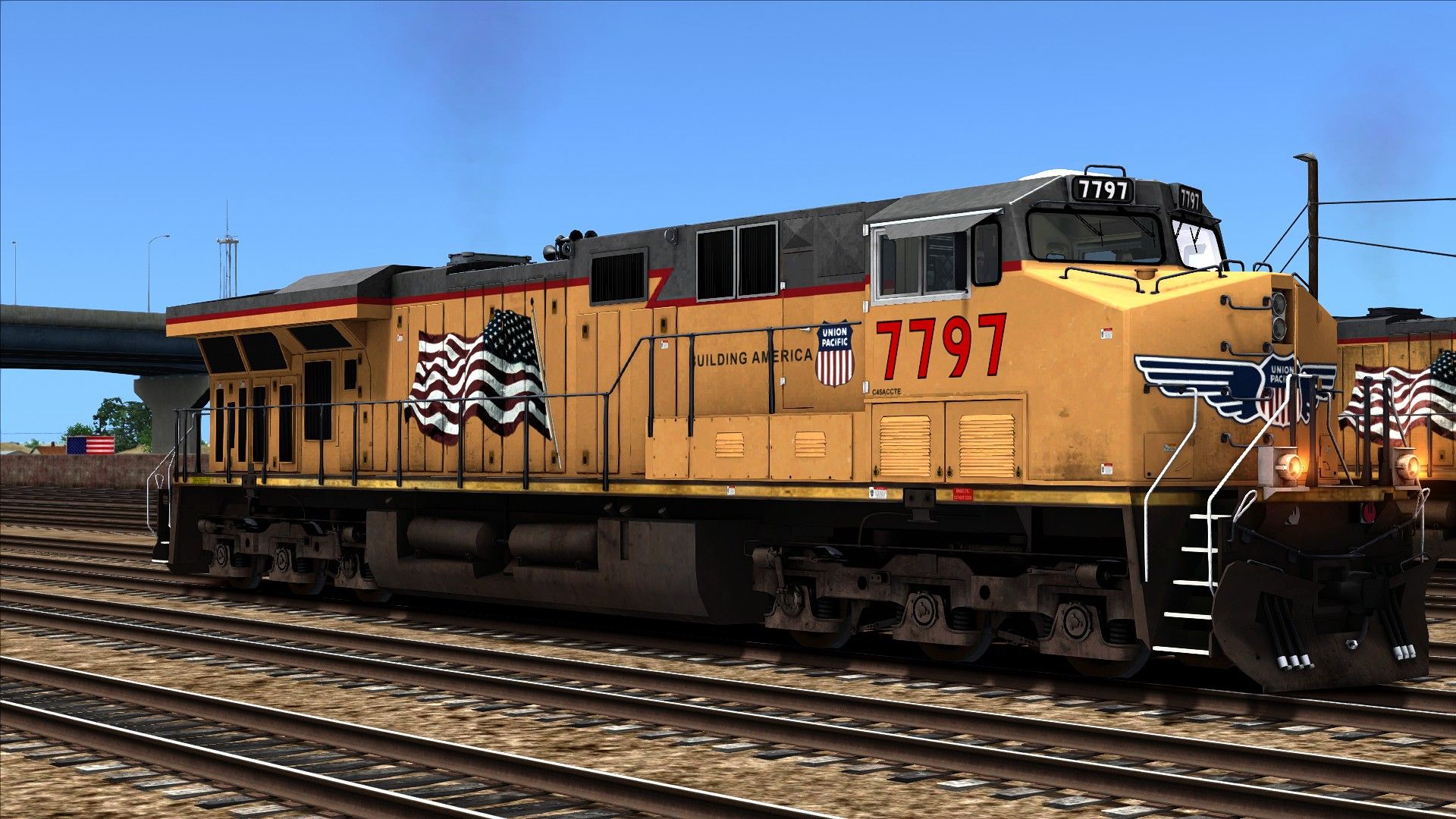
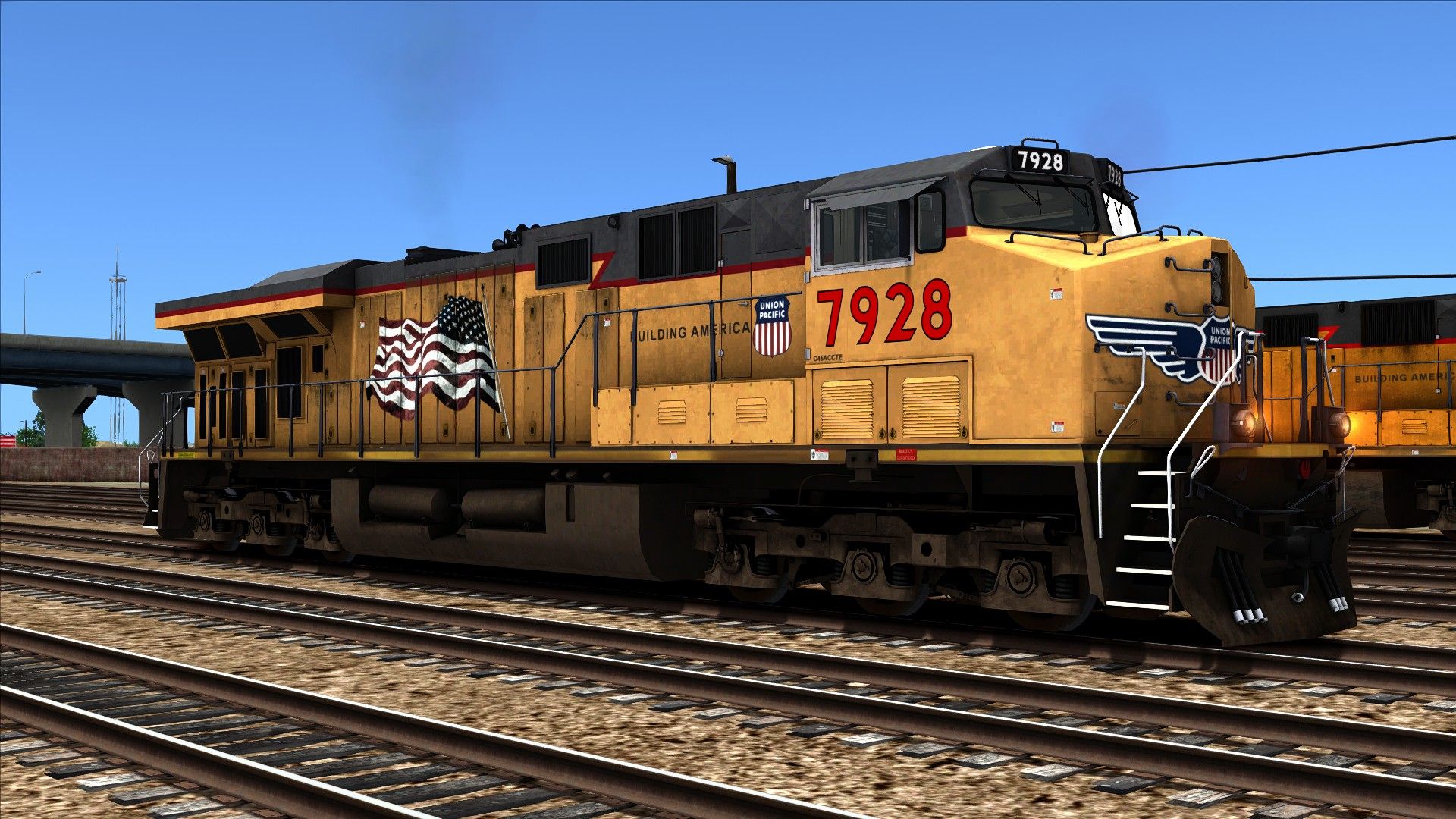
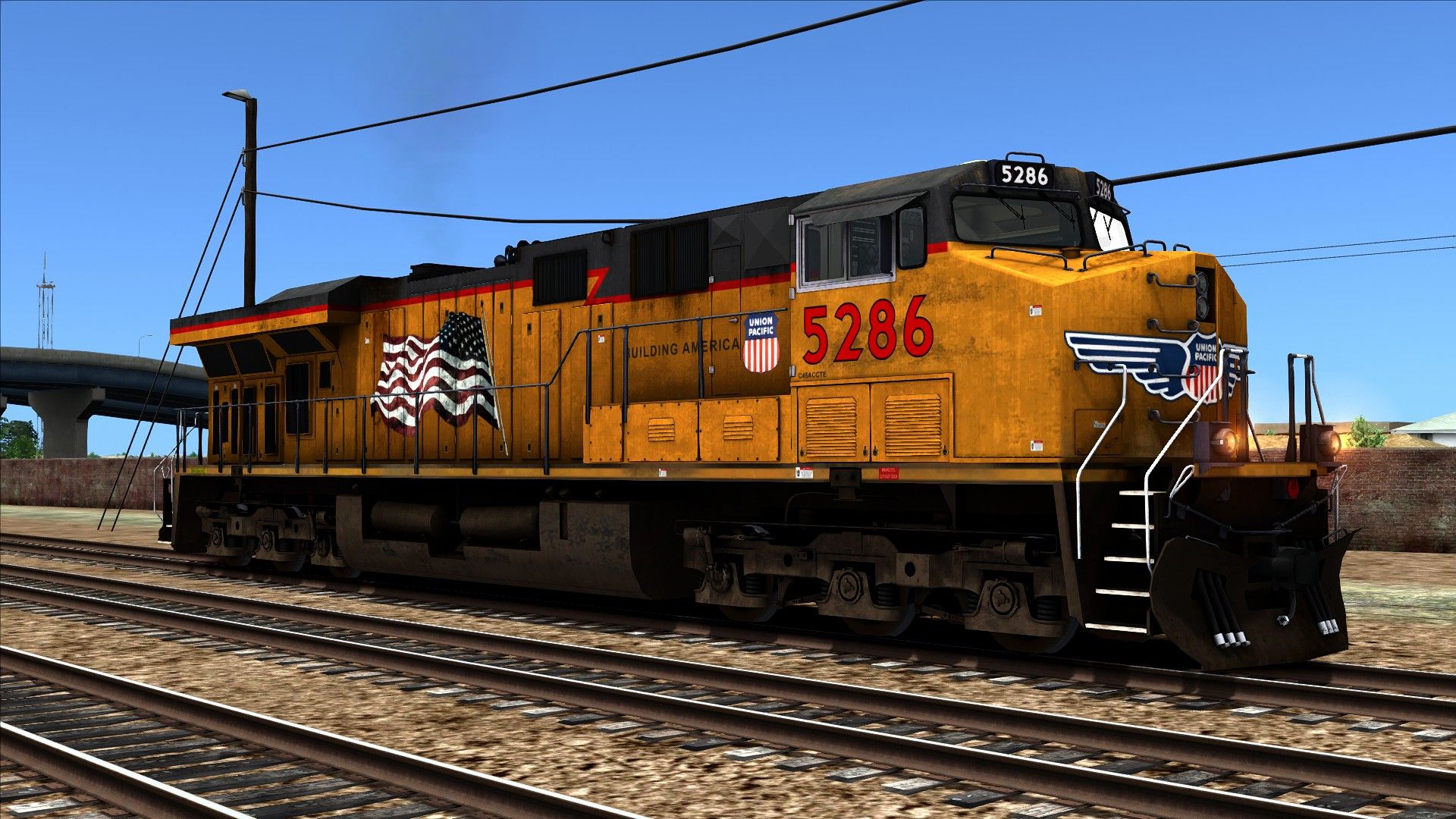
This set includes new textures for the Default UP ES44 aswell as 5 other engines with their own texture improvments
Tags: es44ac union-pacific up
Requirements
Sherman Hill Route Add-On: https://store.steampowered.com/app/208286/Train_Simulator_Sherman_Hill_Route_AddOn/
MLW GEVO-12 Enhancement Pack from Searchlight Simulations: https://www.store.searchlight-simulations.com/ge-gevo-12-enhancement-pack
Installation Instructions
Step 1:
Drag the Assets folder into your main Railworks folder
Step 2:
Go to Assets\RSC\ShermanHill\RailVehicles\Diesel\ES44AC\Default\Engine and copy SH_ES44.GeoPcDx
Paste into Assets\RSC\ShermanHill\RailVehicles\Diesel\ES44AC\Default Clean\Engine
Step 3:
Go to Assets\RSC\ShermanHill\RailVehicles\Diesel\ES44AC\Default\CabView and copy es44ac_cab.GeoPcDx
Paste into Assets\RSC\ShermanHill\RailVehicles\Diesel\ES44AC\Default Clean\CabView
Repeat Step 2 and 3 for Default Faded, Sun Baked, Weathered and Weathered 2
Note: Defeault doesn't need any Geo files, its just new Textures for the Default UP ES44
Locomotives will appear the same way as the Default UP ES44, for example "SH ES44AC UP - Clean, Faded, Sun Baked, Weathered and Weathered 2
Files
Comments
About this mod

- Created
- 13 Oct 2021
- Updated
- 13 Oct 2021
- Game
- Train Simulator Classic
- Type of content
- Reskin
- NA Operator
- UP - Union Pacific


Loading comments…