Brownsville & Rio Grande Sw1500 Switcher
- by Kcsouthern32
- 1 upvote
- Downloaded 100 times
Description
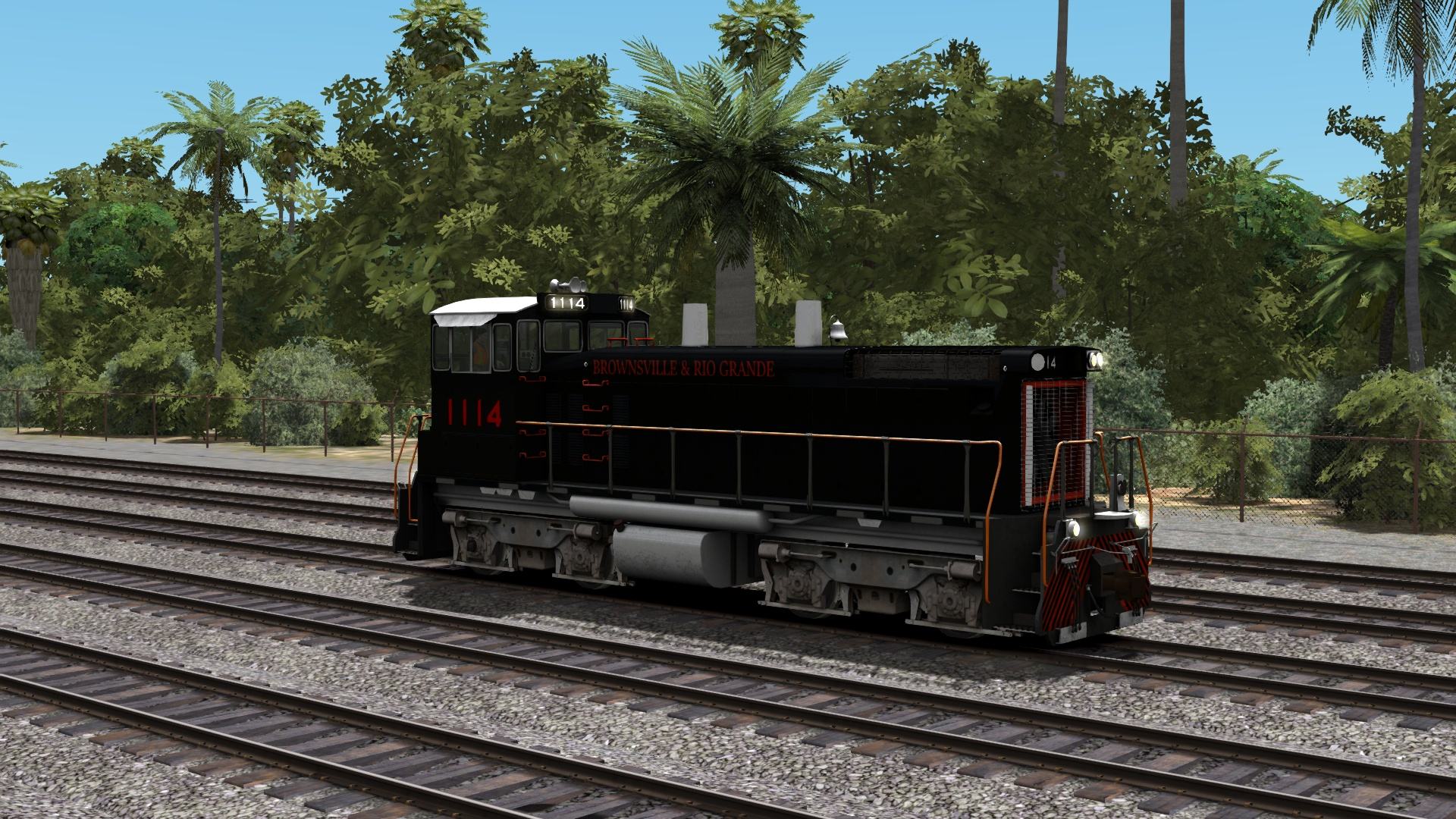
Thanks for downloading my BRG Sw1500
Requirements
you must own Train Simulator: Train Simulator: SW1500 Switcher Loco Add-On from steam
Installation Instructions
1.Drag and drop the assets fold into the Railworks folder
2.Go into the SW1500Pack01 folder and copy the SW1500_01.GeoPcDx file from the Default Engine folder and place it in the BRG Engine folder (Railworks\Assets\RSC\SW1500Pack01\RailVehicles\Diesel\SW1500\BRG\Engine).
Files
Comments
About this mod

- Created
- 15 Oct 2021
- Updated
- 15 Oct 2021
- Game
- Train Simulator Classic
- Type of content
- Reskin
- NA Operator
- Other


Loading comments…