NS Heritage SD70Ace's Weathered (Searchlight Simulations compatible only)
- by Monchito5
- 4 upvotes
- Downloaded 548 times
Description
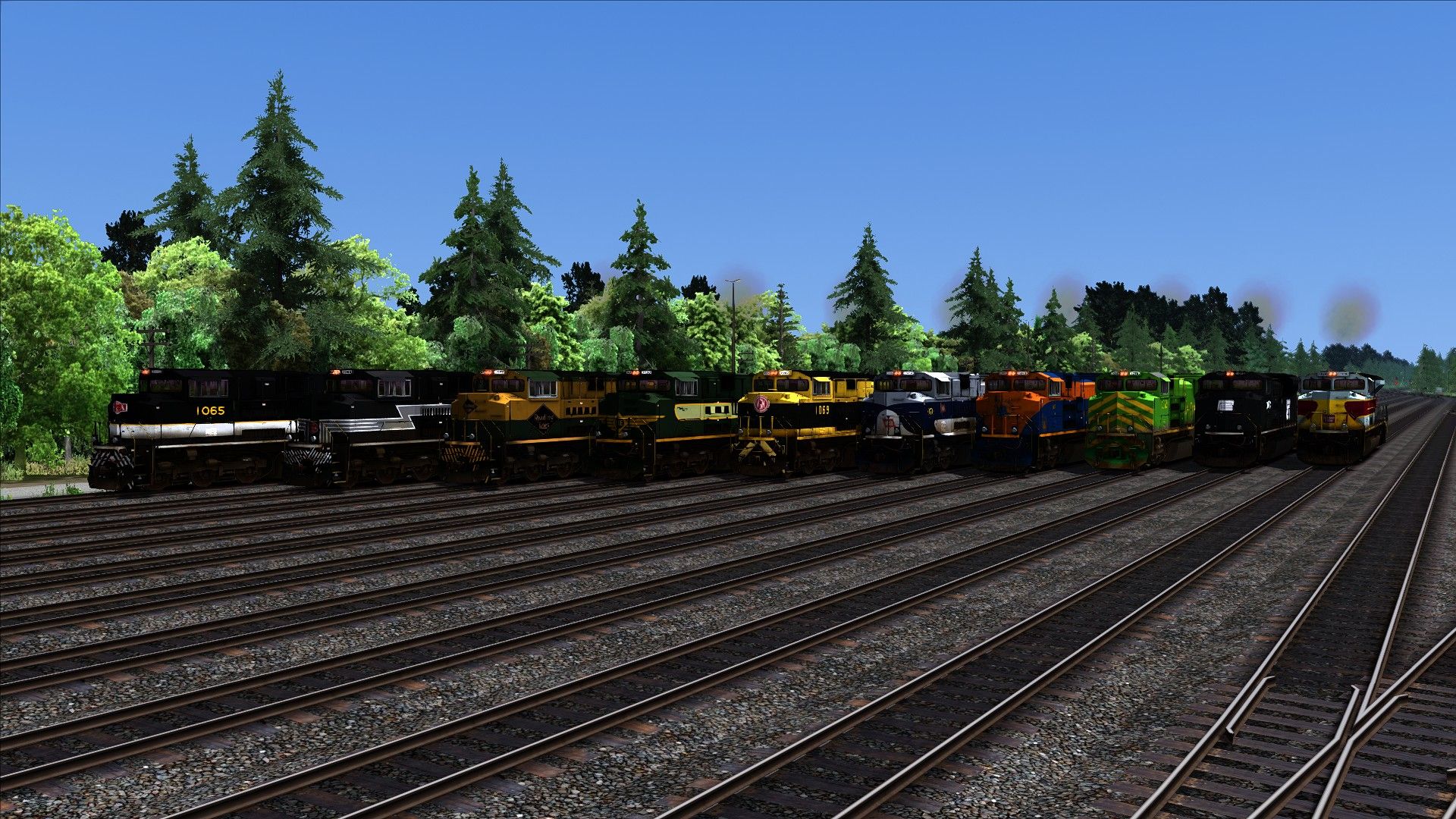
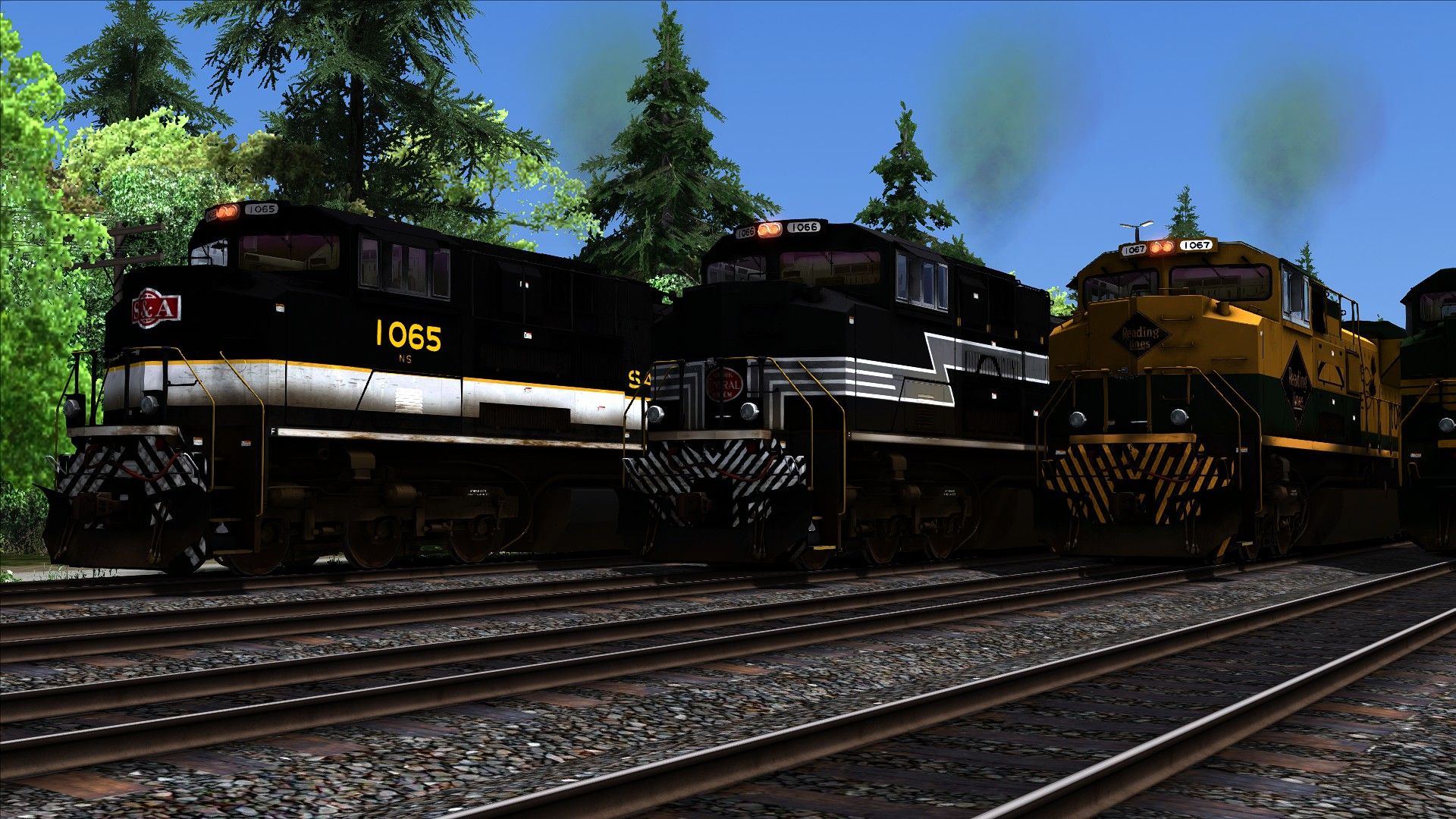
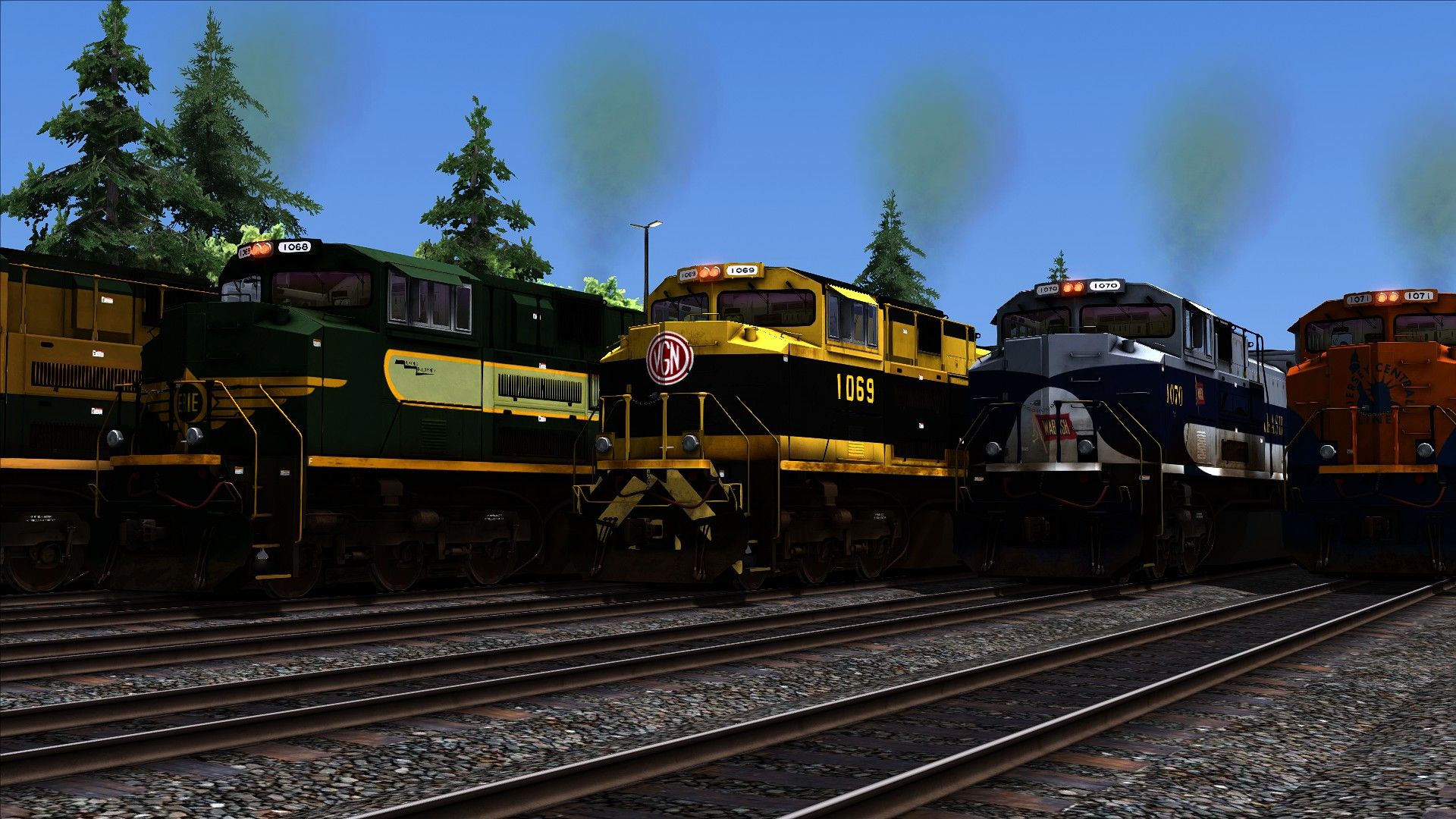
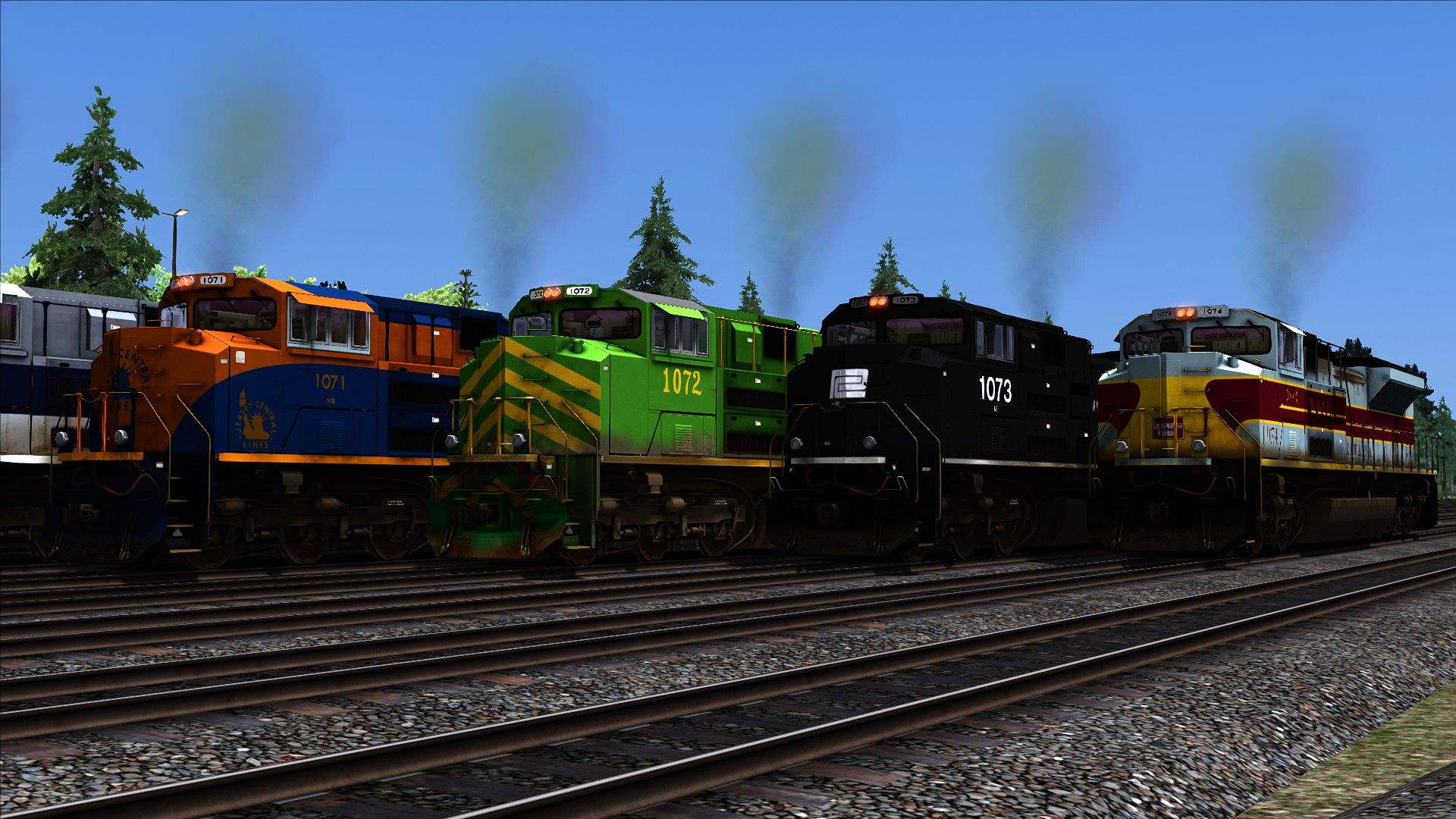
This set includes Weathered versions of all Default NS HU SD70Ace's, this engines are only Searchlight Simulations compatible only.
Tags: heritage norfolk-southern sd70ace
Requirements
Norfolk Southern Heritage SD70ACes Loco Add-On: https://store.steampowered.com/app/222543/Train_Simulator_Norfolk_Southern_Heritage_SD70ACes_Loco_AddOn/
EMD 16N-710G3C Enhancement Pack from Searchlight Simulations: https://www.store.searchlight-simulations.com/emd-16n-710g3c-enhancement-pack
Installation Instructions
Step 1:
Drag the Assets folder into your main Railworks folder
Step 2:
Go to Assets\RSC\SD70NSHP\RailVehicles\Diesel\SD70\Erie\Engine and copy SD70_Erie.GeoPcDx
Paste into Assets\RSC\SD70NSHP\RailVehicles\Diesel\SD70\W - Erie\Engine
Step 3:
Go to Assets\RSC\SD70NSHP\RailVehicles\Diesel\SD70\Erie\CabView and copy sd70cab.GeoPcDx
Paste into Assets\RSC\SD70NSHP\RailVehicles\Diesel\SD70\W - Erie\CabView
Repeat Step 2 but Using the Corresponding Geo file for the Remaining Engines (Example: for the "W - Illinois" you'll copy the Geo file inside the Default "Illinois" Engine Folder)
Note: You don't need to copy Cabview or any other folder for the remainig engines
----Locomotives will appear as "W - SD70 NS Erie" etc
Files
Comments
About this mod

- Created
- 21 Nov 2021
- Updated
- 21 Nov 2021
- Game
- Train Simulator Classic
- Type of content
- Reskin
- NA Operator
- NS - Norfolk Southern


Loading comments…