Class 150 Ex FGW Northern
- by Ash992478
- 2 upvotes
- Downloaded 749 times
Description
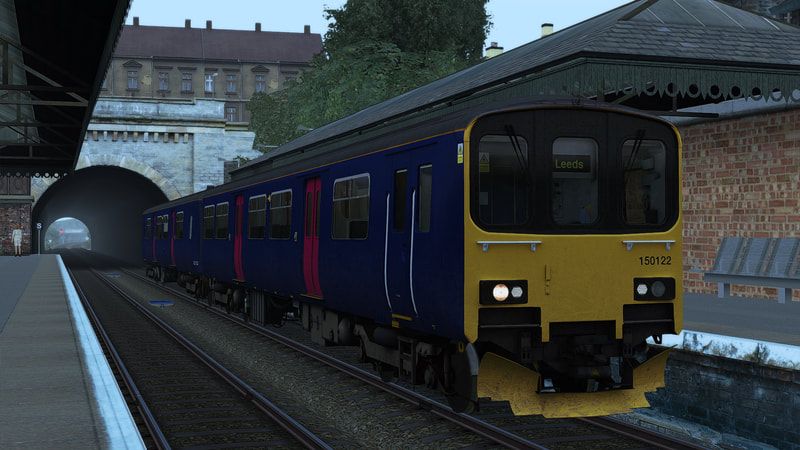
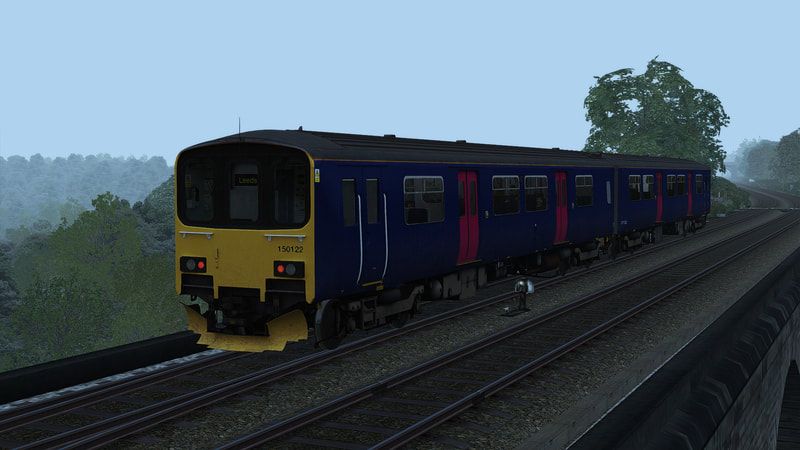
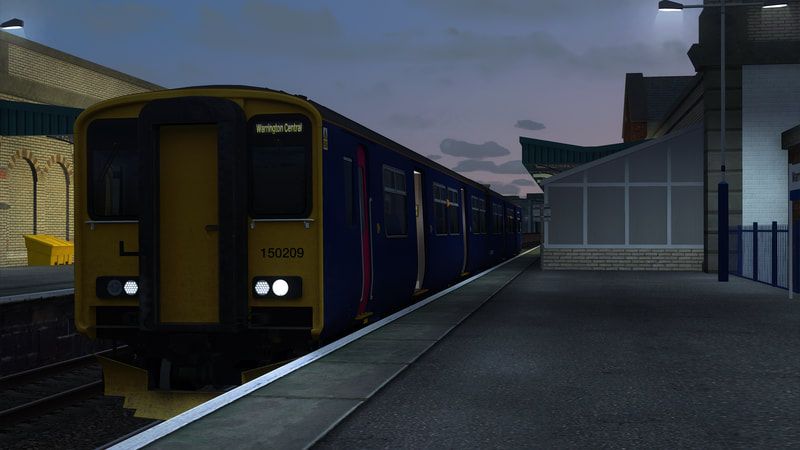
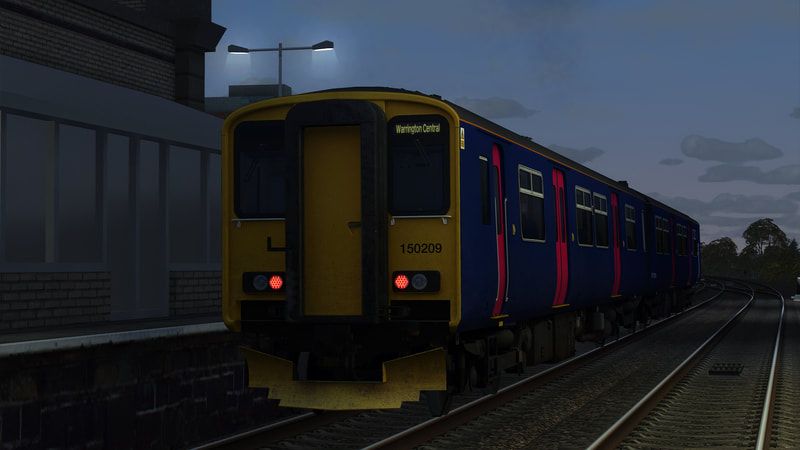
This reskin contains the Class 150 Sprinter in it's Unbranded FGW variant which is currently in use with Northern Rail.
The destination set has also been changed to use Northern destinations opposed to FGW ones.
Also, separate files have been made for the new Northern livery to have FGW numbering (for when they get re-liveried). This has been done as separate files so do not affect the default numbering on the new Northern livery.
Now updated to cater for the AP Tread Brake Update.
Dependencies


Installation Instructions
How to Install the Pack Manually:
Copy 'Assets' folder to your Railworks directory
Then run the 'InstallClass_150_1_Ex_FGW_Northern' or 'InstallClass_150_2_Ex_FGW_Northern' BAT file to complete the installation. If for some reason it does not work or you don't wish to use it, refer to the instructions below.
Manual Install (150/1):
- Copy Engine.GeoPcDx from Assets/DTG/Class150Pack01/RailVehicles/Diesel/FGW_AP
Paste the GEO file in the following folder:
Assets/DTG/Class150Pack01/RailVehicles/Diesel/Ex_FGW_NR
- Copy Engine_DMSL.GeoPcDx from Assets/DTG/Class150Pack01/RailVehicles/Diesel/FGW_AP
Paste the GEO file in the following folder:
Assets/DTG/Class150Pack01/RailVehicles/Diesel/Ex_FGW_NR
Manual Install (150/2):
- Copy Class150_DMS.GeoPcDx from Assets/AP\Class150Pack01\RailVehicles\Class150\FGW_B_AP
Paste the GEO file in the following folder:
Assets/DTG/Class150Pack01/RailVehicles/Diesel/Ex_FGW_B_NR
- Copy Class150_DMSL.GeoPcDx from Assets/AP\Class150Pack01\RailVehicles\Class150\FGW_B_AP
Paste the GEO file in the following folder:
Assets/DTG/Class150Pack01/RailVehicles/Diesel/Ex_FGW_B_NR
How to Install the Pack Automatically:
Simply run the installer and off you go!
Additional Comments
Please note, I will NOT be providing any support. This file is a reupload of a previously withdrawn file.
Files
Comments
About this mod
- Created
- 9 Apr 2023
- Updated
- 18 Feb 2024
- Game
- Train Simulator Classic
- Type of content
- Reskin


Loading comments…