Class 50: BR Blue Large Logo 2024
- by Stenkil
- 2 upvotes
- Downloaded 393 times
Description
Dependencies

Installation Instructions
• Navigate to “RailWorks” directory.
• Copy the “Assets” folder from the download and paste it into “Railworks” directory.
• Make sure class AP Class 50 pack is correctly installed.
• Inside “Assets” folder a file called “Installer_Class50BRLargeLogo.bat” will be present.
• Right click the batch file and run it as administrator. That will be it.
Additional Comments
WHAT’S INSIDE:
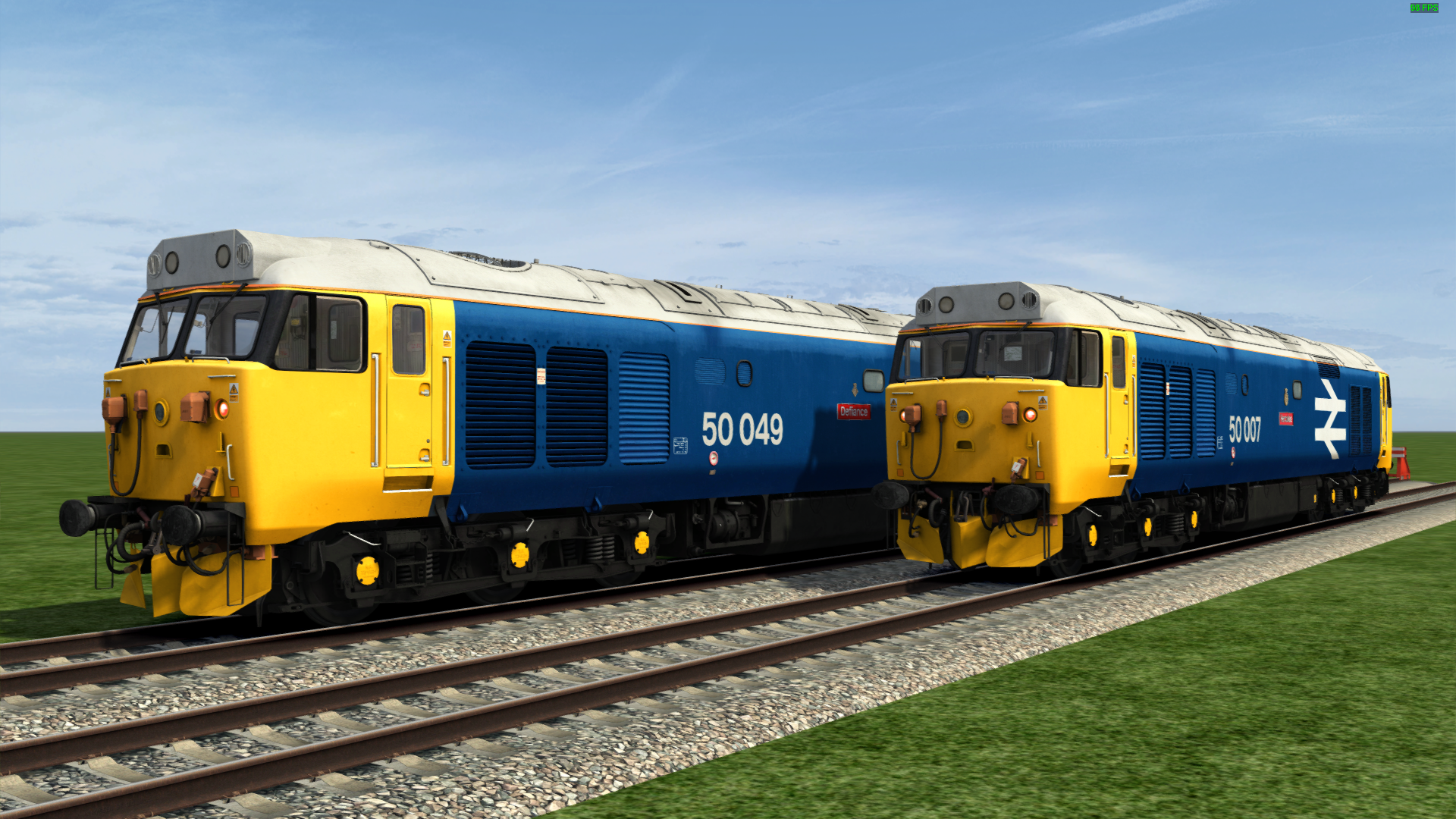
• Pair of class 50s viz. 50007 and 50049 in their new BR Blue Large Logo repaint.
• 50007 now comes with the 3-piece snow ploughs.
• Nameplates and snow ploughs can be removed if needed (by default, both will be visible) by tweaking the below parameters of the vehicle number.
To remove the snow ploughs add ;SP=0,
To remove the nameplate add ;NP=0
Thanks to MoldJunction for testing out this pack.
UPDATE LOG:
• 19-01-2025: Original release
• 11-02-2025: Fixed minor issue with installer
Files
Comments
About this mod

- Created
- 20 Jan 2025
- Updated
- 11 Feb 2025
- Game
- Train Simulator Classic
- Type of content
- Reskin


Loading comments…