Class 385 Scotrail Sound Adjustments and General Improvements Patch
- by Agdron
- 1 upvote
- Downloaded 522 times
Description
**PATCH NOW OBSOLETE: PLEASE INSTEAD DOWNLOAD THE PATCHES LINKED BELOW:
https://alanthomsonsim.com/downloads/c385-upgrade/
Optional:
https://www.trainsimcommunity.com/mods/c1-train-sim-classic/c94-sounds/i5158-class-385-soundmod
**
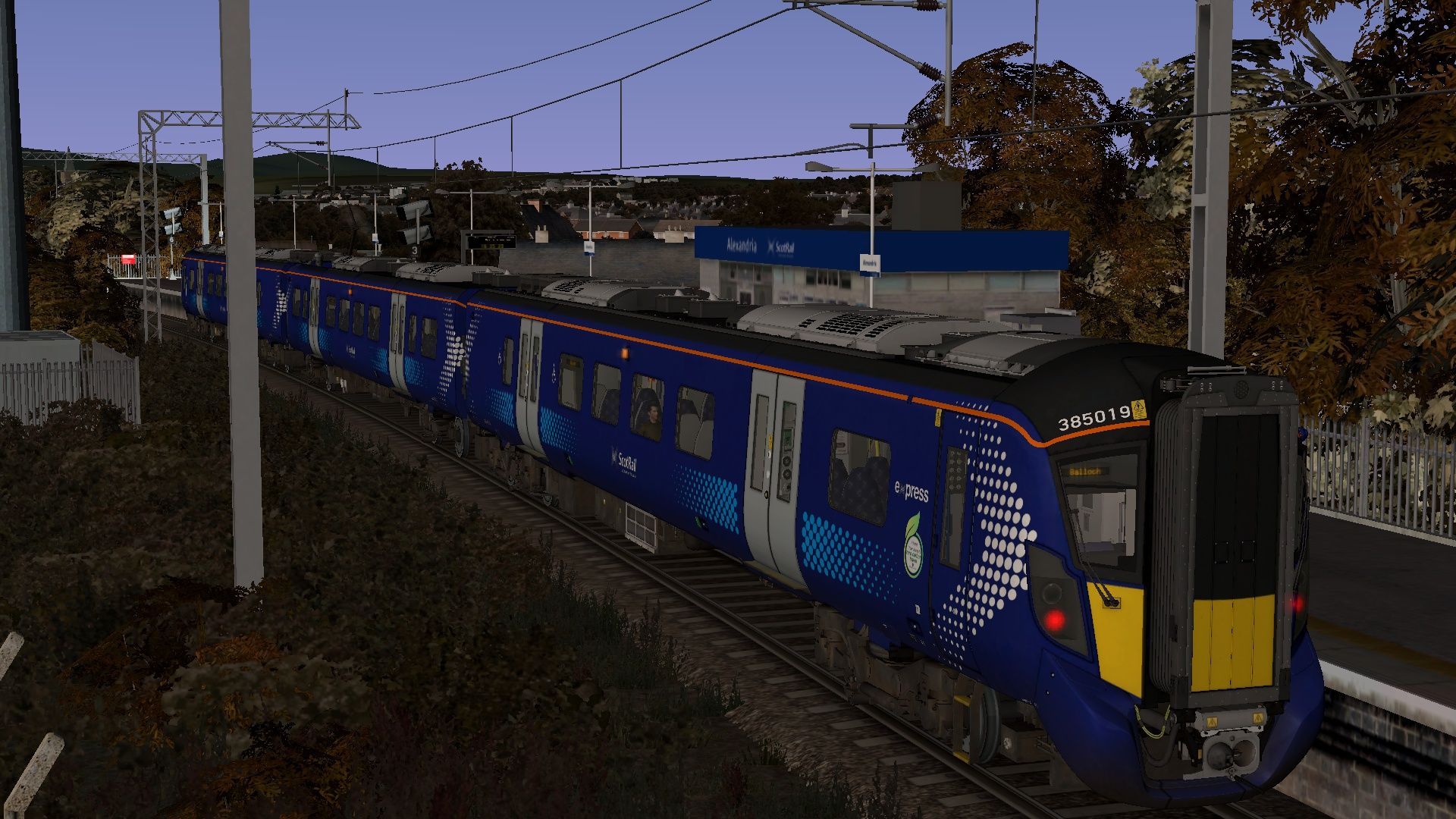
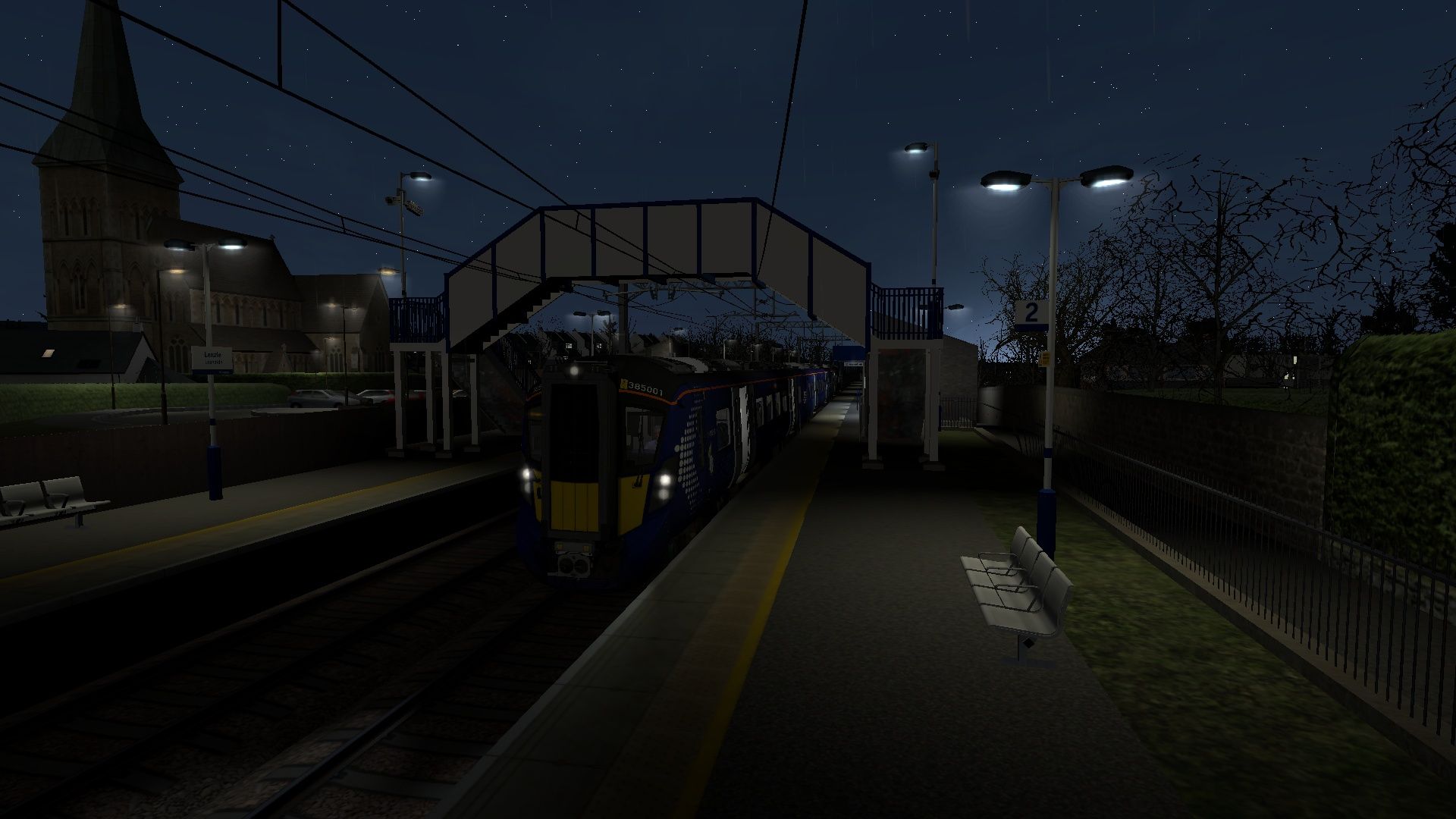
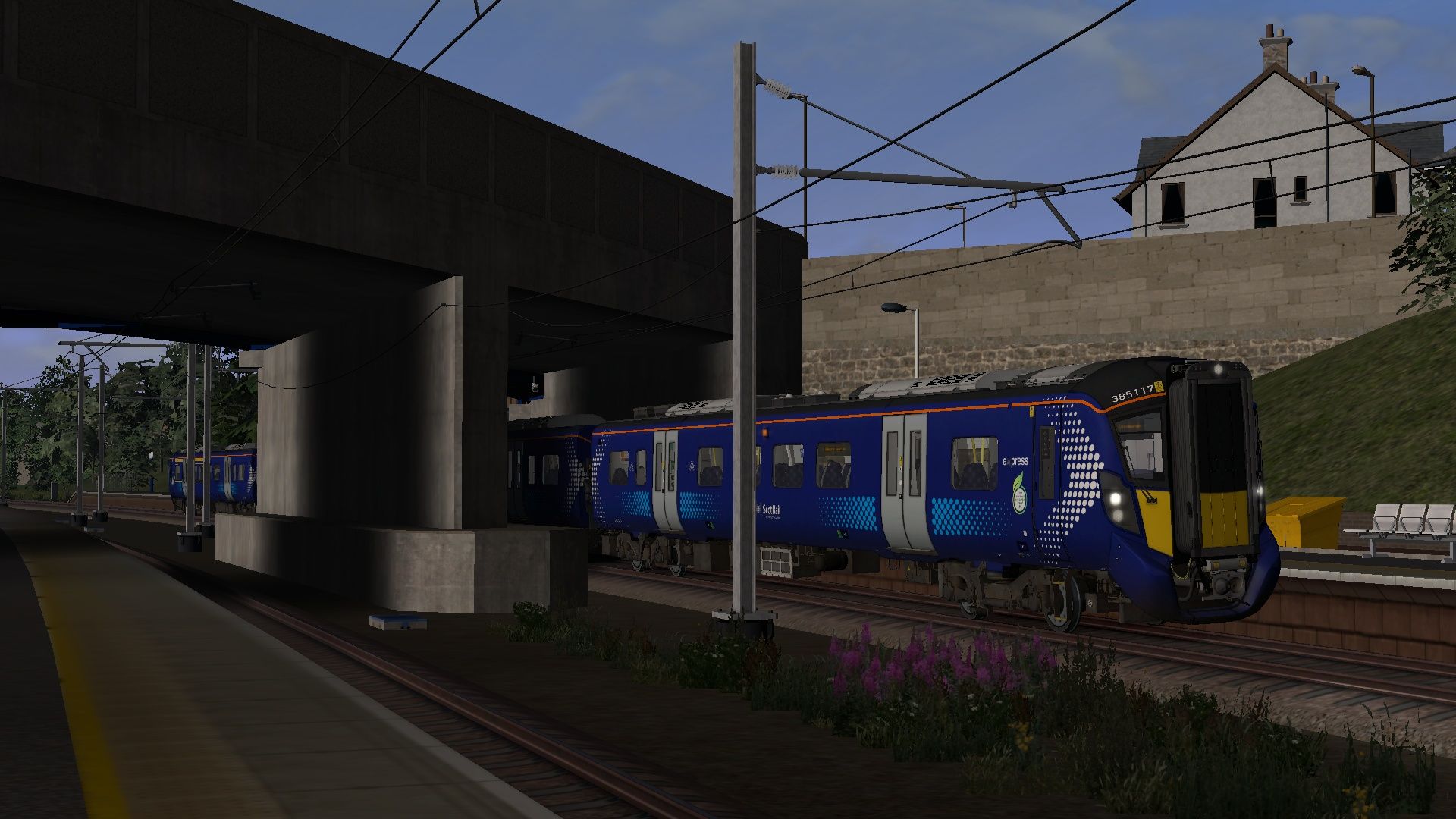
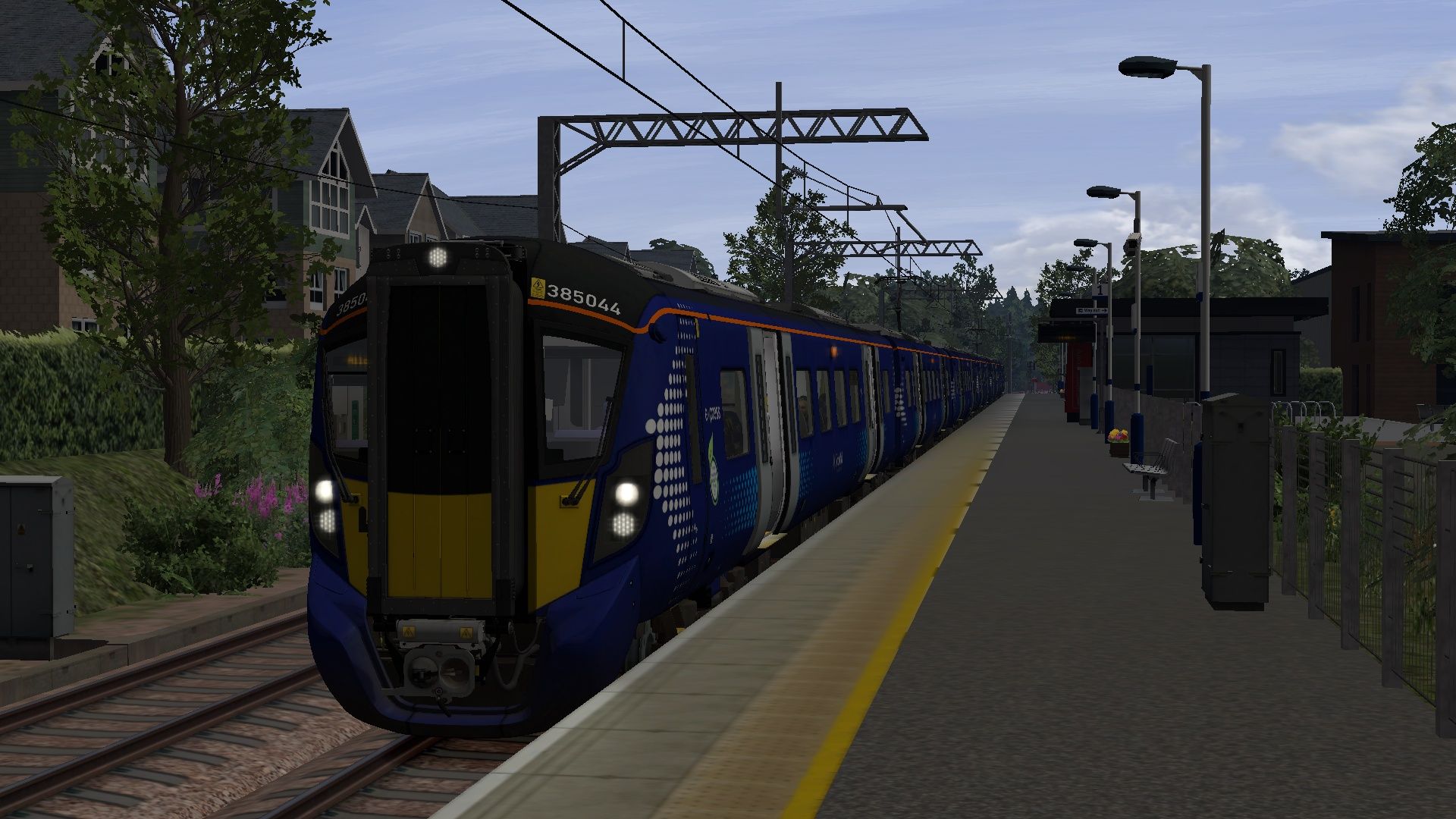
This Class 385 Sound Adjustment and General Improvement patch aims at improving the general experience of using and driving the Class 385 in Train Simulator Classic. This mod in its current iteration mainly adjusts noise levels, fixes cab occlusion and fixes some other issues with the current implementation in Train Sim Classic.
This includes a remap of the key inputs for driving this train. More about this can be found in the
manual.
In version 0.1.2 the on board PIS system has been upgraded to have more accurate to life announcements
In version 0.1.3 the low power frequency sound now switches off when no power is applied and the cab occlusion has been improved
This is my first mod and has been what I worked on to learn a bit about the processes of modding within train sim. Therefore, I cannot guarantee that this will live up to the standards of other trains/mods as I am inexperienced and haven’t got much of the technology or skills which would be
required to make a full enhancement pack.
Tags: 385 class-385 class-385-enhancement class-385-enhancement-pack class-385-improvement class-385-input-mapper class-385-pack class-385-sound class-385-sound-enhancement class-385-sound-mod class-385-sound-patch scot-rail scot-rail-tou scotland scotrail scottish scottish-commuter strathclyde strathclyde-passenger-transport train-simulator-classic ts-sounds ts1 tsc
Dependencies

Experience the charm of Scotland and scenic diverse landscapes as you explore Glasgow to Dunblane and Alloa for Train Simulator from Thomson Interactive.
Installation Instructions
To Install, copy the Assets folder to your Railworks directory. This should overwrite the relevant files and apply this patch to the Class 385
Alternatively if my patch is so bad that you wish to uninstall this mod: Delete the folders "Audio" and "RailVehicles" from the GlasgowDunblane folder. Normally this should be located: Railworks/Assets/Thomson/GlasgowDunblane
Alternatively just re-install the route entirely as that should overwrite the changed files with the originals
Additional Comments
The horn is broken and always has been. Currently looking for "ethical" ways to replace it.
Files
Comments
About this mod

- Created
- 18 Jan 2024
- Updated
- 29 Jan 2024
- Game
- Train Simulator Classic
- Type of content
- Patch

![2V33 0621 Springburn to Milngavie [AGD]](https://images.trainsimcommunity.com/lTfGESfGJ1LTPj_FNhC9frMGg8g=/64x36/tscmr-prod/images/1510312075291254784.jpg)


Loading comments…