Pacific Surfliner Cab Car Enhancement Pack
- by AmtrakFan2115
- 3 upvotes
- Downloaded 2,141 times
Description
Features:
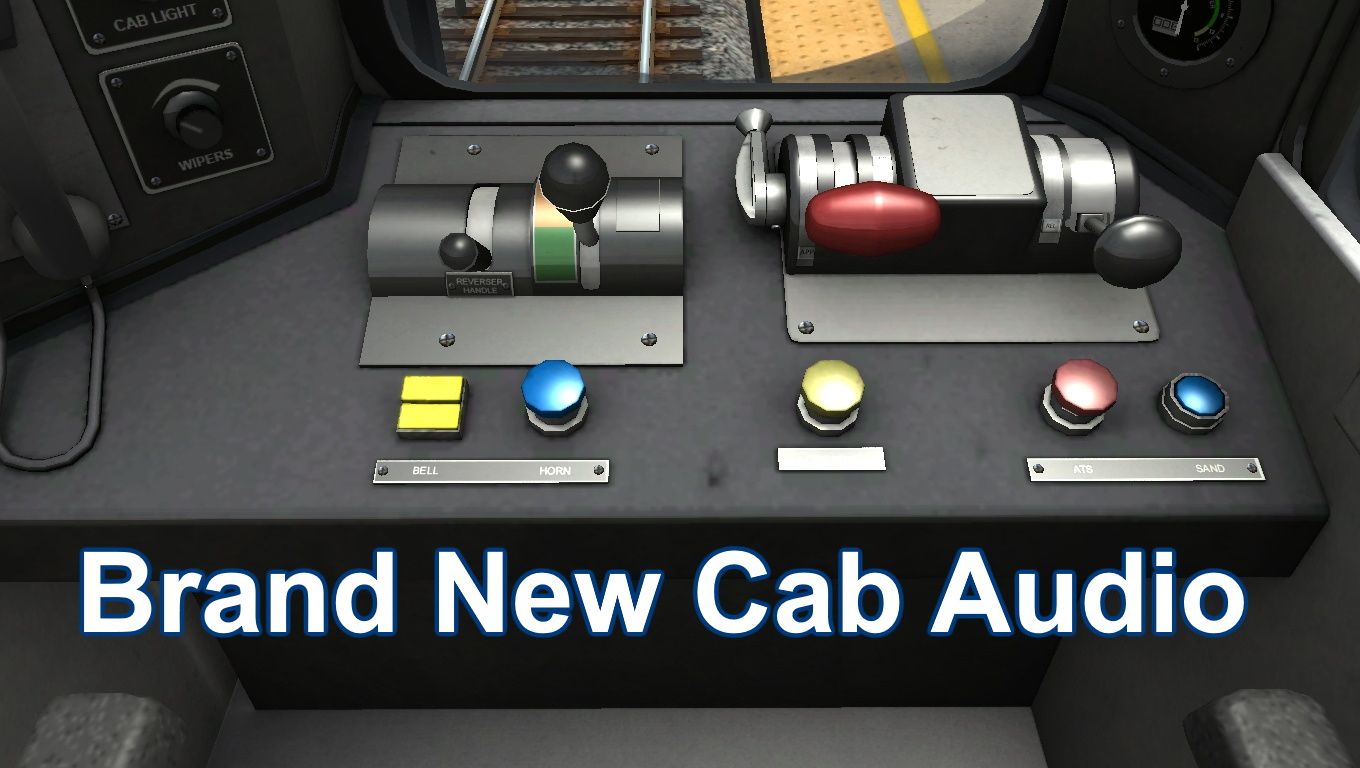
Replaces (Almost) every sound with a custom one
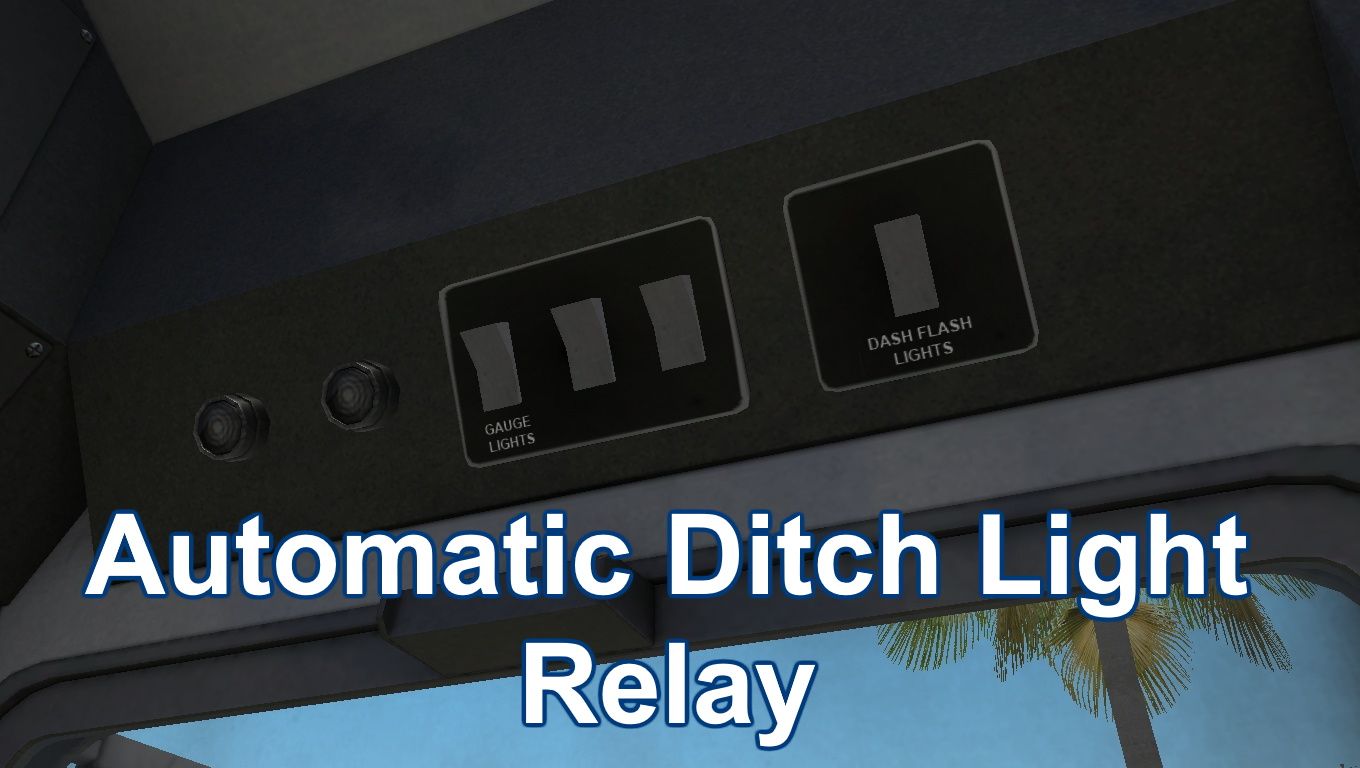
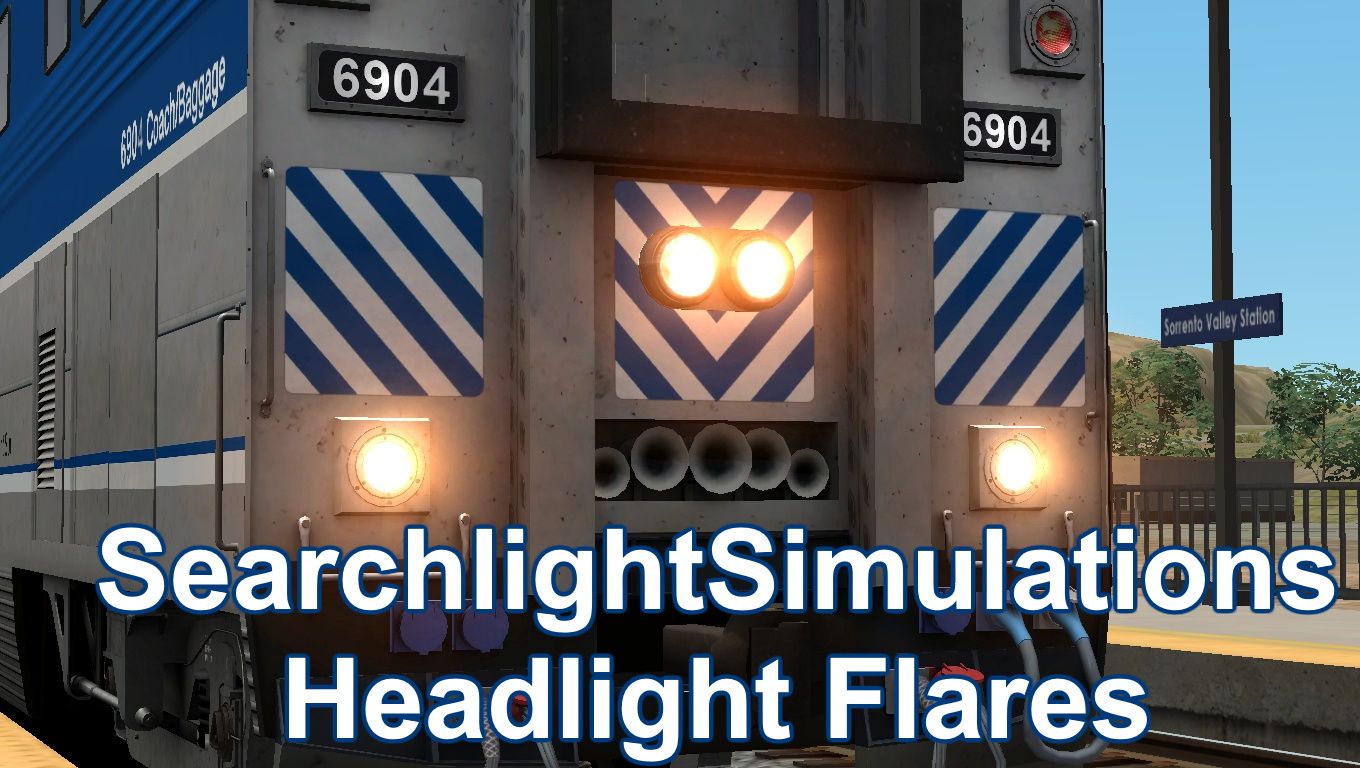
Automatic Ditch Light Relay (Triggers when horn is blown or if the F key is pressed) (Can be turnd off w/ Shift + F)
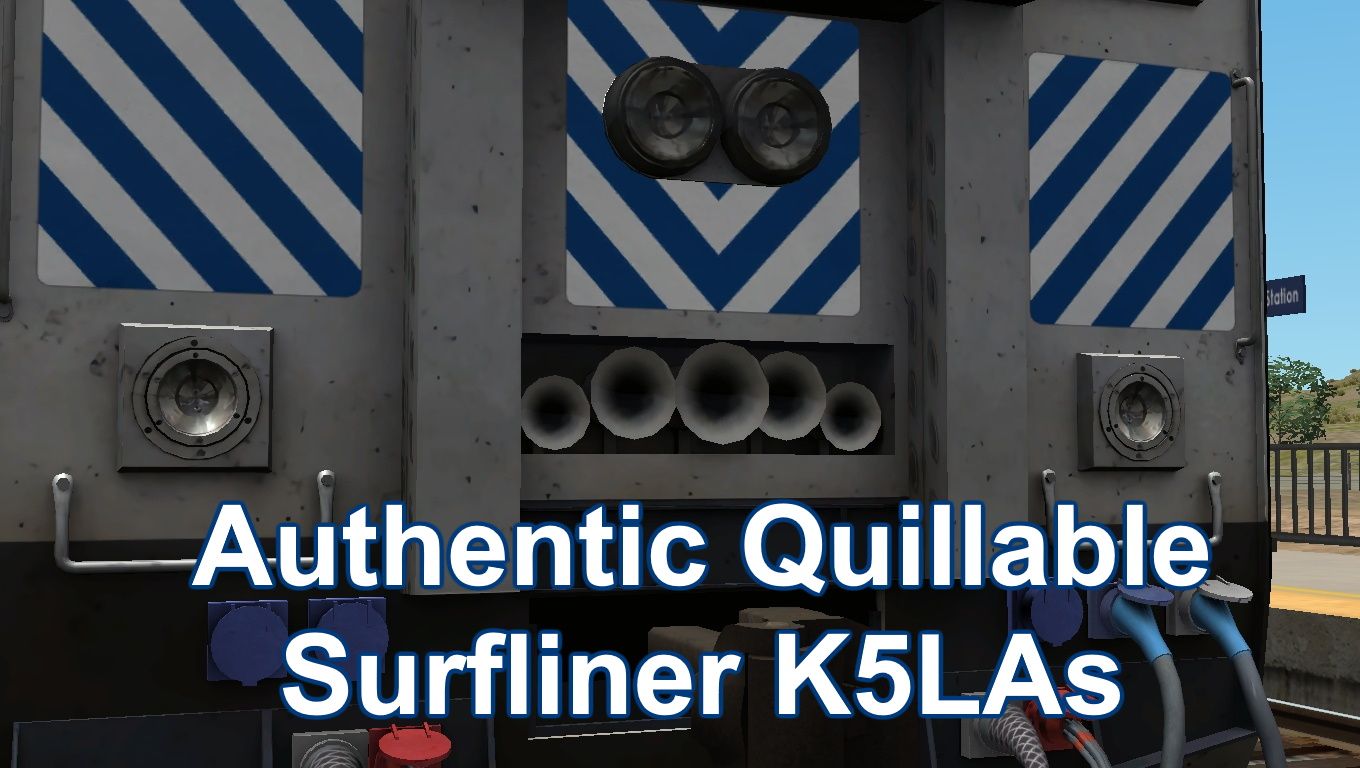
New Authentic Surfliner Style Quillable K5LAs (Except 8311)
Requirements
Installation Instructions
Drag the included "Assets" folder into C:\Program Files (x86)\Steam\steamapps\common\RailWorks.
To replace the default horn, copy the proxyml file from the horn of your choice from C:\Program Files (x86)\Steam\steamapps\common\RailWorks\Assets\AF2115\Alstom_CC_Sounds\Horns and paste it into C:\Program Files (x86)\Steam\steamapps\common\RailWorks\Assets\RSC\PacificSurfliner\Audio\RailVehicles\Passenger\CaliCar\Cab
Files
Comments
About this mod

- Created
- 18 Apr 2022
- Updated
- 18 Apr 2022
- Game
- Train Simulator Classic
- Type of content
- Enhancement pack


Loading comments…