Amtrak P42DC 'Empire Builder' Super-Pack 5.0
- by 7FDL-16
- 8 upvotes
- Downloaded 2,206 times
Description
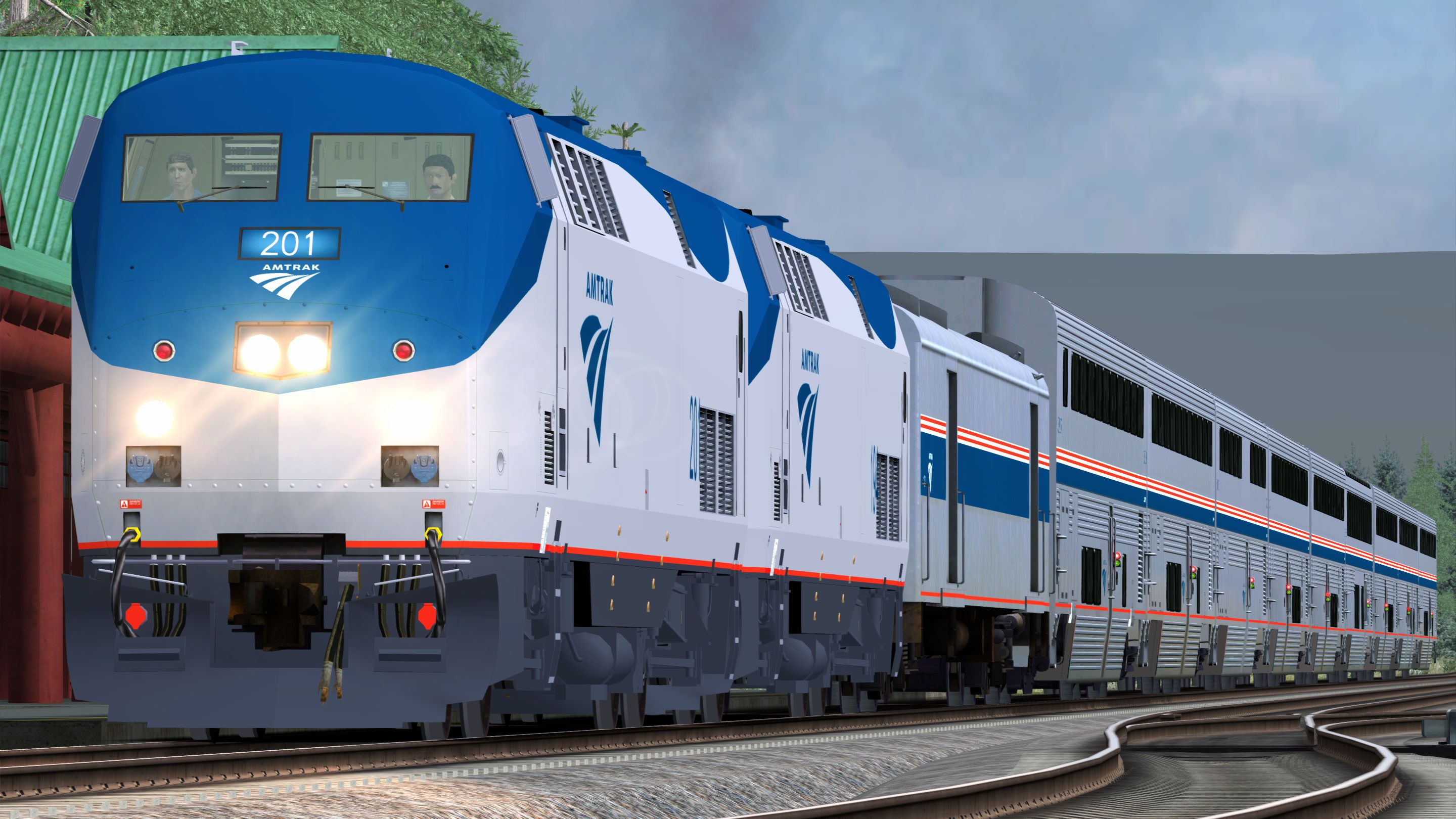
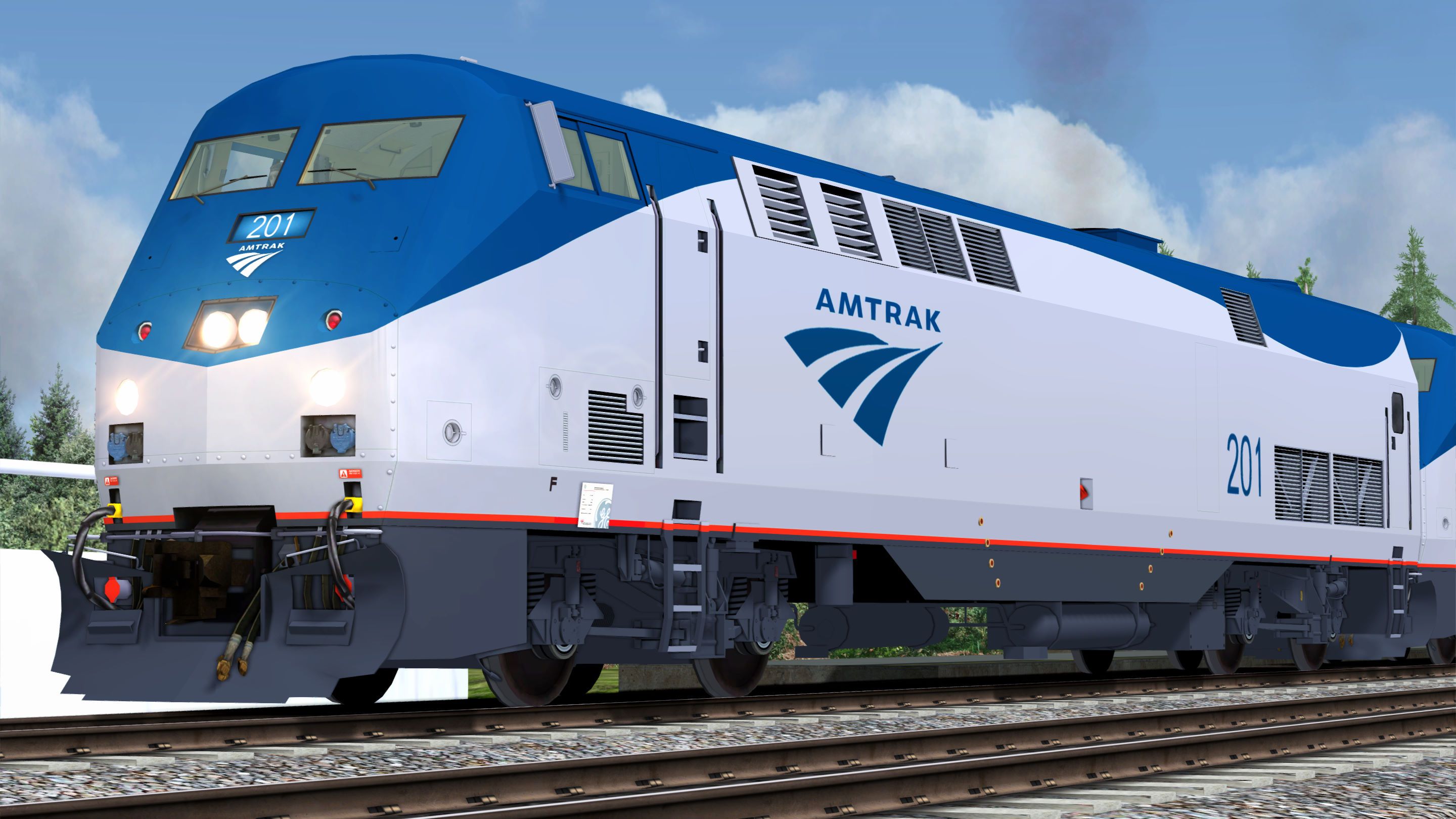
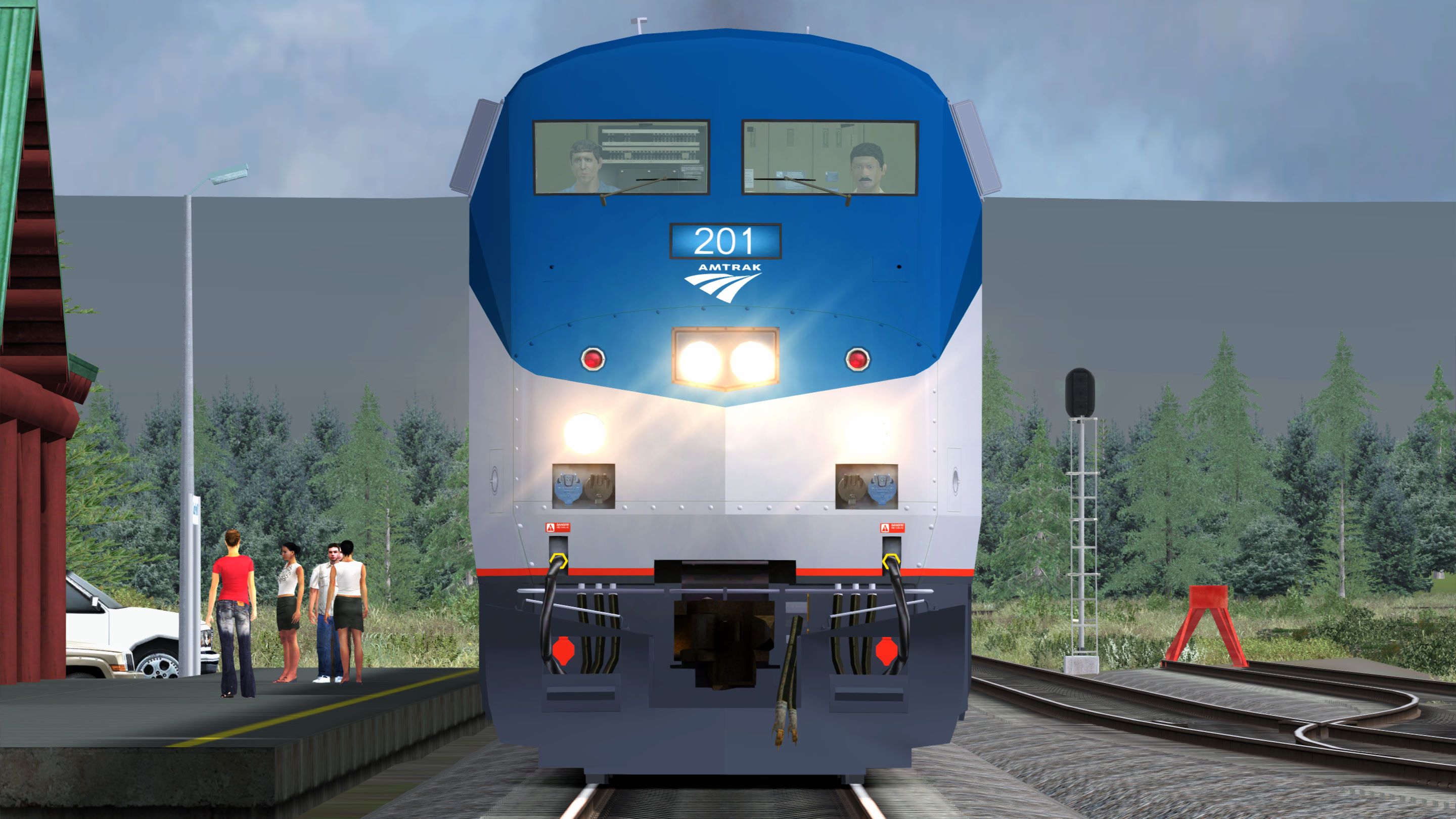
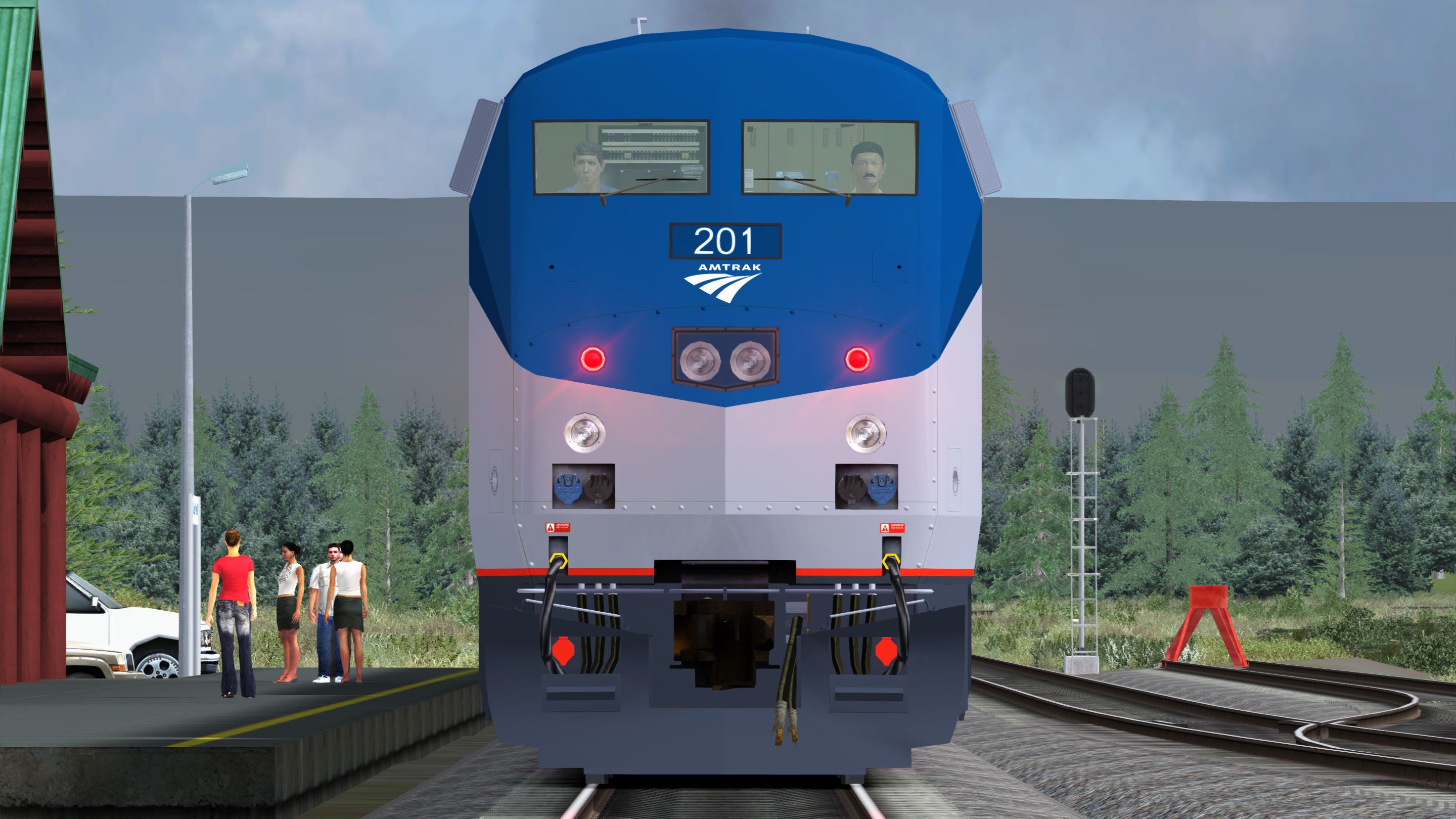
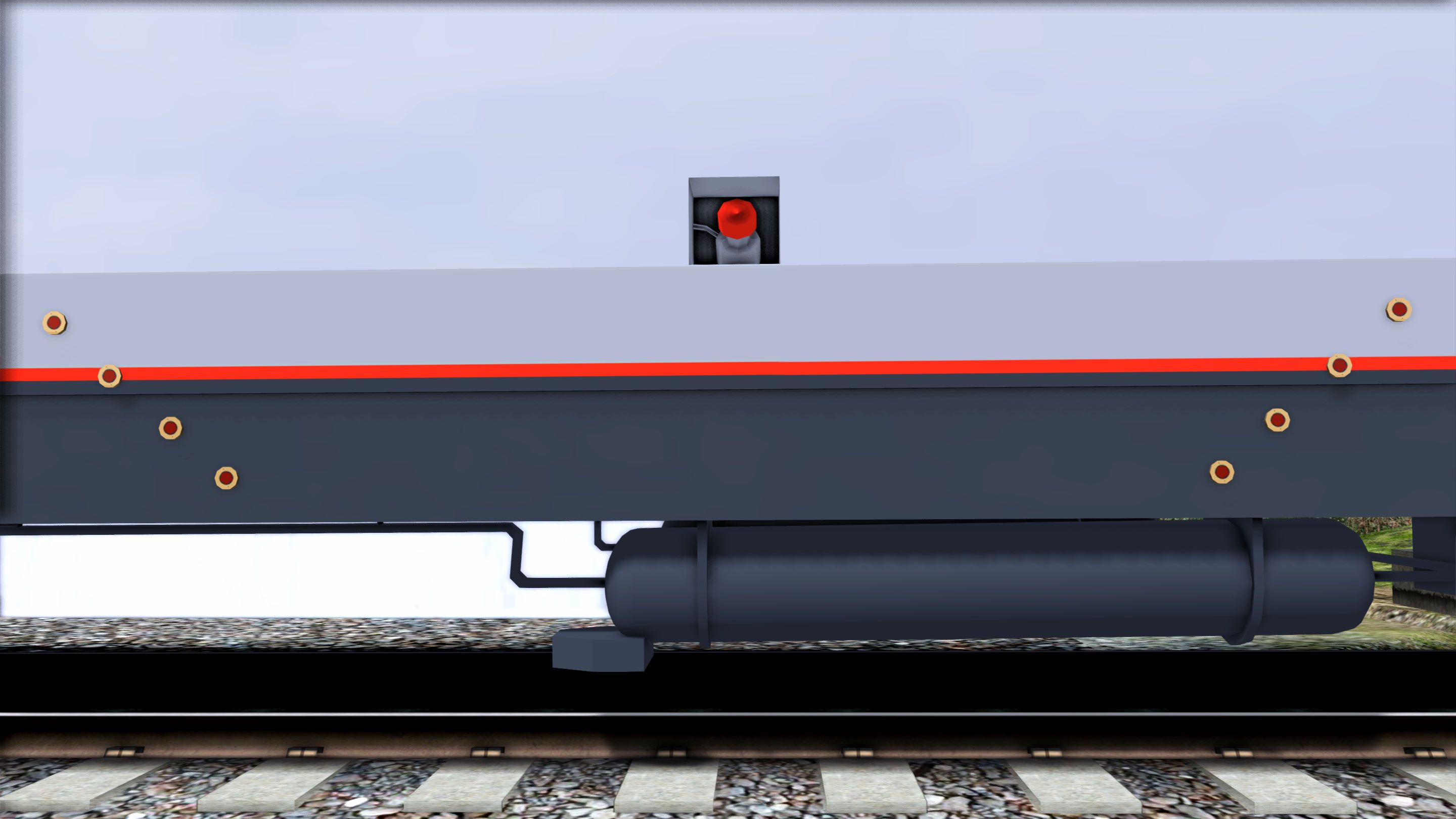
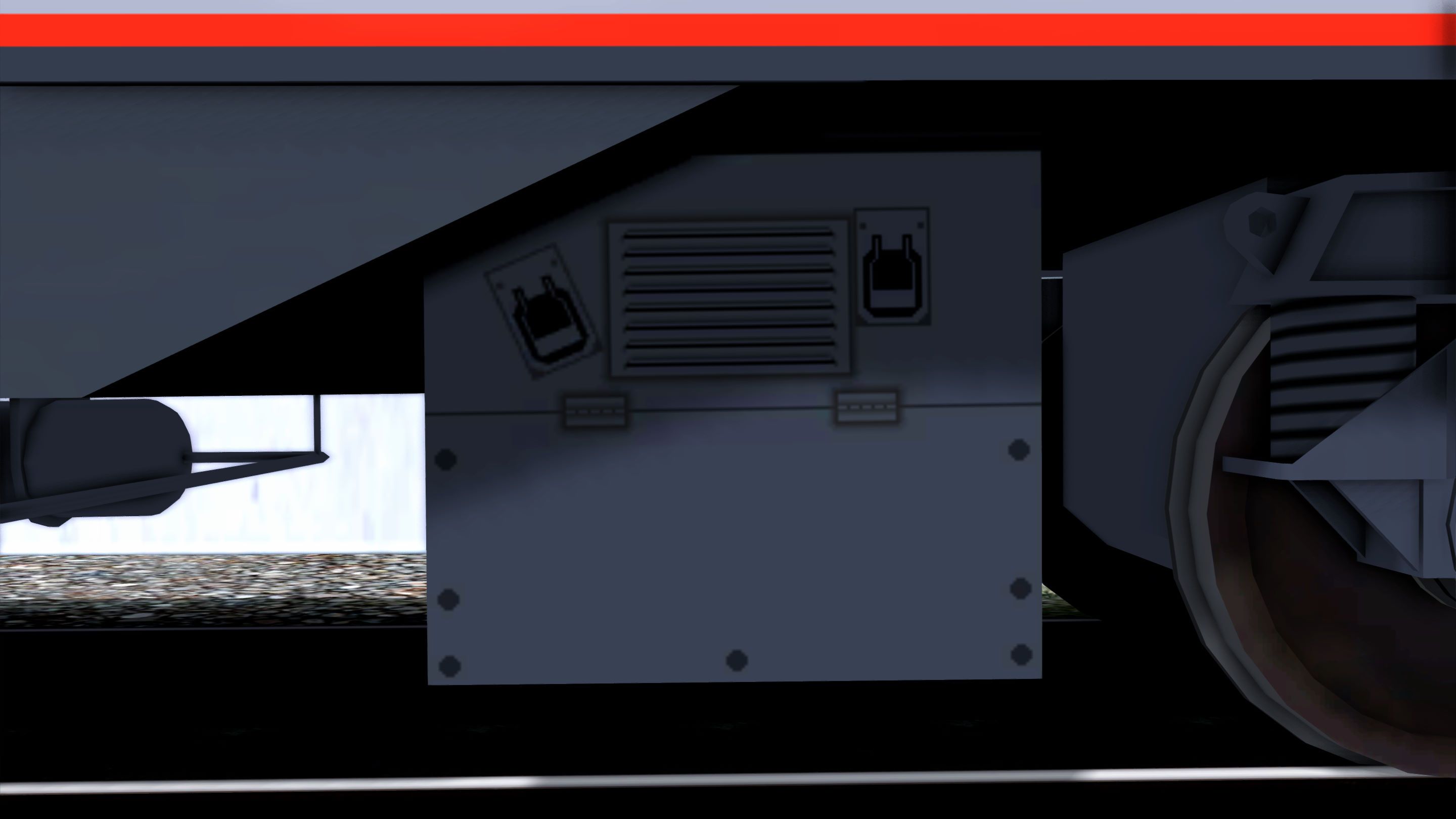
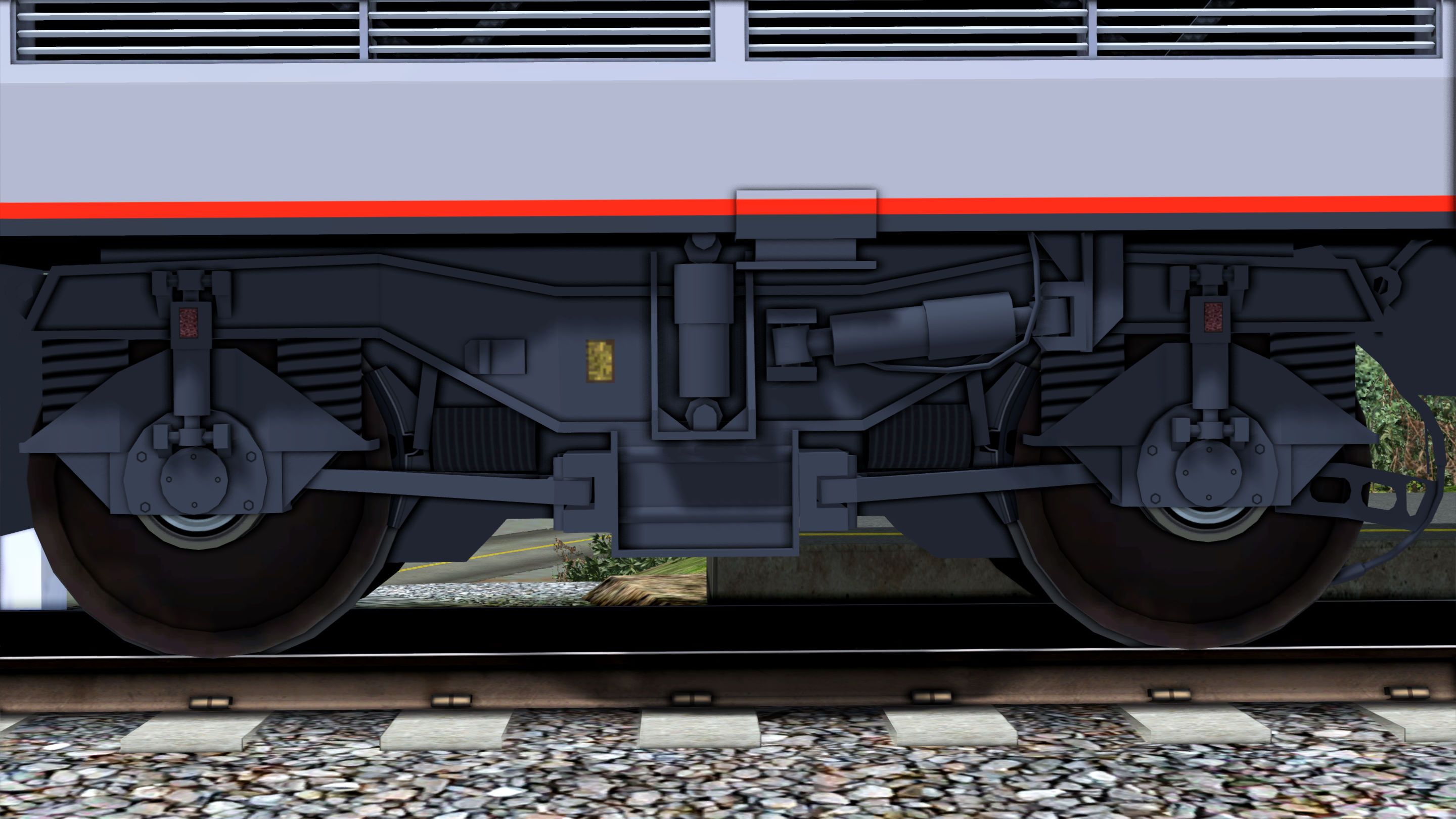
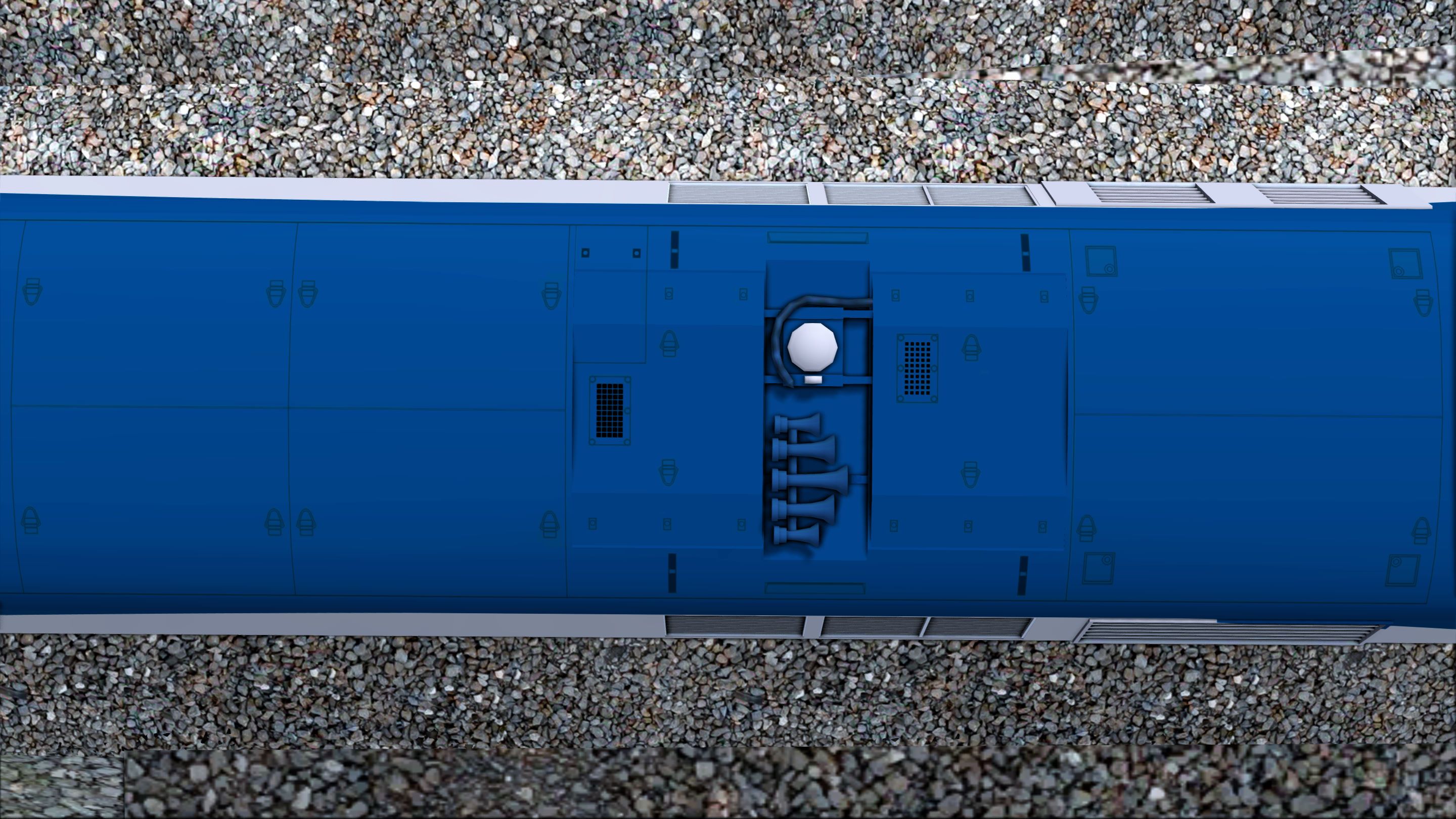
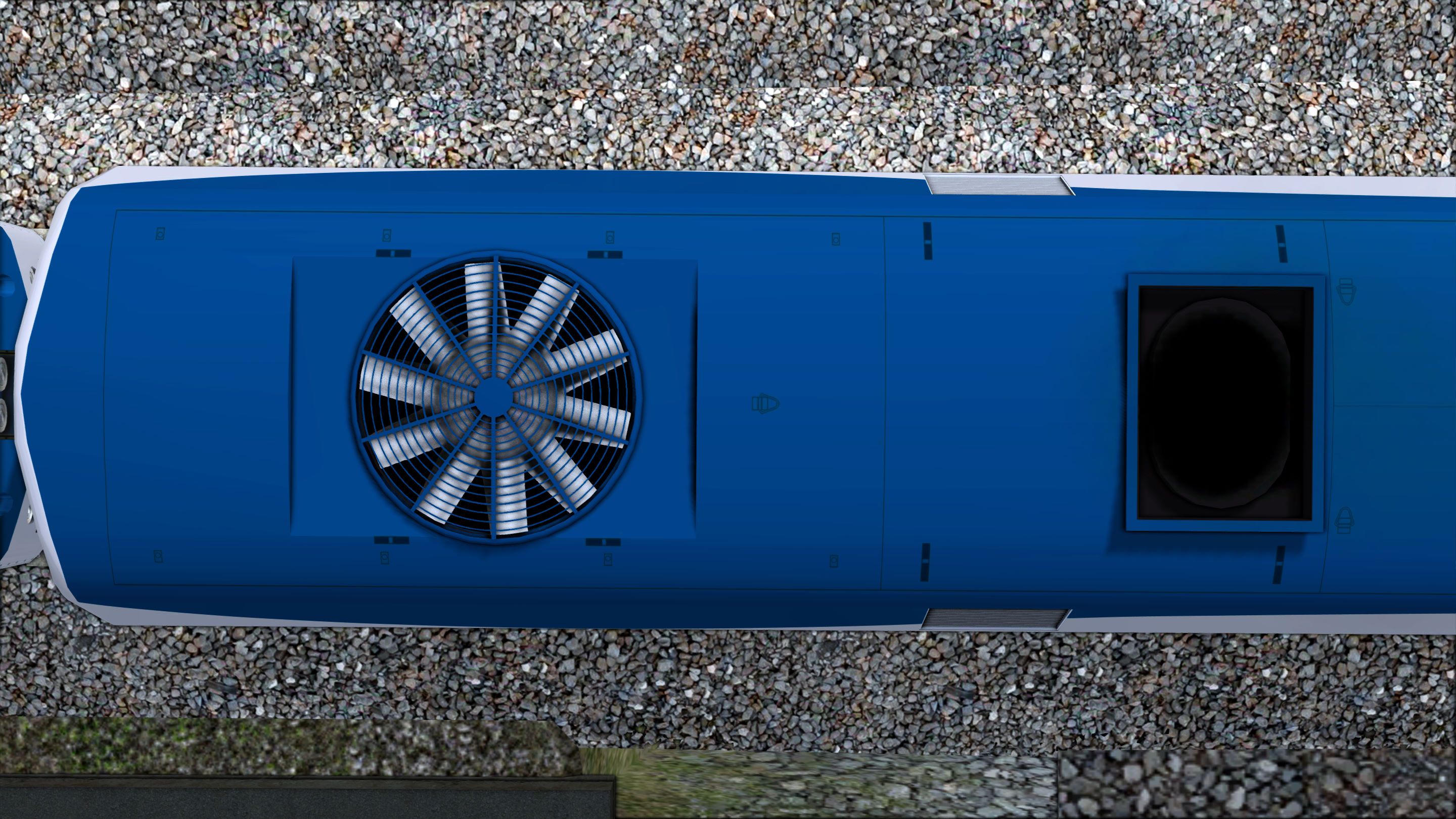
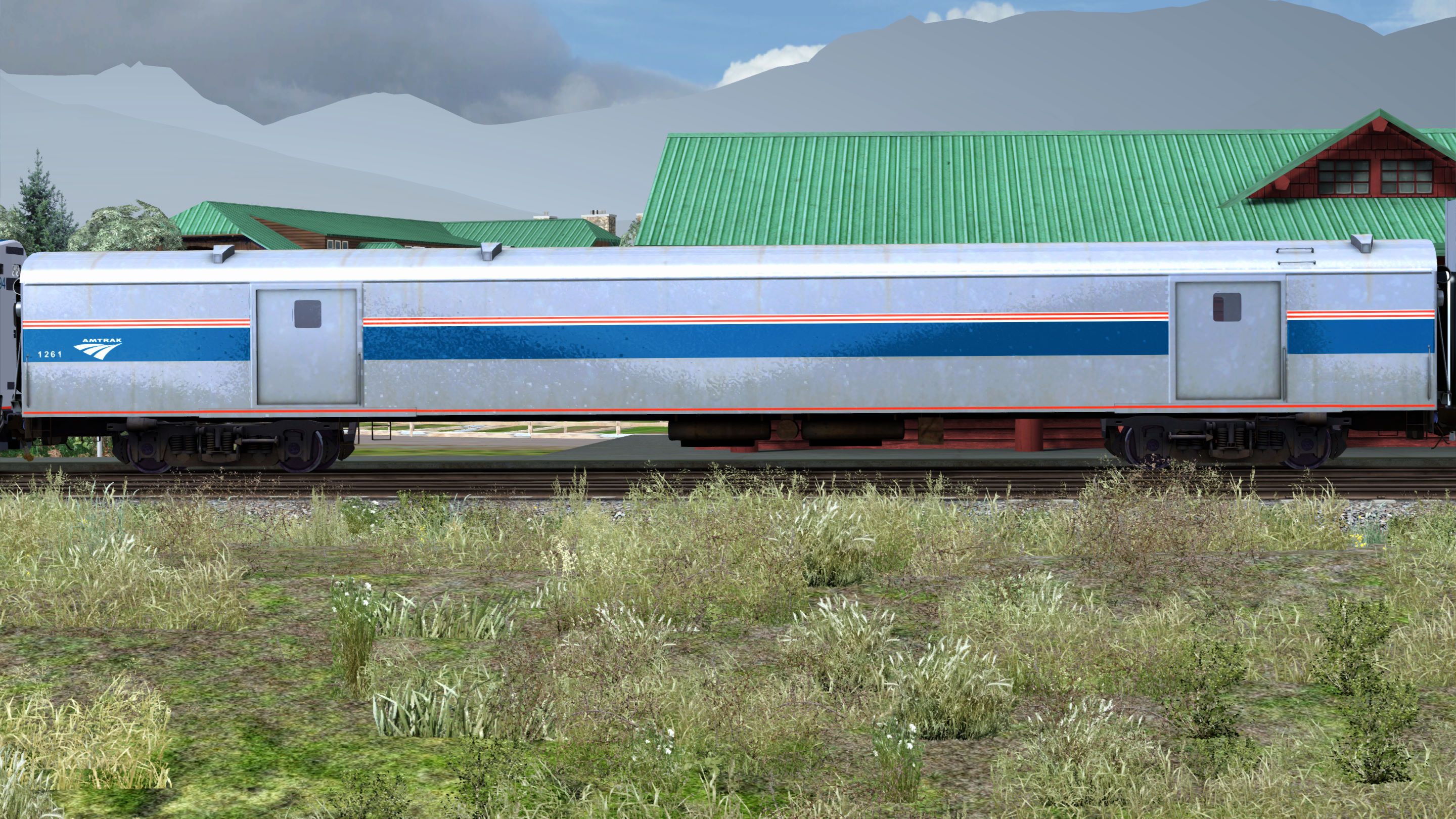
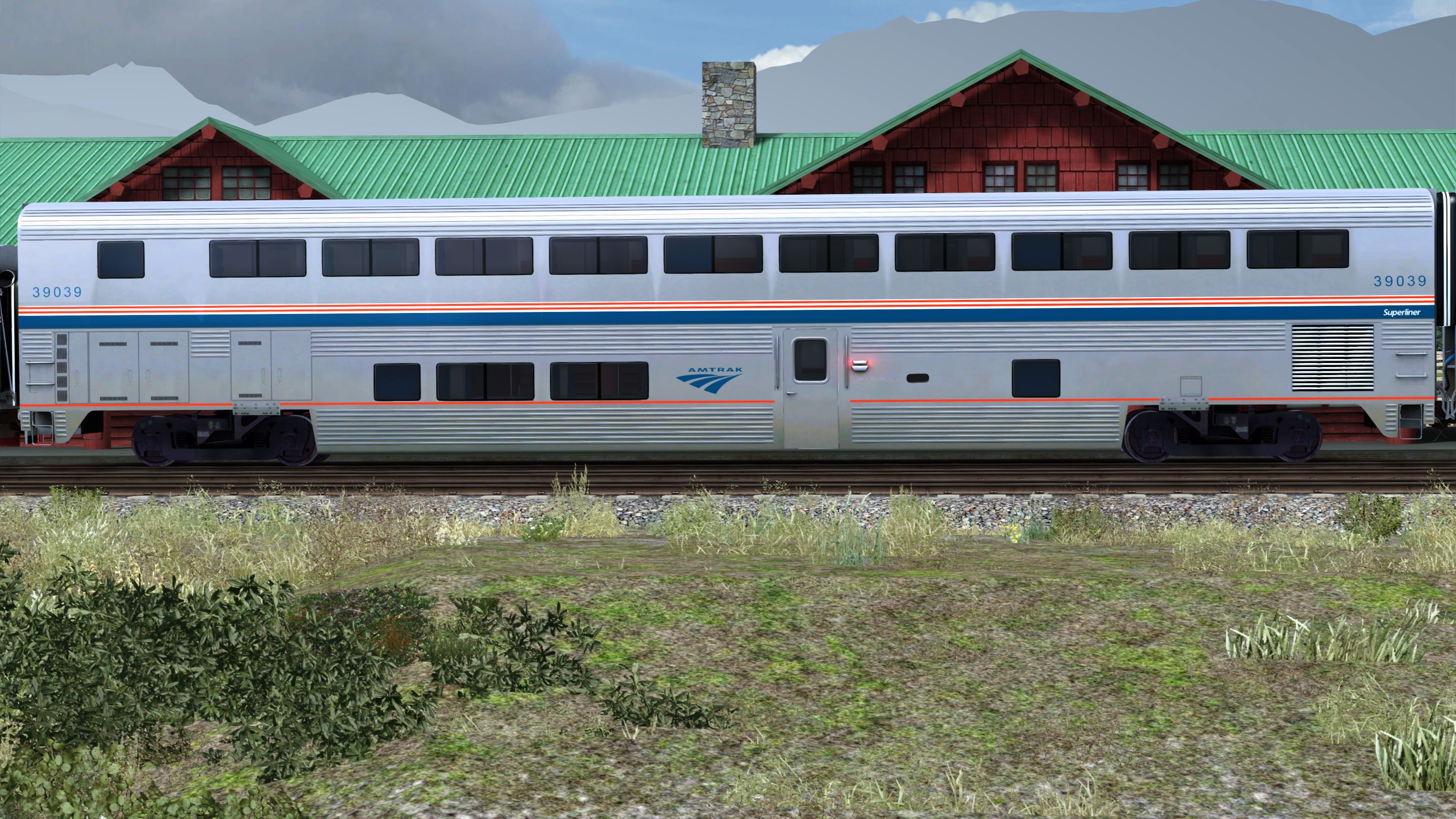
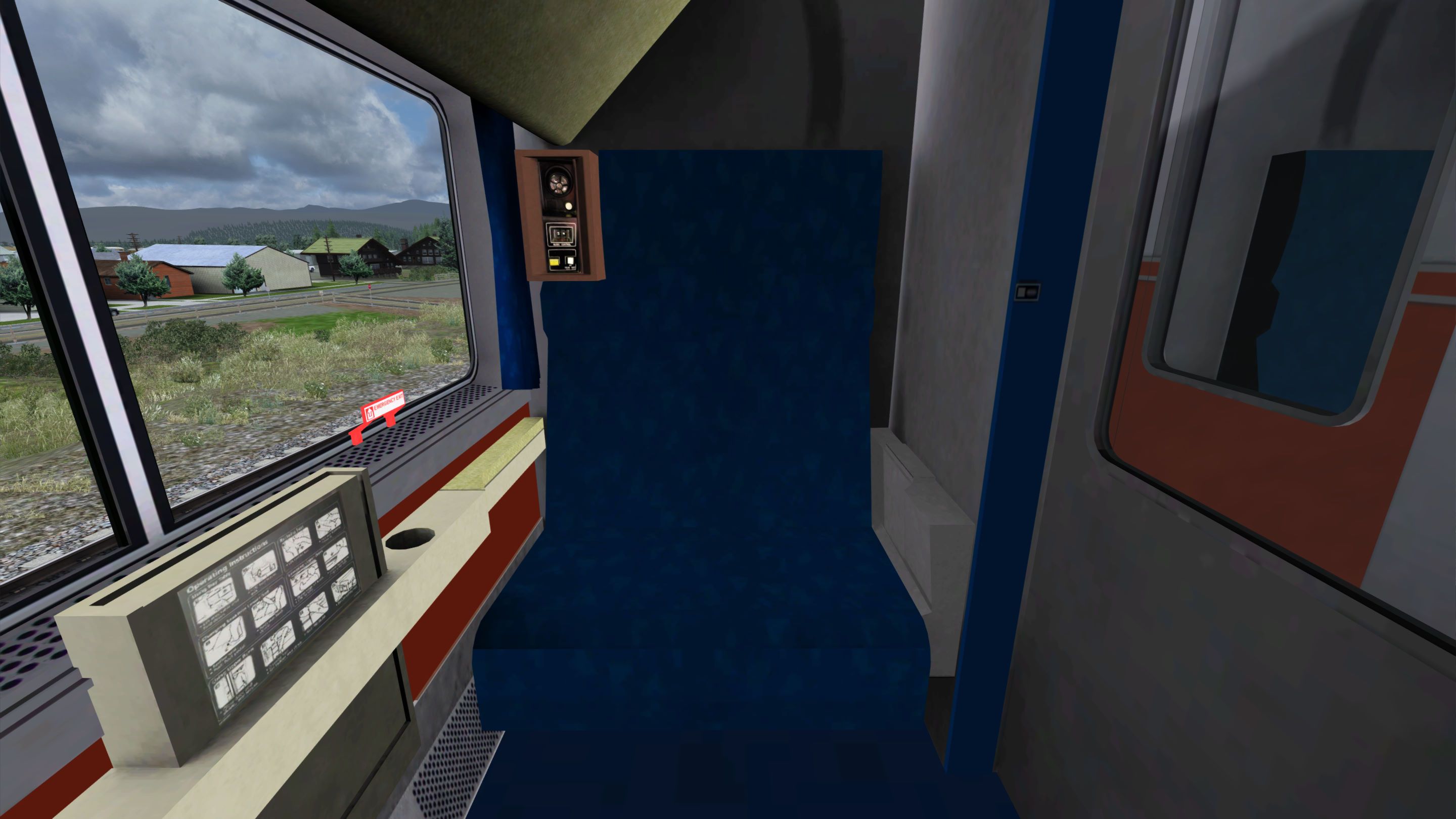
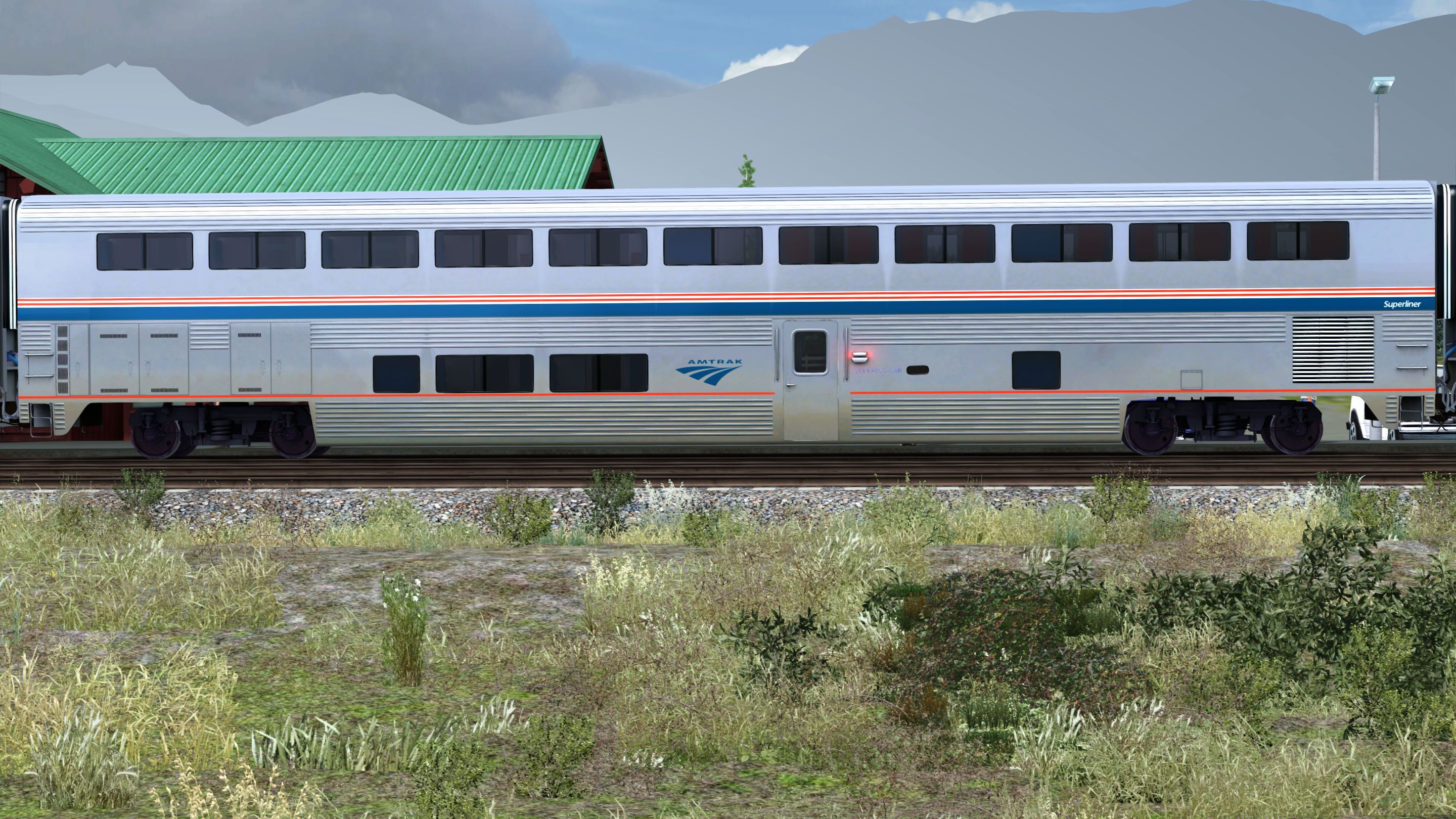
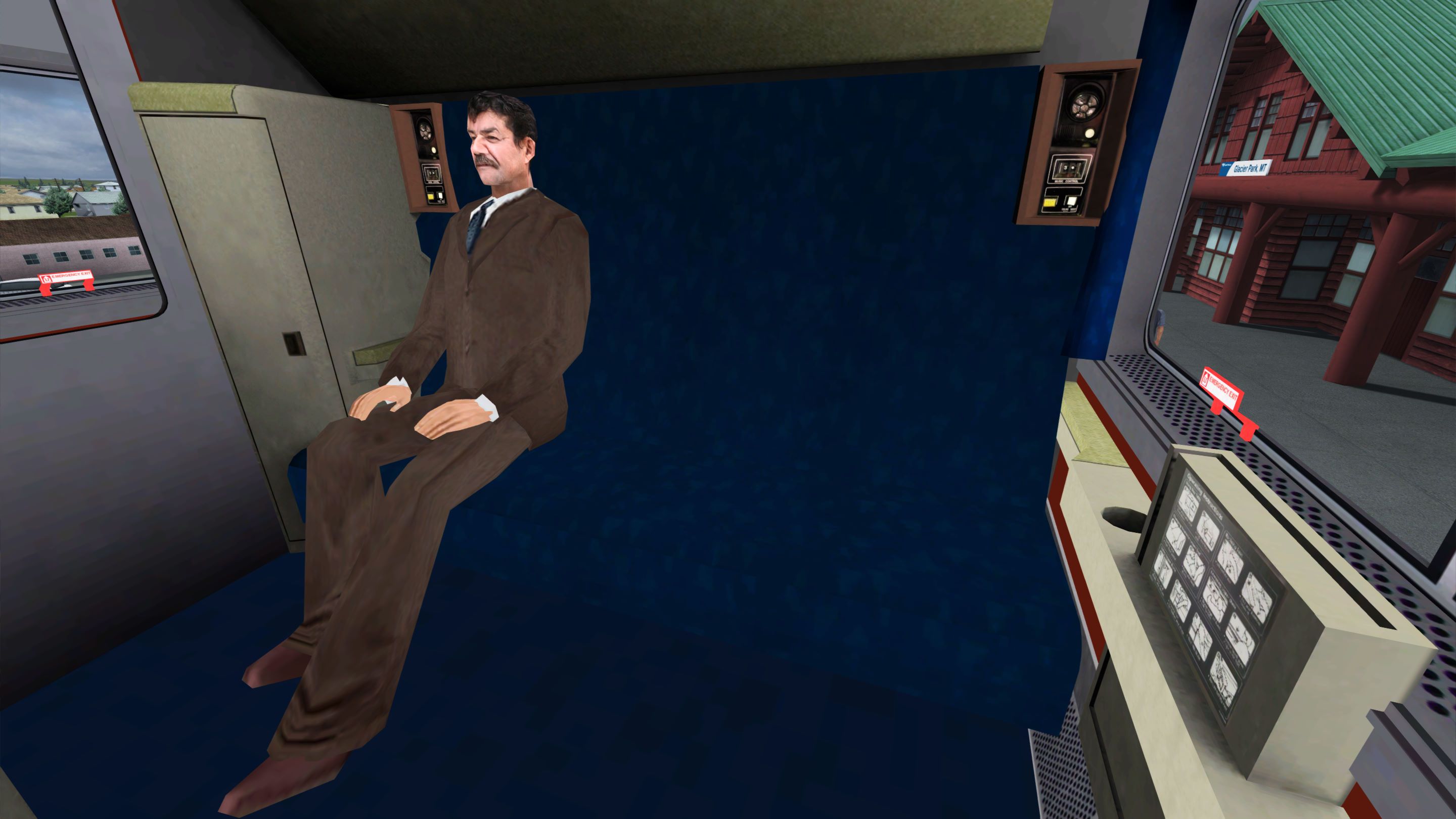
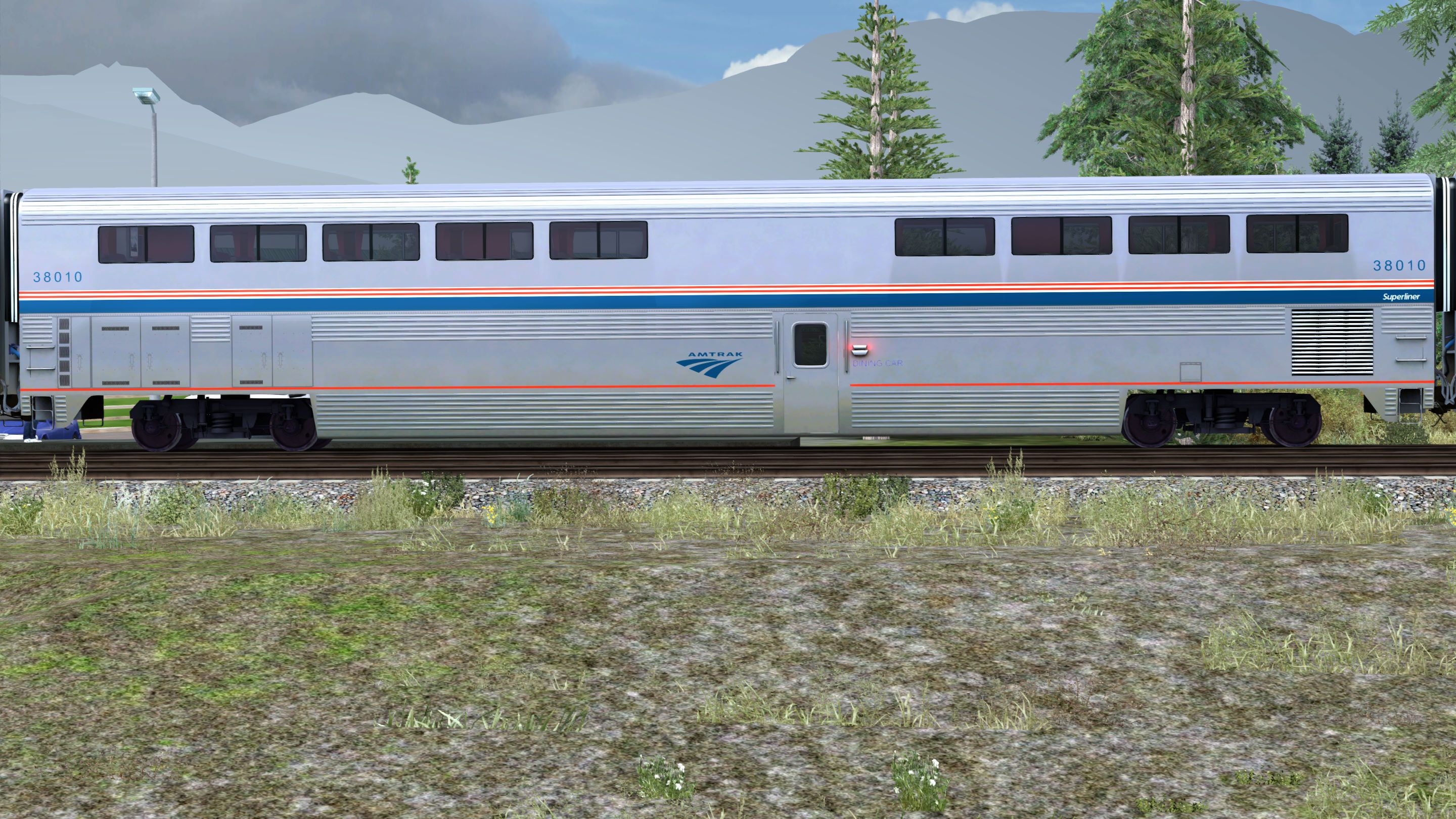
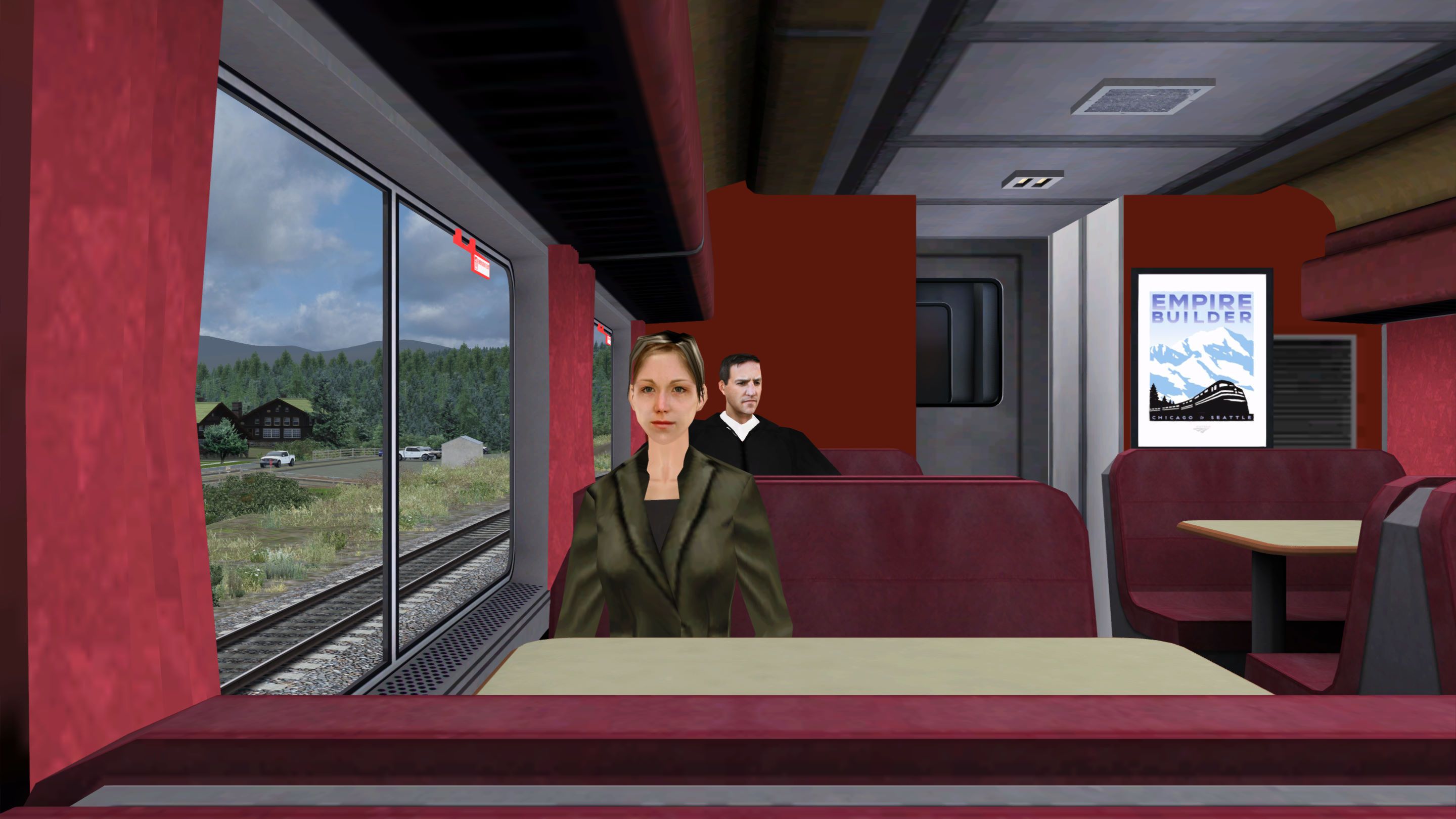
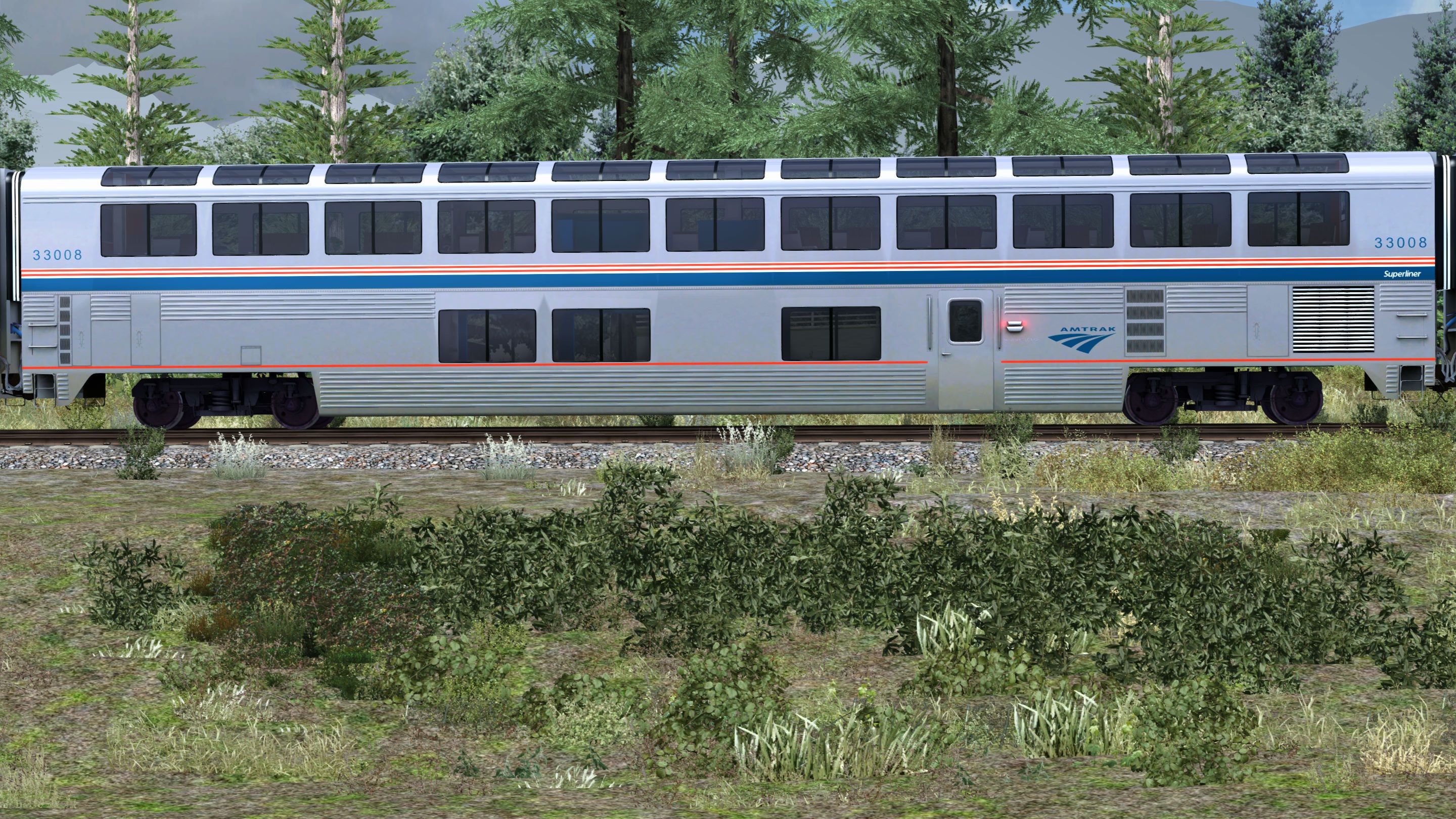
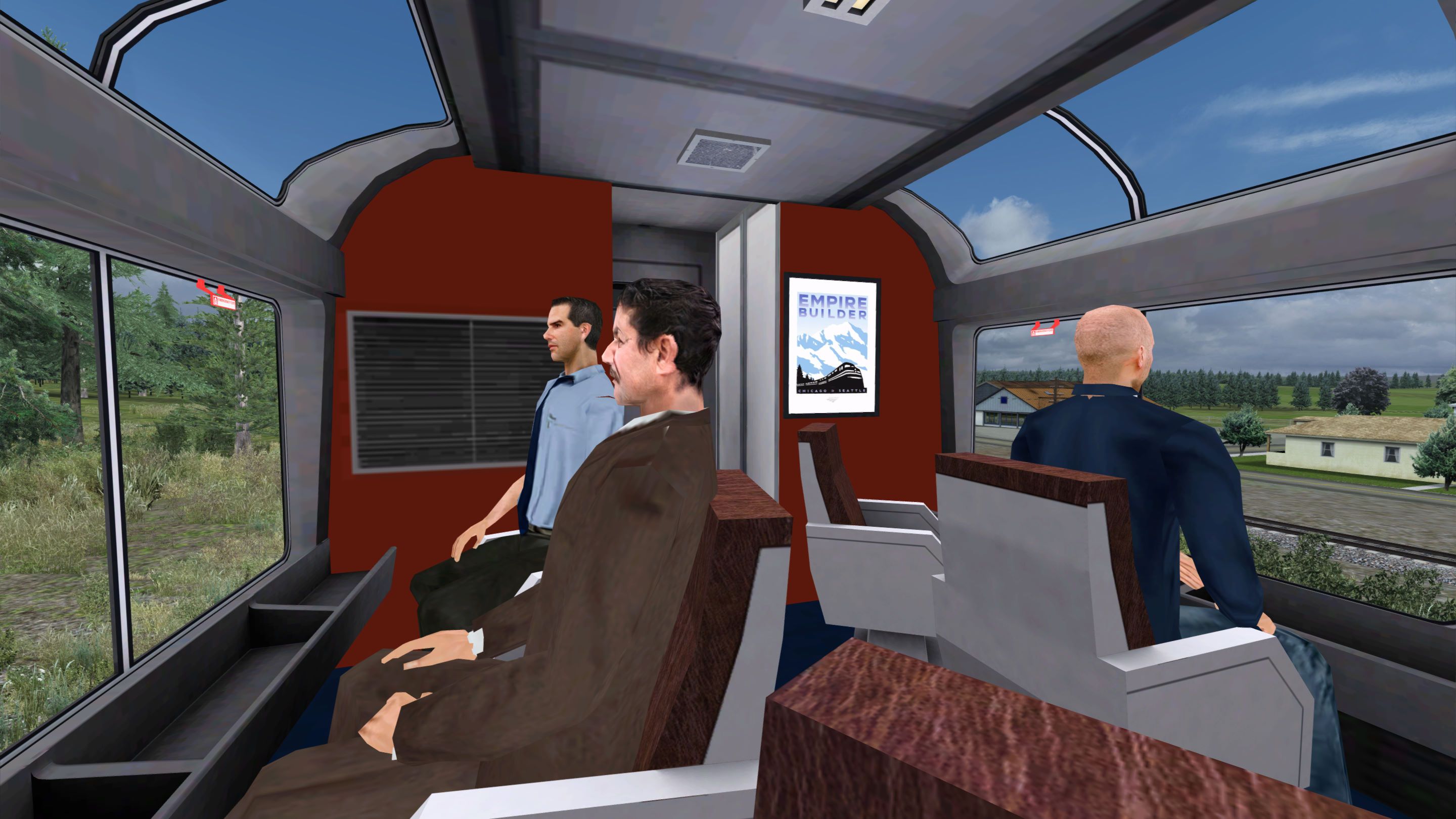
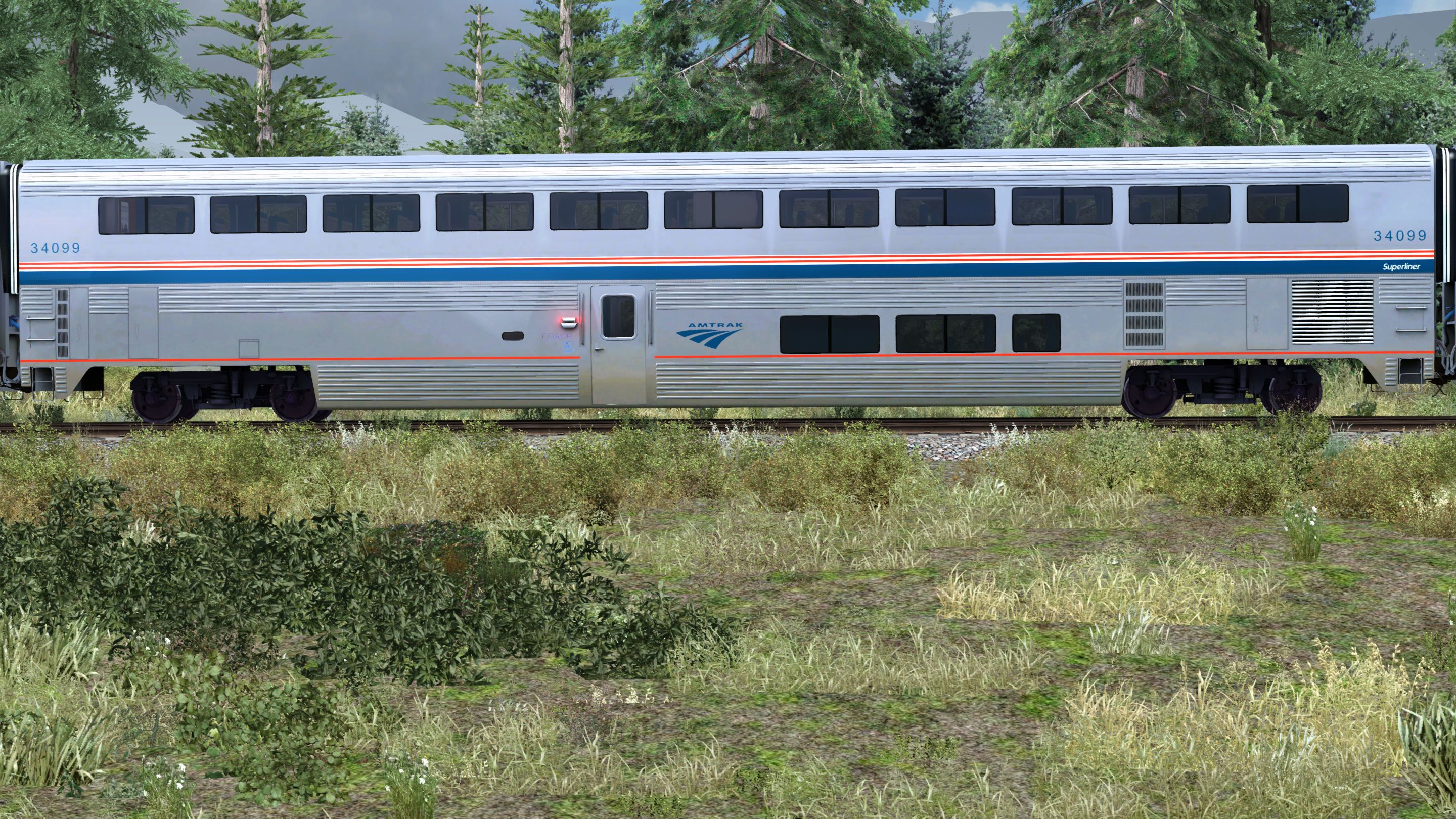
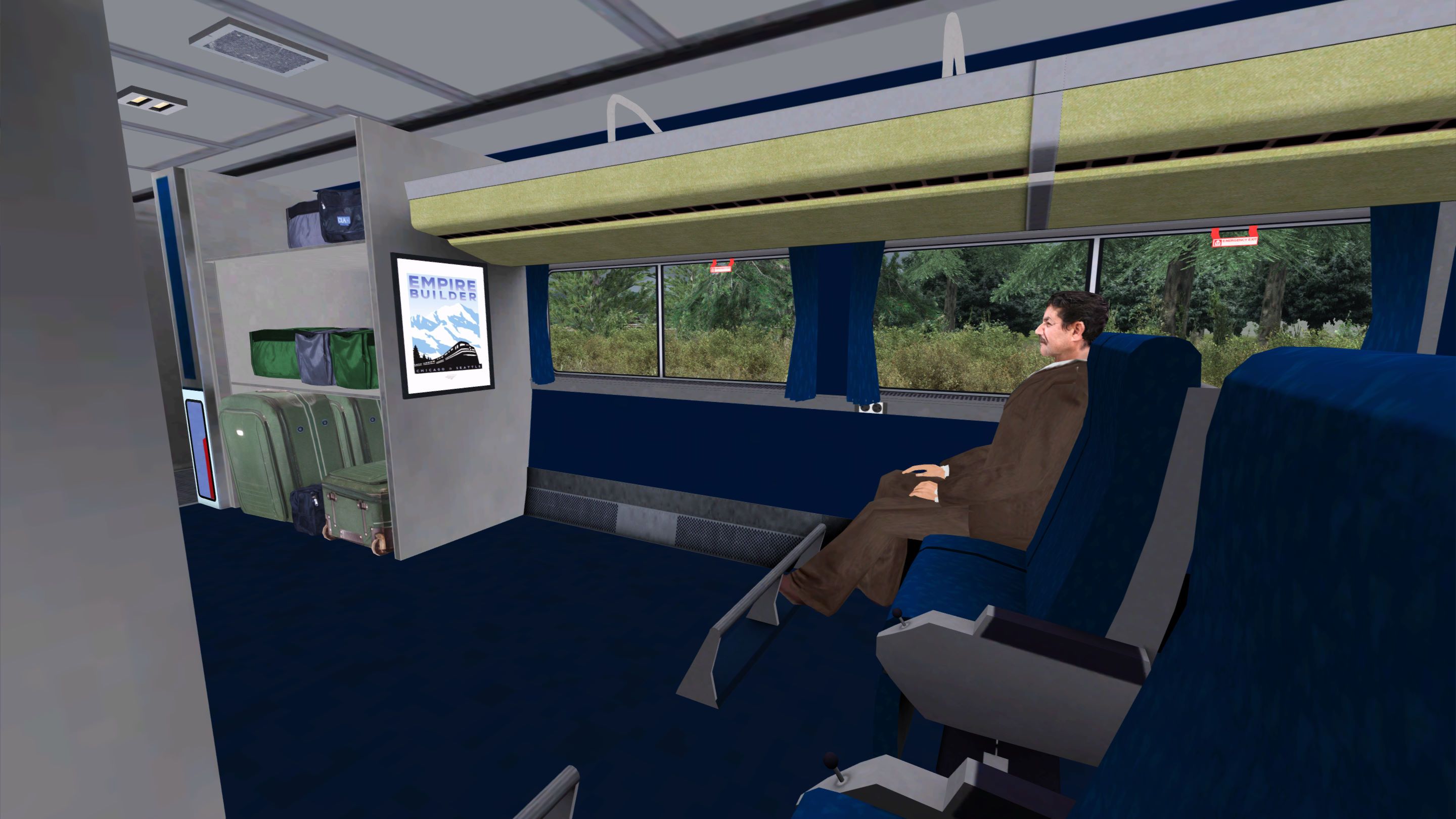
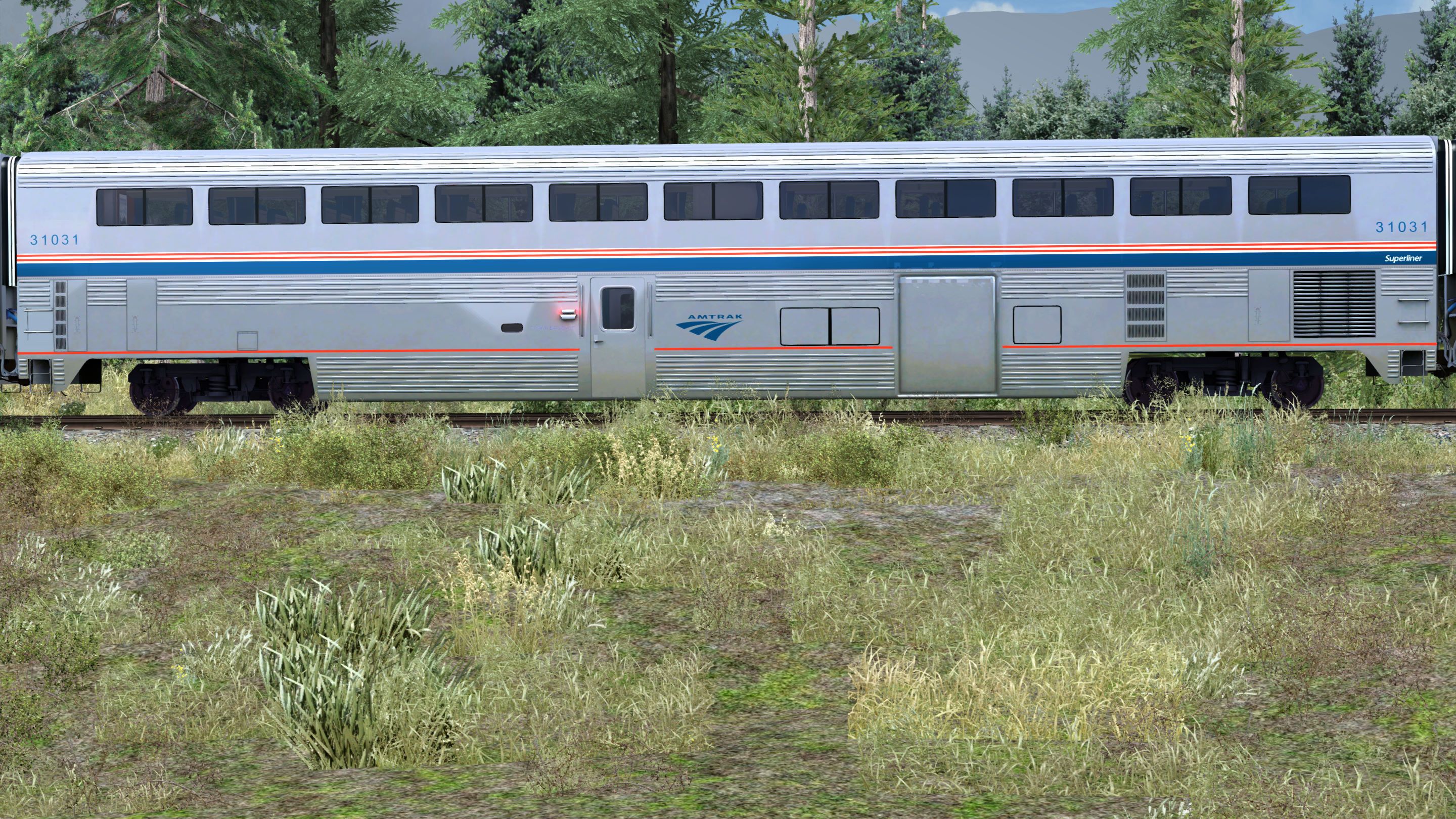
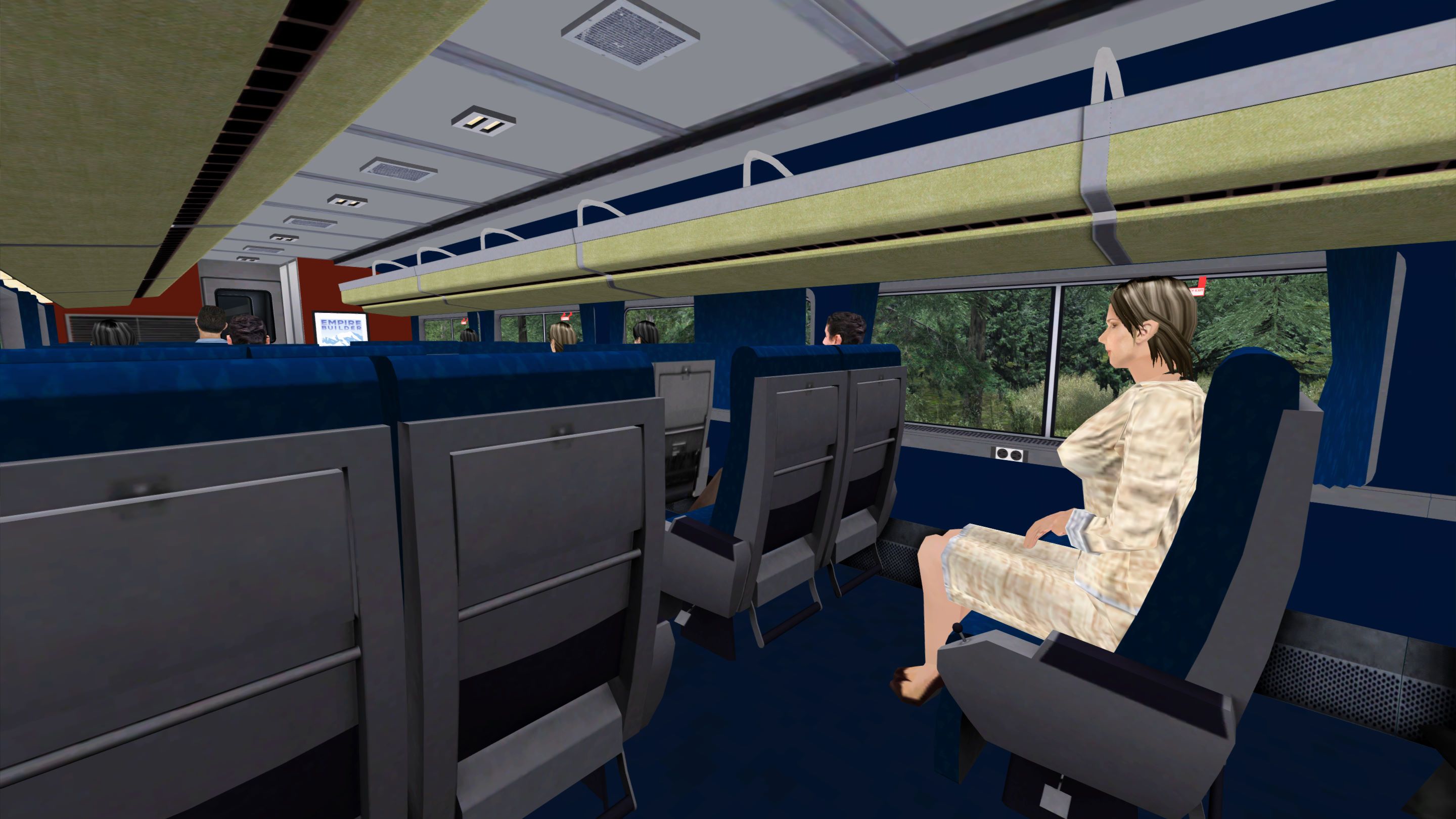
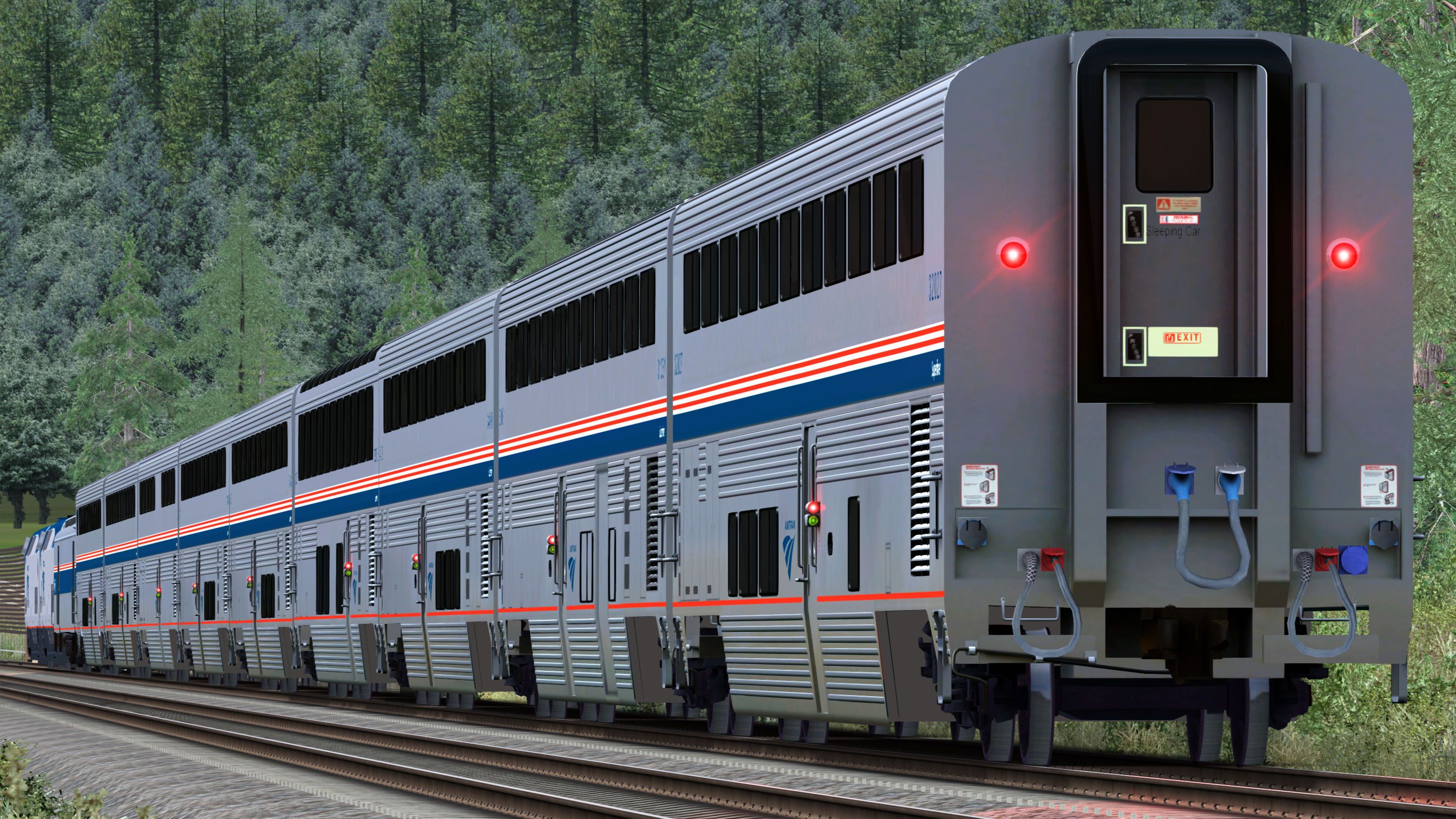
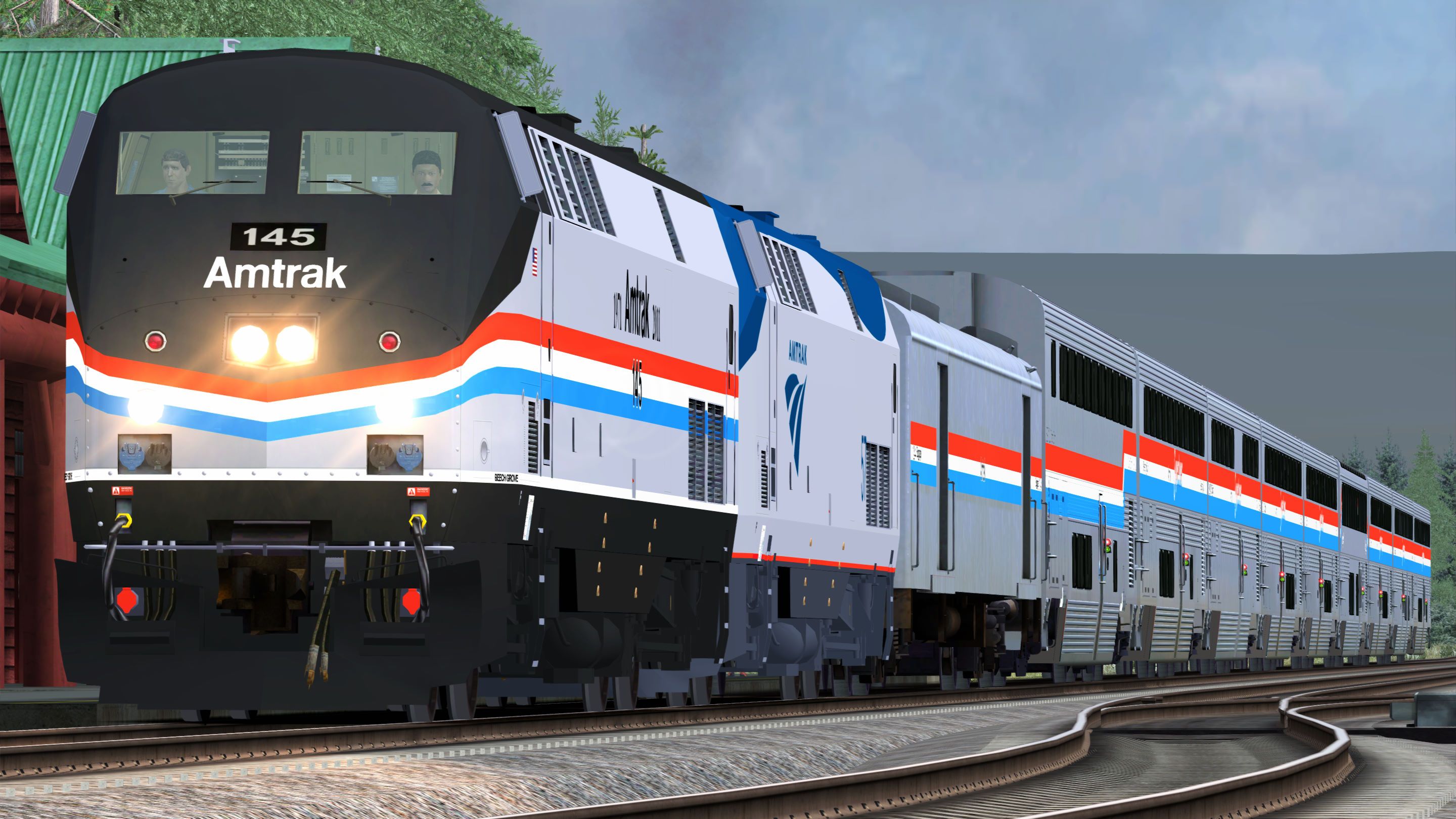
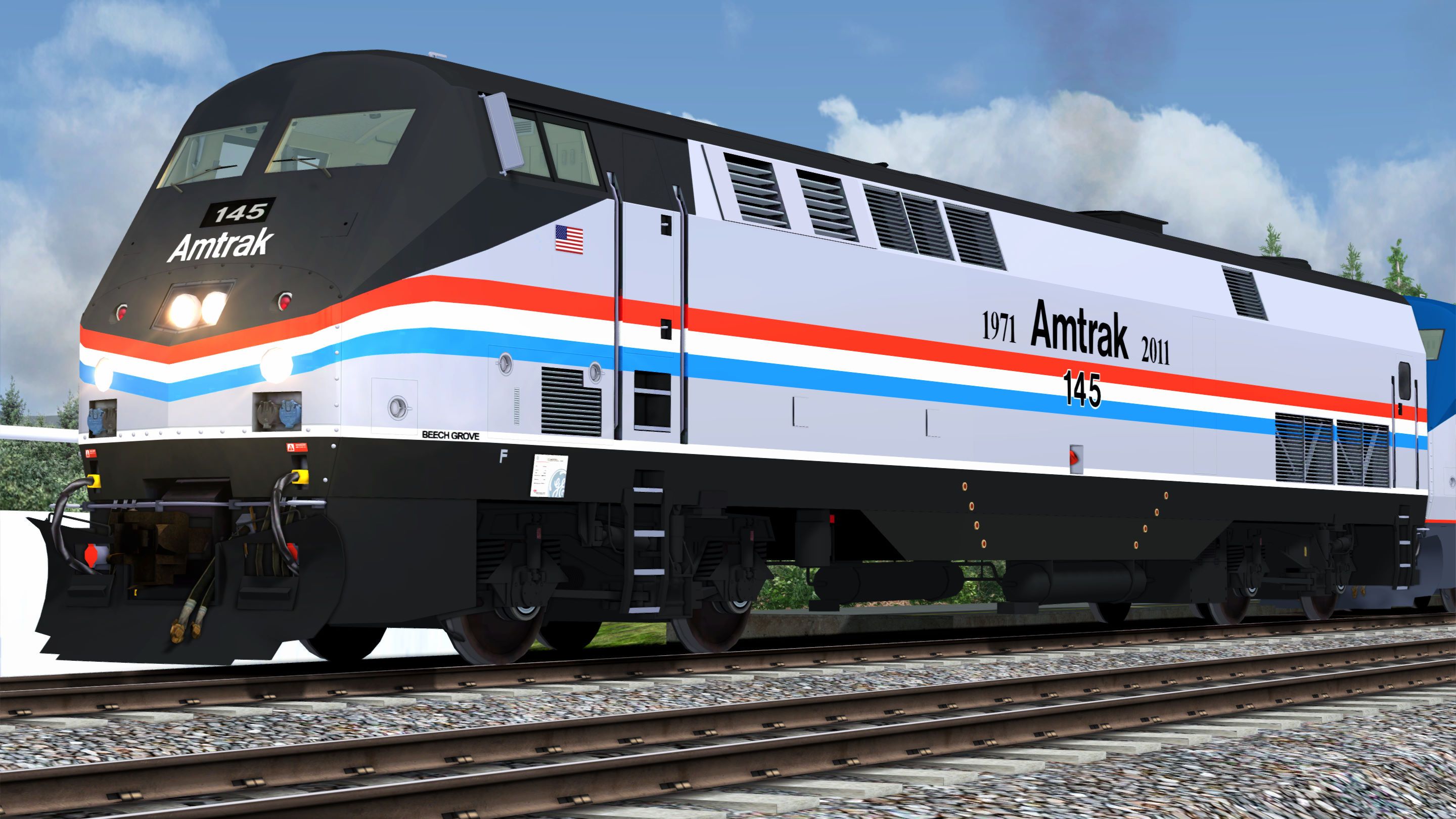
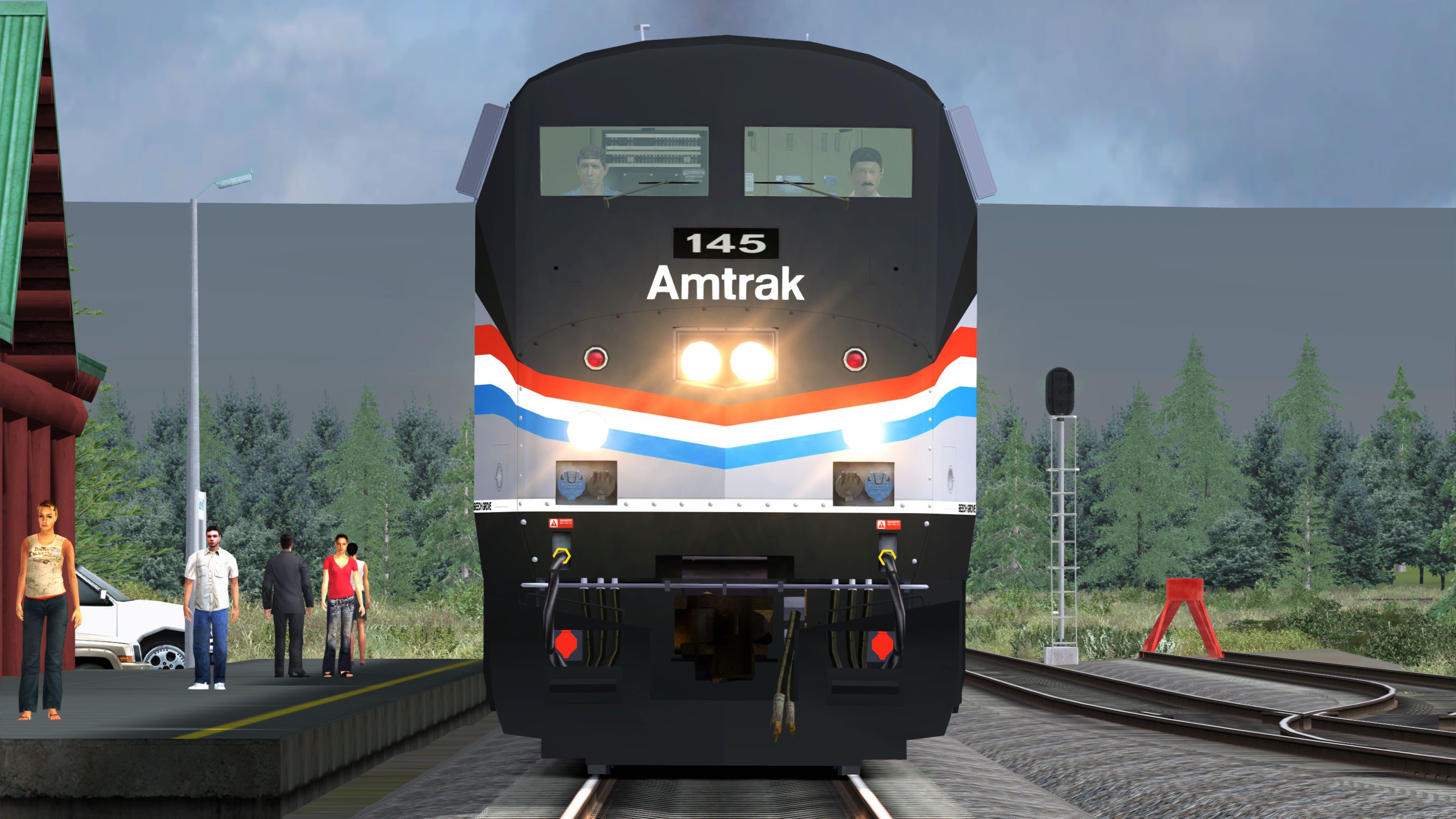
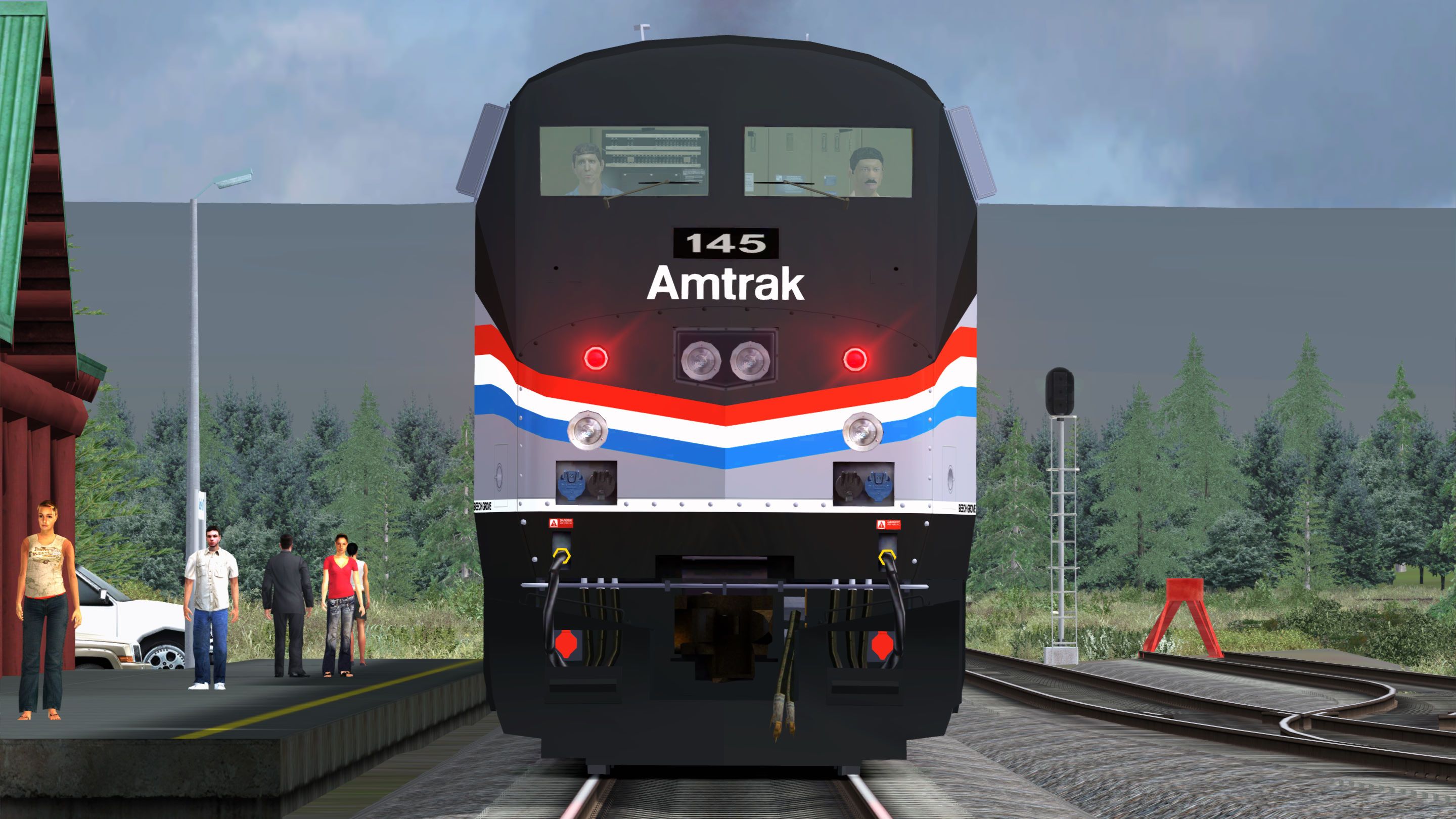
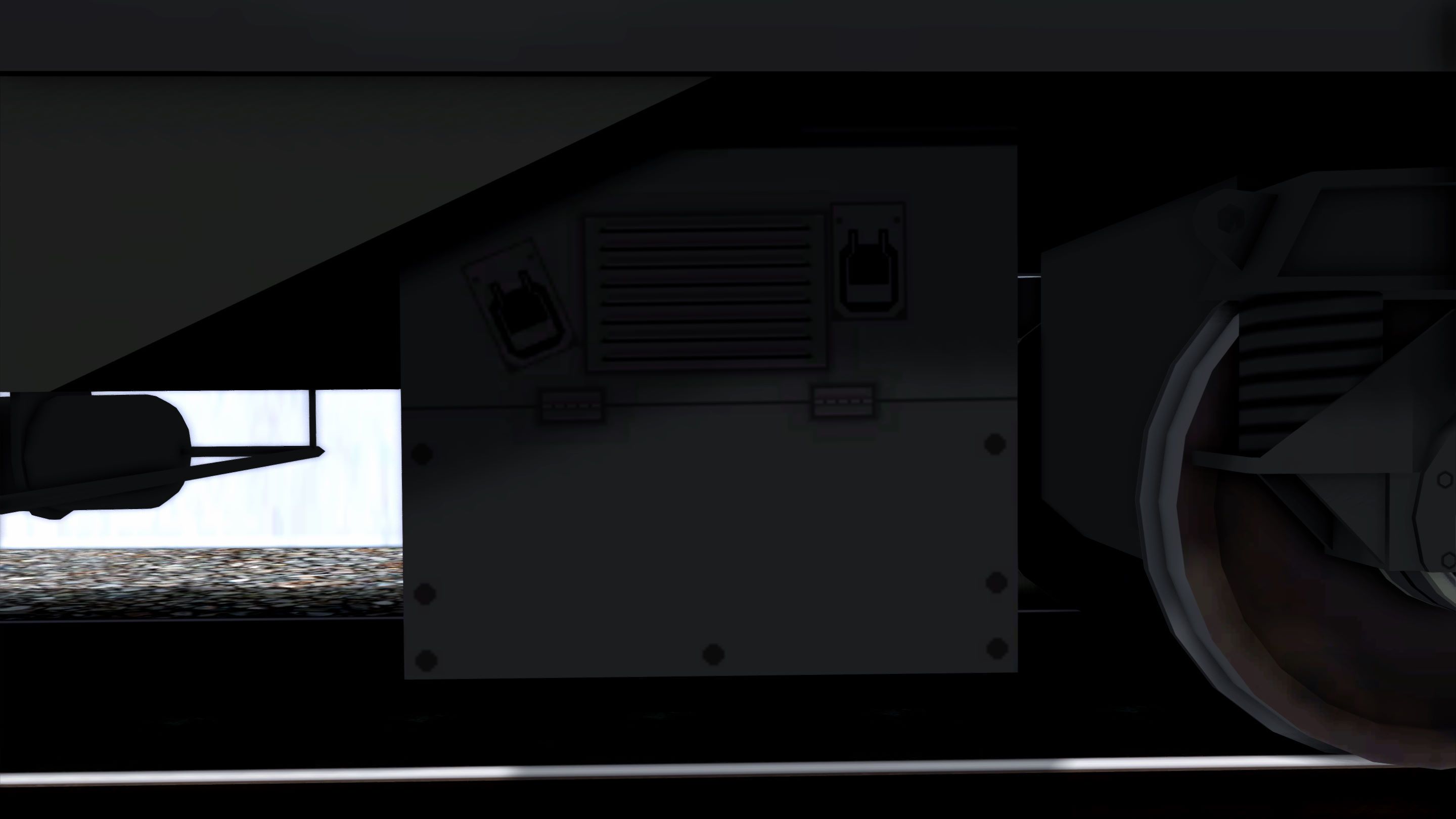
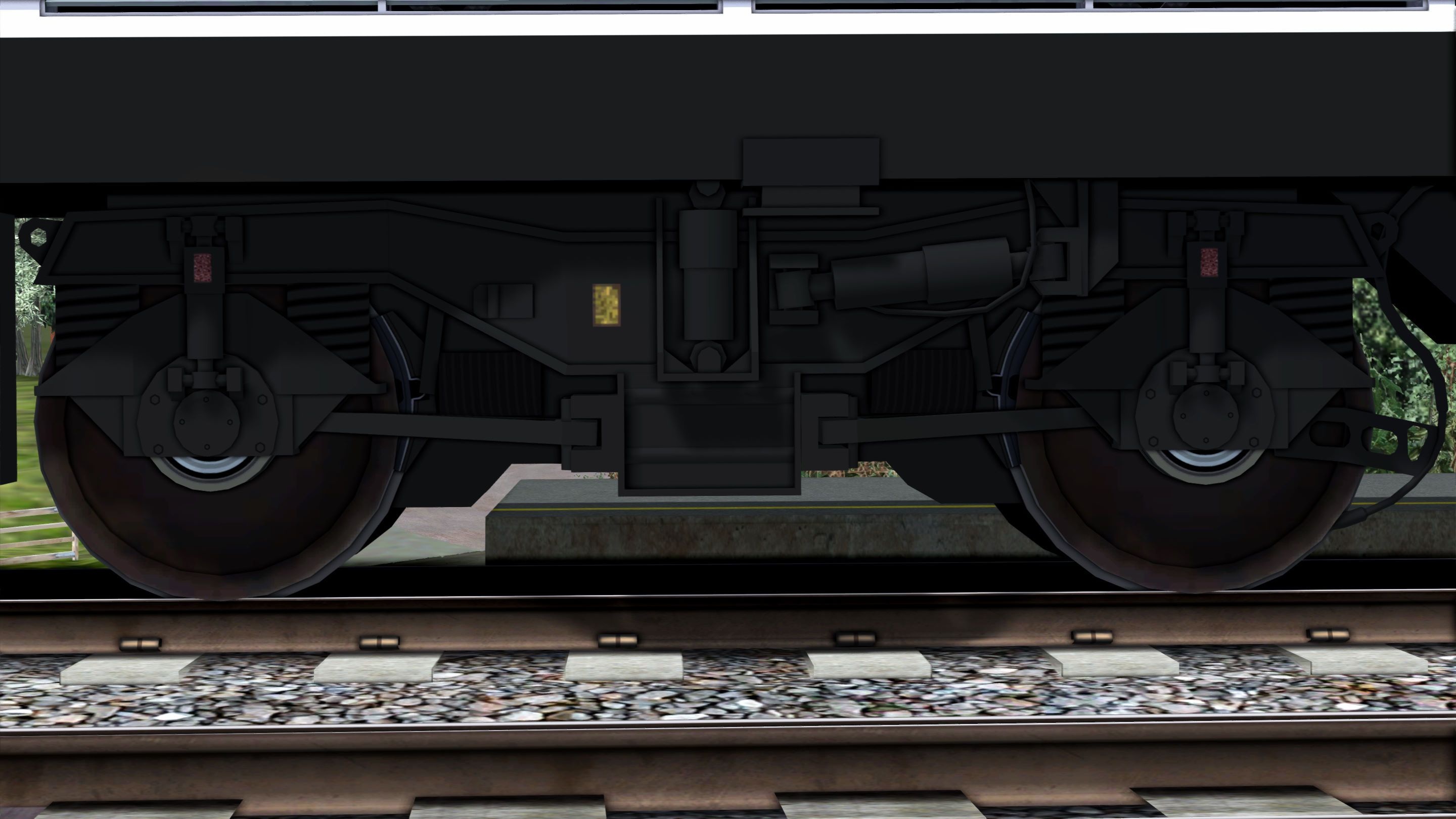
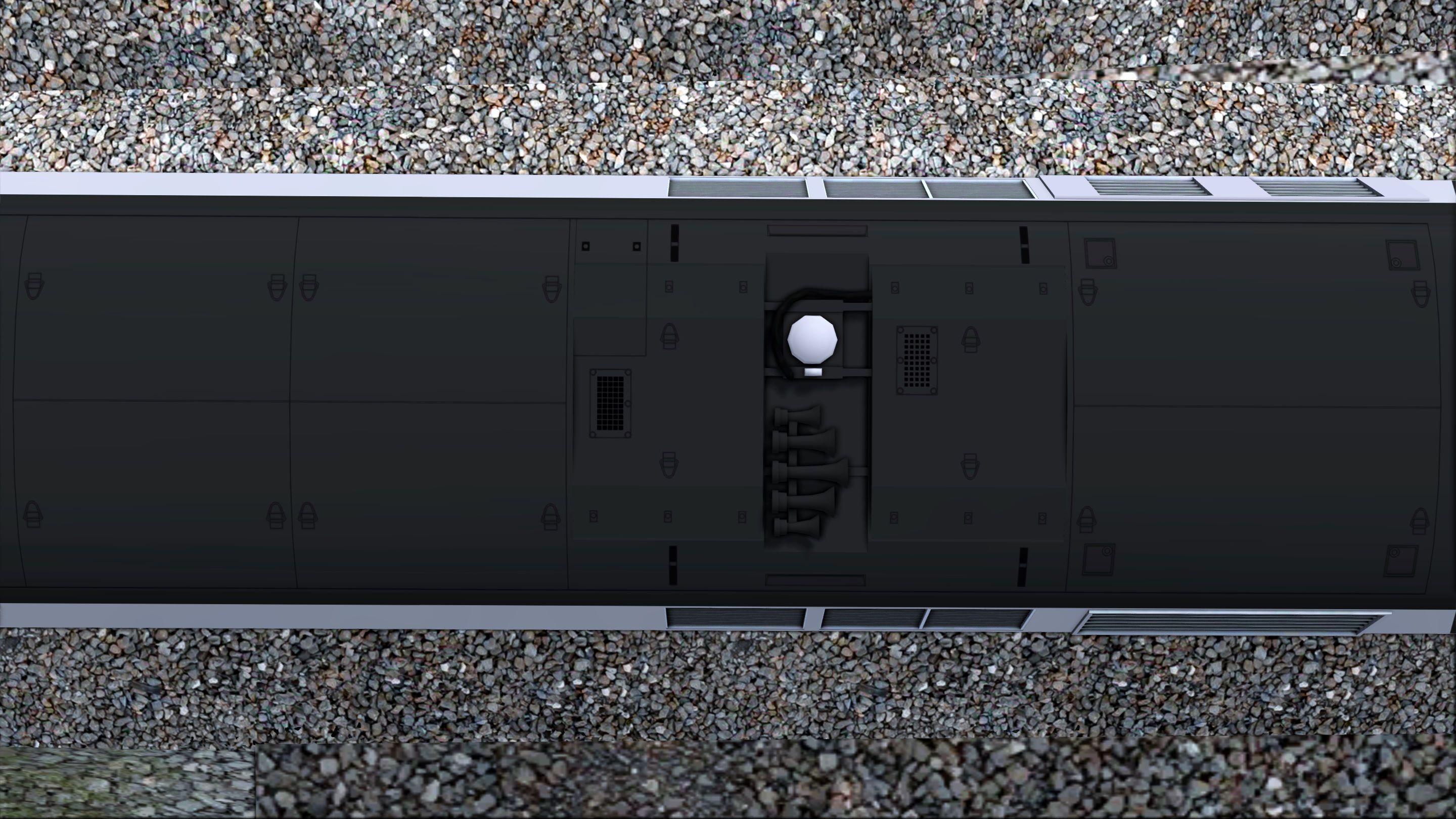
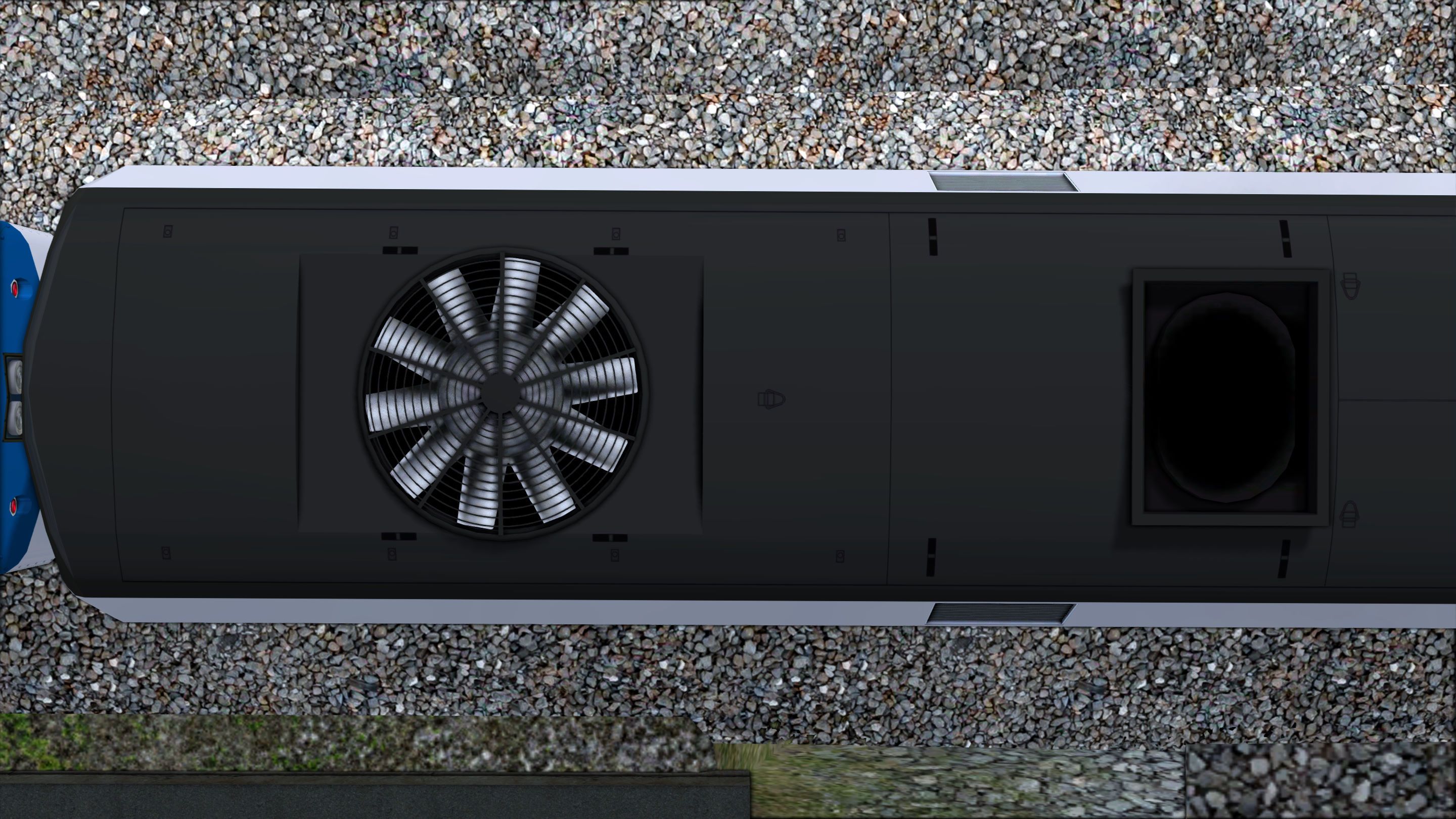
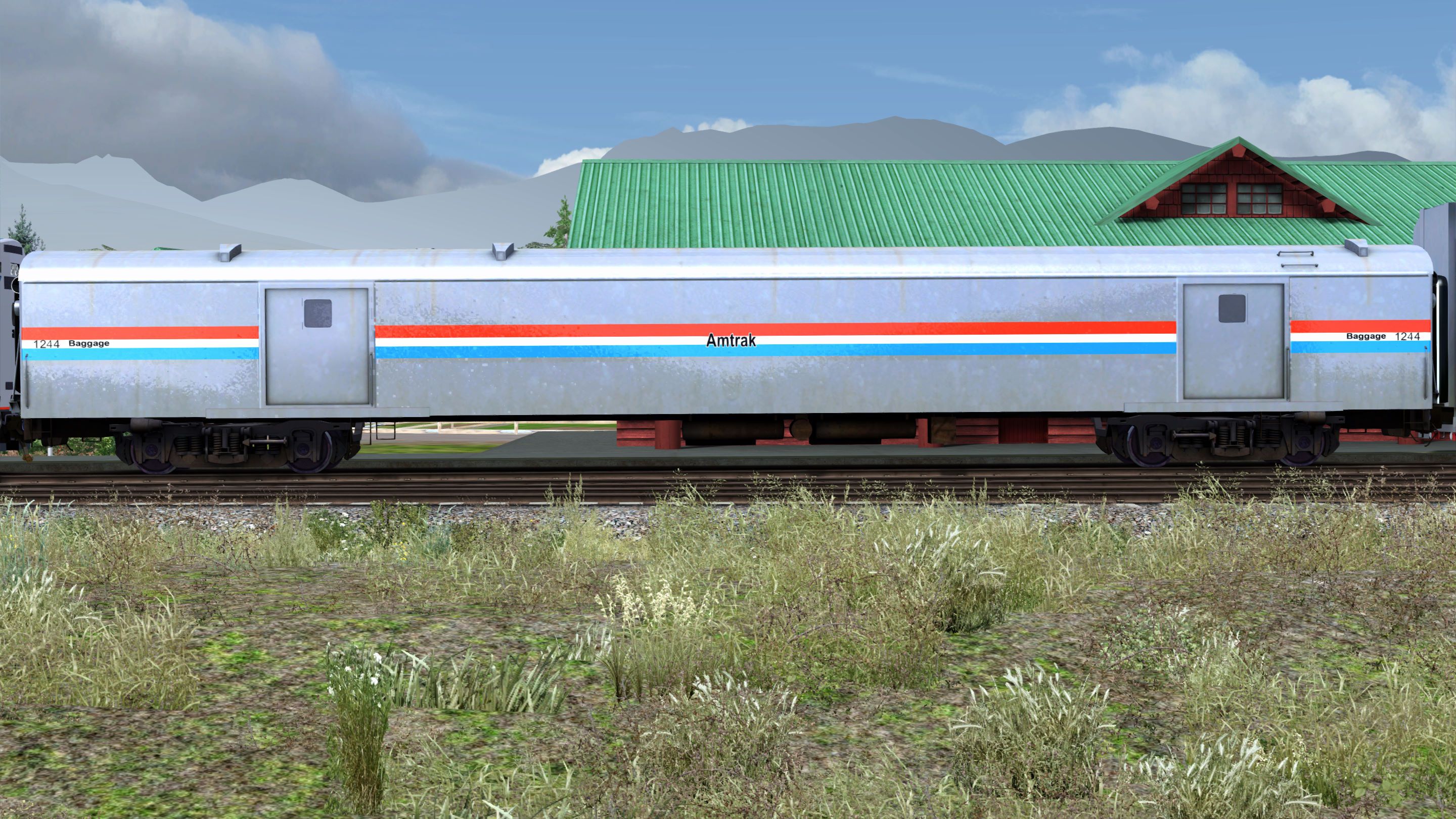
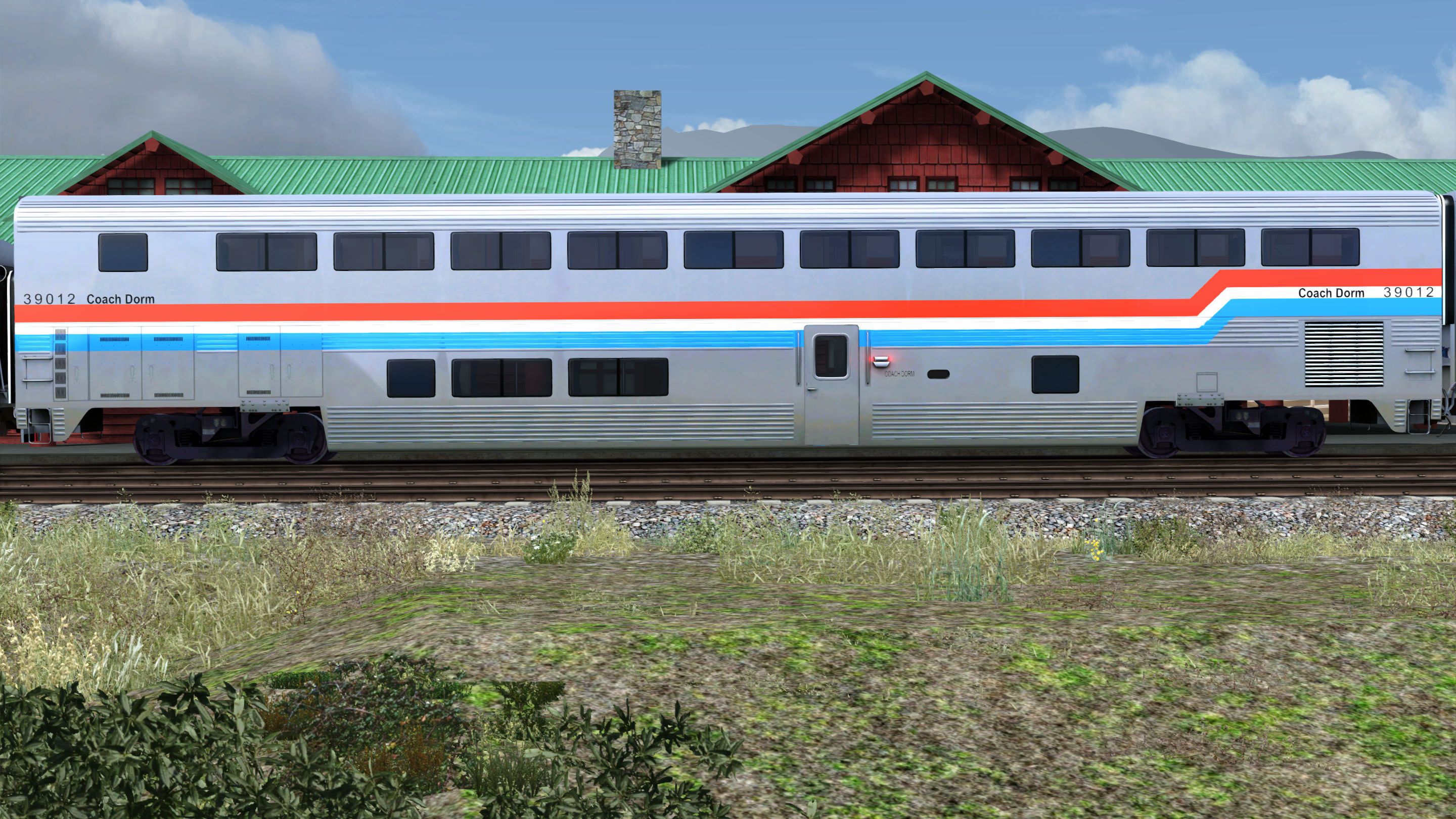
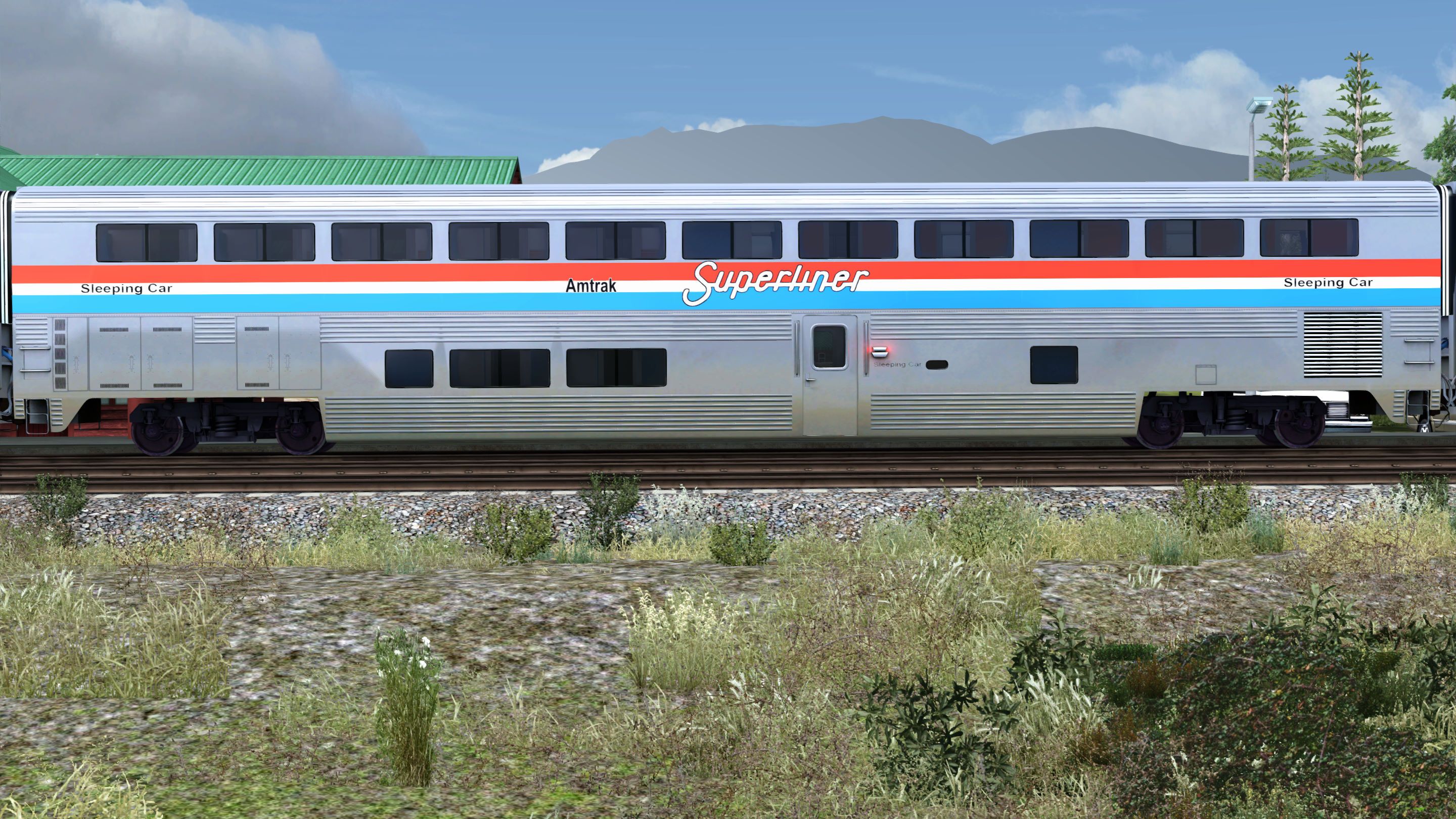
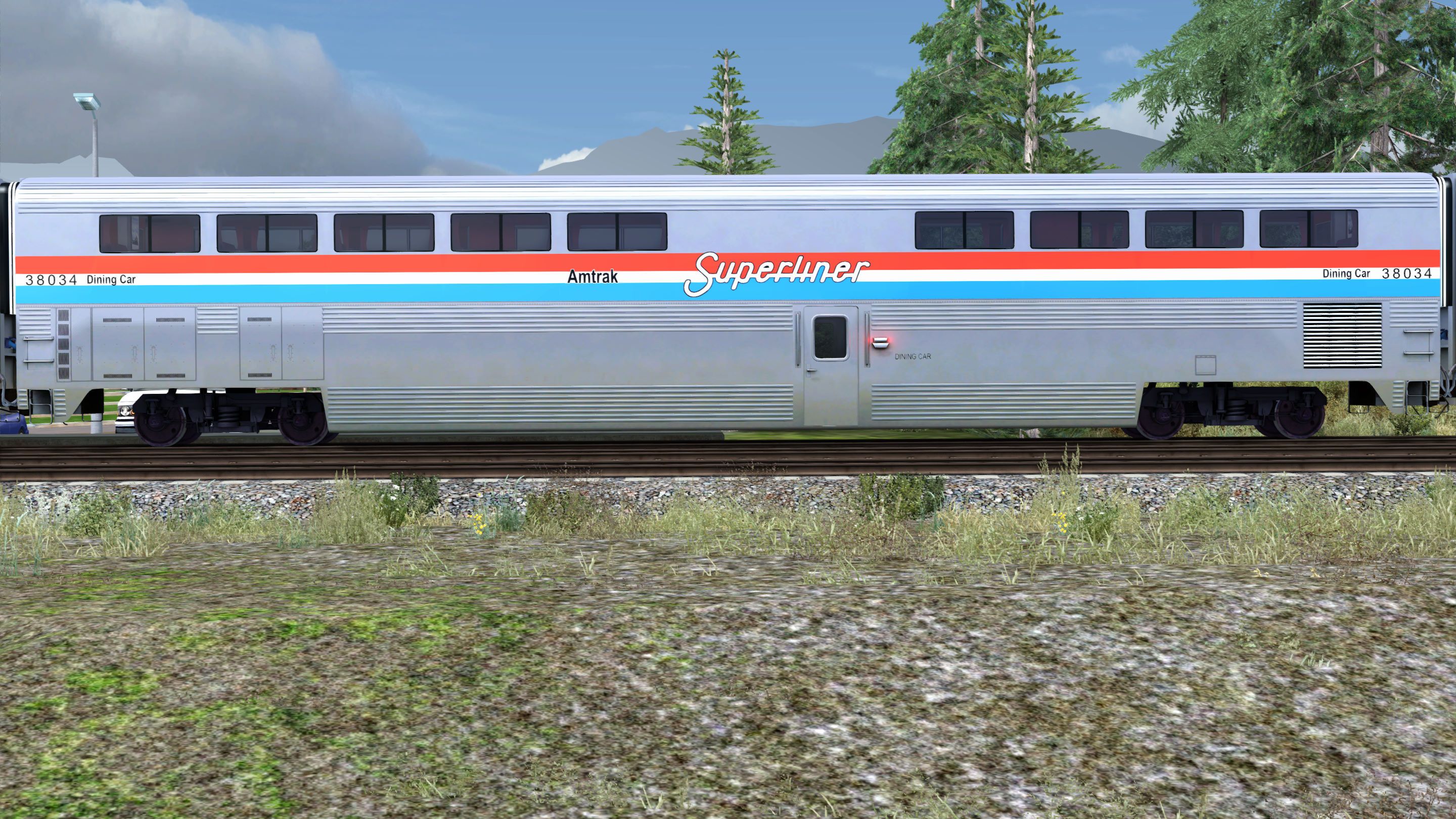
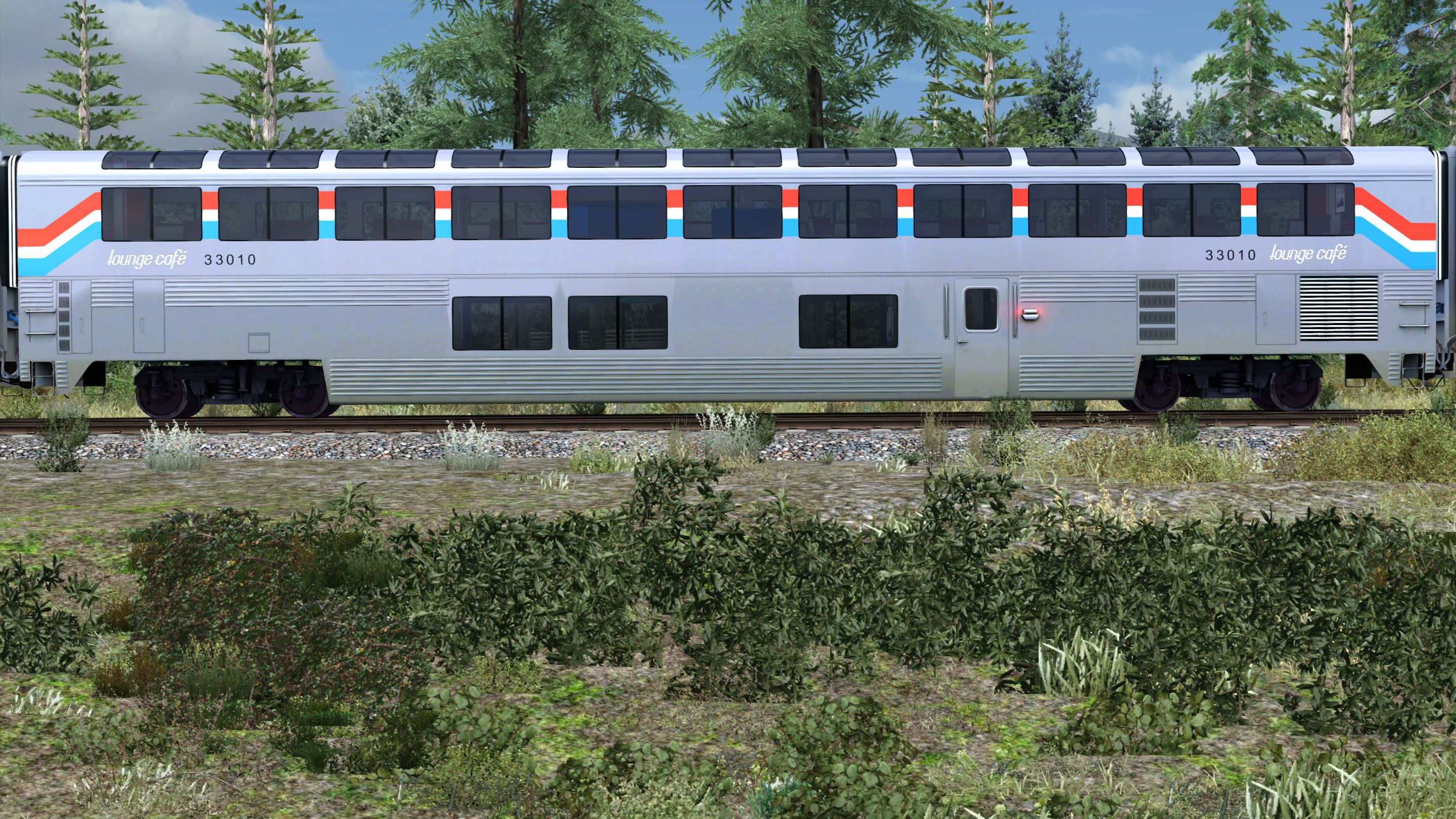
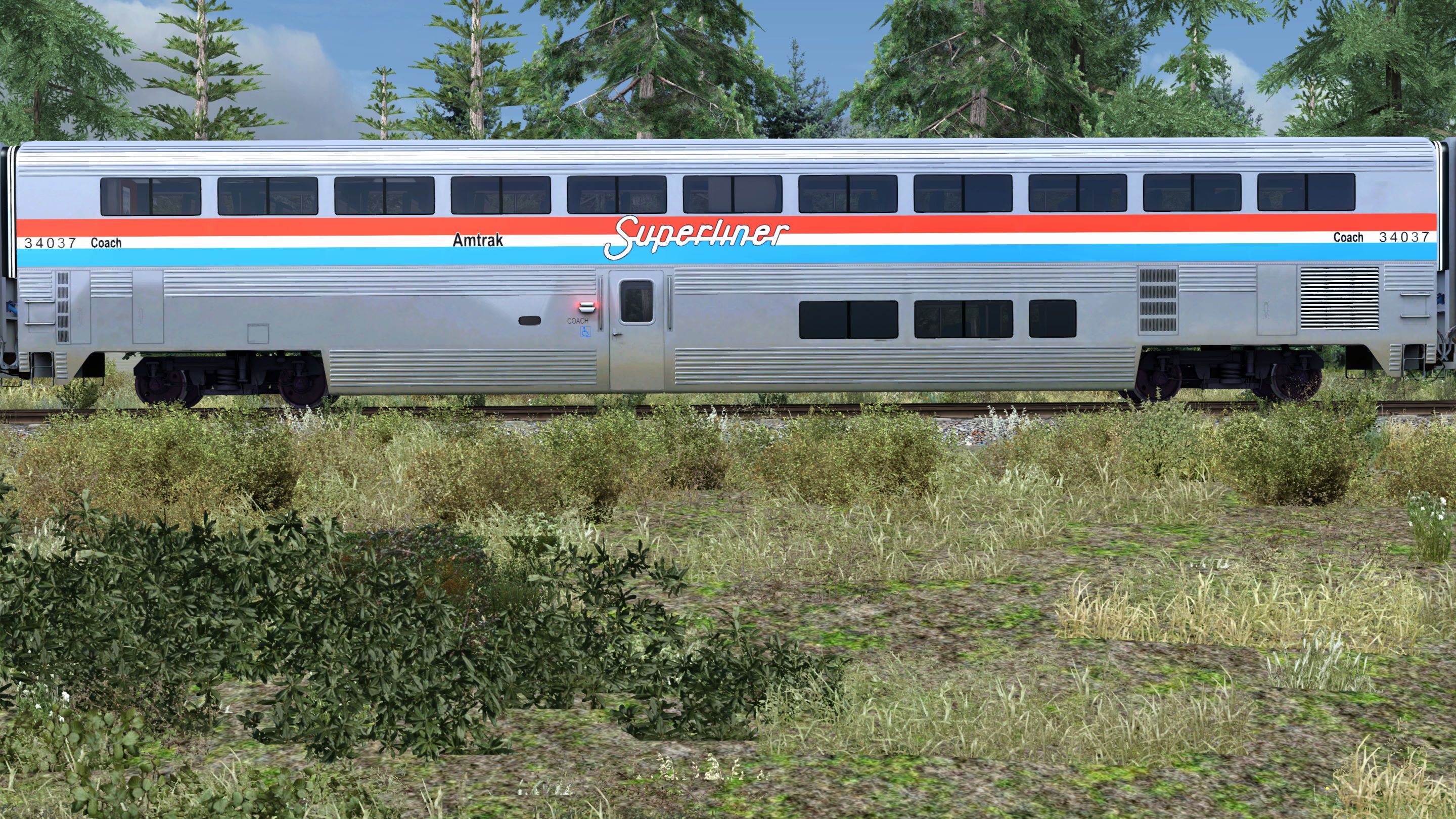
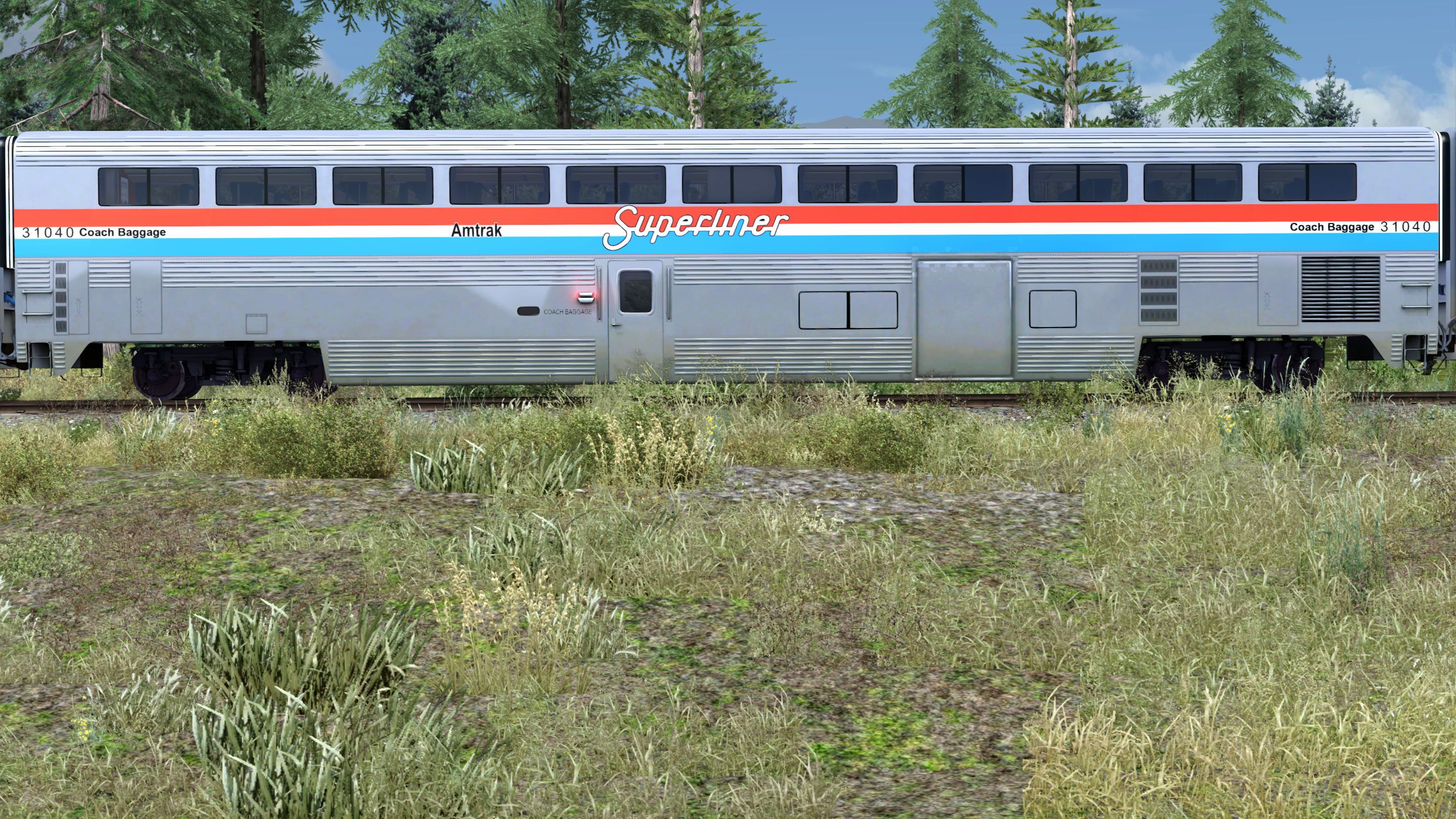
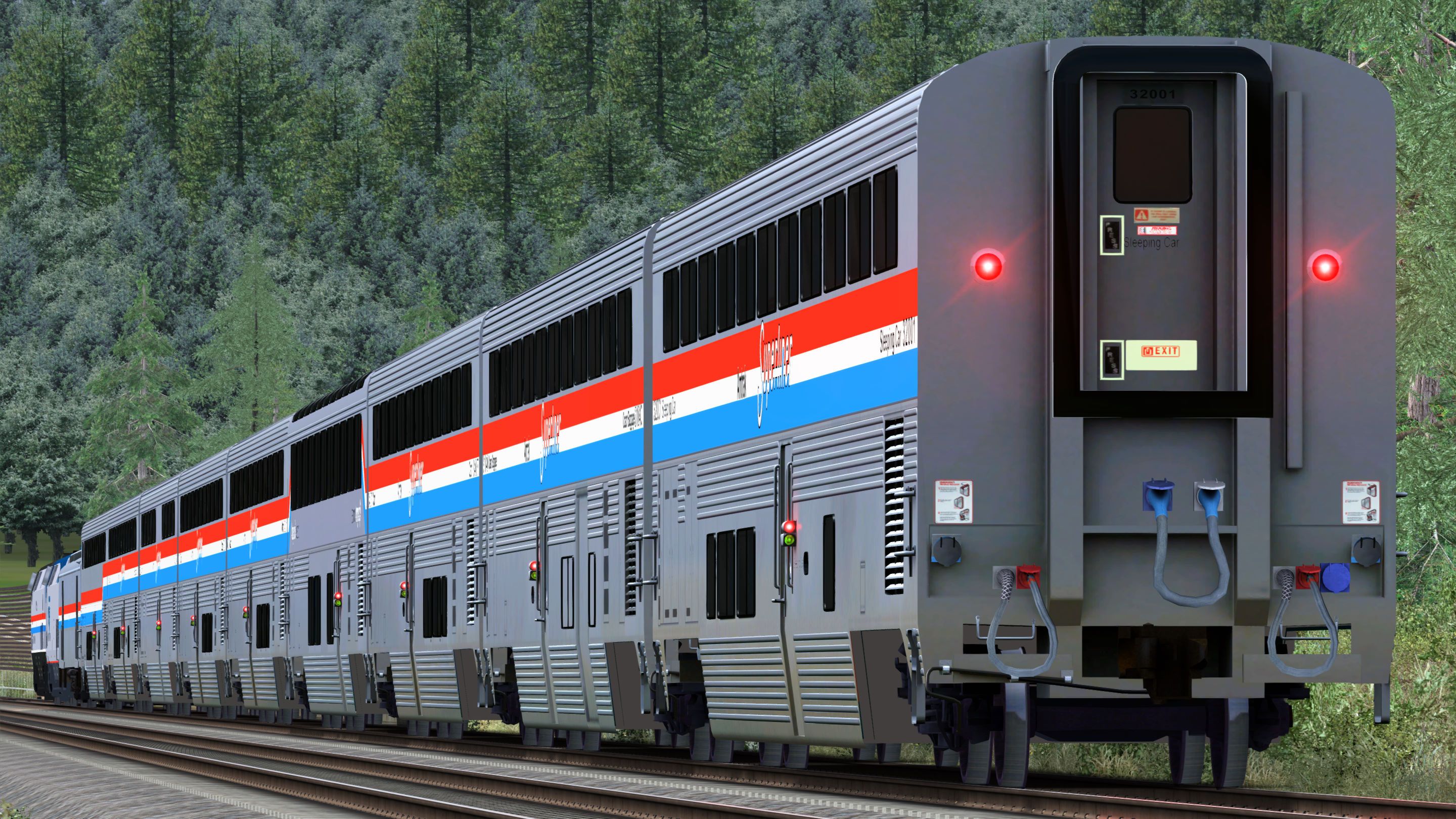
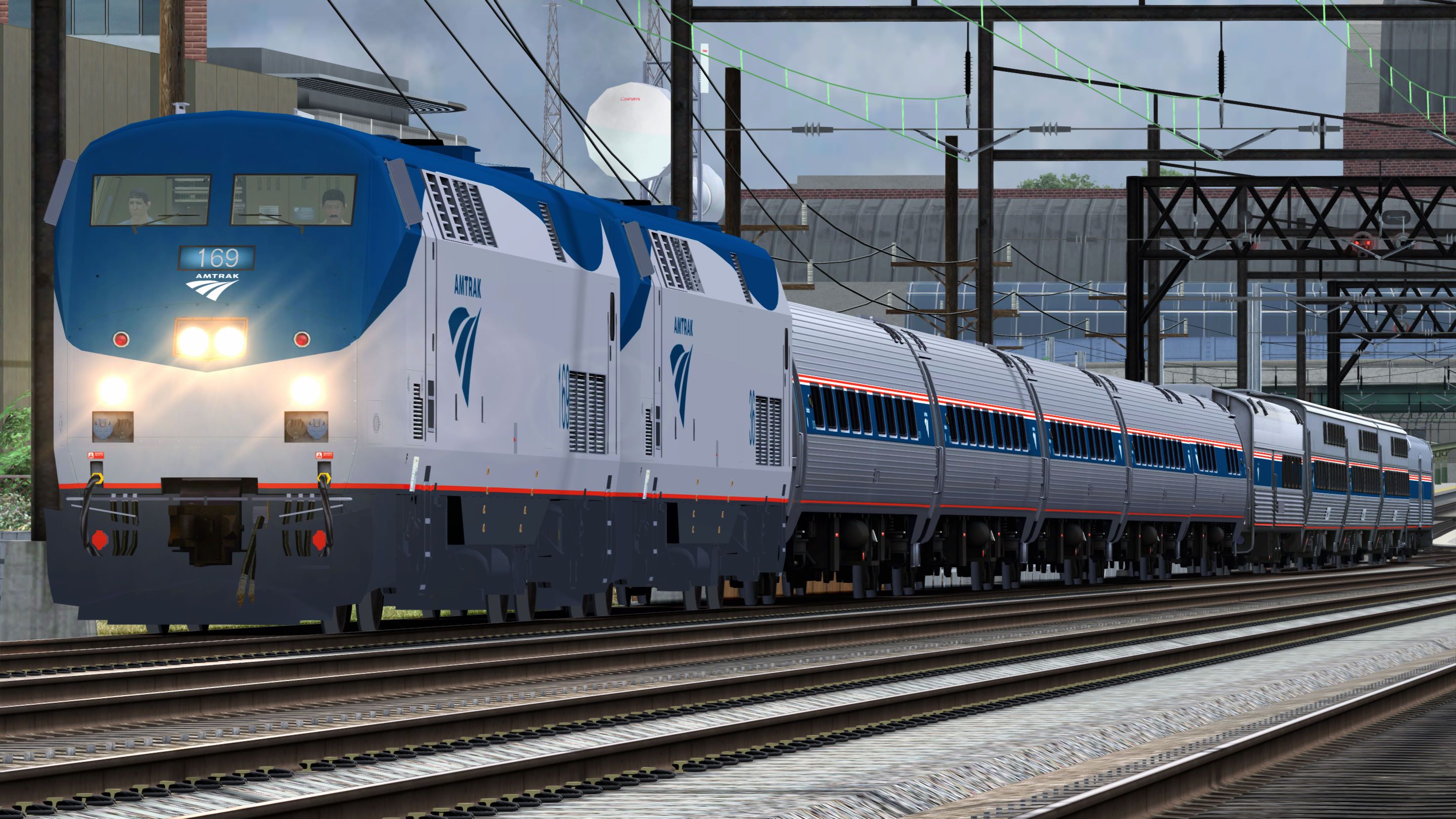
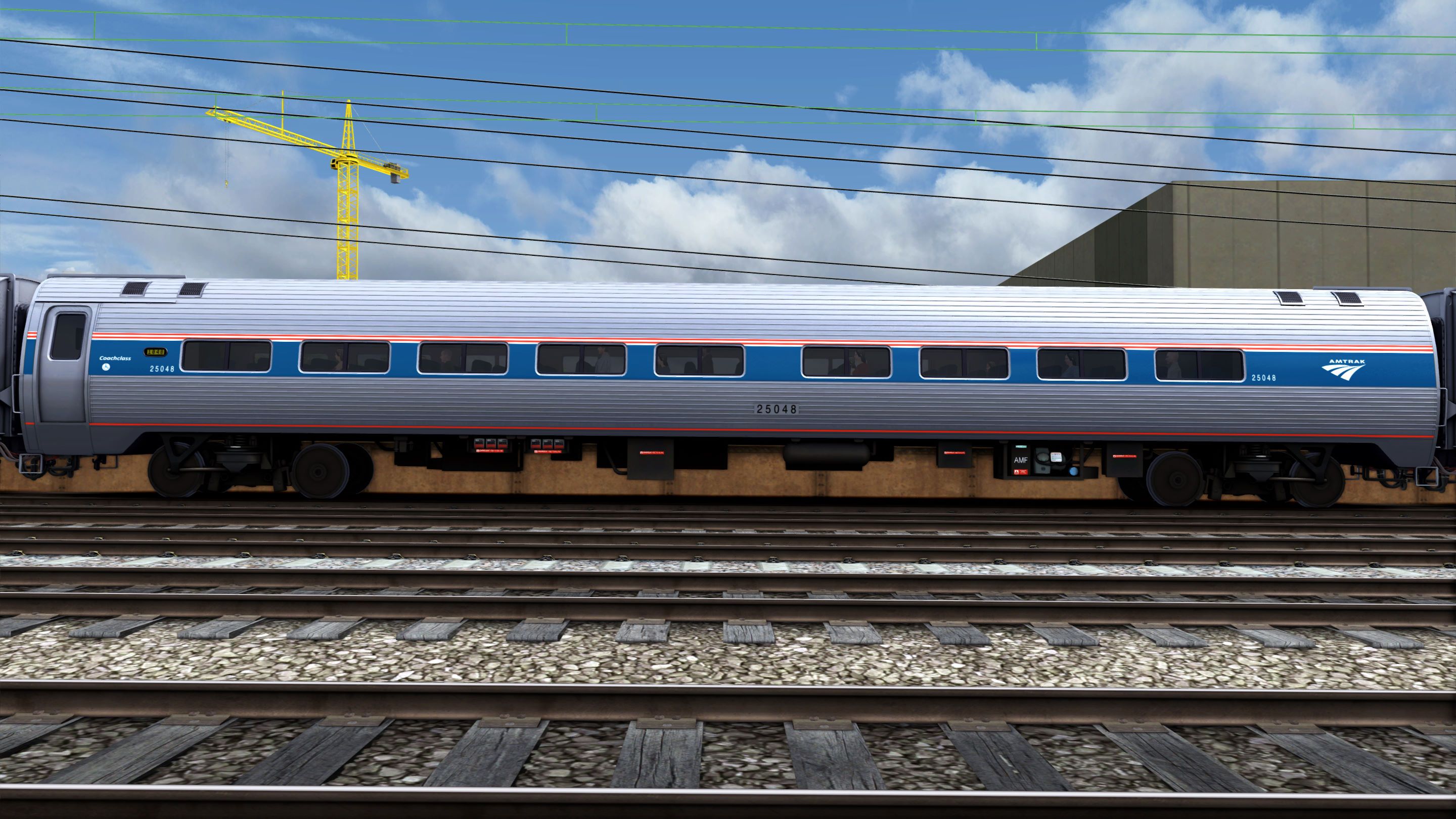
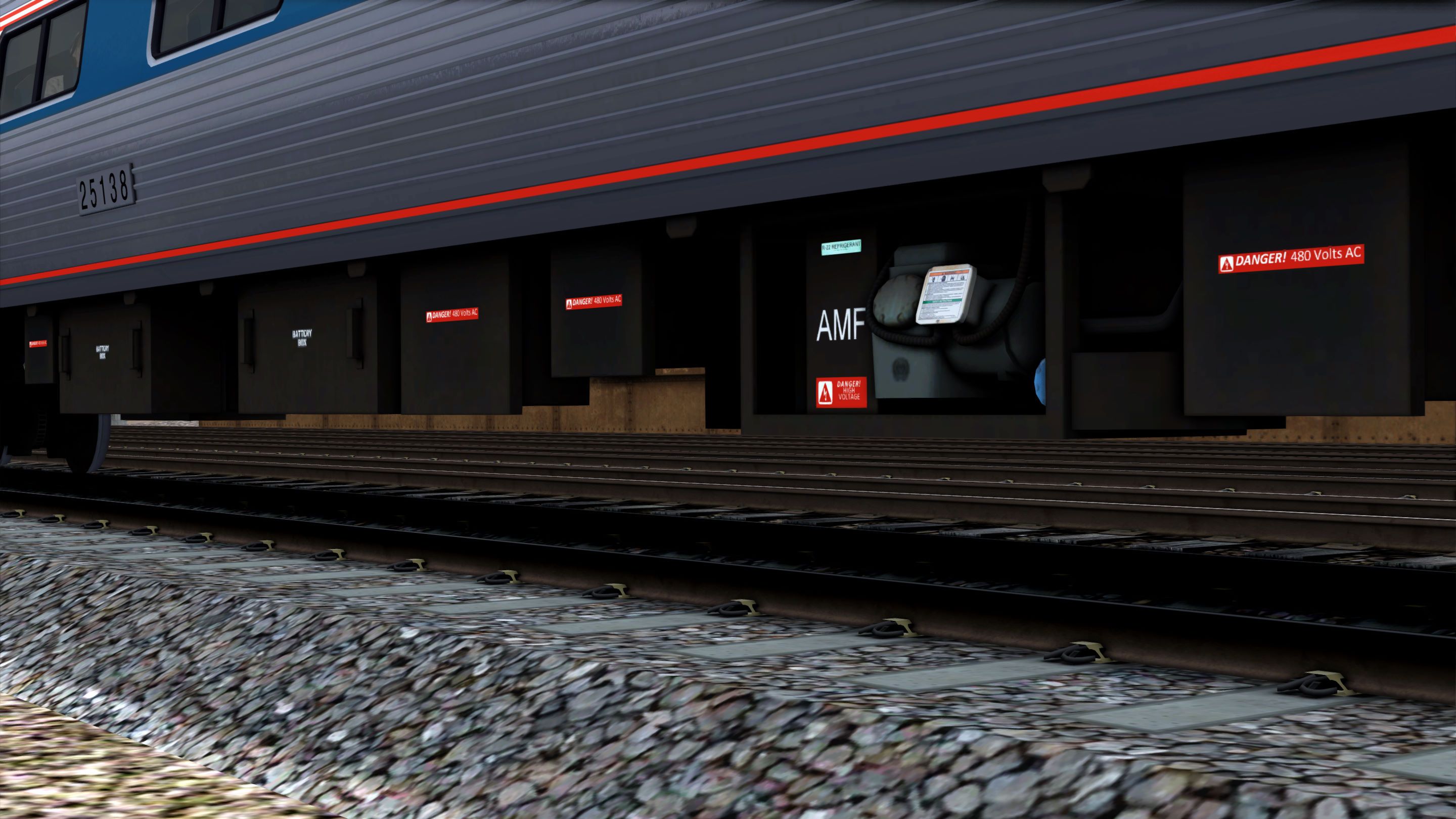
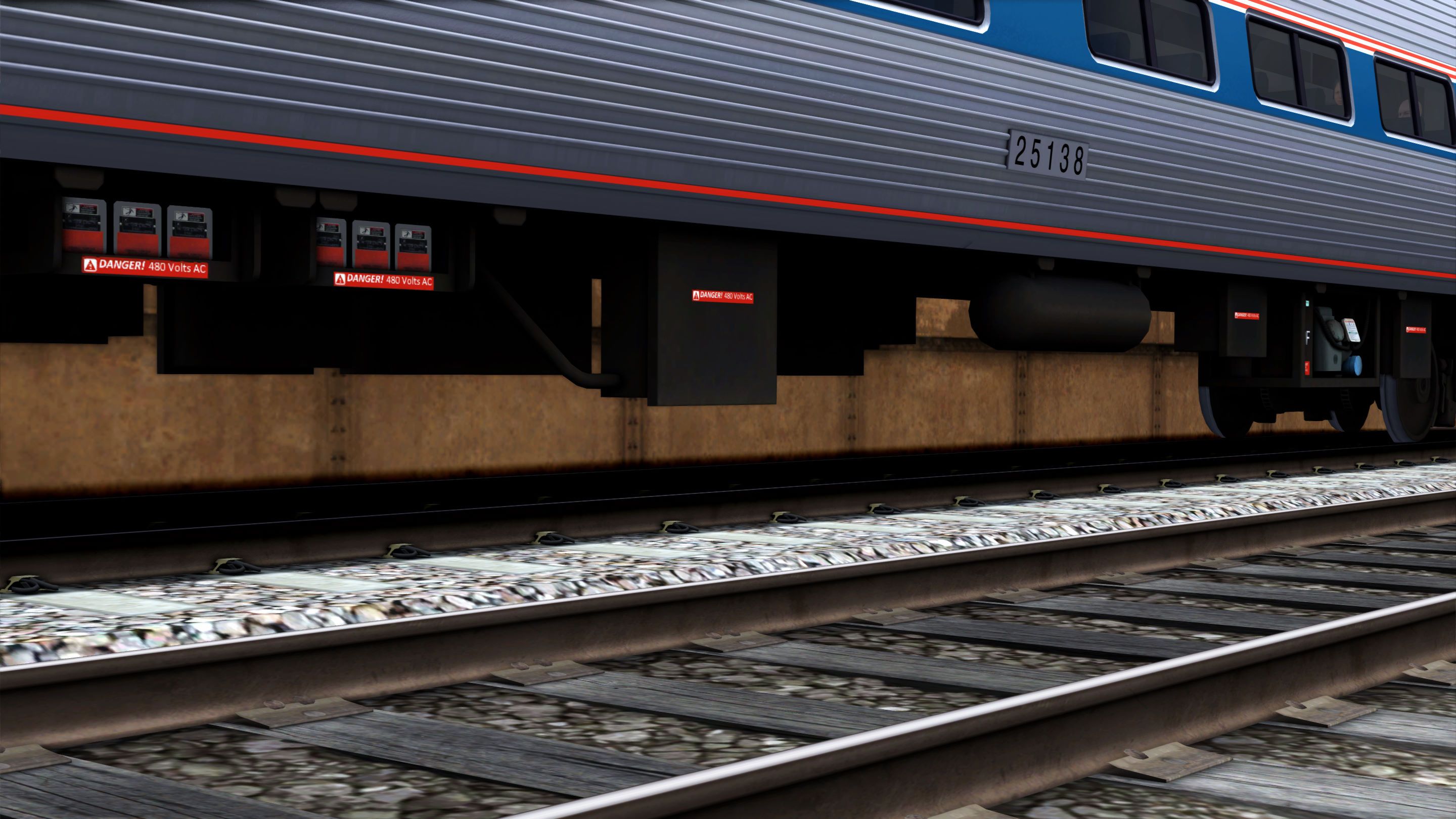
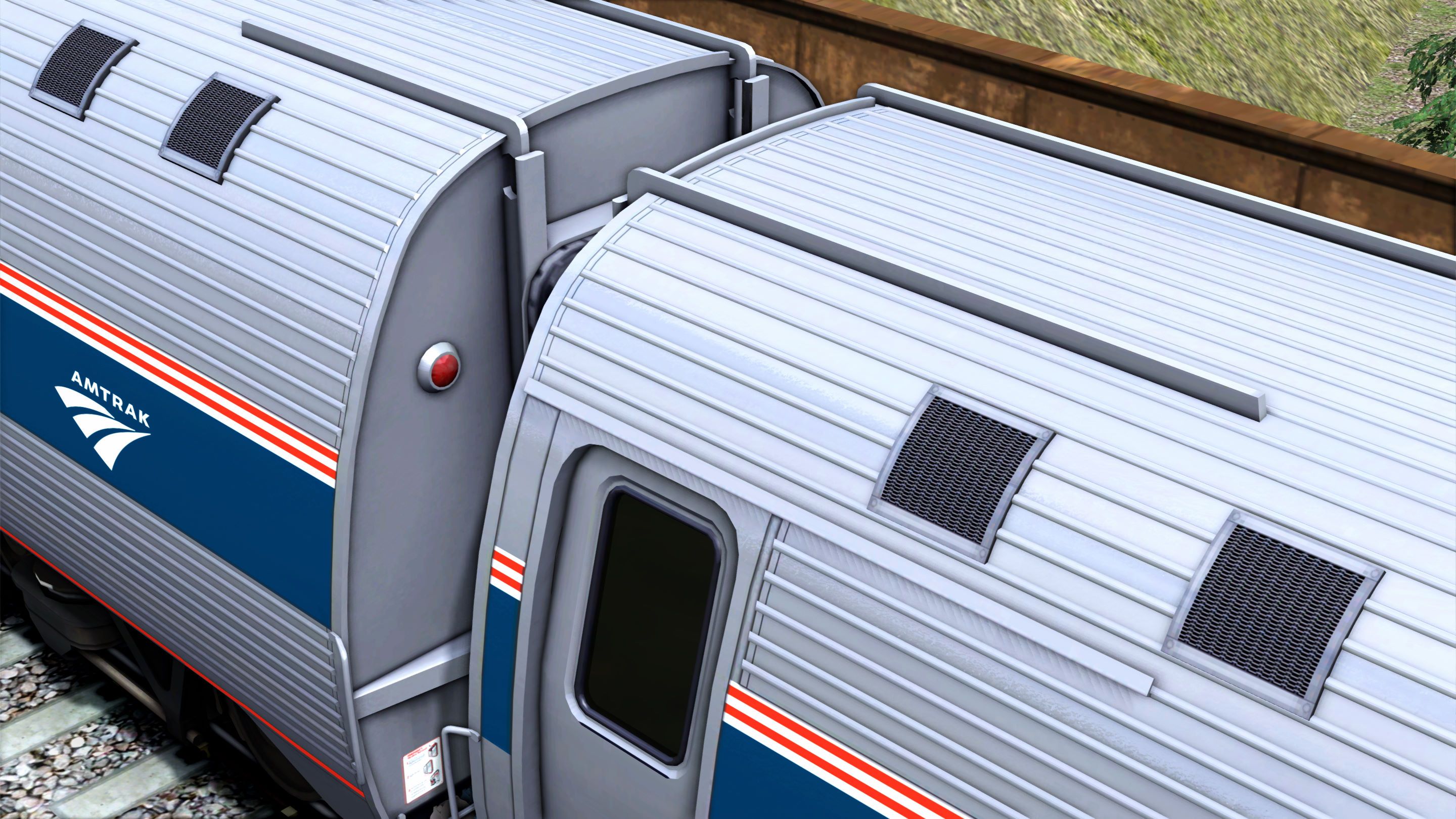
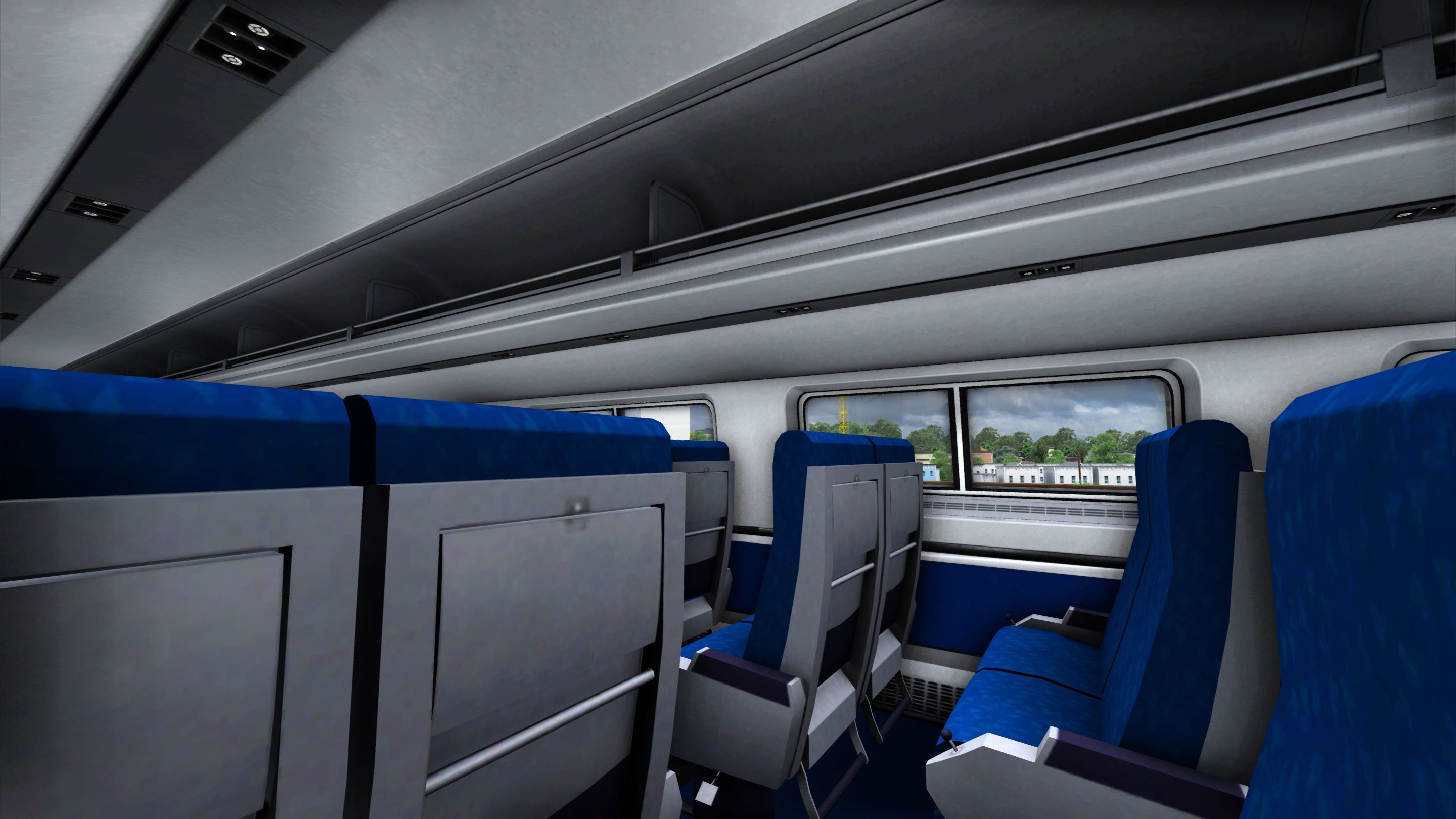
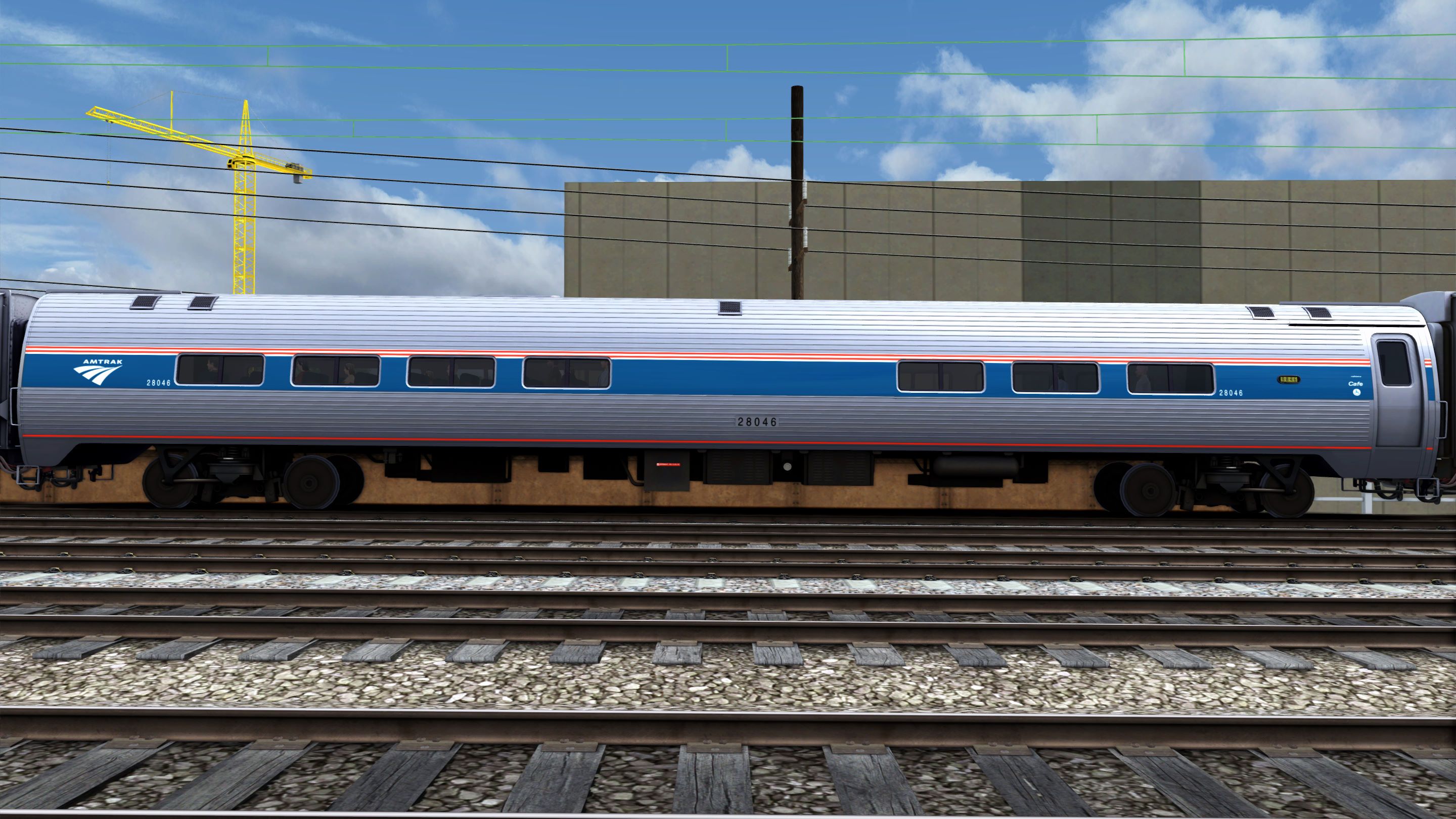
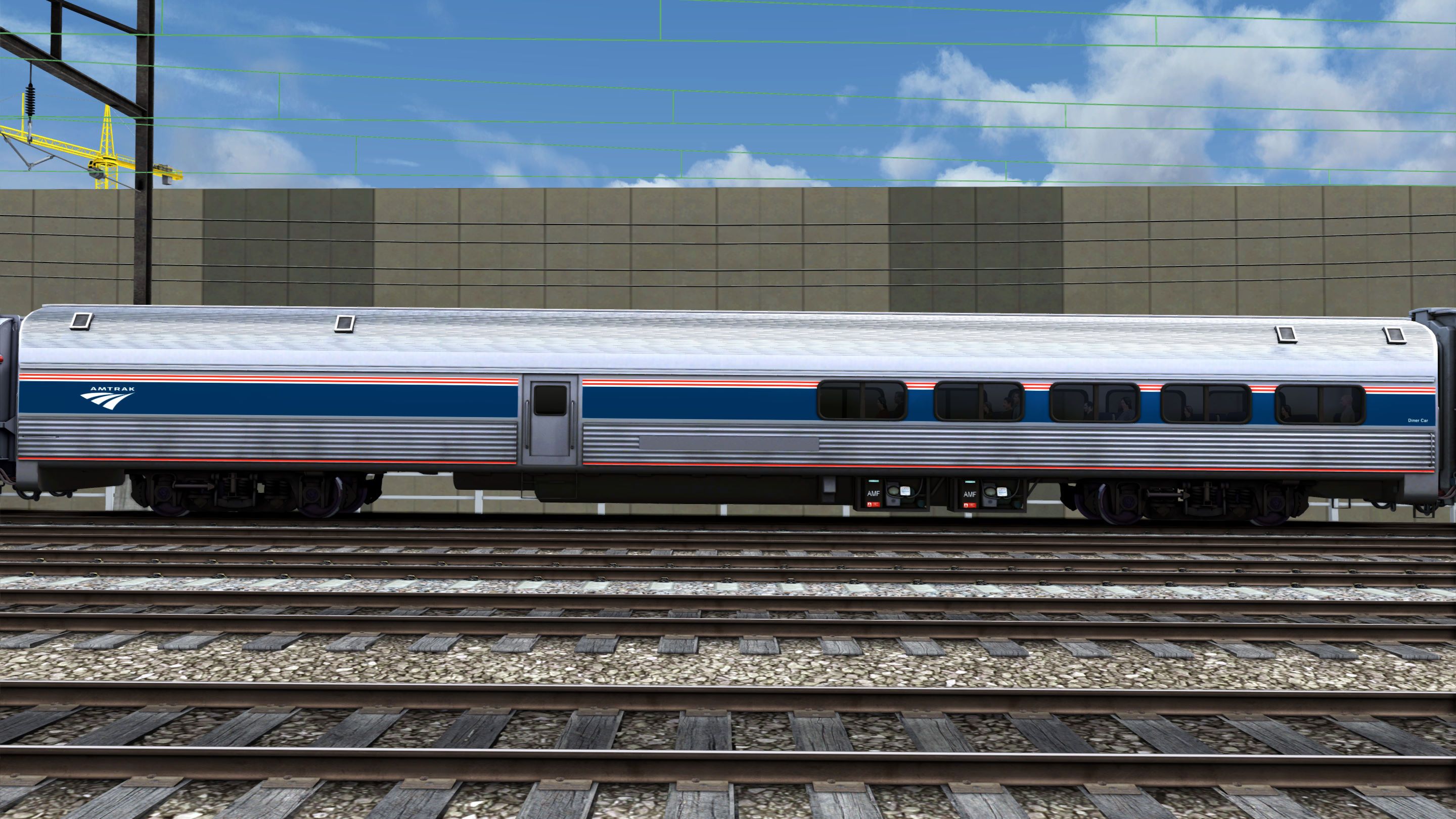
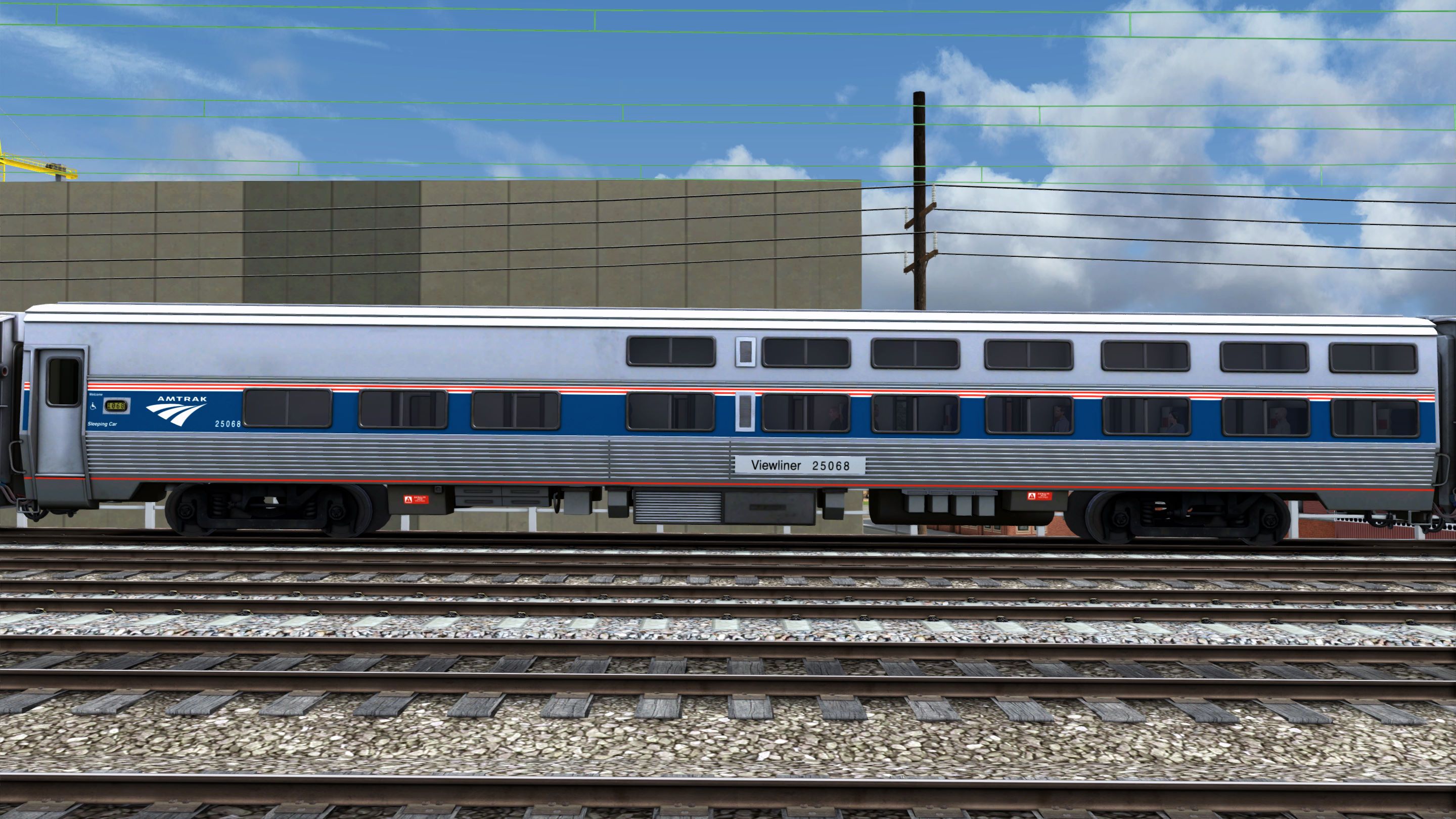
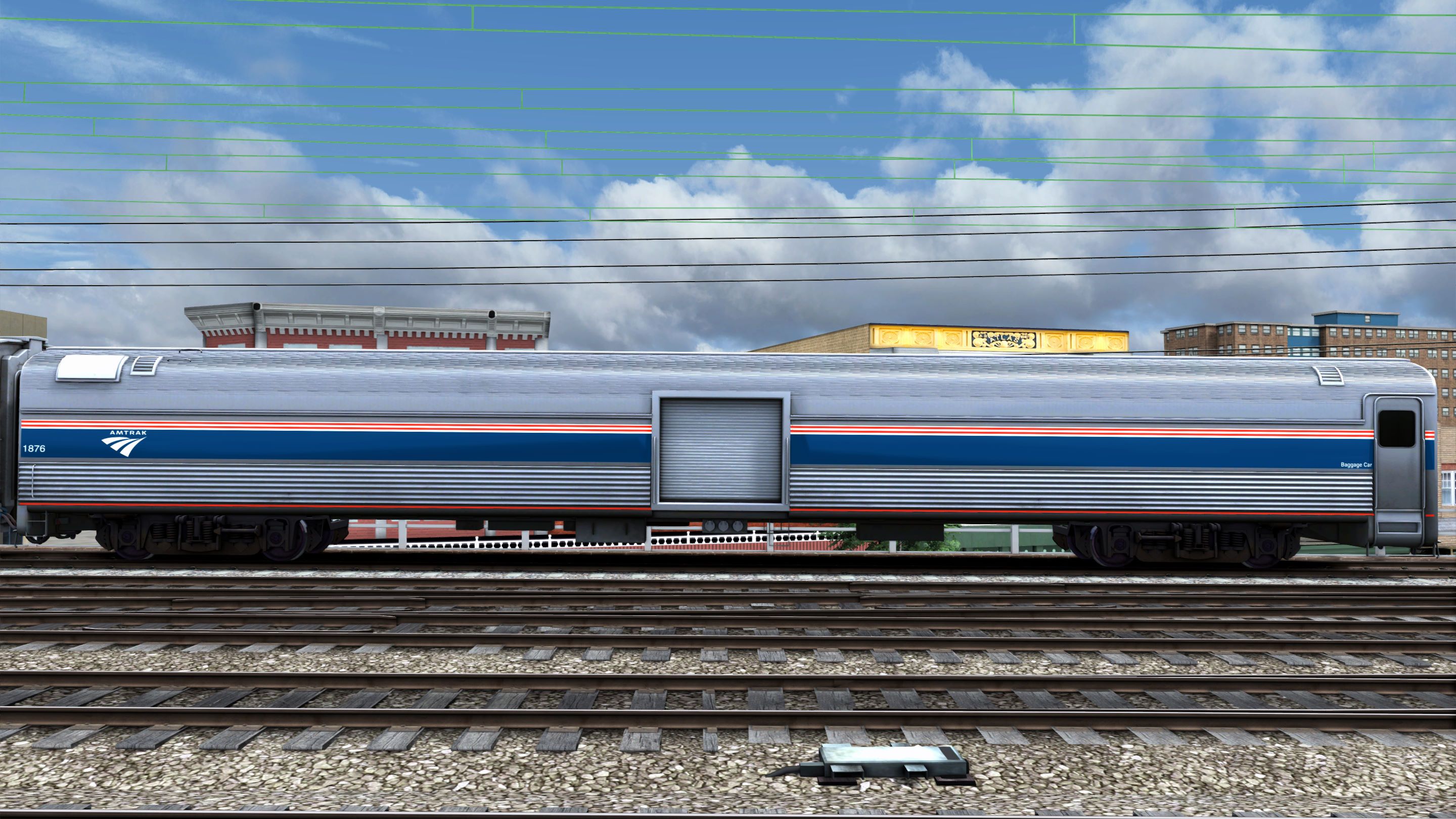
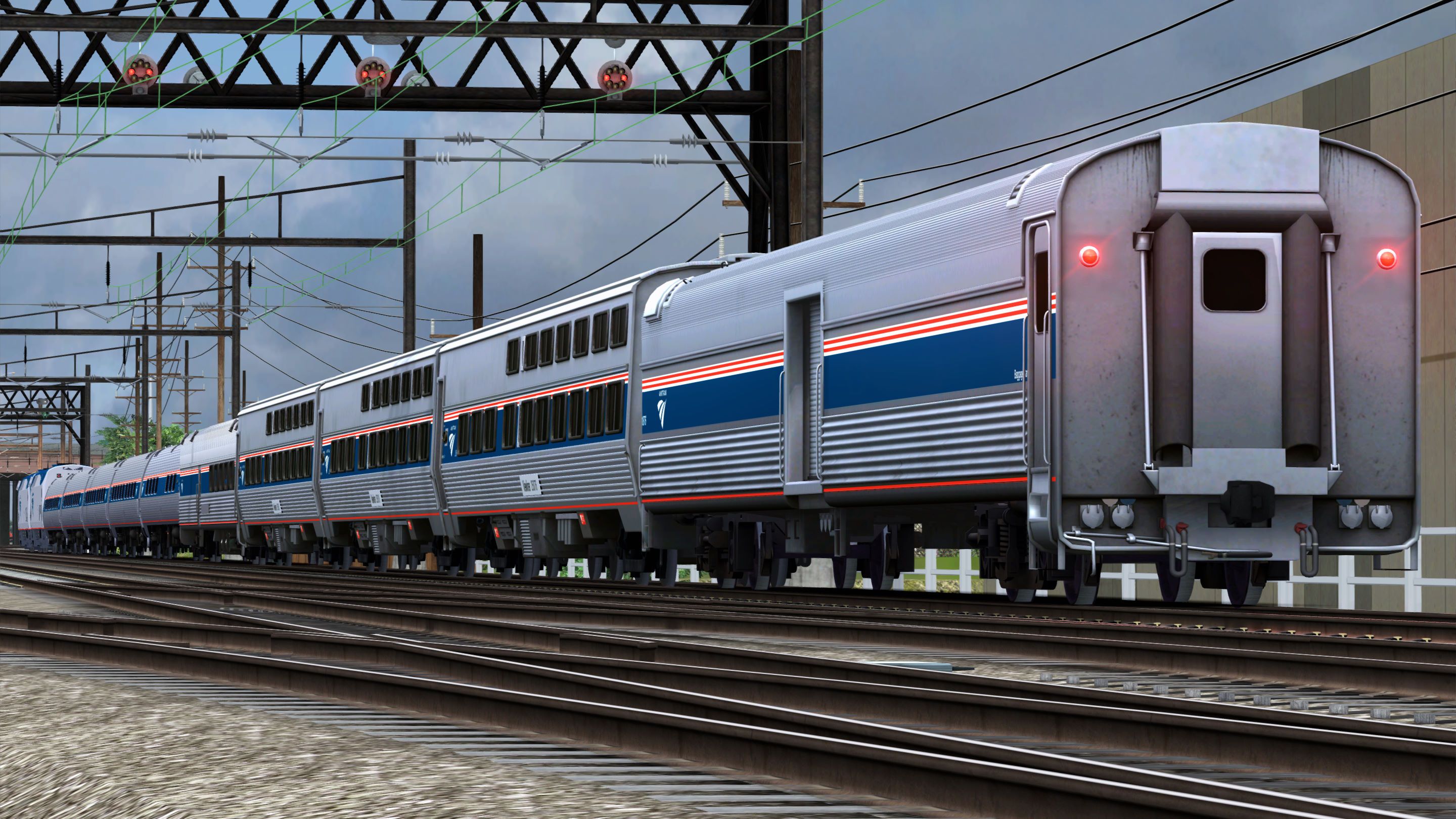
This pack is a complete rework of the Amtrak P42DC locomotive and passenger cars from the Empire Builder P42DC and Washington DC-Baltimore route available here:
Amtrak P42DC 'Empire Builder' Loco Add-On:
https://store.steampowered.com/app/222627/Train_Simulator_Amtrak_P42_DC_Empire_Builder_Loco_AddOn/
Northeast Corridor: Washington DC - Baltimore Route Add-On:
https://store.steampowered.com/app/1429754/Train_Simulator_Northeast_Corridor_Washington_DC__Baltimore_Route_AddOn/
Version 5.0 Change(s):
- Texture improvements to the locomotives and passenger cars.
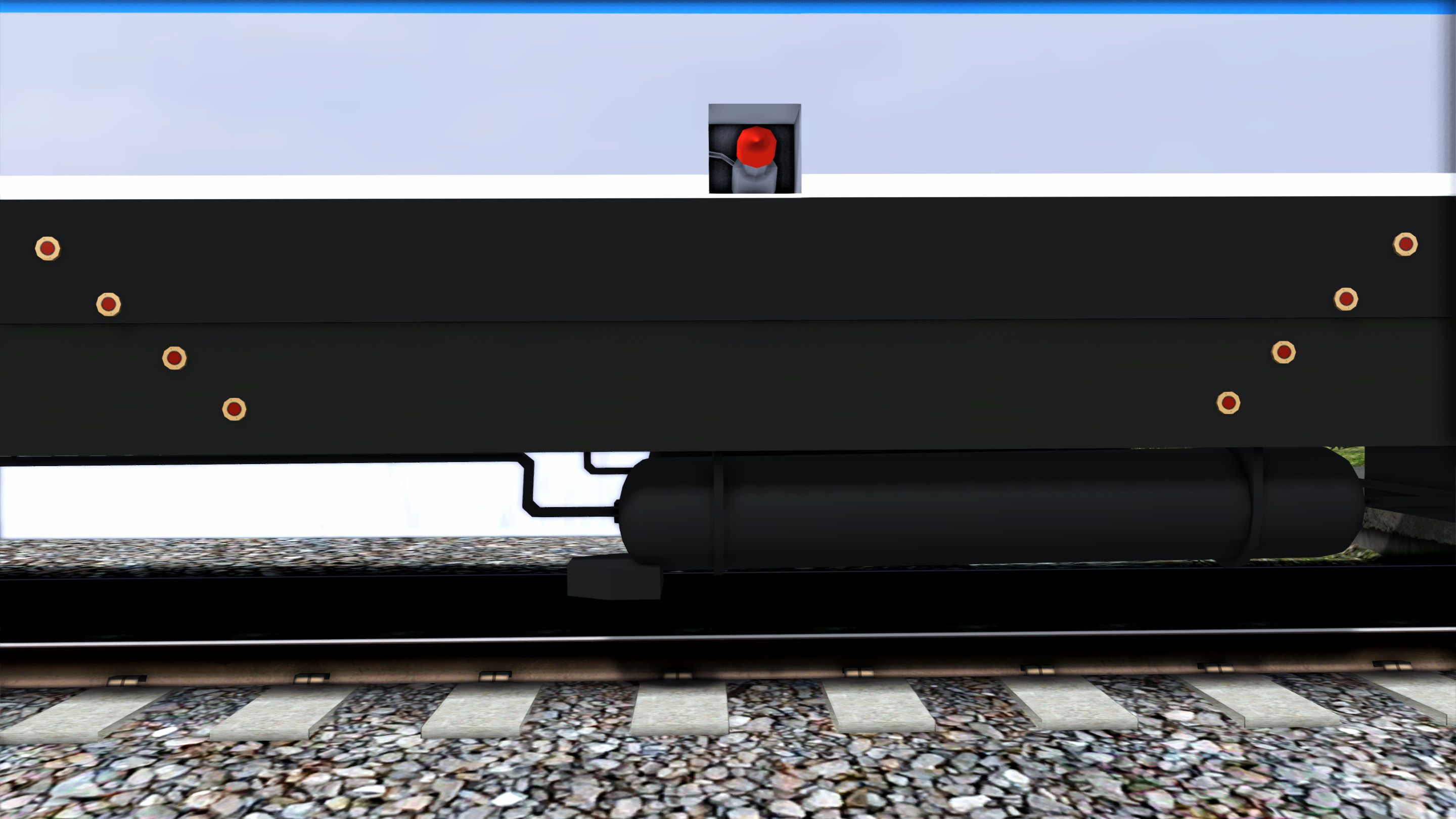
- Fixed the position of the brake indicator lights on the Superliners cars.
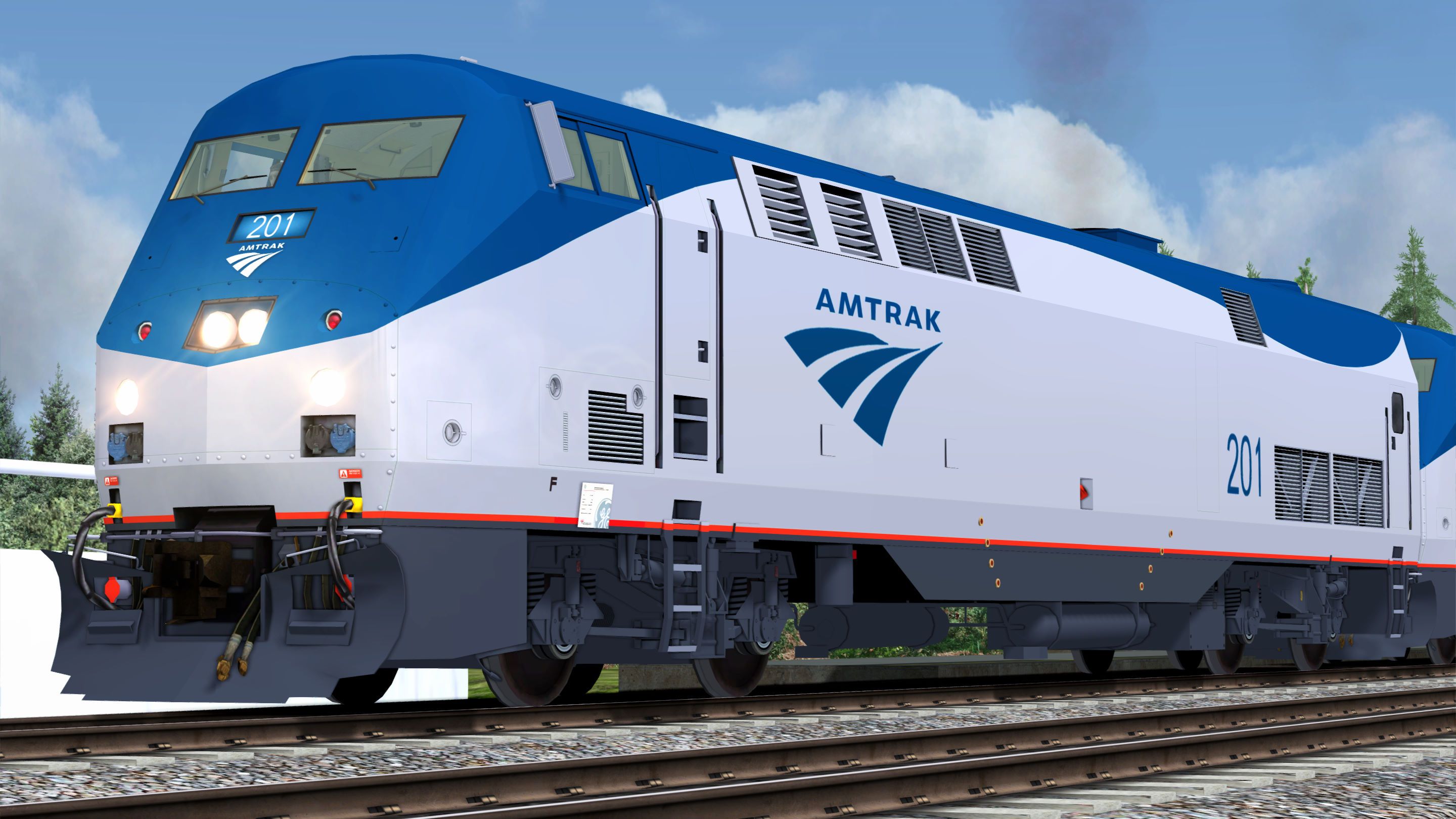
P42DC Locomotive (Phase V):
- Anthracite Gray underbody.
- Amtrak Red sill stripe.
- Platinum Mist body.
- Amtrak Blue nose, roof, "Travelmark" logo and numbers.
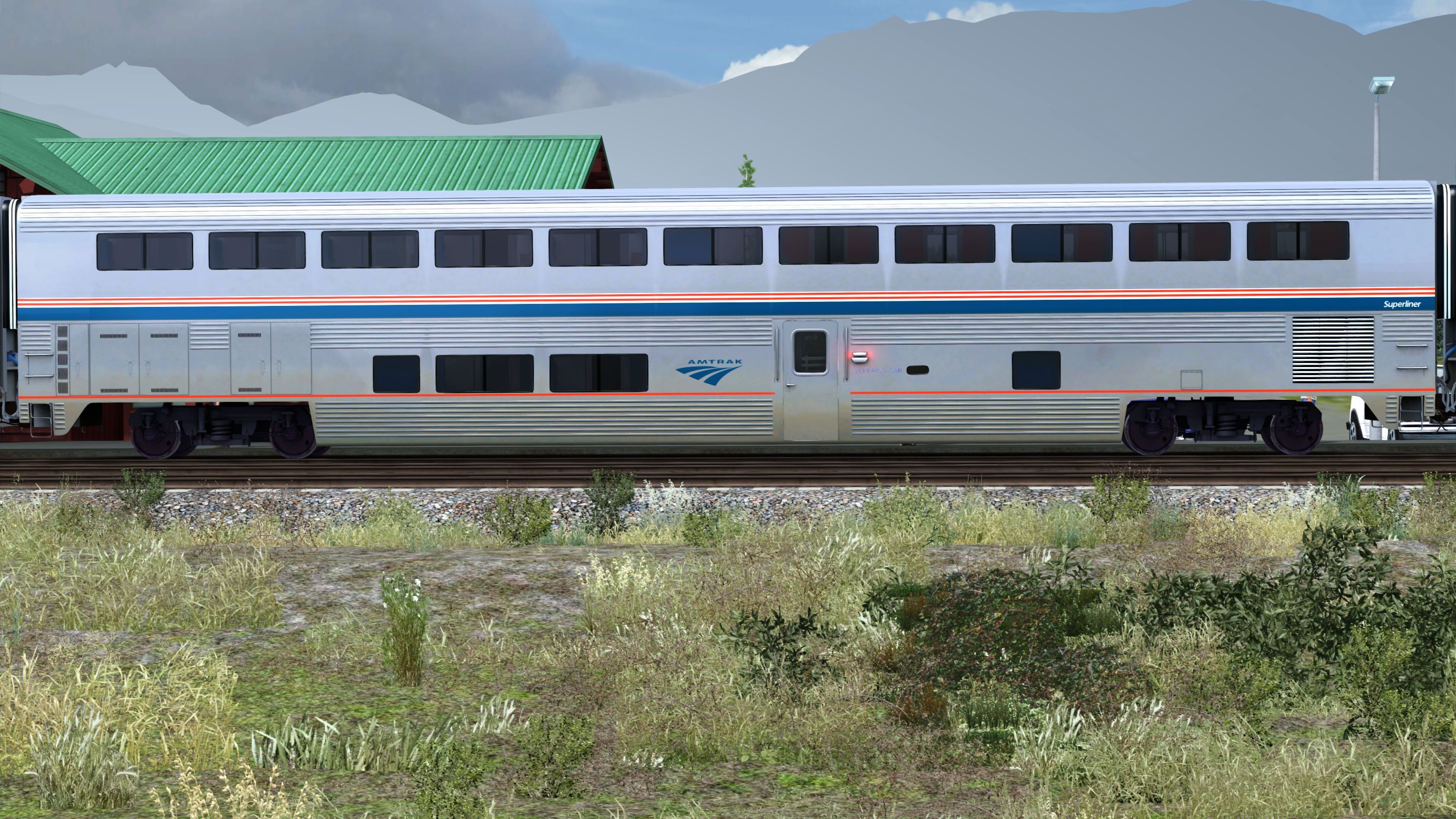
Superliner Cars and Heritage Baggage Car (Phase VI):
- Black underbody (Untouched).
- Amtrak Red sill stripe.
- Stainless steel body.
- Amtrak Blue stripe and "Travelmark" logo.
- Amtrak Red and white pin stripes.
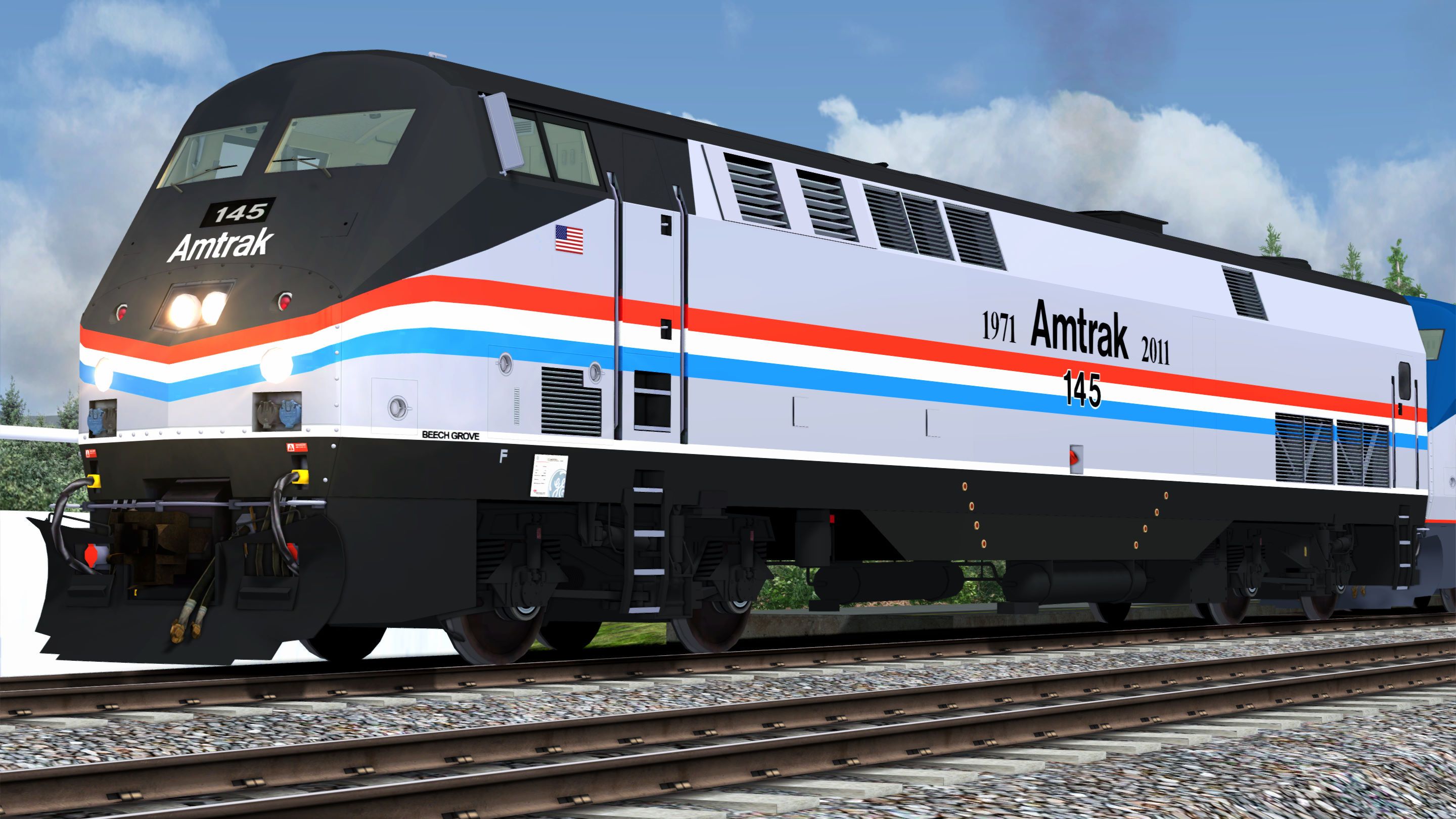
P42DC Locomotive (40th Anniversary Phase III):
- Black underbody, nose, and roof.
- White sill stripe.
- Platinum Mist body.
- Three stripes: Amtrak Red (Top), white (Center), Amtrak Heritage Blue (Bottom).
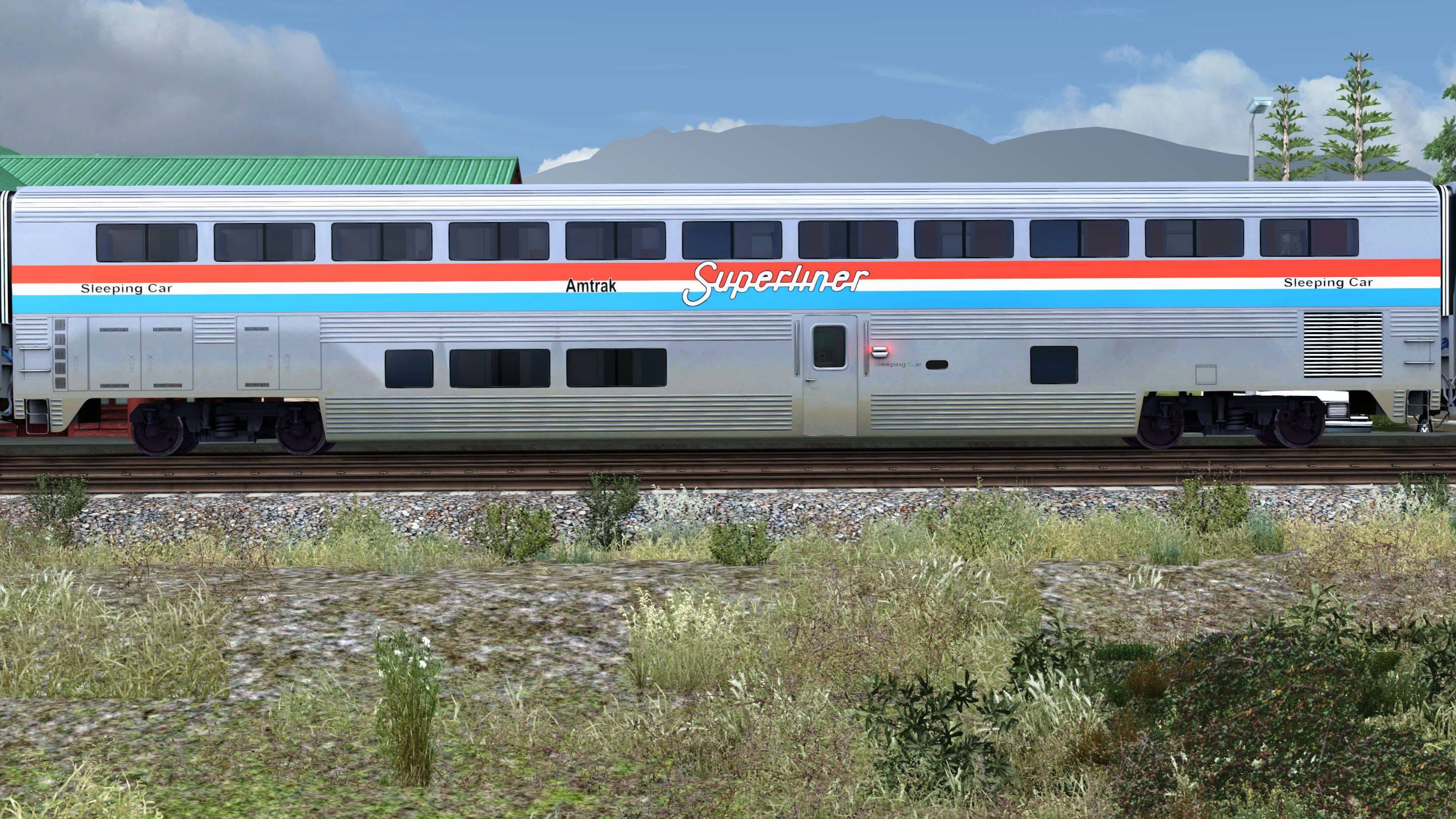
Superliner Cars and Heritage Baggage Car (Phase III):
- Black underbody (Untouched).
- Stainless steel body.
- Three stripes: Amtrak Red (Top), white (Center), Amtrak Heritage Blue (Bottom).
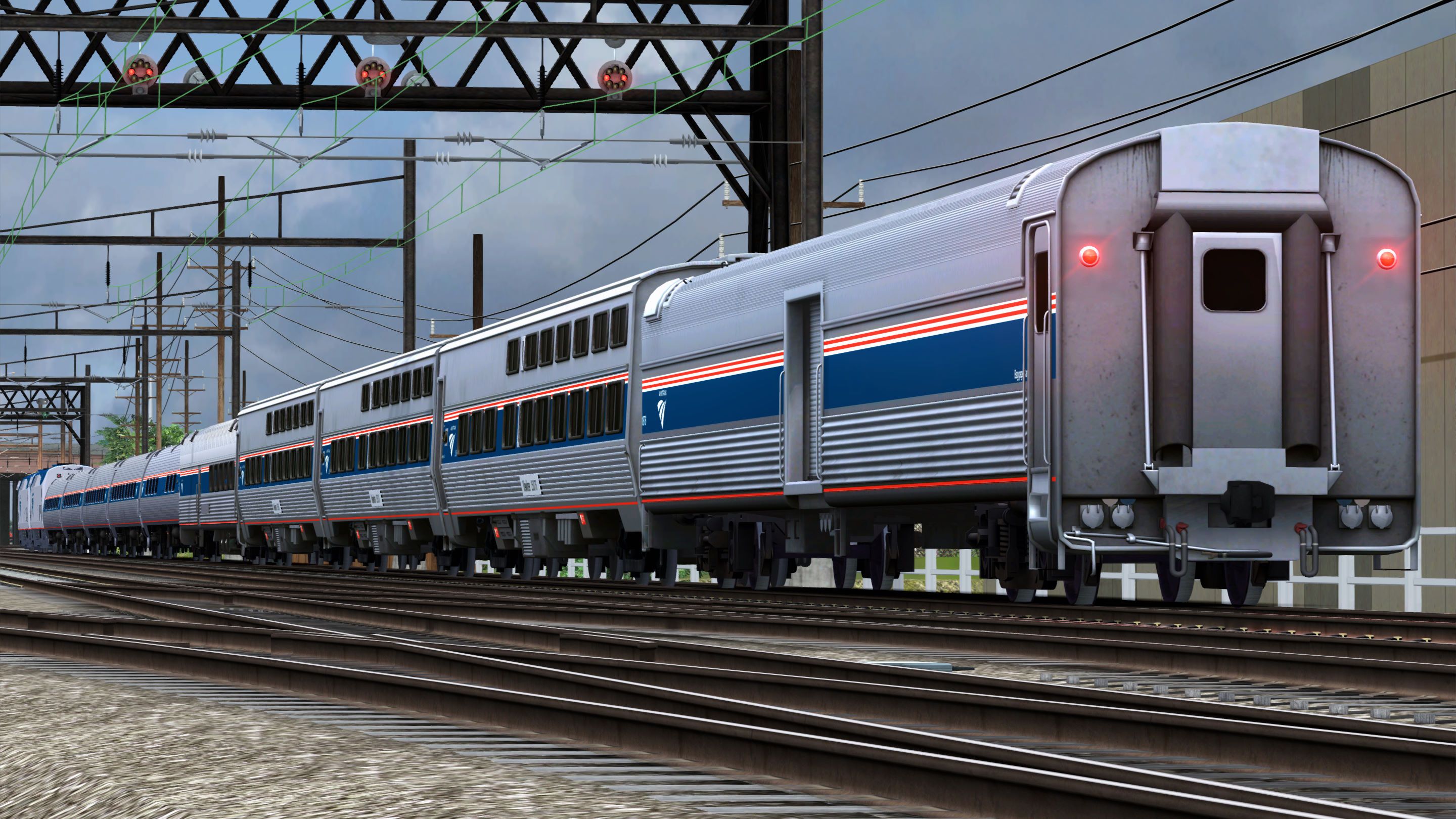
Amtrak Washington DC-Baltimore Rolling Stock Phase VI Livery:
- Stainless Steel Body.
- Amtrak Red and white pin stripes.
- Amtrak Blue stripe.
- Amtrak Red sill stripe.
- Black underbody.
GE 7FDL-16 prime mover sound in normal mode (200-1047 RPM) and HEP mode (900-908 RPM):
The sound is directly linked to the RPM. So, for the HEP engines I gave it 1 RPM per throttle notch. That way you can hear the change in sound according to the throttle position. As you give it more power, the rhythm/beat of the engine stays the same as in real life (900 RPM regardless of throttle notch). But the base sound becomes more powerful and the engine sounds “grouchier”. Also, when you have non-HEP and HEP engines combined, the sound from the HEP engines will overpower the much quieter non-HEP engines. That is until the non-HEP engines surpass 900 RPM (notch 7 & 8). Then, they become KING!
HEP Implementation:
Train Simulator Classic does not implement HEP capability on diesel locomotives. Coach power demand depends on coach type, season, time of day, and daily weather conditions. For instance, a train consisting of Superliner cars, including dining and sightseer lounge cars, traveling through the southern US in the middle of summer and during the dinner shift, will have a significantly greater HEP demand than a train traveling through the Midwest in autumn, but consisting of only Amfleet cars. So, implementing an accurate/realistic HEP mode for a locomotive is particularly challenging.
The more power the coaches demand from the HEP alternator, the less power is available for traction. So, to simulate the decrease in performance according to HEP demand, I provided multiple versions of the HEP engine—with and without driver (ND)—identified by the HEP demand in kW: 290 kW, 331 kW, 461 kW, 631 kW and 800 kW. To include a HEP engine, you must either edit or create a consist.
Please, bear in mind I could not find any power consumption data for the different Amtrak car types. So, I used the power demand estimates for different types of passenger cars found in this webpage: https://www.nwrail.com/HEP_config.html.
Car Type Power Consumption:
- Amfleet I Business Class Car: 40 kW
- Amfleet I & II Coach Class Car: 40 kW
- Amfleet I & II Cafe Car: 50 kW
- Heritage Diner Car 100 kW
- Viewliner Sleeper Car: 50 kW
- Heritage Baggage Car: 1 kW
- Superliner Transition Sleeper Car: 50 kW
- Superliner Sleeper Car: 50 kW
- Superliner Dining Car: 130 kW
- Superliner Sightseer Lounge Car: 150 kW
- Superliner Coach Class Car: 50 kW
- Superliner Coach Baggage Car: 50 kW
I based the different HEP demands on what I considered “typical” Amtrak consists:
Medium-Short Haul Consist (Amtrak’s Northeast Regional or Palmetto trains):
- x 5 Amfleet I Coach Class Cars: 200 kW
- x 1 Amfleet I Cafe Car: 50 kW
- x 1 Amfleet I Business Class Car: 40 kW
Total HEP Demand: 290 kW
Eastern Long Haul Consist (Amtrak’s Silver Star or Crescent trains):
- x 4 Amfleet II Coach Class Cars: 160 kW
- x 1 Amfleet II Cafe Car: 50 kW
- x 1 Heritage Diner Car: 100 kW
- x 3 Viewliner Sleeper Cars: 150 kW
- x 1 Heritage Baggage Car: 1 kW
Total HEP Demand: 461 kW
Western Long Haul Consist (Amtrak’s California Zephyr or Empire Builder trains):
- x 1 Heritage Bagge Car: 1 kW
- x 1 Superliner Transition Sleeper Car: 50 kW
- x 2 Superliner Sleeper Cars: 100 kW
- x 1 Superliner Dining Car: 130 kW
- x 1 Superliner Sightseer Lounge Car: 150 kW
- x 3 Superliner Coach Class Cars: 150 kW
- x 1 Superliner Coach Baggage Car: 50 kW
Total HEP Demand: 631 kW
Empire Builder (Seattle Section):
- x 1 Heritage Baggage Car: 1 kW
- x 1 Superliner Transition Sleeper Car: 50 kW
- x 1 Superliner Sleeper Car: 50 kW
- x 1 Superliner Dining Car: 130 kW
- x 2 Superliner Coach Class Cars: 100 kW
Total HEP Demand: 331 kW
NOTE: If you try to tinker with the power settings in the engine’s simulation file, please bear in mind that according to the “Train Simulator Developer Documentation” (Available here: https://web.archive.org/web/20231217020513/http://tscdevdocs.co.uk/reference-manual/blueprint-editor/diesel-simulation-blueprints/diesel-electric-subsystem.html), engine power values are expressed in kW and tractive effort in kN.
Tags: amtrak california empire-builder p42-locomotive p42dc passenger-locomotive southwest-cheif superliner
Dependencies

Amtrak’s Northeast Corridor: It is a crown jewel of American railroading. And the bustling southern portion of the “NEC” – from Baltimore, Maryland, to America’s capital city – now comes to Train Simulator!

The ubiquitous Amtrak P42 DC is one of the most modern and fuel efficient diesel locomotive on the North American rail network, and is now available for Train Simulator.Most notable for its streamlined, low profile single carbody design, the P42 DC is unique among North American diesel-electric locomotives because of its low height,...
Installation Instructions
Go to your Rail Works directory
(Typically: C:\Program Files (x86)\Steam\steamapps\common\RailWorks).Drop the "Assets" folder in the directory (Overwrite the previous version).
Make sure that you set "Ambient Occlusion" to, at least, the "Low" setting (Preferably "Dynamic").
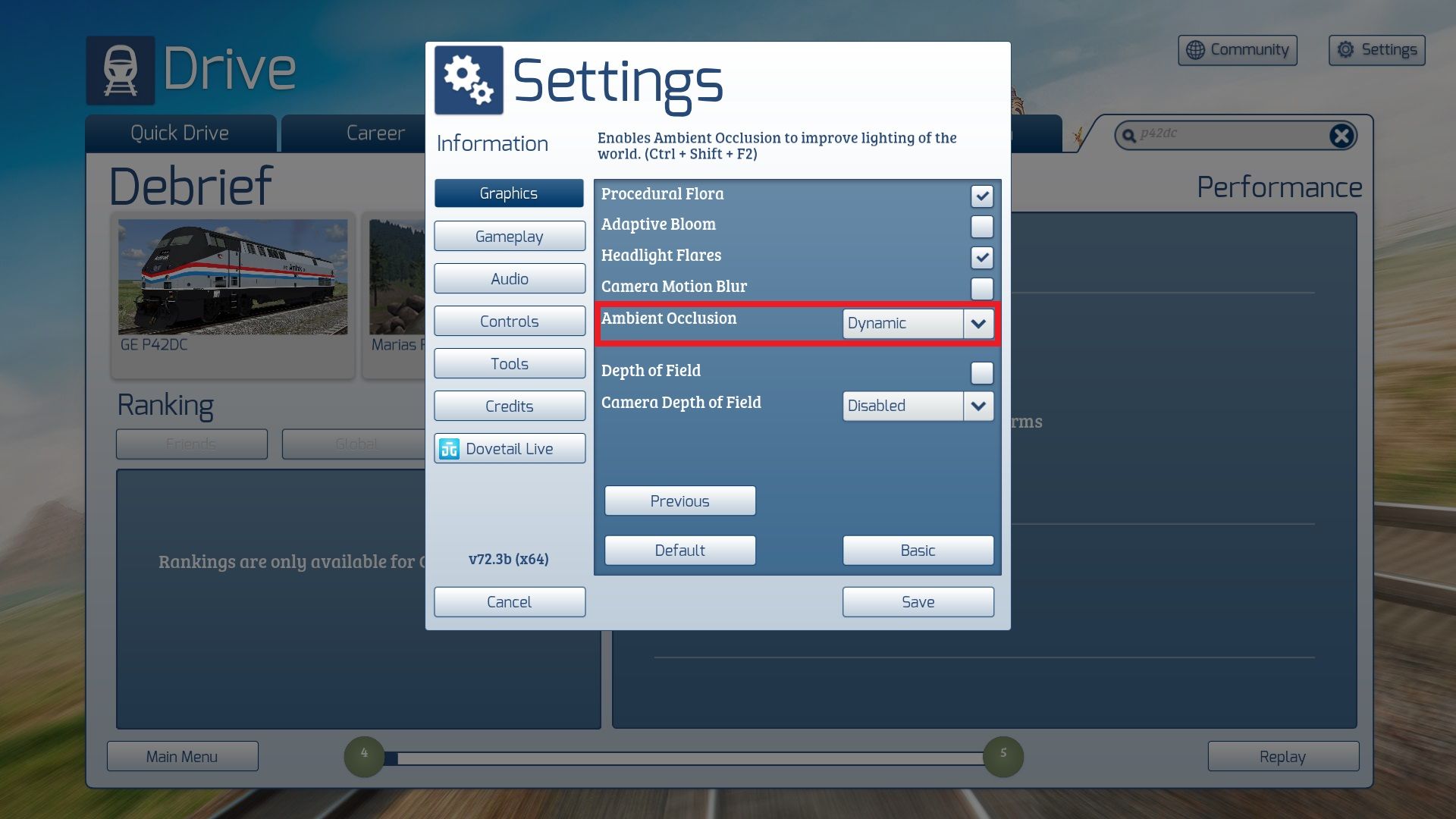
And that’s ALL you have to do.
ENJOY!!!!
Additional Comments
YOU CAN WATCH THIS PACK IN ACTION HERE:
Files
Comments
About this mod

- Created
- 29 Dec 2023
- Updated
- 5 Apr 2026
- Game
- Train Simulator Classic
- Type of content
- Enhancement pack


Loading comments…