Amtrak Acela Super-Pack 1.7
- by 7FDL-16
- 3 upvotes
- Downloaded 1,180 times
Description
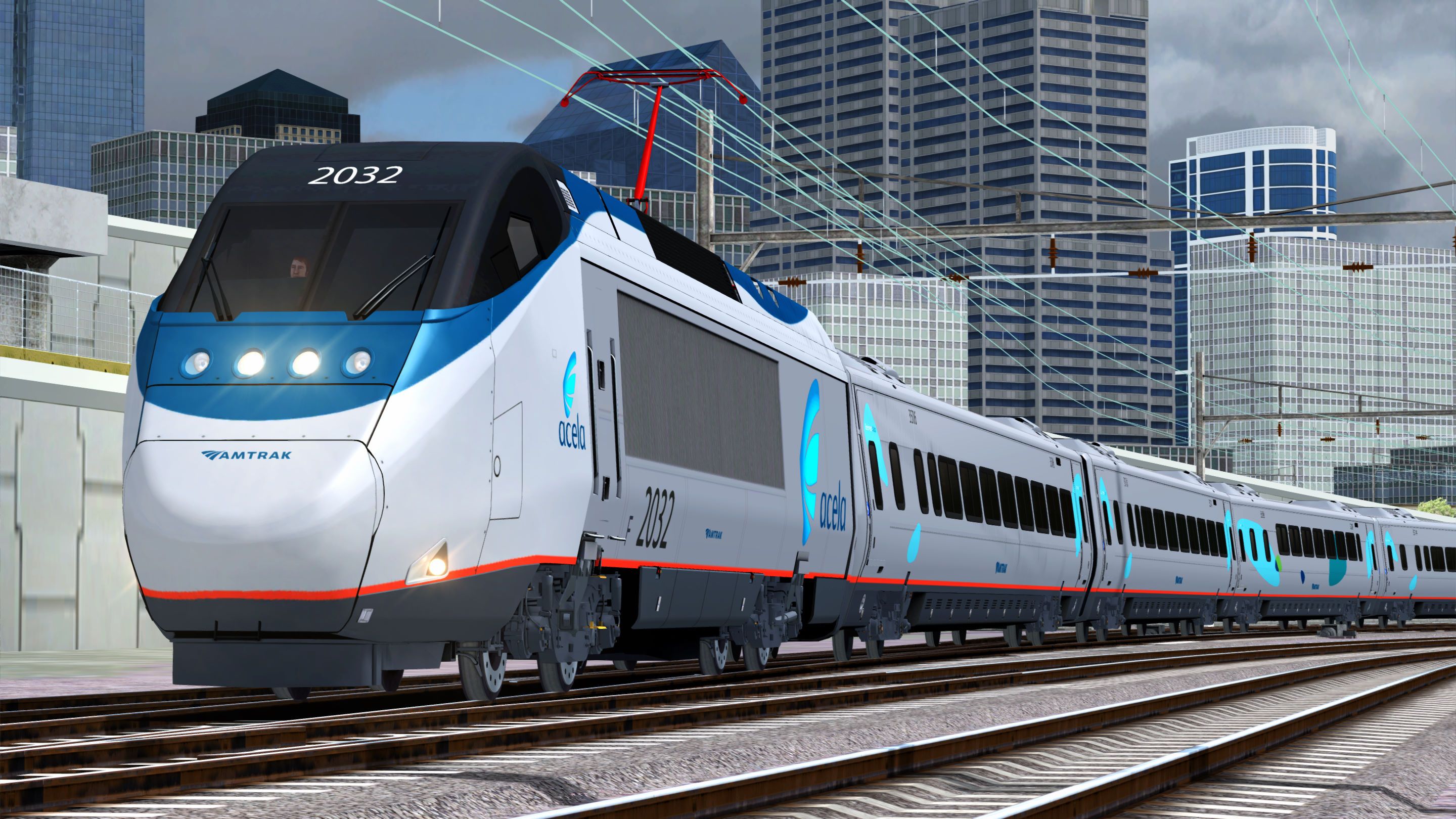
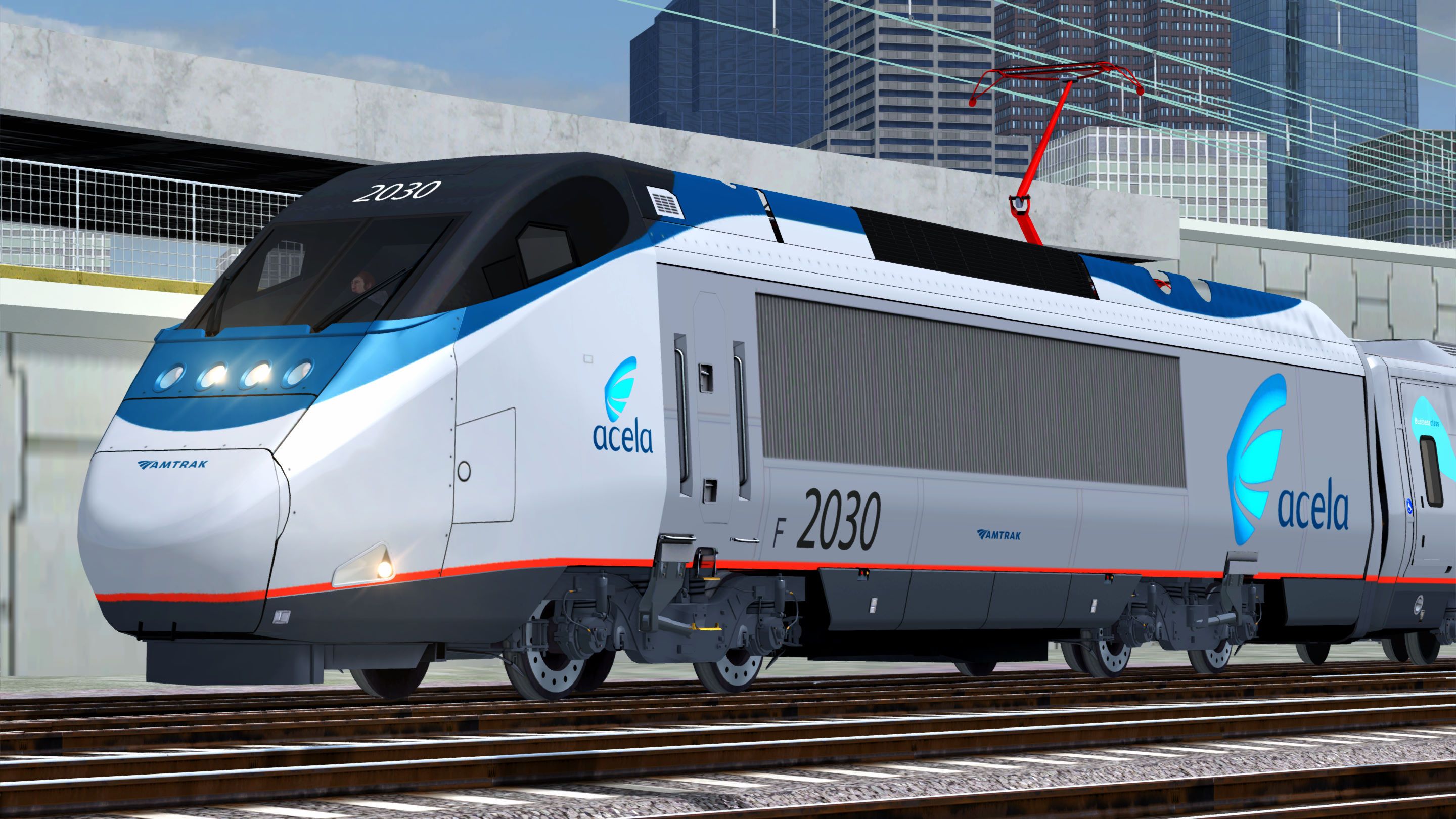
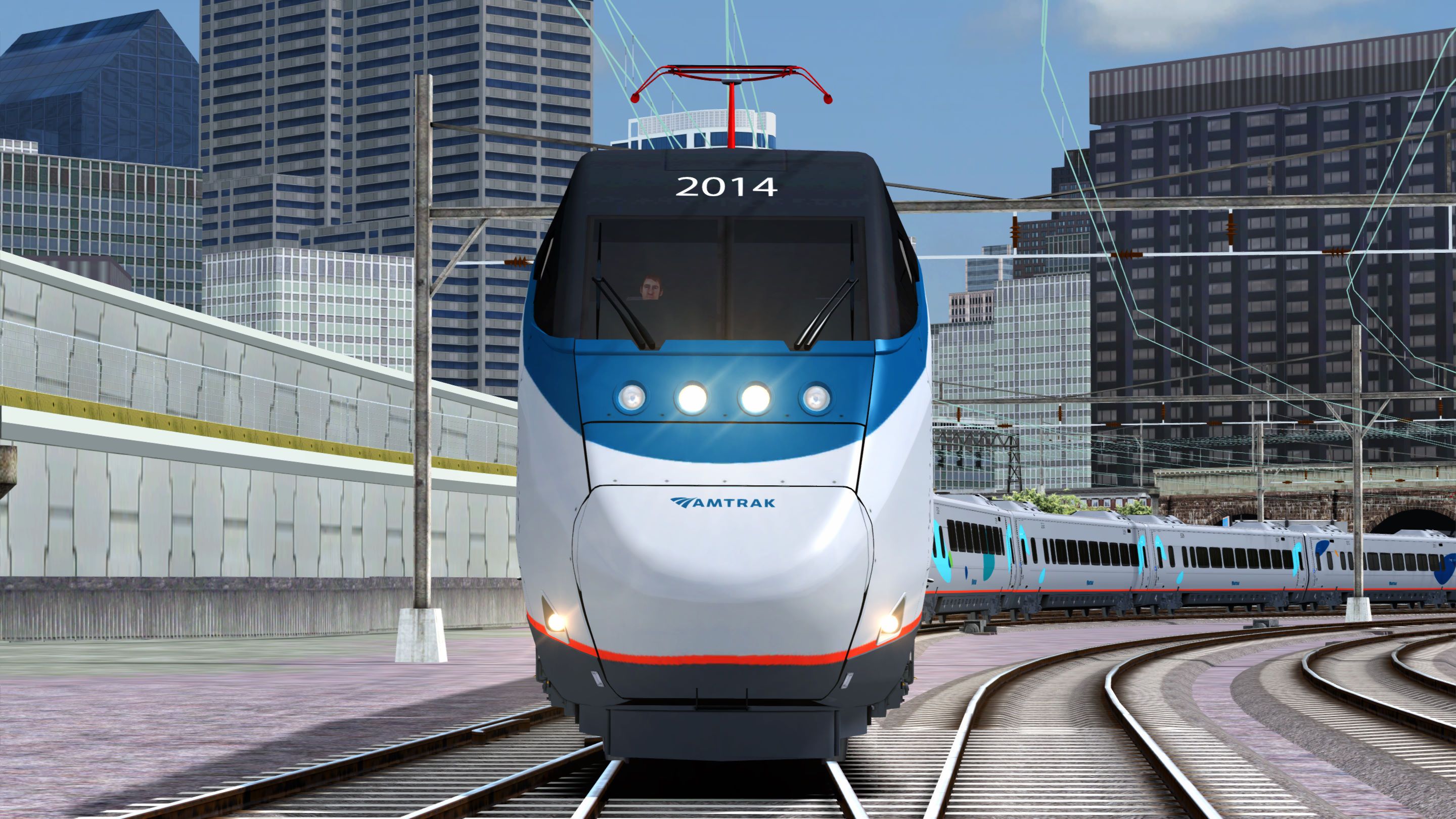
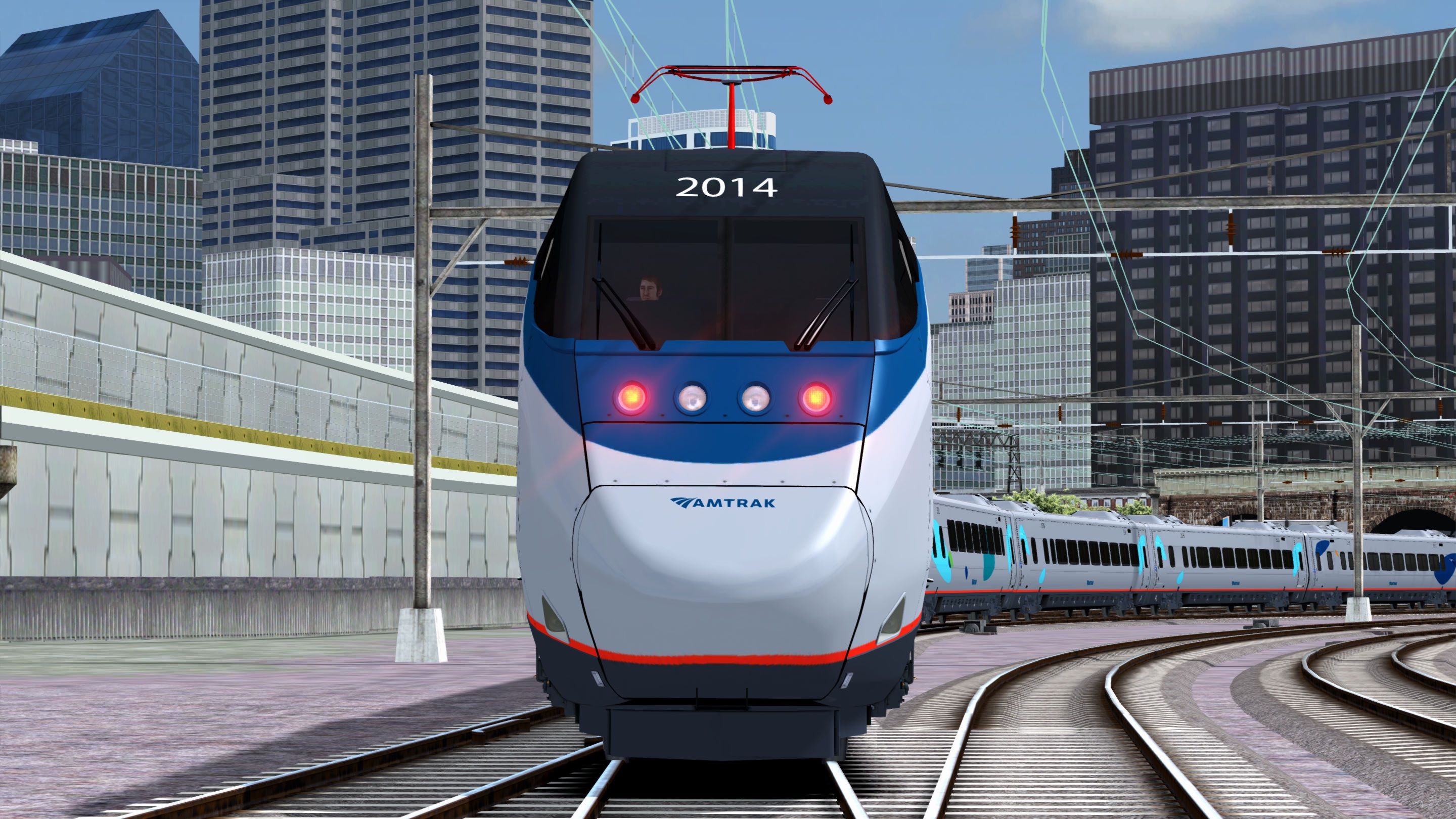
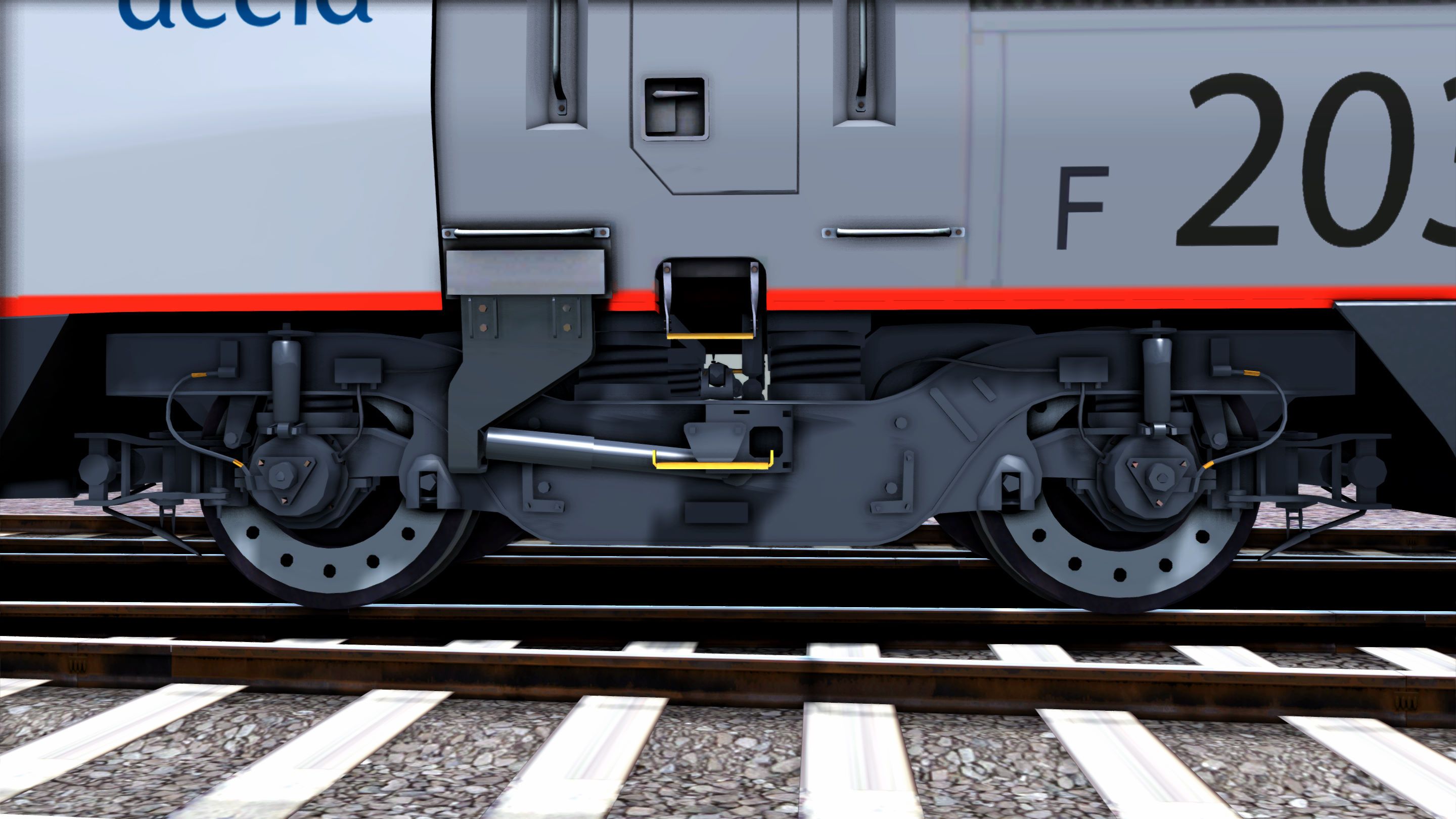
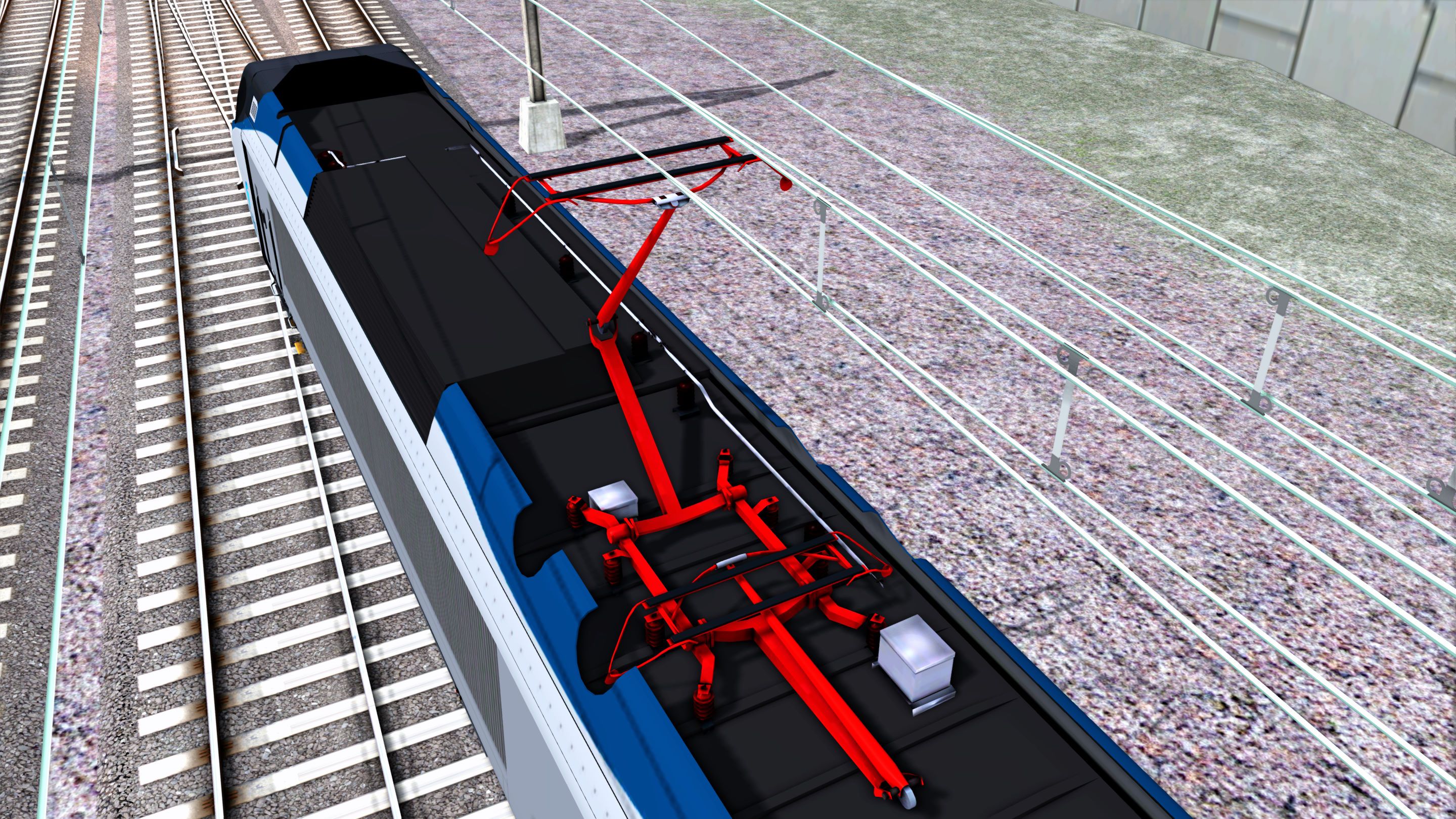
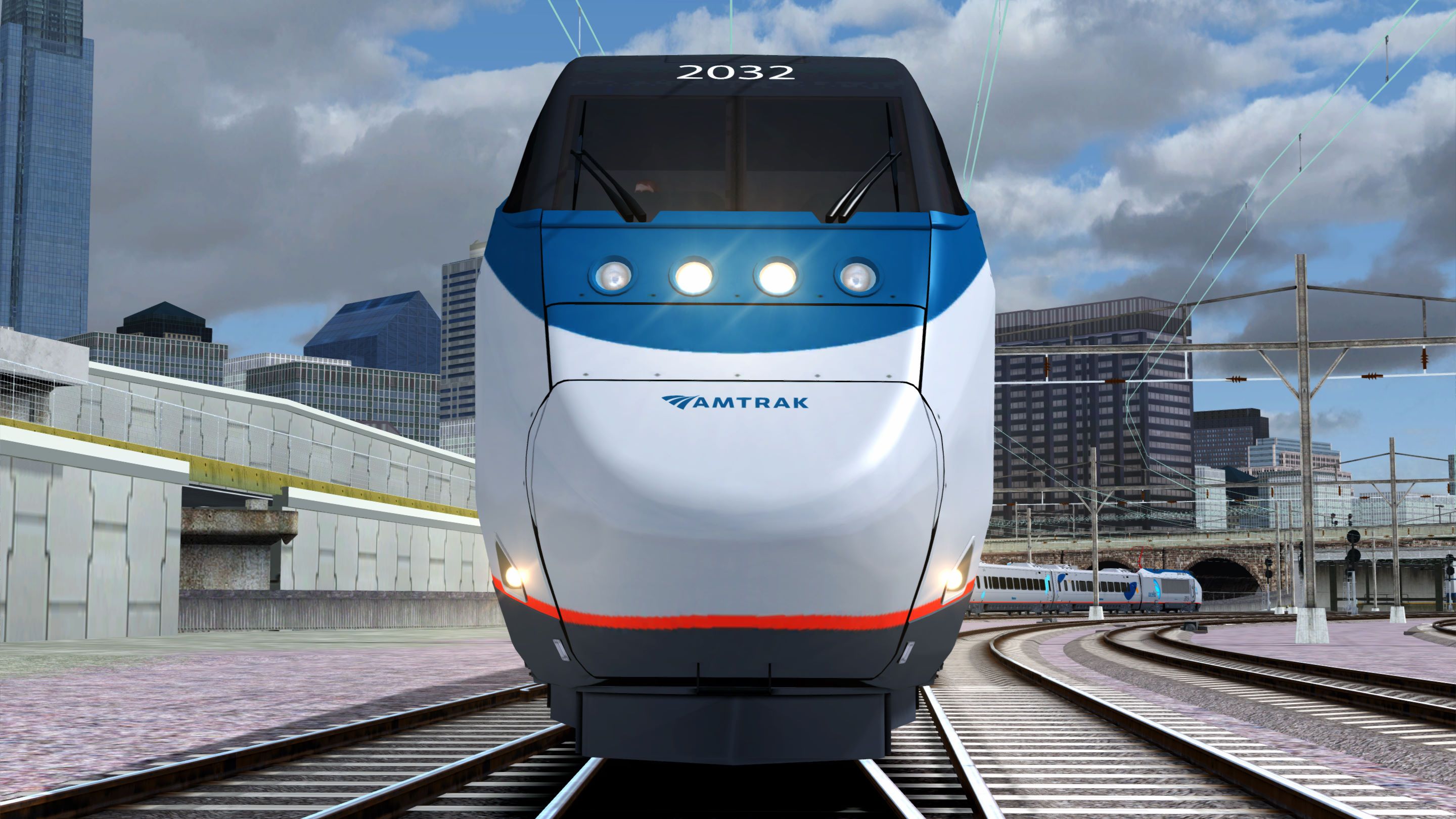
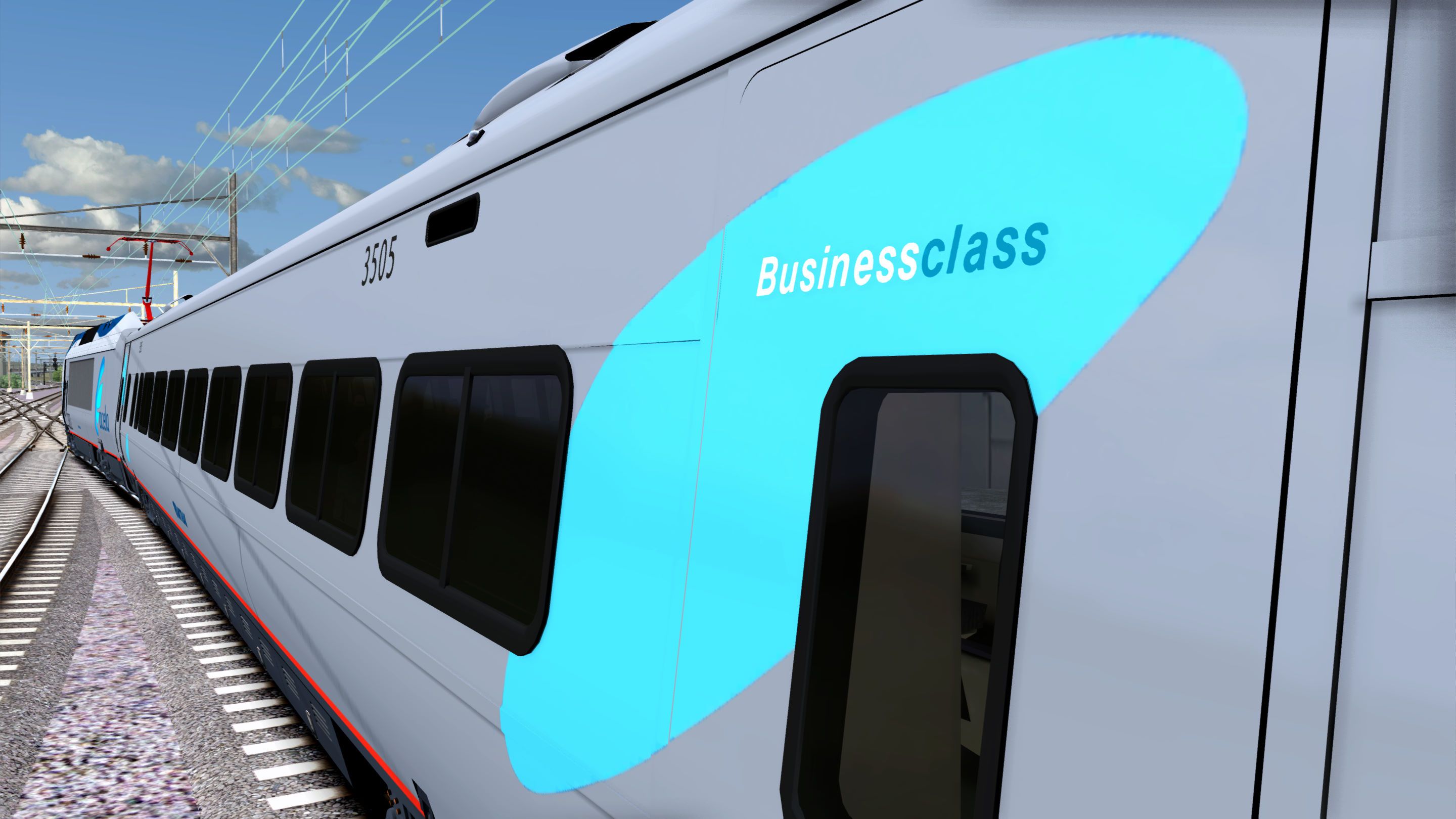
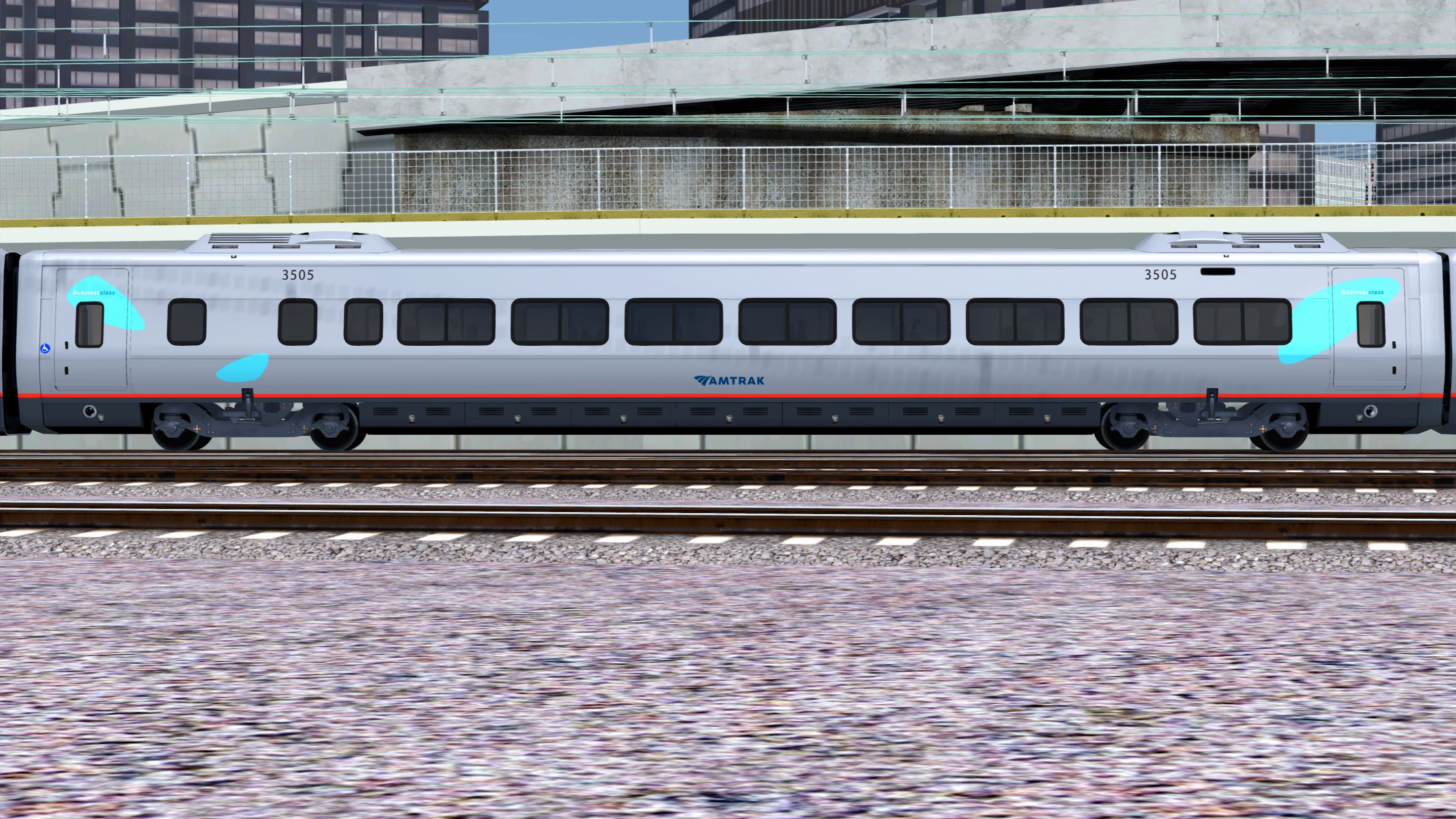
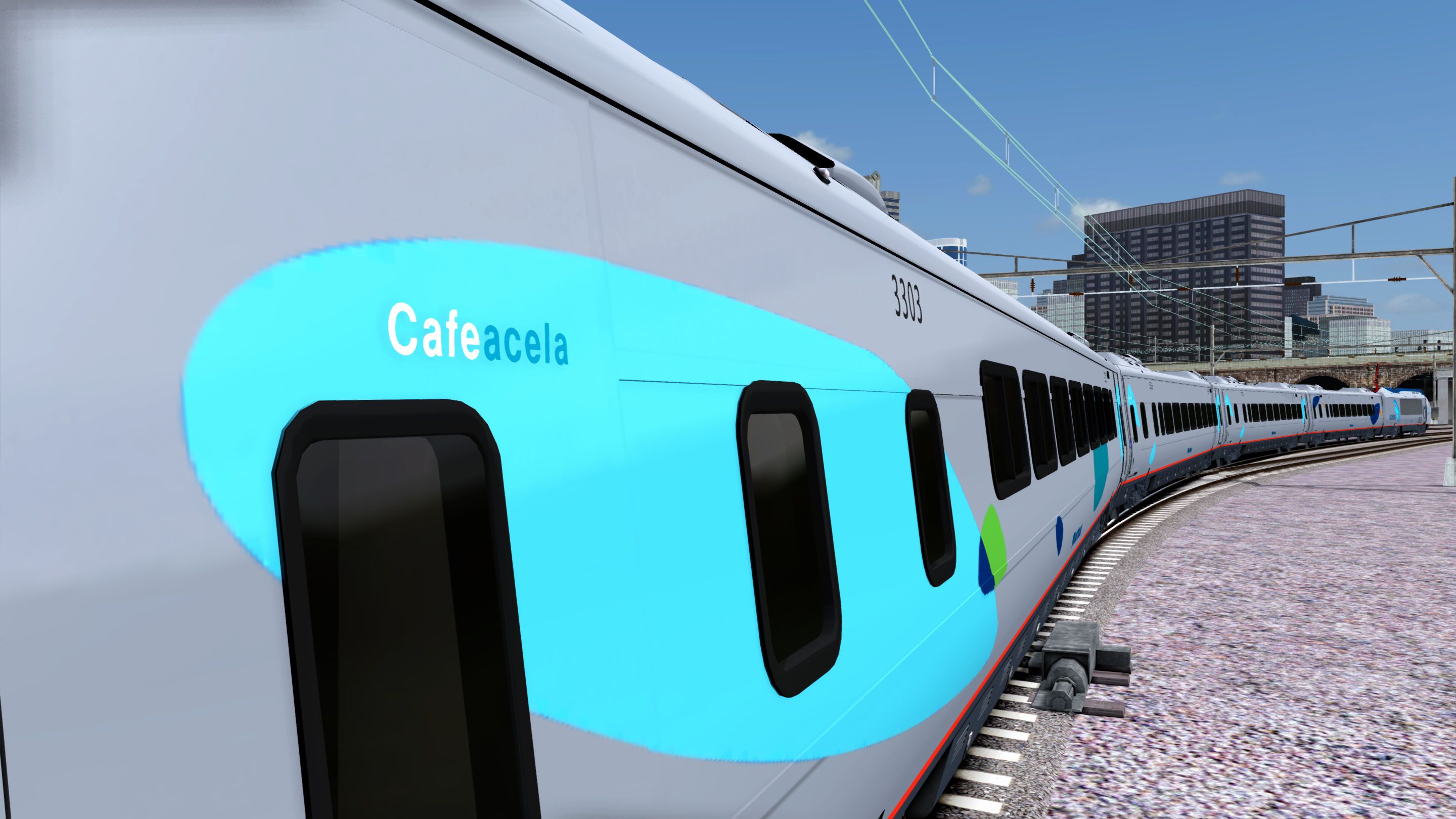
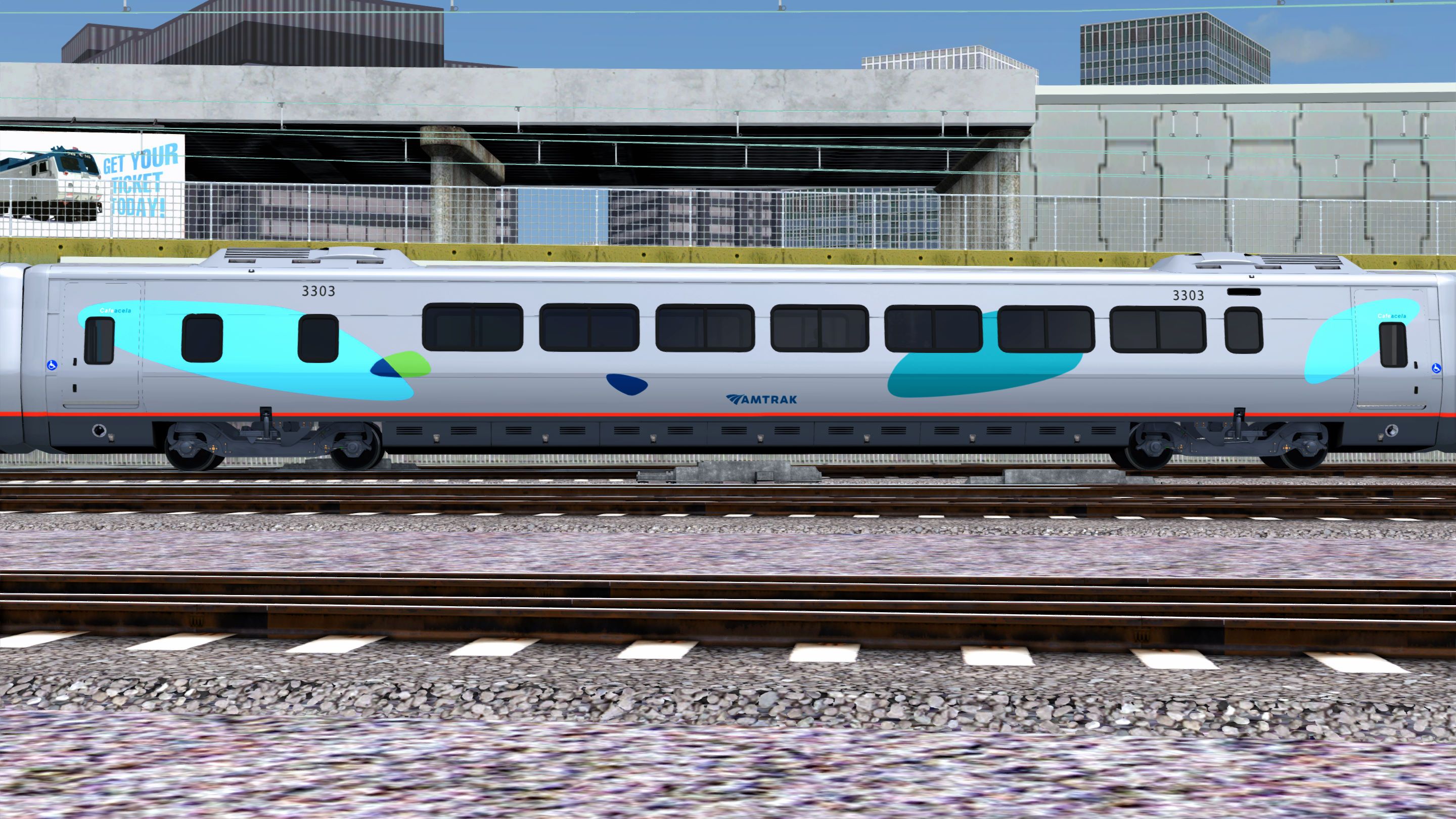
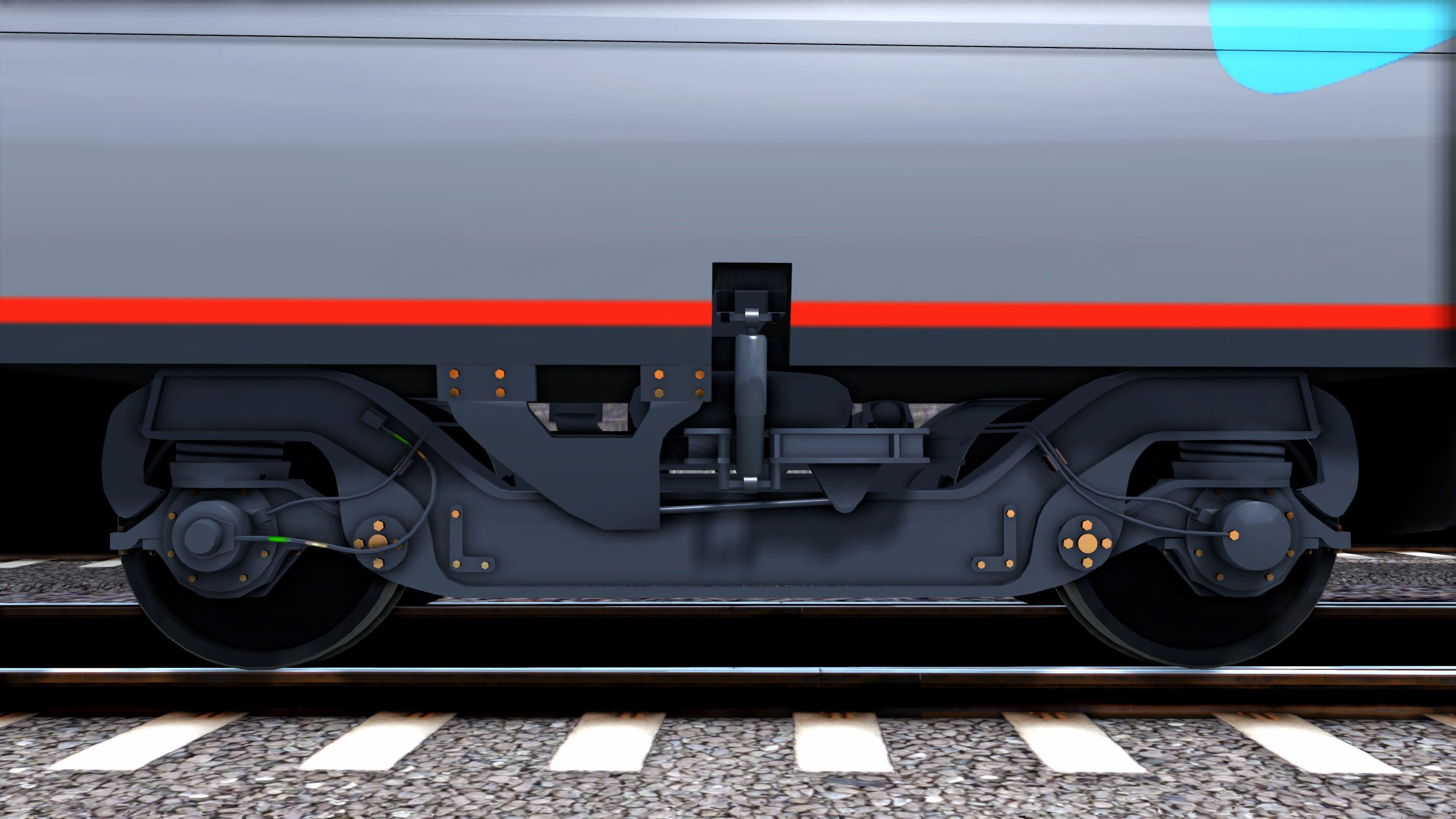
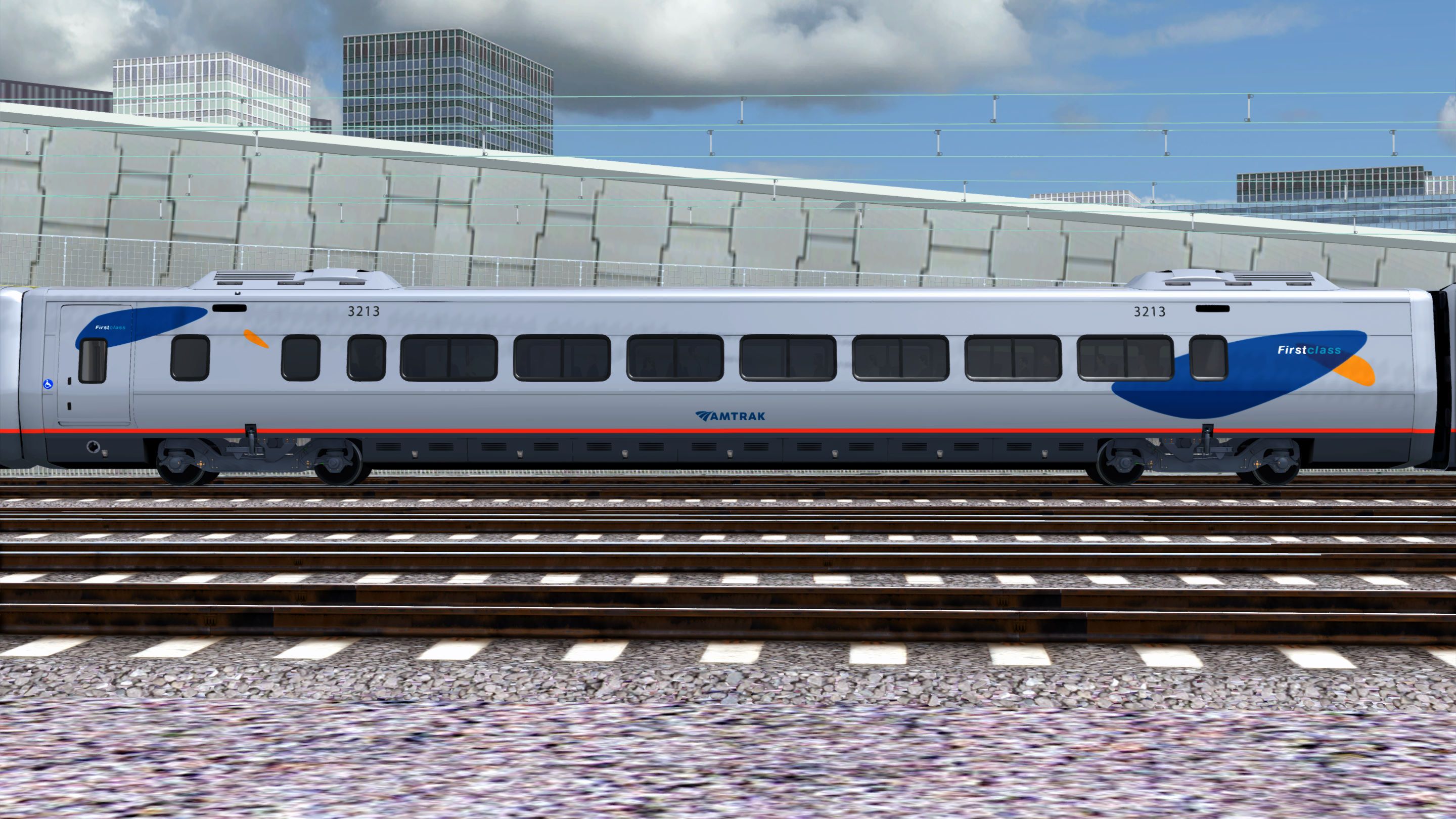
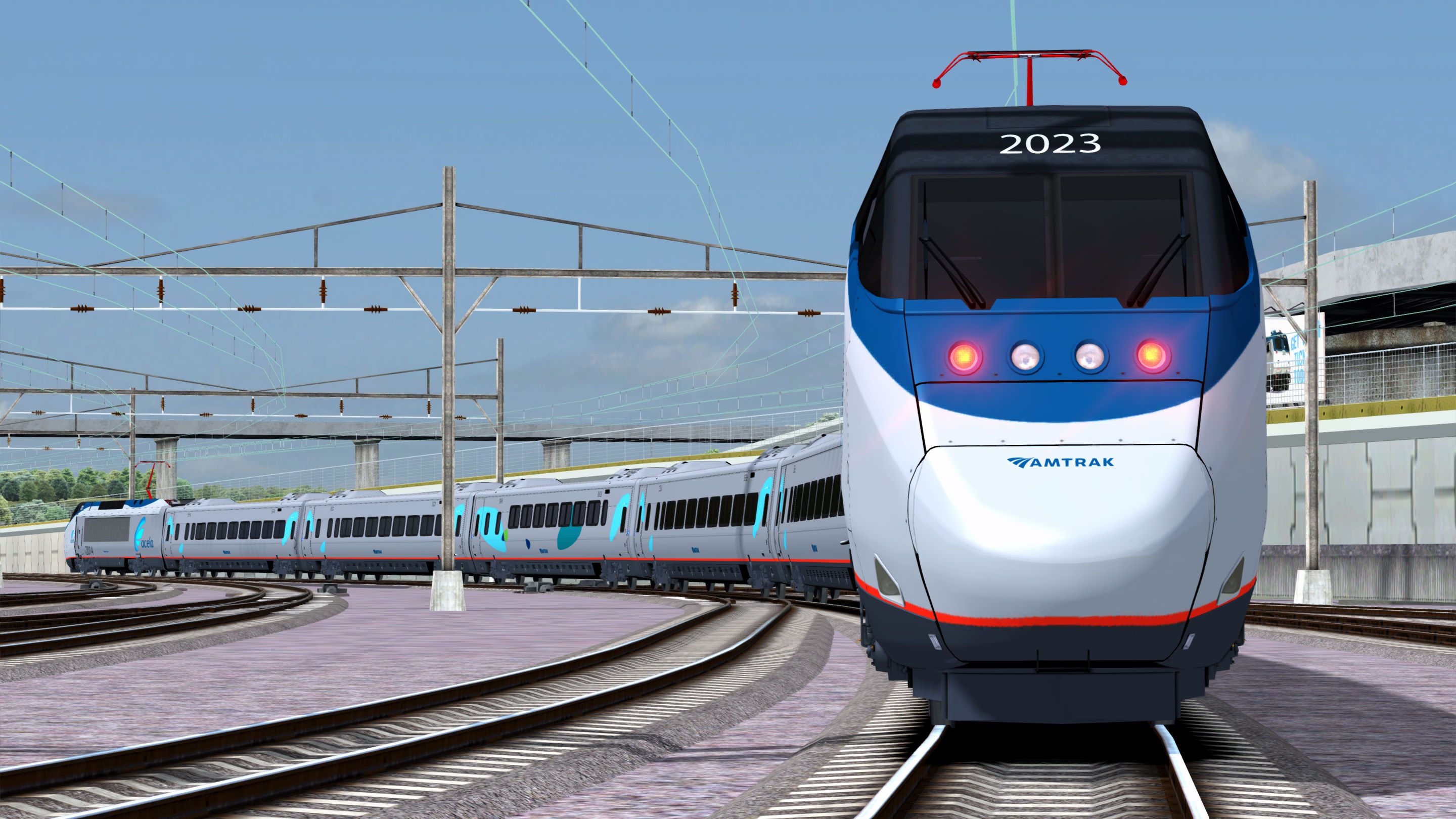
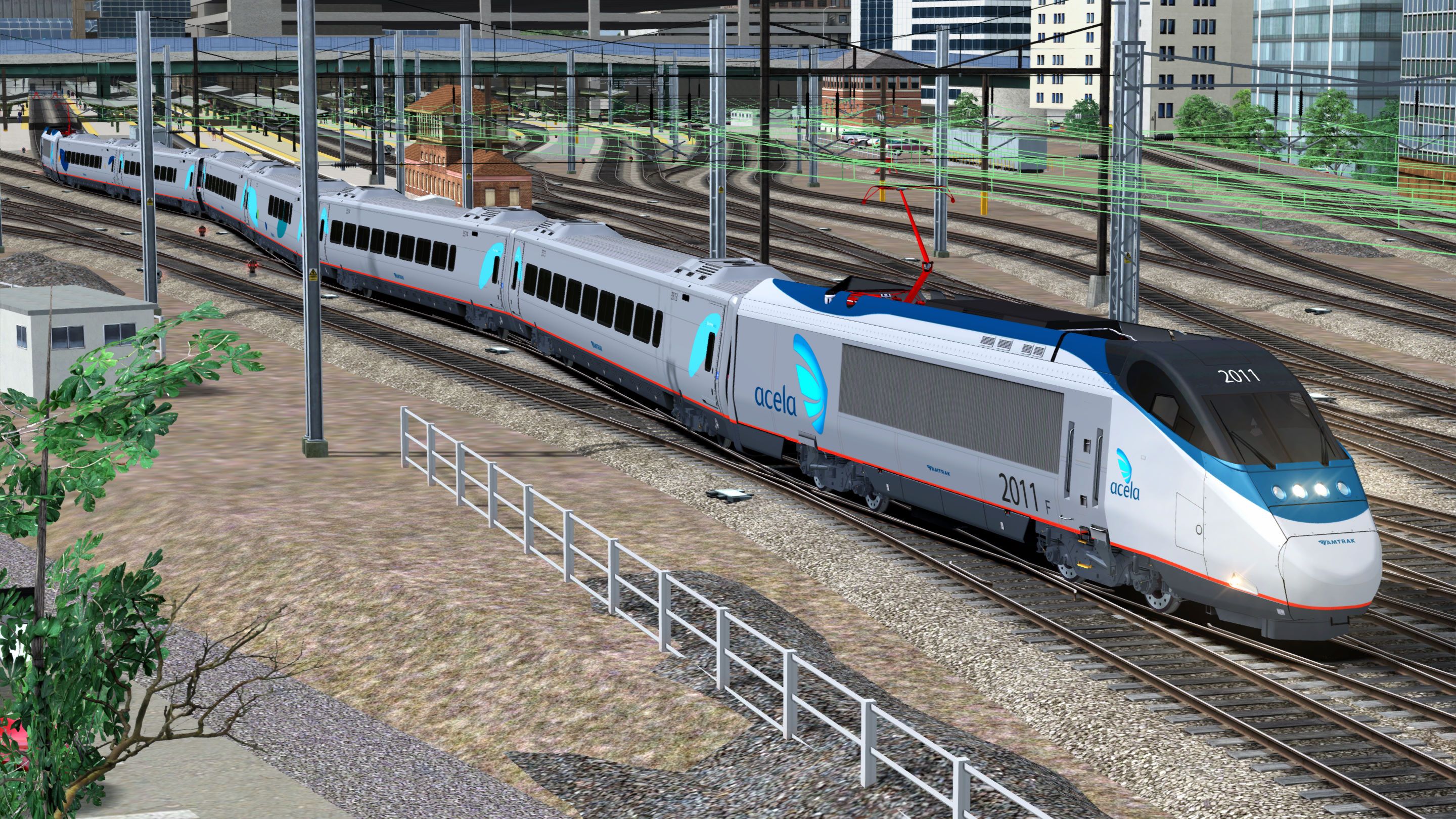
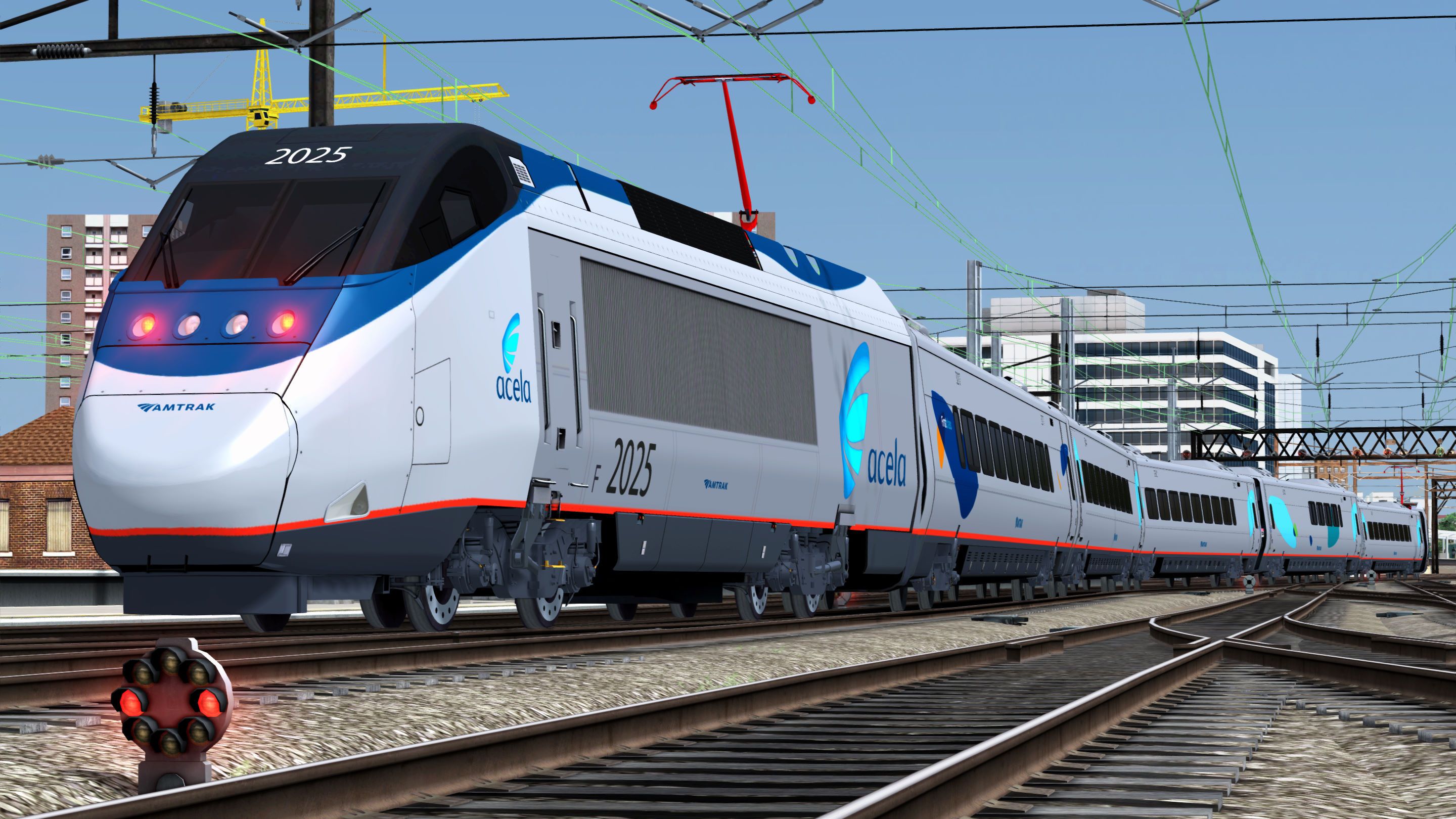
This is a texture, sound and physics upgrade to the "Amtrak Acela Express EMU Add-On" and the Acela train set from the Washington DC-Baltimore route. You can buy them here:
Amtrak Acela Express EMU Add-On:
https://store.steampowered.com/app/65231/Train_Simulator_Amtrak_Acela_Express_EMU_AddOn/
Northeast Corridor: Washington DC - Baltimore Route Add-On:
https://store.steampowered.com/app/1429754/Train_Simulator_Northeast_Corridor_Washington_DC__Baltimore_Route_AddOn/
Version 1.7 Change(s):
- Fixed an error with the headlights that caused reduced framerates.
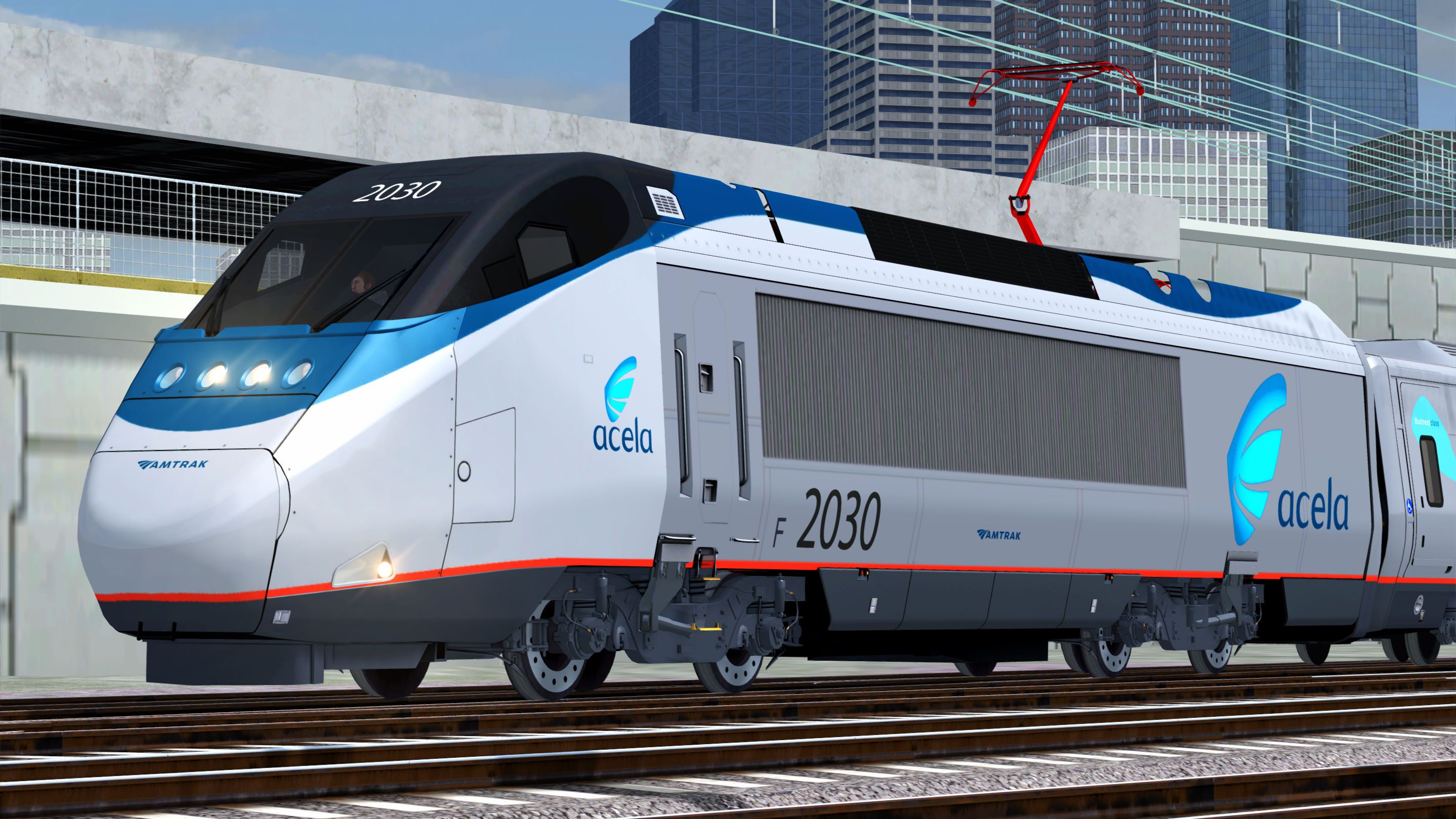
Acela Power Car (Phase V):
- Amtrak Blue nose and roof
- Platinum Mist and stainless steel body
- Amtrak Red sill stripe and pantographs
- Anthracite Gray underbody
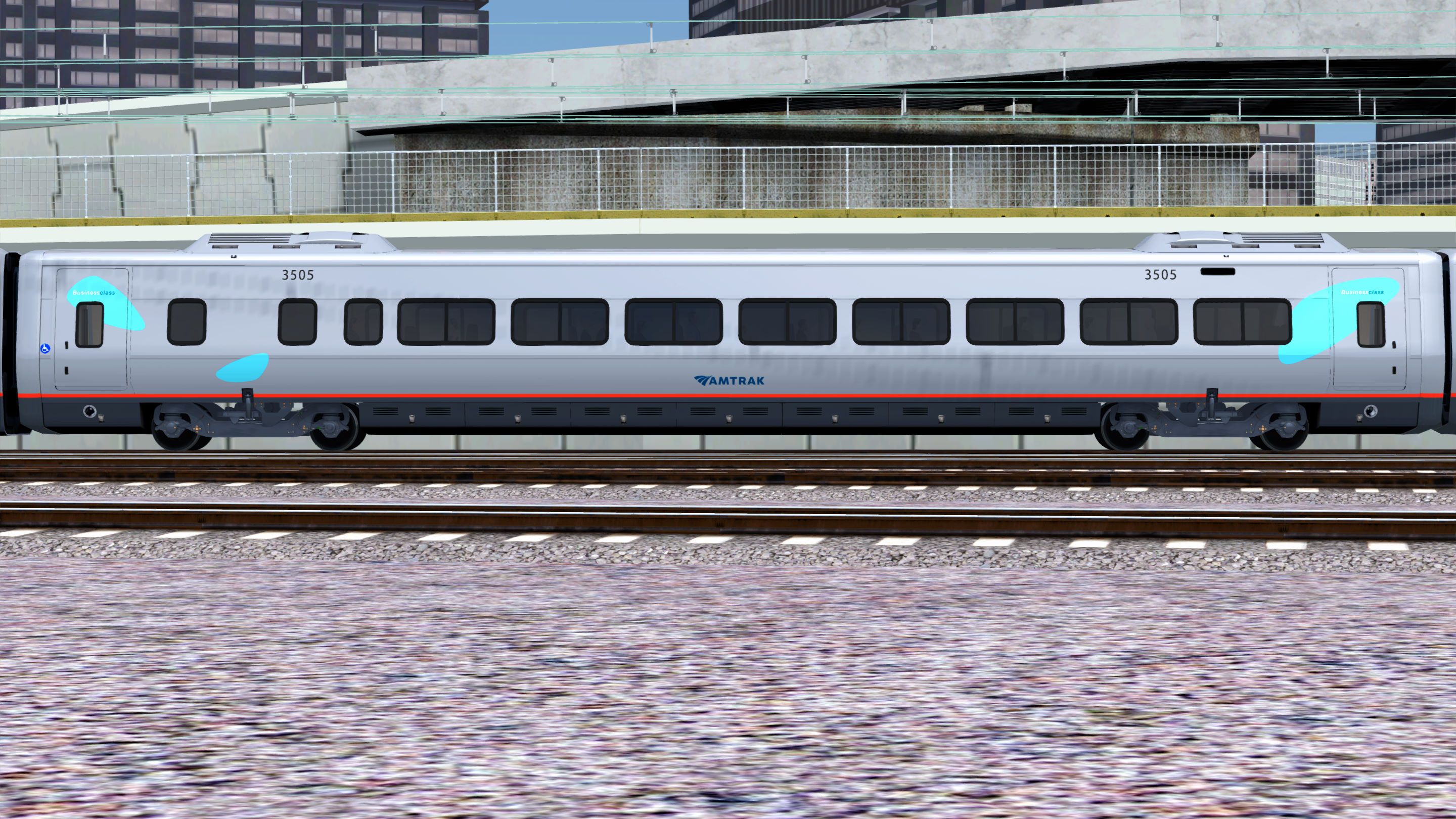
Business Class Car (Phase V):
- Stainless steel Body
- Mobiles: Light Blue
- Amtrak Red sill stripe
- Anthracite Gray underbody
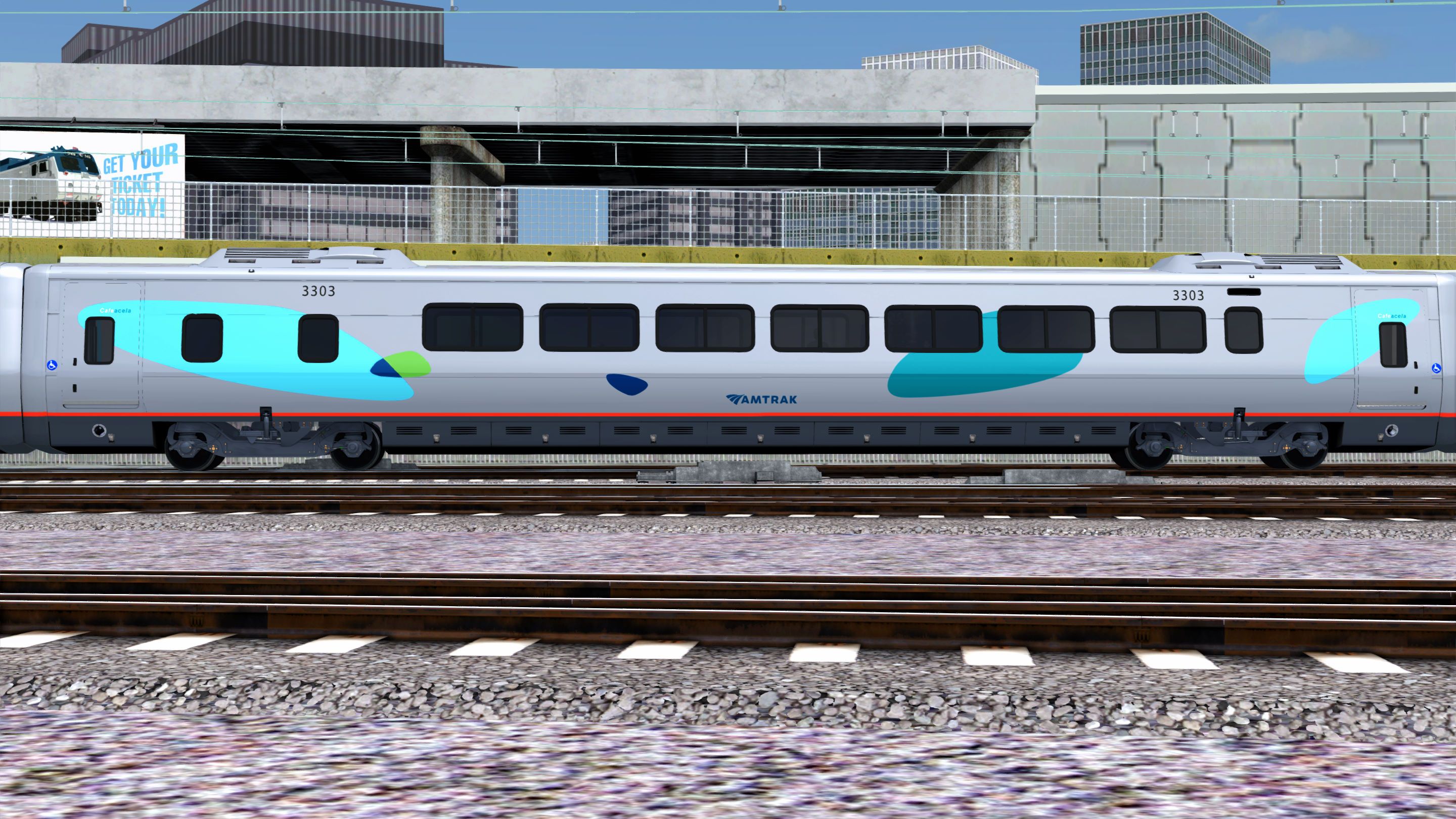
Cafe Acela Car (Phase V):
- Stainless steel Body
- Mobiles: Light and Medium Blue with accents of Green and Dark Blue.
- Amtrak Red sill stripe
- Anthracite Gray underbody
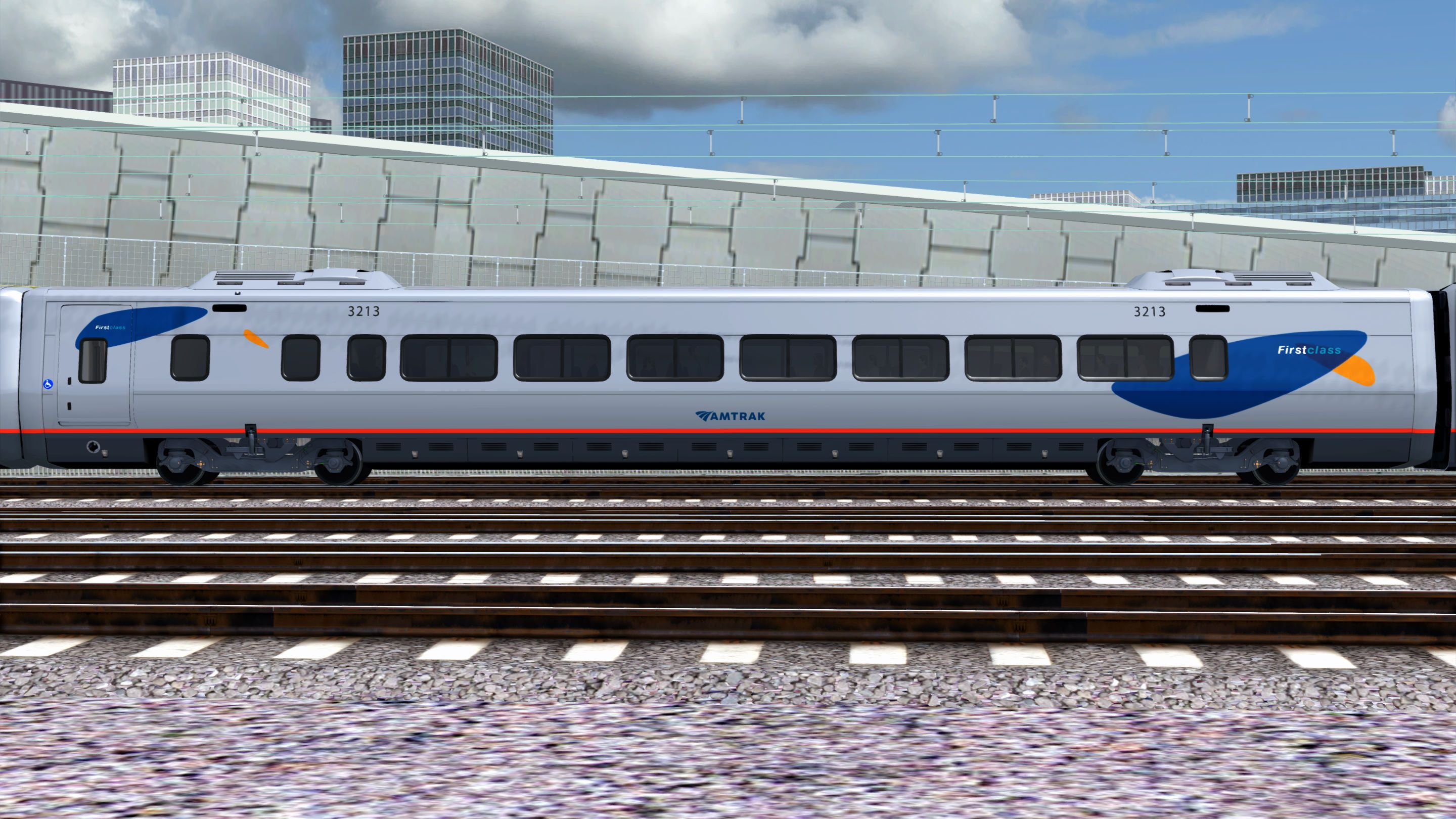
First Class Car (Phase V):
- Stainless steel Body
- Mobiles: Dark Blue with accents of Orange.
- Amtrak Red sill stripe
- Anthracite Gray underbody
Tags: acela alstom amtrak amtrak-acela bombardier high-speed-train new-york northeast-corridor philadelphia washington-dc
Dependencies

The Acela Express hauls North America’s famous Amtrak high speed rail service between Washington D.C. and New york City.

Amtrak’s Northeast Corridor: It is a crown jewel of American railroading. And the bustling southern portion of the “NEC” – from Baltimore, Maryland, to America’s capital city – now comes to Train Simulator!
Installation Instructions
Go to your Rail Works directory.
(Typically: C:\Program Files (x86)\Steam\steamapps\common\RailWorks).Drop the "Assets" folder in the directory (Overwrite the previous version).
Make sure that you set "Ambient Occlusion" to, at least, the "Low" setting (Preferably "Dynamic").
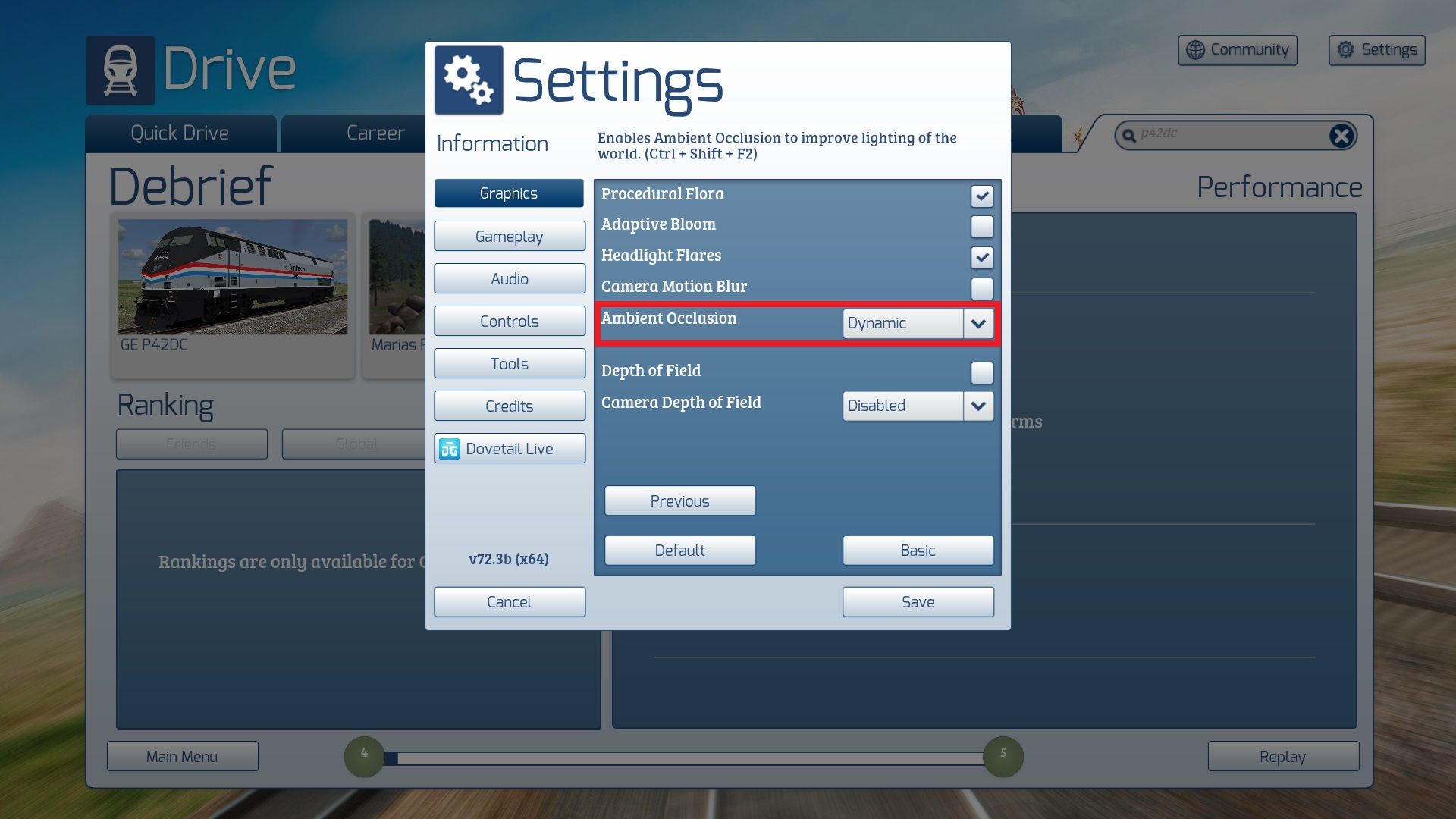
And that is ALL you have to do.
ENJOY!!!!
Additional Comments
YOU CAN WATCH THIS PACK IN ACTION HERE:
Files
Comments
About this mod

- Created
- 10 Nov 2024
- Updated
- 31 May 2026
- Game
- Train Simulator Classic
- Type of content
- Enhancement pack


Loading comments…