Amtrak ACS-64 Super Pack 2.0
- by 7FDL-16
- 4 upvotes
- Downloaded 1,598 times
Description


This is a texture, sound and physics upgrade to the Amtrak ACS-64 locomotive and its Amfleet I cars from the Washington DC-Baltimore route and the New York-New Haven route. You can buy them here:
Washington DC-Baltimore:
https://store.steampowered.com/app/1429754/Train_Simulator_Northeast_Corridor_Washington_DC__Baltimore_Route_AddOn/
New York-New Haven:
https://store.steampowered.com/app/258643/Train_Simulator_NEC_New_YorkNew_Haven_Route_AddOn/
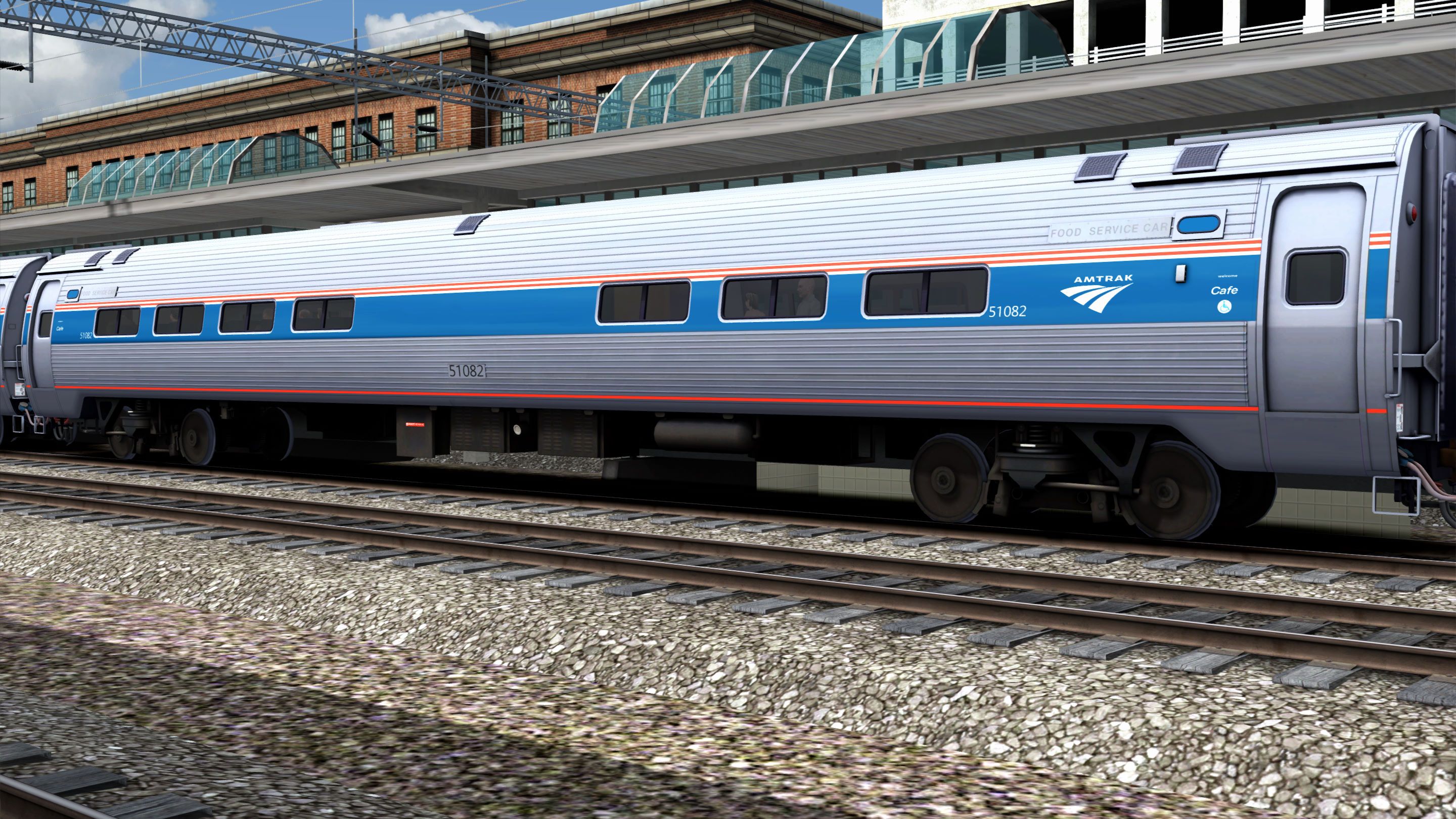
It includes the Amfleet I Business Class car:
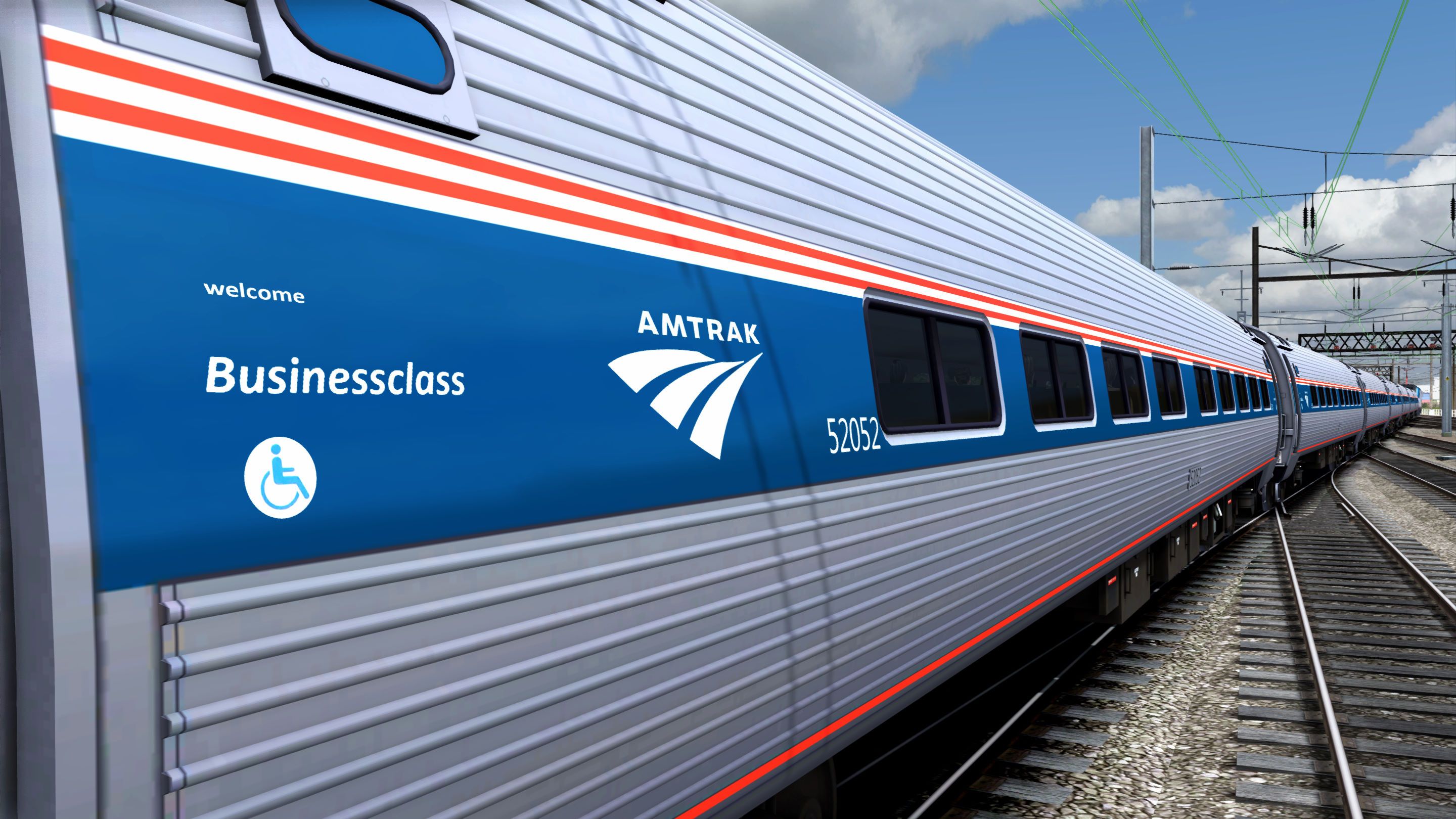
Version 2.0 Change(s):
- Texture upgrades to the locomotive cab and Amfleet cars.
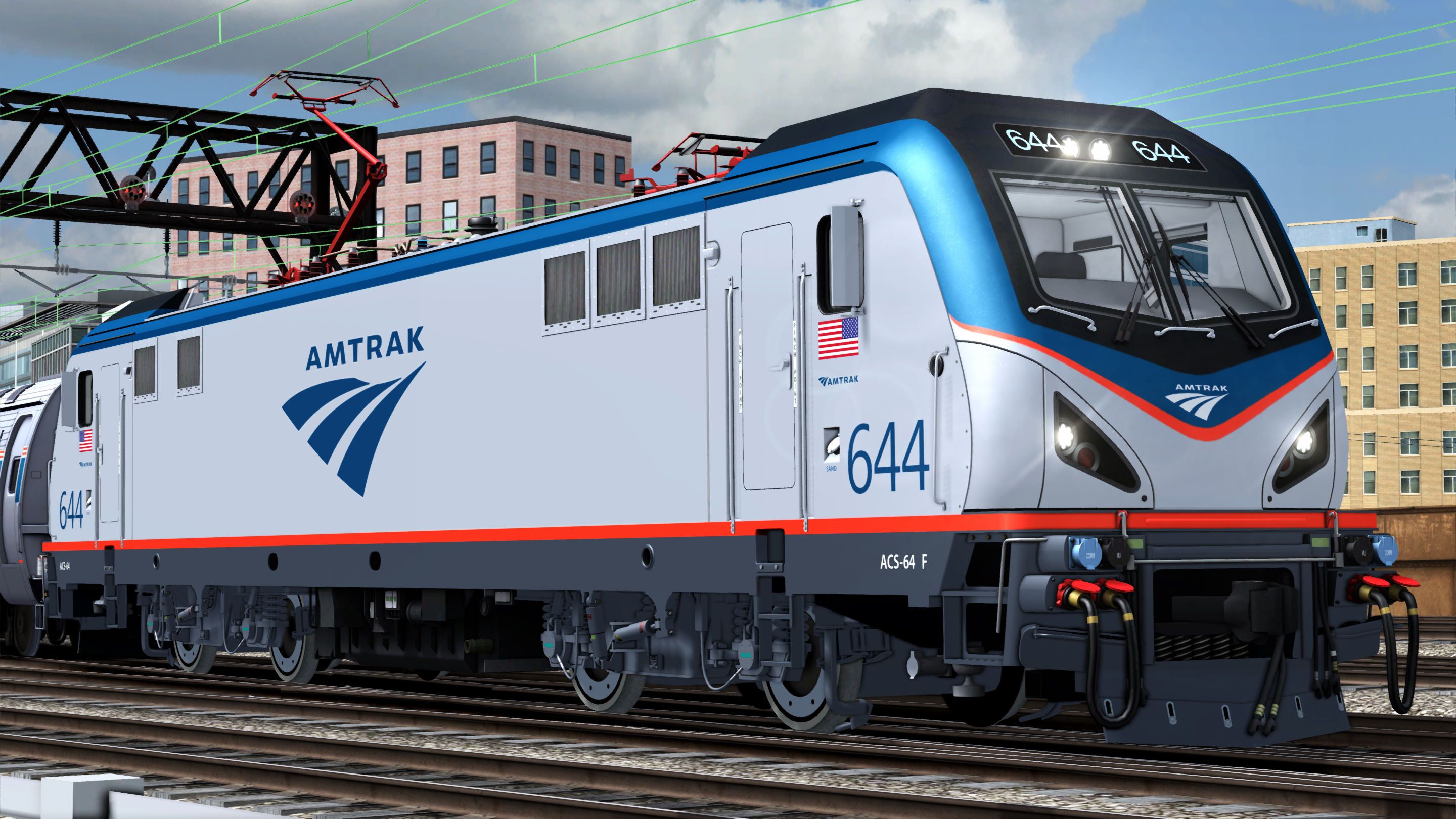
ACS-64 Locomotive (Phase V):
- Amtrak Blue bordering the roof, around the windshields, "Travelmark" logo and numbers.
- Platinum Mist body
- Amtrak Red outlining the Amtrak Blue on the front, sill stripe and pantographs.
- Anthracite Gray underbody
Amfleet I Cars (Phase VI):
- Stainless Steel Body
- Amtrak Red and white pin stripes
- Amtrak Blue stripe
- Amtrak Red sill stripe
- Black underbody
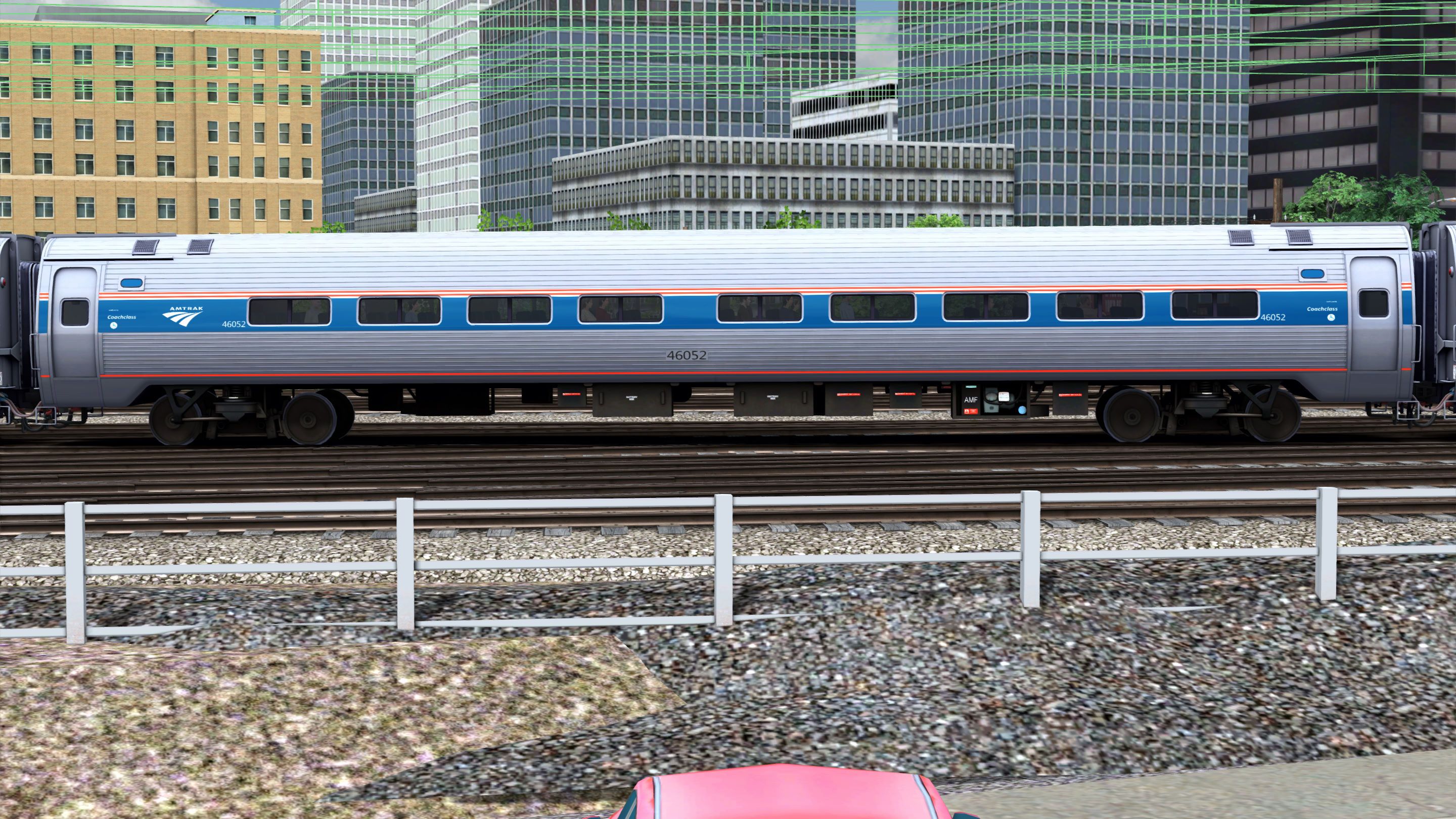
Washington DC-Baltimore Cafe car:
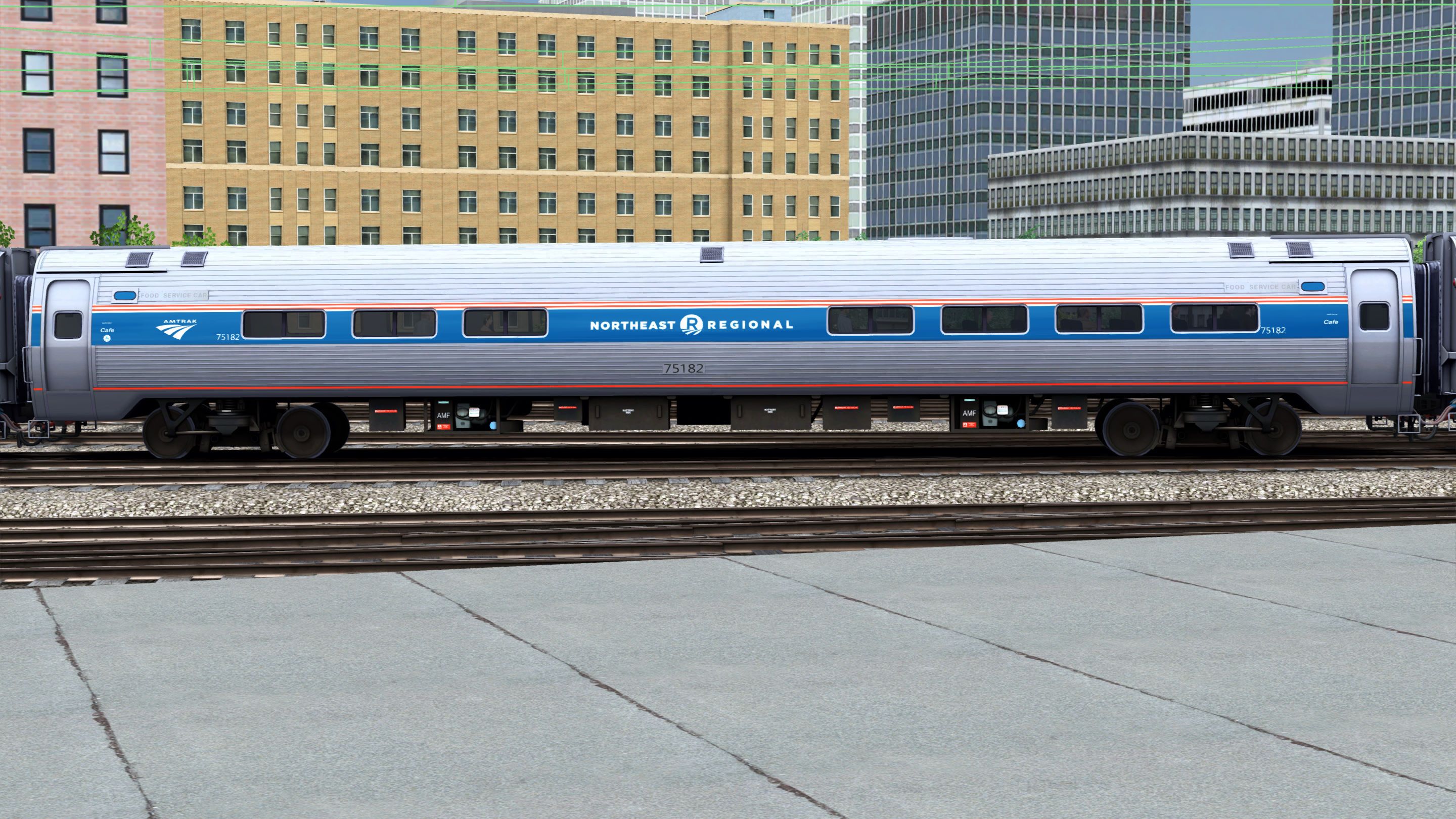
New York-New Haven Cafe car:
Tags: acs-64 amfleet amtrak electric-locomotive high-speed-trains northeast-corridor passenger-cars siemens
Dependencies

The sprawling Big Apple and the bustling city of New Haven come together in the exciting new NEC: New York-New Haven route for Train Simulator, featuring many of New York’s famous landmarks and advanced signalling throughout.

Amtrak’s Northeast Corridor: It is a crown jewel of American railroading. And the bustling southern portion of the “NEC” – from Baltimore, Maryland, to America’s capital city – now comes to Train Simulator!
Installation Instructions
Go to your Rail Works directory.
(Typically: C:\Program Files (x86)\Steam\steamapps\common\RailWorks).Drop the "Assets" folder in the directory (Overwrite the previous version).
Make sure that you set "Ambient Occlusion" to, at least, the "Low" setting (Preferably "Dynamic").
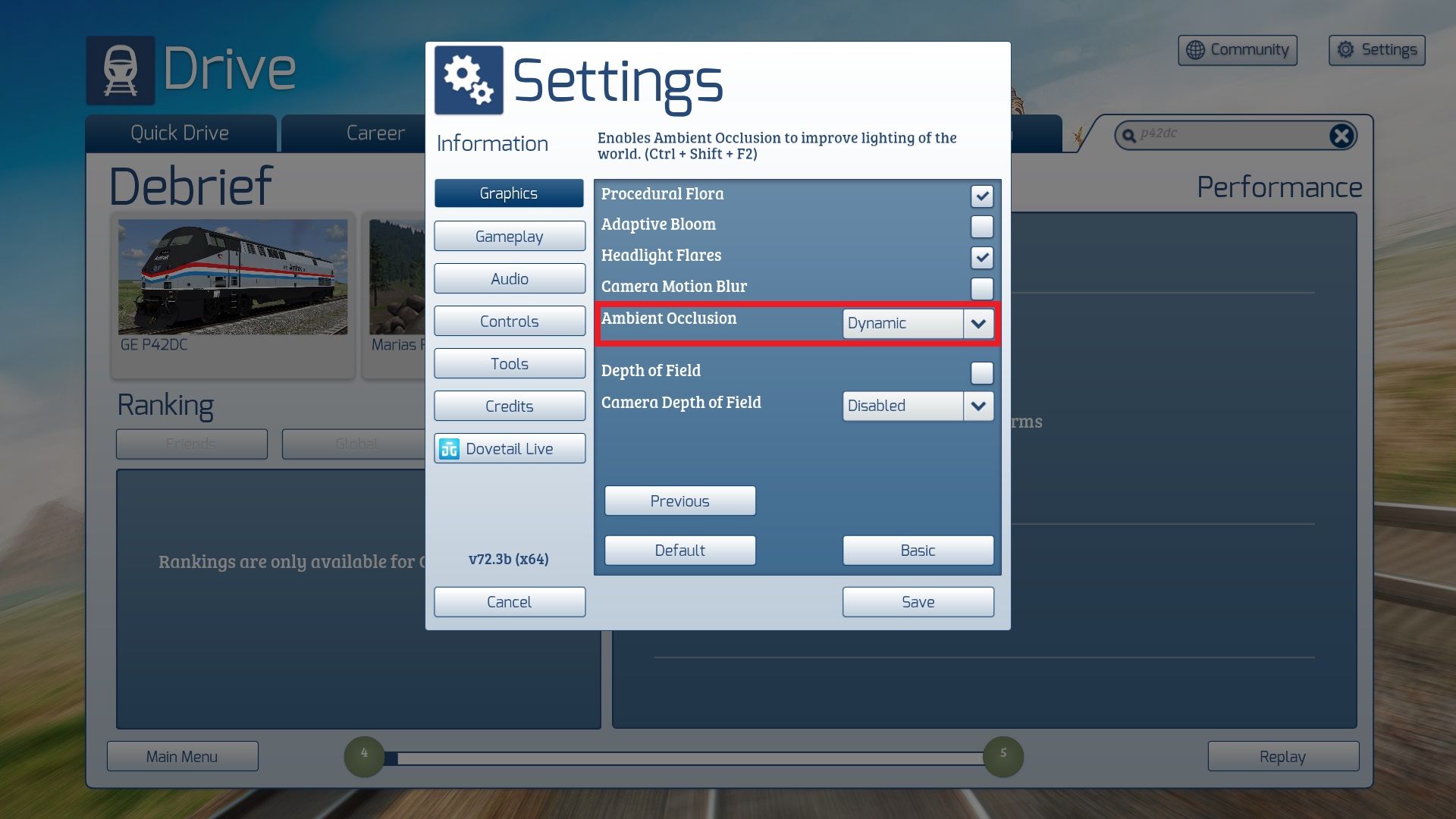
And that’s ALL you have to do.
ENJOY!!!!
Additional Comments
YOU CAN WATCH THIS PACK IN ACTION HERE:
Files
Comments
About this mod

- Created
- 1 Jan 2024
- Updated
- 26 Mar 2026
- Game
- Train Simulator Classic
- Type of content
- Enhancement pack


Loading comments…