TSW3 Grass Patch for Horseshoe Curve, Clinchfield Railroad and other old routes
- by Cadrisian
- 4 upvotes
- Downloaded 578 times
Description
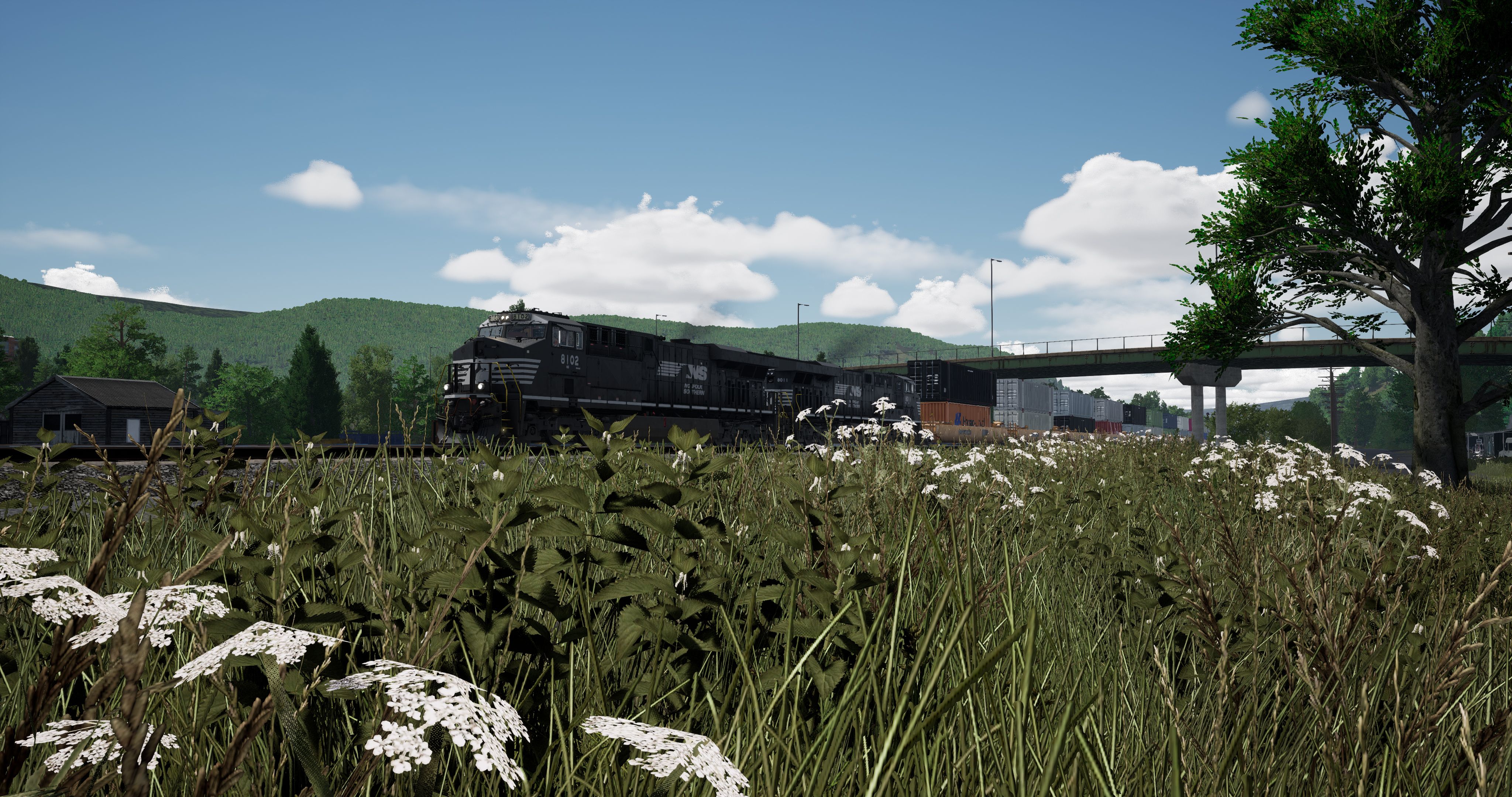
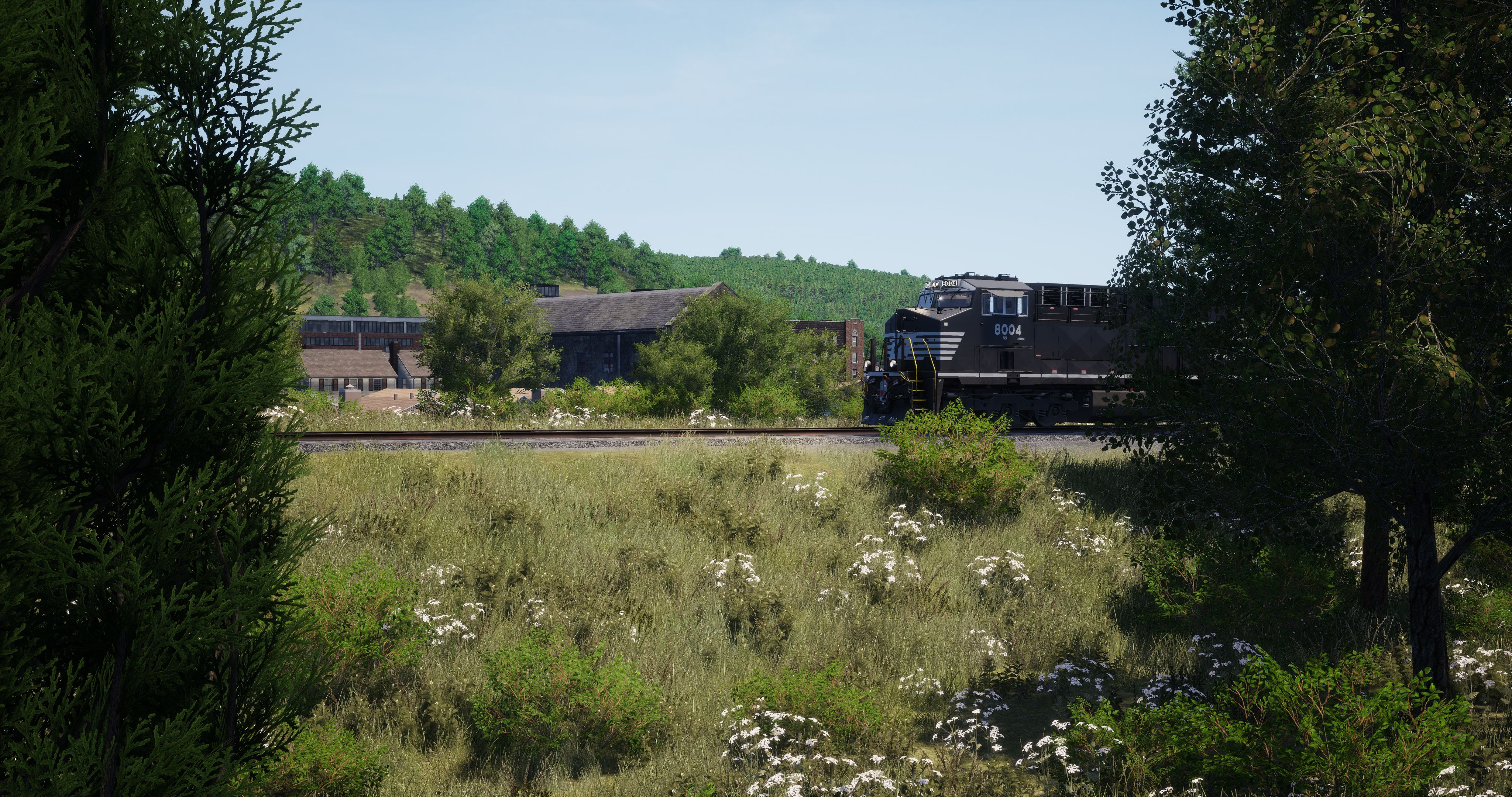
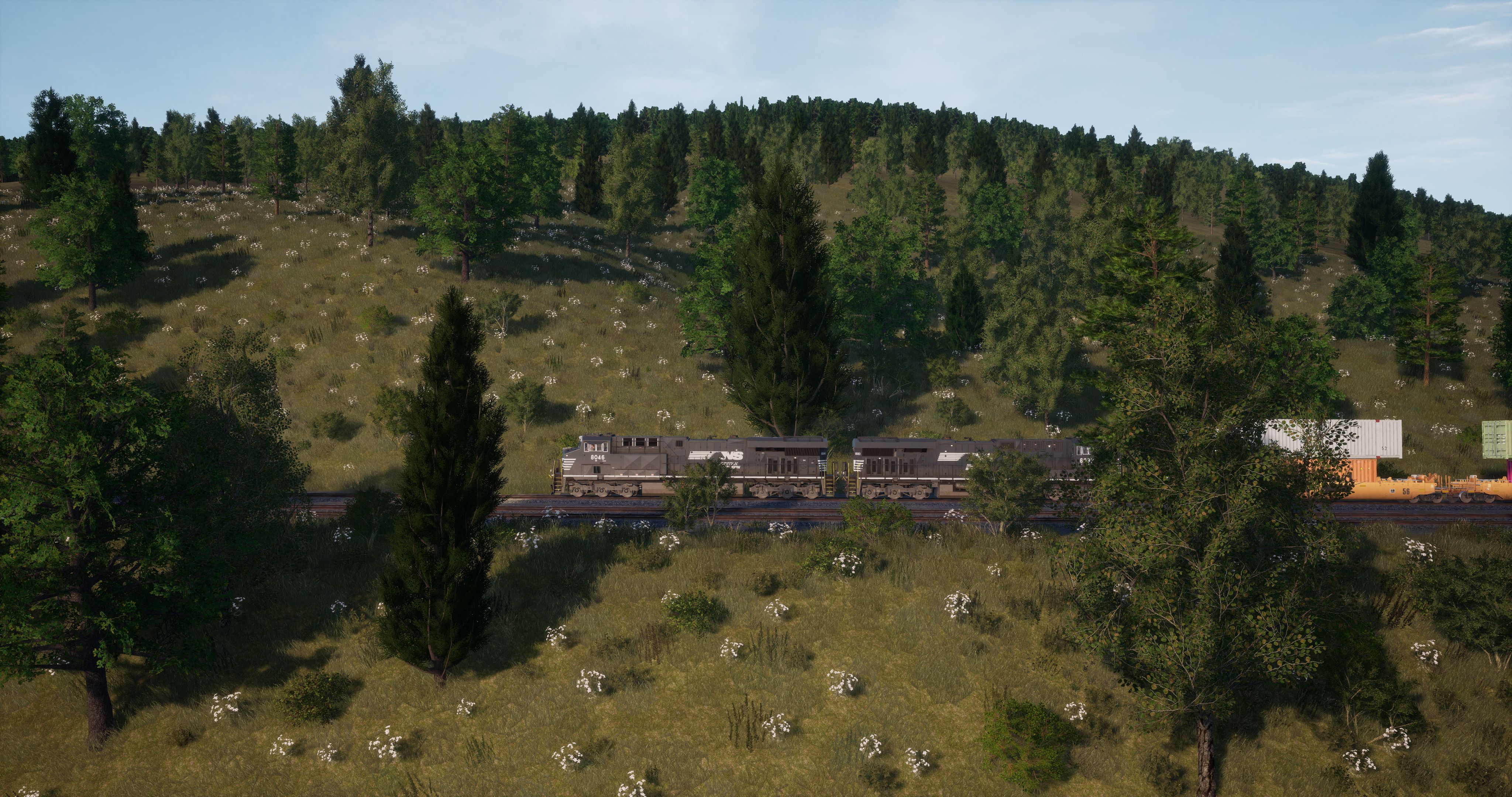
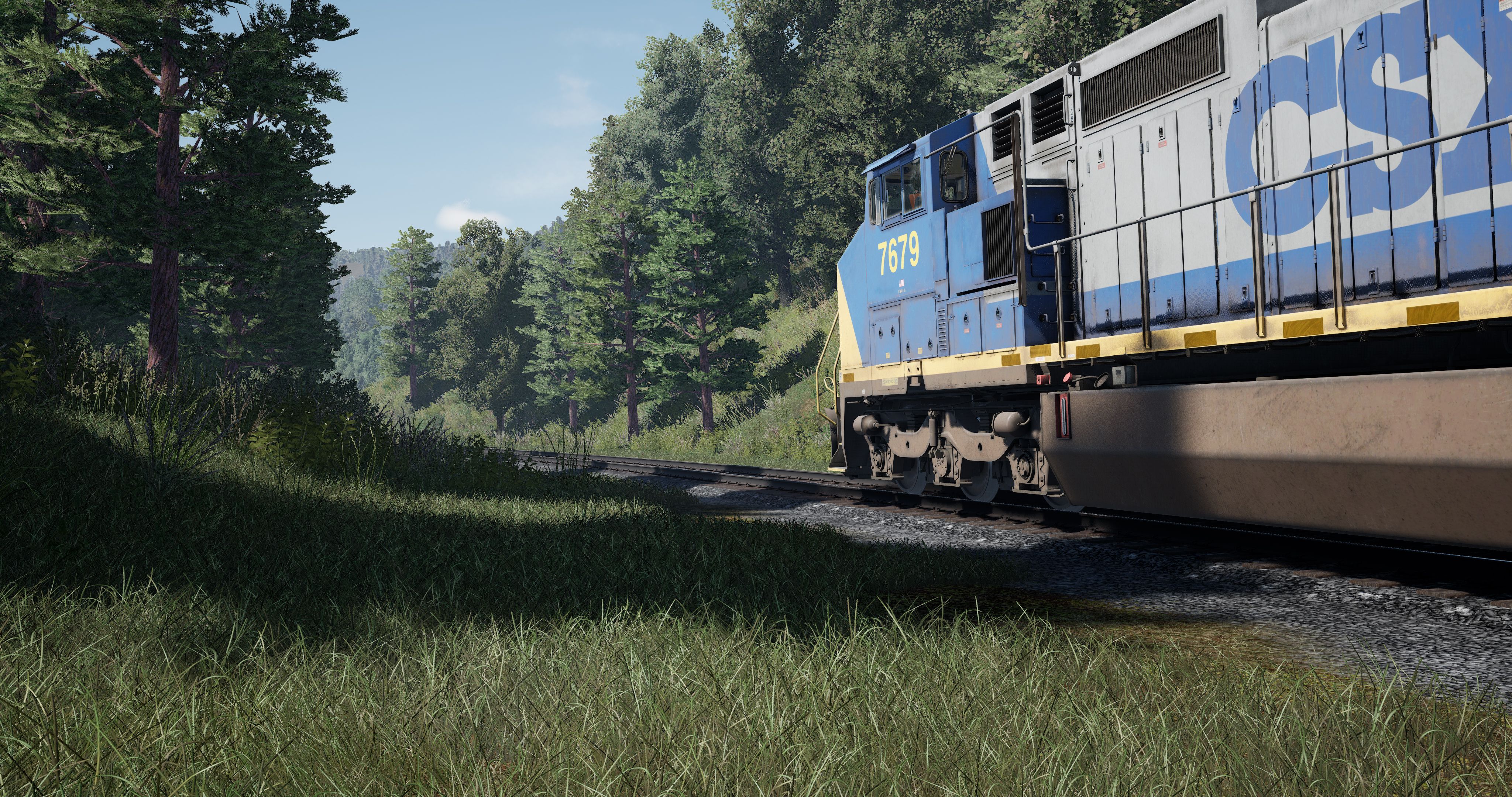
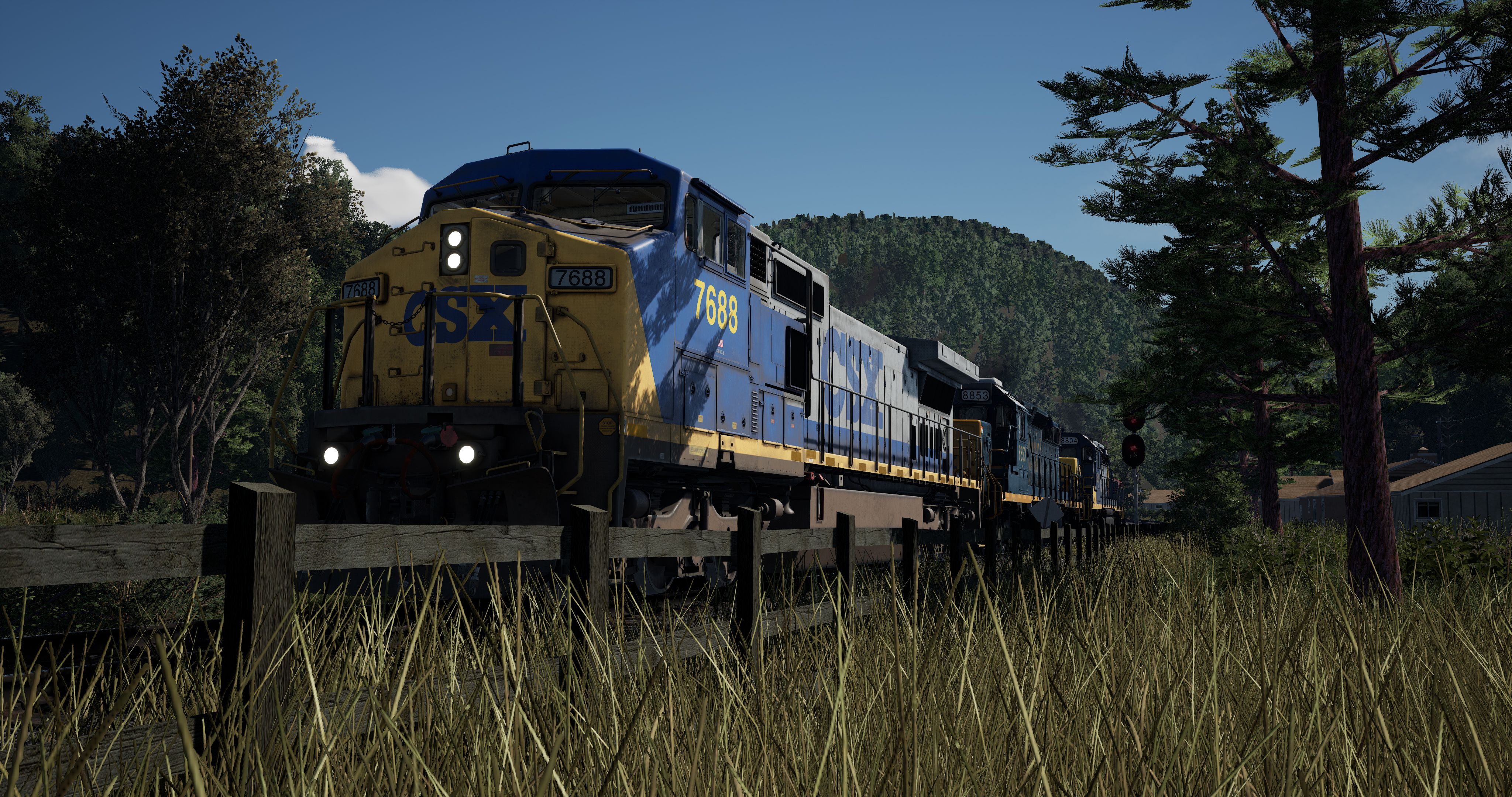
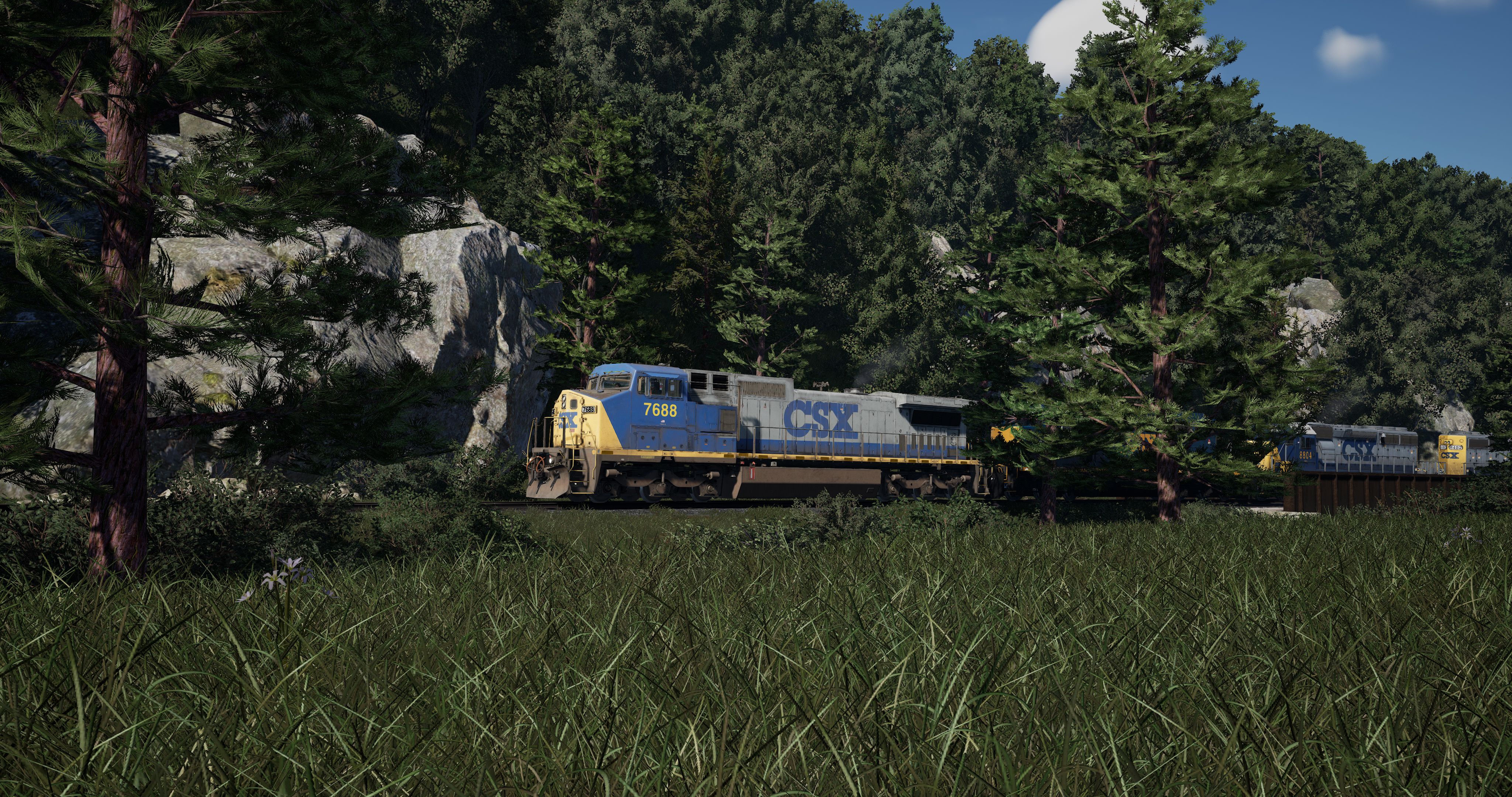
This tweak gets rid of the growing grass on old routes and replaces it with permanent grass.
Simply add the lines below into your already customized engine.ini or download one of the files for your preferred route (Horseshoe Curve or Clinchfield).
r.MaterialQualityLevel=0
grass.CullDistanceScale=4
grass.DensityScale=2
Engine.ini files
I adjusted the exposure for HSC and CRR to give the routes the feeling of the old, rather dark skyboxes known from SPG and CRR. I also made the image crisper by adding a higher texture filter and more sharpness.
To decrease or increase the exposure, adjust TimeOfDaySystem.AutoExposure.ExposureBias=-0.5.
If you struggle with your frames, try deleting r.Shadow.MaxResolution=4096 r.Shadow.MaxCSMResolution=4096 r.Shadow.SpotLightTransitionScale=4096. Then change 'grass.DensityScale=2' to 'grass.DensityScale=1' and after that reduce 'grass.CullDistanceScale' in integer increments.
Given the fact that there is already a great engine.ini from JetWash around, I have customized his shared 'ultra' ini so you have the best settings right away. Everything about the ini is explained pretty good there.
The ini files are optimized for KitKat's Time of Day Upgrade, but they also work with the standard sky.
Tags: clinchfield grass horseshoe-curve
Dependencies

Files
Comments
About this mod

- Created
- 5 Aug 2023
- Updated
- 12 Aug 2023
- Game
- Train Sim World
- Type of content
- Other
- Train Sim World Content
- Canadian National Oakville Subdivision: Hamilton - Oakville, Clinchfield Railroad: Elkhorn - Dante, Horseshoe Curve: Altoona - Johnstown & South Fork
- Train Sim World Version
- Train Sim World 3


Loading comments…